Everything posted by ianl
-
Think i can do either
-
got the vert out the garage for the first time this year gave it a polish drove to the MOT remembered how much I love driving it gave the mot man the keys turned round to see steam start pouring out from under the bonnet told him I would leave it with him walked home
-
pictures it suffers from short fat driver syndrome
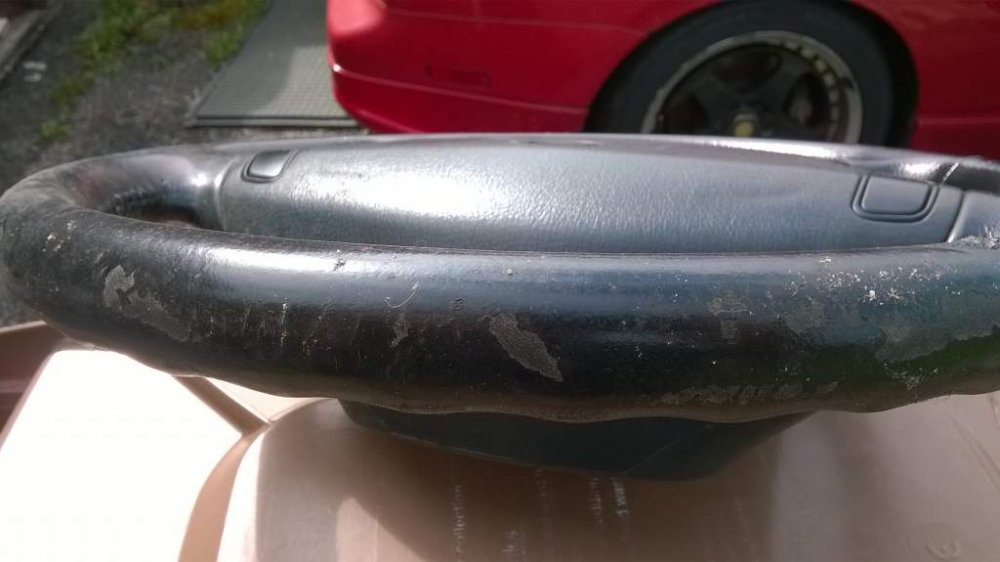
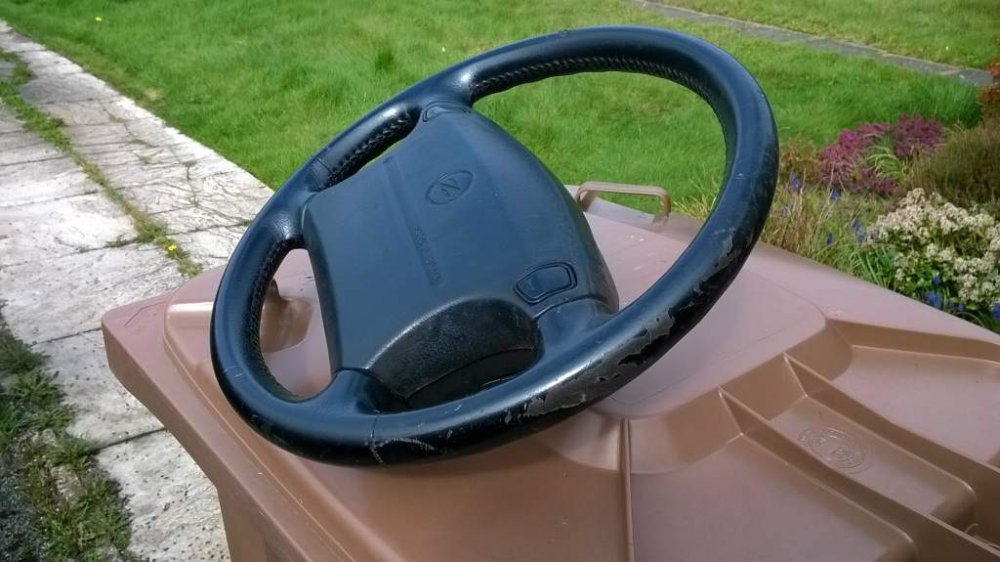
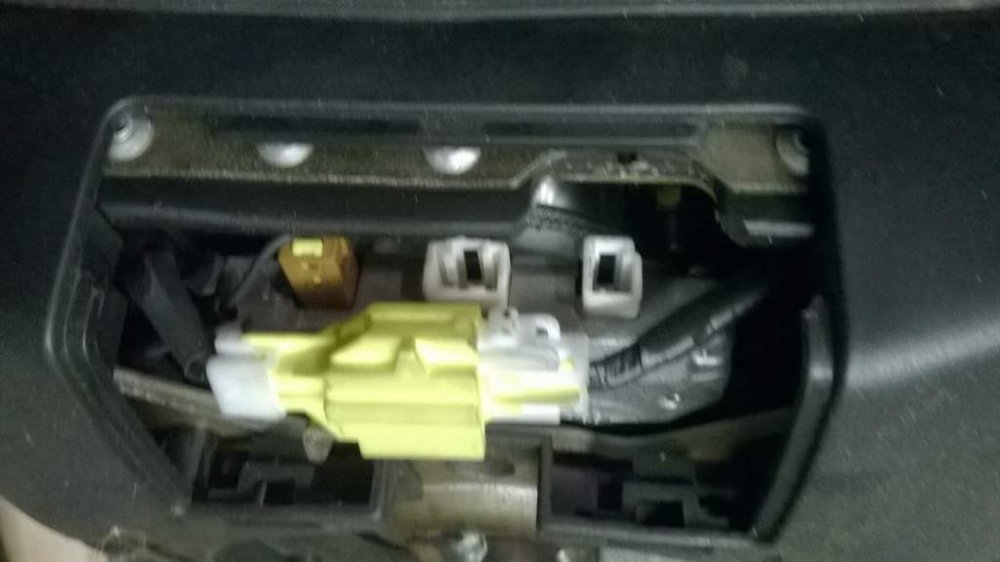
-
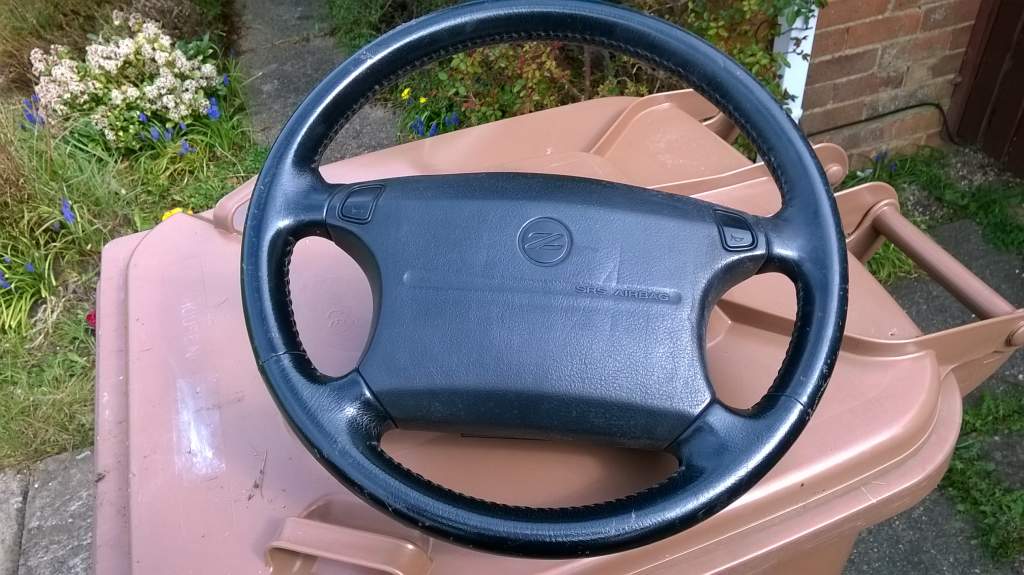
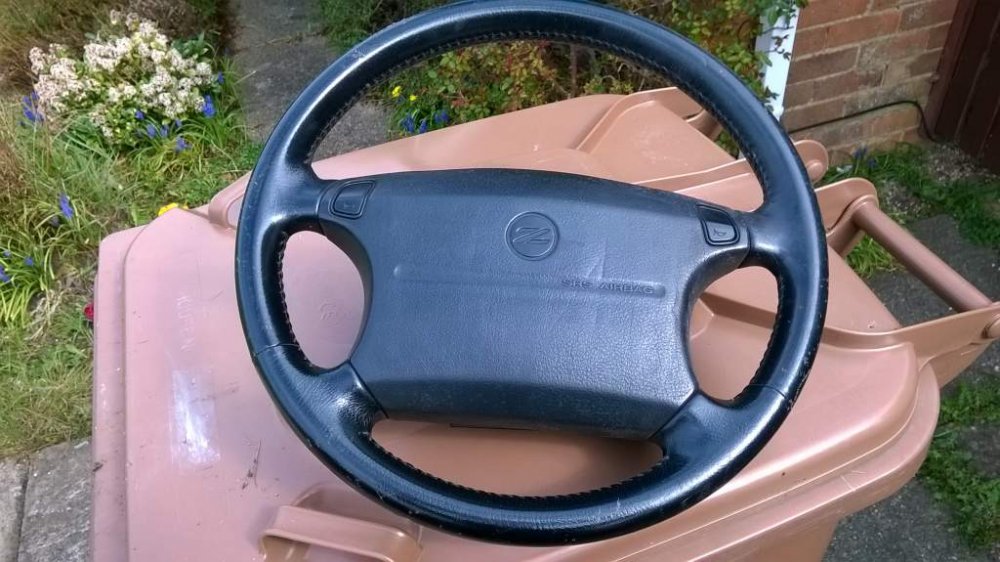
Ive got an airbag steering wheel somewhere
-
Probably, but may have to work
-
the previous owner wont have the V5c, as they will have sent it to DVLA when they sold it
-
New two tone look
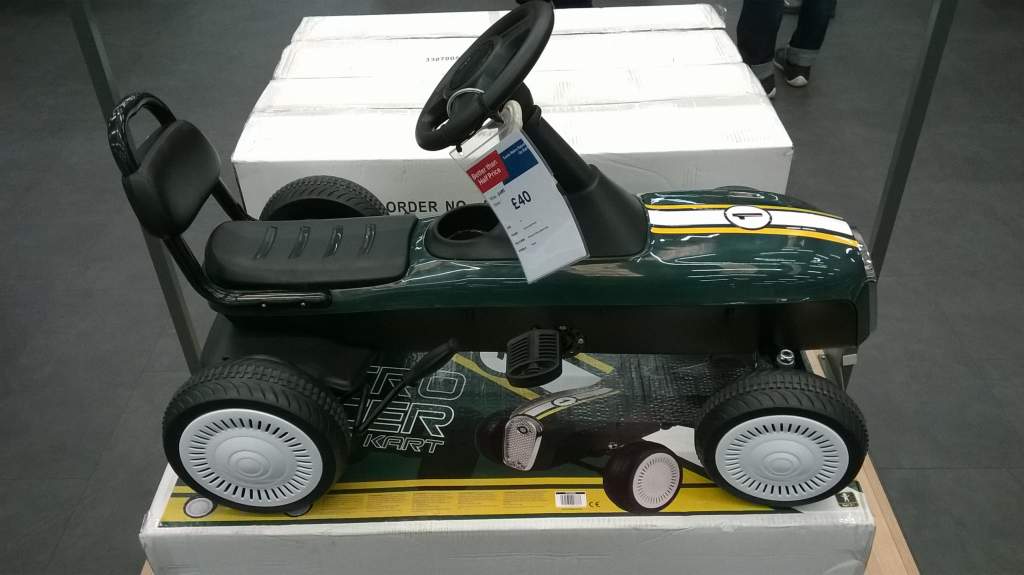
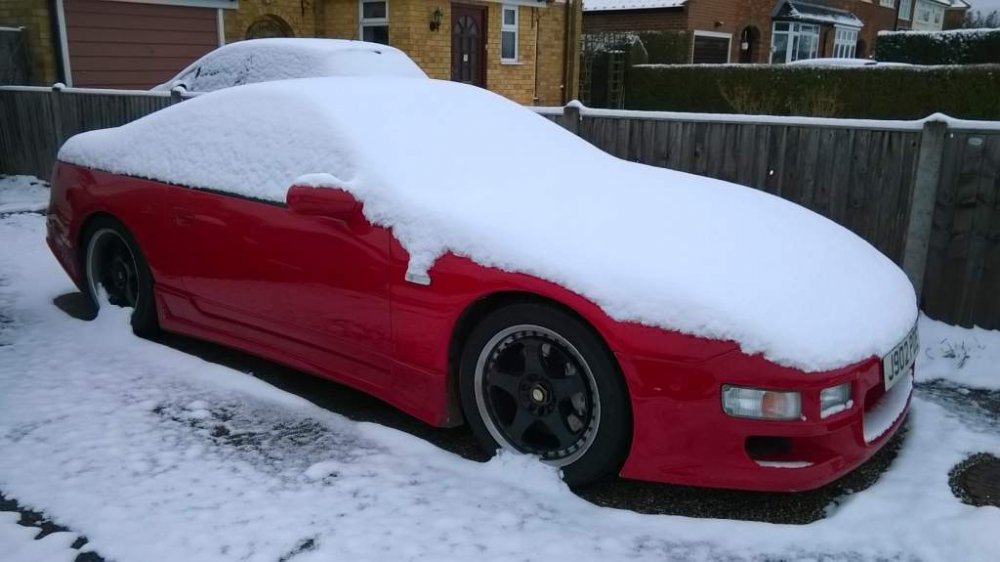 Maybe, work dependantare you allowed to post an airbag?I'm happy to come watch and go to the pub. mine went on the rollers there about 10 years ago, so doesn't need to again :)so so so sooooooo much better, still something not quite right at very high speeds, but I enjoyed driving it againI'm just back home from a nice slow jimmering. think I've fallen in love againOnly applies to cars built since 2017Swb cars didnt have the boot lightPerhaps a tan coloured drinks holder?Not seen either of mine for a while, one is wrapped up in the garage, the other has been spending the winter at JimmersSo has anyone done anything to their zed lately?reduced from £100 to £40. unfortunately they didn't have one in my size, so I had to buy tool draws instead
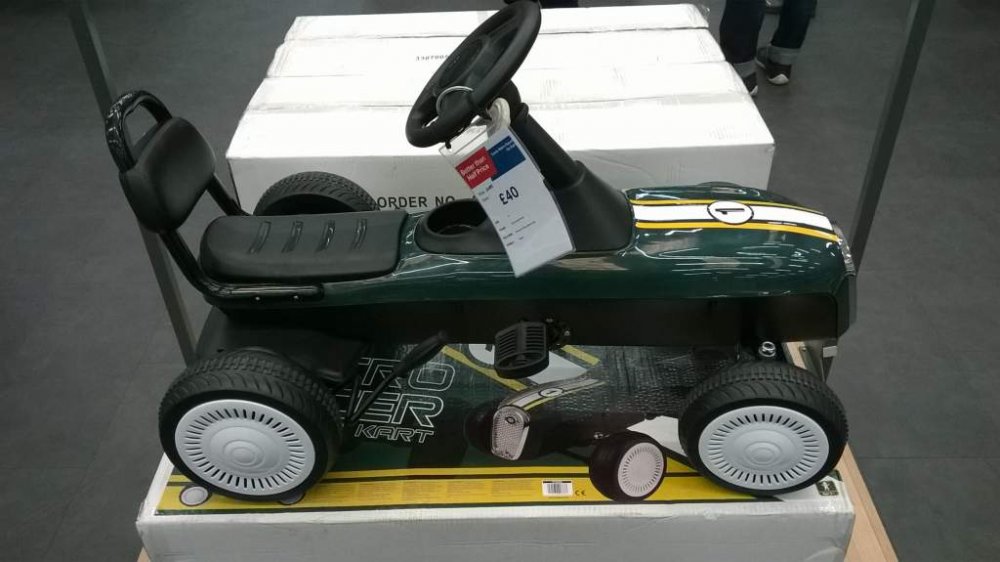 What like this
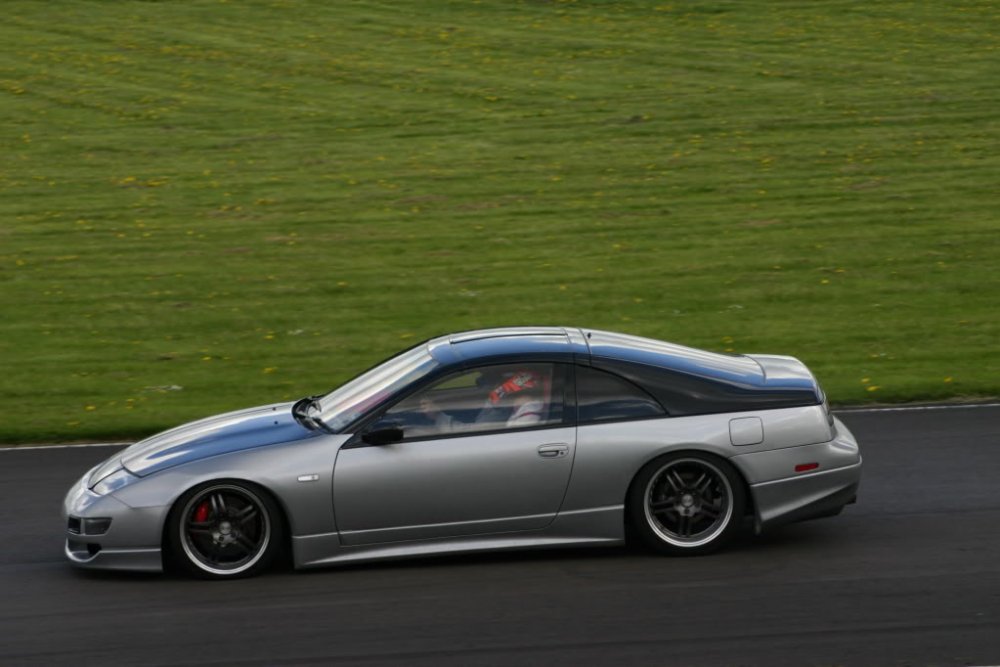
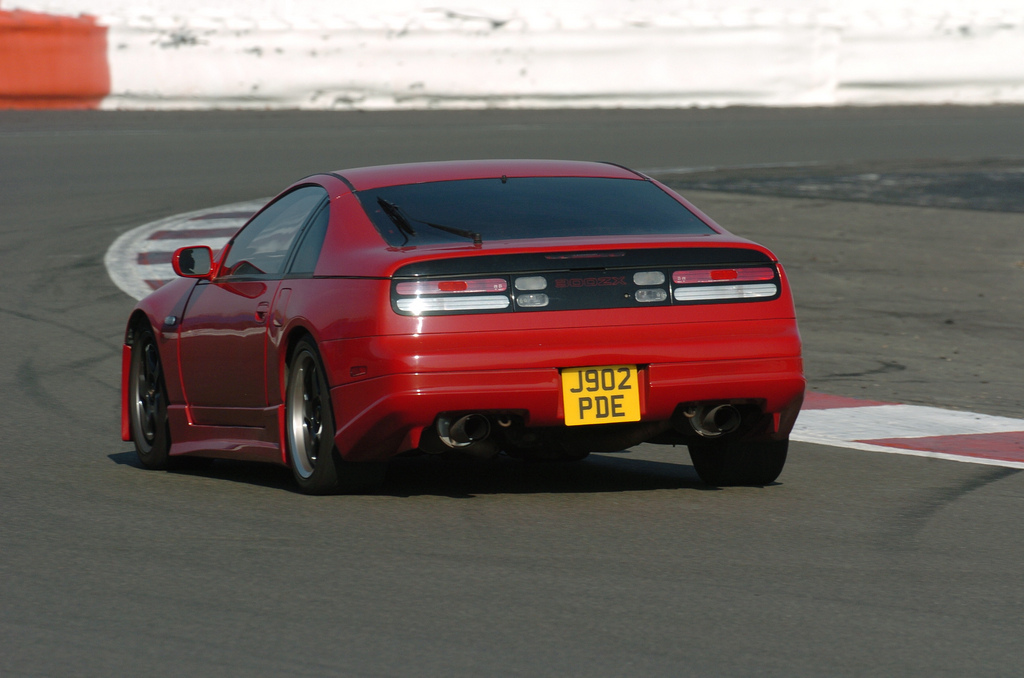
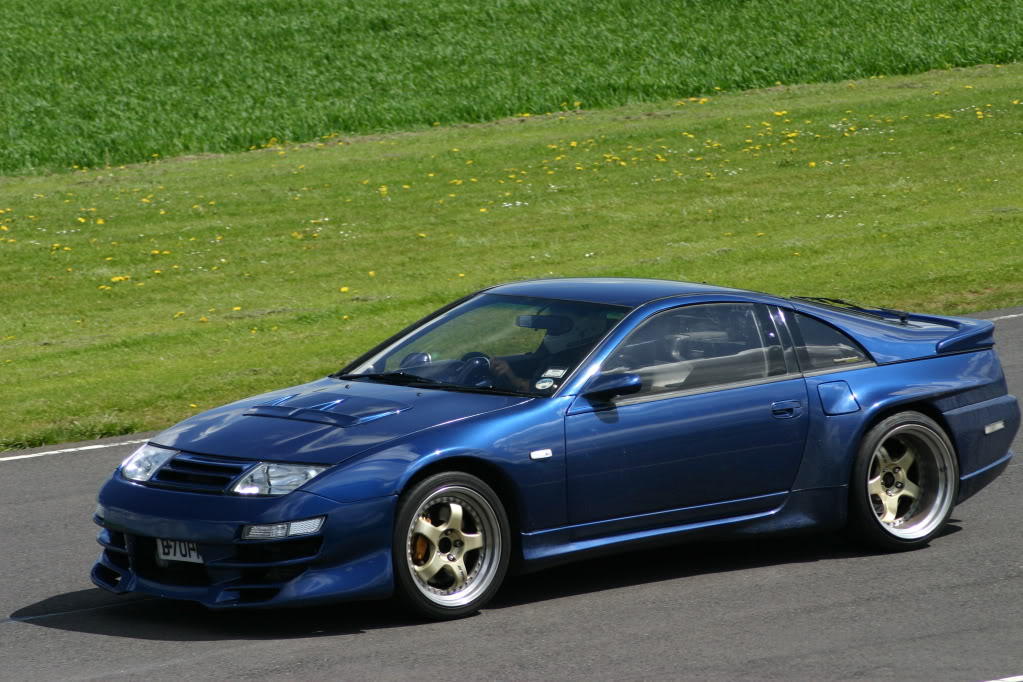
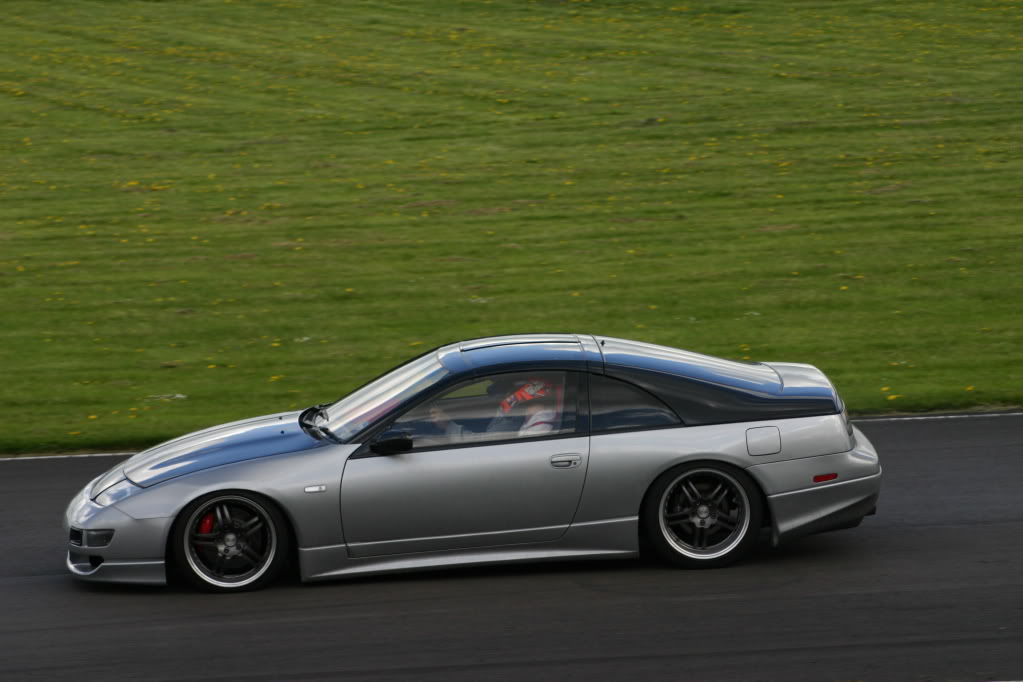
 A few action shots of some previously mentioned cars

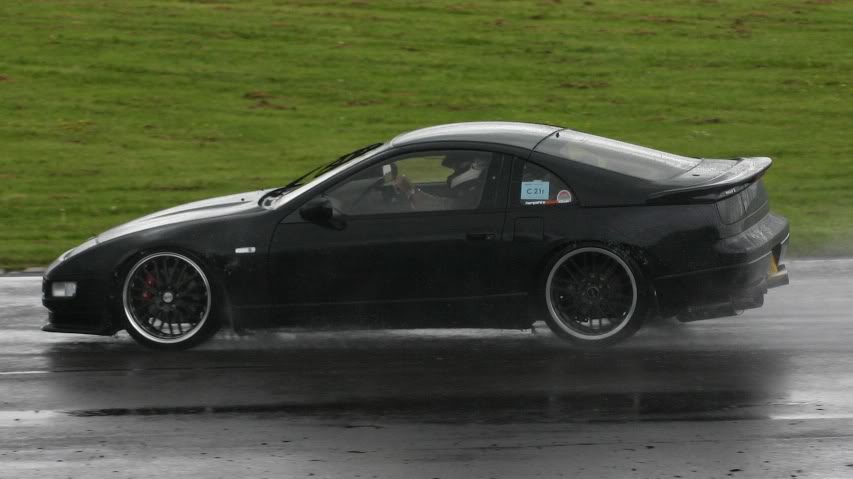

 was trying to find the photo of where karl,s ended up, but all i could find is your description repeated word for word back through time Ah yes jimmyttOr this one......
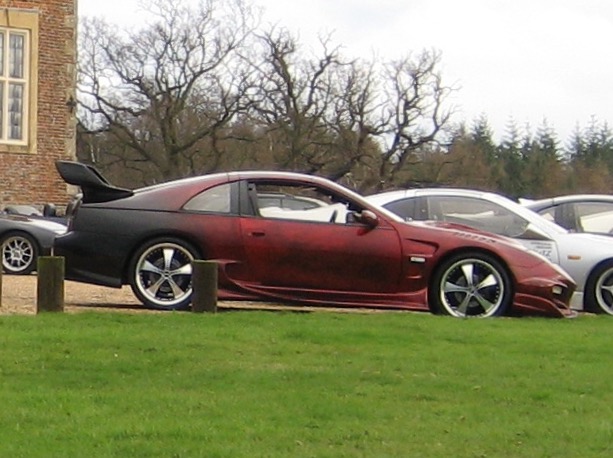 I,m rubish at names, i always liked this one too