Everything posted by AndrewG
-
Here is the complete Nippon Sheet Glass (NSG) M-number schedule and how to decode it (footnote). Note: This is a list (as of 1st March '95) of all the glass types it makes for cars of which the Z32 is a subset.

-
Getting closer...

-
These are the FAST part #'s for your car Nick (LWB Prod M/Y: 9506).

-
I know this may be a long shot but does anyone have a spare new (unused) OEM engine mount? Before I go and order another one to make a pair (I already have a new one) I thought I would ask here first.
-
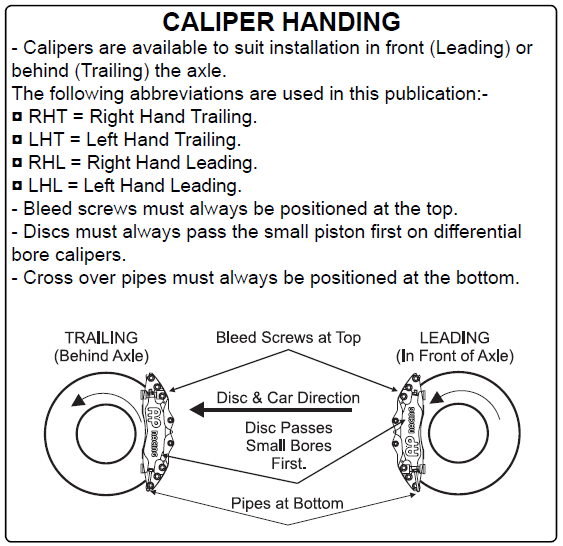
Without knowing which car your AMG calipers came off (leading or trailing caliper mounting) and assuming the calipers have differential bore pistons then this AP Racing info may be useful to you: "Discs must always pass the small piston first on differential bore calipers"
-
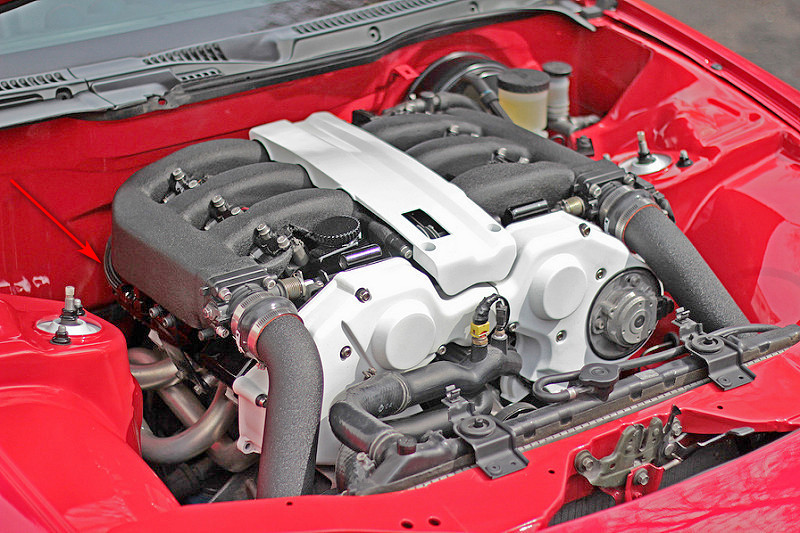
If it's anything like this well known plenum modified example then the balance bar has been replaced by a hose (arrowed) and fittings running underneath the plenum from bank to bank.
-
The VIN is not displayed under the window. As Ali says it's on the firewall (arrowed) and on the plate by the radiator. You won't be able to see the engine number. The corrosion checklist you have identified is good start for structural corrosion assuming you won't be able to get the car in the air when you collect. Now that the seller knows it has been Cat C'd, is he able to provide any information on what was actually repaired?

-
Are those calipers handed L/R?
-
どういたしまして
-
SWB Prod M/Y: 9411. There is an aditional note for both parts which states that they were used Prod. M/Y:9409-9701.

-
ごめんなさい 間違えました
-
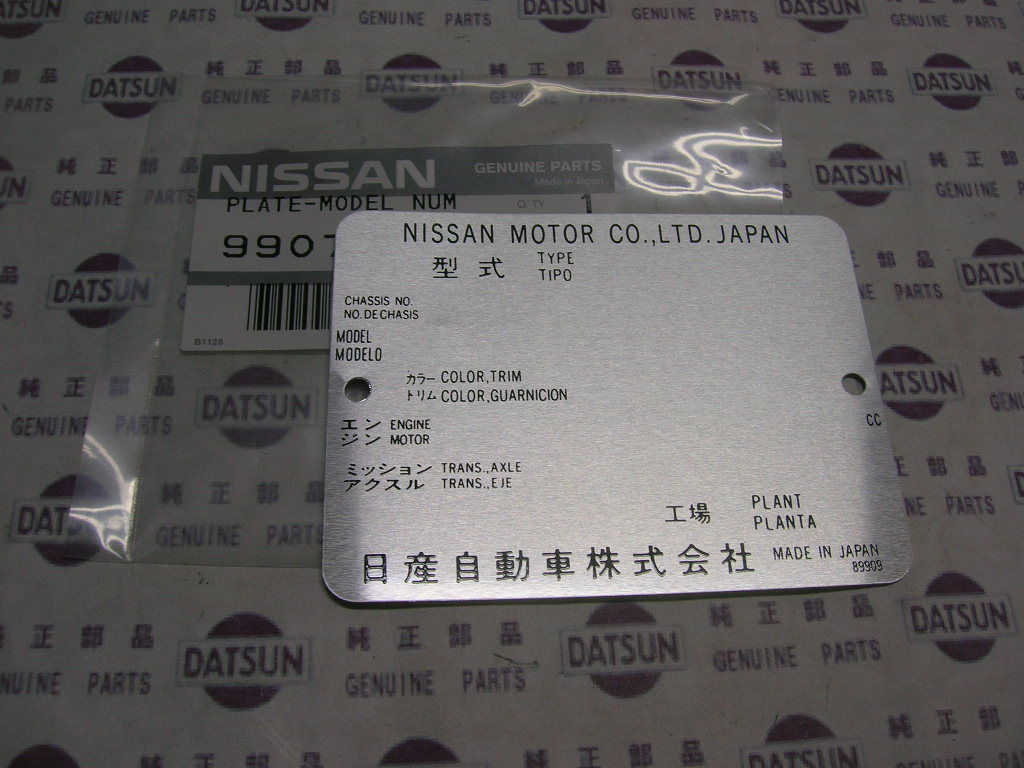
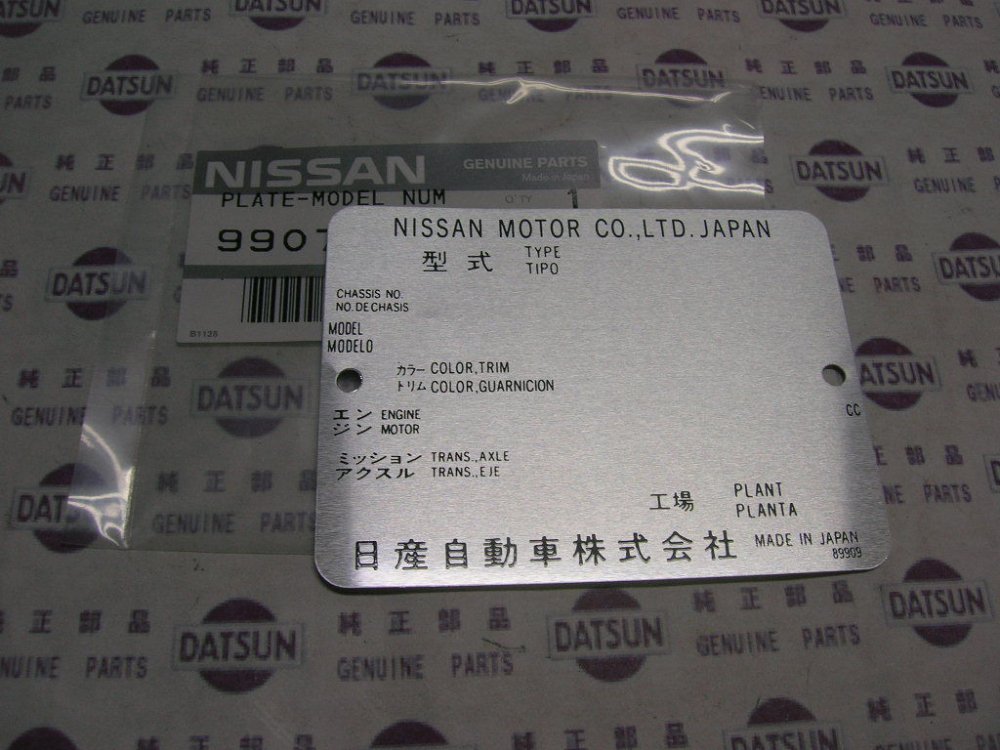
Any part# or model markings on it?
-
These are the FAST part #'s for your car Andy (SWB Prod M/Y: 9411). There is an aditional note for both parts which states that they were used Prod. M/Y:9410-9701.

-
Goodness me an ancient thread revival!
-
PM me your VIN Andy and I will see what FAST comes up with for your car.
-
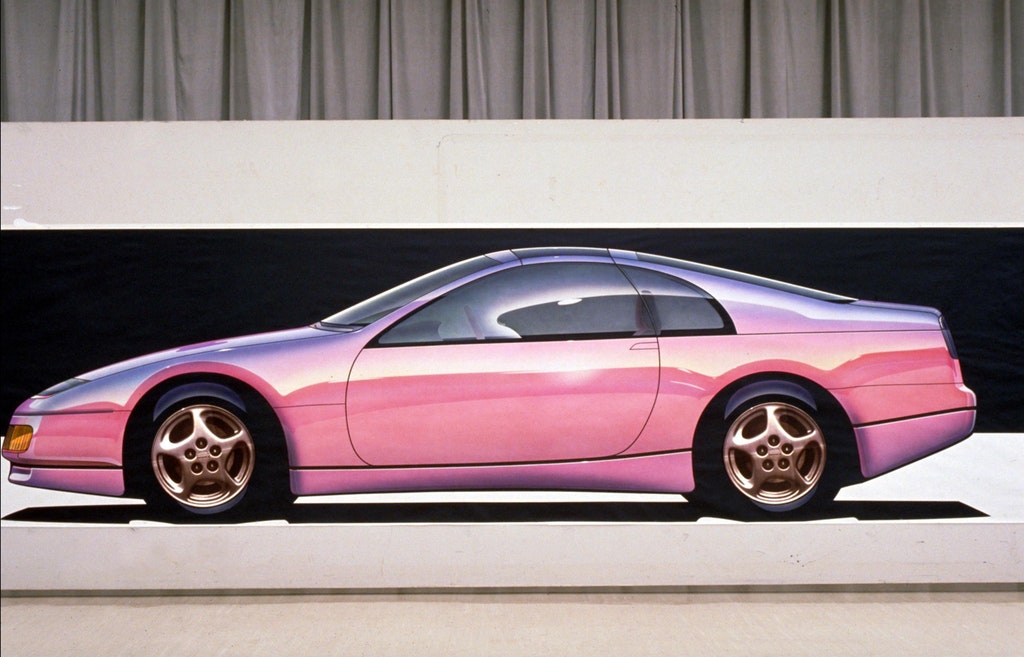
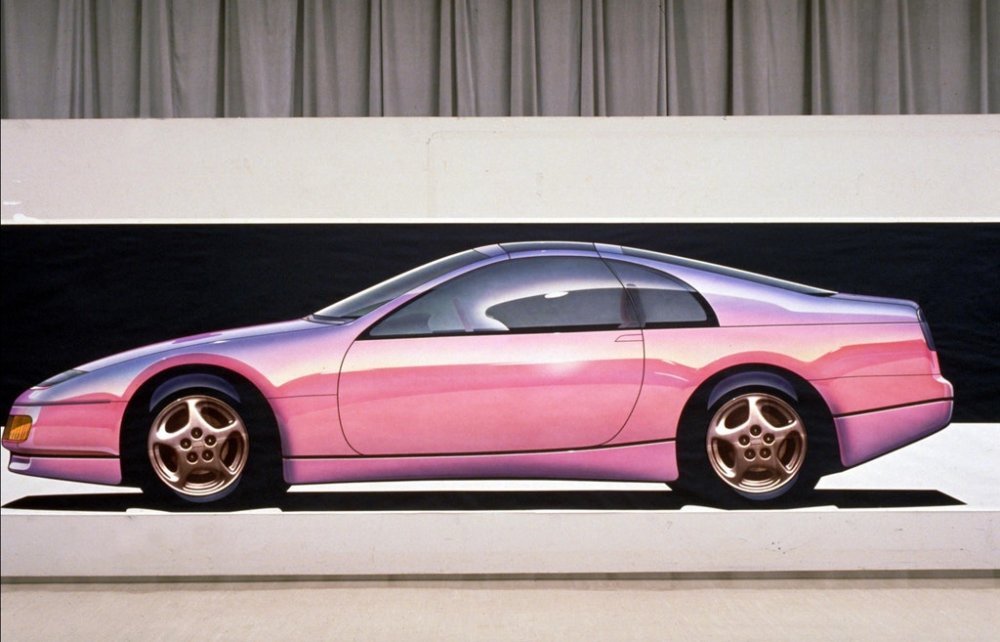
The designers obviously thought the colour worked as one of their concept drawings used it.
-
Just for the record my UK spec blue quarter glass is marked M31.98
-
Maybe a previous owner had the original blue tint factory quarters replaced for a ready made dark tints which used green glass as the base. We'll never know, but at least you can now see what glass you have.
-
NSG M31.08 is the Nippon Sheet Glass Company glass code. If you google NSG "M31.08" you will get hits for Green UV glass. For example: http://yahoo.aleado.com/lot?auctionID=t389877636
-
Personally I would only ever use Nissan OEM cambelt service parts.
-
Are there any markings on the quarter glass?
-
It's not clear (at least to me) whether the author is quoting model year (went on sale) or production date (came off the line). A VIN should enable me to look up in FAST and see what glass was used for a particular car. The main point I was referring to was the "This green tint can also appear nearly clear under certain lighting conditions" bit as that could be what Lee was experiencing with his garage lights.
-
"Beginning in 1995 all JDM and Euro models got “green” tinted glass. This green glass is sometimes thought to be blue in color but it is not to be confused with the early blue colored glass from earlier models. USDM got the same green glass for all 96 models. This green tint can also appear nearly clear under certain lighting conditions. https://z32enjoytheride.wordpress.com/2015/06/19/post-41-9900-spec-uv-insulated-cut-glass/
-
Wow - a liquid black finish!
-
She's coming along very nicely Lee. Spotless interior!