Everything posted by AndrewG
-
If you go to the vendor's website you can print the car's details as a pdf which includes the registration: L69RKW https://www.my-next-car.co.uk/detail_pdf.php?id=1383918 The MOT history available is: NISSAN 300 ZX - Check MOT history.pdf
-
-
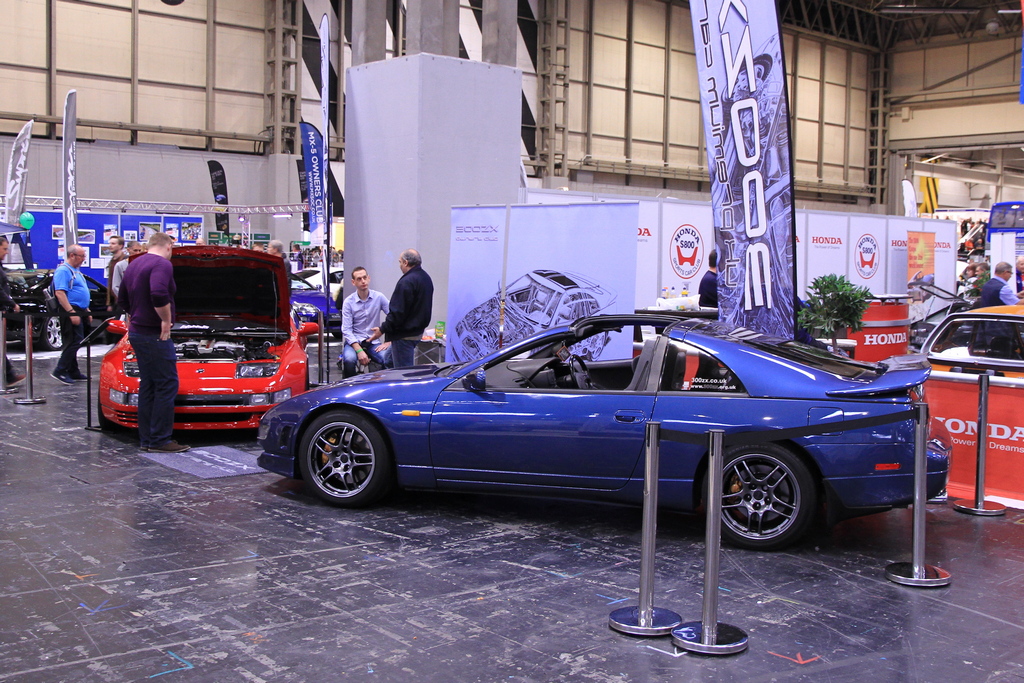
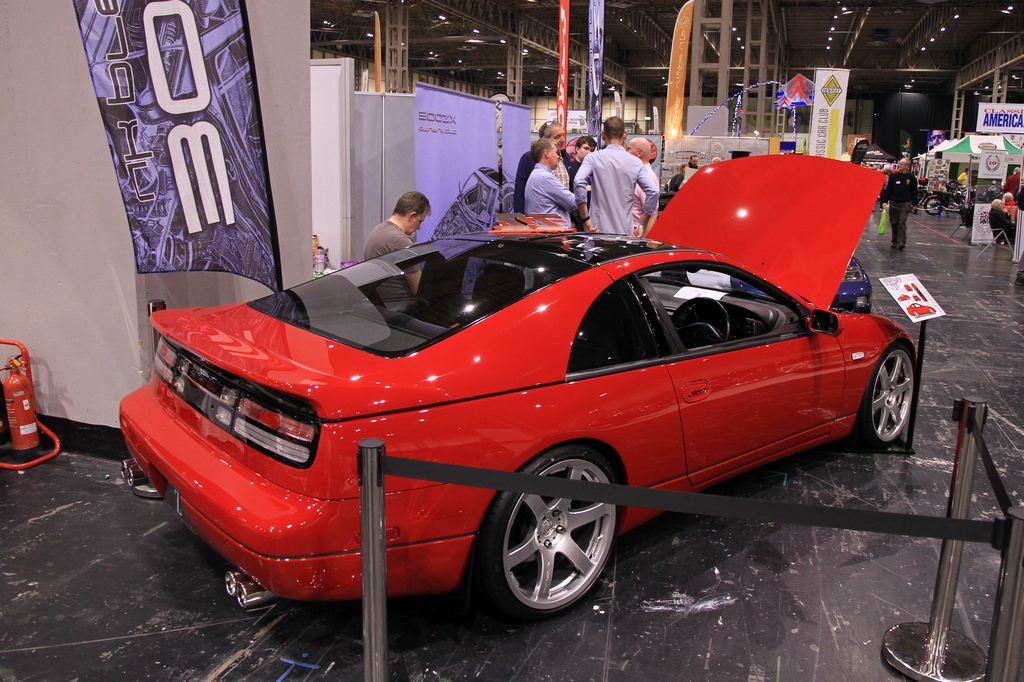
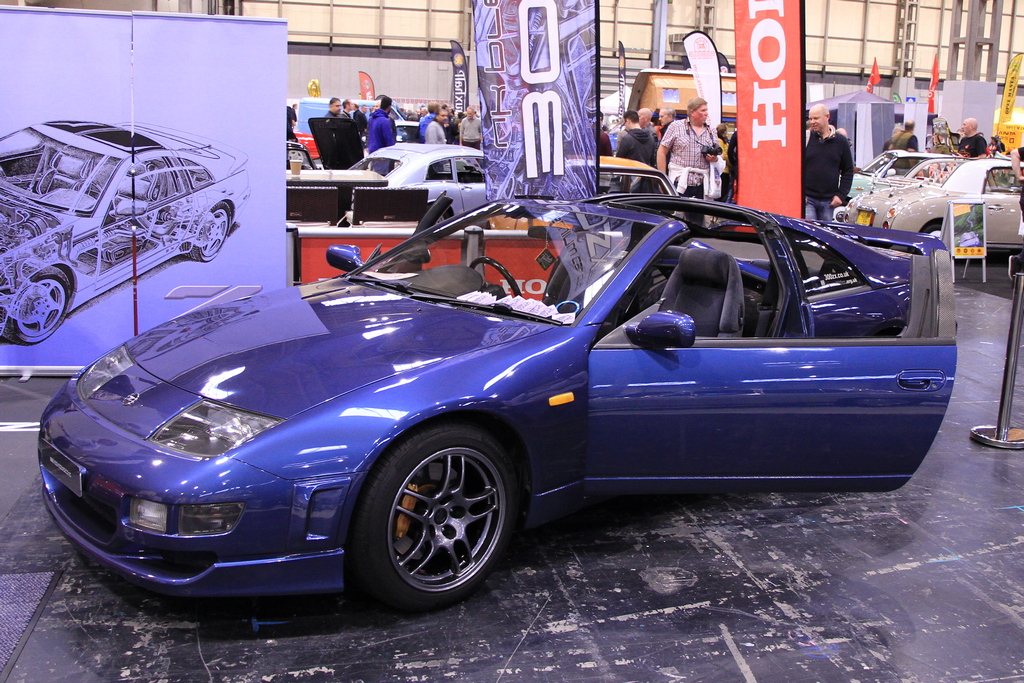
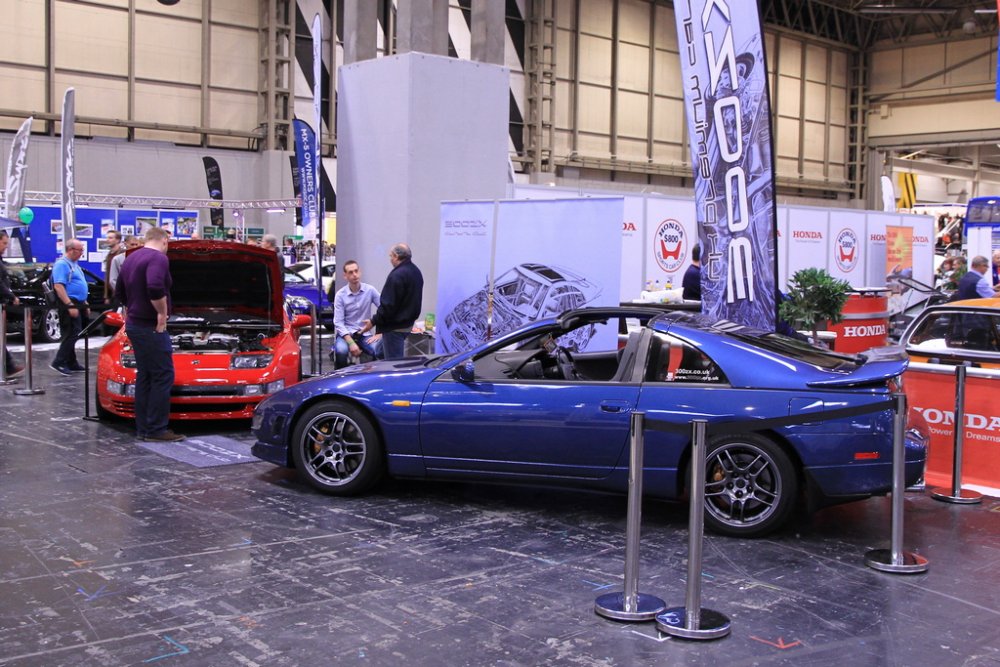
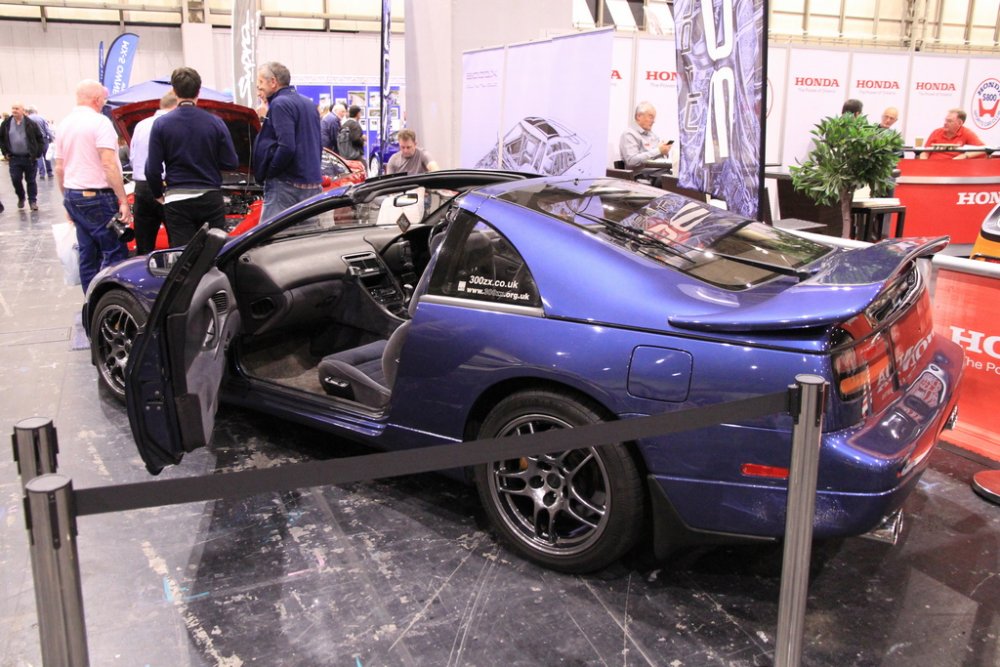
Assorted pictures from my visit to the show yesterday with Howard. Great to meet everyone who was there and thoroughly enjoyed myself. Well done to Joel and Craig for presenting their cars in such a great light. Small stand maybe but told a good story.



-
One for the the "Autumn Pics" thread.
-
They do make V6's though...
-
Sell the 2+2 and let someone else enjoy the car as it is now and start afresh with a 2+0.
-
The fuel pump relay is located in the drivers footwell behind the trim panel next to the door. If you have a conZult you can also release the fuel pressure using the s/w tool.
-
If you are feeling particularly flush here is a genuine titanium blank for sale: http://buyee.jp/item/yahoo/auction/d144666541

-
Genuine titanium keys have the part number KEY00-00111 and were discontinued after the end of Z32 production. They very occasionally turn up from private sellers with asking prices to match.

-
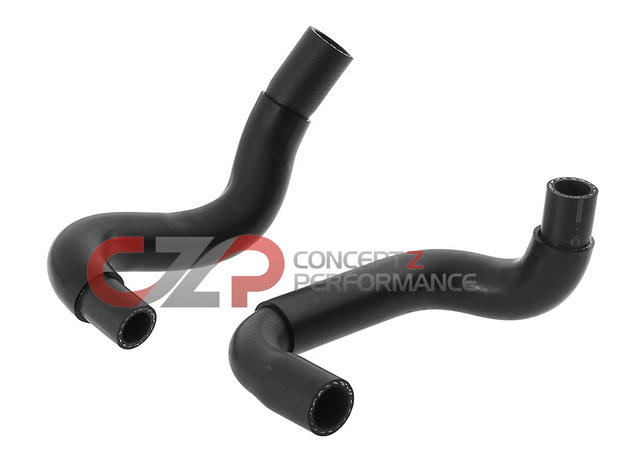
You might as well replace both for that price: https://conceptzperformance.com/nissan-infiniti-nissan-oem-heater-core-coolant-hose-set-nissan-300zx-90-96-z32-92400-30pkt_p_959.php
-
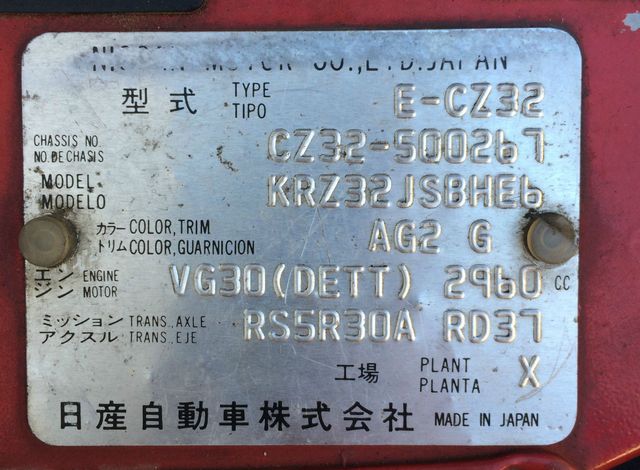
Paint code will be on your VIN plate. AG2 in the example below.
-
According to the Speciality Z site you don't need to remove the VTC system when using JWT camshafts: http://specialtyz.com/shop/300zx/jwt-camshafts.html "Please be sure to remove the valves located in the back of your stock intake cams. They are REQUIRED to be transferred over to the new cams. If you do not do so you will lose the amazing Nissan VTC system."
-
One of the heater core hoses?
-
Rather this - "The only way prices are going to rise is if people are prepared to pay more for them." - time will tell.
-
You are right to feel uneasy, the engine is an interference type. At a minimum change the cambelt.
-
The ad states "The vehicles current MOT test has expired" - it did in June 2007. Will be interesting to see what happens on the 9th December as to it making its reserve.
-
Come on Joel, admit it you love all that stuff!

-
Remind us - what modifications have you had done to obtain those results?
-
Excellent work Joel, they look as good as new.
-
You will need to register on the site in that case.
-
There is a auto to manual writeup here with pictures: http://www.300zxclub.com/showthread.php?t=85616
-
I have a spare one if you would like to have another go. Had it for many years, but it has been stored in its box. Cover postage for me if you do.
-
That is clean car territory. Are you specifically looking for UK specs or imports also included in your search?
-
Thank goodness you came on here and asked first! Not everyone who is new to Z32s does unfortunately. What sort of budget are you playing with?
-
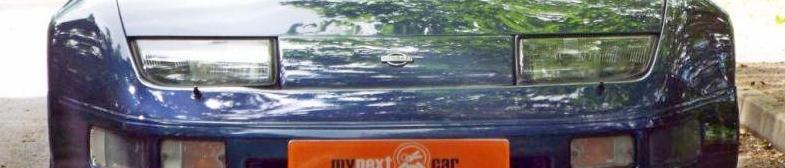
Welcome to the Club! As a cat C I would question the statement "fully repaired" as the front bumper is clearly deformed around the headlight washers and suggests front end damage. Check the front strut mountings inside the engine bay for aligment with the holes they bolt through. Have you done a MOT history check? It is currently showing a fail. https://www.gov.uk/check-mot-history