Everything posted by RichardS
-
Lovely Zed, Gary - looks amazing inside and out mate.....
-
Yup - same part..... And yes again, the Primera matrix will also fit..... Where are you based, Ice Dog? Reason I ask, is most garages will charge a fortune to replace the matrix. They won't know the short-cuts and will probably end up removing the whole dash - whereas Jimmer knows his way around a 300zx. Not only will he (probably) be cheaper, you know he'll also do the job right. If you can get your Zed to Bristol, do it. Jimmer is the best
-
Hello and welcome, Brent!!
-
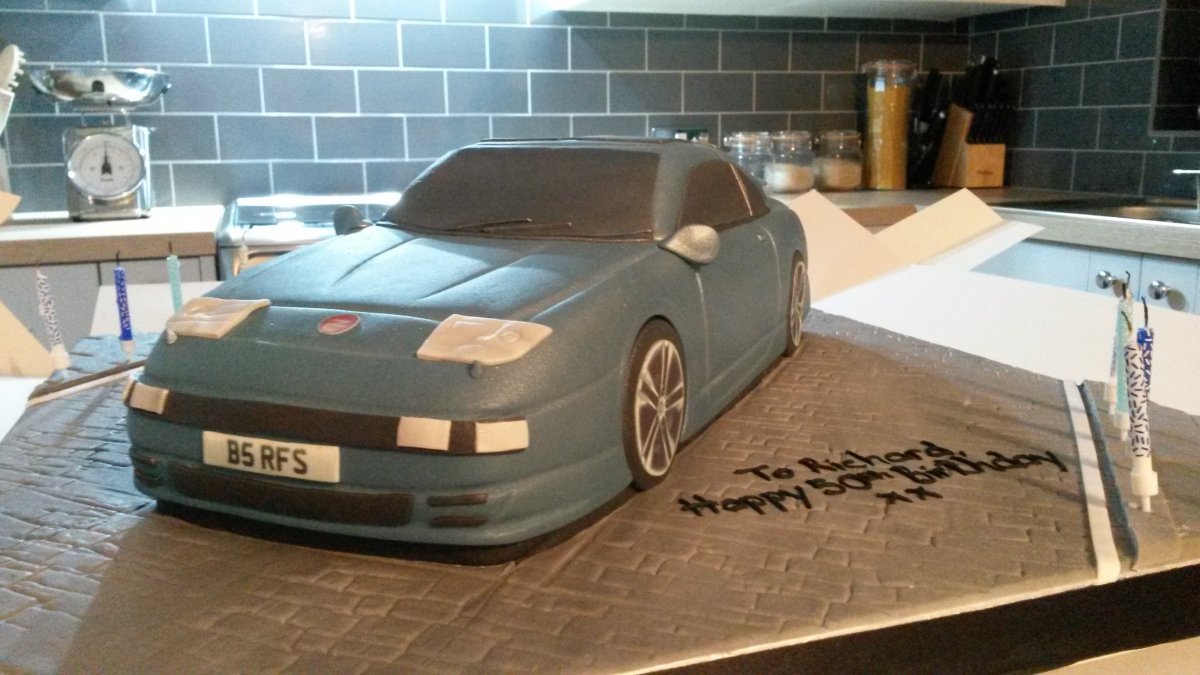
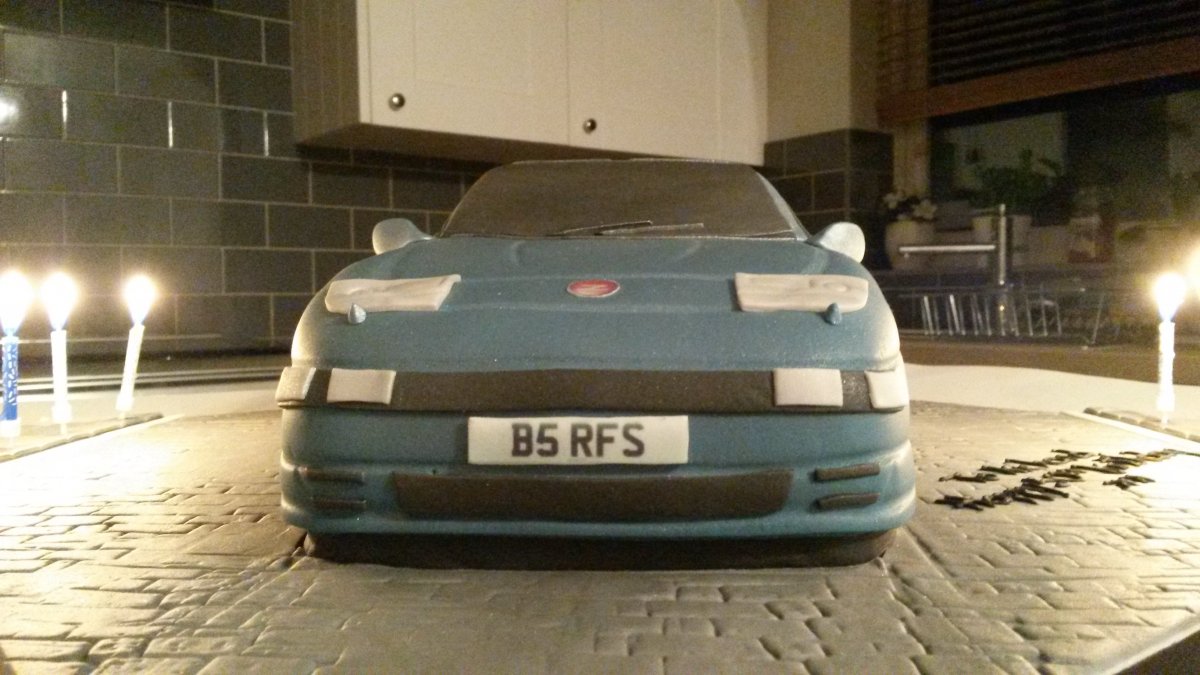
LOL - me too!! Hell, the bakers even captured my Stillen front lip....
-
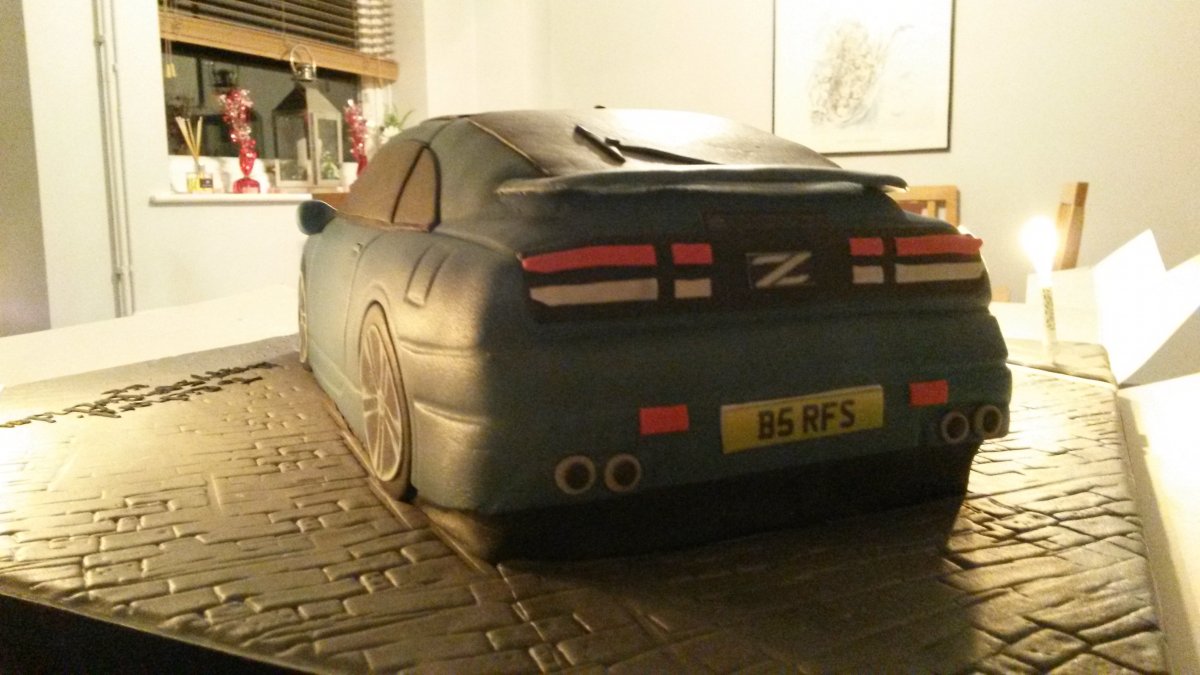
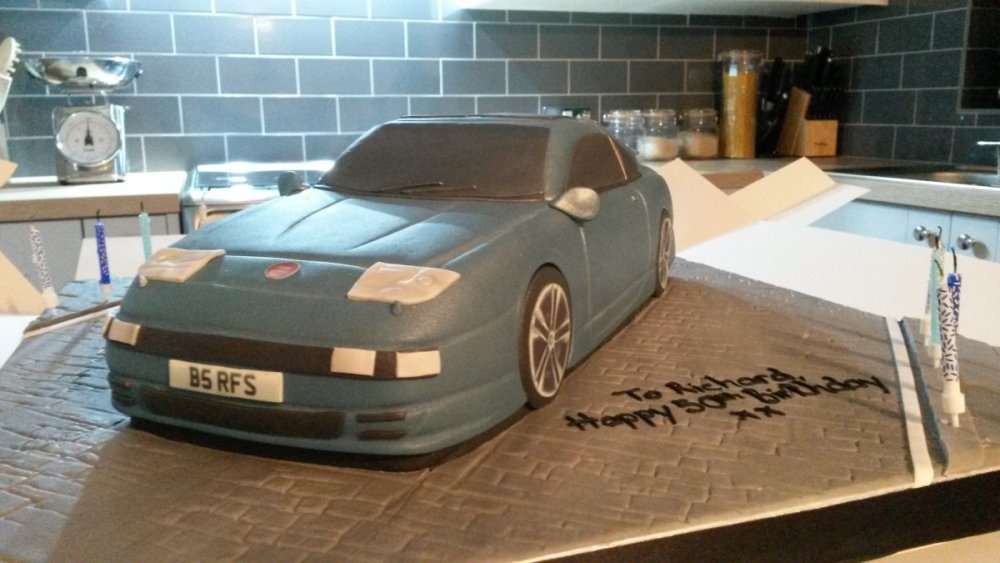
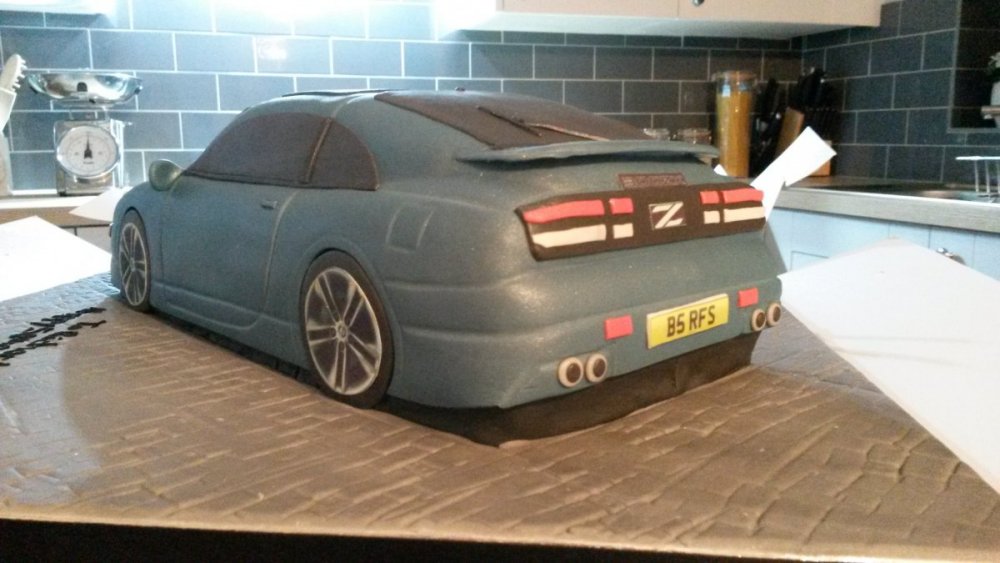
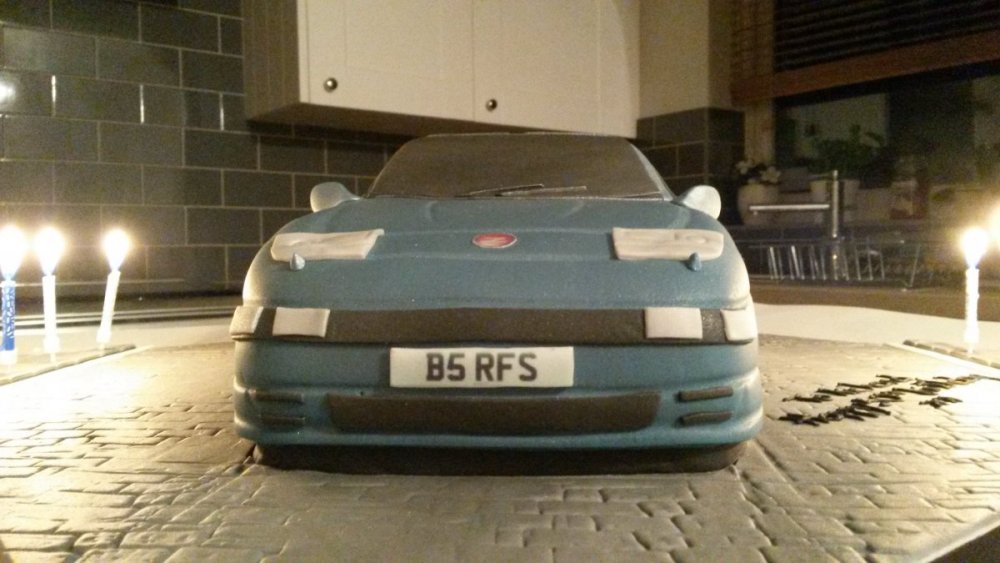
….Albeit an edible one!! I could not believe it when the waiter brought this to the table yesterday - Julia had this amazing cake made and I just could not take a knife to it, so I boxed it up and took it home. My very own Zed in cake form, for my 50th....

-
Lovely car......
-
Thanks folks...... And very true Gary...….
-
Many happy returns to a fellow February birthday guy...…. ...All the best Jim!! Richard
-
That's my understanding too - which is handy to those of us with UK-spec cars or who have replaced their windows for UK-spec glass..... …….But still a problem if there's a long lead time, and we suffer a cracked 'screen. I may have said this before, but I think it would be great if a trader could buy a few and hold in storage, just in case one of us needs an emergency replacement.
-
Seconded......
-
How about https://www.allcarpartsfast.co.uk/ Richard
-
Yup - what Andrew said......
-
103 years old - he certainly led a long life..... RIP Mr Douglas Snr
-
Yup - Jimmer is the Zed Guru for sure.....
-
Seconded - hope all's well mate! Richard
-
Hi - and welcome back...!! Richard
-
Well done indeed folks - I can see a 2020 final on the horizon...… …...All 12 winners, head to head, for photo of the year.....
-
Thank you for the tip - I shall follow that up for sure.....
-
No MCB - I did buy one from CZP, but forgot it would be for a LHD car.... The hoses appear fine - and the brakes weren't spongey last time I drove the car - but they are probably the original 26 year old ones, so might be worth a change soon.
-
Good luck Mike....! Looks like I have the same type of USB socket as you; I mounted mine inside the centre arm-rest storage area
-
Shame you aren't free..... ….Still 50/50 for me. Julia is still planning her Sunday function - but I may still be set free to come along
-
Welcome back Lisa - hope you're well......
-
Yup - what Gary said.... …...Welcome back John; hope you're well mate!!
-
I renewed my Zed's road tax this morning..... …….And yesterday, as it was dry and much warmer - so no salt on the roads, I succumbed to temptation and took the Zed out of the garage for a little run. It's been nearly five weeks since I last took it out, so I was missing it. The engine fired up straight away and immediately settled to its usual smooth burble - and it felt good to be out on the road. The only negative....? The brakes seemed a little spongey - they still scrubbed off the speed nicely (LOL), but I reckon they could benefit from a bleed. I shall pop it down to my local garage sometime.
-
Agreed - it's these little details that make a big difference..... Nice work Chris