



Everything posted by JaiKai
-
Can you take a screen shot of the error and PM me it ?
-
The developers are now aware of this issue and are working on a fix !
-
Think its a bug ! The classifieds system is a work in progress so i'll report it to the developers.
-
There goes the chances of gb3
-
There goes the chances of gb3
-
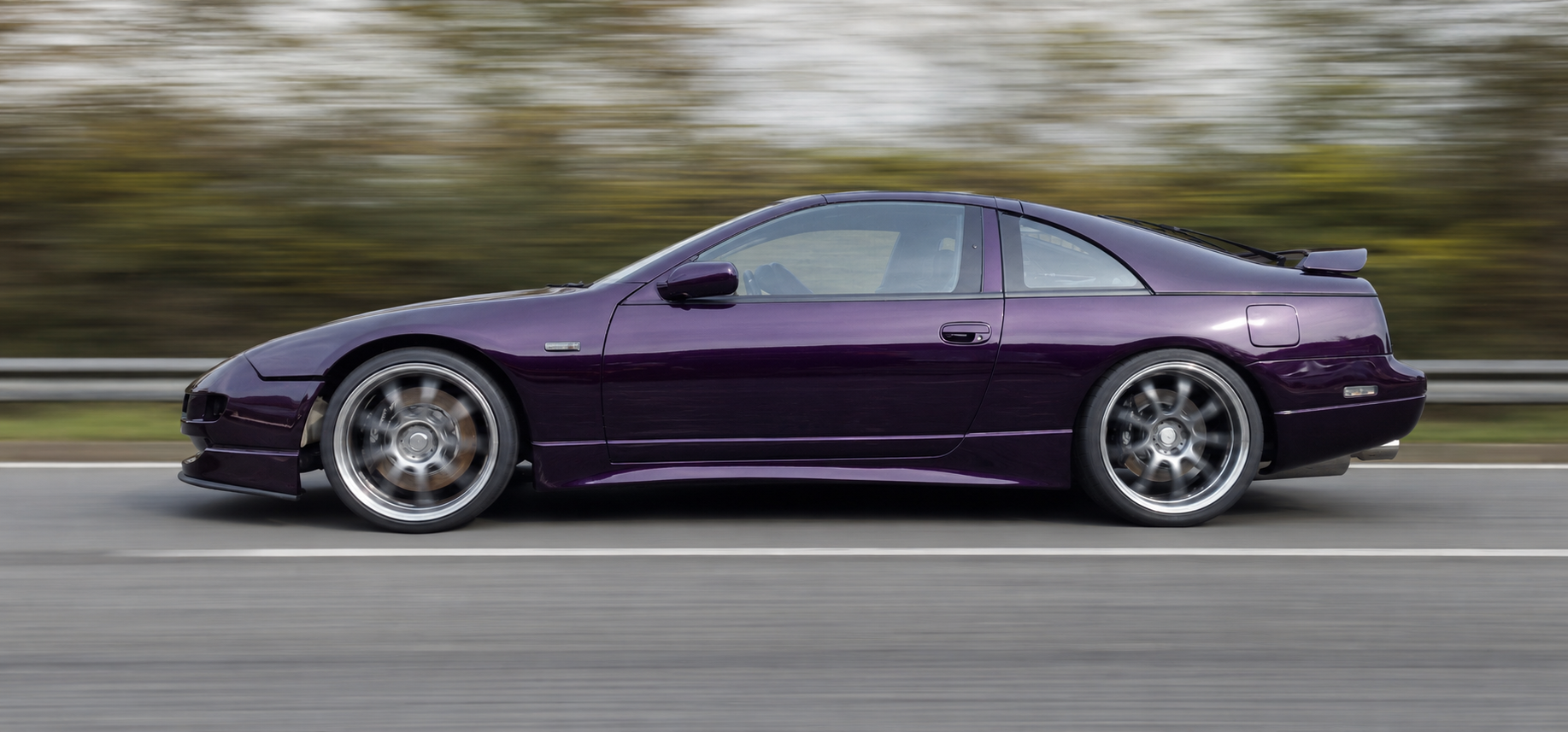
Forgot to mention that we picked up a hitch hiker coming back and we let him sit in the zed as it was the only seat available. And you know with Ians crazy driving he was caught speeding by west sussex police. He also fined the hiker for reckless driving for speeding without a seatbelt on and while in reverse gear ! For 1/2 the trip we kept clocking this zed following us and Ian mentioned he'll get booked for driving in reverse. Although i was more concerned about him being so close and not having his lights on. lol
-
Hi Ian, that's me finally just arrived home, nearly in a crash on the way home as the guy in front of me spun out and I had to call the police and stay back as a witness. they closed all three lanes of the motorway for about an hour before it was reopened and they let me go. just a bit of bad weather and water on the road caused him to aqua plain sideways then do a neat 720! hit cars totaled as he pin balled against each barrier but I managed to break and hand back safely. heading to bed now so will contact you tomorrow about the zed. cheers lee
-
Yeh, Had to unwind the full cable which was a good twenty or so metres long. Then the end of the steel cable was all what I would call frazzled and frayed so we had to cut that off and redo the full spindle. Next the remote cable was faulty but managed to get it all going again.
-
That's us picked my new joy toy up. Very happy and now heading home. O and the eBay auctions has ended. Many thanks to the seller and his dad as wouldn't have got it on the trailer without him.
-
Early as we can, or whenever I wake up. Lol
-
Ha ha!
-
Just grabbing a bite to eat then be heading to Ians.
-
So wondering if your Zeds going to be in the next transformers movie ?
-
Seen this a few years back and it gets regurgitated every so often. Great laugh though.
-
Sorry I would prefer a zed with a paint job and no engine than one that's in primer !! :lol::lol::lol::lol::lol:
-
Just a note to all I have just placed a maximum bid of £15,000 !!! So unless you want to pay over the odds I wouldn't bid, lol
-
I've requested that the seller halt the auction too as its not fair to the said bidders. I have a gentleman's agreement that I will get it for the price asked for when he first posted it here a few days ago. I believe the seller is genuine as we have already parted with cash to hire a pickup to go get it and I've also spent time and money organising transportation there and back.
-
I've got two sets of these for fogs and reverse and there great! He also done break and indicators but a bit pricey for me.
-
Thought we could do a Friday Night Funnies much like our other Friday night thread ! I'll start us off : [video=youtube_share;yLpLkB1L1UA]http://youtu.be/yLpLkB1L1UA [video=youtube_share;ACGClMQeV4M] [video=youtube_share;lH9Y5d2jZgQ]
-
few rattling tiles last but none of them came off luckily. Was tempted to move the cars into the street.
-
Might go just for a meet ! Unless they will allow zeds on axle stands, lol
-
Happy birthday Chief !! Have a great day.
-
The noise you hear is the usb device connecting and disconnecting ! My first suggestion would be the video camera then possibly the flash cards. Try use the camera with Skype and slowly open and close the screen see if the picture cuts out. Its more than likely a loose connection or short with whatever device that's connected internally.
-
Does the laptop have a built in camera? Nearly all laptops with inbuilt cameras are usb just they connect internally. Possibly it's got a faulty cable. Also new Windows updates could have installed that notification and the camera itself runs on older usb 1.1 Other built in usb devices are memory card readers.
-
Yeh, Don't mind paying some fuel costs too. Just after the overall condition of the body and make sure its solid and no hidden rust anywhere. I'll contact the guy see if I can get a viewing.
