



Everything posted by RichardS
-
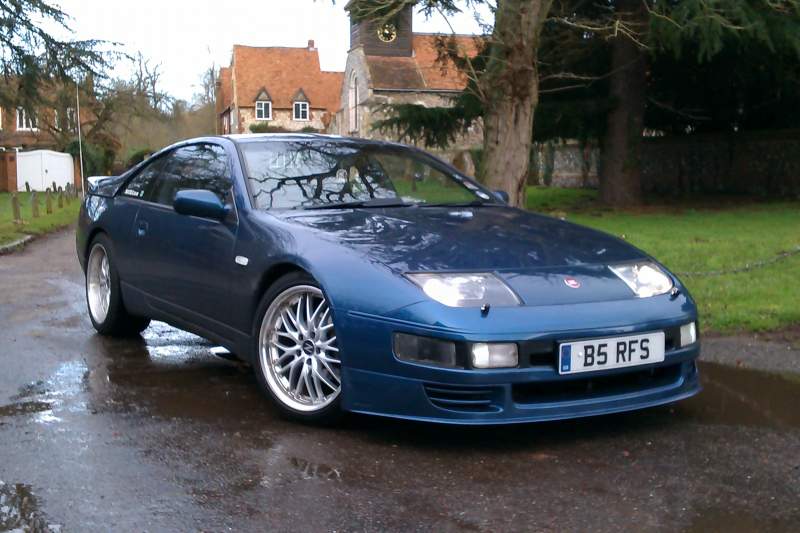
Nice ZX Bart.....:cool: I took mine for a little blast out to Henley this morning - and took these pictures on the way home.... http://www.300zx.co.uk/forums/showthread.php?174502-A-couple-of-Z-pics-in-Hurley-this-morning&goto=newpost Richard:thumbup:
-
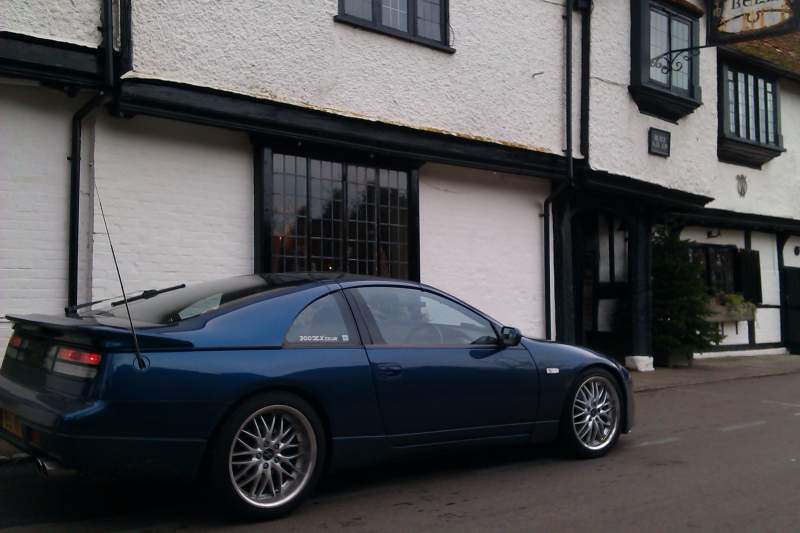
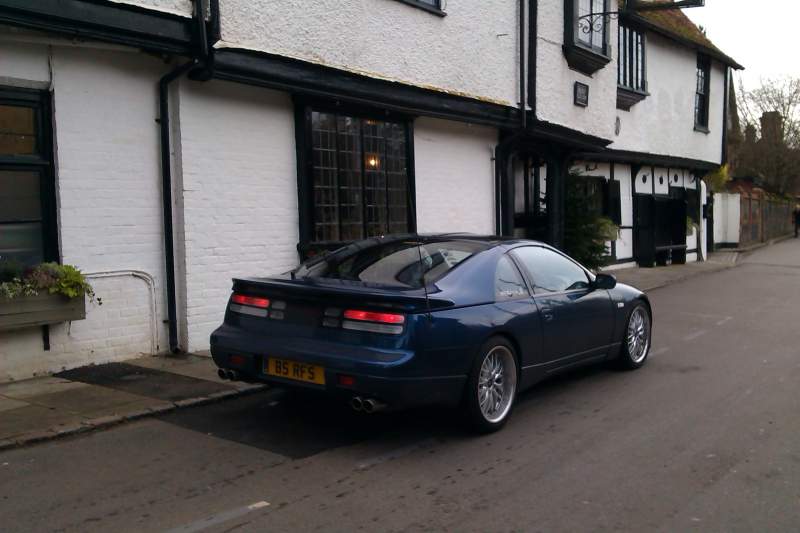
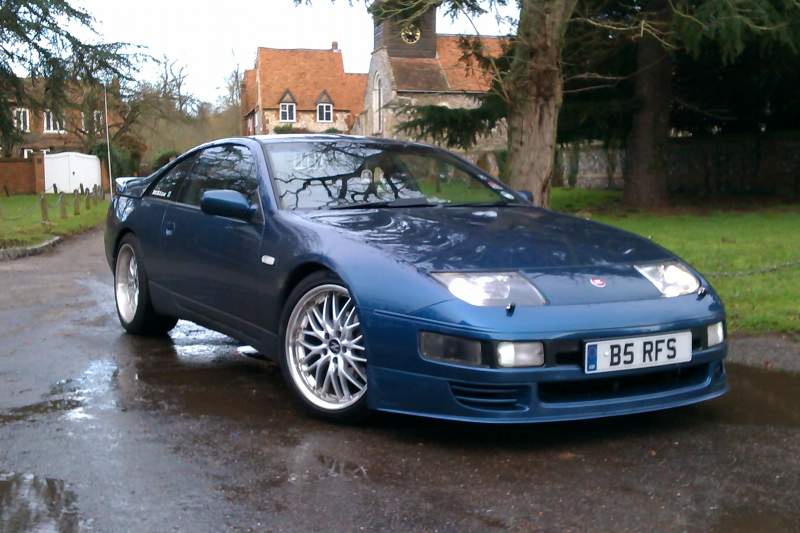
Whilst I was out this morning, I took a detour into Hurley village for a walk along the Thames..... .....And as the village was pretty deserted, I took a couple of photos of my Z - excuse the quality though, I only had my 'phone handy; oh and the Z is a bit dirty as I had to drive through a 20 metre stretch of flood water earlier - luckily it was only about 6-8 inches deep...:oops: Richard:cool:
-
Yay - I win.....:dance: .....And that is a nice upgrade too, if you swap to an after-market steering wheel, but want to retain your cruise control. I think Si has retro-fitted the US style cruise switch on his car!! Actually Lee, that looks quite a clean car inside mate; are you buying that one....? Richard:cool:
-
Yup - I noticed the cruise switch on the right pod, but with the airbag, the control switches had to be elsewhere other than the steering wheel. And if you look carefully, you can just see the toggle sticking out:wink:
-
I am going to say the cruise control buttons - they are on a stalk on the left of the steering column.....:biggrin: Richard:cool:
-
Agreed - and at only 2cms wider, I would not envisage any adverse handling issues either..... .....Good - that will also add protection to your rims in the event you get a bit too close to the kerb when parking....:wink: Richard:cool:
-
Hi and welcome to the club Mick - and thanks for your support in subscribing too mate!! That's a tidy looking Z you have there, BTW...:cool: Richard:thumbup:
-
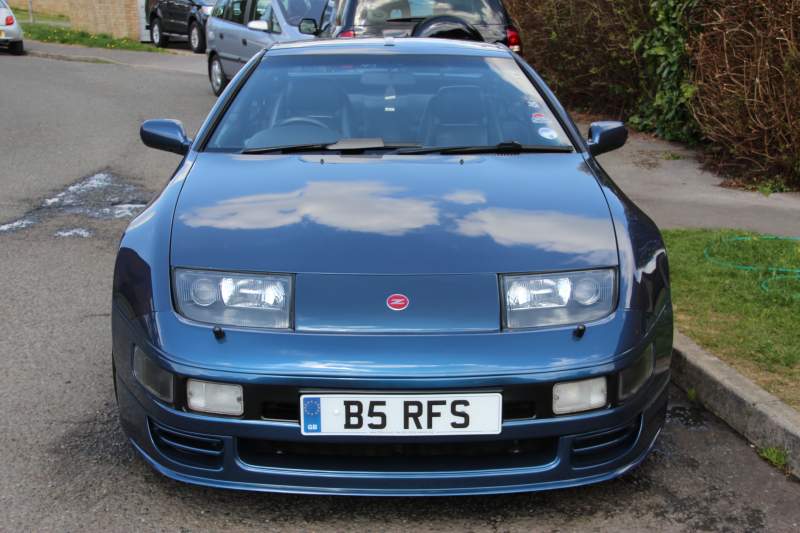
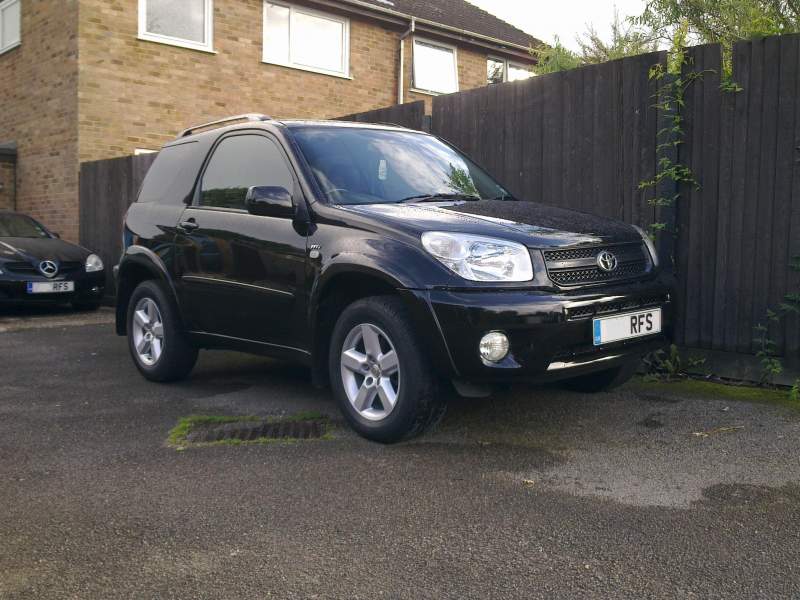
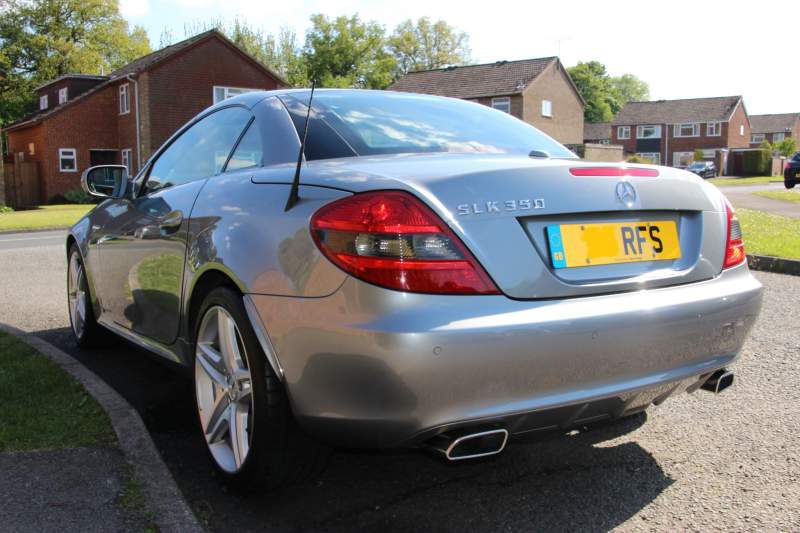
I just have my initials........ ......On all our cars....:wink: Richard:cool:
-
Happy birthday Jason!! Richard:happybday:
-
Many happy returns Mark! Richard:happybday:
-
Welcome to the club Dan!! Richard:thumbup:
-
Yup - as said above!! Yours will be the second example as per Jaikai's post....:wink:
-
Great plate Rich - and top marks to your Mrs mate....:thumbup:
-
Seconded!! London is great when there is no-one around - but it is rarely that way!! As Steve says, the Square Mile of the City has hardly any residents or shops (certainly none that would be open on Christmas Morning!!), so I'd expect it to be deserted..... Which makes for a great photo opportunity:biggrin: I was in London yesterday too - although not in the centre; and not in my ZX....:wink: Richard:cool:
-
Nice one Mandy - and don't forget to post up some pics once you have done it!! Richard:thumbup:
-
Many happy returns for yesterday Trev!! Richard:santa::happybday:
-
Moved to the NE & Yorks local meets section at Bird's request! Richard:cool:
-
I have no idea who you are talking about - so I'll just join Bri in asking for pics....:lol:
-
Indeed; drinking and driving wrecks lives, so do not do it:nono:...... ........and yup, spotted the red 300zx at 36 seconds....:biggrin:
-
¡Feliz Navidad Richard:cool:
-
LOL - I agree..... .....Your daughter will know what to do Bri; just enjoy a beer and do the dad thing mate. She'll love it...:wink: Richard:cool:
-
Seconded - and I'm pleased you're a happy Zedder, Lou!! Richard:thumbup:
-
Agreed......:cool: ....And at least you now have the black one to keep you going Graham...:biggrin:
-
LOL - way too much bling.....:rofl:
-
A Christmas Eve bump...... ....Have a good one folks...:thumbup: Richard:santa:
