Everything posted by arthur
-
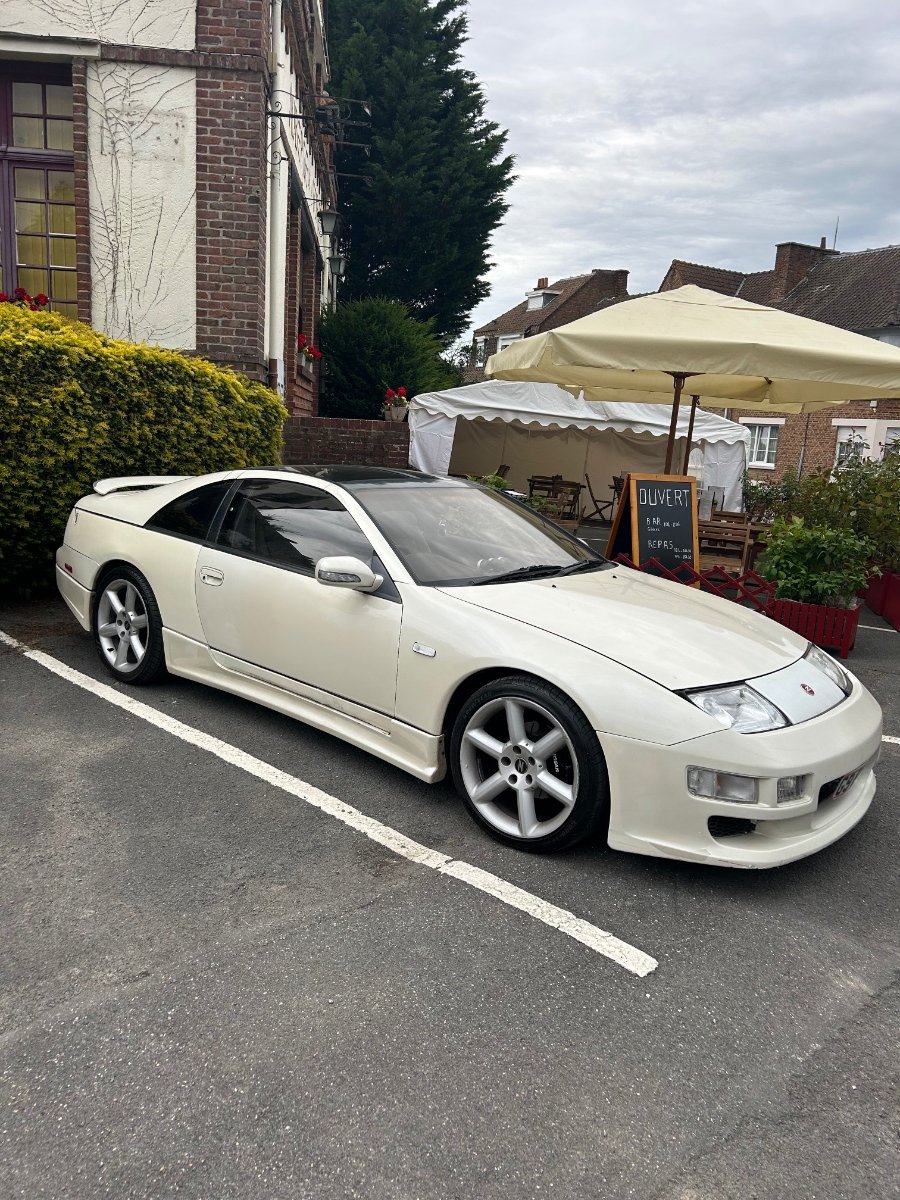
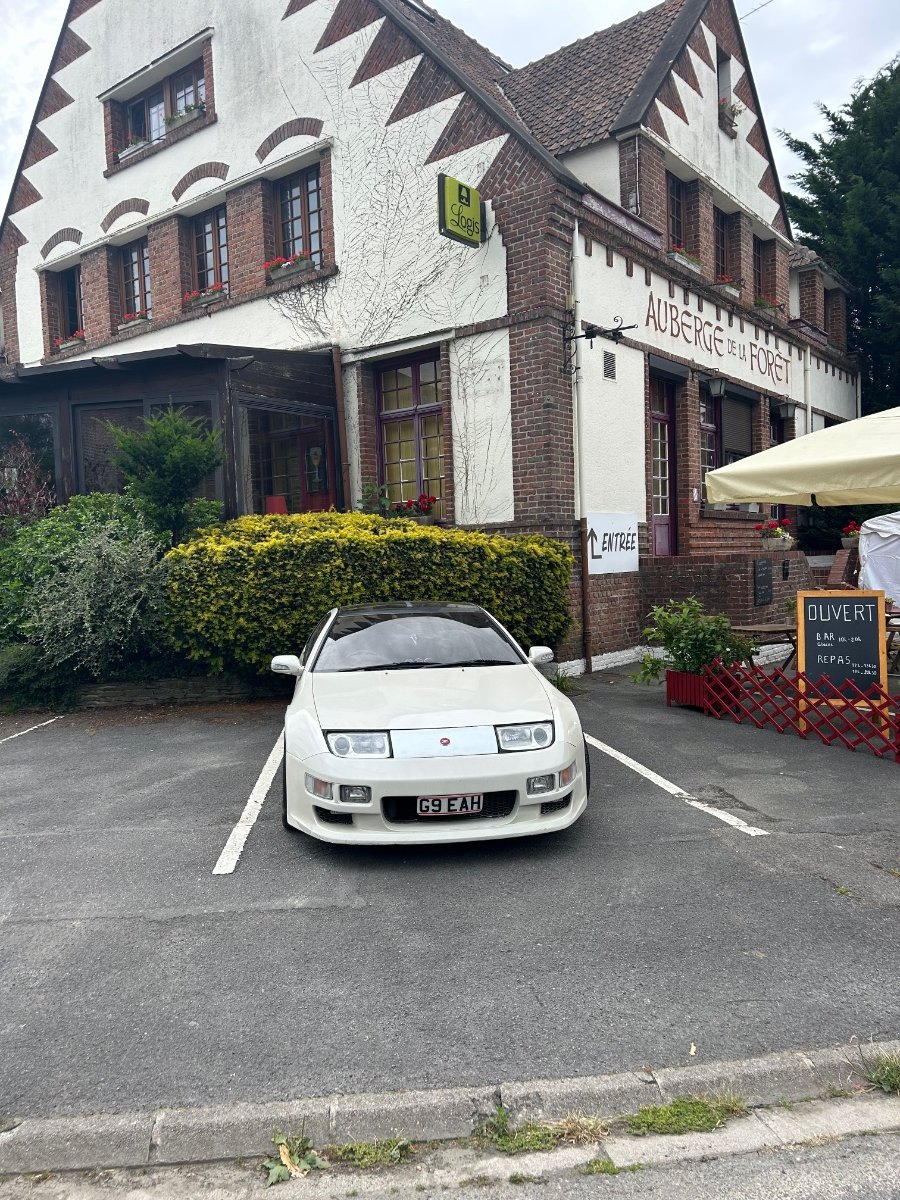
Decided to take the Z for a ferry ride today 😊 staying the night in Aurberge De La Foret hotel The hotel is a little dated but the food is supposed to be good
-
View Advert LWB 300 ZX TT MANUAL 1991 JDM 91 imported in 2004 by me only owner, all bills, receipts & invoices & MOTs Import & Japanese service history & documents imported with 119000 kms = 74k miles converted to miles when imported. odometer now 151000 = 106.000 miles I have done approximately 32000 since ownership never stored or sorn Oil change every year regardless of miles Manual conversion 2019/20/new clutch,light flywheel & bearing. 120k cam belt change 2019/20 upper,lower idler pulley,tensioner,thermostat,water pump & cam/crank oil seal. 6 new spark plugs & 6 new coil packs 2020/21 new grooved brake discs & pads 2023/4 new hard brake lines/new hicas ball joints All receipts in folder Bad points -advisories on MOT which you can gov check Offered by: arthur Date 19/05/24 Price £11,500.00 Category Cars - For Sale
-
The near side indicator light on my dash has stopped lighting up, the off side light is working fine. that’s not all ! I have three indicator lights on both sides of the Z Indicator lights in wing mirror/ small side wing indicator & the normal near side front indicator. The wing mirror & the small side wing indicator along with the dashboard light have stopped working, but the front indicator works! The dashboard lightbulb has been checked & changed. Could it be an earthing matter? Or could I have damaged the circuit board changing the glow dials? But if the second thought was a problem all the indicator lights wouldn’t work. Possible wiring problem mirror to side wing indicator. But why the dashboard light off? Any thoughts please Art
-
Help required do the H4 bulbs (4000)LED fit my low beam headlight I have HIDs but fed up of changing them for MOT merry Xmas all Z owners arthur
-
Hi Alic, still got the Z then. last I saw you, was you off to uni?
-
Hi Lee can I take the series 1 clocks if available Arthur
-
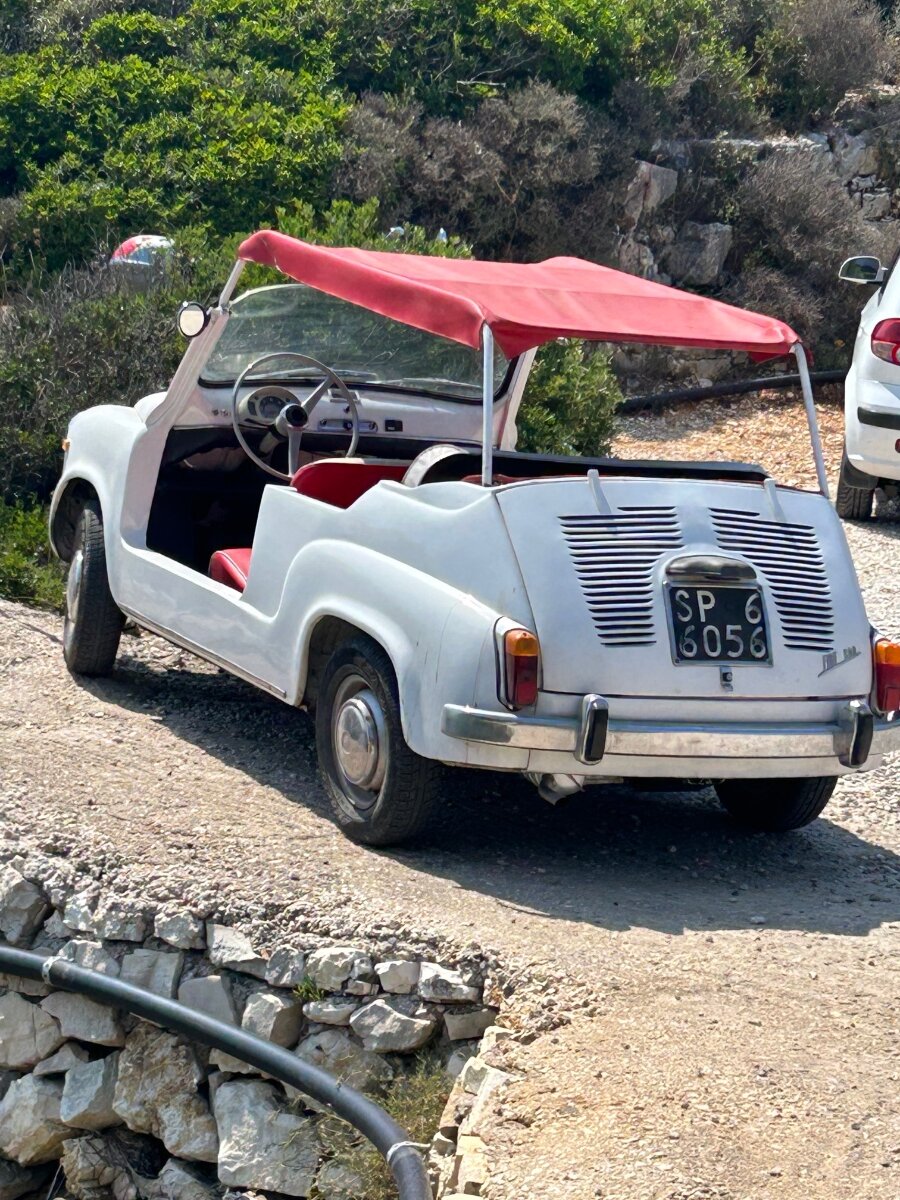
Took a photo of this Fiat 600 never seen one before!
-
Second that Gaz 👍
-
Hi Ian, so if I change all the dials from my uk set into my mk1 case & keep my odometer would I still need a kms to mph converter?
-
Hi there, I have a 91 Z TT with a mk1 cluster Three years ago I purchased a mk2 cluster (still in the garage!) because ? The sockets do not fit. They look the same as the mk2s are - whilst the mk1s are l but the plugs are different


-
Happy birthday lan 👍
-
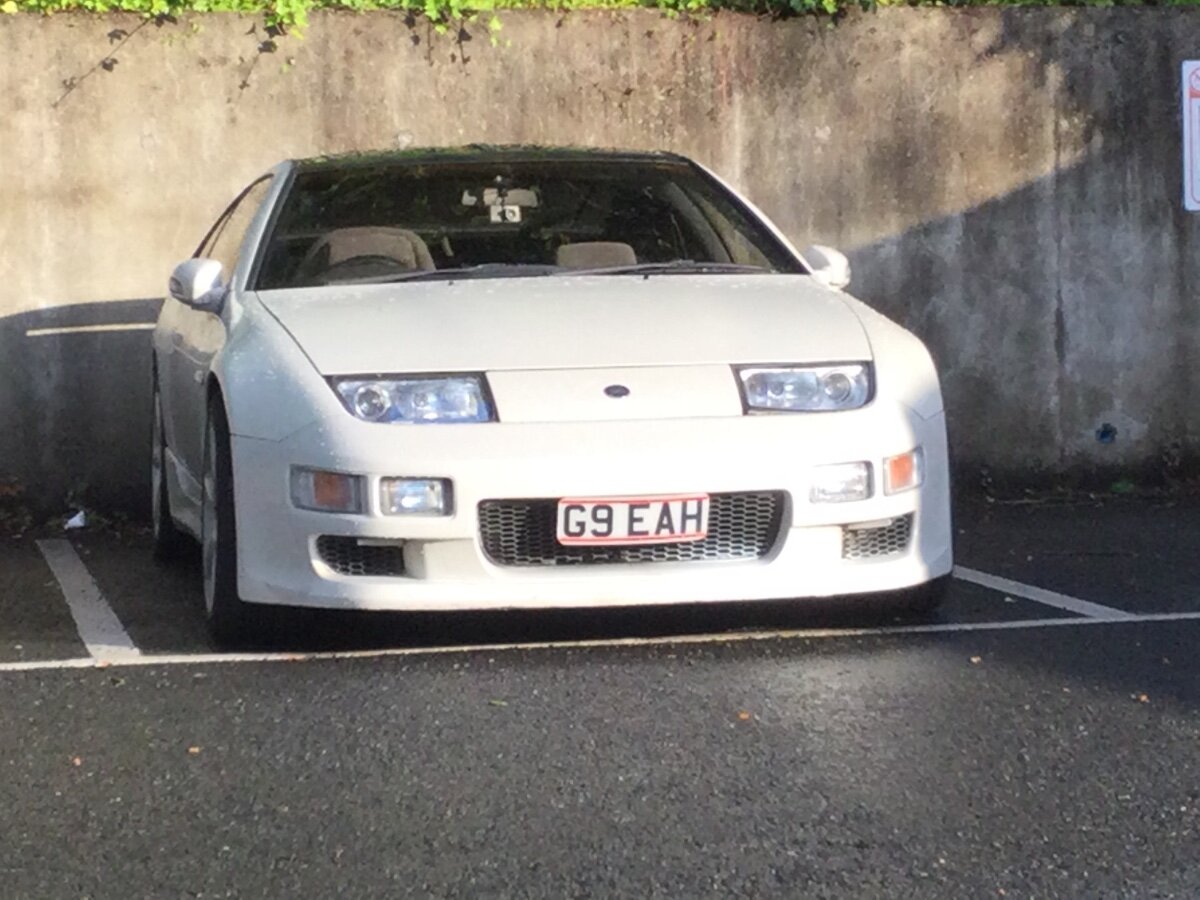
I have had to use the Z as a daily for the past weeks!
-
I am not too pleased with the garage that has just failed my Z not once but twice! 23 JAN 1st Fail Front track rod ends / rear offside HICAS ball joint With 3 advisories - Drivers seat belt anchorage/ rear nearside HICAS ball joint/ offside rear inner ball joint All nearside & offside HICAS ball joints & front track rod ends changed. Back for MOT not a re-test 30 MAR 2nd Fail! Parking brake efficiency below requirement! No mention of this in the last MOT advisories otherwise I could have got it done! They offered to do it, in 10 days time. Same tester Same garage that has done my past 7 MOTs Peed Off! Sorry rant over
-
Hi there just had my mechanic on the phone apparently my hicas ball joints purchased are not the right ones! He has just ordered some from Nissan coming from Holland.
-
Happy birthday Joely🥳 have a great day.
-
I find it interesting the people who once owned a Z & sold only to find years later they want another! I am guilty of the same😀
-
Hi Tom I think you are doing a great job for the club. Having had the pleasure of a couple of club drive’s organised by yourself! Art
-
I agree with JoelyP sir. Even when I have had the occasional blast I always take a 4/5 minute slow drive home.
-
Gaz300 does the valuation’s for the club & as JaiKai said.
-
Happy birthday jimmer
-
Hi there, is the HICAS rear ball joint in theSkyline the same as the 300zx? the Skyline number is 55154-op800 the 300zx is logged at 55154- any tech help needed as I need 2! I’ve read Jeffs write up on how to replace the ball joint but what is the best way to get them out?
-
Hi thank you for that, Finally found the HICAS rear ball joint replacement (55154-) Is this HICAS rear ball joint the same as the Skyline ball joint (55154-op800)? As the company list only 1 for the Z but list more for the Skyline what look to be the same.
-
Help required? My Zed failed the MOT Failed on the front track rod end ball joints (both replaced) my problem is the MOT fail states track rod end ball joint has excessive play.Offside rear. is it this? Because I can’t find a rear track rod end! In the manual any advice welcome

-
Hi there, welcome to the club
-
Need two, near side & offside where to get replacements? And rear offside track rod end ball joint. Same question? any help advise welcome