




Everything posted by bird
-
It looks real nice mate
-
It's right next the gear stick so it makes sense that it's the auto plug. Wouldnt reach the cig lighter. What do y'all think of the rest??? Horrible isn't it
-
OOoohhhh, good one Ian, is that a definate?
-
no not the clock one, otherwise i'll be asking what something else is lol
-
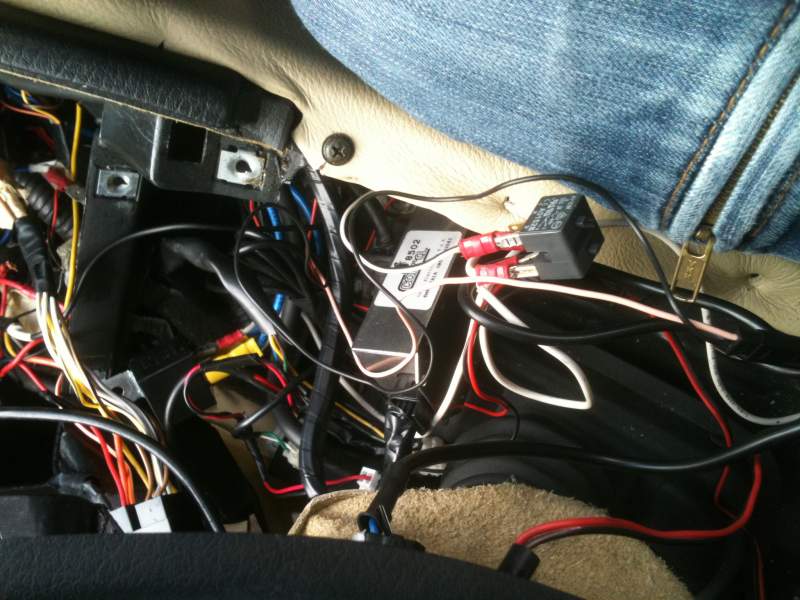
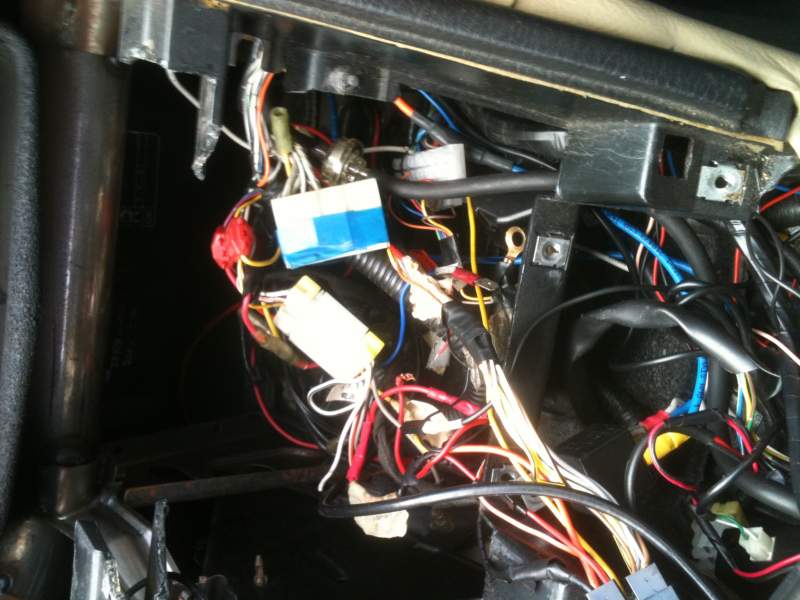
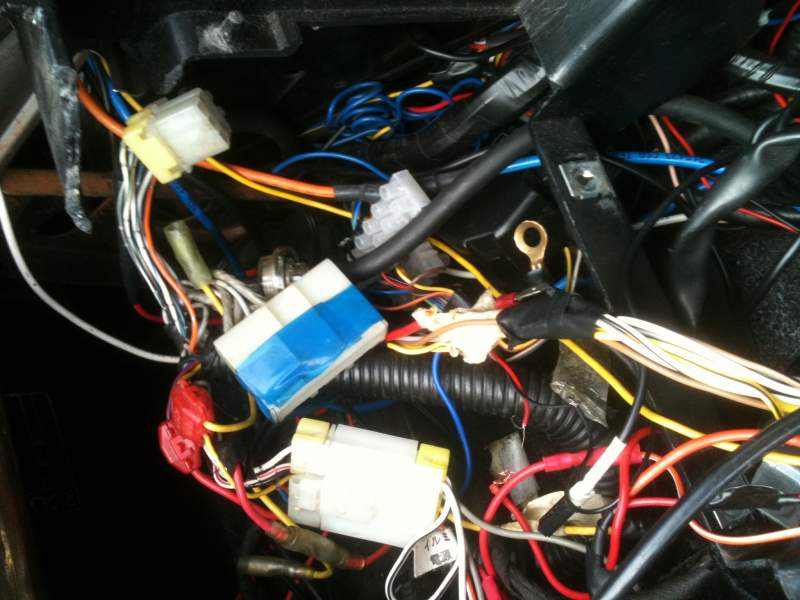
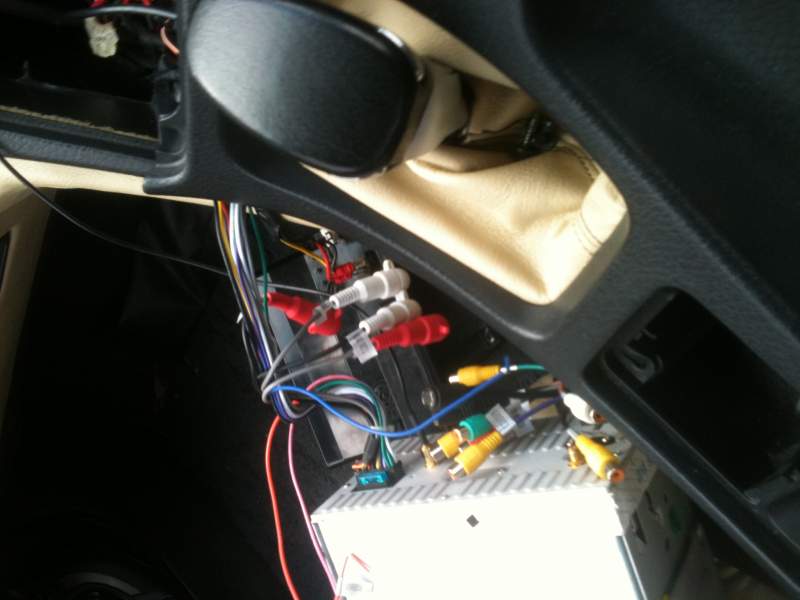
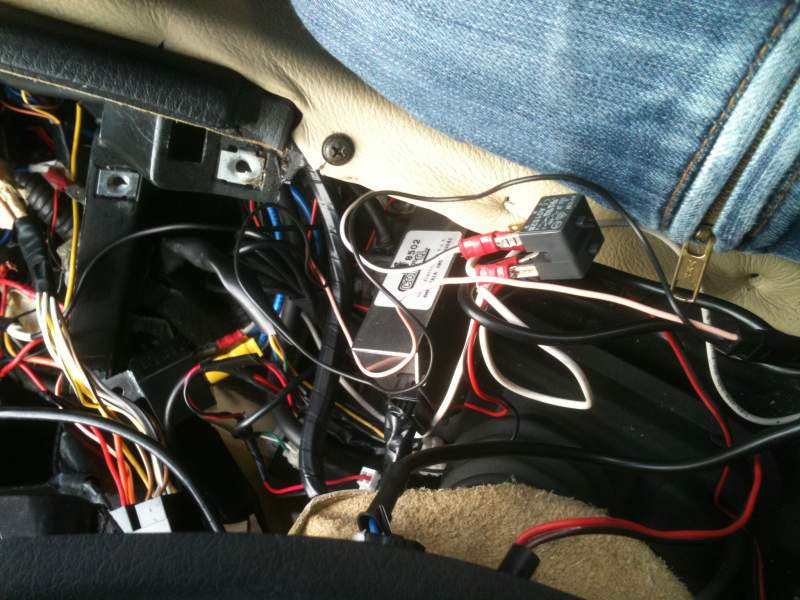
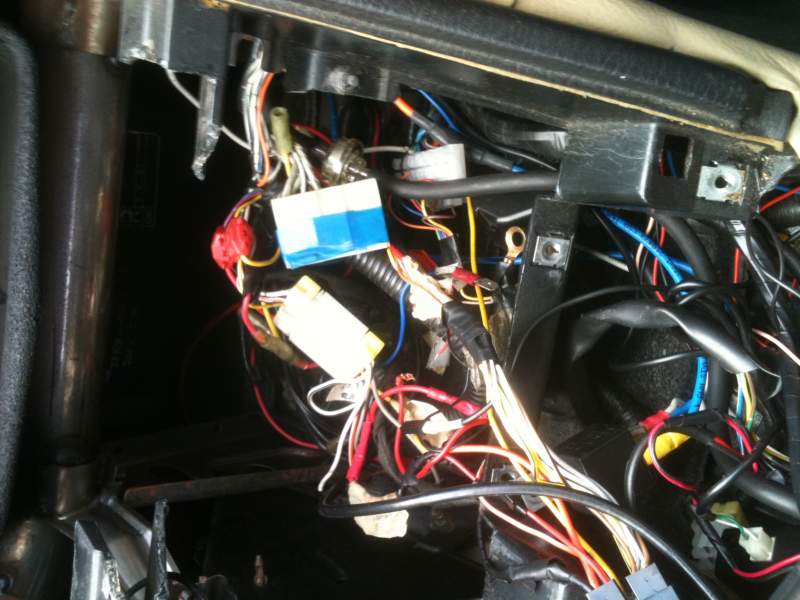
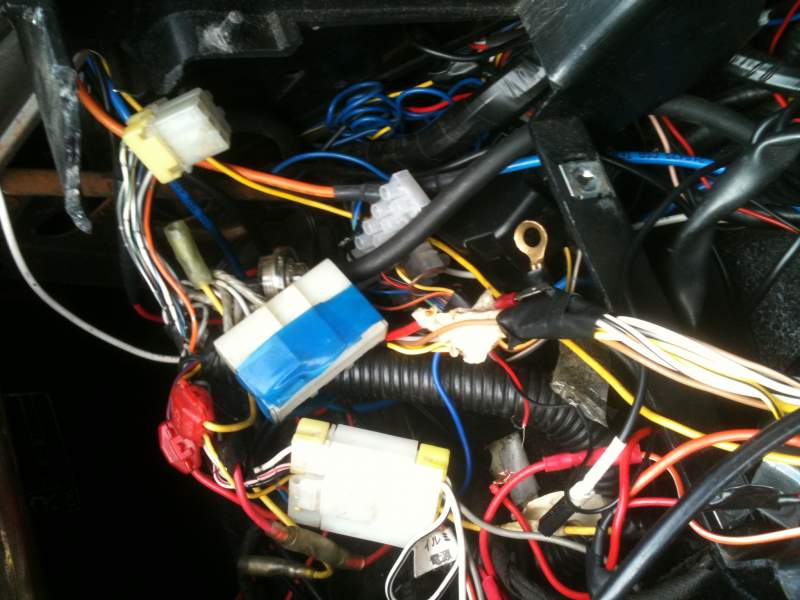
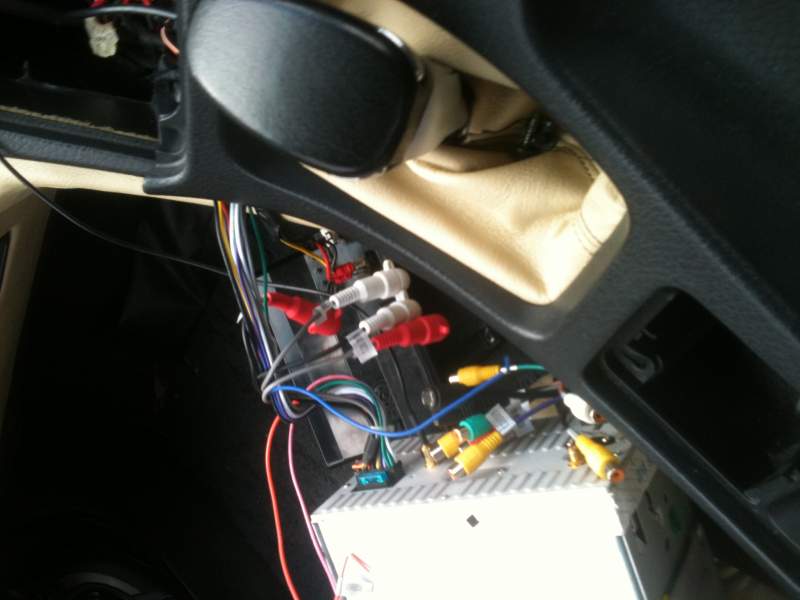
And for the sheer stupid mess...
-
First of all before I have a rant, anyone know what this is for?
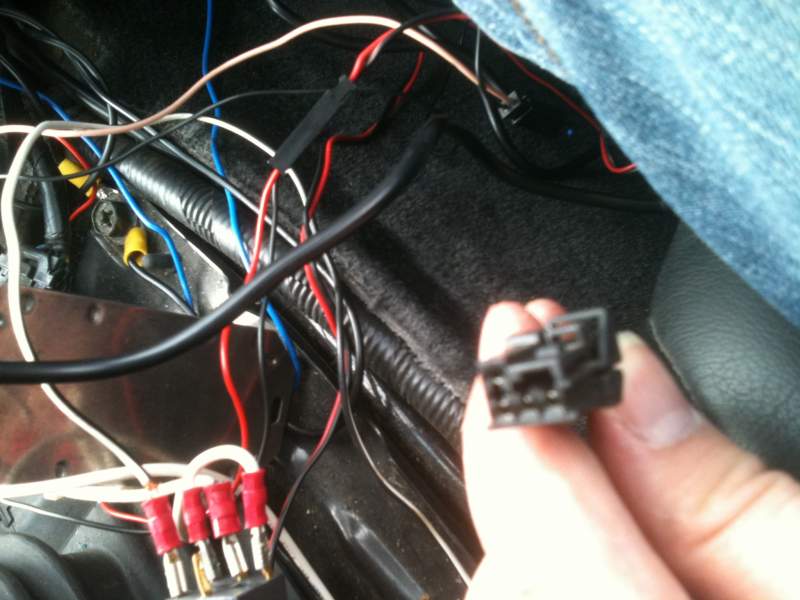
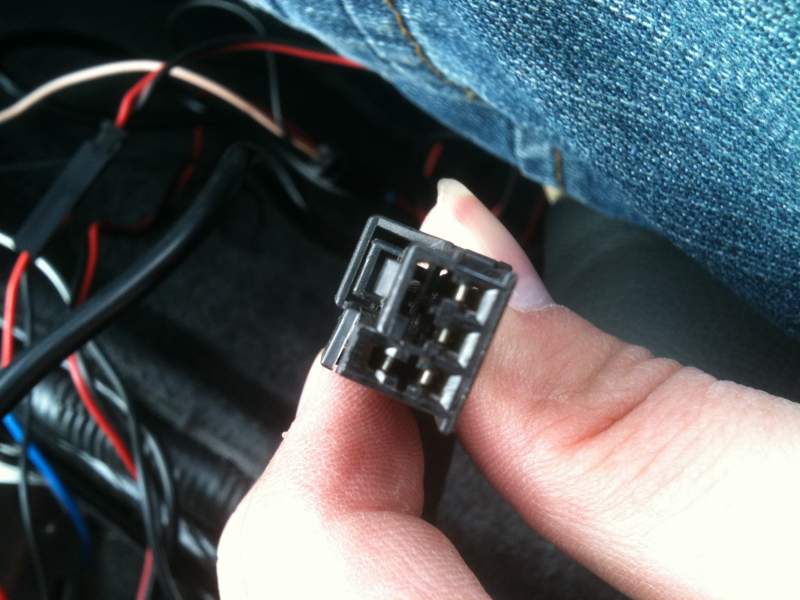
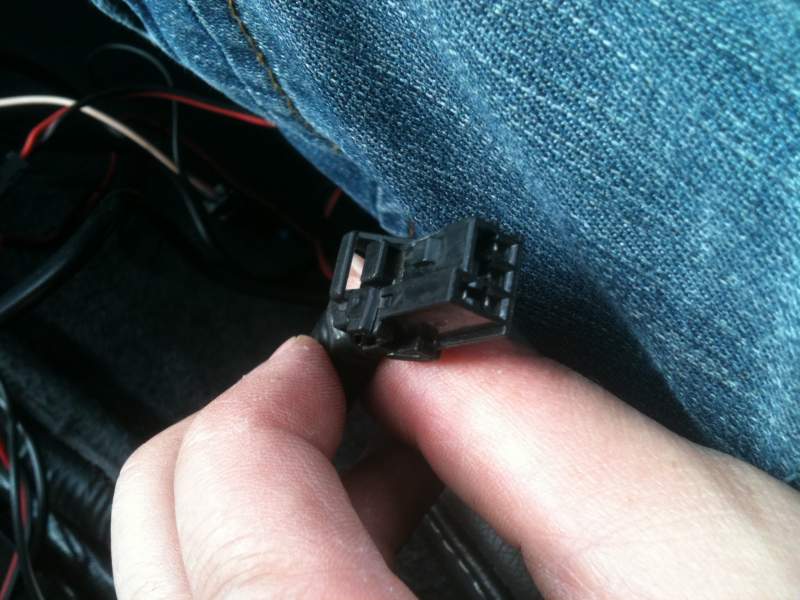
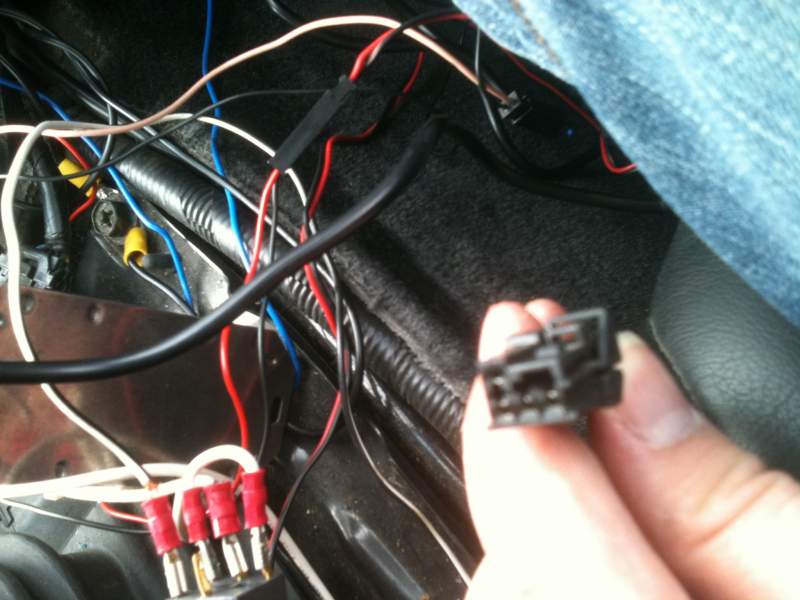
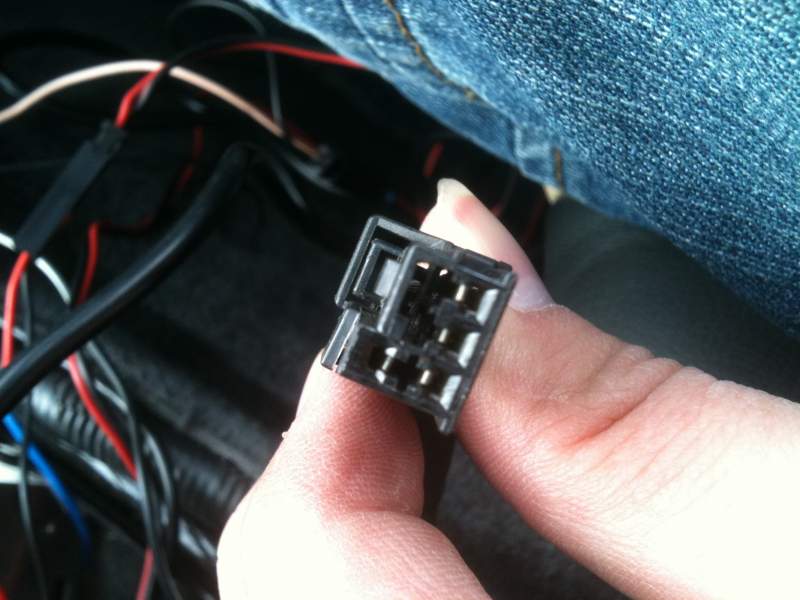
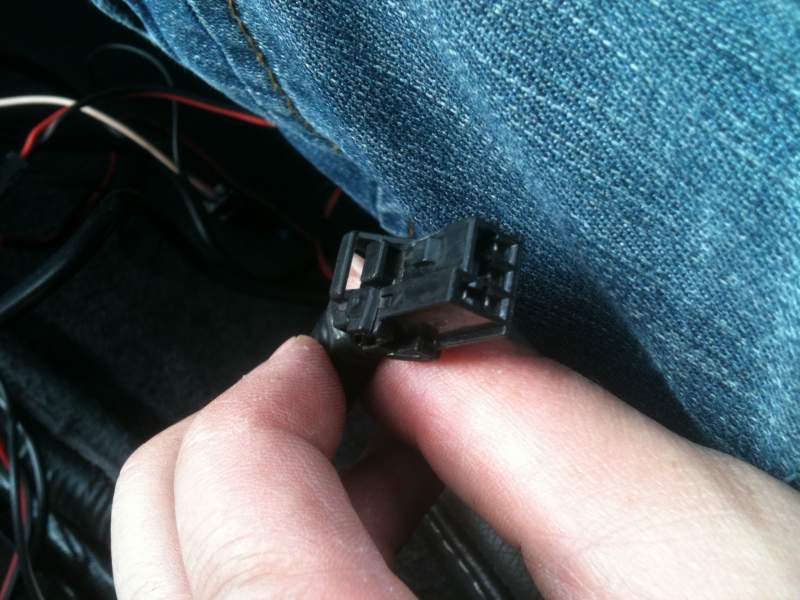
-
I've got all round GTR33 brakes. I quite like them
-
Hows about South Shields at 1 or 2pm - What ever is best for you lot. Let me know. Also who is up for it?
-
Right, an update. On mine it's definitely not the cable... I disconected the hammer at the end and the pedal was then perfectly fine and the bit where the end of the cable attached to was still sticking slightly to move. Looking at it, the linkage all looks fine and isn't catching anything. So I had a feeling it might have possibly been the springs just being old and possibly not enough grease on them. I sprayed some wd40 type stuff and worked it in by opening and closing the throttle (could just press and release the pedal or use your fingers with the linkage). I've also tightened the throttle cable as I thought there seemed to be a lot of slack. I took it out last night and it seemed a lot better. But it did still stick the odd time, with being right at the top of the pedal (fully closed throttle) it was hardly noticeable. So I was having a good look around it again today and found a bit loose and just needed an 8mm bolt tightening as shown in the video. It now feels great but I havent took it out properly so will give another update to confirm if this has fixed it or not. Hope this helps someone. Bob might be worth you checking this pal. Lee
-
Oh, so ShaneKerry has my old cars sister does he :) ?
-
I know mate. I didn't have anything whitty to say though... Was sick as fook lol
-
Yeah but I already knew lol
-
Sorry Bri was out putting all of my interior back in the car (I took mist of the dash out lol. It turned out to be the fuse. I think the interior lights being out is what gave it away, I can't believe I didn't check the fuse first. Why did you have wet feet? Is it raining down there? It's dry here. I do appreciate all your help :)
-
I have fixed it. I don't want to tell you all though cos I deserve a slap
-
Lol. I just found out
-
can you explain how to do it mate? I ain't got a clue with electrics. Would that cause it not to lock etc too?
-
Also my interior dome lights are no longer working :/
-
I tried that one
-
Also the car thinks a door is open as it keeping the door open light on even once the car is started - the light is dim though. Goes brighter once I actually open a door
-
I've been behind the stereo and as far as I'm aware I haven't moved/changed any wiring. When I lock the car with the fob it gives a long continuous beep. I know it does this when a door is left open (physically). I've noticed that my passenger door has suddenly decided it doesn't lock with the alarm fob or when locking it with the drivers door. I haven't a clue what's going on here and don't really want to leave my car open all night. Can anyone help?
-
Things are going well, thanks for asking Chris. What's your surname again pal and I'll find you. Anyway, where the hell you been?
-
I agree - good one joely
-
Here ya go:
-
Well I already have it so want it to work again. I like it and that's all that matters. If it helps, it lights up pmsl
-
It's definitely one where you turn the key first. Lee - so do I only use one side of this connector? Like one set of 1, 2, 3? And how do I actually wire these and to what? Also where do I wire the middle 2 that come through the block from the actual button? I found this online somewhere:
