Everything posted by JaiKai
-
Rust would be my concern, Mind some of these cars are now 30+ years old. 1996 was 29 years ago so that's at the top end of you happen to land a series 4 model. Don't be scared to get down on the ground and feel about and look underneath. Check for a damp carpet, as that could be a sign the targa drains are rotted away or the heater matrix behind the dash is leaking. Check behind the front wheel towards the middle of the engine, see if you can see any oil residue. Likely loads more others may comment shortly i'm sure.
-
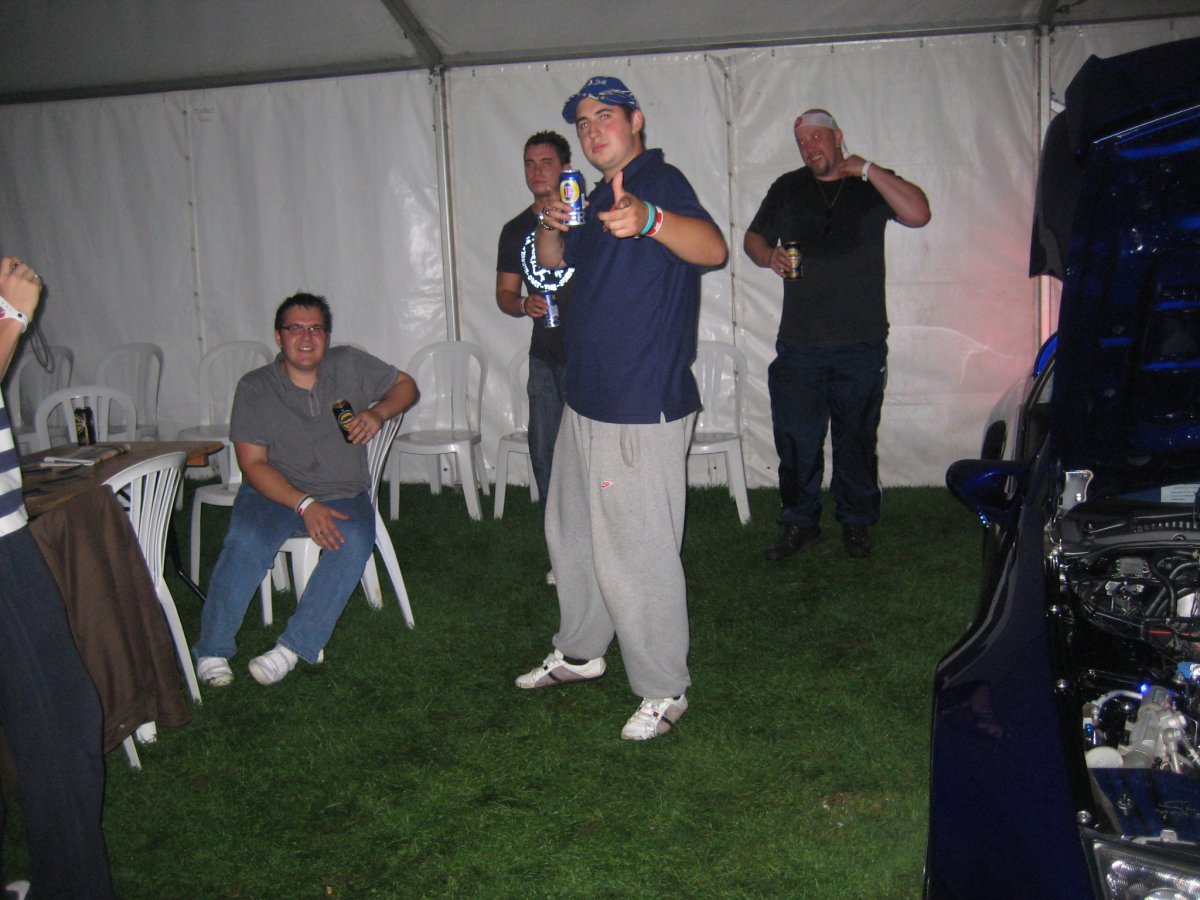
Here's Michael Stalker, otherwise known as Shrek at the time. I purchased his green zed last year as a breaker.
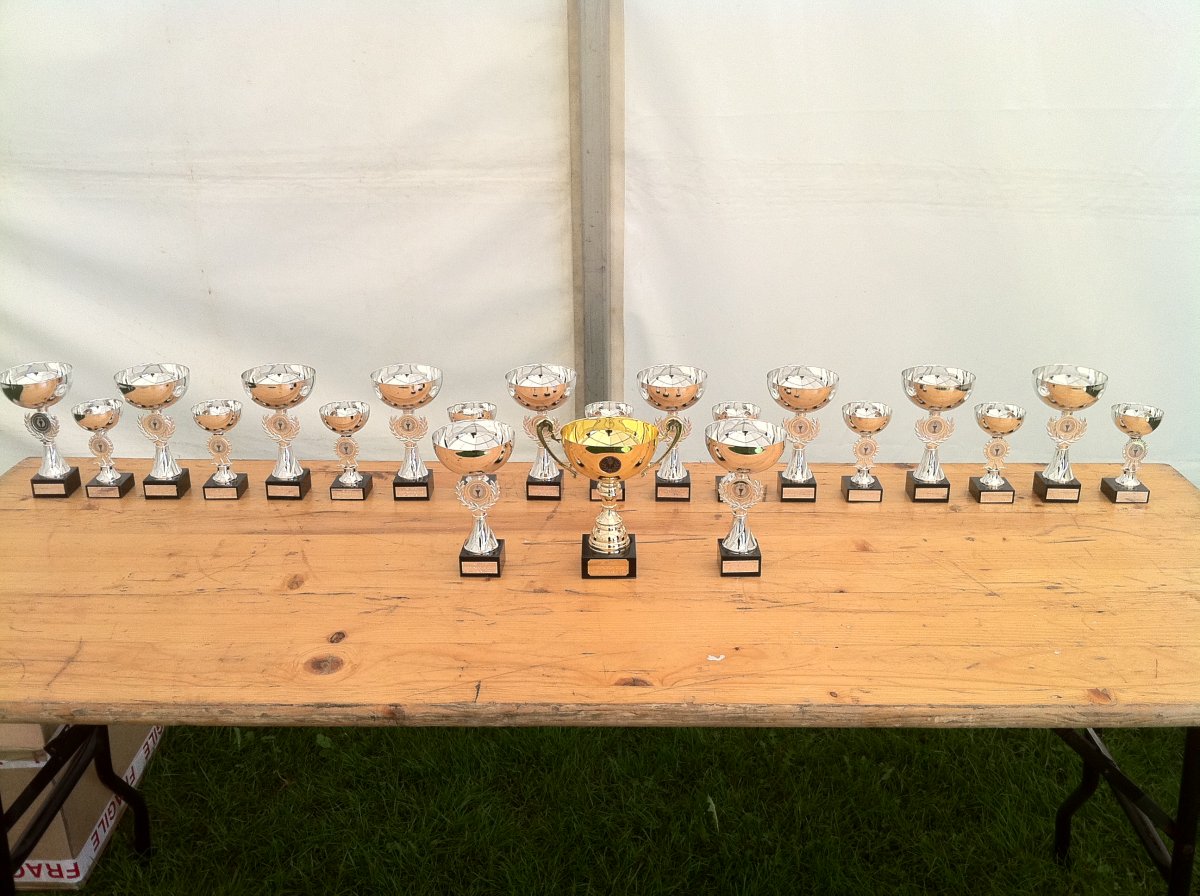
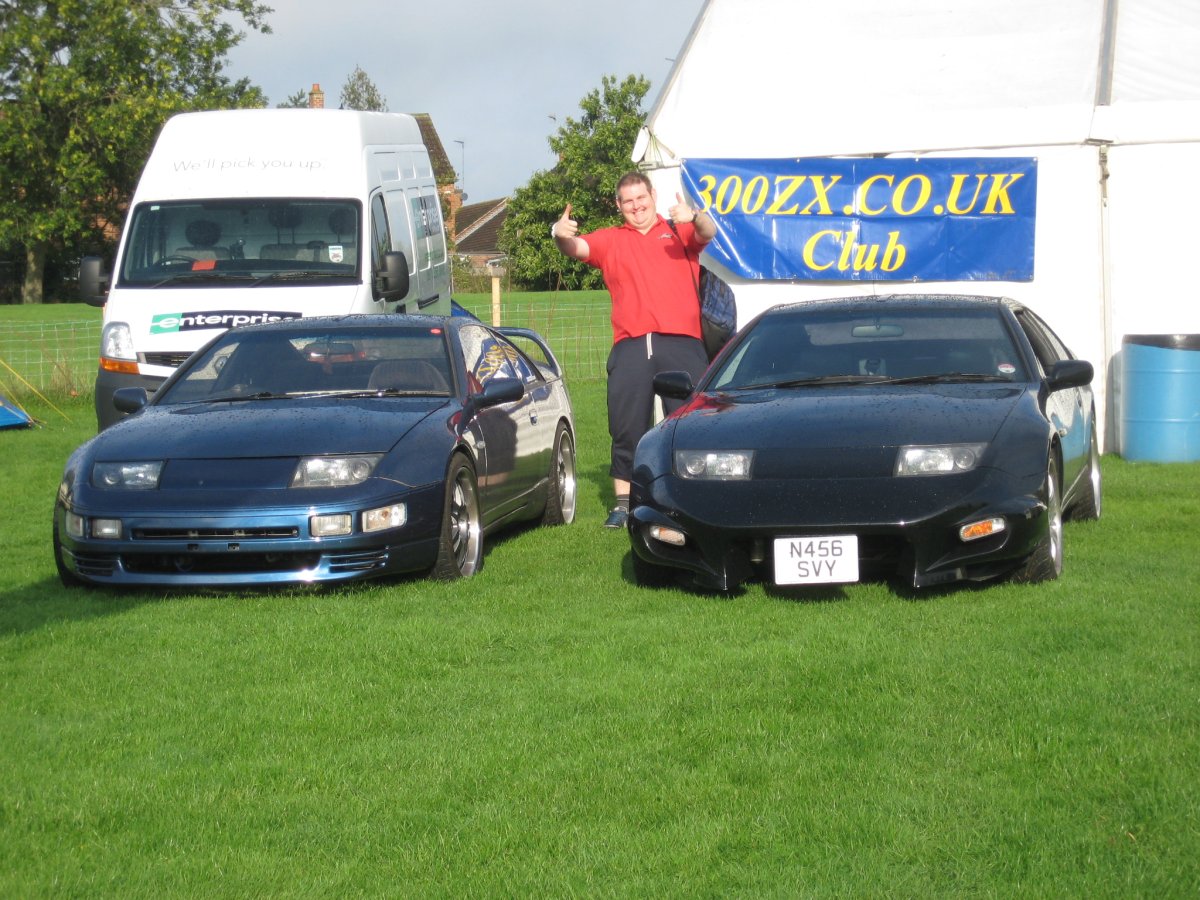 The good old days ! When JAE was still on and we used to be regular attendees. This picture was taken in 2010 just after our AGM and all the awards were based on members zeds and votes.
 No worries, so many people use the same email and passwords for multiple accounts. Then when another sites user database gets hacked they have access to those credentials. better safe than sorry.I only have a blue cloth interior.@jimbob442 Do you want me to post the lights now? I don't want you to wait for the gearbox again and I get delayed again. Would rather get these shifted now if I can.Honestly no idea, but i will go take a few closer pictures tomorrow for you.As a security measure we recently done a forced password reset on all accounts not logged into for more than 1 year. Its been know that passwords used on other websites may have been hacked and are getting used to access our system with the idea of spamming us. I've already deleted two occurrences today and blocked those accounts but its best to be careful. Over 600 of our accounts were just reset and an email sent to inform them. If your one of these 600 who are logging on then give us a shout out as its good to have you back.Ooops, imagine getting sacked because you didn't have the right tools for the job. Now fixed and located at the bottom if the main forum index.Happy Birthday. Would have needed to sack Gary if he missed this 🤔😂I like both myself, still few bits missing from this design i'm trying to get back. The social icons that link to fb are missing and also the day/night icons that used to be up top in the user navbar are now in the footer. P.S. Fixed your signature panel, it had a broken link that dates back to the old Vbulletin days, and it was getting on my ocd. 🙃Bump, still have these.Lights are off and ready now, likely take a week or two before the gearbox is ready.Loving this :
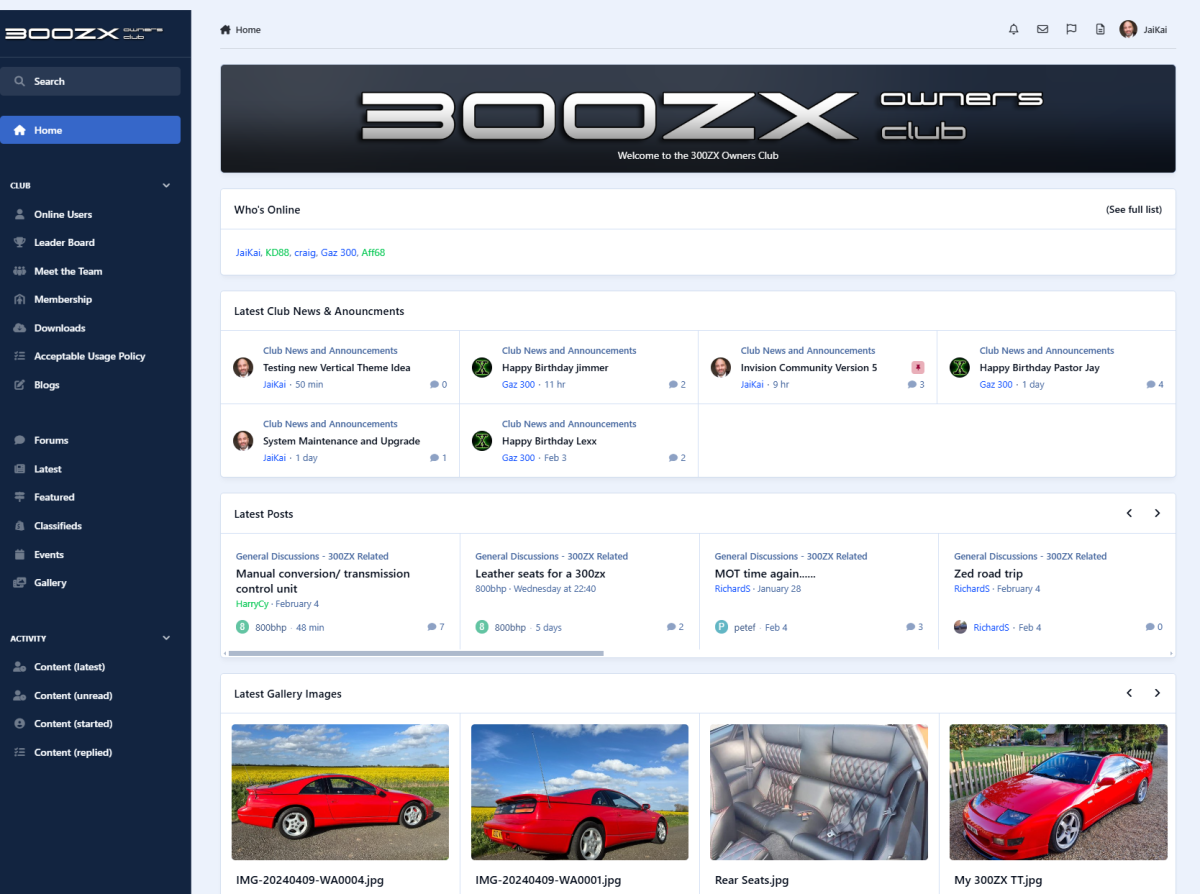 For anyone keen to test new ideas - like me.. Try this one :- At the bottom of the page, click the dropdown menu for theme and then select '300ZX Owners Club - Vertical' This should change the club theme to a Vertical Layout.
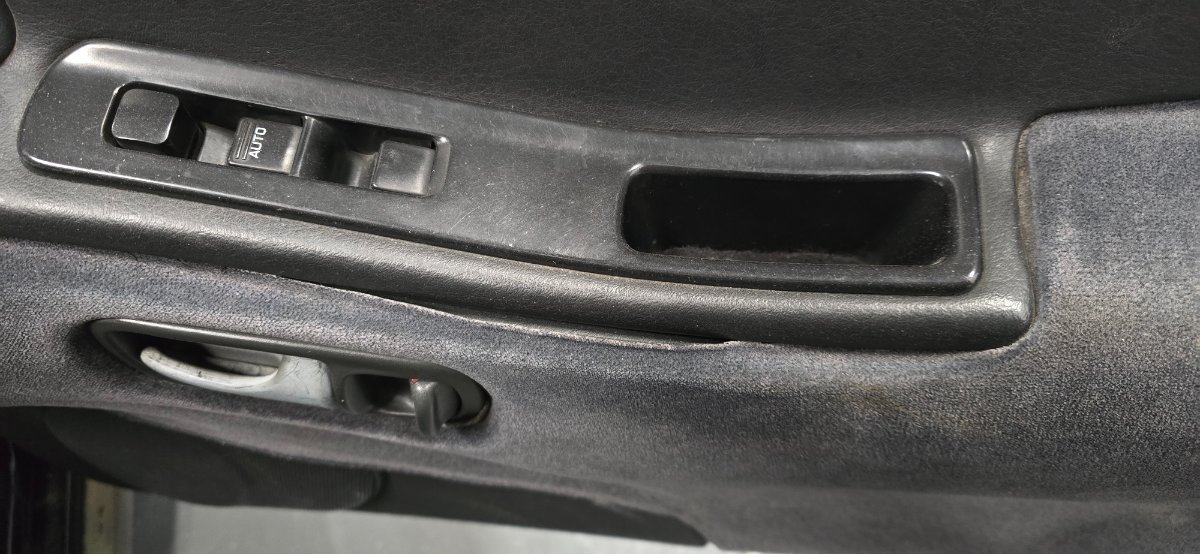
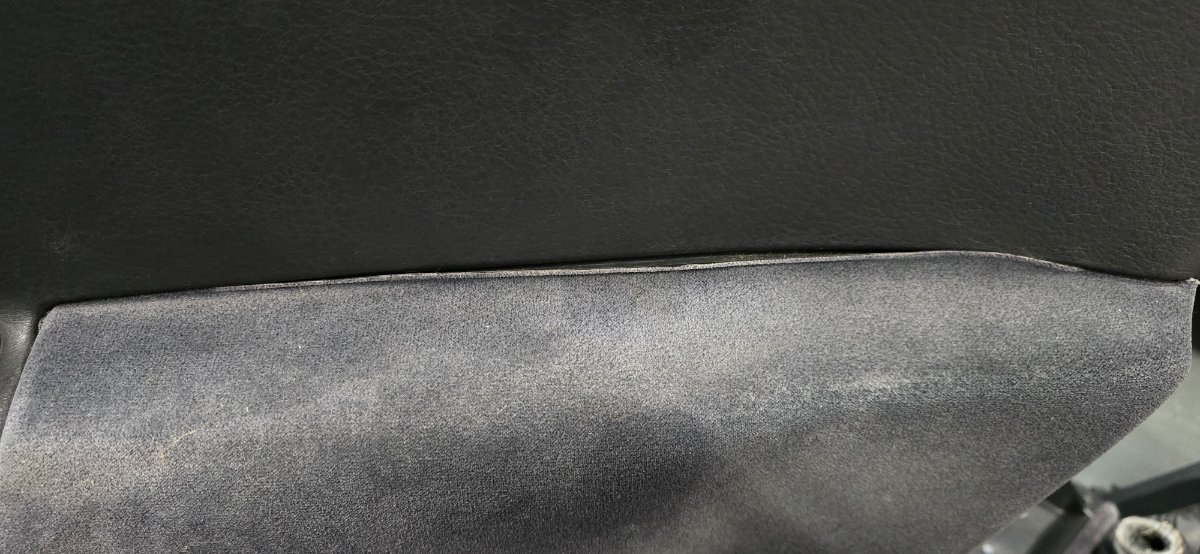
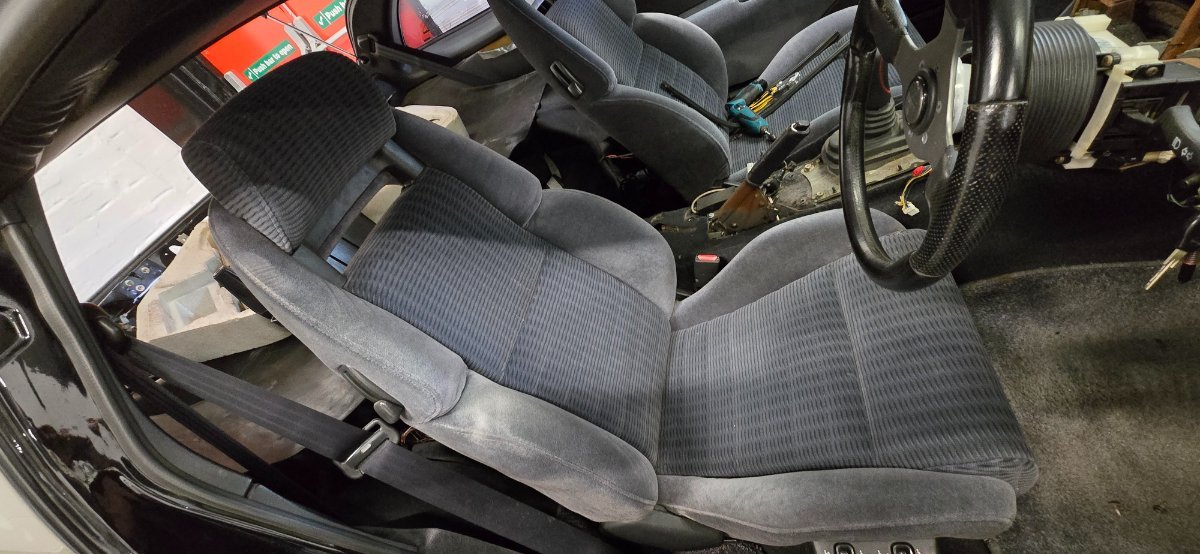
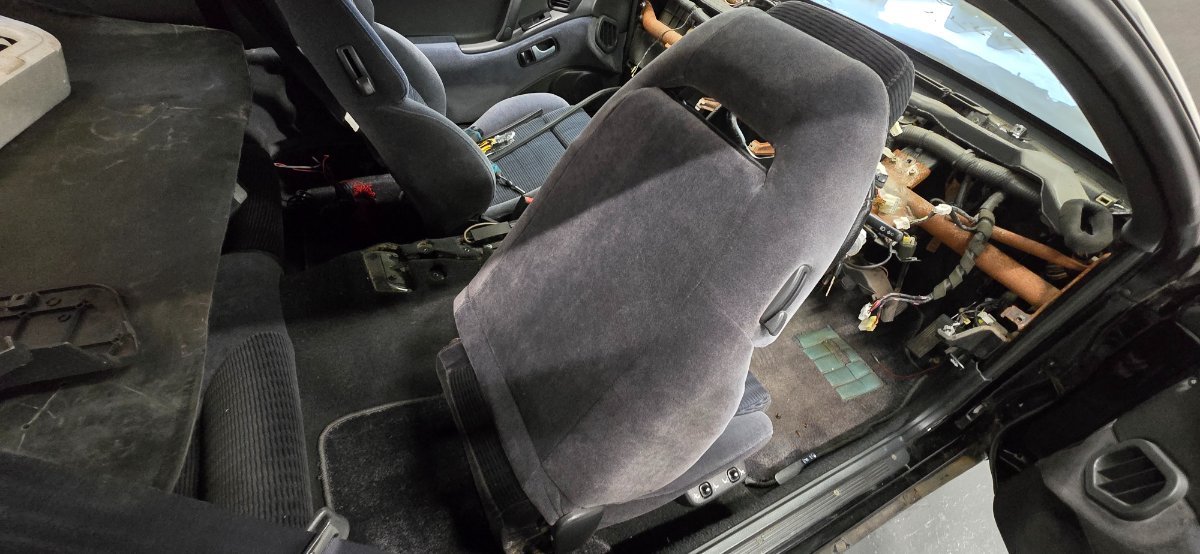
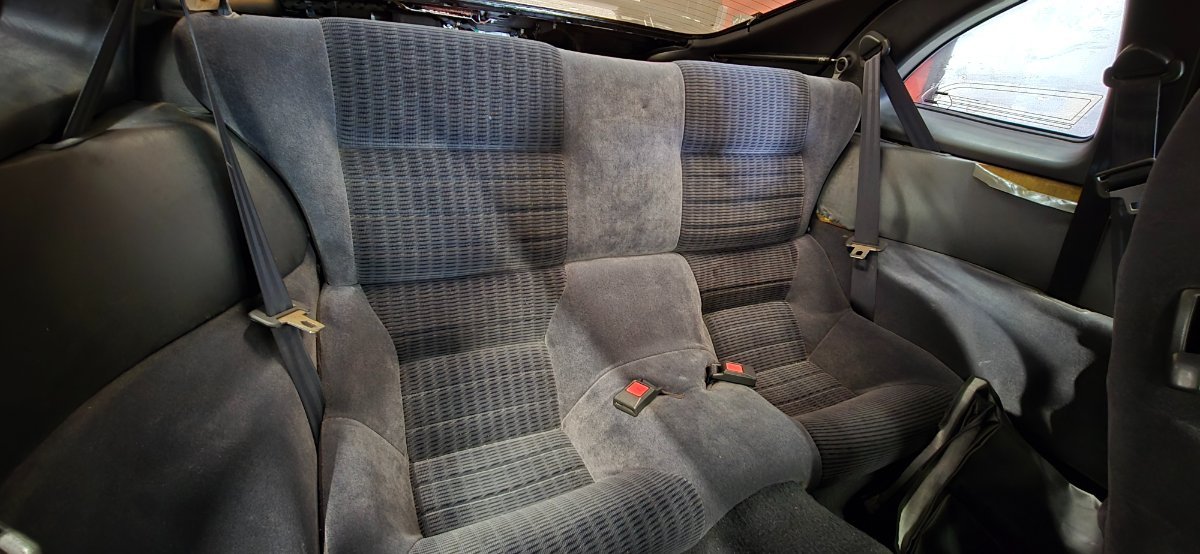
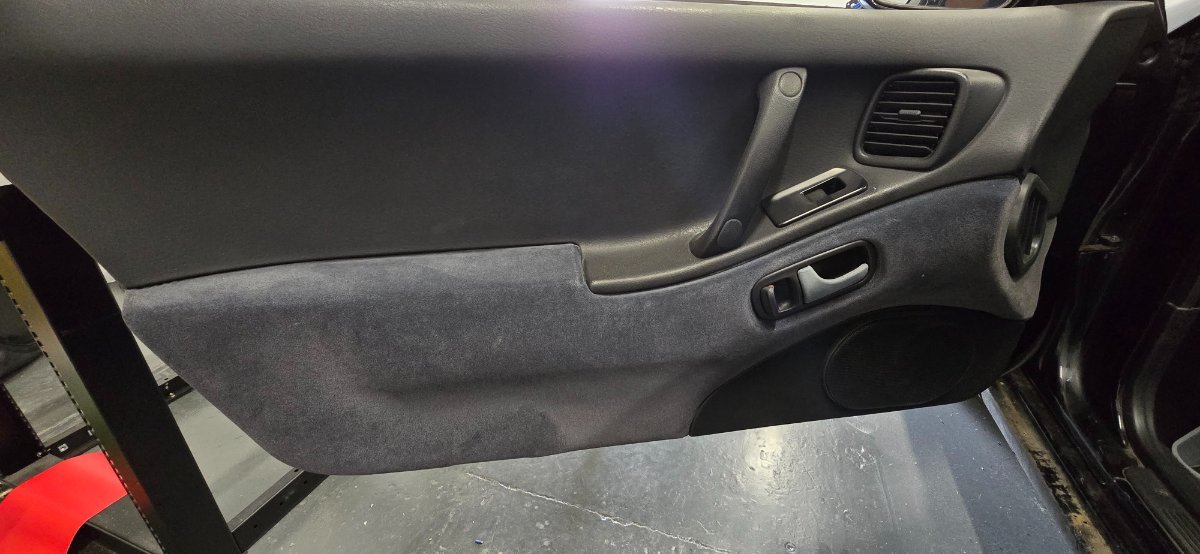
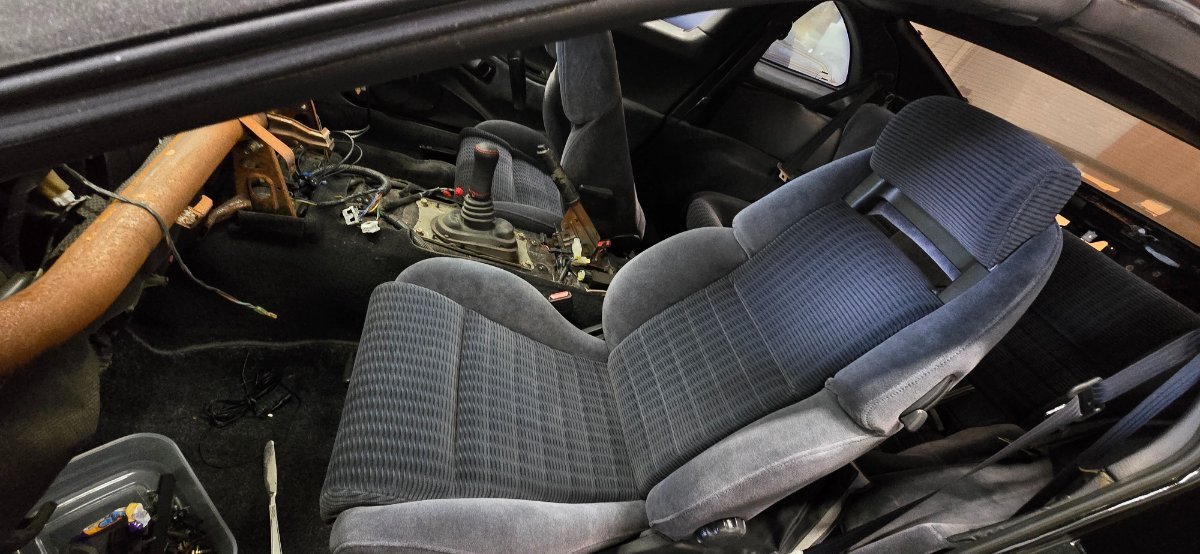
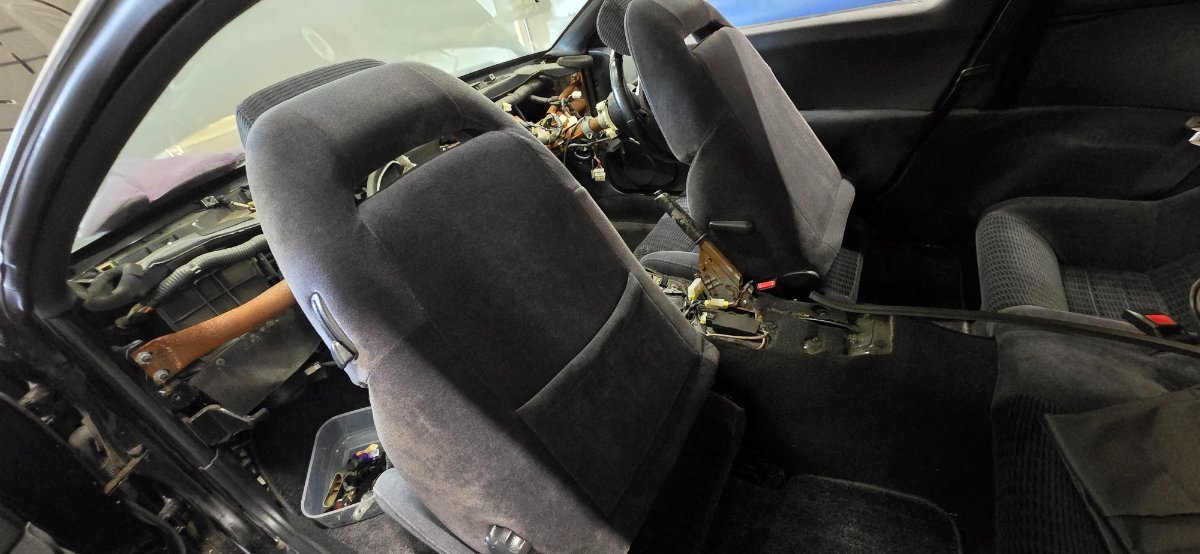
 Hi all, So i took the step and upgraded the clubs site last night to Invision Community 5. Unfortunately we have lost few plugins along the way :( The biggest one is the classified section which was a plugin developed by 'InvisionHQ', for the moment this is incompatible with version 5. I'll keep an eye on the developers website for the moment and hopefully we will get an update. For the moment i will create a new Classifieds section like we used to use all those years ago. Club Photo Competitions, Just after i got this up and running we have lost this, but i plan to stat using the inbuild gallery for this so lets see how that goes. I'll list other smaller items shortly.Happy Birthday 🎂Happy BirthdayThe upgrade is done, but i have alot of work to do on the theme and plugins we used to have. Please bare with me until i get everything working that's needed.The site may be offline for a bit tonight from 8PM. This is to update and upgrade the system software to version 5. As this is a major upgrade we will gain a lot more features and the site will be more fluid and responsive. But we may loose some of the old incompatible features, i'll know shortly to be sure. For the moment please be patient and dont worry about the design as we will likely have to redo the theme over the next few days,Blue Velour Seats and Interior will be available for dispatch by end of the week. Including :- Front & Rear Seats Door Cards (can have door cards but blue velour is peeling so discounted £100) (door cards does not include switches or handles) Centre Console Cubby Under Dash parts Can put all on a pallet for £500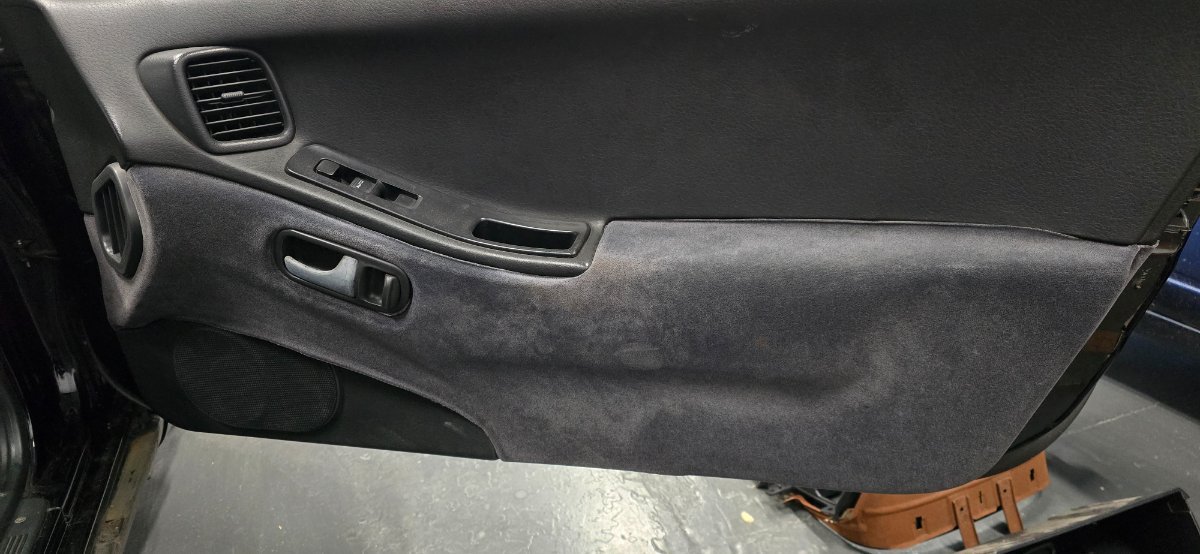
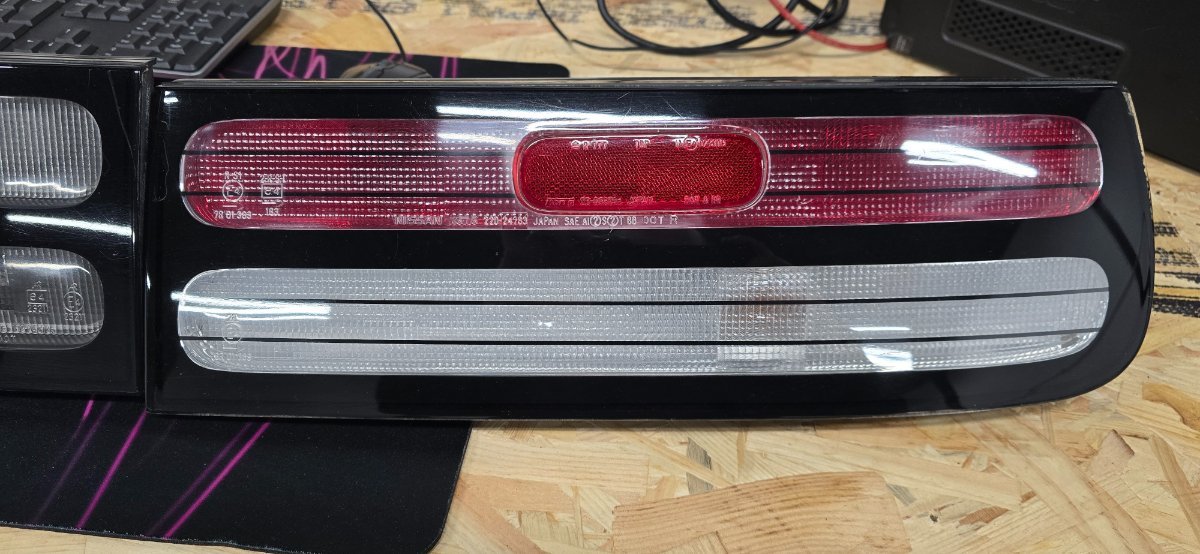
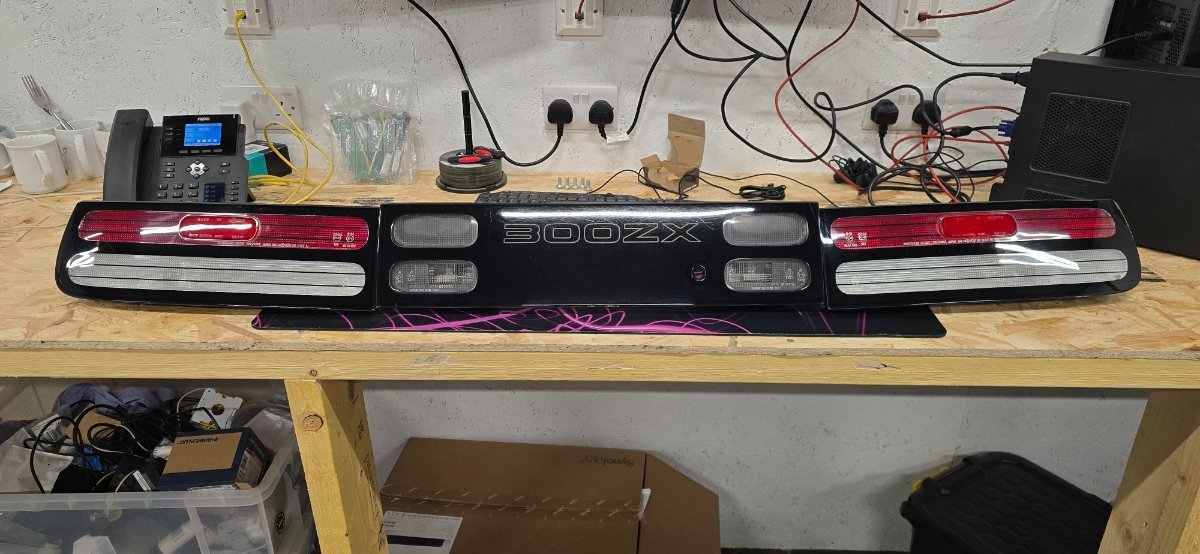
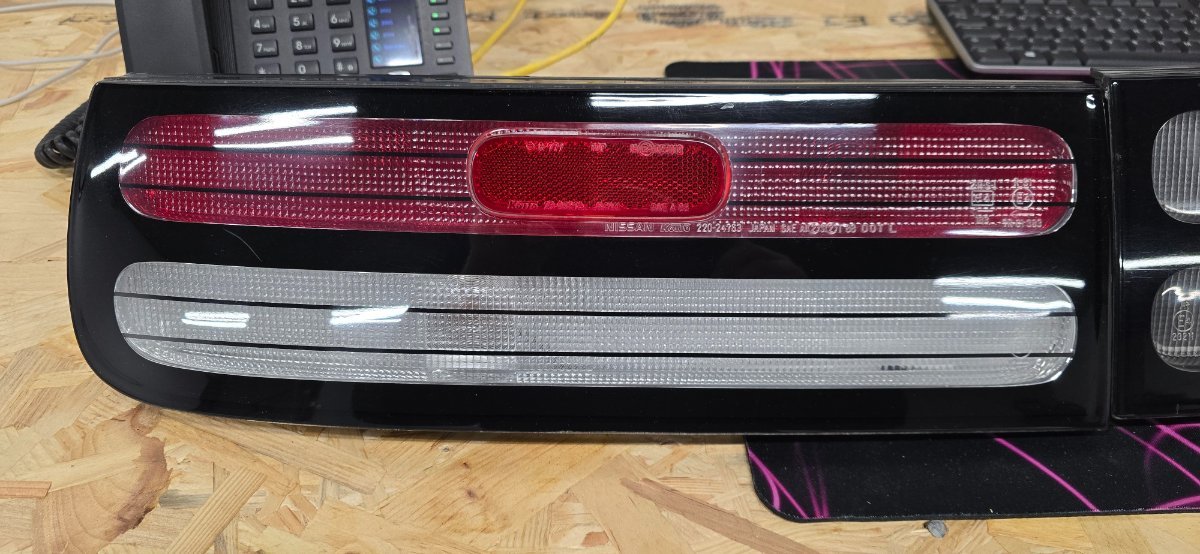
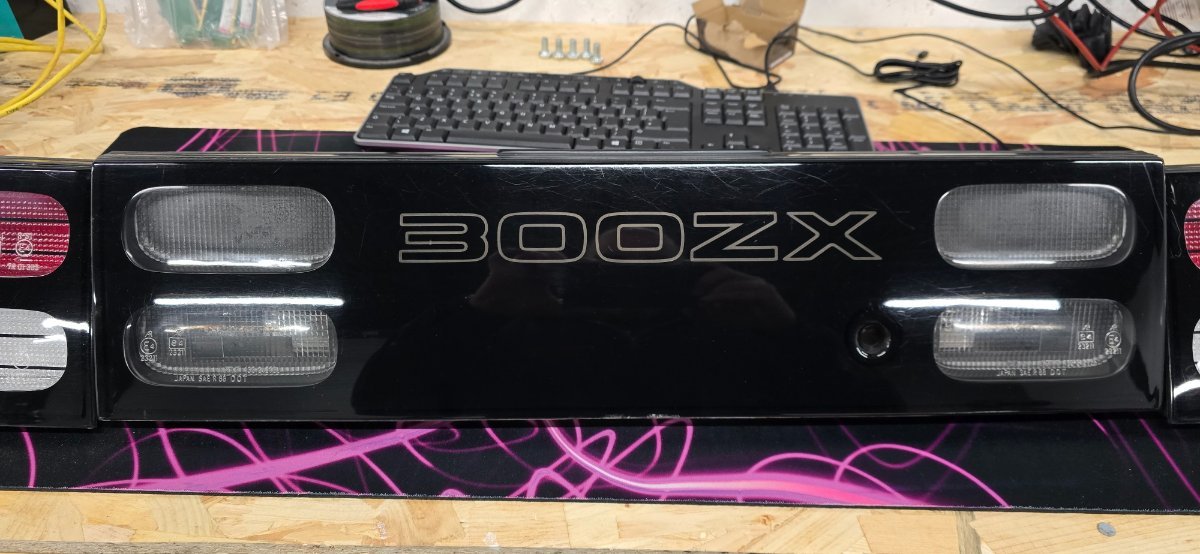
 Rear lights now removed and ready for collection or dispatch. Happy to dispatch as is for £350 now.