



Everything posted by JaiKai
-
its an auto too isn't it ?
-
lol, yip def a NON TT, no doubt there, pure things been castrated !
-
could be an idea to have an article section of snippets of magazines
-
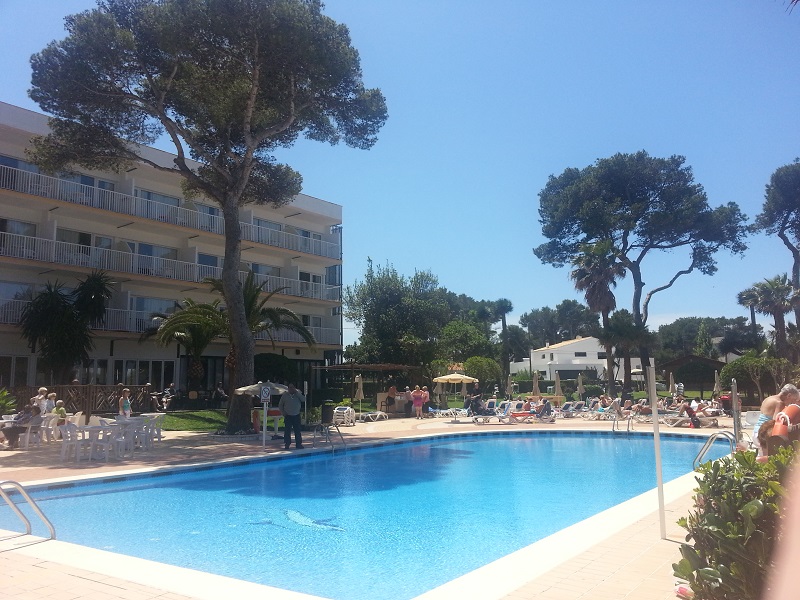
Suns scorchio today so thought i'd snap a pic of the resort i'm at.
-
funny as my cats same colour and I called her gizmo, she's about 13 now
-
i do alot of software development myself, i wonder if nissan has an api or set of programming instructions to communicate with the ecu. Anyone seen anything like this ?
-
Brave man letting the gf drive his zed. Can only end in a disaster
-
lol, read that wrong. Still, whats it to do with her.
-
that last cat looking one looks like road kill, did you hit it with you zed ?
-
how could you possibly hate driving a zed, surely you meant the mr2!
-
Got meisters on mine too and absolutely love em, i'm away in spain at the mo but will be back by the weekend and hopefully post something up too.
-
After i'm back from my hols i'll get the graphics done proper and we will get various options made up for metal, plastic and glass.
-
I'm sure that's part of a turbo, I could be wrong, or that transparent bit could be a catch tank.
-
have the full conzult on my lappy so could bring it over, I've done loads a work on mine mostly from my driveway but needing a place to properly strip her.
-
bloody hell that's big, need to strip my zed down to a shell for its respray in a few weeks. Been on the lookout for something for ages. what you needin done on yours ?
-
hi buddy, I'm based in troon but currently in Menorca for my hols, i'll help you out no probs. Hows bigs your unit ? Room for one more zed ? lol
-
I know nothing about dogs but after a wee search I'll go for a Basenji which is a hunter / hound.
-
what model is it?
-
Actually all the VW new head units are a quad lock cable design so apart from modifying your head unit space to fit it you will need an adaptor .
5WKgsLtBMliN1TNg_12.JPG.33edb40bc599eabf57e2bfcc3289c978.JPG)
-
Just thought id update you all on the garage issue. Last wee I upgraded the forums to the latest version for security reasons; however there was an unforeseen incompatibility with the current garage plugin we use, unfortunately I'm heading out the country and it will be at least a week before I can get a proper look into fixing this issue myself of pursuing the creators of the software to release a fix. Apologies on behalf of the committee for the downtime of this feature. Regards Lee
-
Happy Birthday buddy.let's just hope your trial doesn't run out! lolDid you follow the renewal link or just paypal the money ?I say your very lucky that that truck driver stopped to help, i'm sure there was a complete burn out in the news of a zed not so long ago

