Everything posted by JaiKai
-
And we have a winner !
-
Very close, in the right area.
-
Maybe we could rotate it the other way round :)
-
Hey, I waited at least 24 hours.
-
This might be hard to spot, so let's see who can!

-
They are Black for the BOSE style. I just recently purchased a new set from concept.
-
you need to measure your wheel first then look for a spigot ring of size 66.1 to the size you measured.
-
I wasn't far off, just had the wrong lady :)
-
I've got a new set of these front and back so I must of got close to the last set from concept. So what material do you plan to put in its place ? A pair of black tights from your mamma :clown::)
-
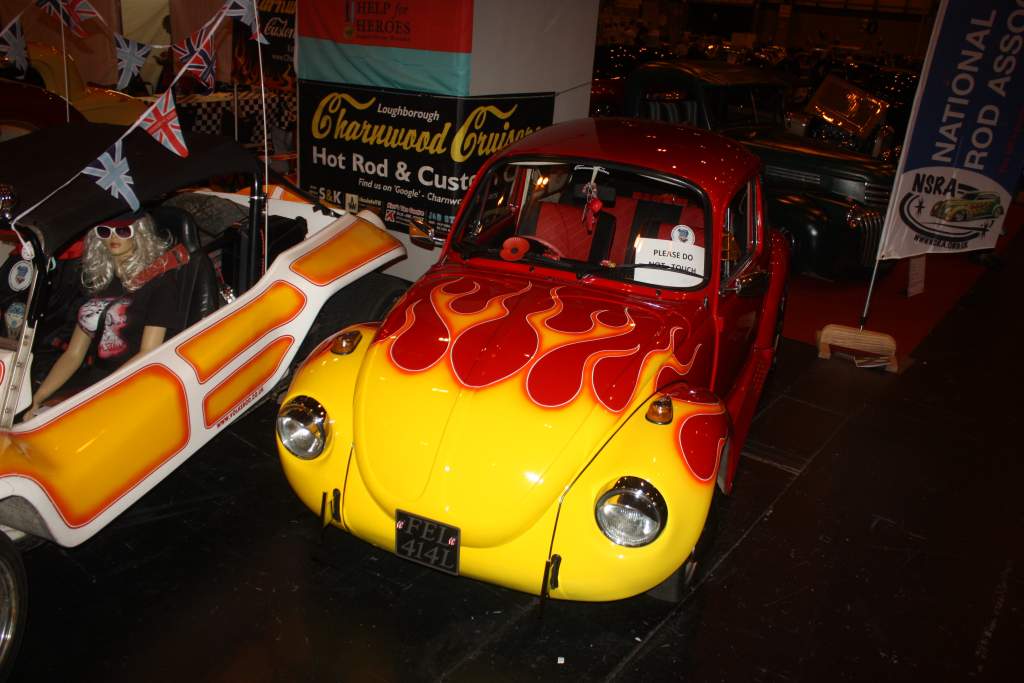
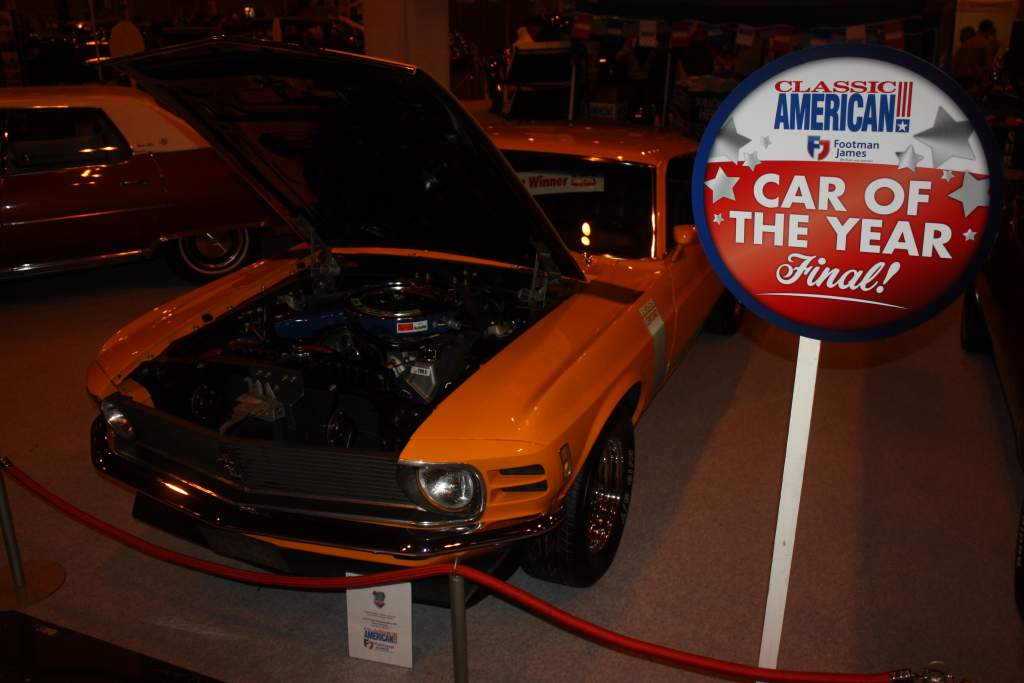
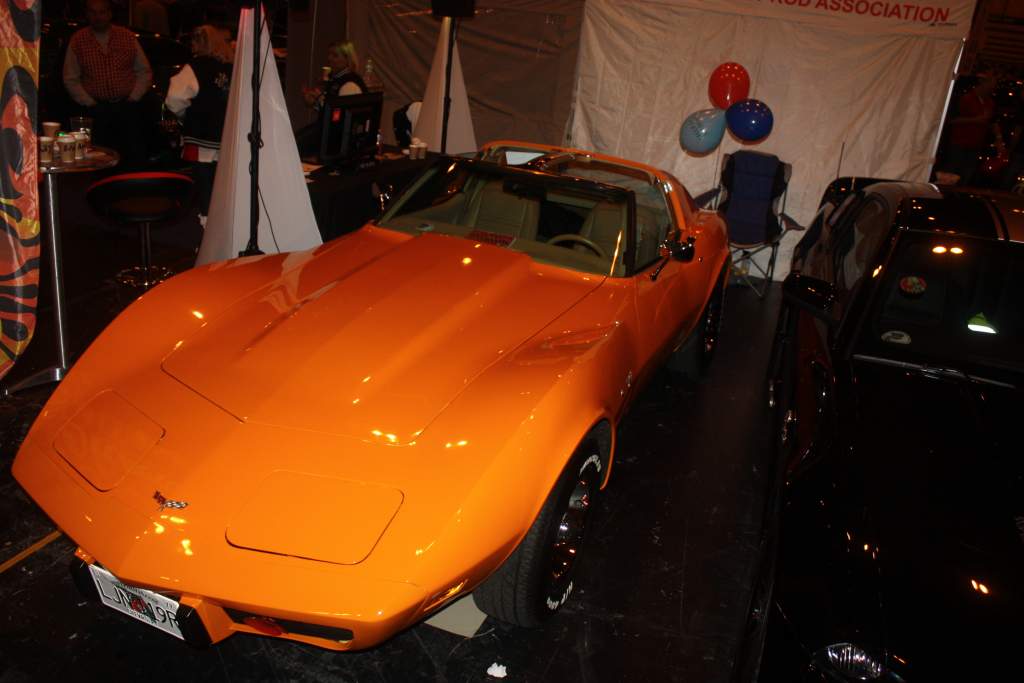
Few pics taken by my 5 year old daughter :
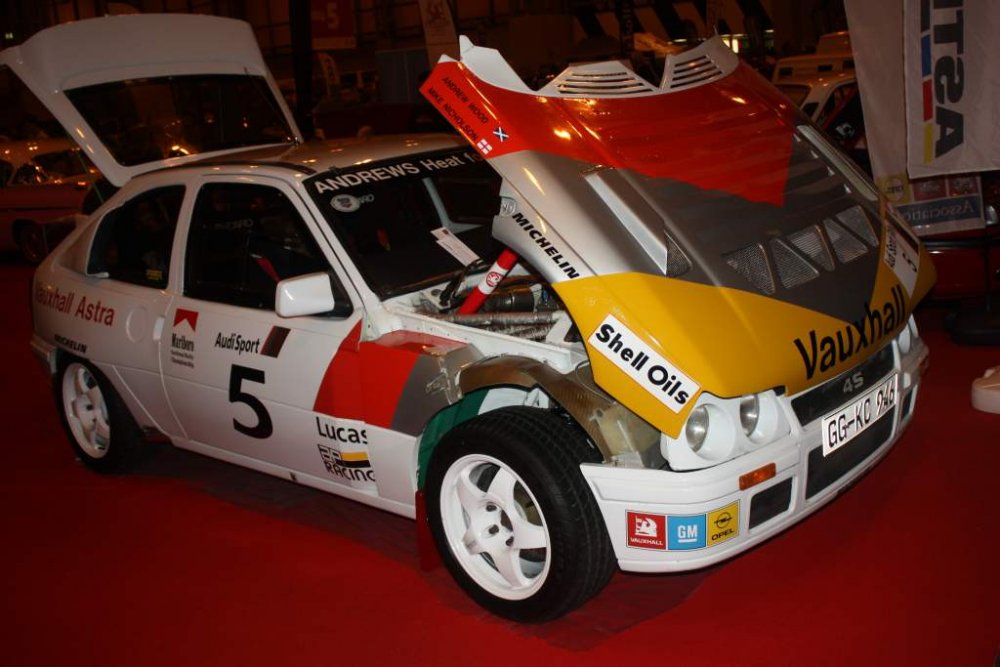
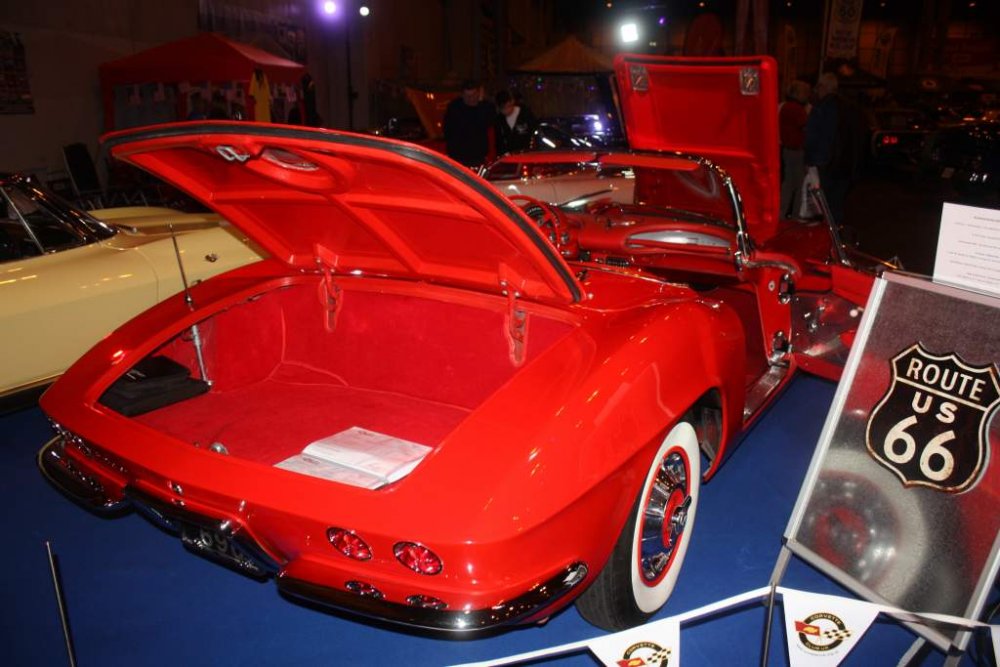
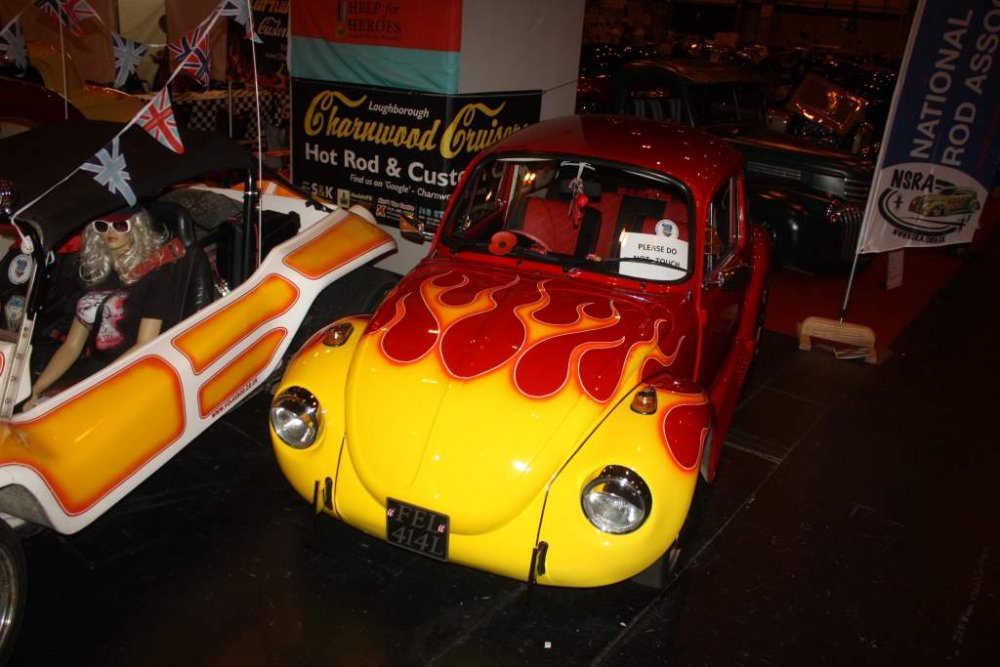
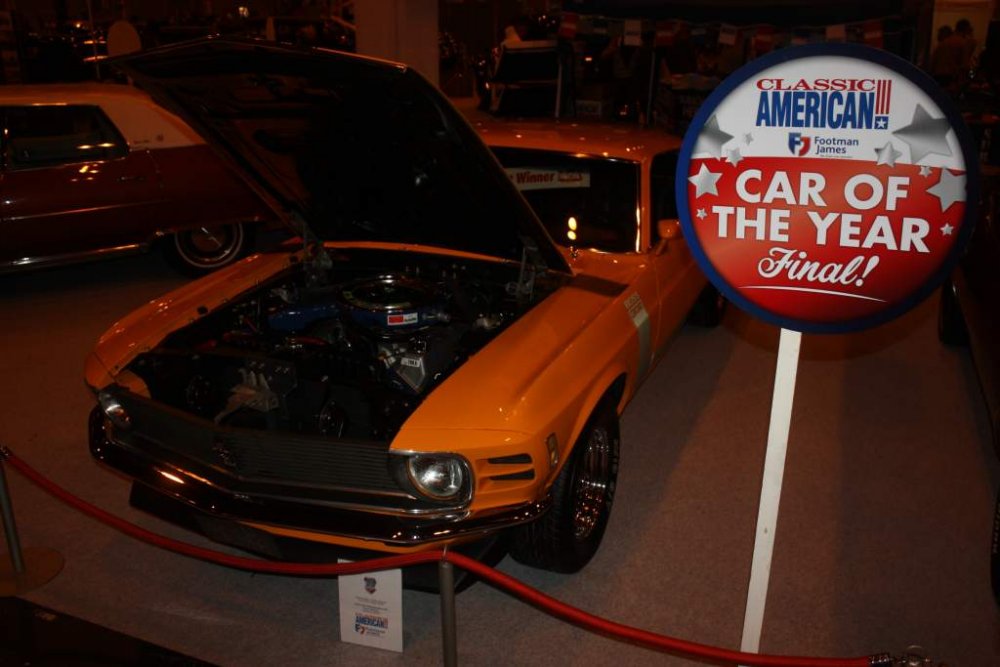
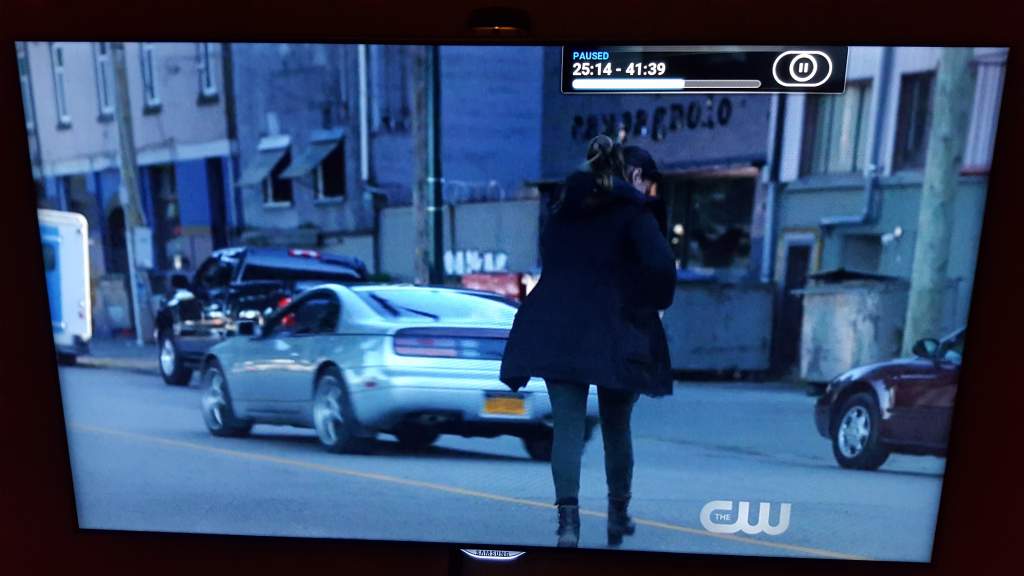
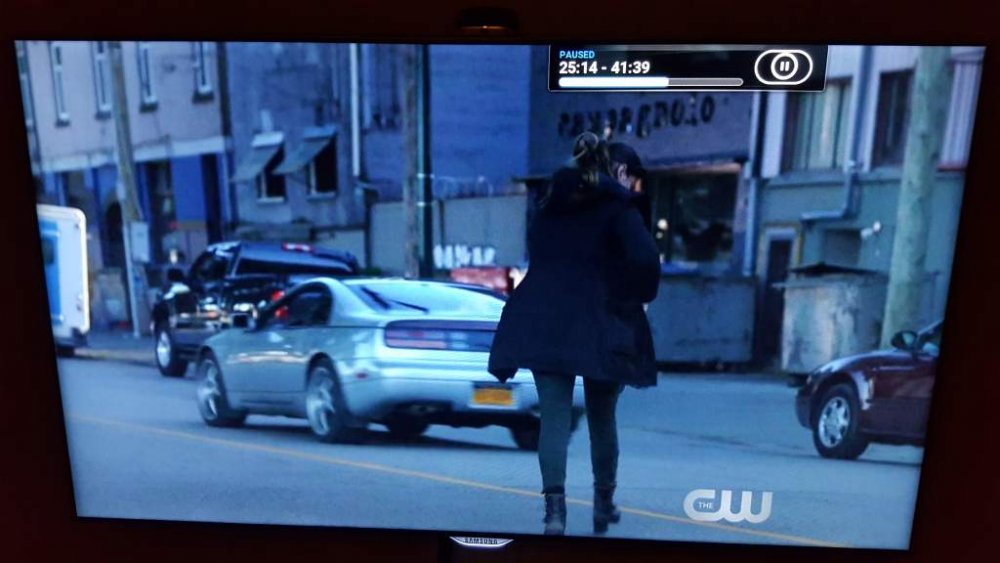
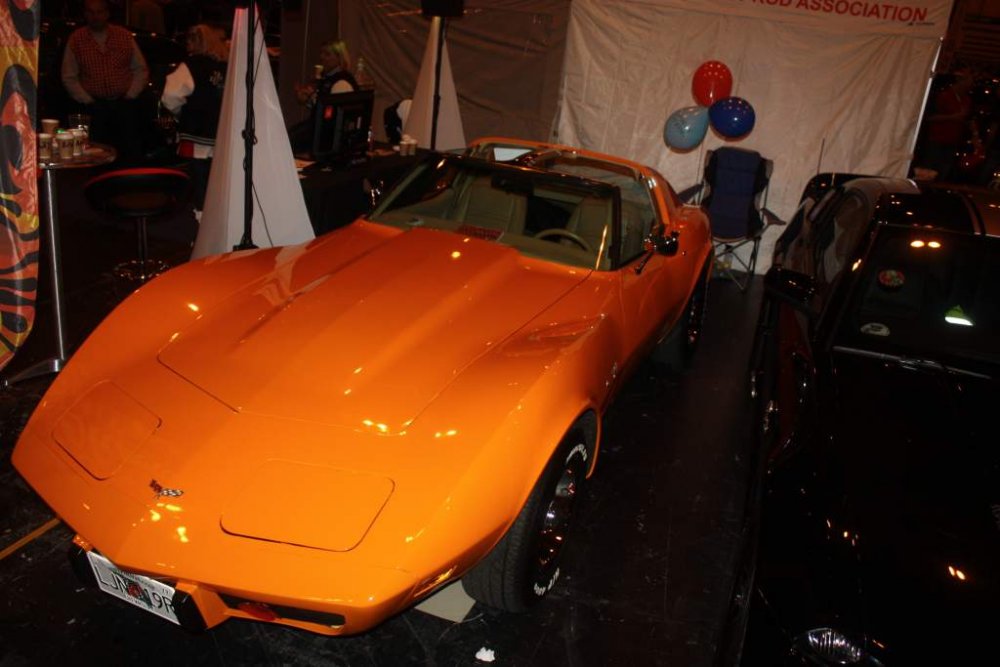 Shows not done yet and I can't wait until next year Purely as that's my target for my rebuild, it's going to be awesomeHappy birthday DelI thought the R33 was a direct fit and the R34 needed an adaptor of sorts.Best and quickest I've ever used is http://www.listentoyoutube.com/No 2: Oil cooler link bolts for UK gearboxGive us a clue on the ones we have wrong then!:2guns:Some tough ones - here's my attempt : 1 - Temp Sensor for ECU 2 - Brake Calliper Bolts 3 - EGR Plenum Gasket 4 - Shifter Bushing 5 - Roof trim clip 6 - recognise it but not sure 7 - Gearbox Neutral Switch 8 - Door Lock Cylinder Actuator Clip 9 - Brake Hose Clip 10 - Adaptor Nut for O2 Sensor 11 - Inside part of Water Thermostat ? 12 - AAC Connector 13. Fusible Links (small fuse box) 14 - Crank Pulley Bolt 15 - Oil Sump Plug 16 - Targa Panel Edging 17 - Targa Glass Bolt 18 - Looks like the screw covers for the plastics next to the rear seats near the top 19 - lock cylinder component ? 20 - 2x woodruff keys for the crank pulley 21 - Looks like the metal clips for the headlight casings 22 - Tail Light Sensor 23 - clip for somethingPlayed it back a few times and it looks like a swb slicktopStarted watching the new TV series Frequency and getting right into it and on the third episode I spot this :
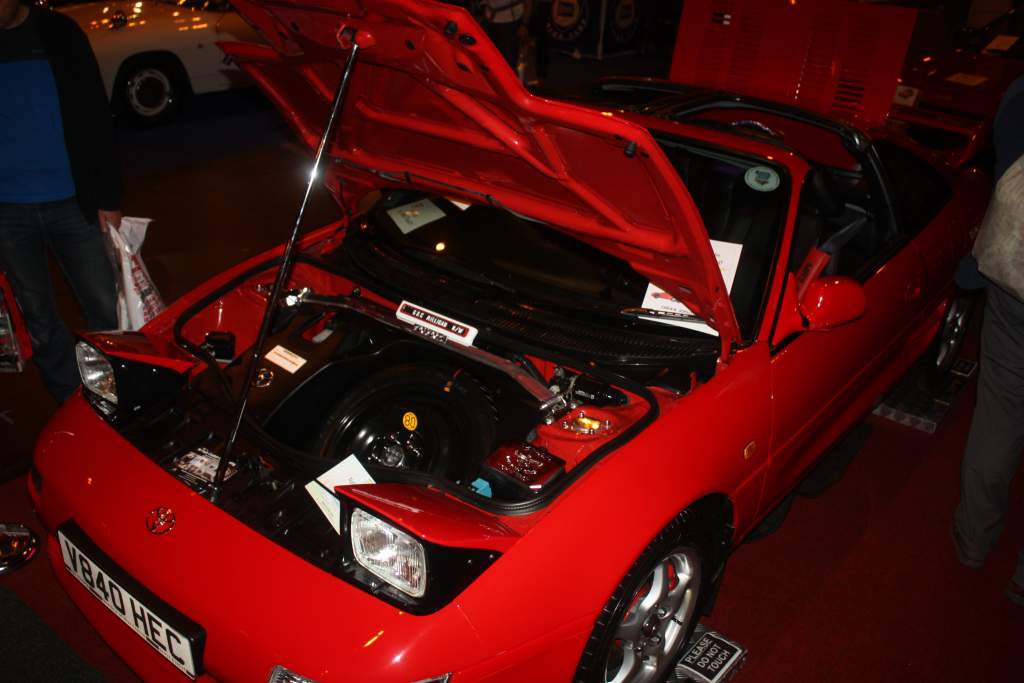
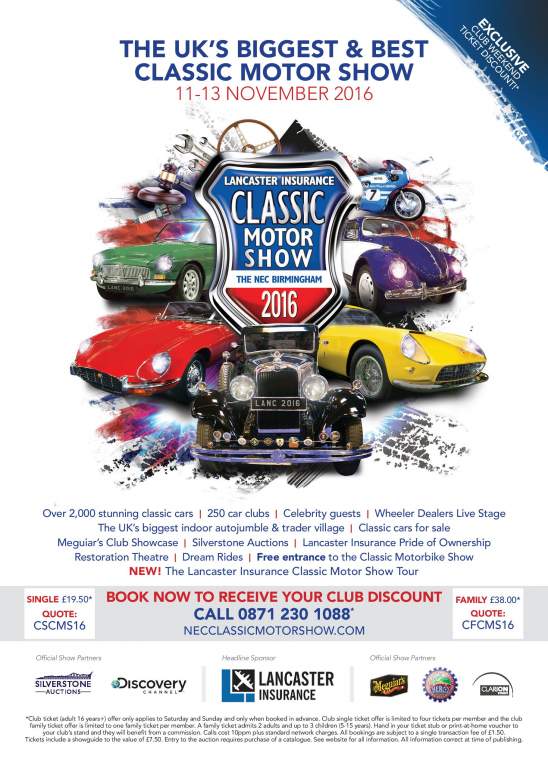
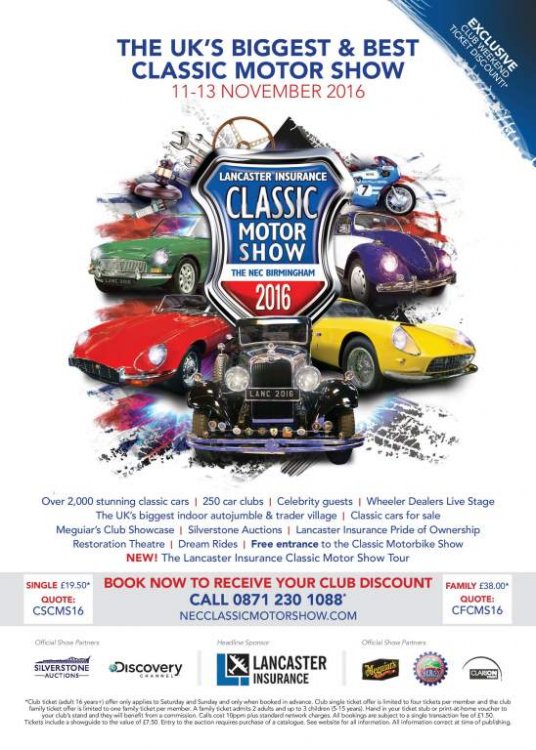
 Also attached is a PDF so you can print out a higher quality version if needed. 321217_CMS03_Classic Motor Show_ClubAd_A4_Launch_FV5.pdfFor all those who are planning to go to the NEC this year the two club discount codes are : CSCMS16 for a Single Ticket & CFCMS16 for a Family Ticket.
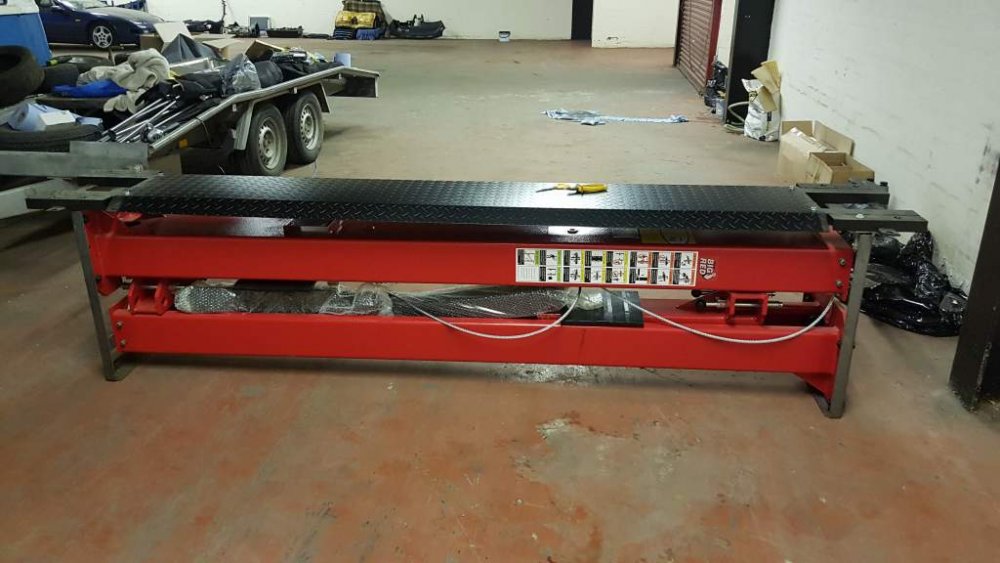
 Advert lists it as a 92 but its a series 4 with the airbag and cruise stalks. Its very clean looking but why the hell did nissan think brown was a nice colour, even back 20 years ago. Also did anyone notice the skinny spare wheel ?new 2 poster lift arrived today