Everything posted by bigh
-
Happy Birthtdy Si
-
Congrats on the purchase! Looks like a well cared for example.
-
Look forward to it
-
Fitted locking collars to mine, as a pre caution. As Jimmer says easy job to.
-
RR booked for the 2nd May - Can't wait :cool3:
-
Taxed again
-
Richie, you should have payment now. :biggrin:
-
1. Stephen/Z32bolt 2. Andrew/AndrewG 3. Scott/sdriver73 4. Simon/Mondo 5. Gary/GSC60 6. Simon/Funkysi 7. Richard (and Julia)/RichardSmith 8. Chris/chrisbasildon 9. Joel/Joely 10. Howard/Bigh
-
Richie PAYPAL isn't playing ball at the moment. I'm out all today at Brands will sort ASAP when i get back. Thanks for you help, and understanding, you will defi get paid
-
Looking good Stephen, she shines up really well!
-
Bigh ......... Gloss Black Z logo, please
-
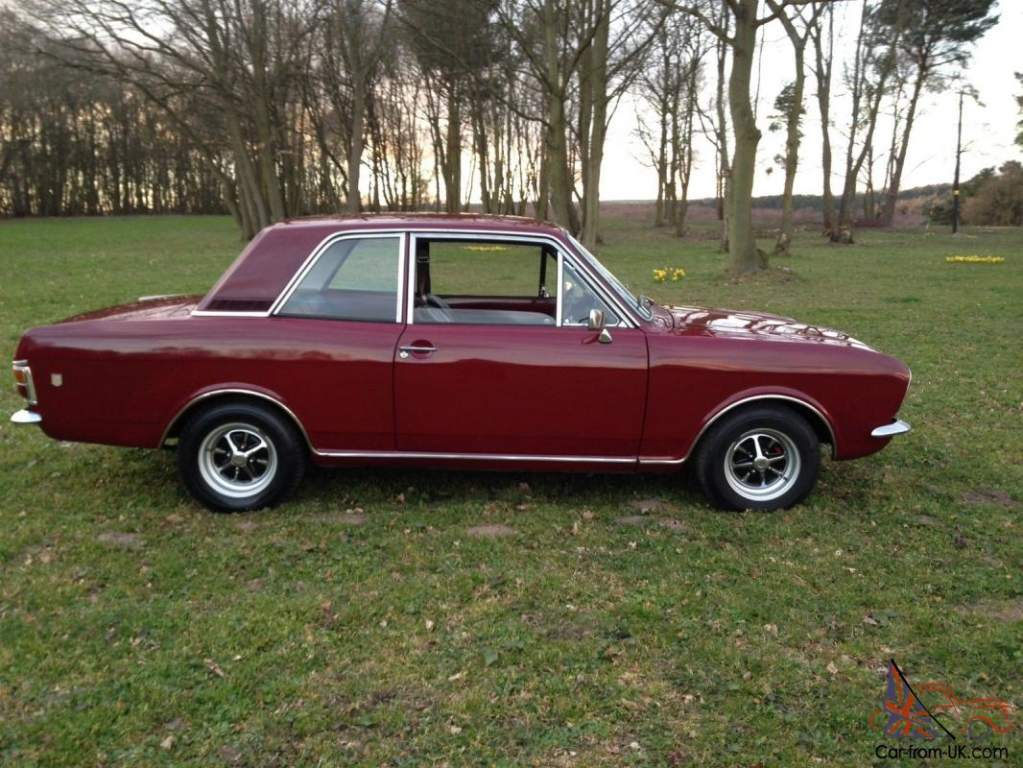
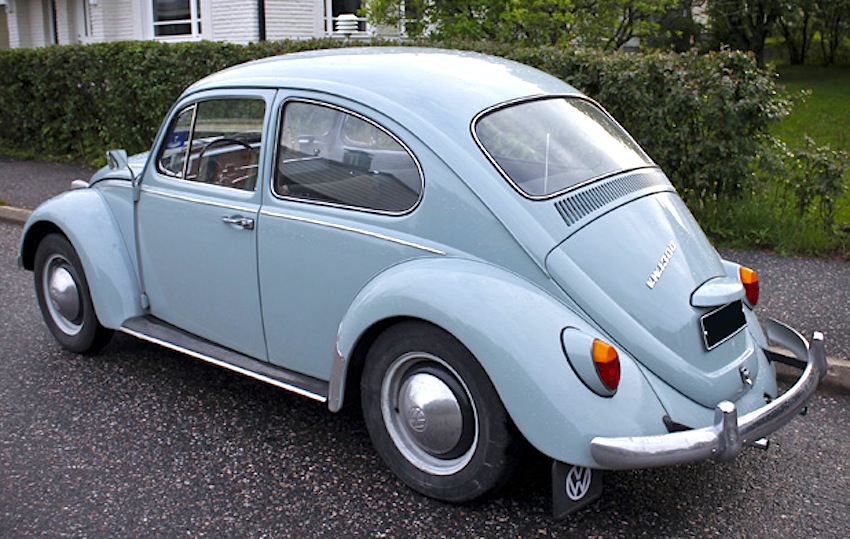
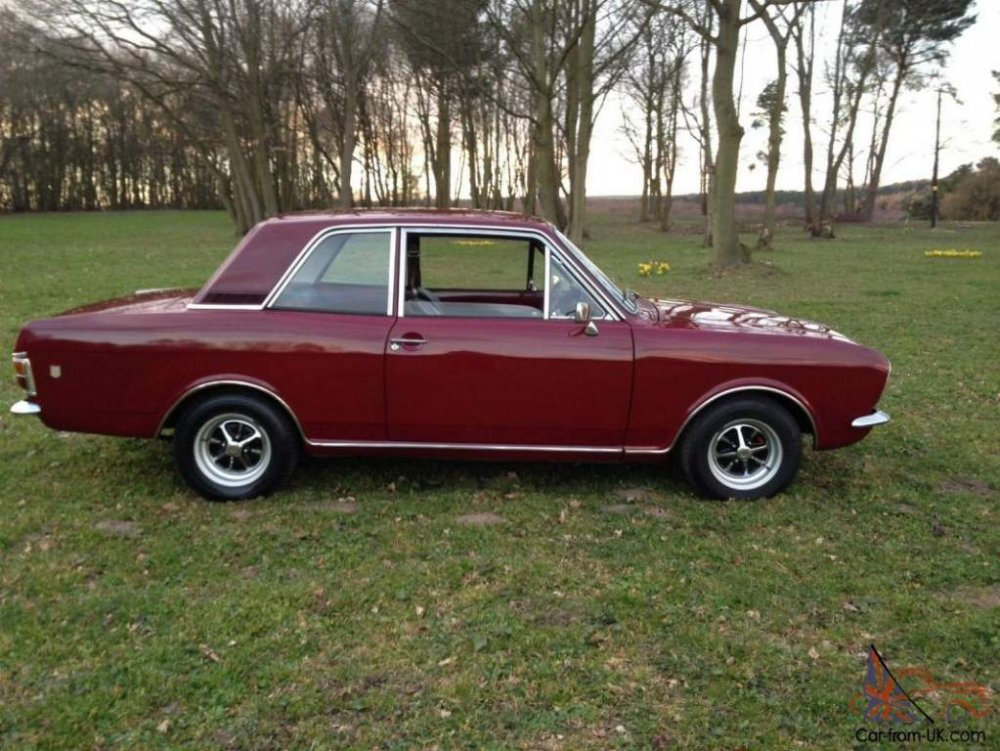
First car was a 1500cc Beetle bought from my Uncle. Never got to drive it on the toad as I wasn't old enough, not the actual but it was a stunner, Sold the bug just before I passed my test and bought a MK2 Ford Cortina, sadley not anywhere near as good as the one below, or the GT version, just a 1300cc, was the same colour though, but had hand painted sills and boy were they rotten!
-
Anyone seen any pictures of them fitted?
-
Interested Richie
-
Dan, have you tried CZP live online via their 'Chat' ? They might be able to advise
-
Thanks a lot. I can move on now and get it all mocked up. Ended up cutting the bumper (internally) slighlty, to accommodate the diffusers in the air intake system Andrew. Couldn't hold off any longer and the HKS filters are as rare as hens teeth.
-
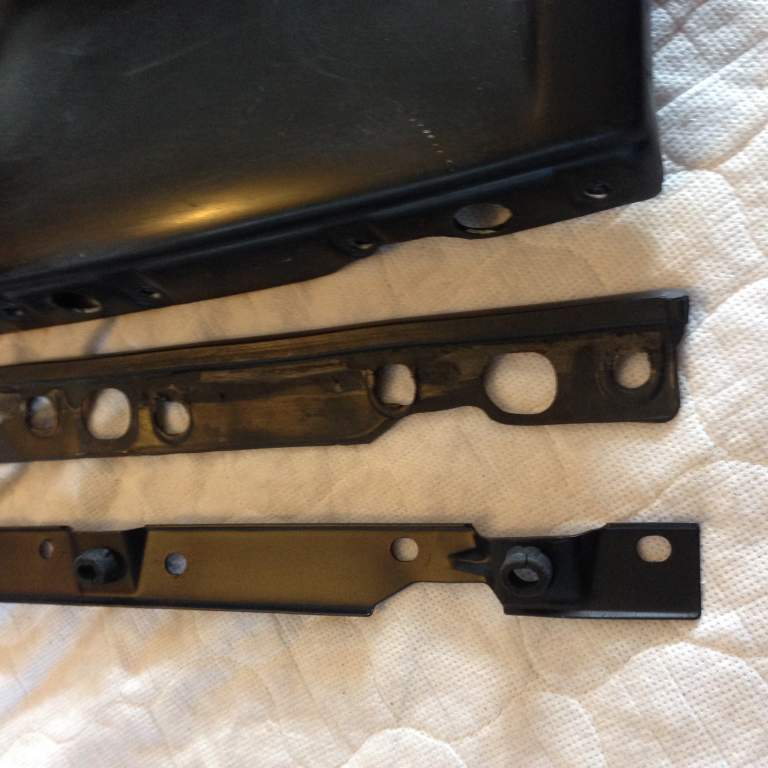
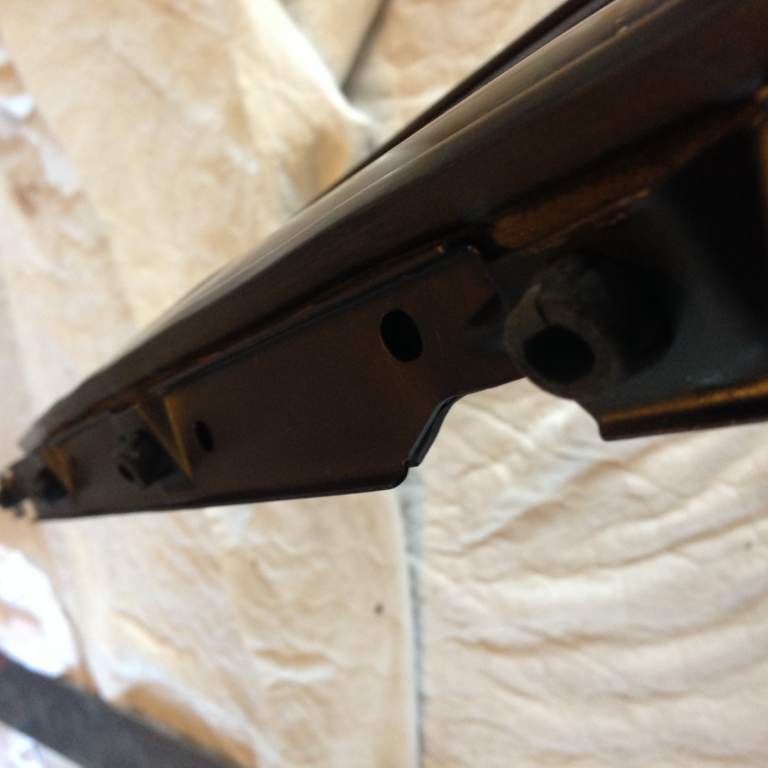
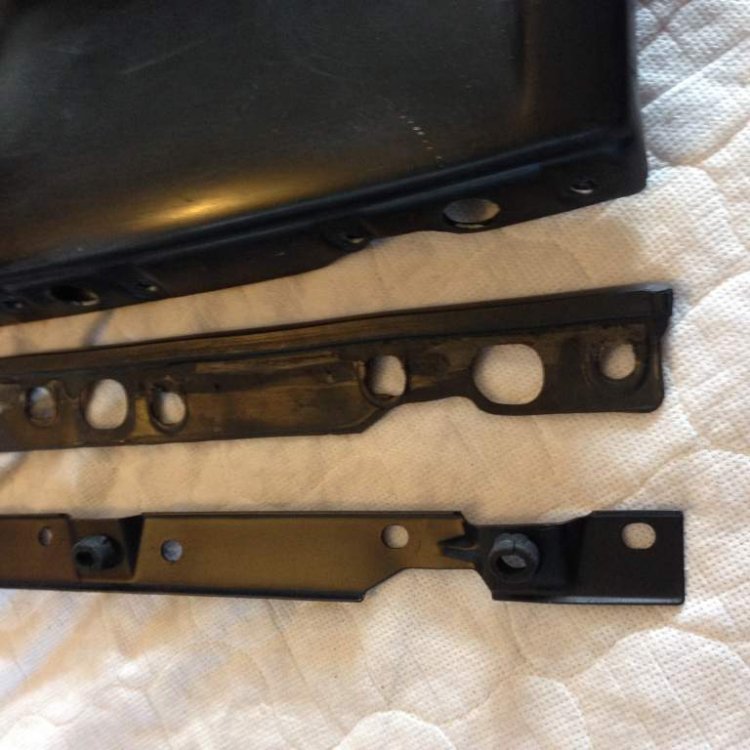
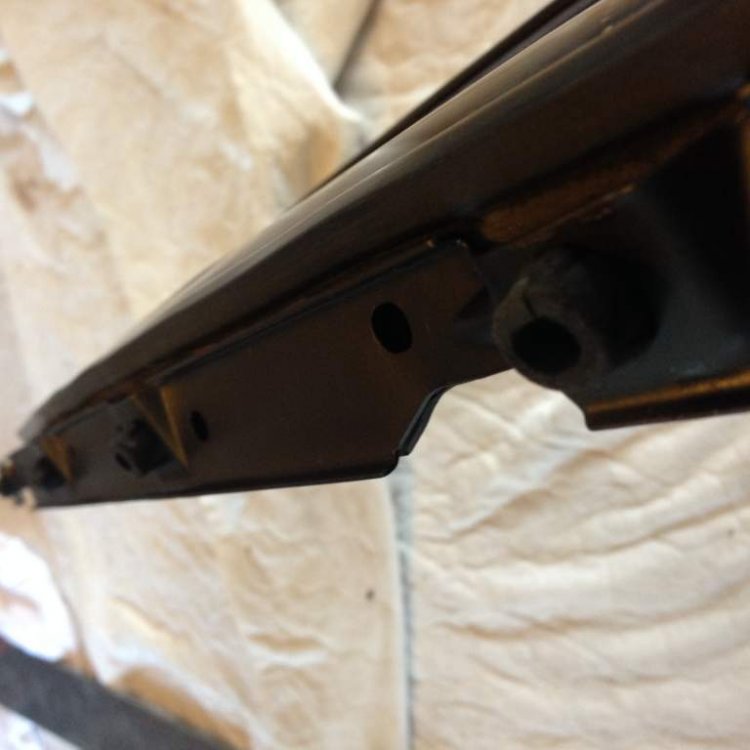
Having swapped to. Twinz bumper and nose panel, I have got hold hold of all the runner trim and metal frame work the goes at the top and bottom edge of the nose panel. I have worked out how the top runner trim fits, but I am struggling with the trim and metal bar that locates on the 4 pegs that come out from the rear of the bumper. Picture below of how I think it goes together, but can anyone tell me if this is right?
-
I fitted one of these to replace my overflow tank, and works fine, I see they have discontinued these now though :-( https://conceptzperformance.com/czp-coolant-overflow-tank-21720-czp00_p_3851.php
-
Interesting article here Stephen on the setup http://www.enginebasics.com/EFI%20Tuning/AEM%20Failsafe%20Gauge.html
-
Yes mine are setup to trip an earth signal/wire to a relay to interrupt the boast controller if the AFR values go outside of a pre defined limit. Not as good as a standalone obviously, but gives a greater protection to DET.
-
I'm running 2x AEM P/n 30-4900 Failsafe gauges, is that what you are looking at?
-
Bypassed th FPCU with a permanent live from the battery, with a 5 pin really, thicker gauge wire and special bulkhead connector on the tank lid, which enabled me to wire directly to the AEM fuel pump. All worked as it should and now have a higher voltage supplying the pump. Many thanks to Nickz32 for his help. Sorry forgot to take pics:oops:
-
Have a Twinz front bumper waiting to go on Si. Just waiting a few bolts from CZP. 2 of the wheels need a Refurb Si, as they aren't holding in the air due to corrosion on the rear of the alloy, so needs doing as a priority:tt2:
-
Anyway can someone make the centre spokes black for me ?
-
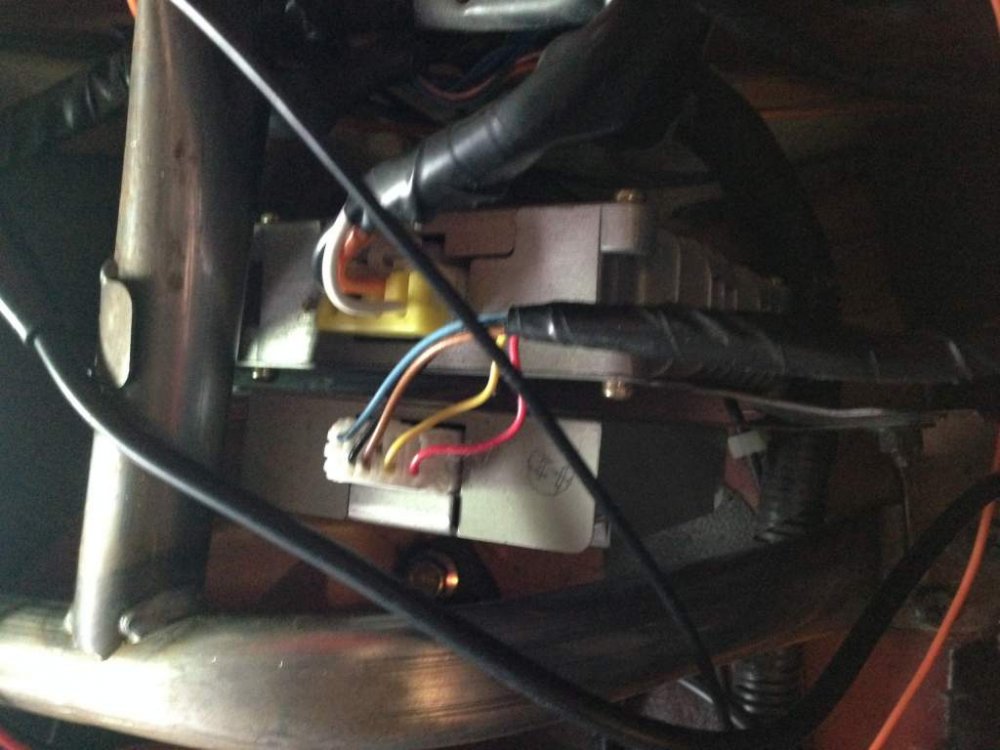
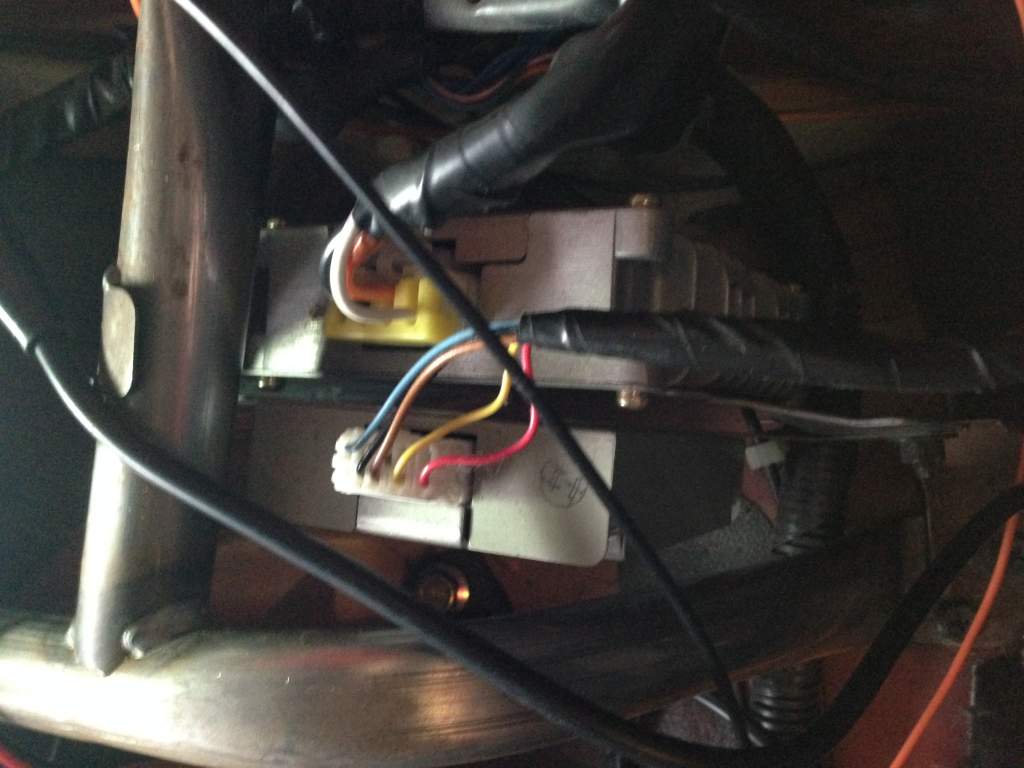
The unit to the left of the FPCM? Looking to take a switched live,( to a relay)from the plug on top and was wondering what it is? Putting in a new supply to my fuel pump wiring