Everything posted by arthur
-
Is this a good place for the ballasts before I clamp them down?
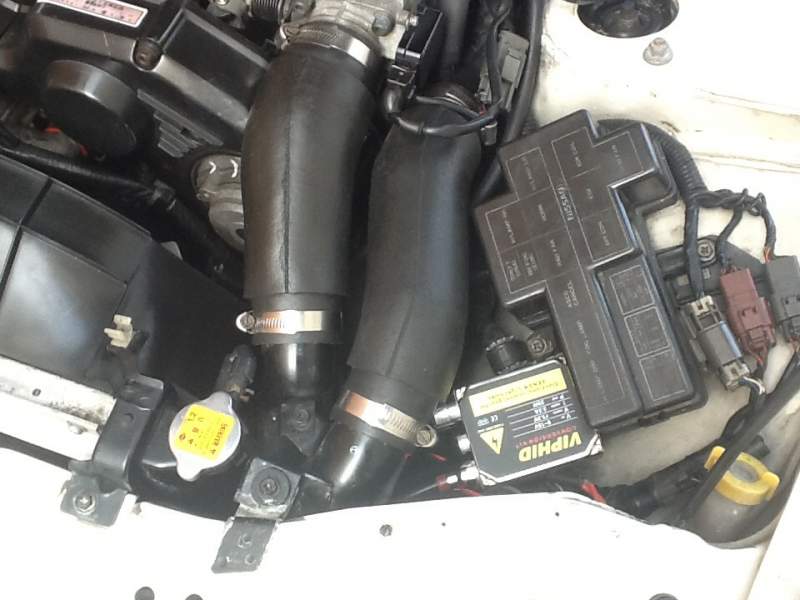
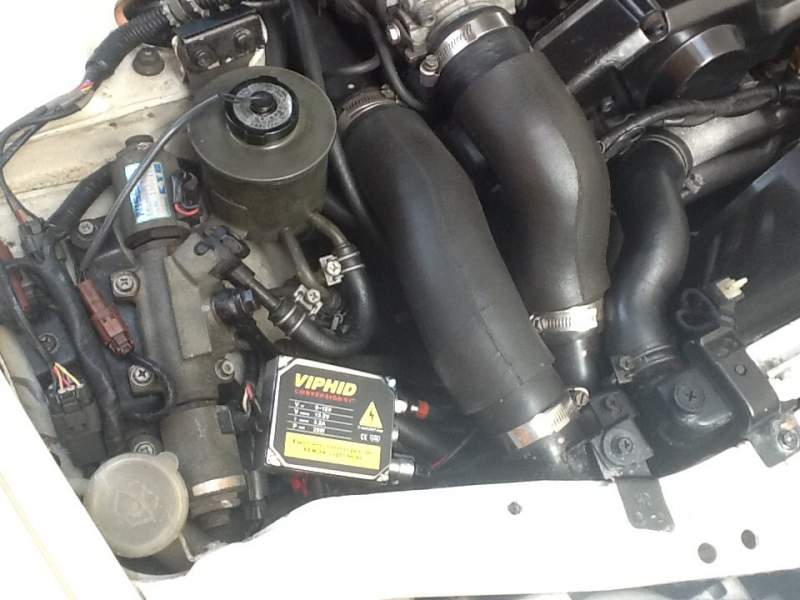

-
Not going to happen ! If it is a yes next up is an Islamic state in uk! There again on the big picture if it's a No the outcome will be the same!
-
Hi Leeroy quick responce is in search box type self diagnostic autobox. Jeff at Zworld i think put it up. its a start, hope it gives u some idea.
-
At least I think they are? Thought they looked good.:)
-
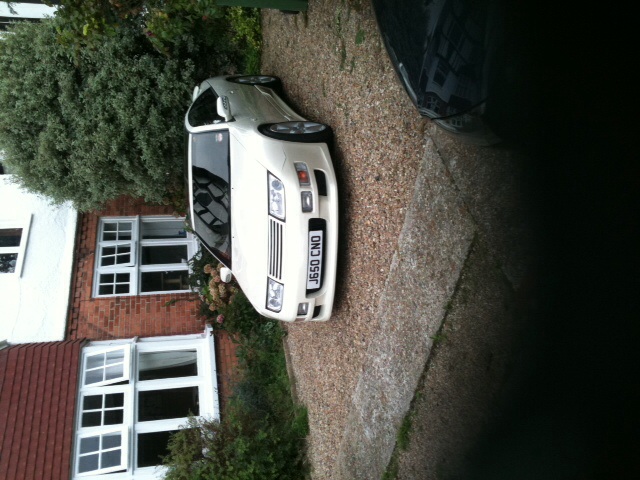
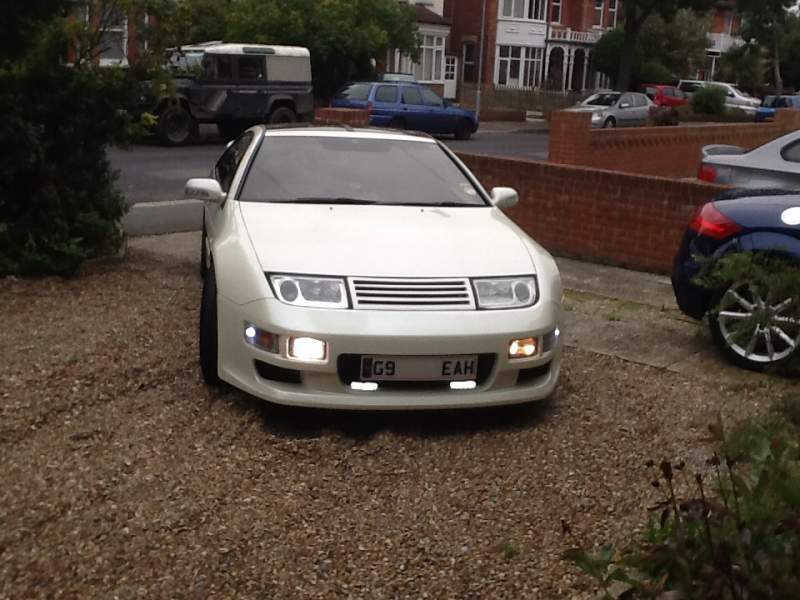
Looked at all the pins for corrosion before replacing them! It's so frustrating that connectors are so fragile or difficult to pull apart! All things that go with owning a Z:confused1: Went to eurocarparts today for air & oil filters. Received 2 complements about the car! Get me another 23 year old car that gets sooooo much attention:yes:
-
Happy birthday! Think it's nice to get msgs on your b/day:happybday: Art
-
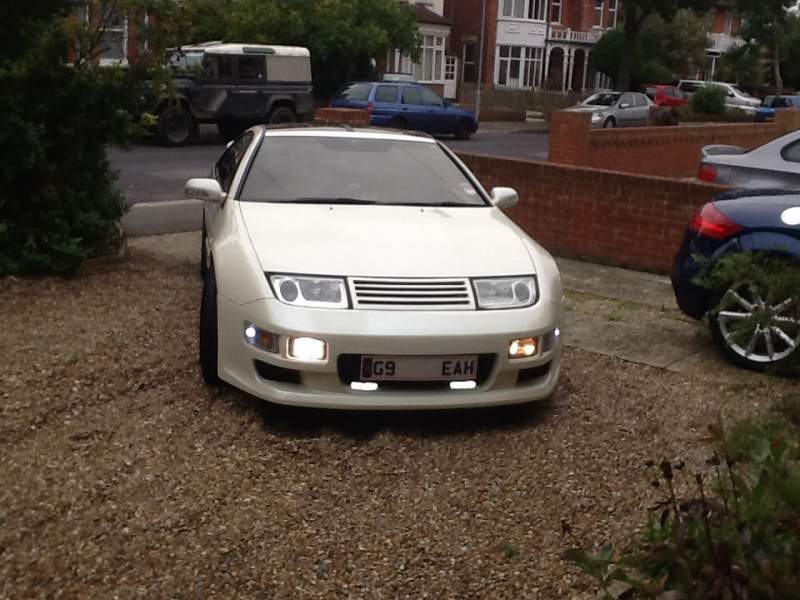
I have as said WD40 most connectors I could get to! Also cleaned the MAF as suggested by Gerry. It's a transformation in the cars running! Auto box changing smoooothly & no irrational idle! It is amazing! Is my number plate crooked:)
-
Drove to work today in the Z. Yesterday I cleaned the MAF the front mesh was black! & WD 40'd most connectors I could get too! I am amazed at the difference the Z run, smooth gear change, no rev changes! Can cleaning the MAF make such a great difference? even the auto changes smoother?? Looking forward to going home:clap:
-
On way back from meeting going along M20 at 70 mph no problem. Came off Mway & engine starts to hesitatate put throttle down picks up, Take foot off gas engine fades then picks up! Get home engine on idle 1000rpm smooth. Take revs to 2000rpm engine drops to 1700 then back to 2000! This happens up to 4500rpm same thing engine drops then picks up! At 5000rpm it remains at 5000! Where do I start looking?:confused:
-
Yep a Morgan aero 8! Light with a v8 I think ? & v fast & v quick! & v expensive!!!
-
Didn't quite get the diagrams Andrew! But the write up is superb:lol:
-
Is that the lenses Andrew? Is it best done with a stick & alcohol wipes?
-
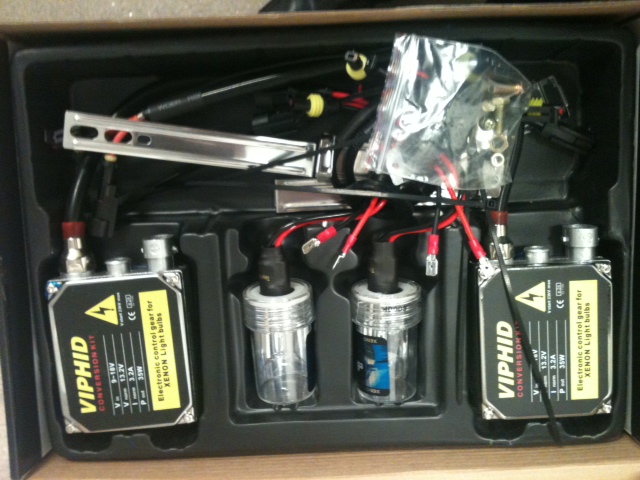
These arrived today! Look easy enough to fit
-
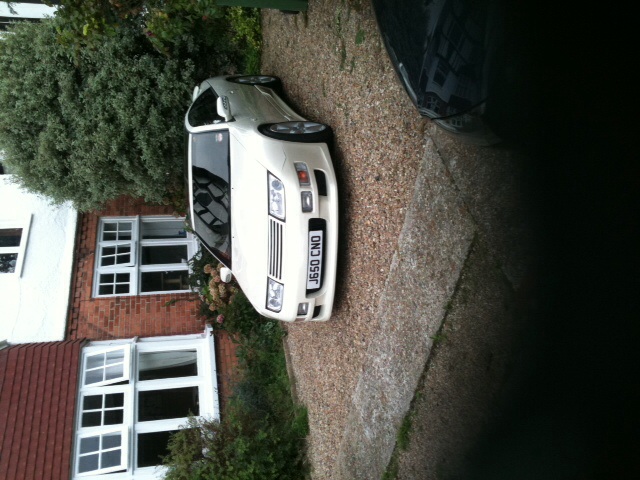
Looks good! Did all myself! in Japan Here UK! Payed for in March arrived Southampton 15 May 2014!

-
My original strip looked a dull red which they do with age so I was told. The rear panel is long & fragile, it came with instruction diagram where to hold it. As I live close to Mike & wanted a run in the Z, I went to collect. Mike advised me how breakable they are when off the car but not when fitted!
-
I did it so must be easy! I used the same thread. Also the speedo chime disappeared when I put the KPH to MPH converter in.
-
:bow:spot on ! Save me a lot of grief! Thank you :thumbup1:
-
I have fused my side lights! Front & rear not working! Is there a fuse? & where cos I cannot find side light fuse in both fuse boxes!
-
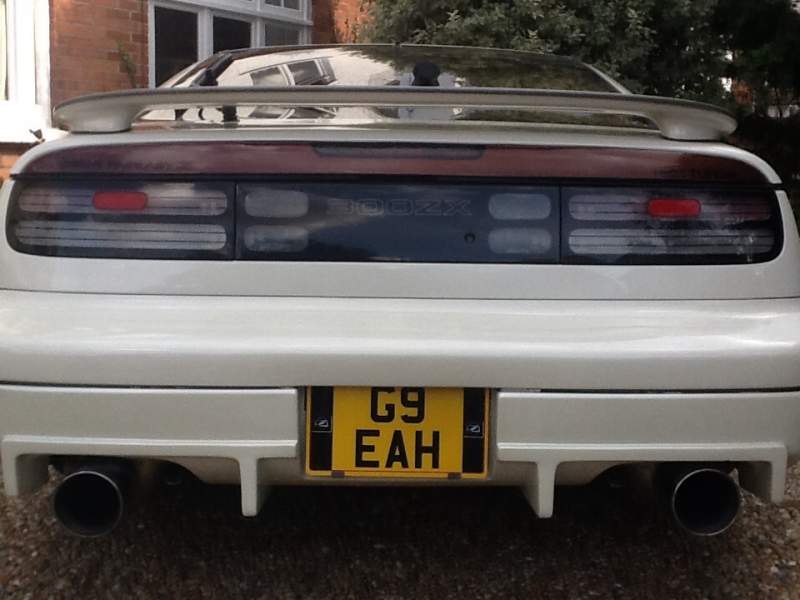
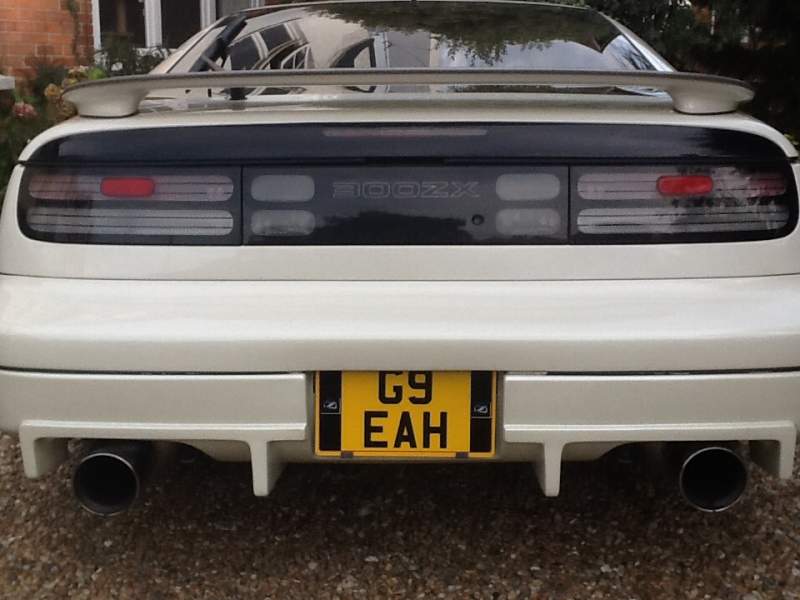
I drove to Mikes place (MJP) Brentwood! Averaged 30 MPG:thumbup: Collected rear centre stop light panel. Old one New one fitted New No plate too!:) Z went like a dream!:hyper:
-
Run hosepipe on half way up windscreen let water run for 5/10 mins if it drips its your windsreen seal or leak at the front! That eliminates your door & Targa. Do same with side door & window. Only a suggestion.
-
I wont be thinking of doing the RX8 four door conversion on my Z then!:lol:
-
Maybe from the dark side! He is? Could be a film boff? :) Welcome aboard
-
Having had a few runs in my Z over the past 3 weeks! When I go over a bump or uneven road surface, the rear of the Z seems to " twitch" ! or wonder!! Nothing going round corners, only going straight. Not all the time though, but definately there!:huh: I had one of my HICAS arms replaced on the MOT only last month. 1991 Jap TT (nothing loose at the back by the way)! Any ideas from you guys would help. Thinking rear steer HICAS playing up but how?
-
Might sound a dum Q! wats the advantage of this? Just curious:confused1:
-
Rear diffuser on order, T bar needs sorting alittle. New right size number plate on order too!