Everything posted by arthur
-
Ok, will look at auto box today ( good job I have today off:) Also, probably worth having battery checked, but it turns over & starts first time! Thanks
-
Lexx, that's a lot of info 194 pages! I opted for Jeff's thread on this but no response from power light on flashing codes. As mine is an import maybe it just will not do a self diagnostic.:confused1: I did do an oil change though. Hardest thing was getting the oil filter off. Also found that there was no washer on the sump plug! It has one now! I took it for a drive the auto change is ok but not right but will check details tomorrow . Wash it too!
-
Hi all, I plan to do a self diagnostic as described by Jeff. As I have to take it for a 3/4 mile warm up :lol: & planning to do an oil change too! My question is; once I start this sequence is there a time limit from one to the next? Maybe someone will answer by the time I get back:hyper:
-
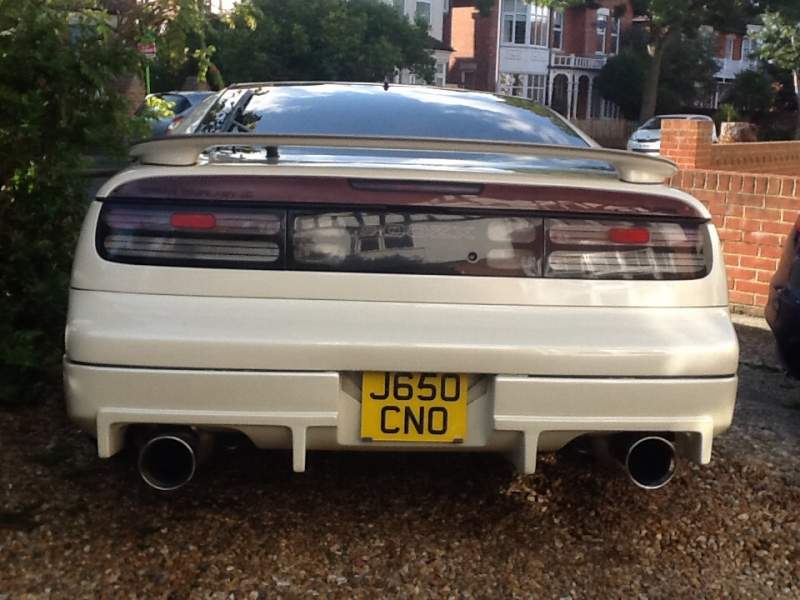
Welcome to Z club! A few looking exhausts like yours!

-
Drive a Z but cannot recognise a Peugeot ? Hope that's not Gary in that glitter!:ban:
-
Doh! That seems better to do! Your right about keeping jet washes away from Z engine!
-
Did mine on the first Z, chap told me to keep engine running & would not take resposibility of engine! I would run engine a short while to warm up switch off to see if water evaporates! Might have to do it several times though!
-
Hi How can I make my clock on the centre cosole brighter? Si's looks 5x brighter than mine!
-
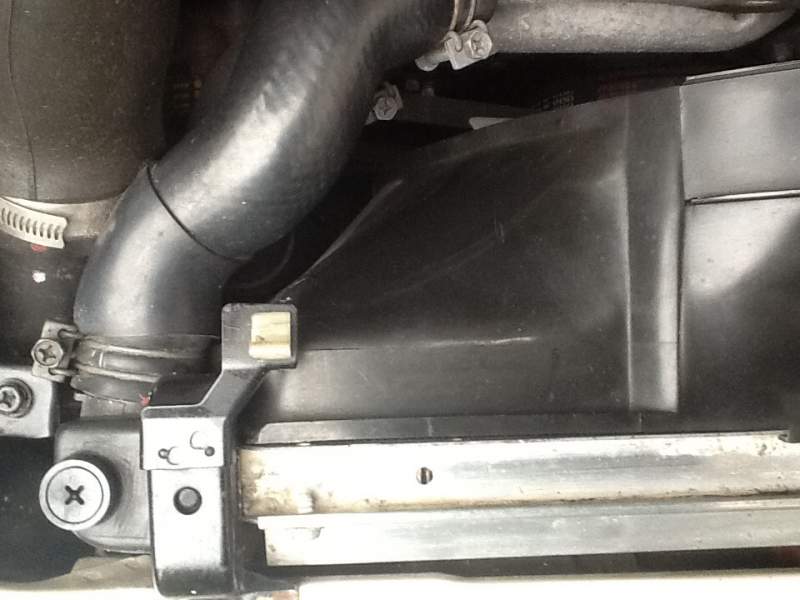
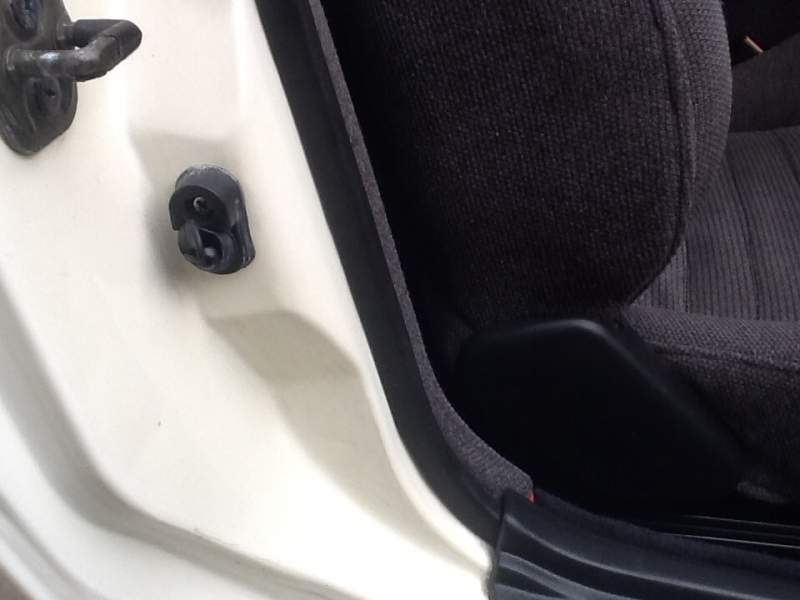
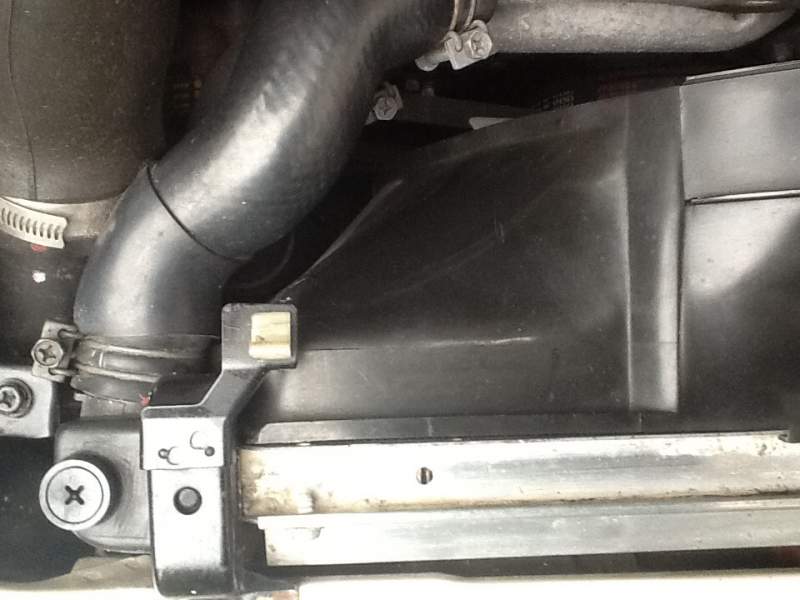
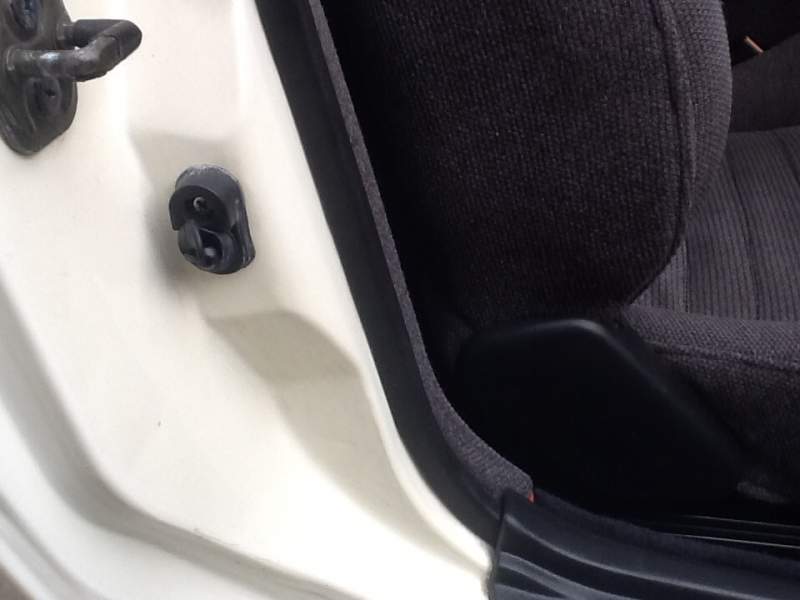
Front left bonnet lever clip & Drivers door interior light switch Or where I can get them?
-
A few silly bits! Front (left) as facing engine bonnet lever clip! Drivers door interior light switch! Or where from please?
-
:happybday:Andy! Have a good one!
-
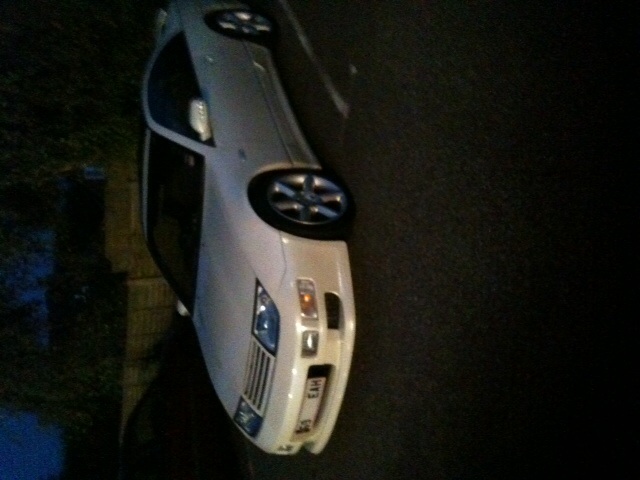
Just makes me smile every time I take my Z out:yes:
-
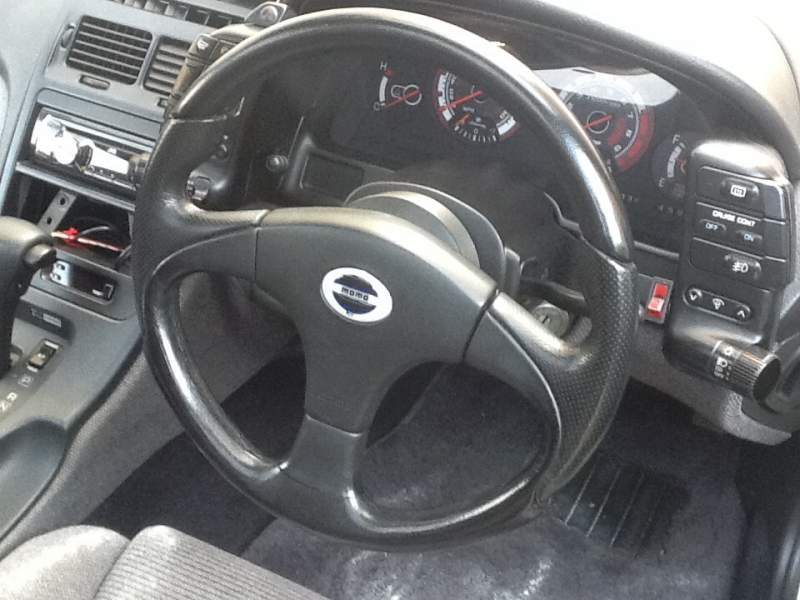
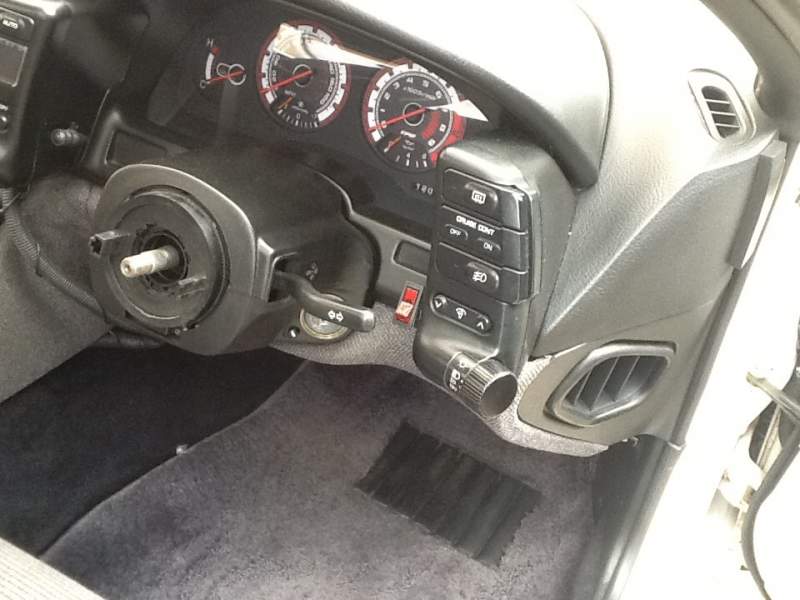
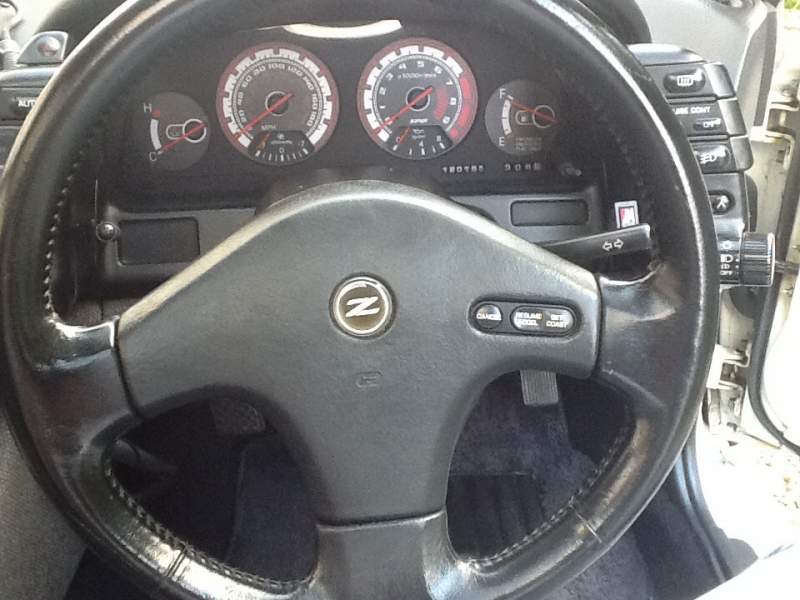
I did this today! Changed momo! off! & replaced it with this! :dance: Now going out to check cruise is working!:)
-
Thanks for all the info on this. I did have one of the HICAS track rod changed on MOT. Light goes out as it should Jeff:thumbup1:
-
Well done on winning at the JAE. It is one awesome Z u have! Art
-
What is Data Scan? Can I get it? Cost? Where from ? How much?
-
Cheers Andrew! That seems a challenge in itself! Will see how it turns out! Art
-
Hi all, How can I check my Z HICAS is working or doing what it's suppose to do!! Or do I have to take to a specialist? Art
-
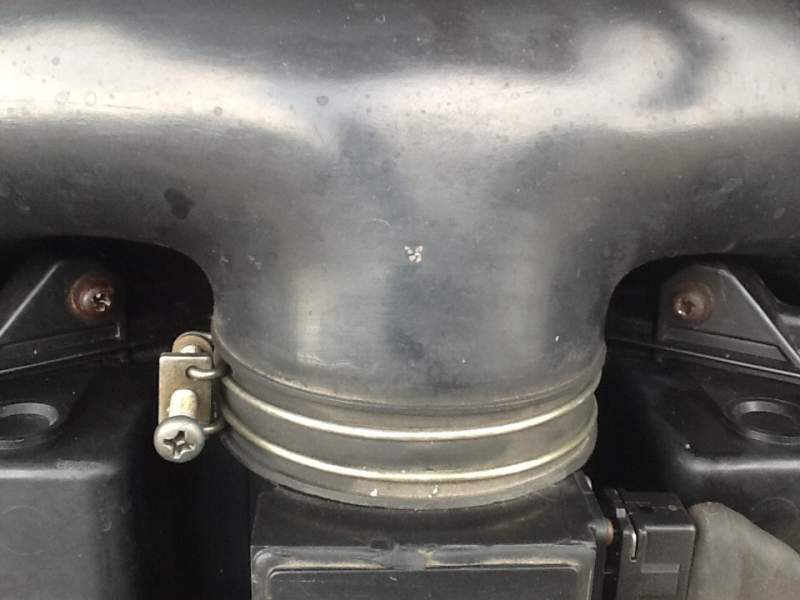
Put new ones in with lots of grease on them! The long screw at the front got the same treatment, but the front of my air filter cover, where this long screw goes through is broken.
-
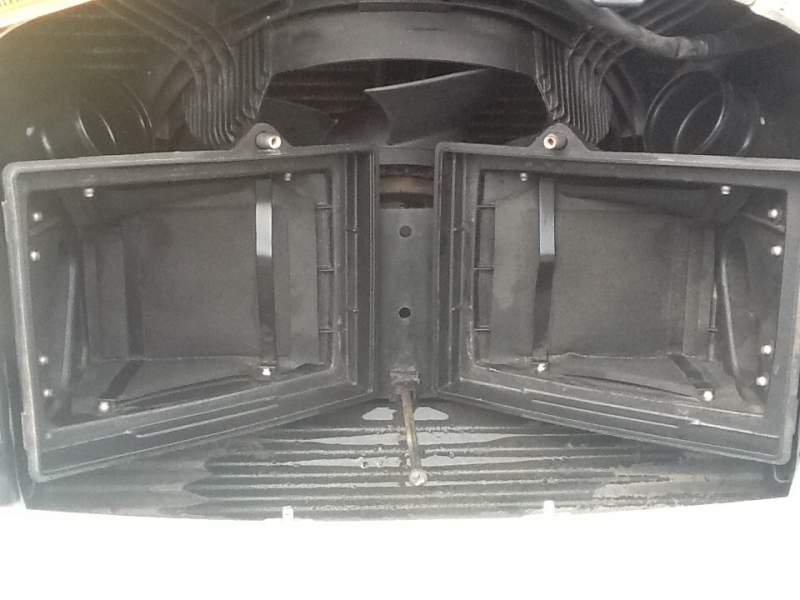
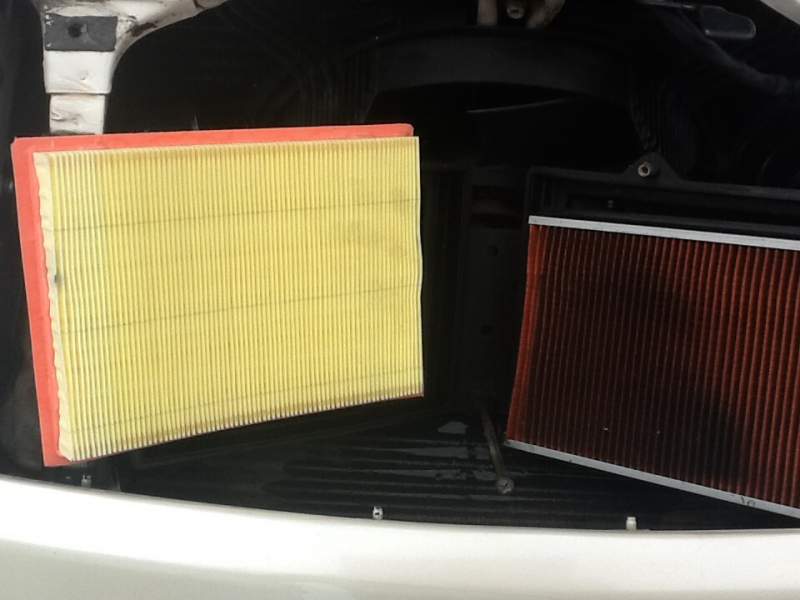
I did just that! Got things stripped out & got mole grips out! Presto! The old & new! All back together:lol:
-
Sorry to hear mate! Thoughts are with you. Time is a good healer some say!
-
Do I have to remove these two screws to change the air filters? Because I cannot unscrew them!:hammer:
-
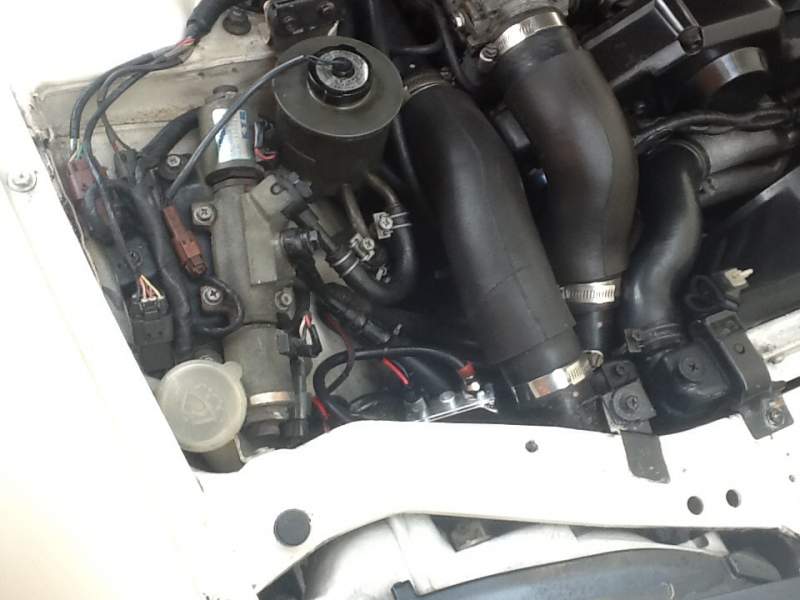
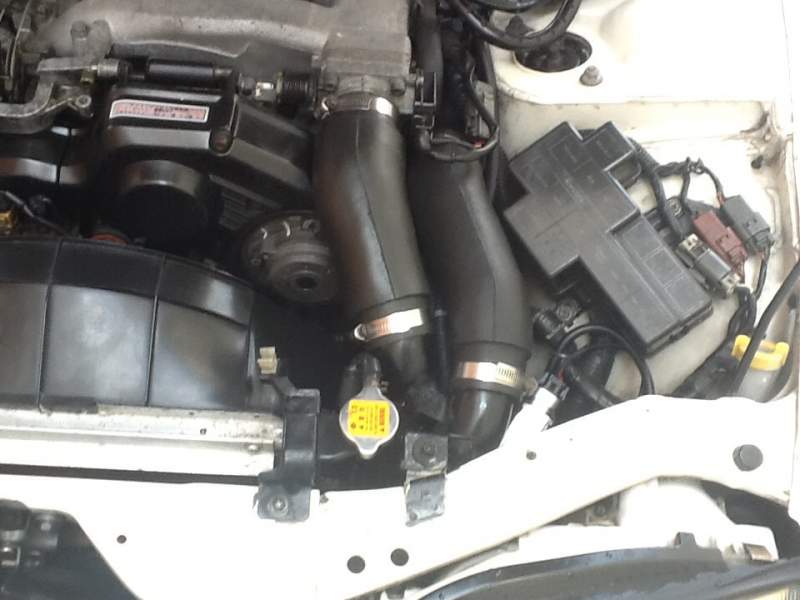
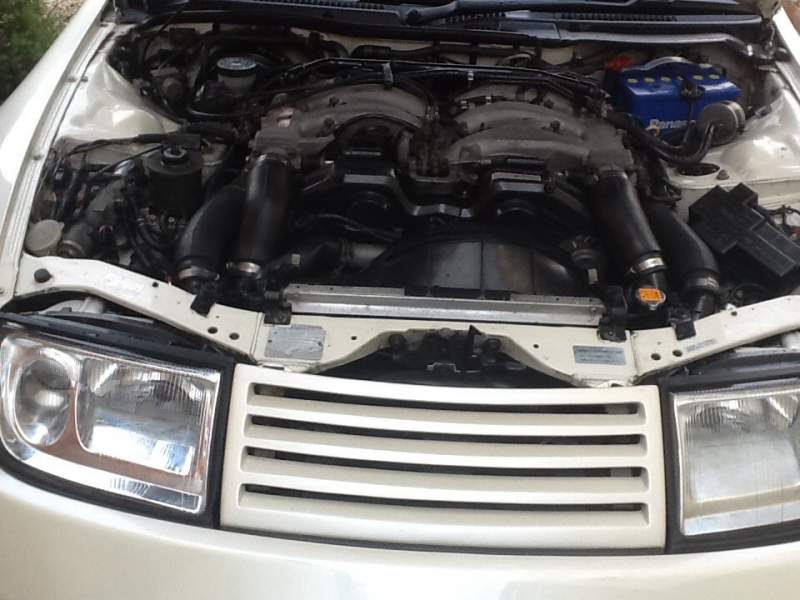
Thanks for the comment on wheel! The Momo is 14inch Did this with the ballasts! Then from the front this!
-
Also I got this To replace this What do you think? & is it an easy job? Also the cruise control is it electric wired as the Momo wheel ain't got it:sad:
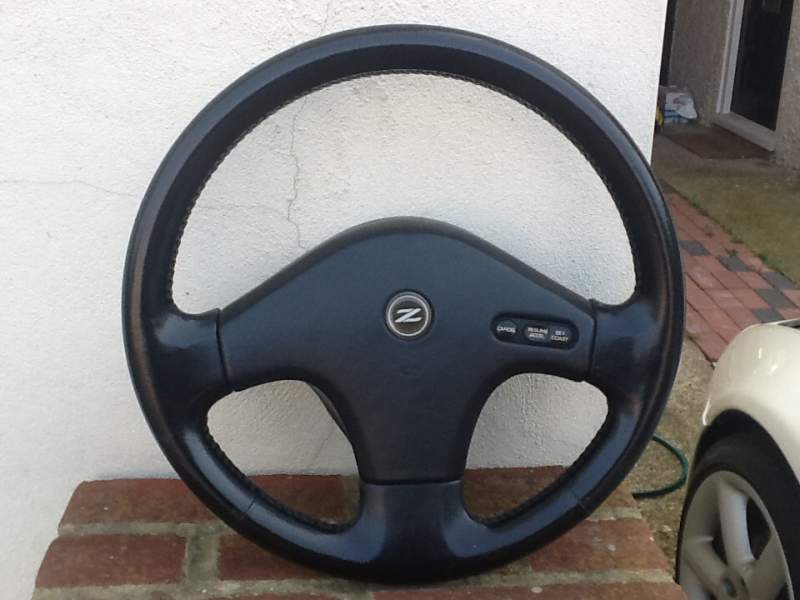
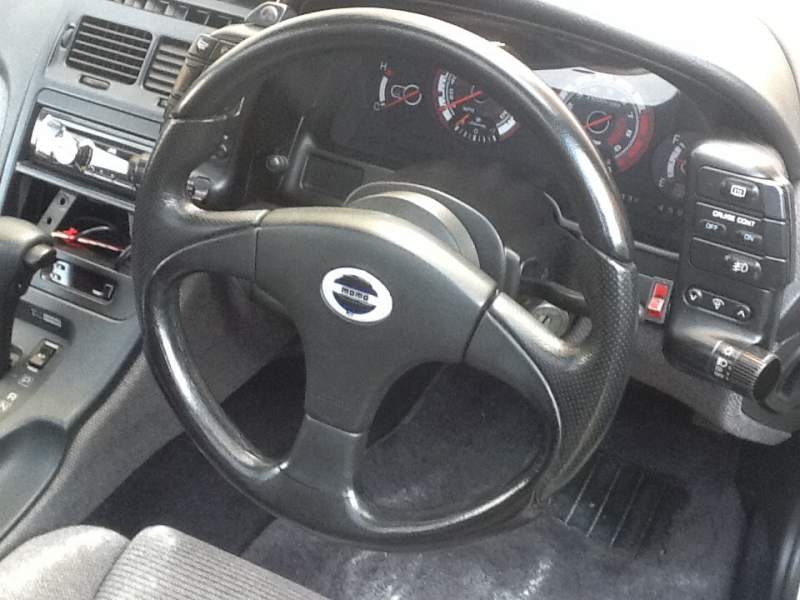
-
How do u get them under the headlight? If I hide them as much as how best to clamp them down?