Everything posted by Alic
-
Ah could be, as i said it is not a world of change, just a facelift really, if you are happy with the old style then sure stick with it.
-
I was also, there are some programs that still rely on windows 7 (which customise the actual OS so i can understand) but any standalone programs (ie most programs you will ever use) will work on windows 10. You don't need update any apps really as it works the same as other OS's There really isn'y much advantage imo so its really up to personal preference, everything windows 7 can do windows 10 can do and vice versa
-
You can never leave can you :no:
-
I'm convincing my friend to buy cheap sports car like this so we can do much the same. He isn't really a car guy but i call him out to help me with my Z sometimes to try introduce him to the culture.
-
Looks like a FAF car, nice graphics.
-
I use chrome because 1. I use lots of computers and chrome will migrate all my setting bookmarks extensions etc when i log in anywhere else and 2. it just has much superior customisation (as i make my own themes for everything) and extensions which help with websites i frequently use. But everyone has their preference.
-
So install chrome? Problem solved
-
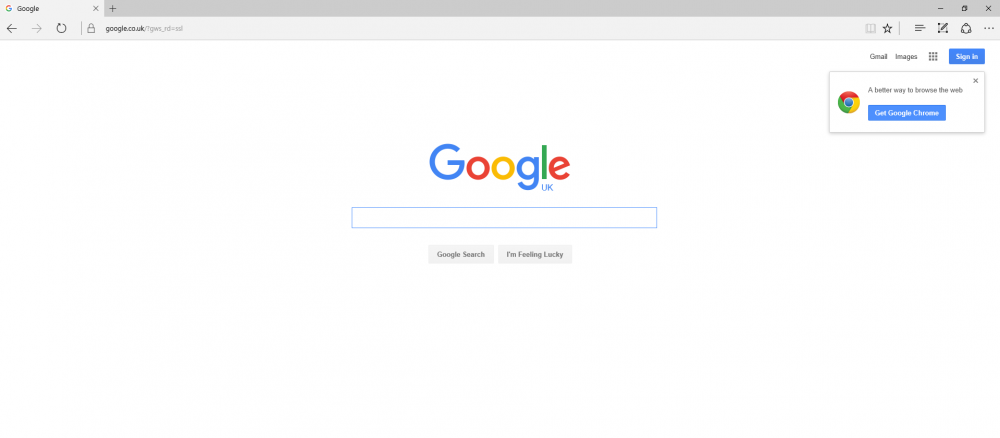
Does your browser look like this?
-
I really don't think that Alan would have specifically searched and installed internet explorer so i am assuming he means edge which is pre-installed and has a simelar E logo. No offense to Alans technical ability of course :P
-
Internet explorer on windows 10 is called edge, do yourself a favor and install chrome. To check if you have cookies enabled click the three dots in the top right corner, and click settings. Scroll down to advanced settings (and click it) and scroll down again to cookies. check that the drop down menu says "Don't block cookies". If it does say that then i cant help you, just install chrome :)
-
For some reason your computer is not saving cookies, what browser are you using? chrome? If on chrome goto chrome://settings/ Click advanced options and then click "Content settings" under privacy. Make sure the top box "Allow local data to bet set" is checked I can provide screenshots if you are struggling
-
I thought you said you were going more stock :)
-
Thanks for the info :thumbup1:
-
My school has a laser cutter so i just put it up on the computer and print it out :D
-
I'll decide closer to the time since i cant change my vote anyway! Is it just japfest and Beaulieu that are the other big ones (I know you don't go to japfest Si)? There was a discussion about another Z classified meet like coventry which i would enjoy if it were made possible. The committee could also talk to the Zclub guys and maybe get a Fairlady Z annual meet, but that might need a bigger car park...
-
If only 6 people come to JAE as everyone else has lost interest, i might reconsider not going i'm afraid.
-
So better get to finishing the Zed then!
-
If it were me I would laser cut/engraved the labels, would look very neat
-
Maybe a battery cut off for storage, and if you wanted you could wire up your lights to them???
-
No2? :d
-
Are you ever going to remember what they do?
-
What is that air filter???
-
Lucky bugger :P
-
I think you meant to say cheap! I wouldn't say any more than 120k
-
The splitter is alright, i just hate the red brown blue colours. yuck