Everything posted by TheRealNips
-
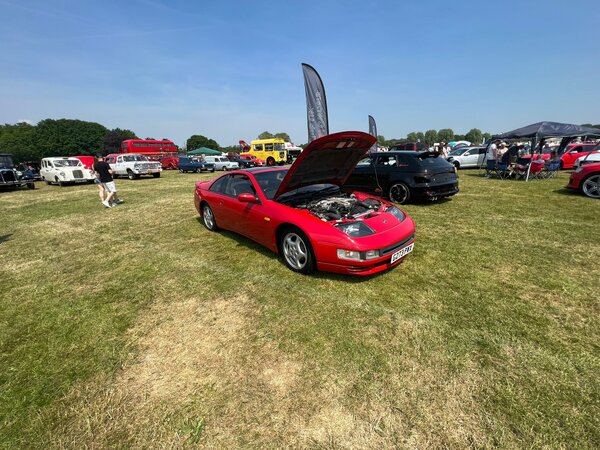
From the album: Bromley Pageant of Motoring 2023
-
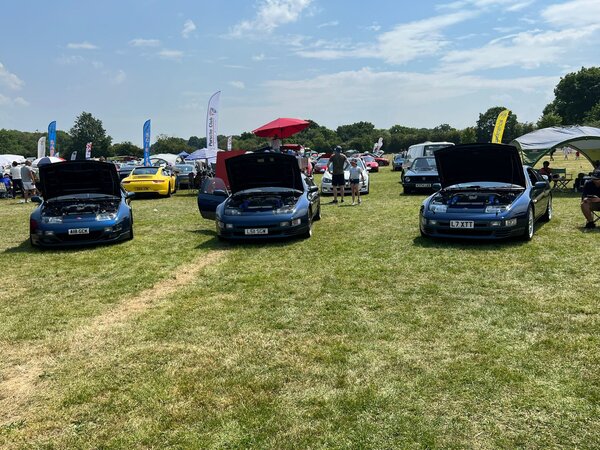
From the album: Bromley Pageant of Motoring 2023
-

From the album: Bromley Pageant of Motoring 2023
-

From the album: Bromley Pageant of Motoring 2023
-

From the album: Bromley Pageant of Motoring 2023
-

From the album: Bromley Pageant of Motoring 2023
-

From the album: Bromley Pageant of Motoring 2023
-
From the album: Bromley Pageant of Motoring 2023
-
From the album: Bromley Pageant of Motoring 2023
-
From the album: Bromley Pageant of Motoring 2023
-
From the album: Bromley Pageant of Motoring 2023
-

From the album: Bromley Pageant of Motoring 2023
-
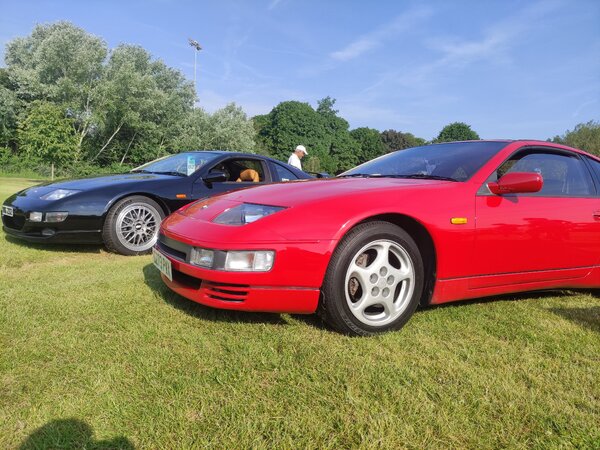
From the album: Bromley Pageant of Motoring 2023
-
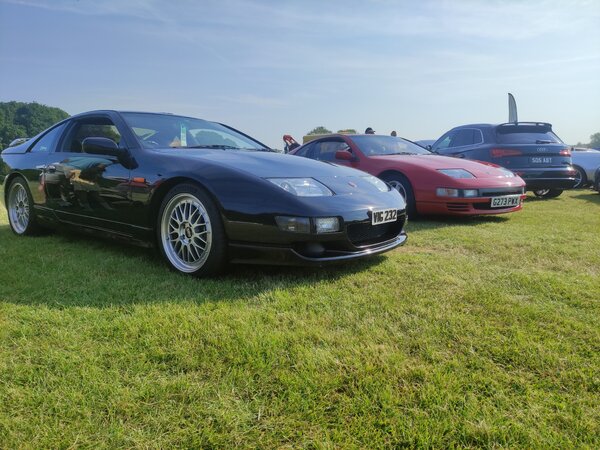
From the album: Bromley Pageant of Motoring 2023
-

From the album: Bromley Pageant of Motoring 2023
-
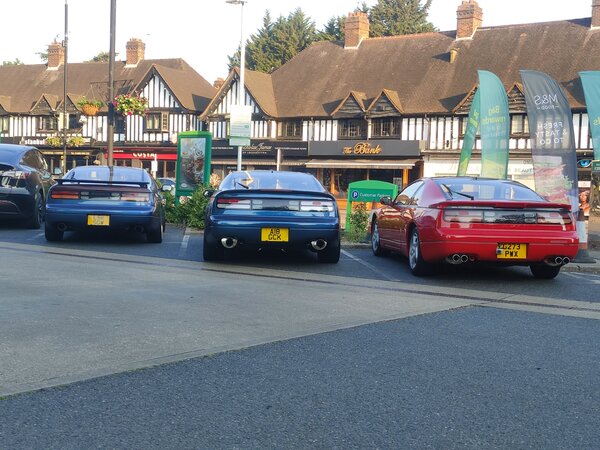
From the album: Bromley Pageant of Motoring 2023
-
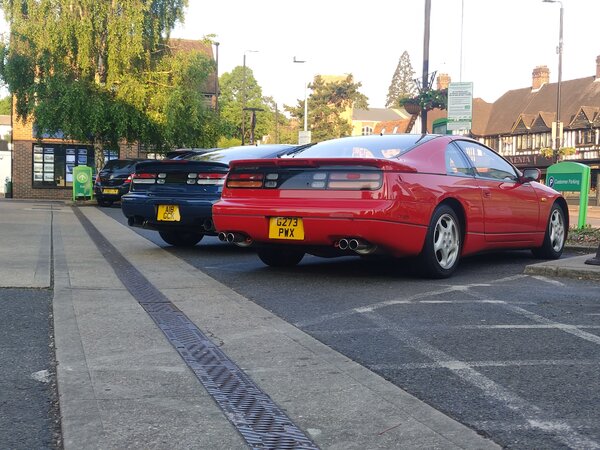
From the album: Bromley Pageant of Motoring 2023
-
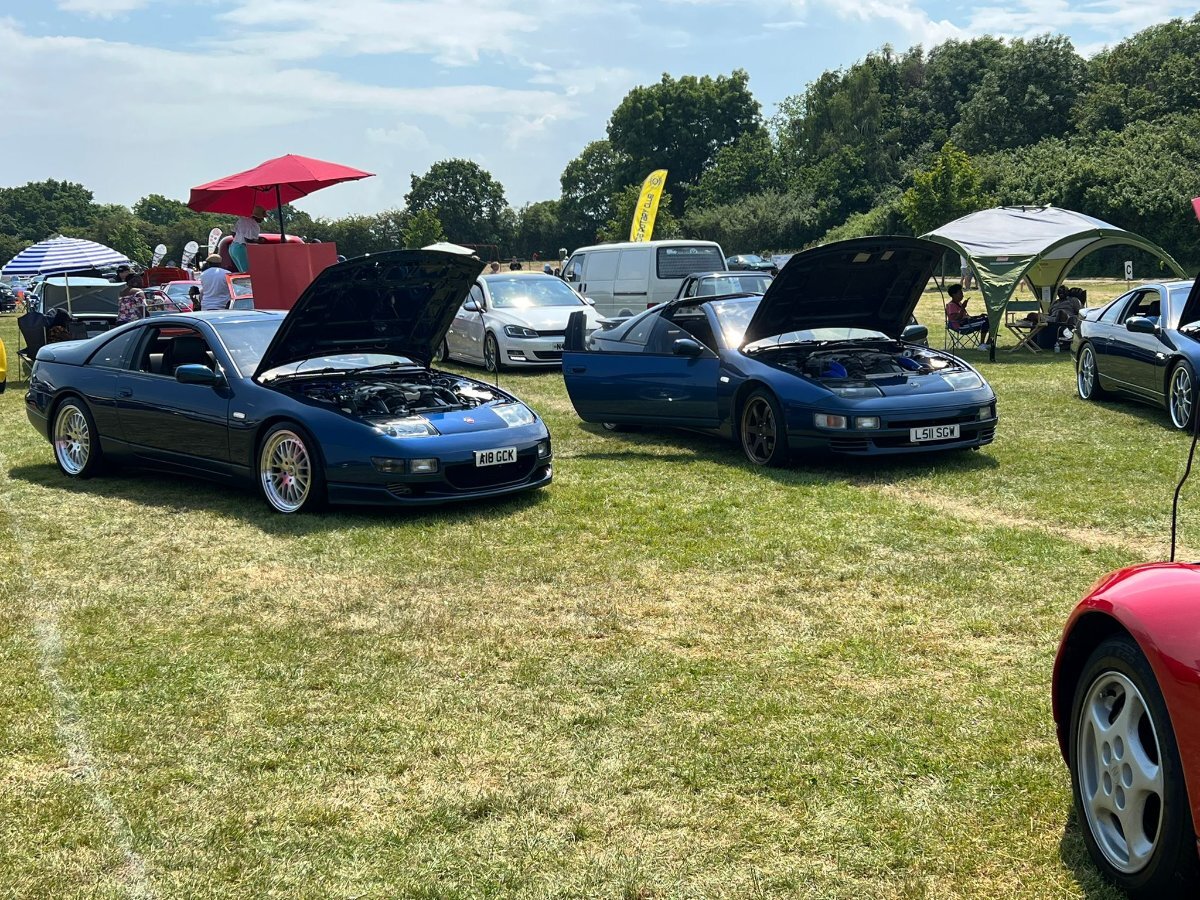
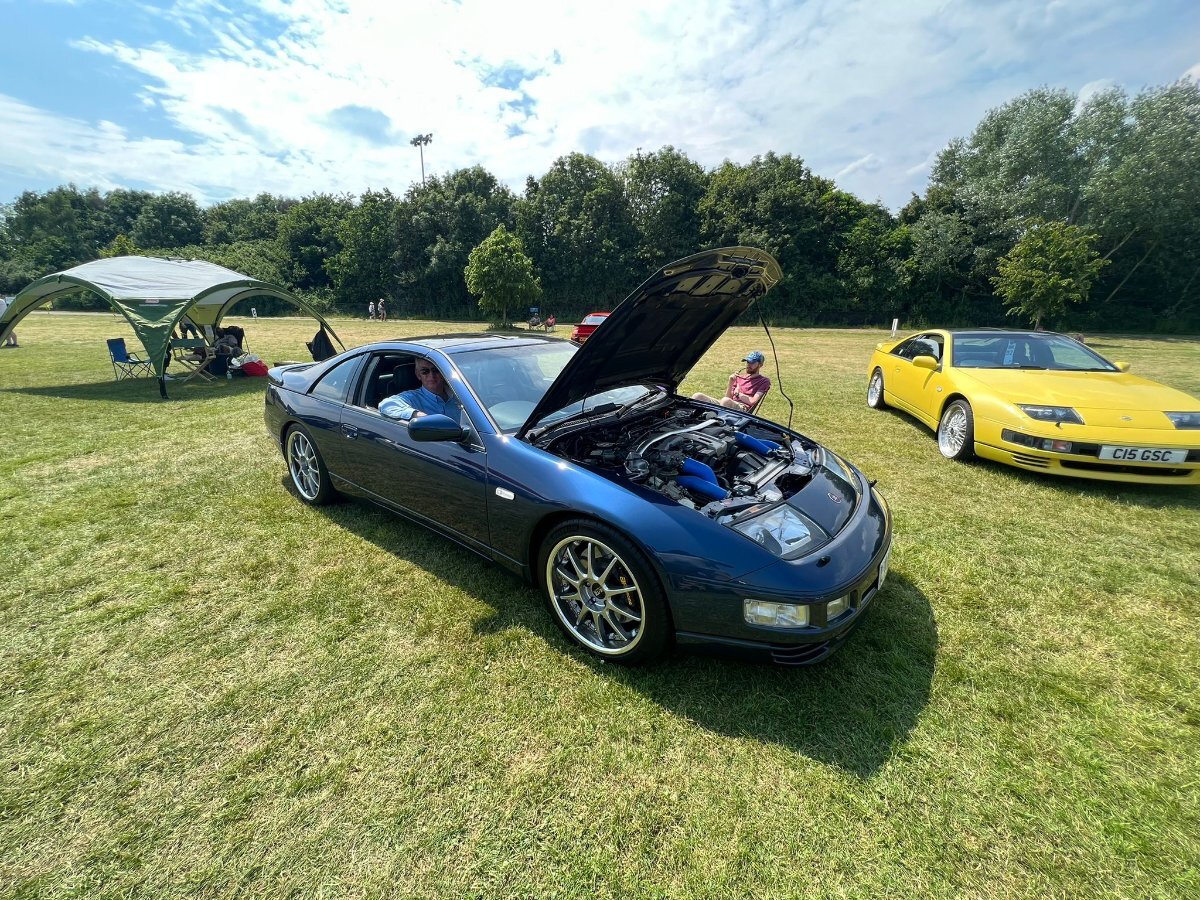
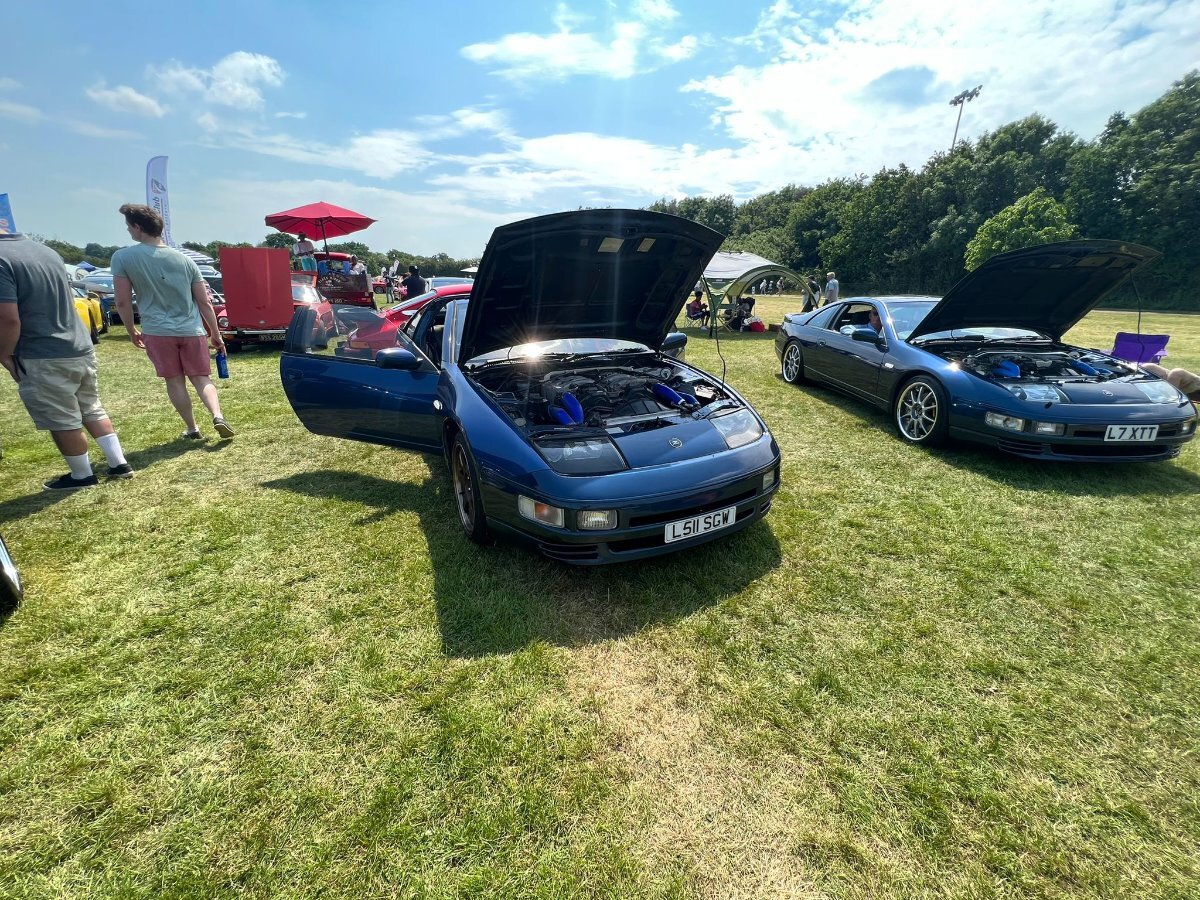
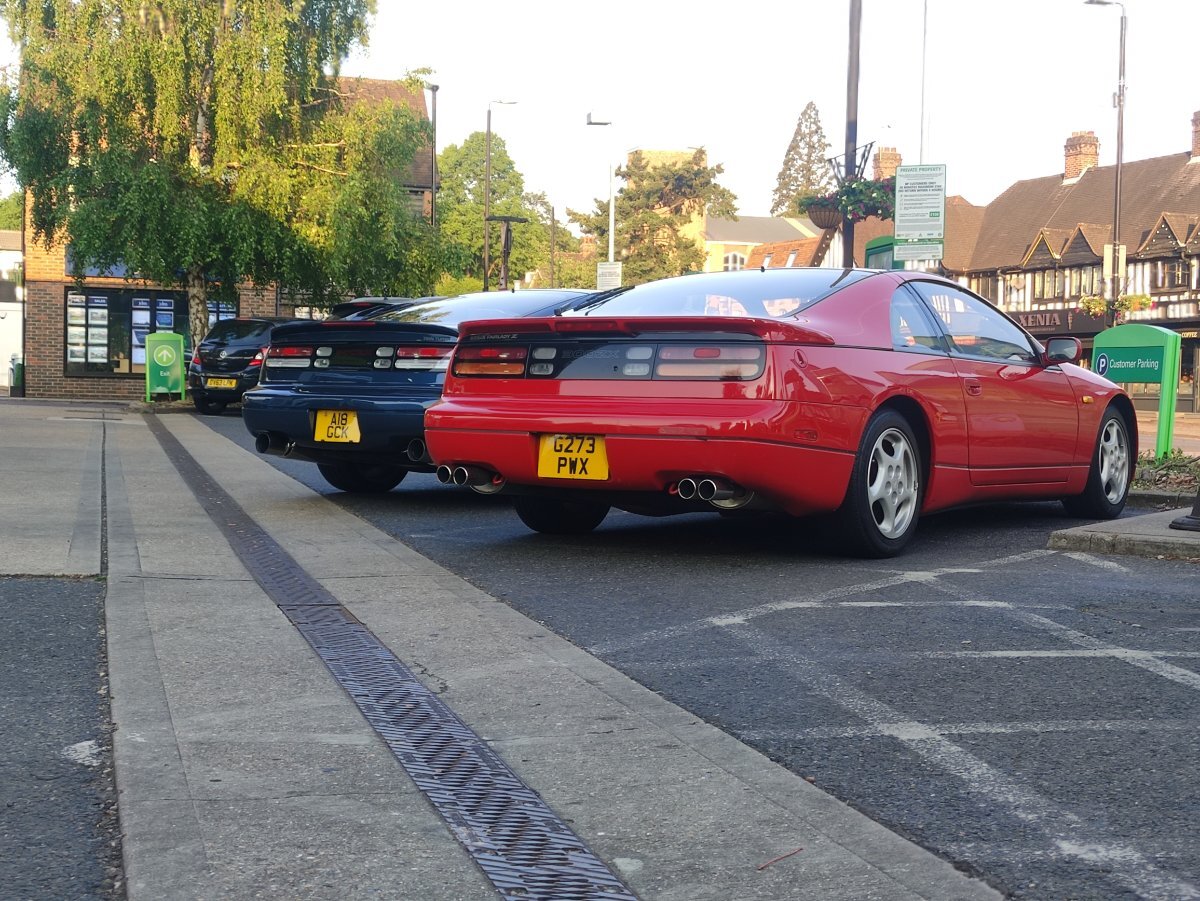
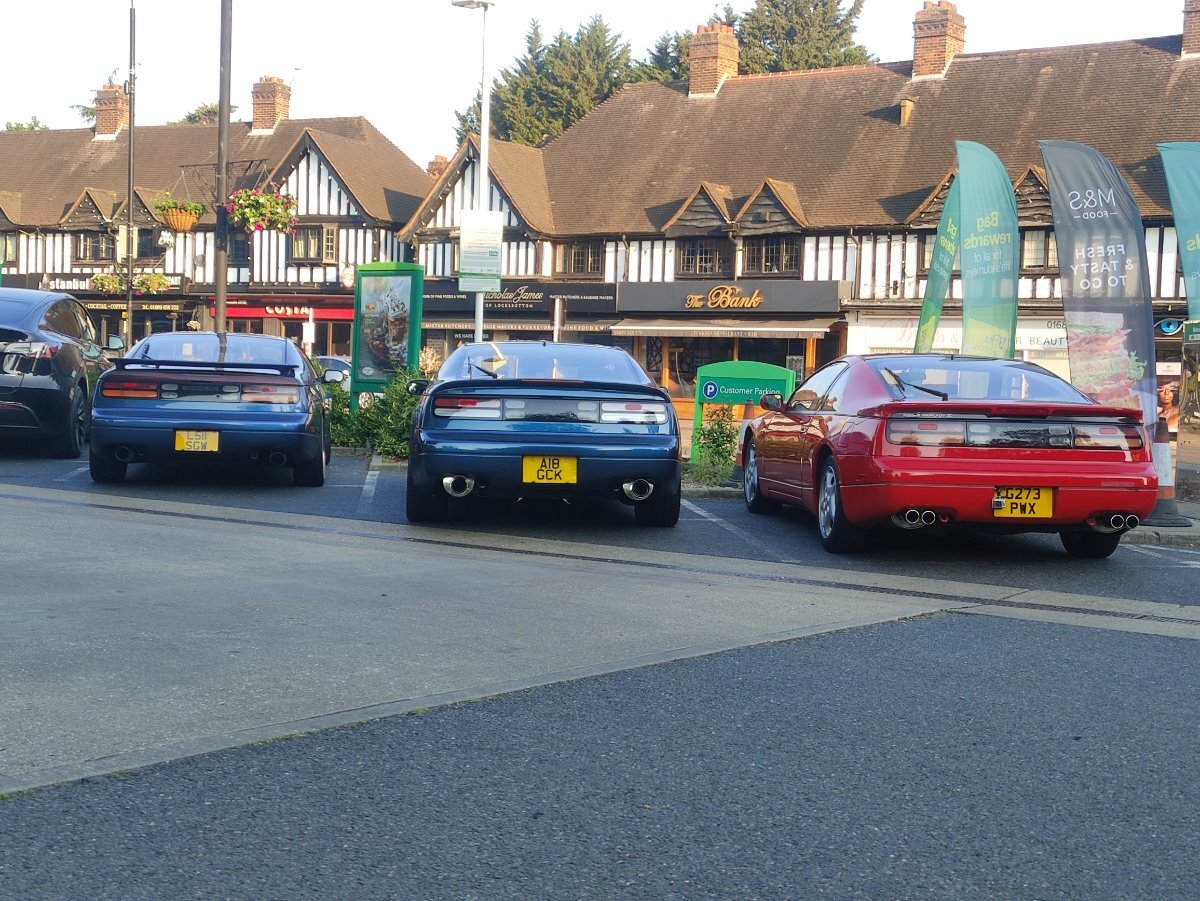
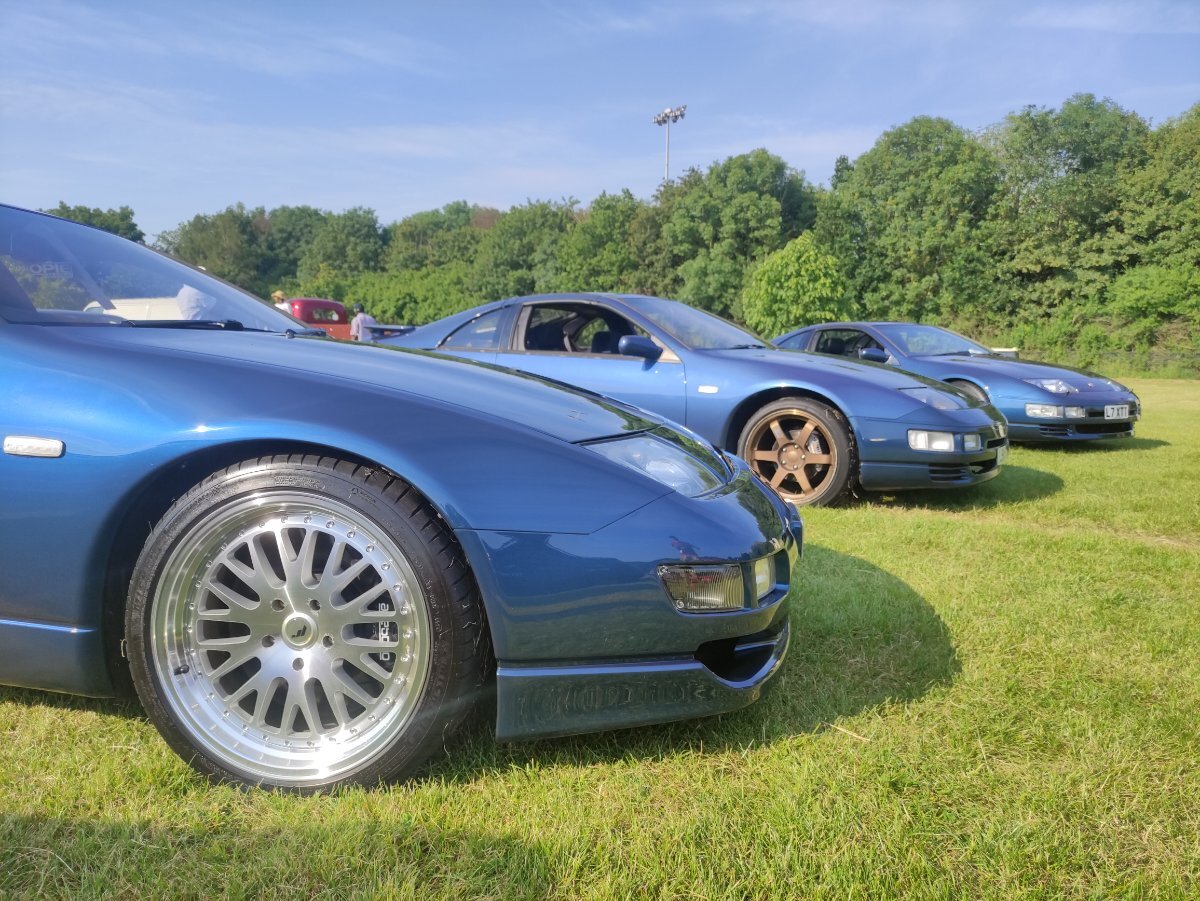
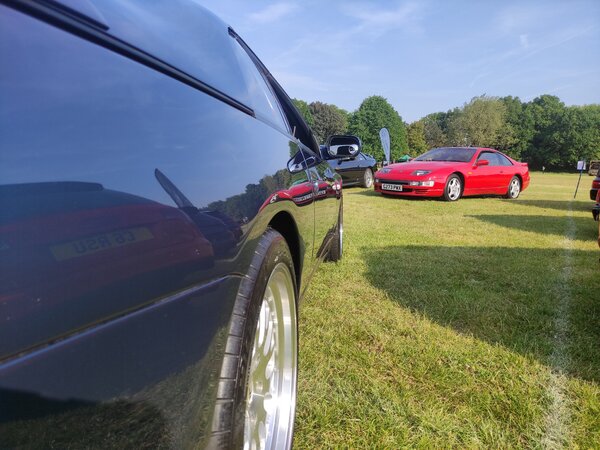
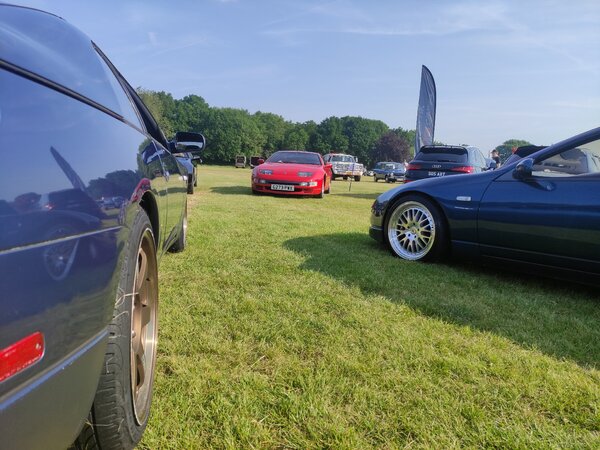
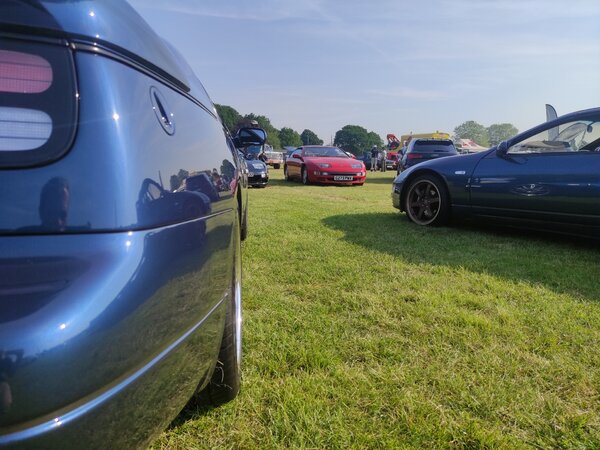
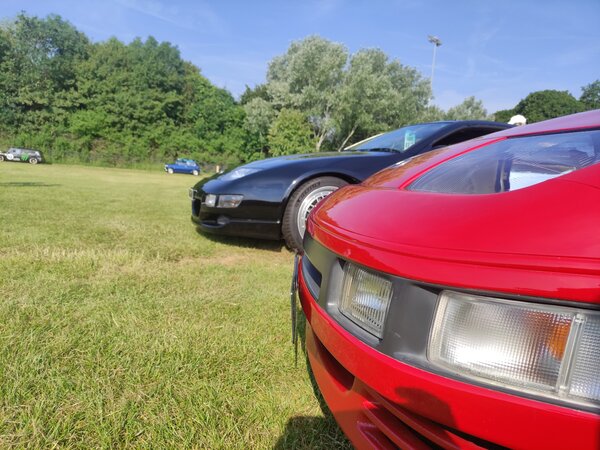
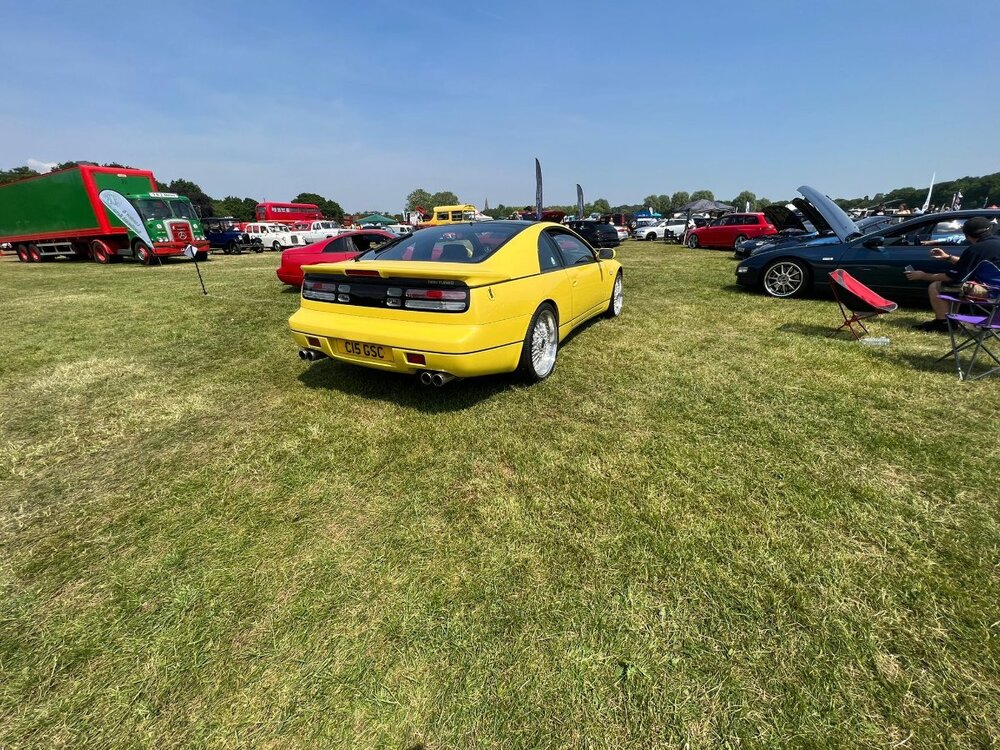
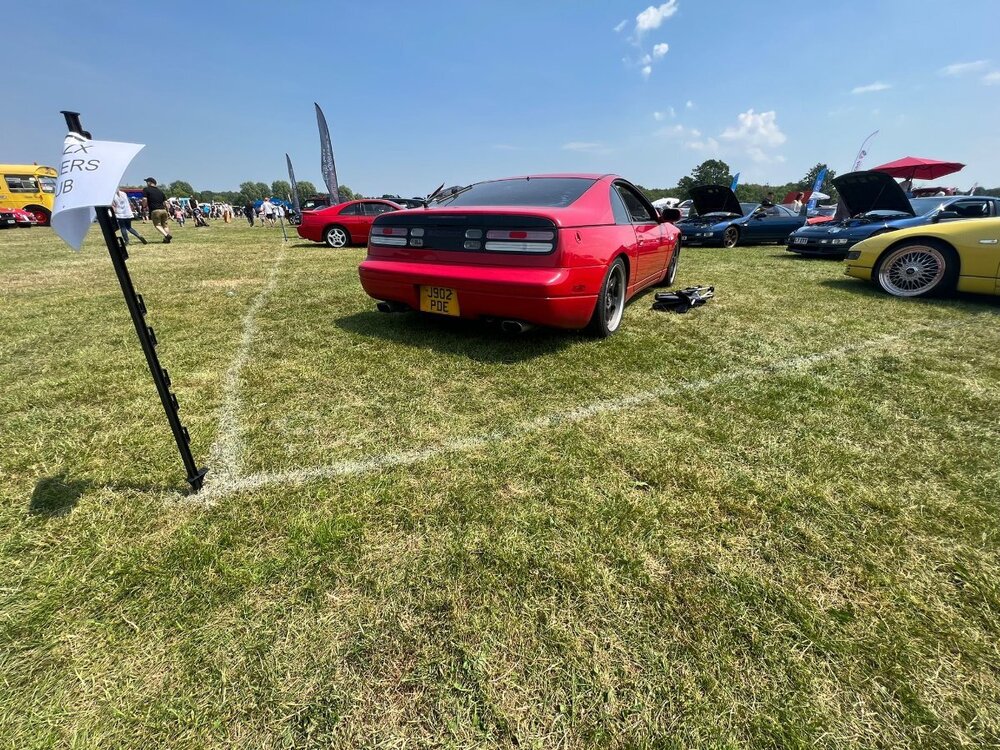
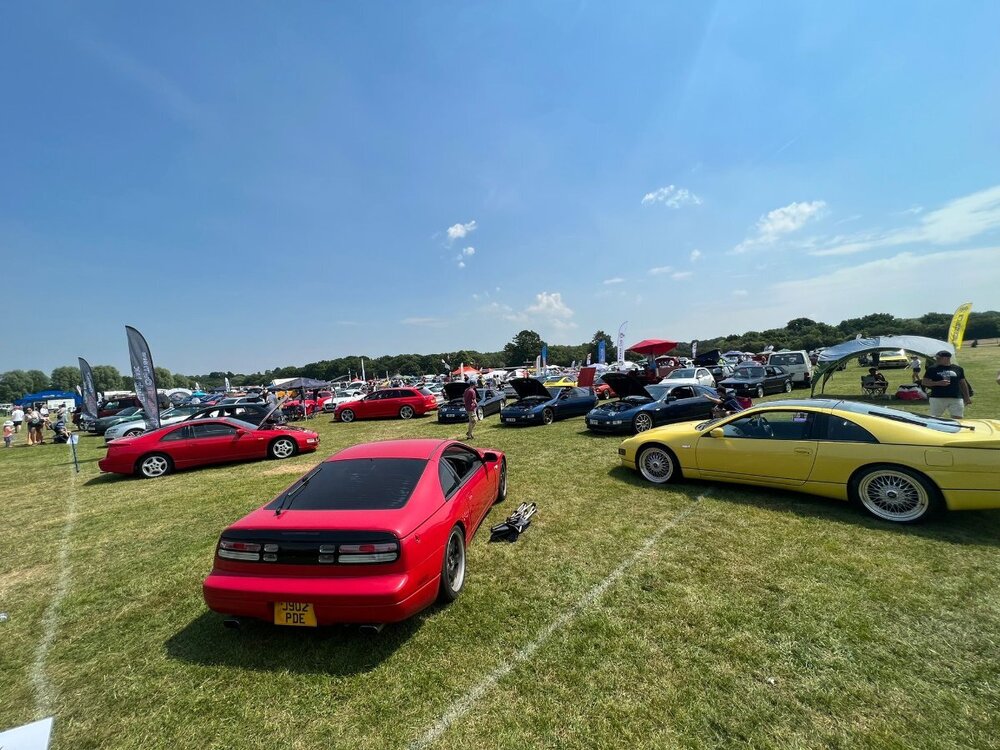
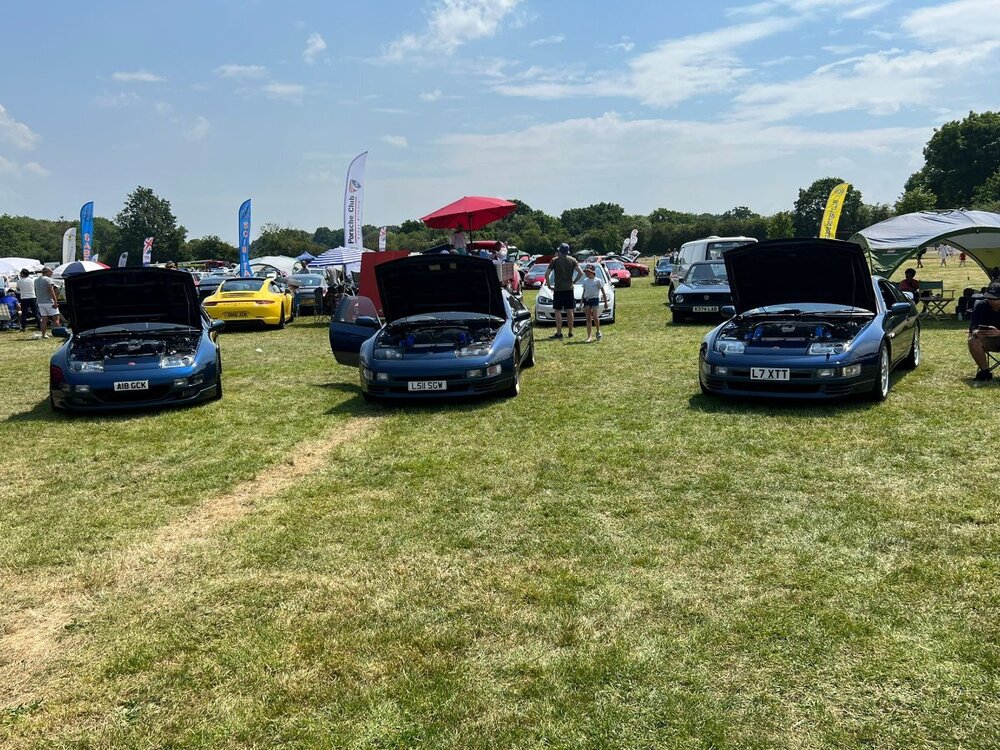
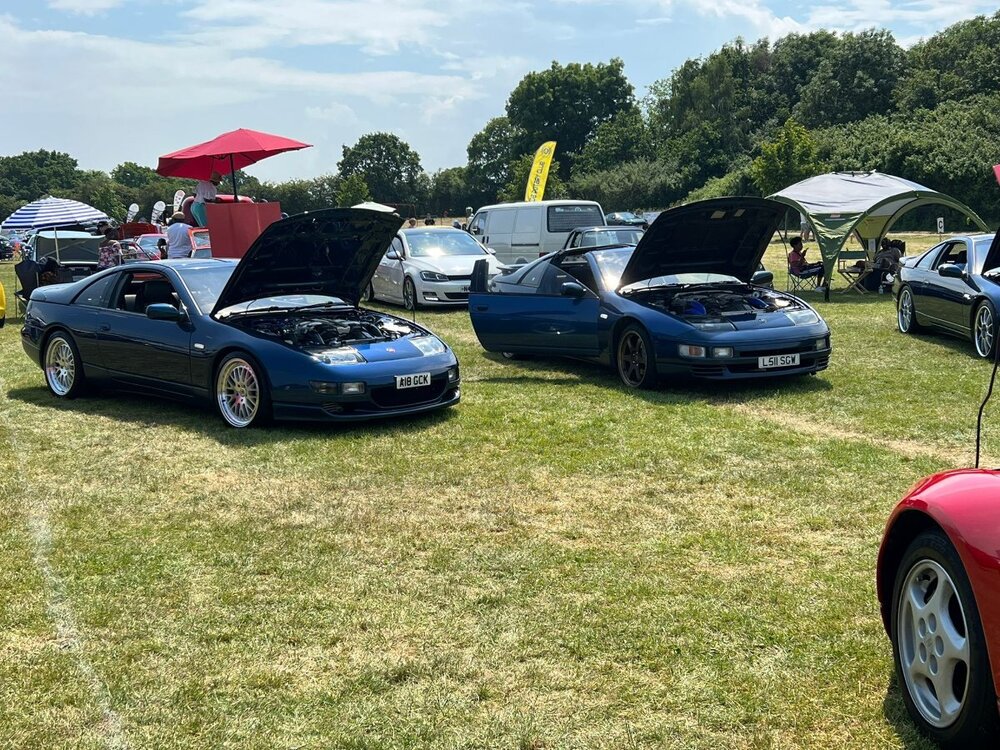
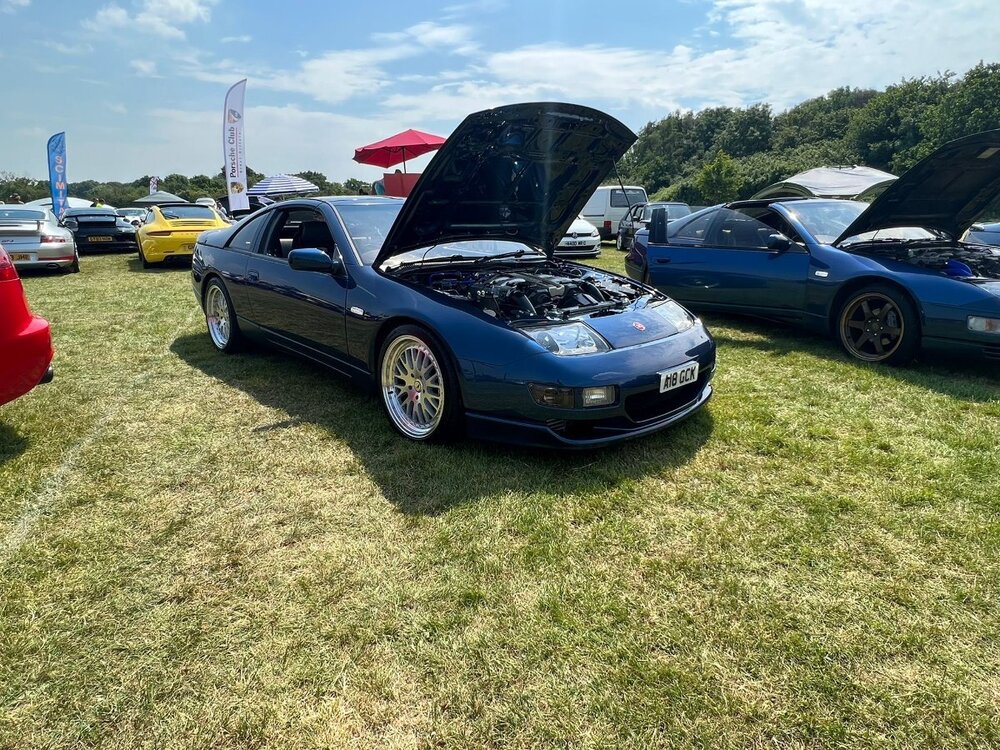
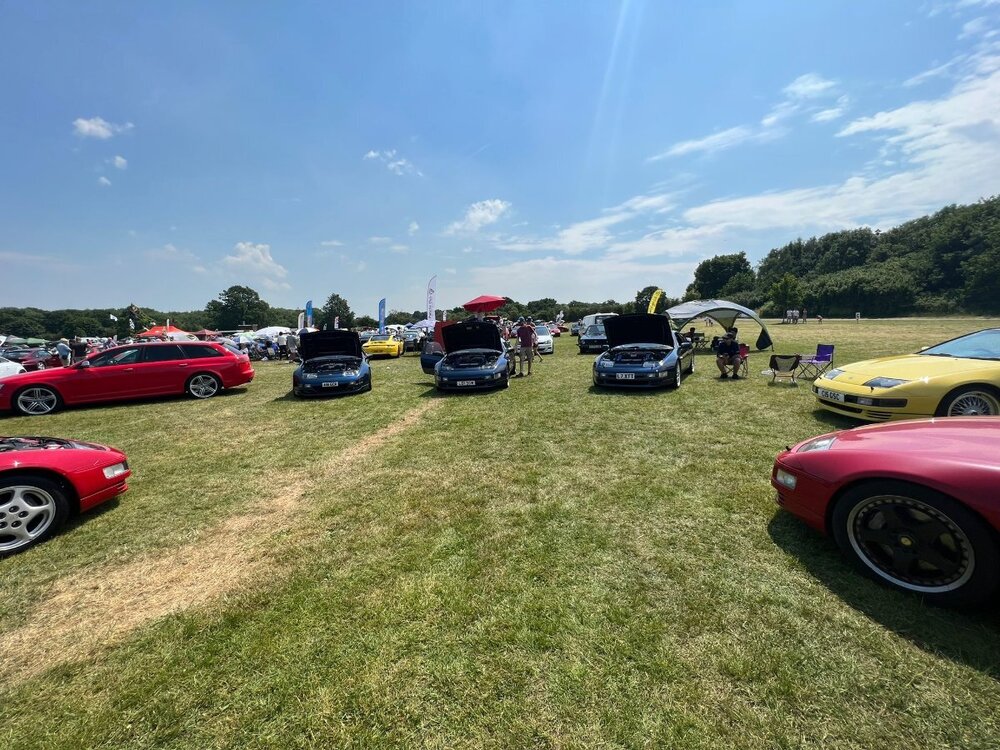
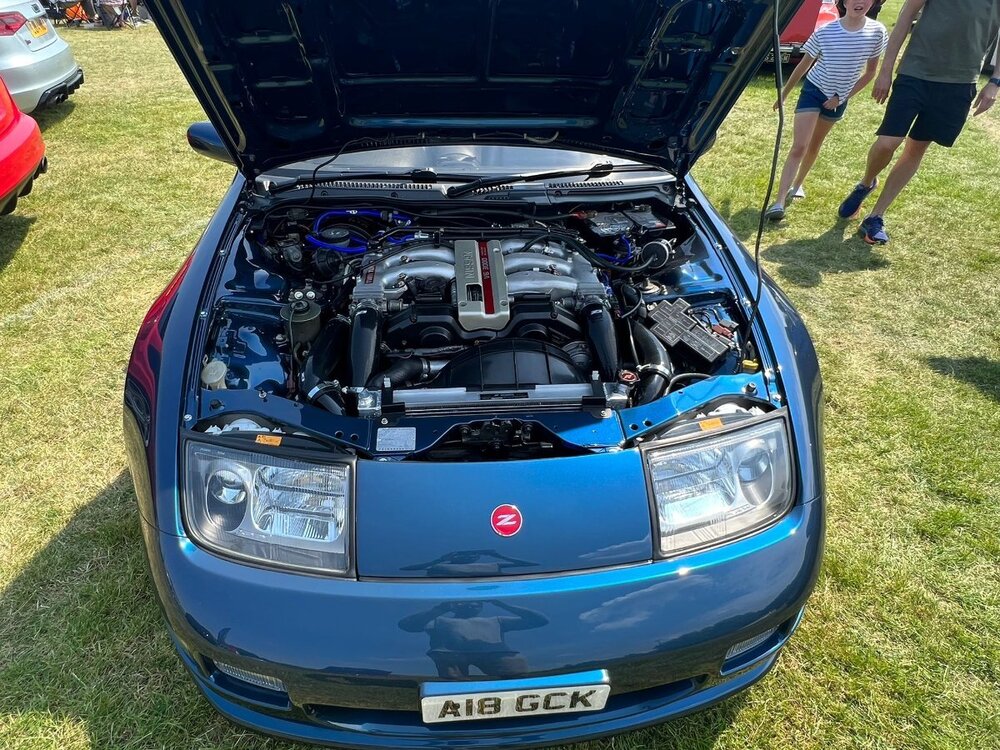
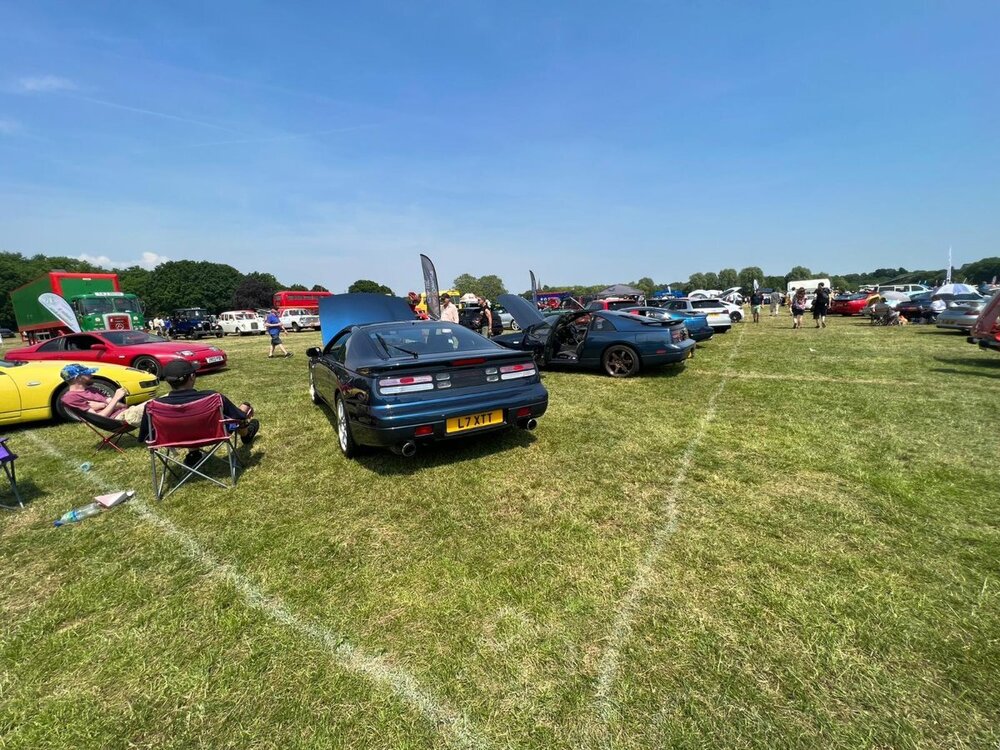
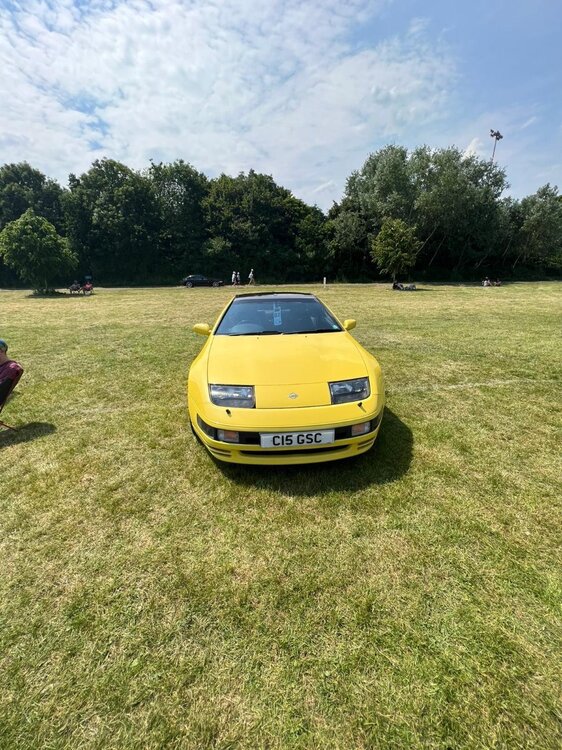
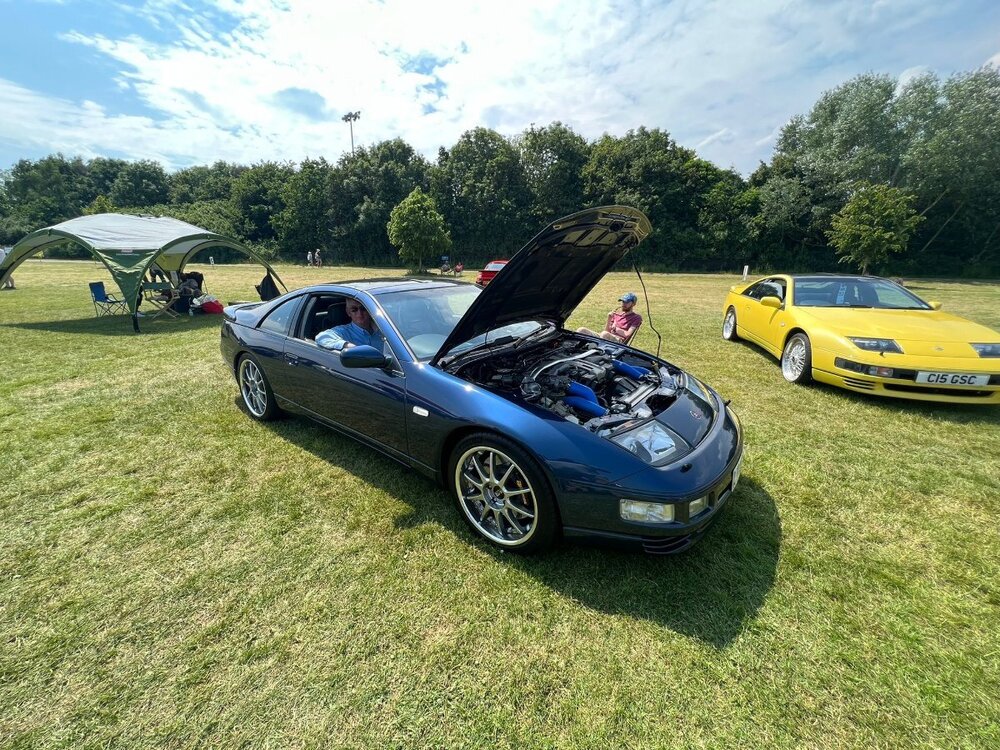
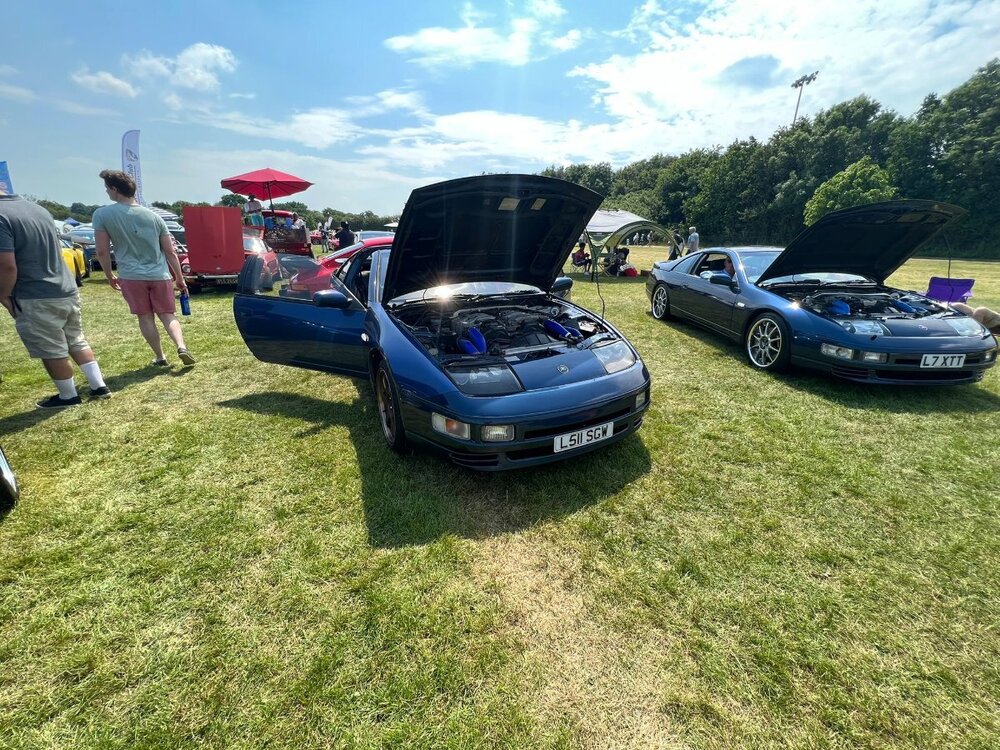
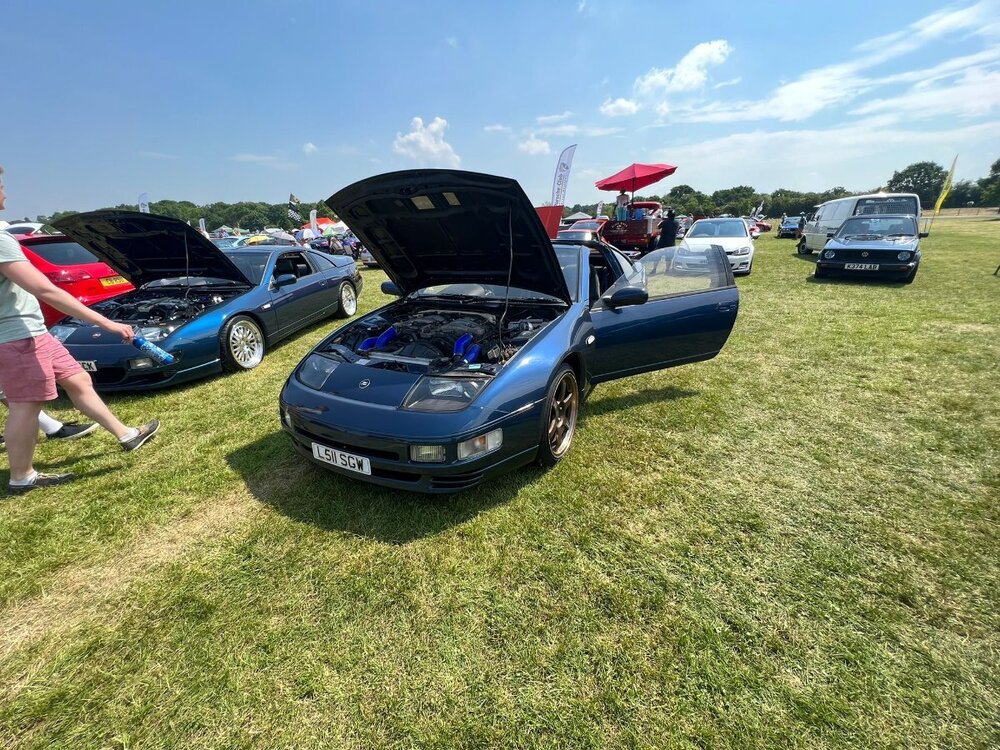
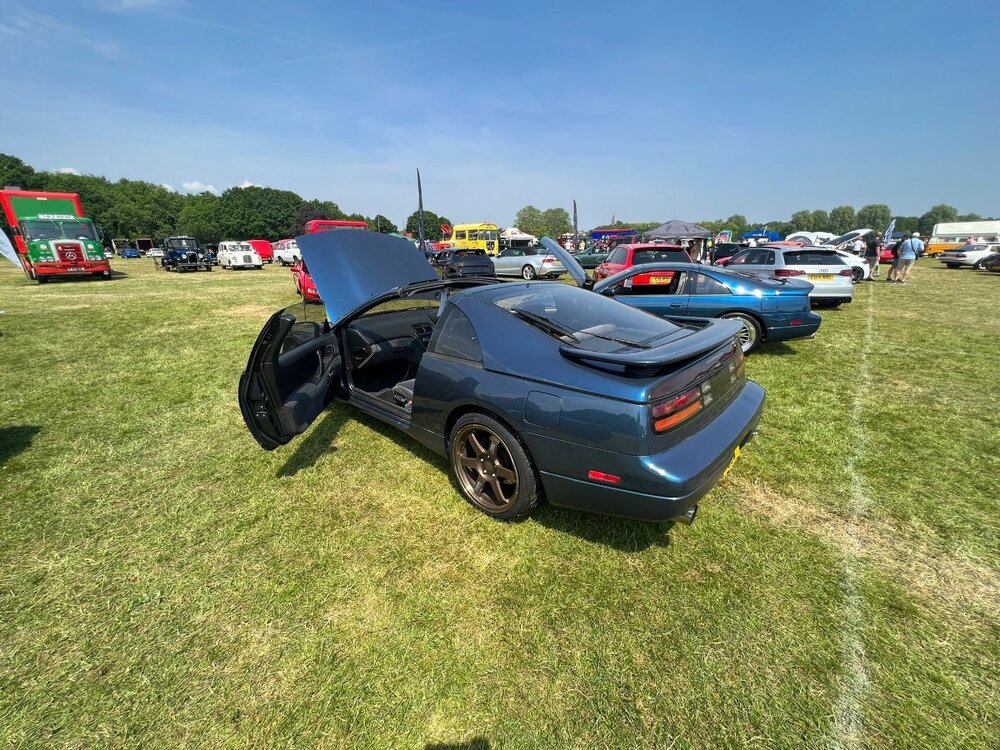
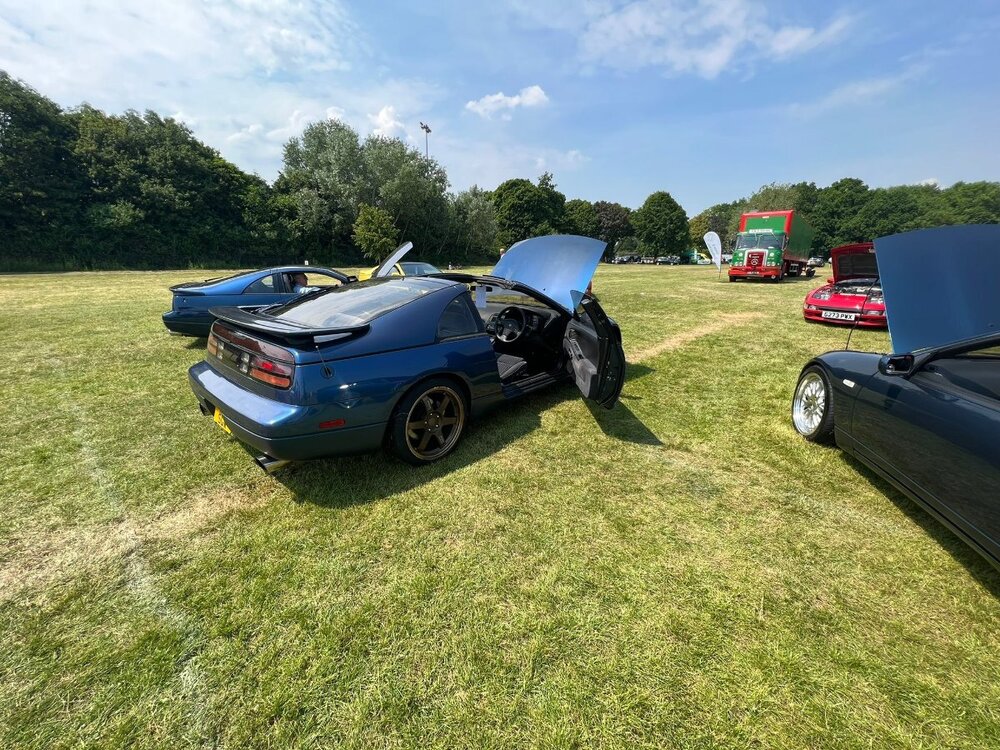
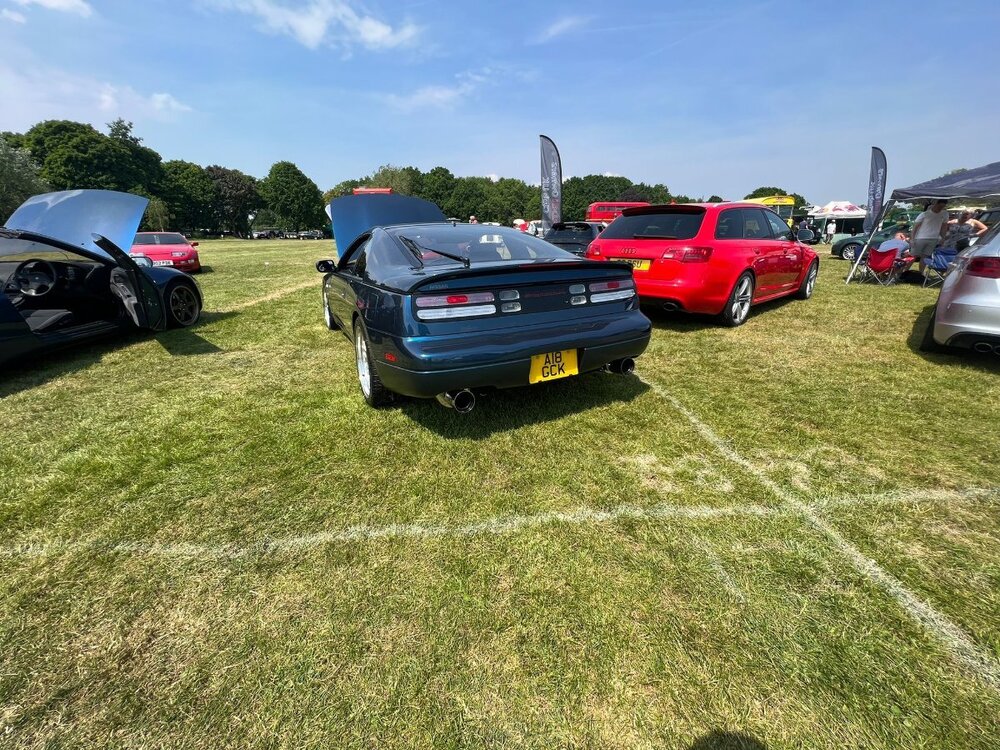
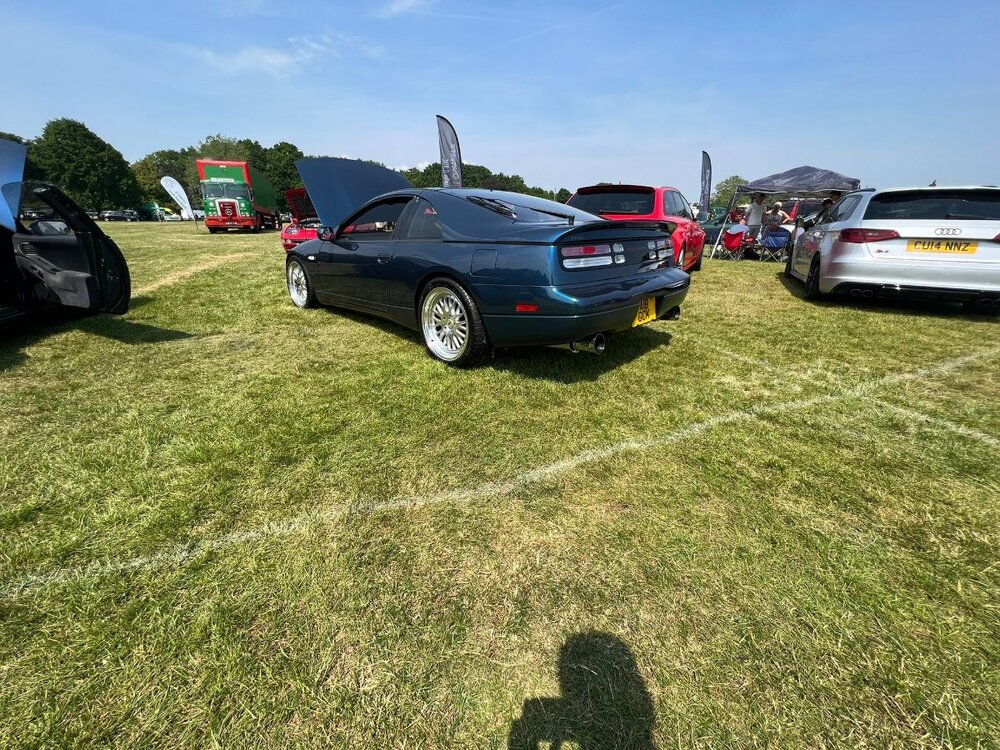
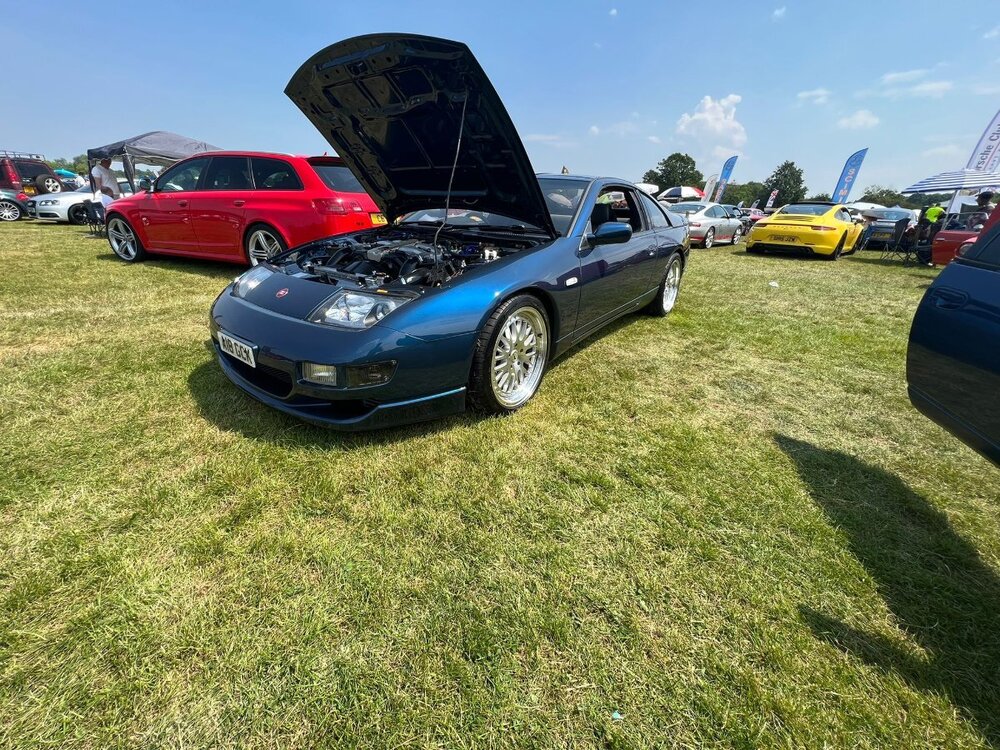
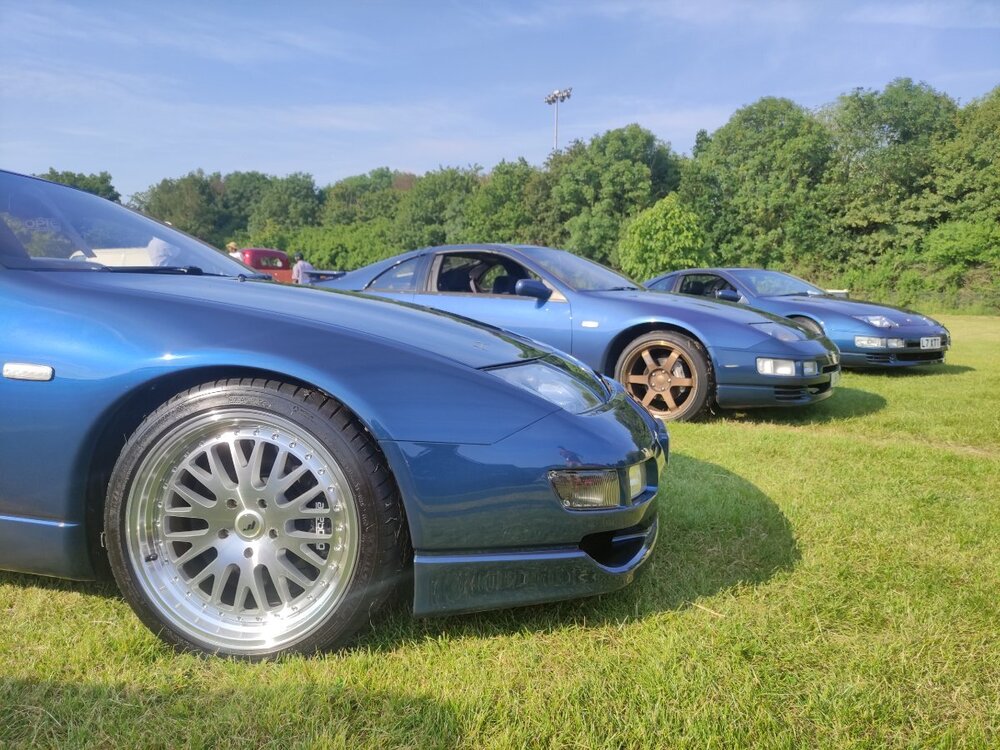
And some more: Credit to @Raja93, he took most of the photos.... thats why they are all of the blue cars 😅
-
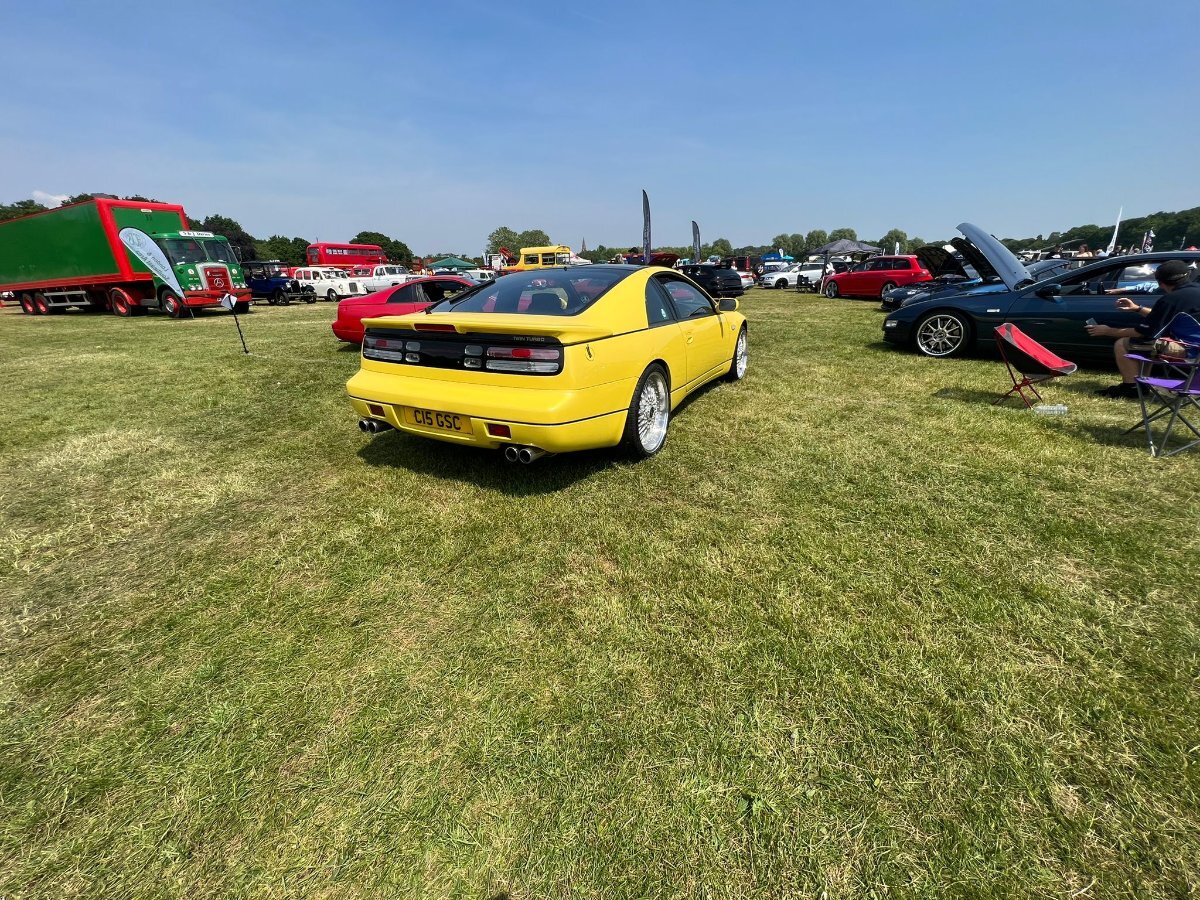
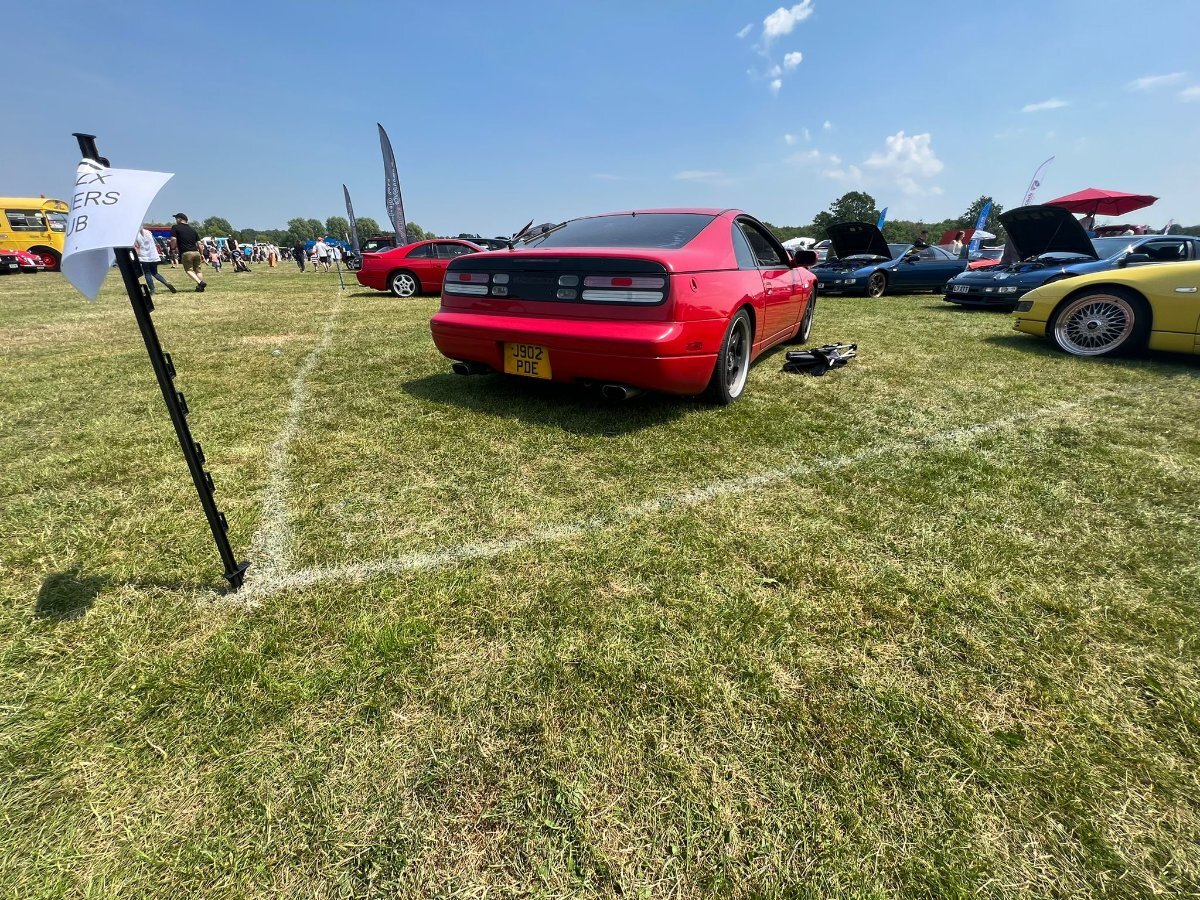
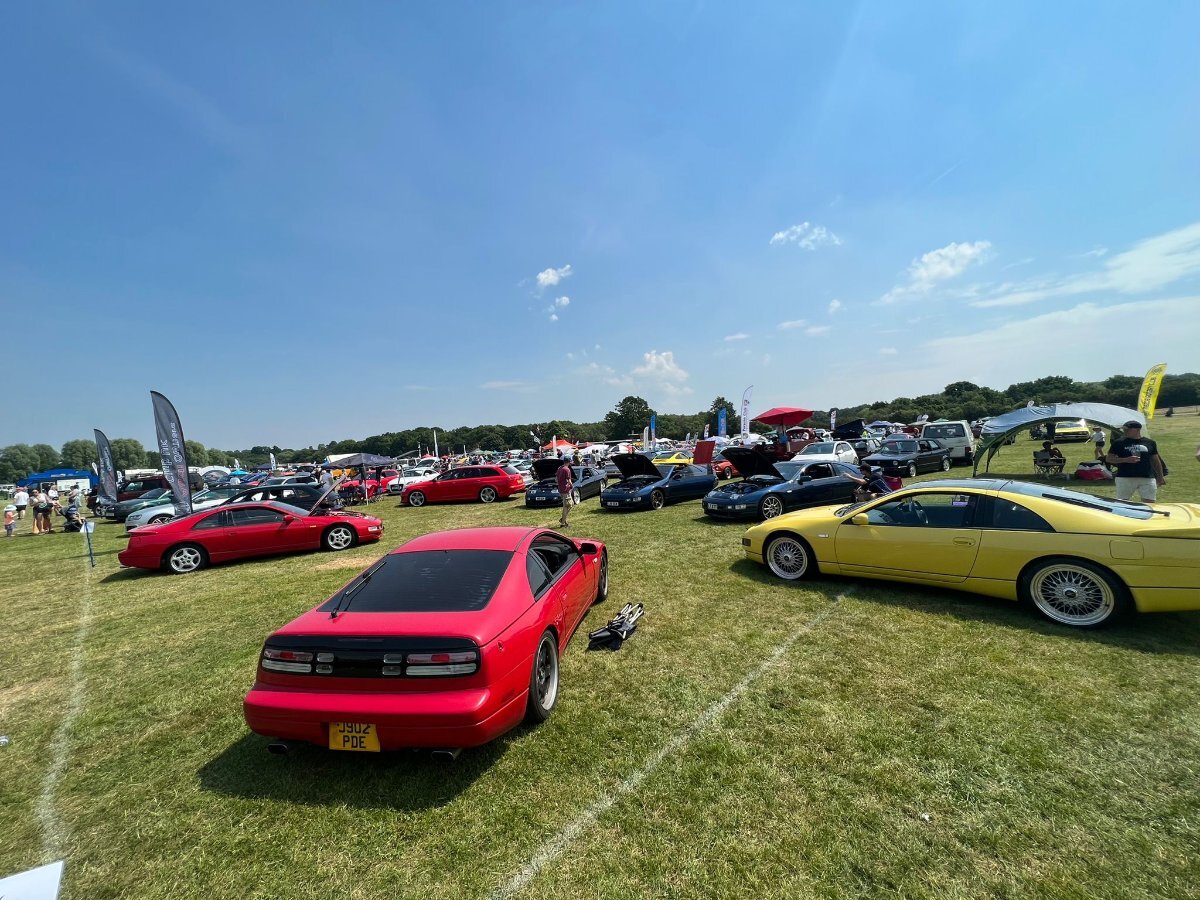
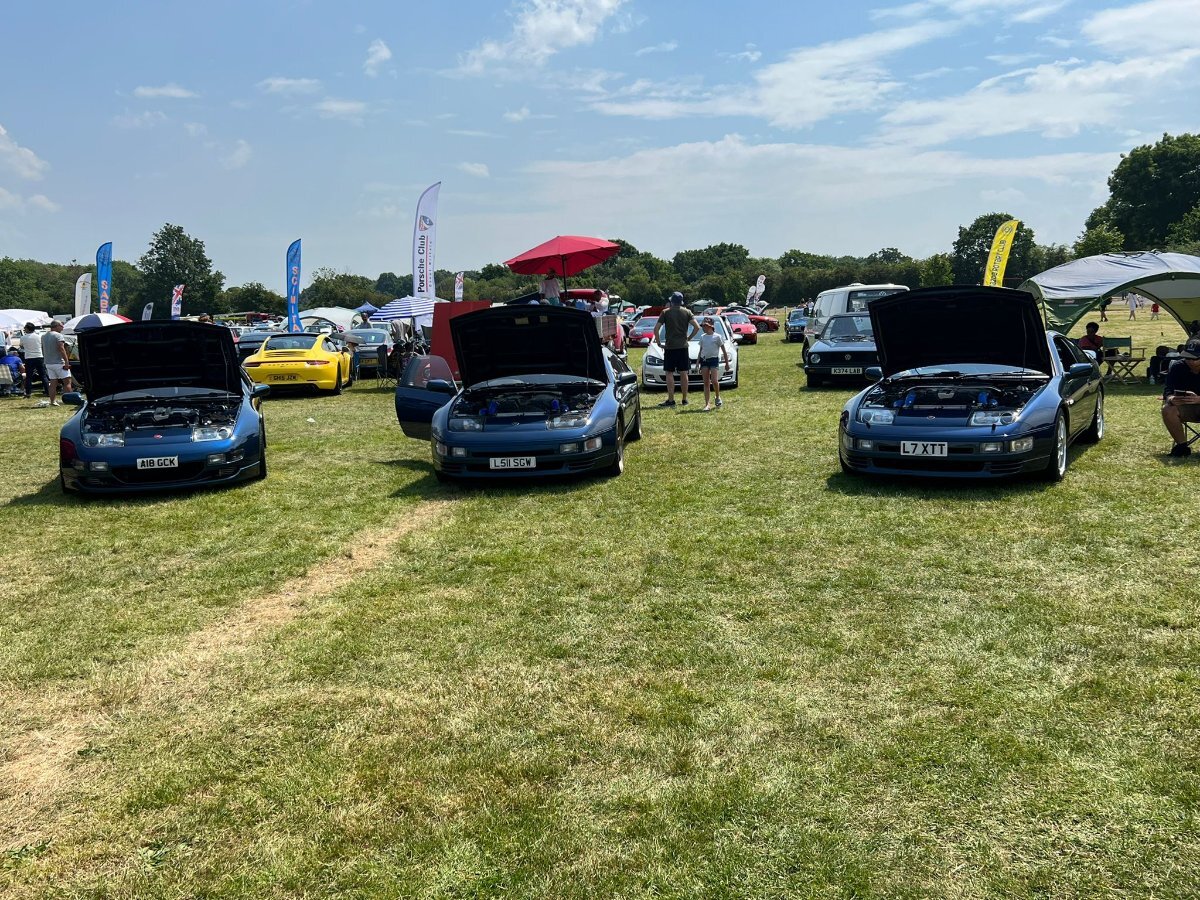
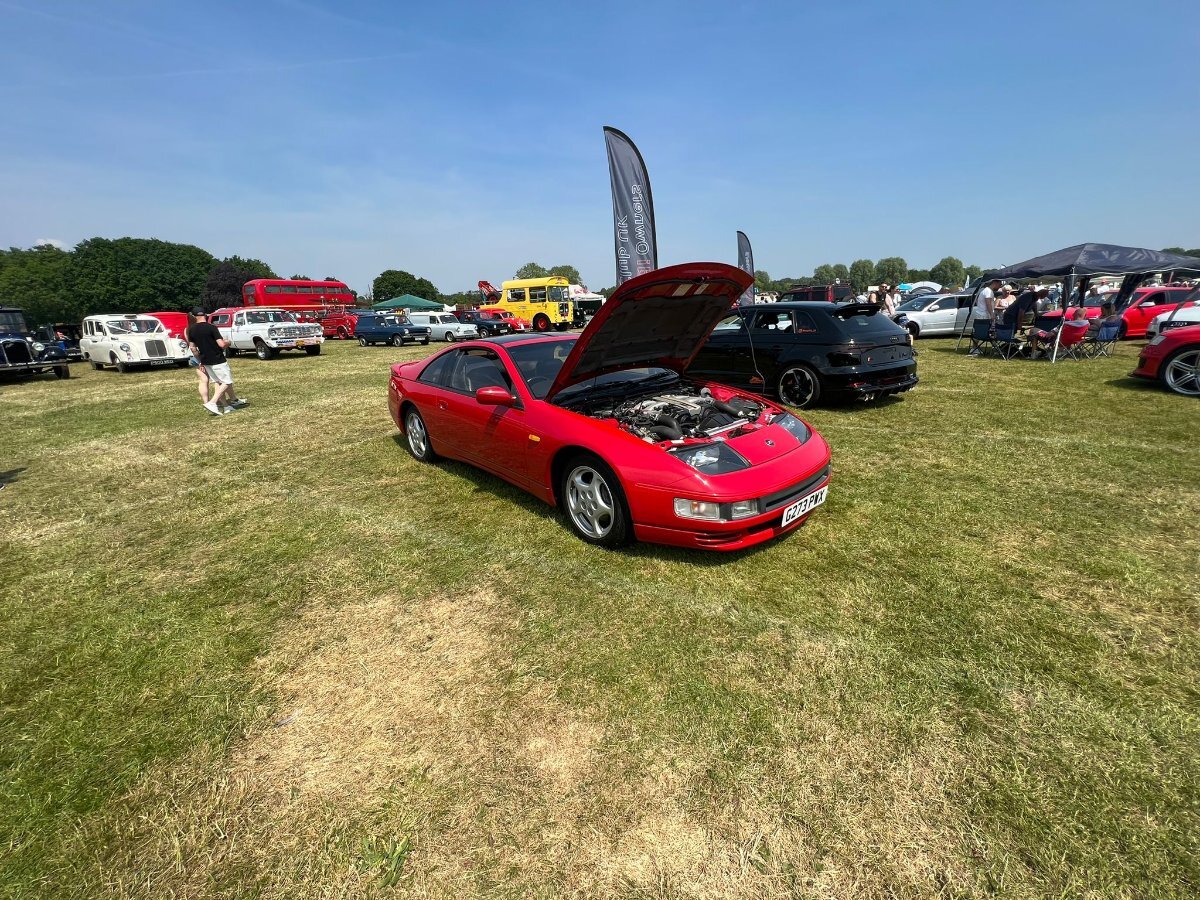
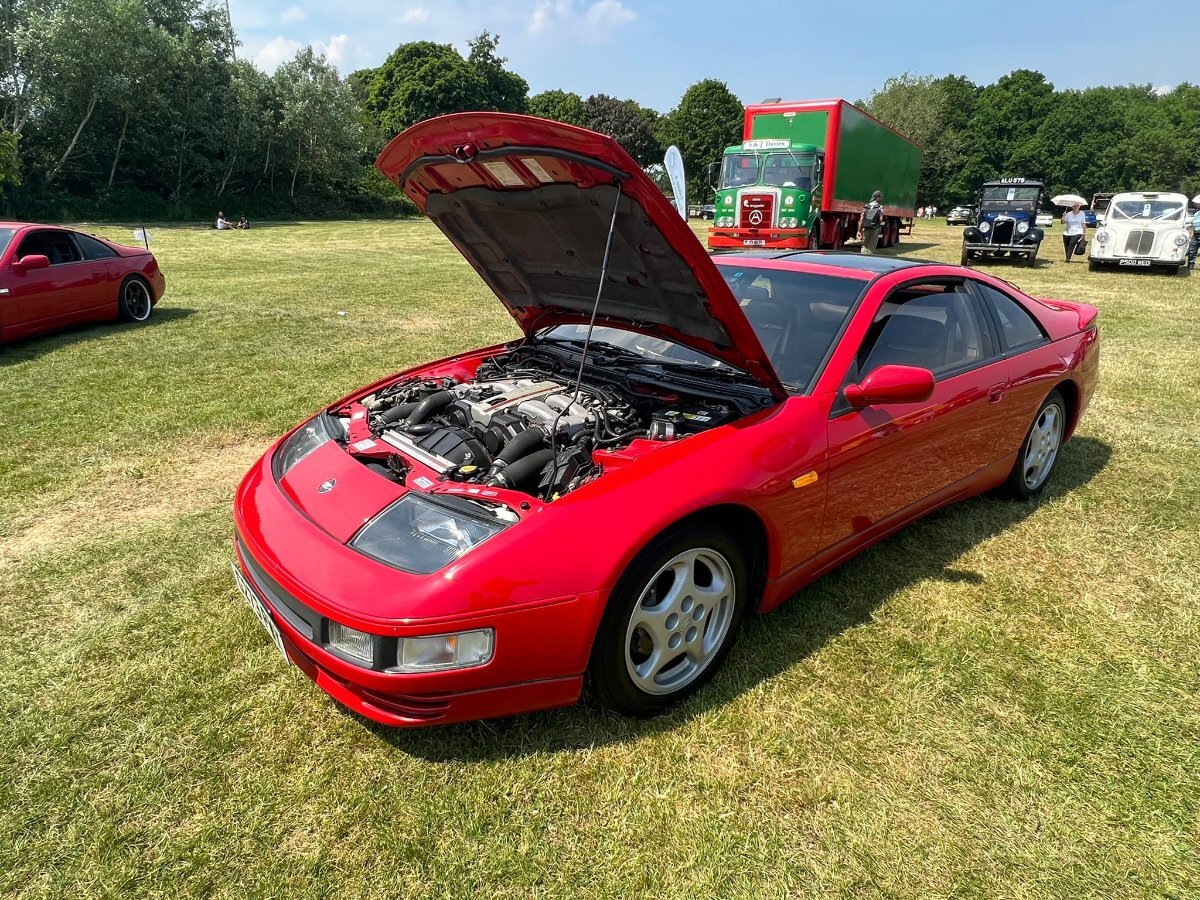
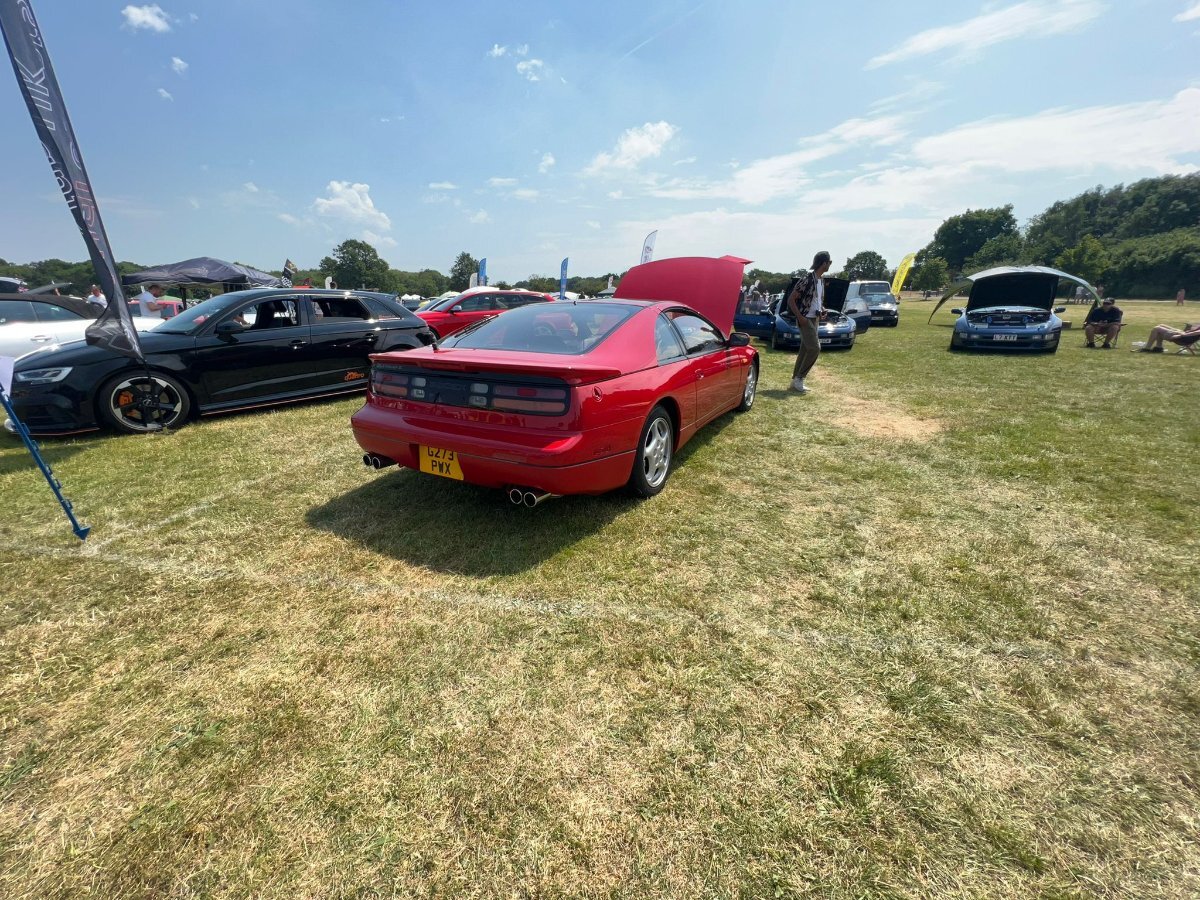
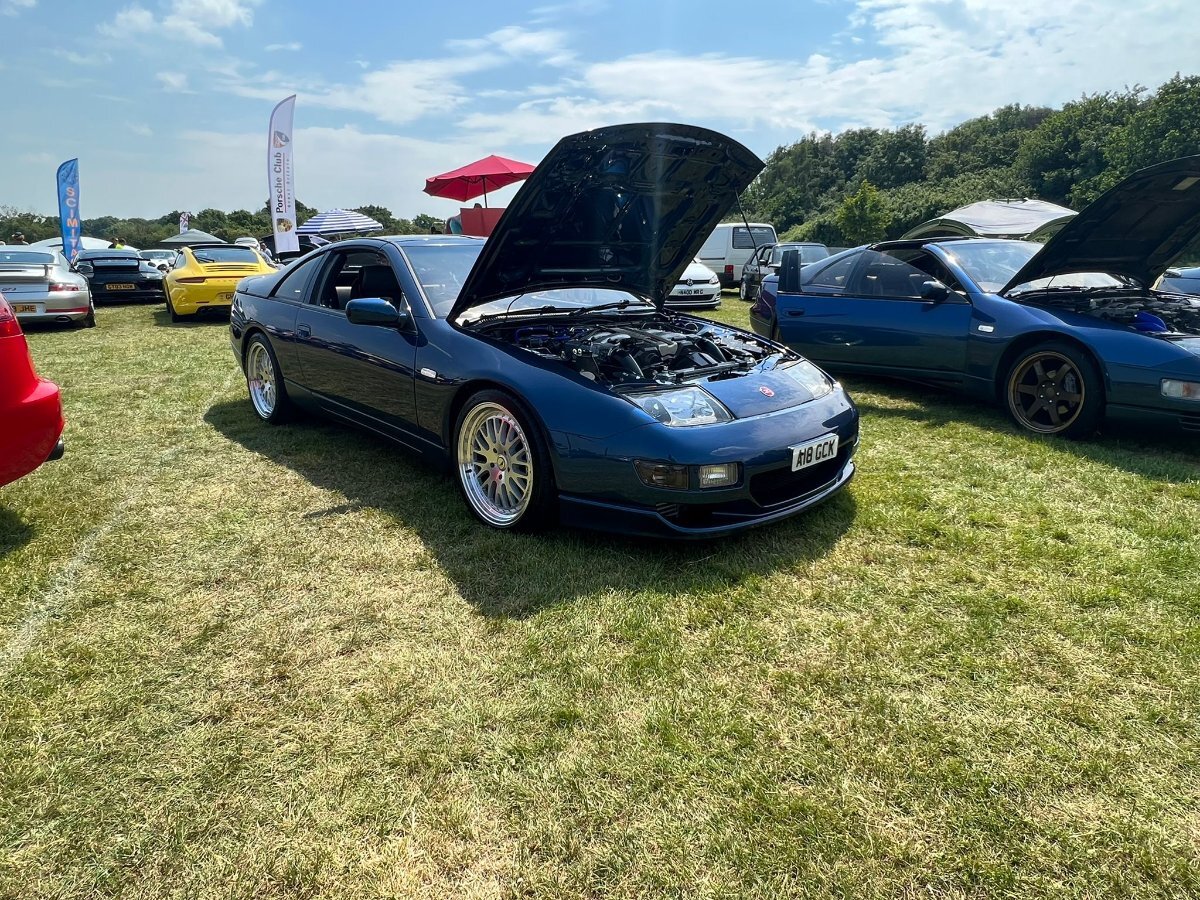
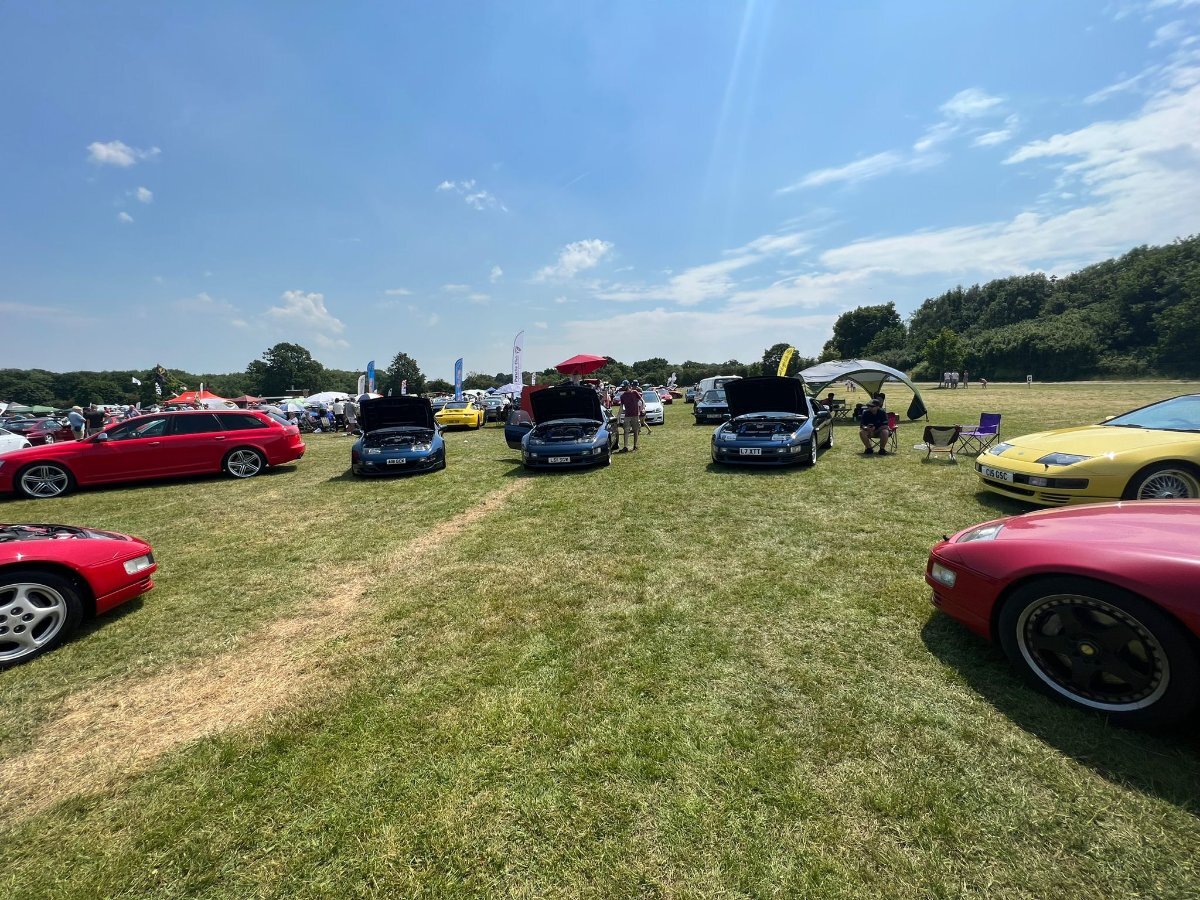
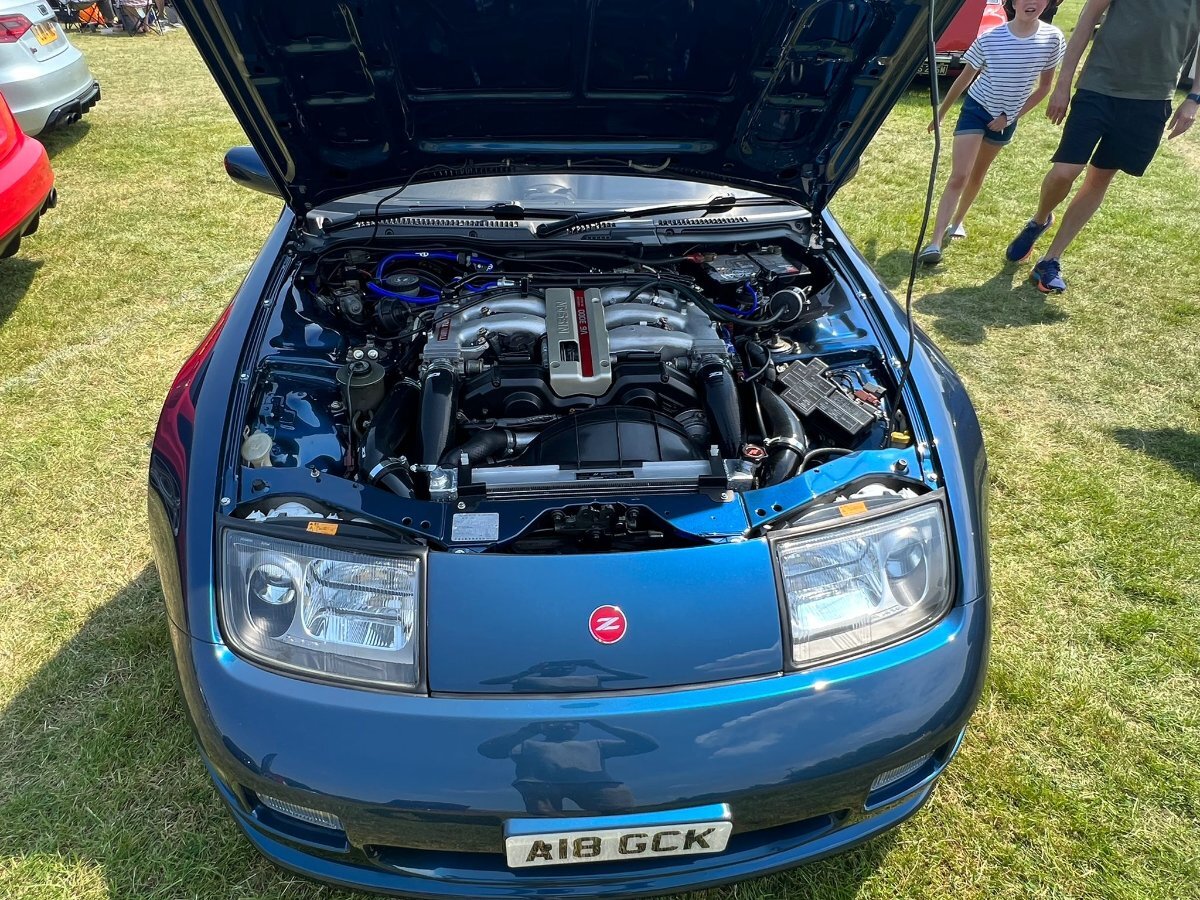
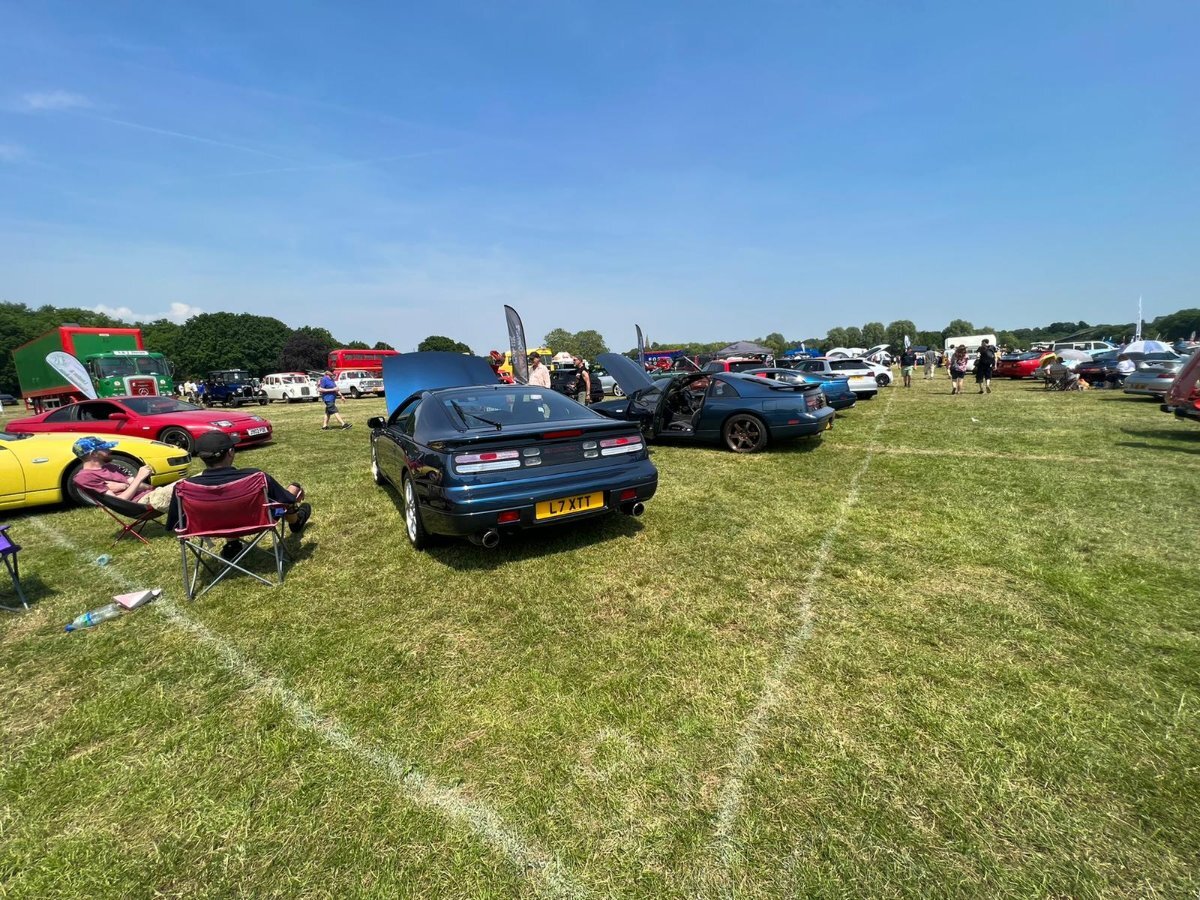
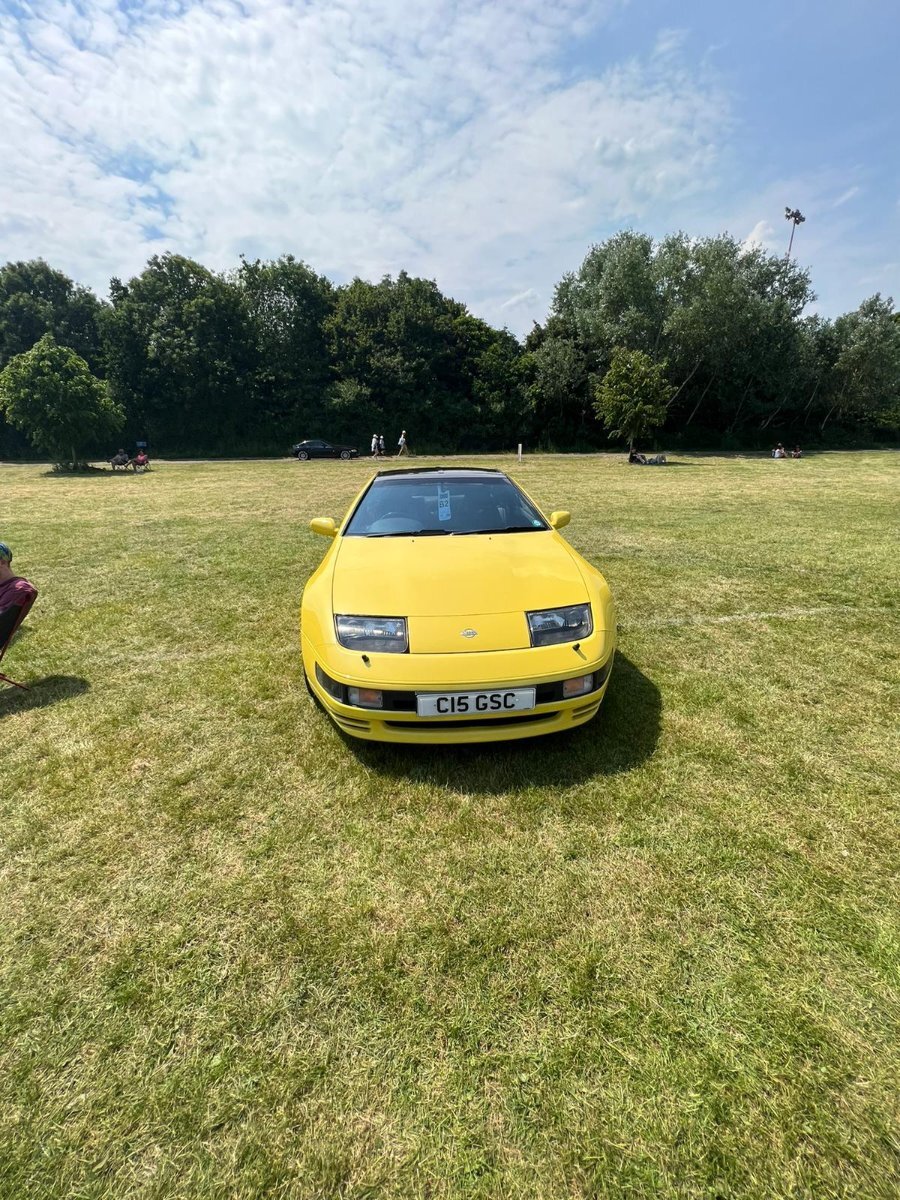
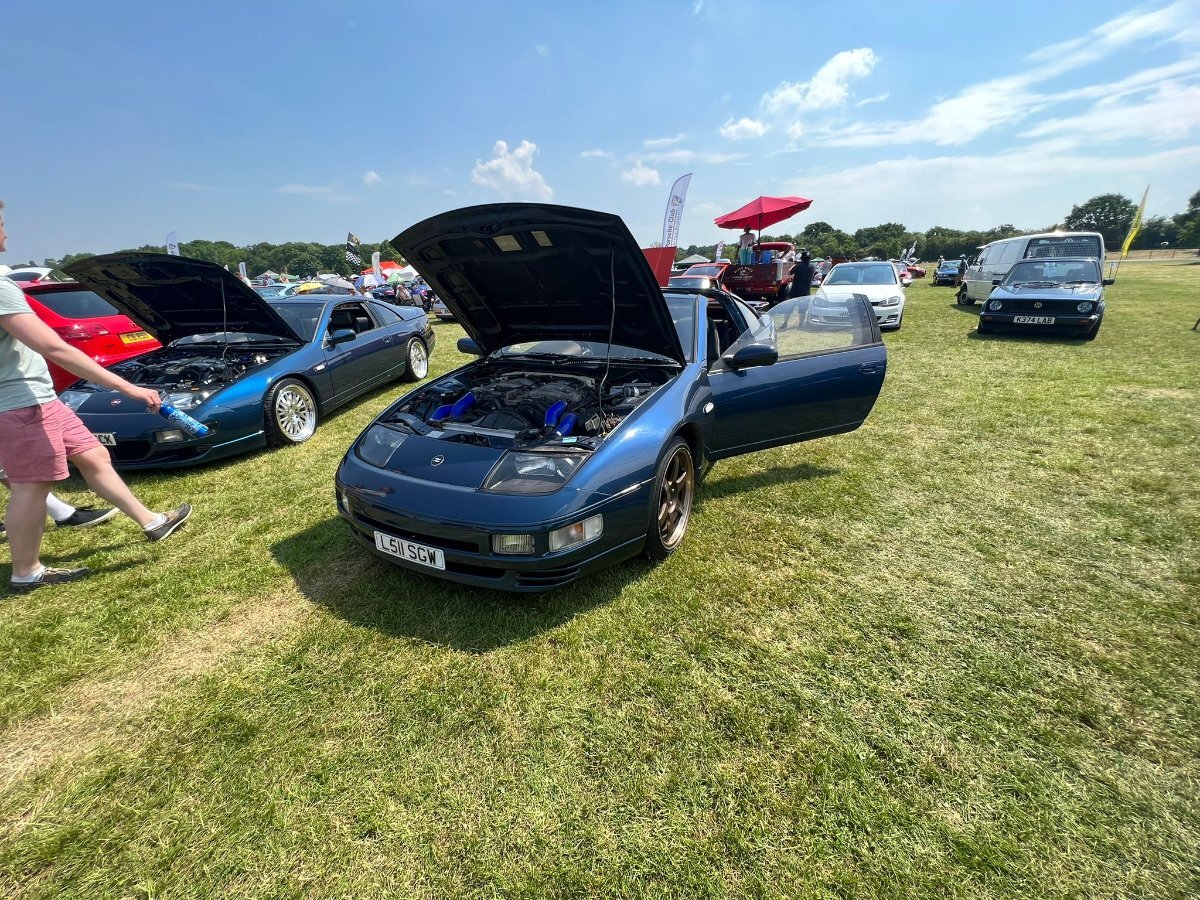
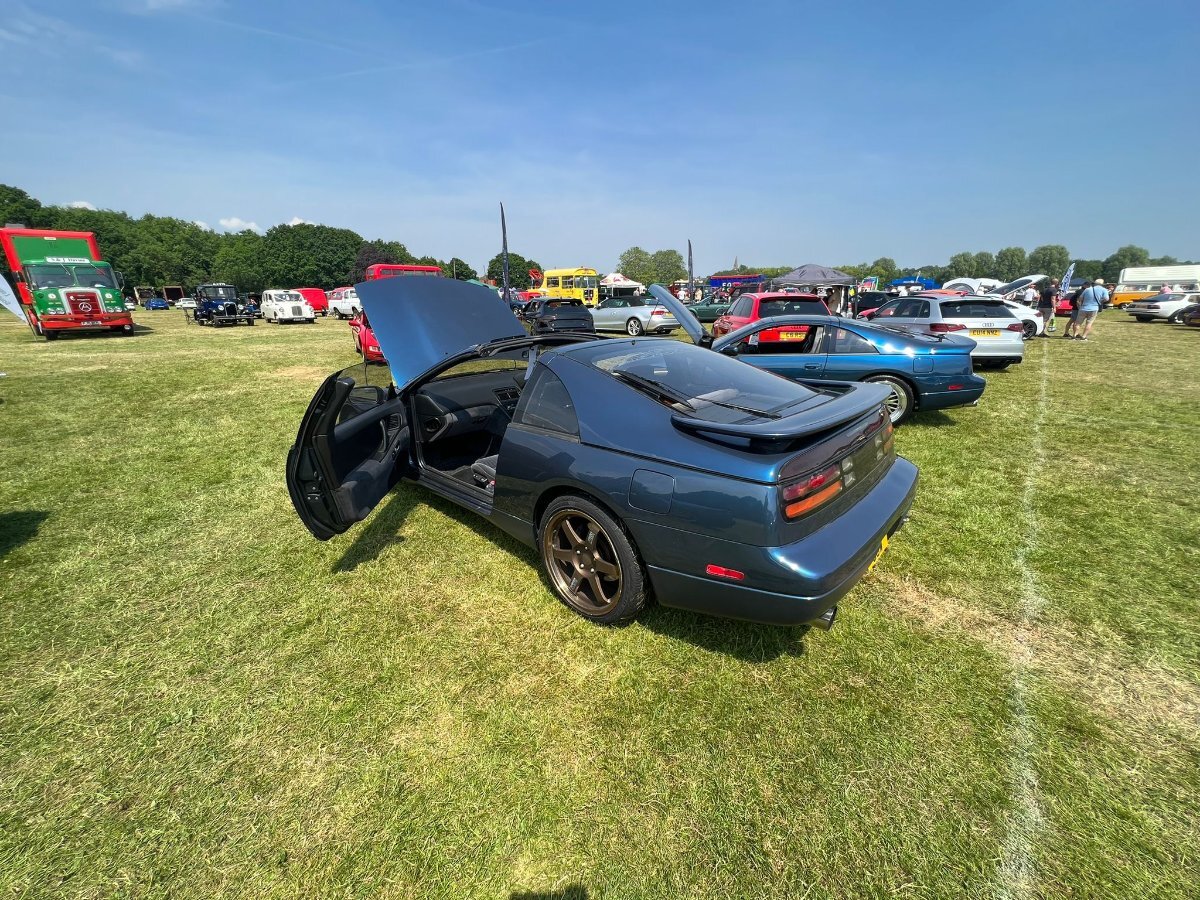
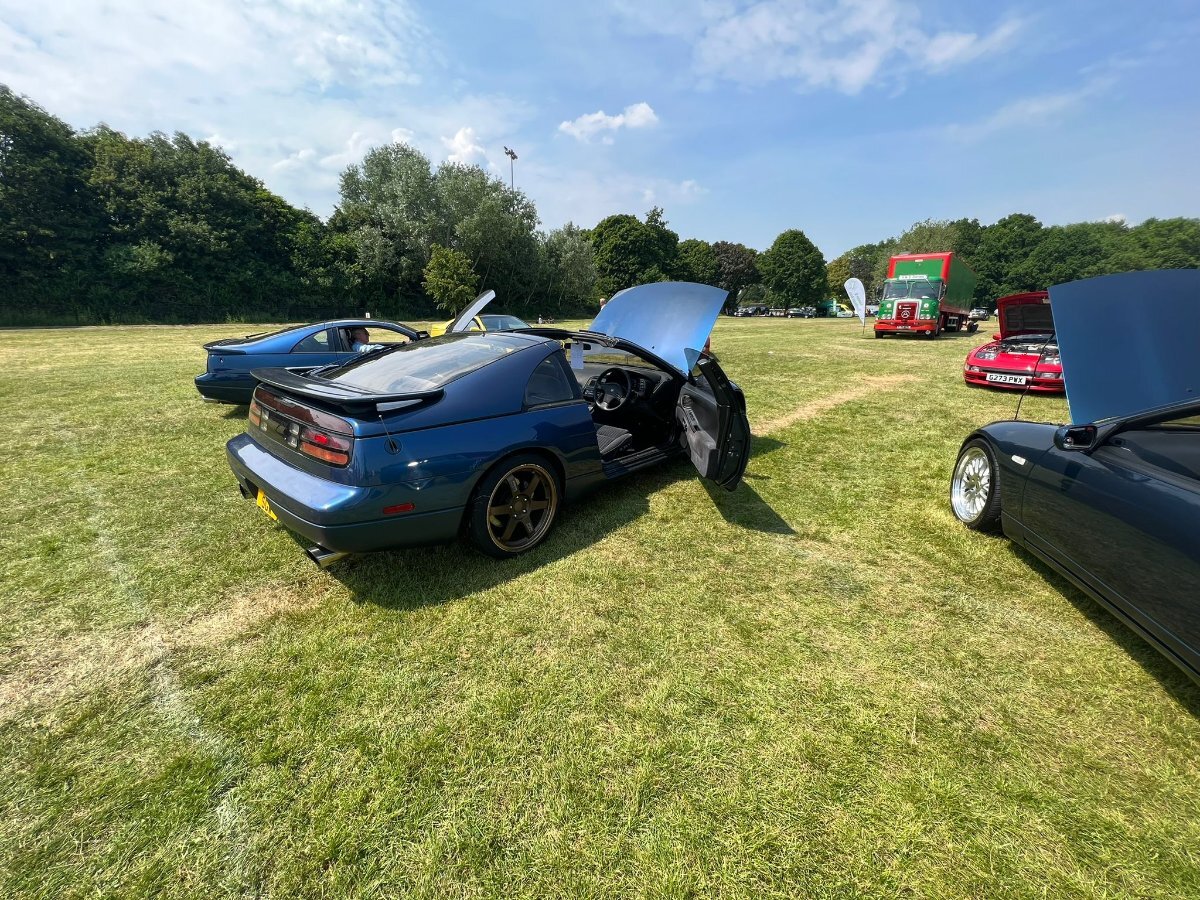
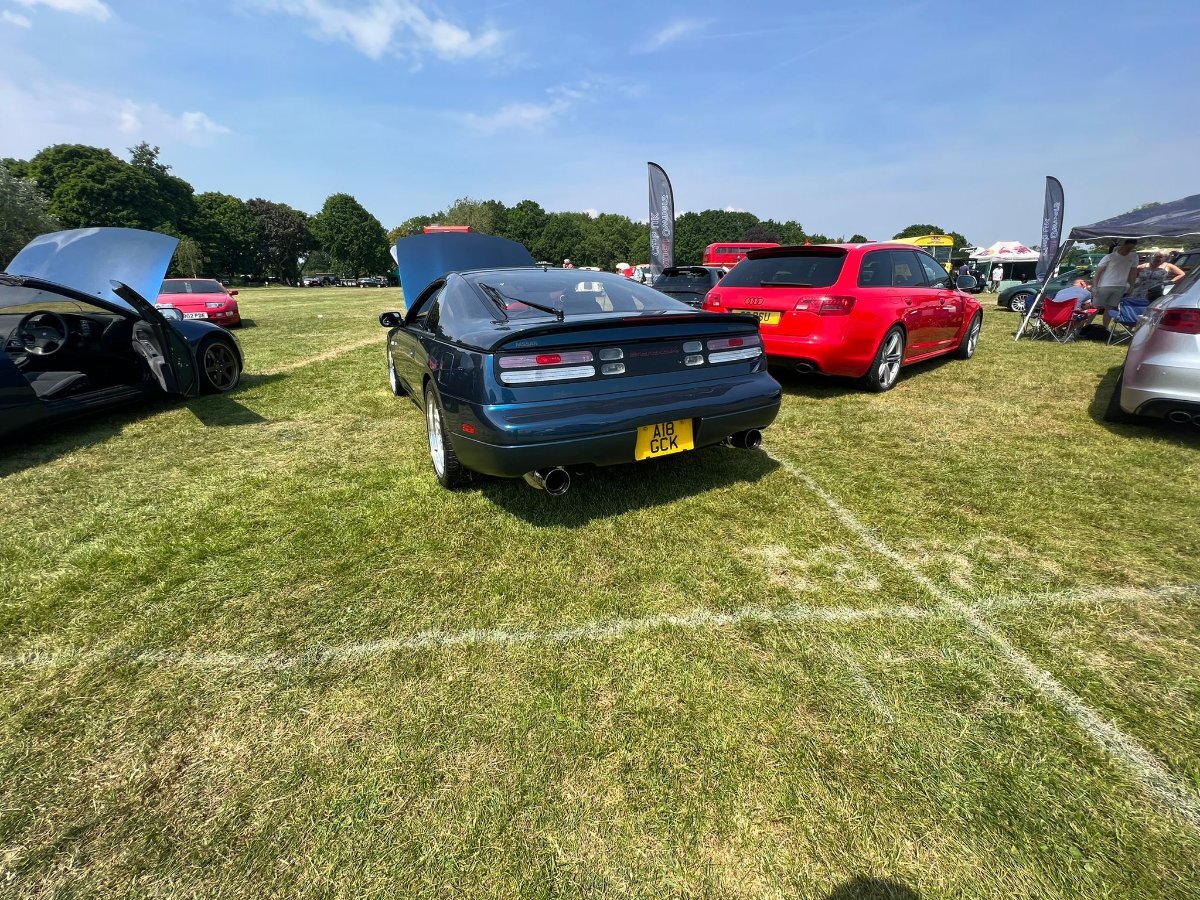
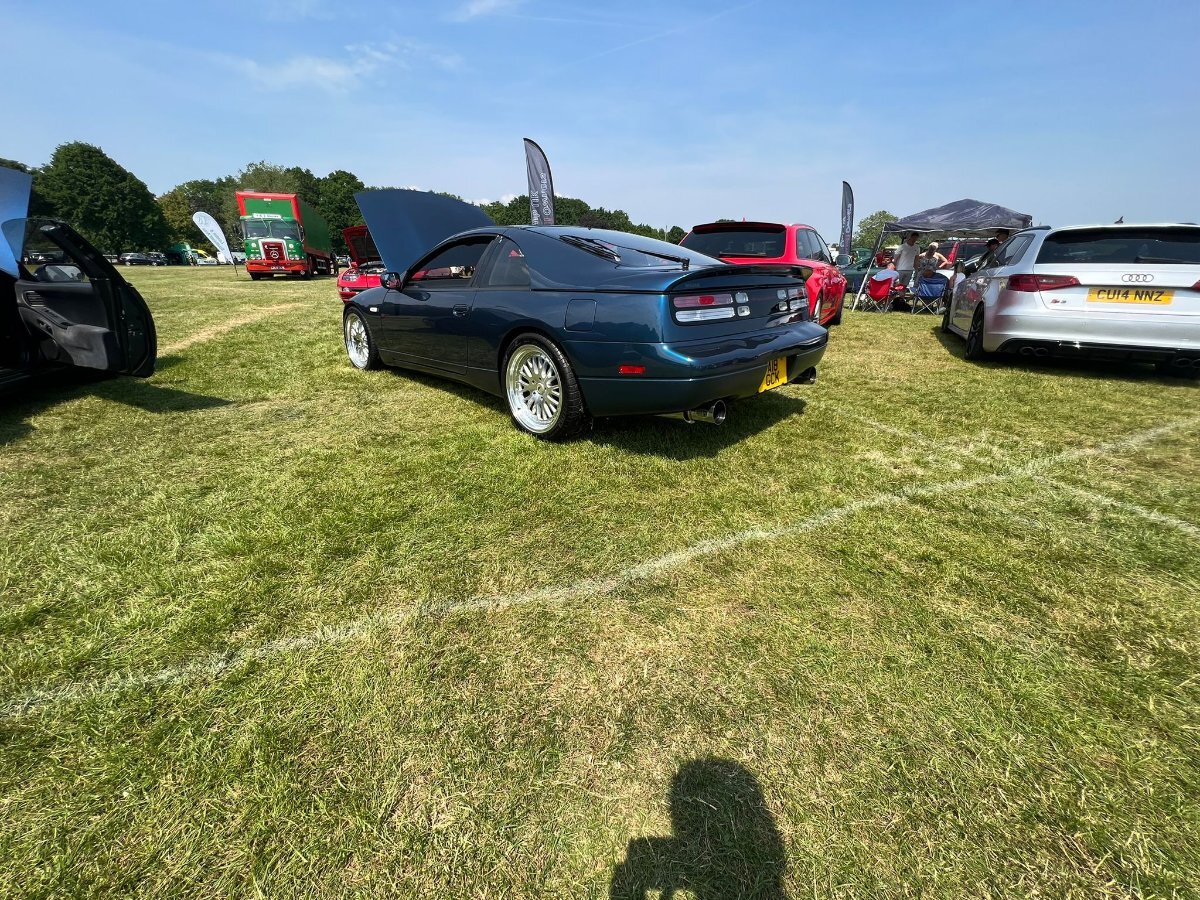
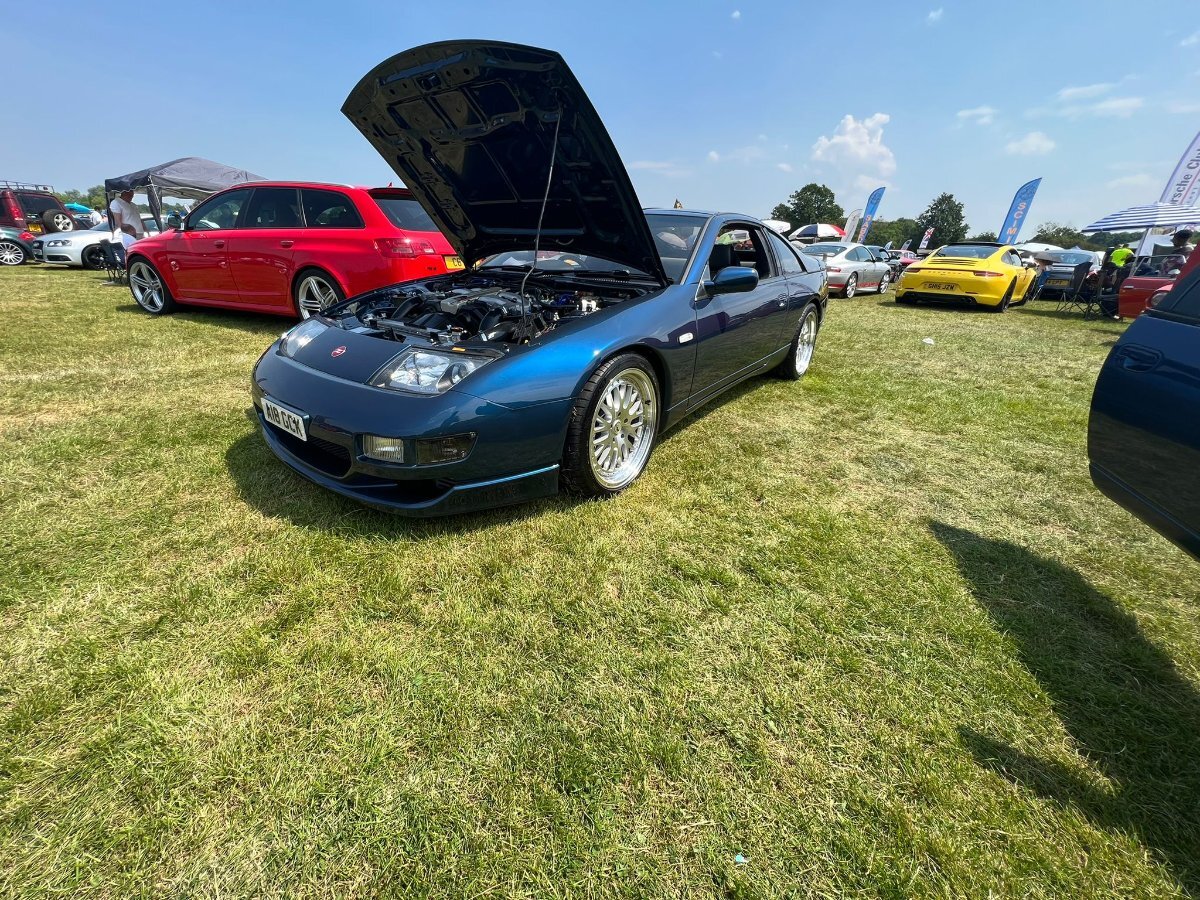
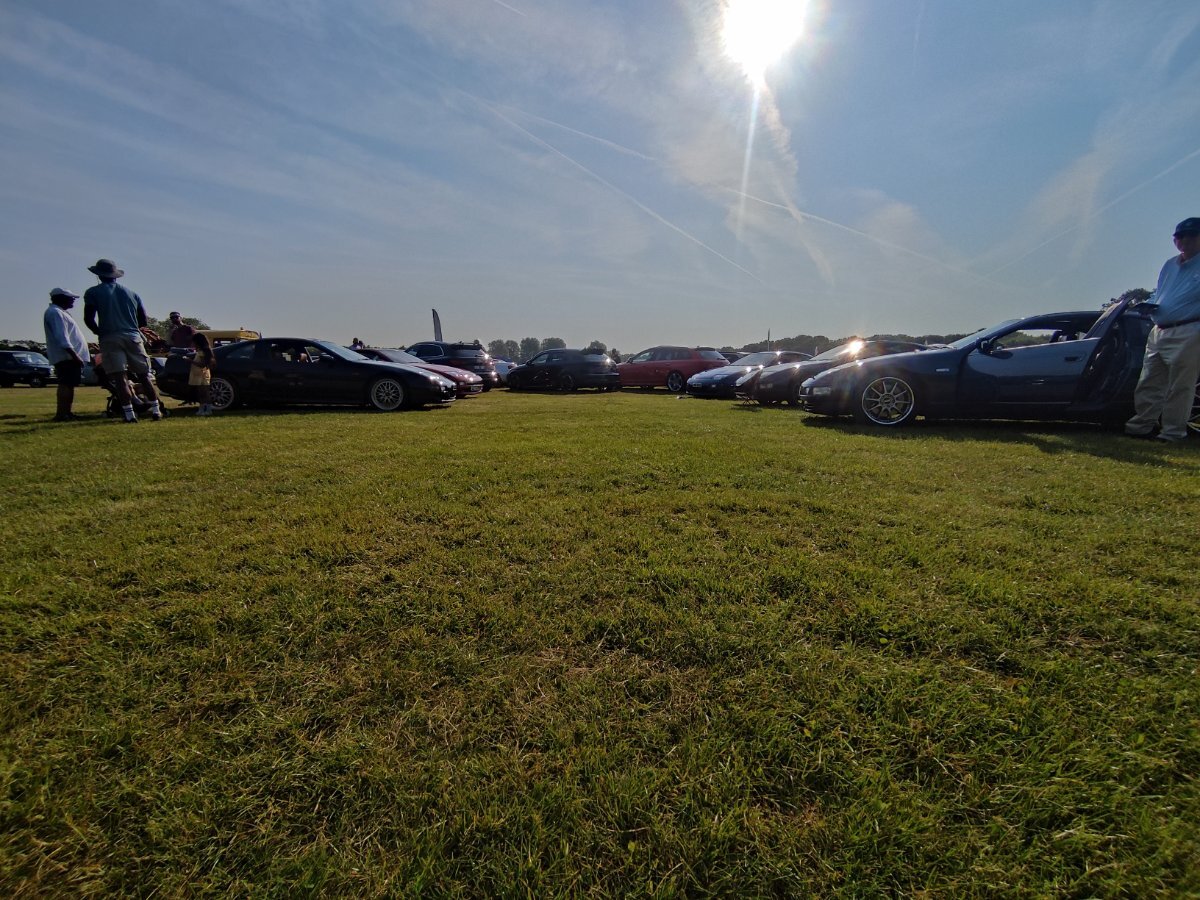
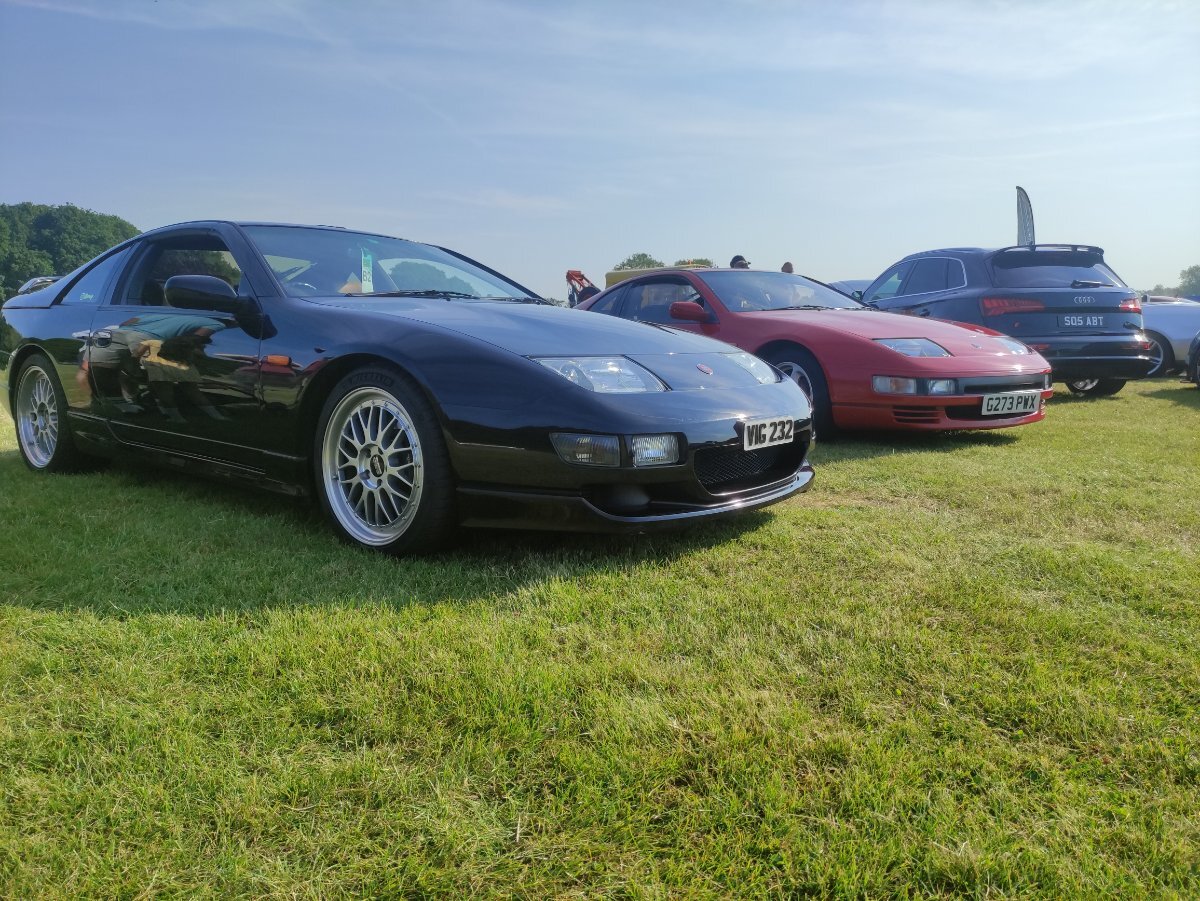
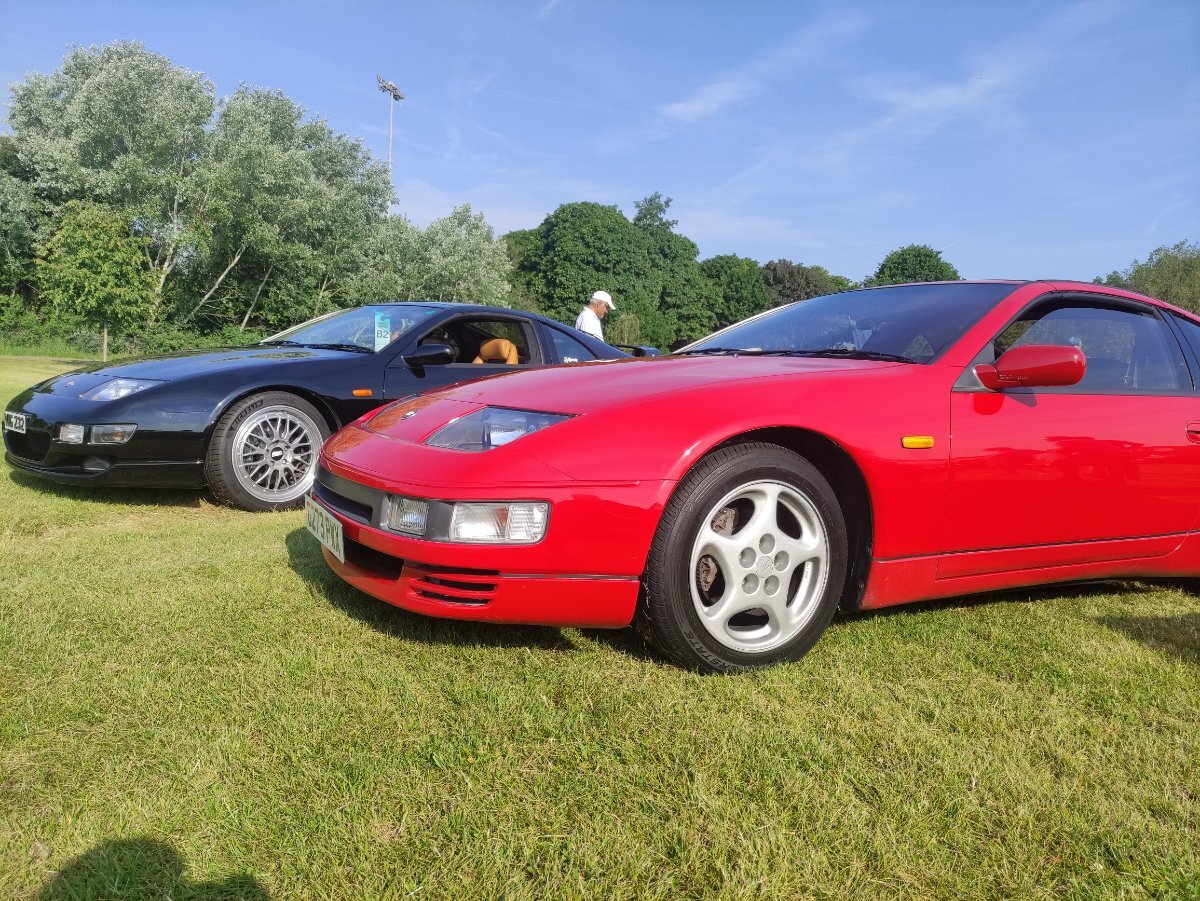
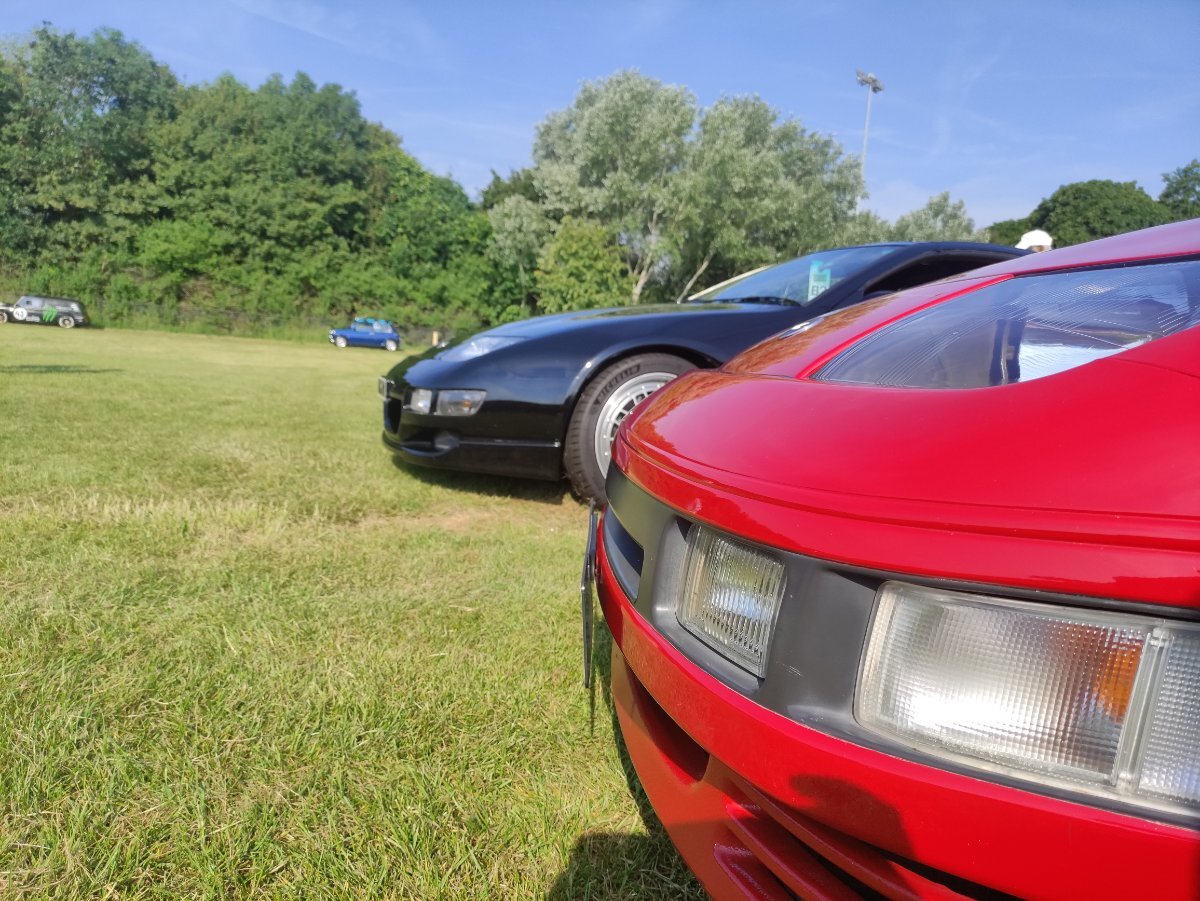
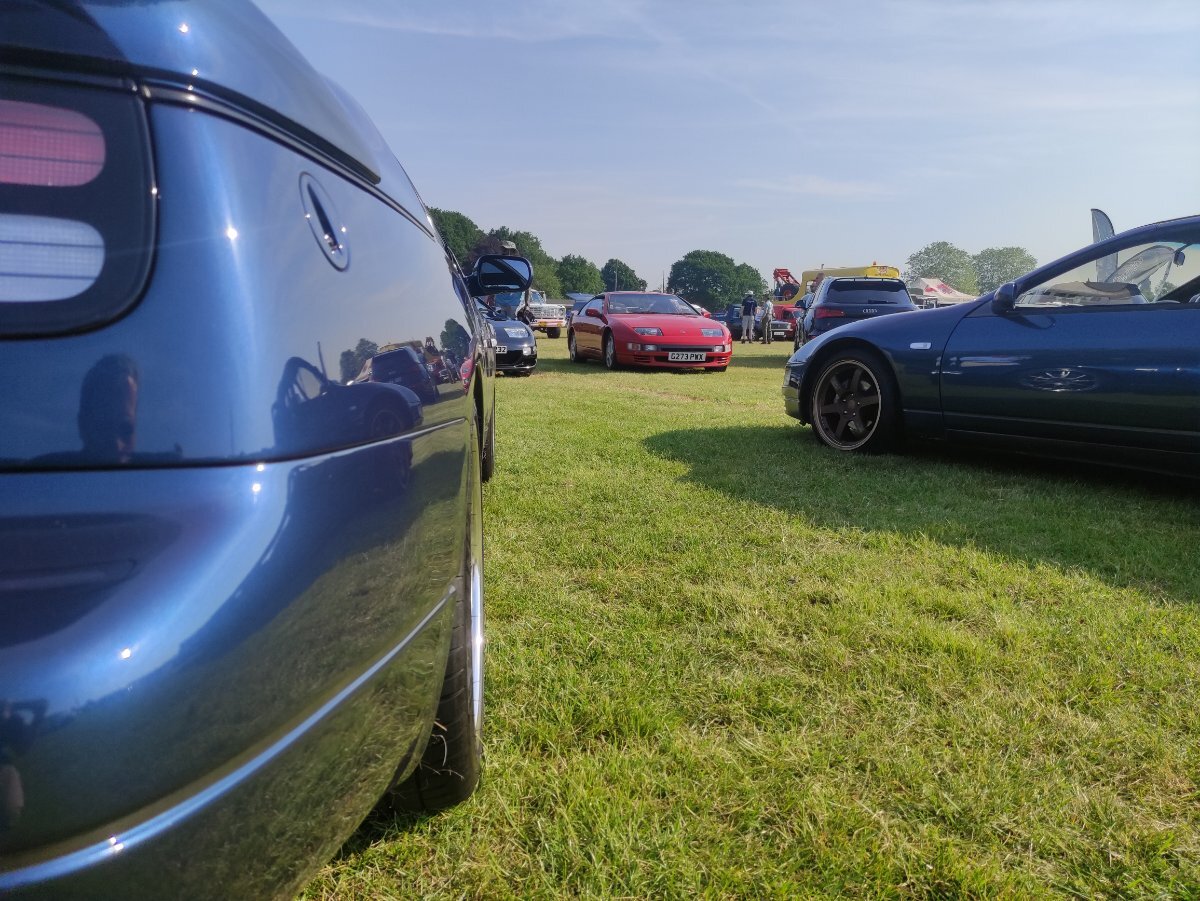
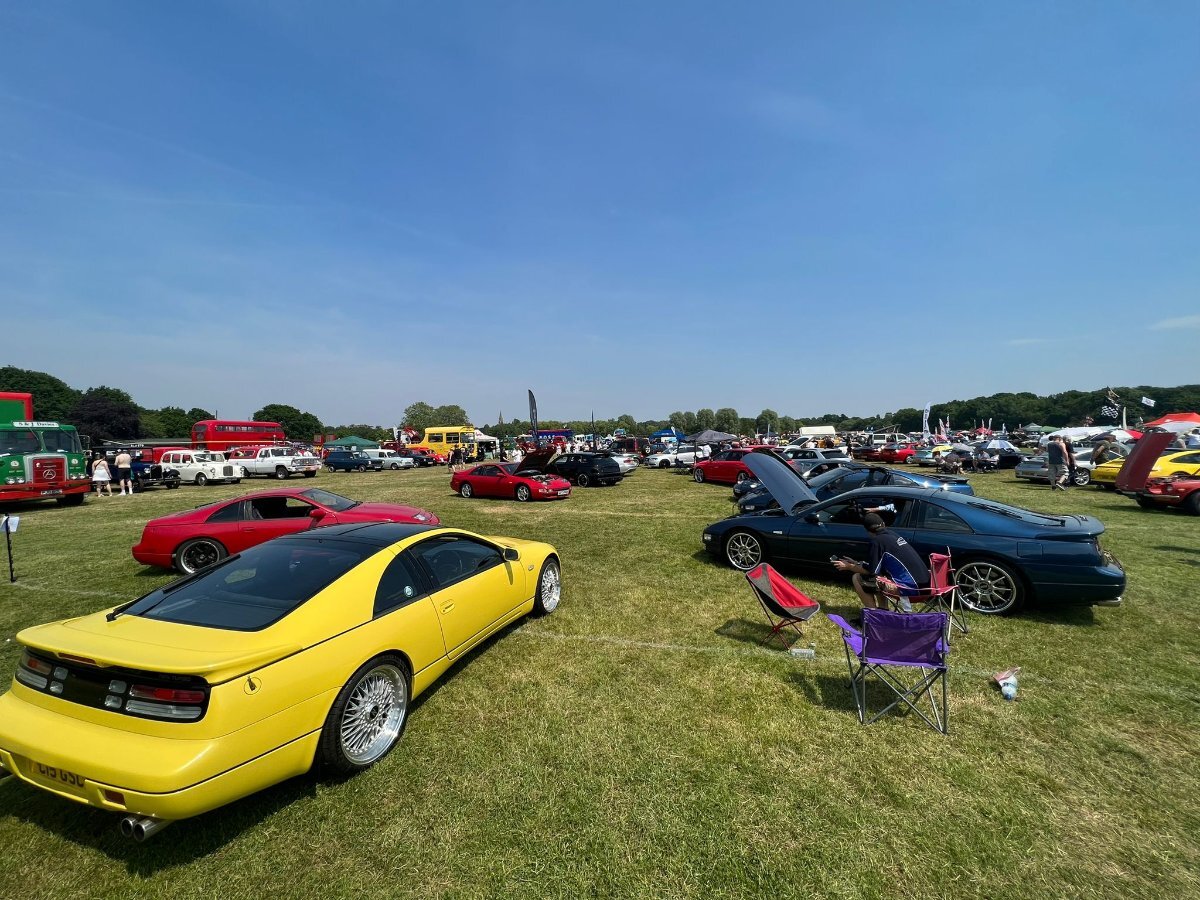
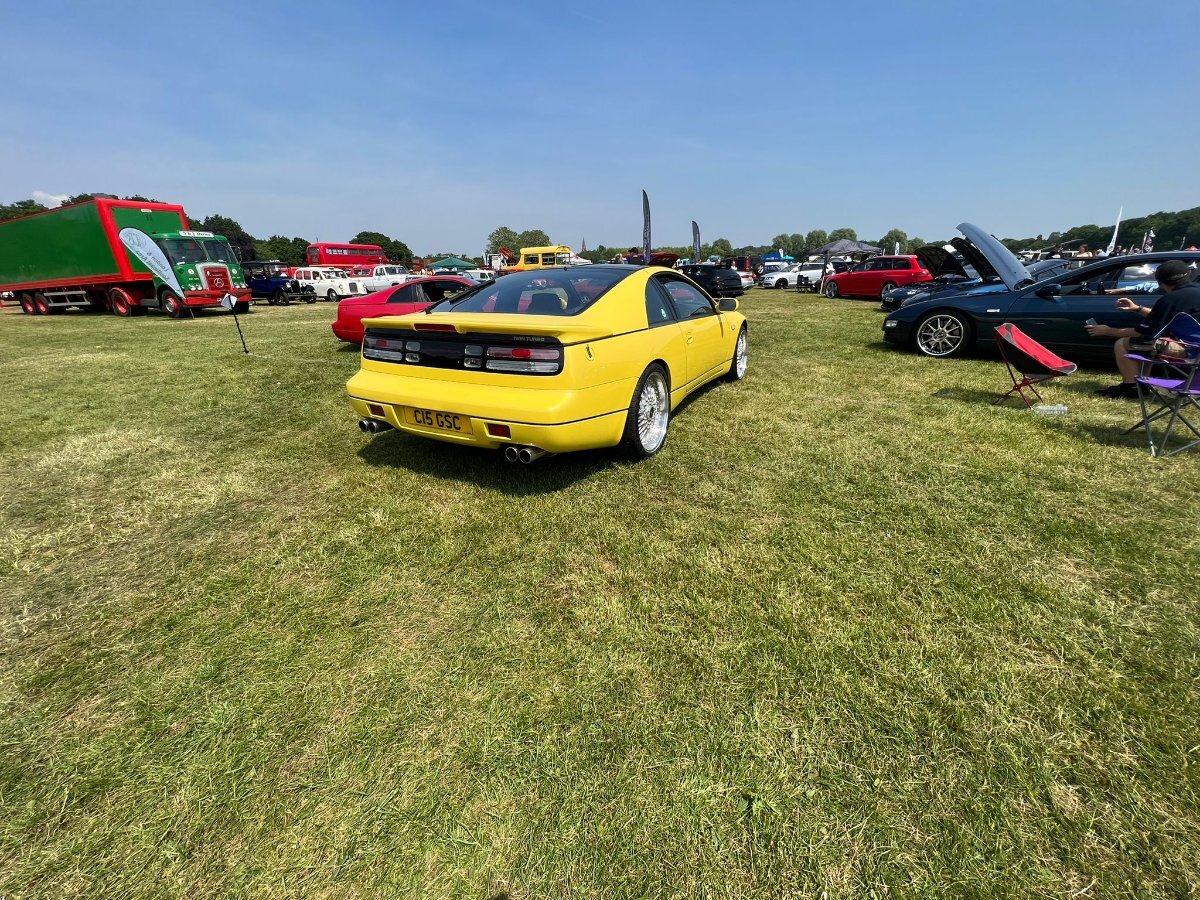
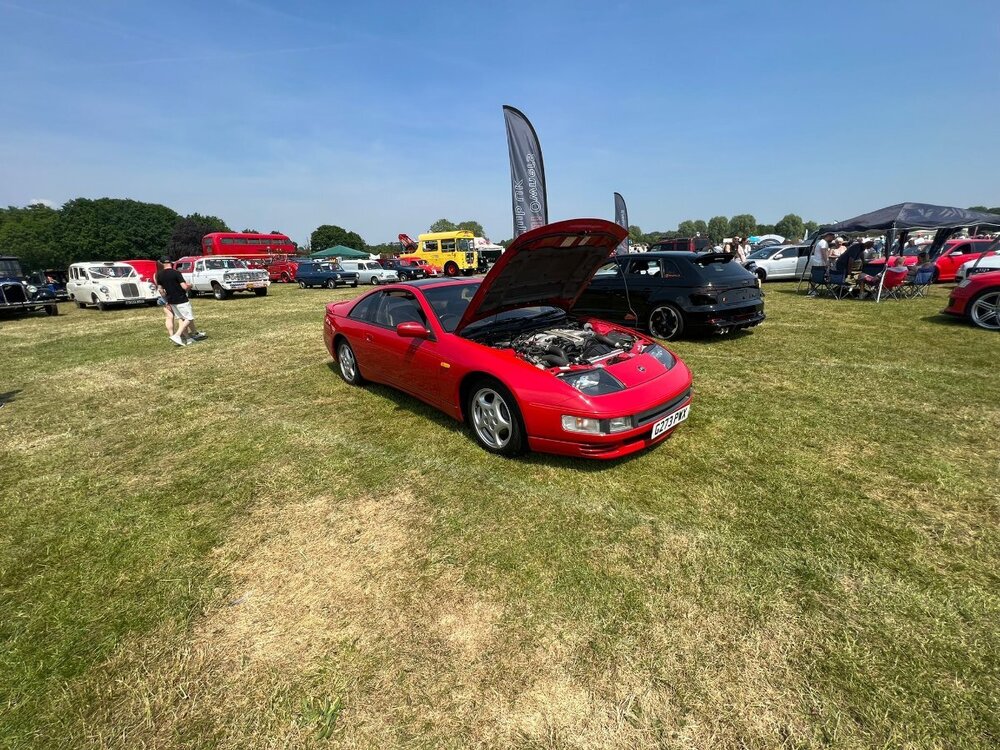
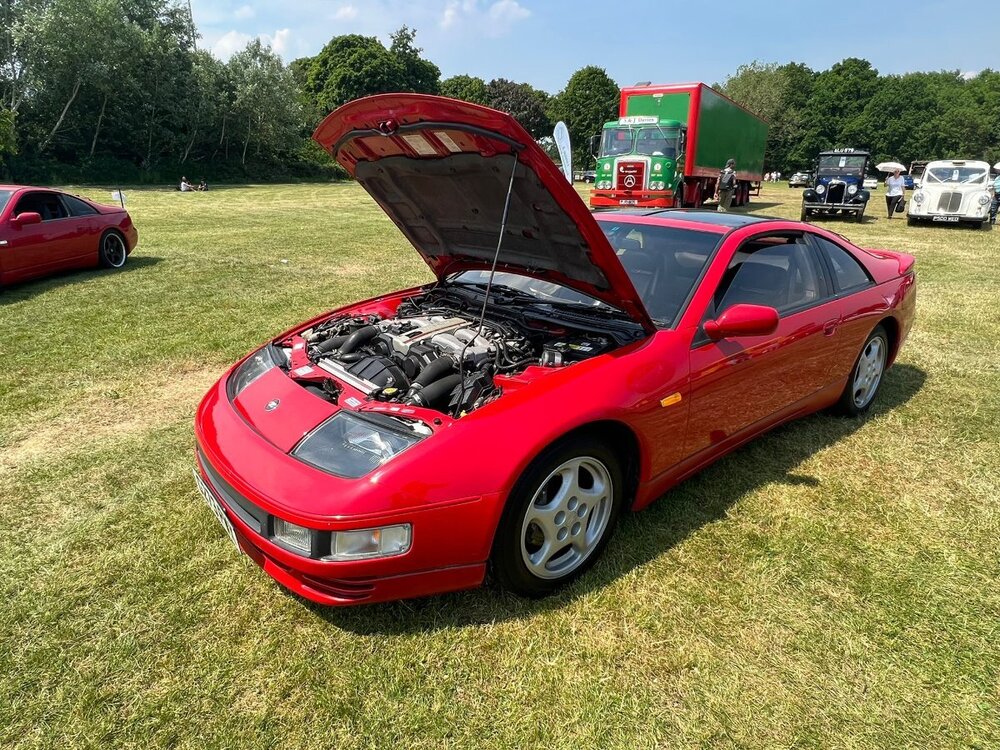
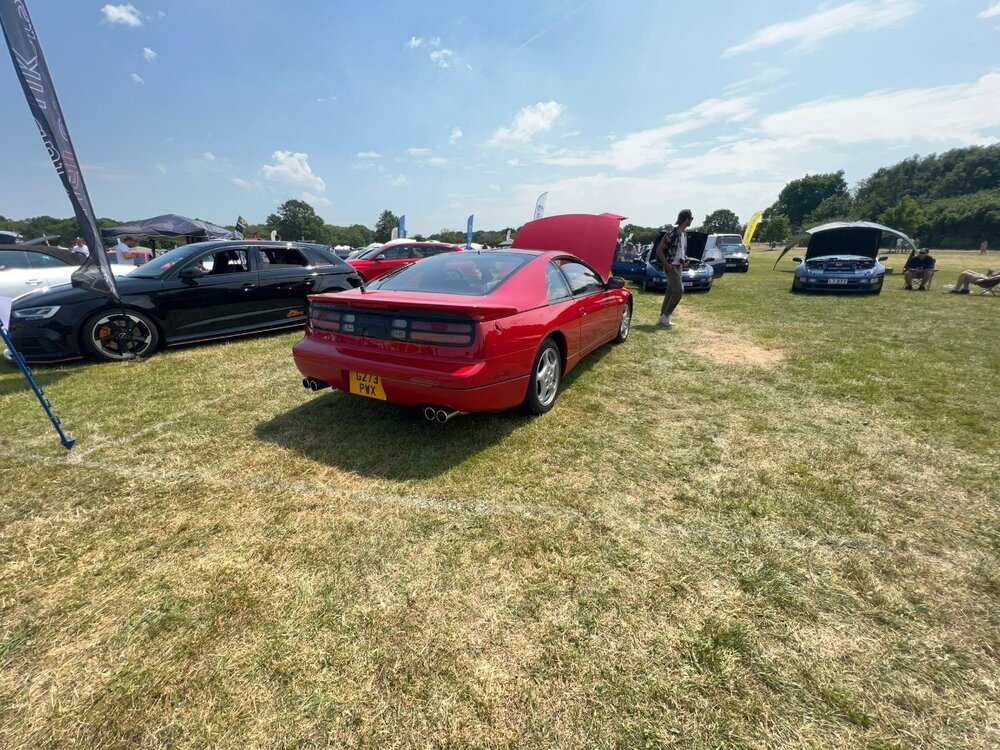
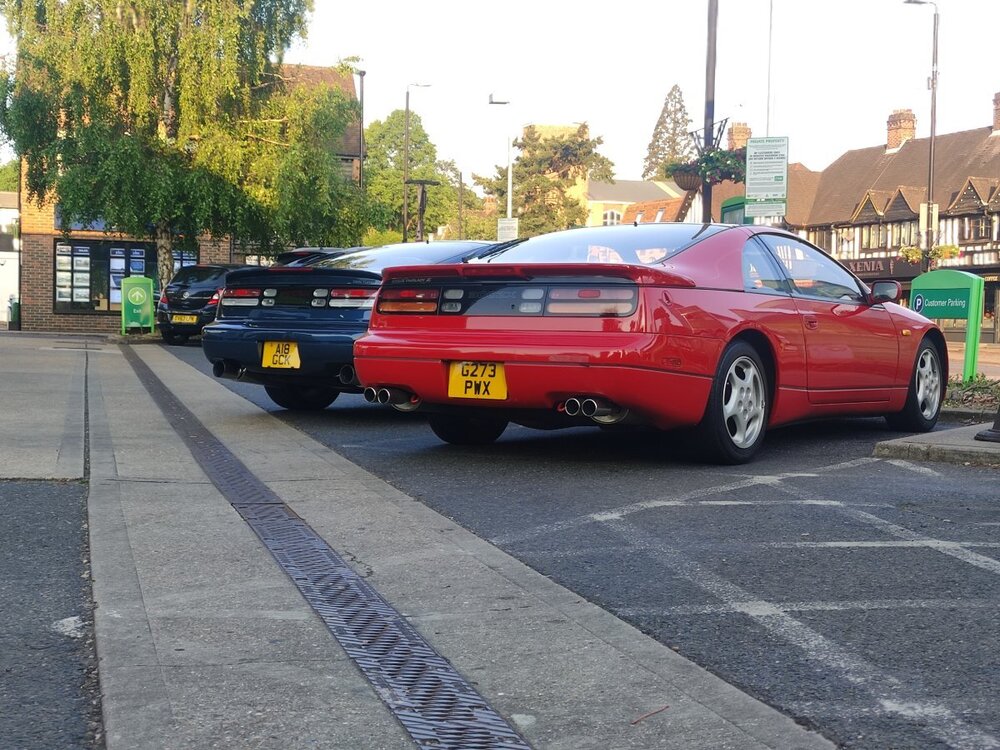
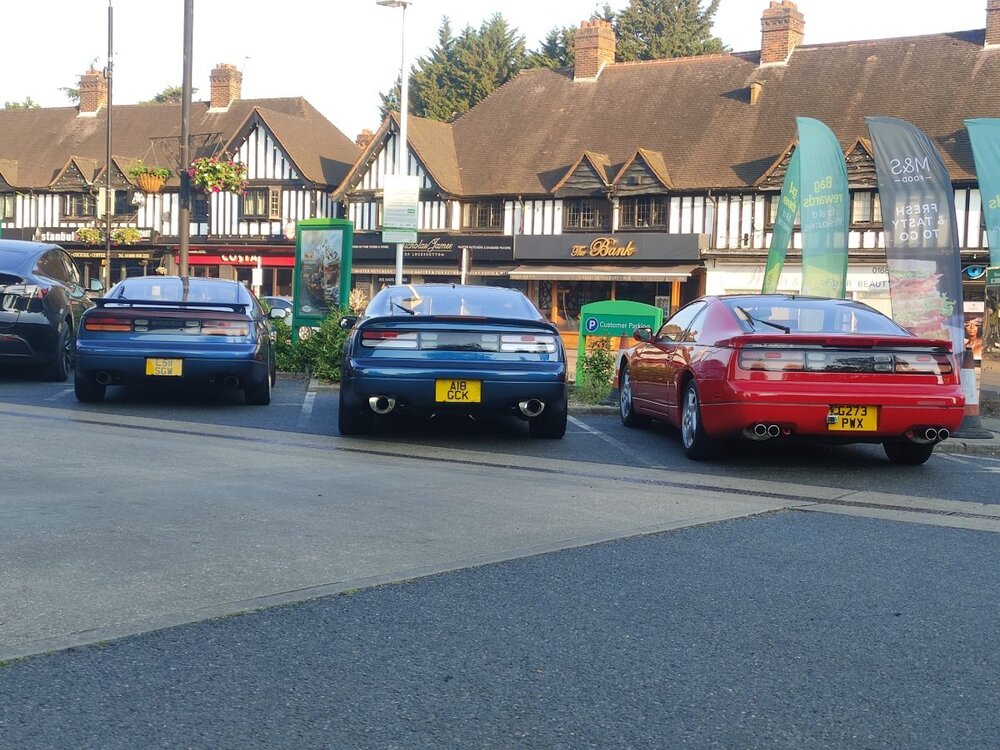
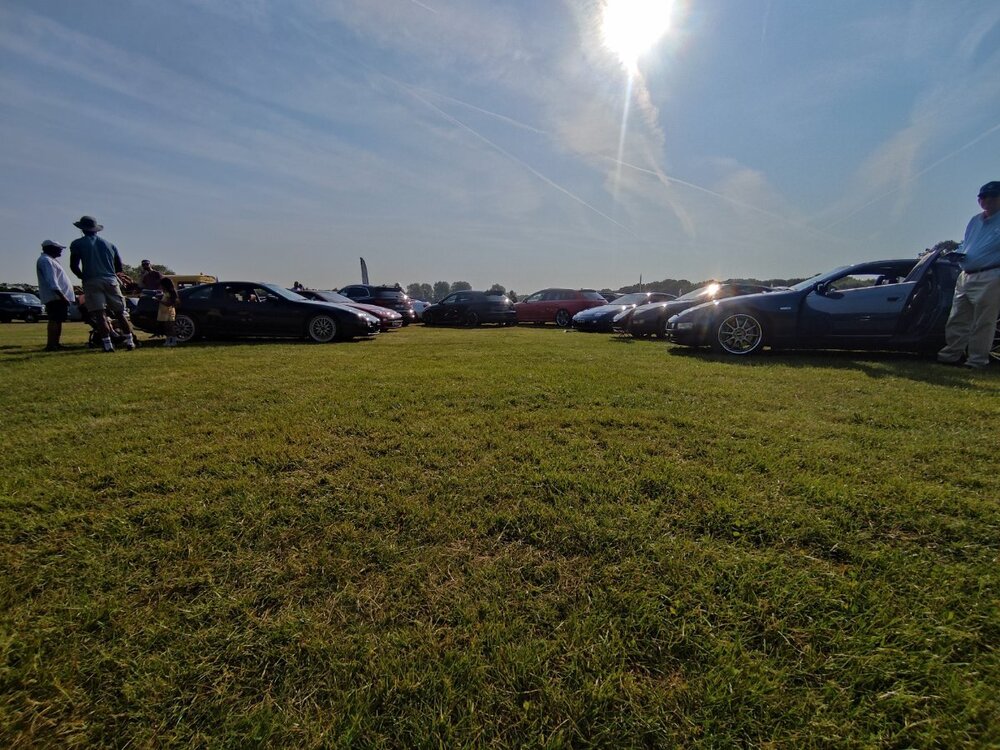
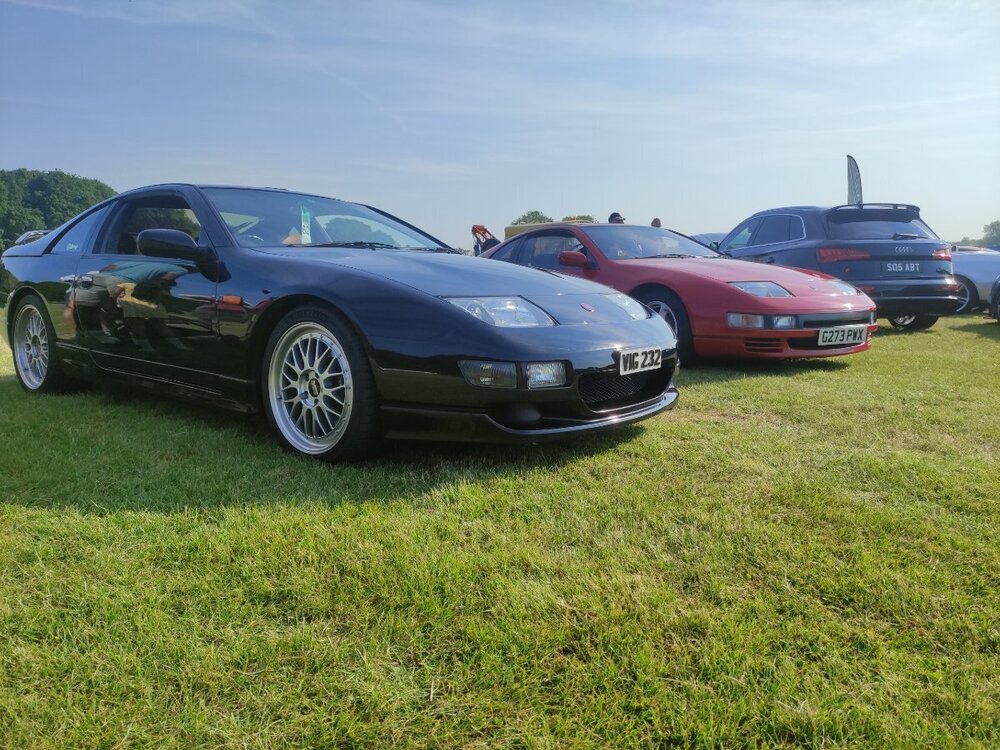
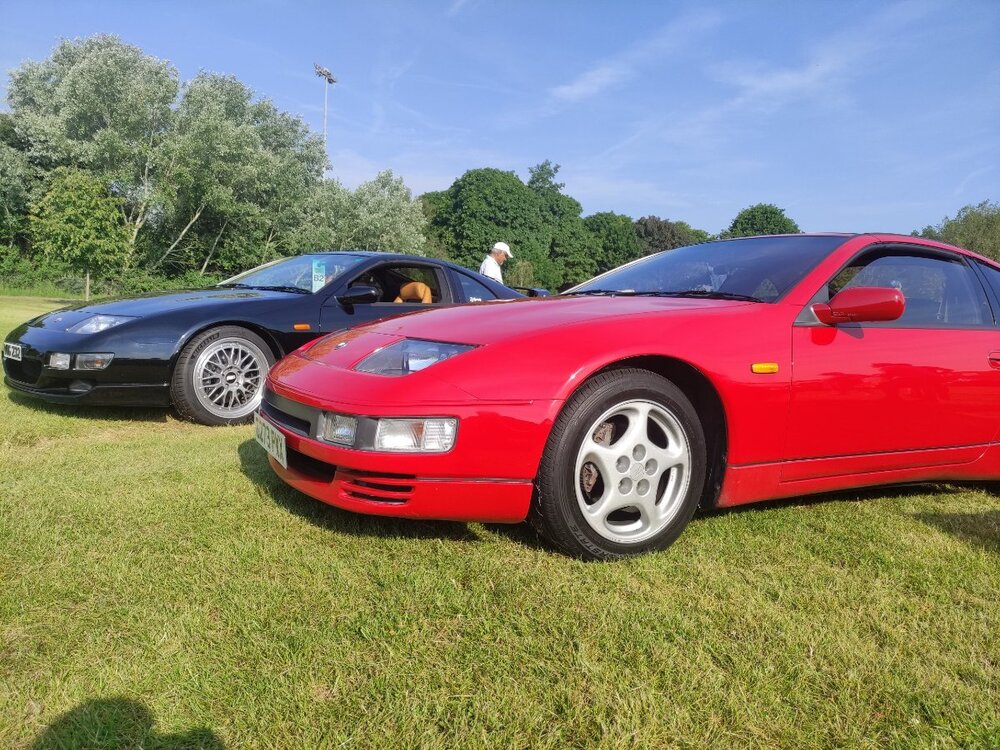
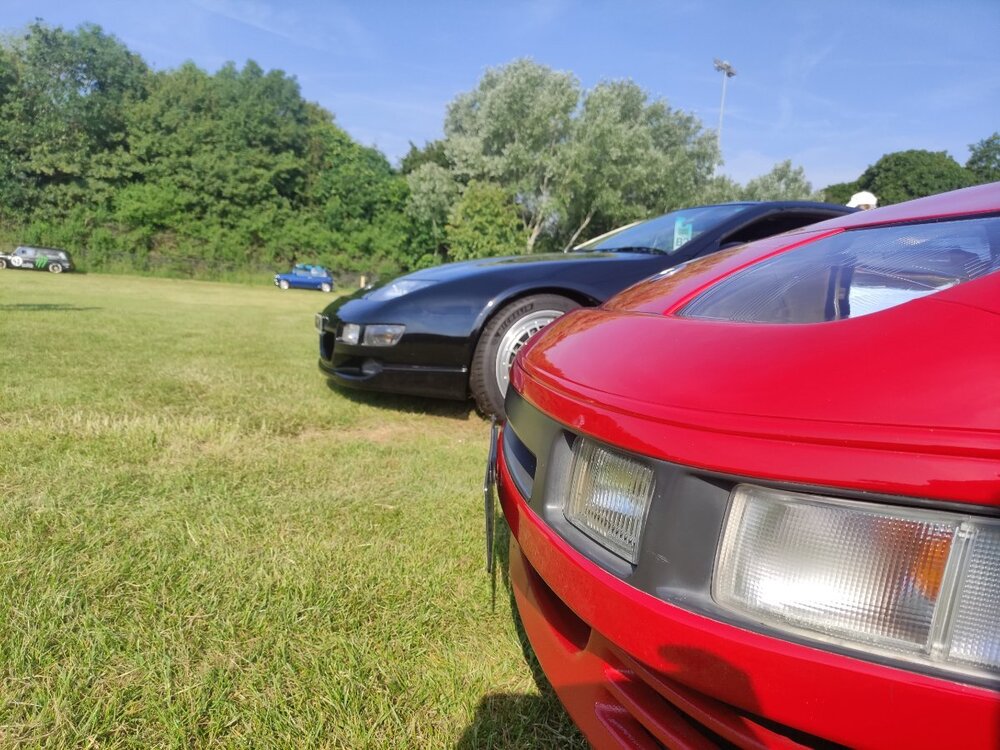
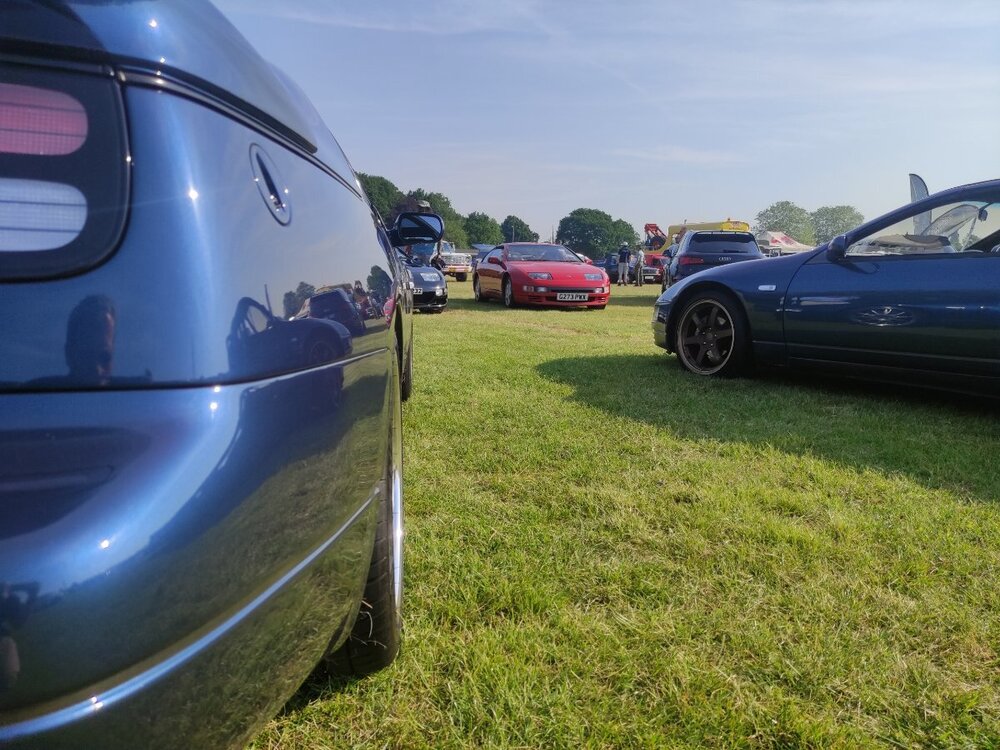
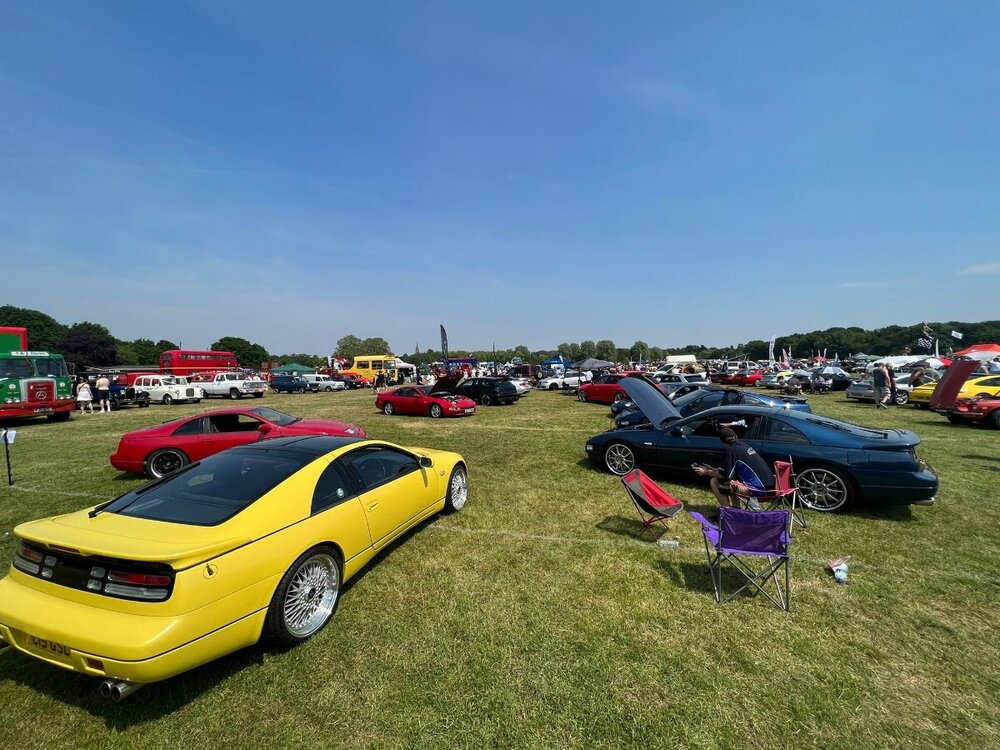
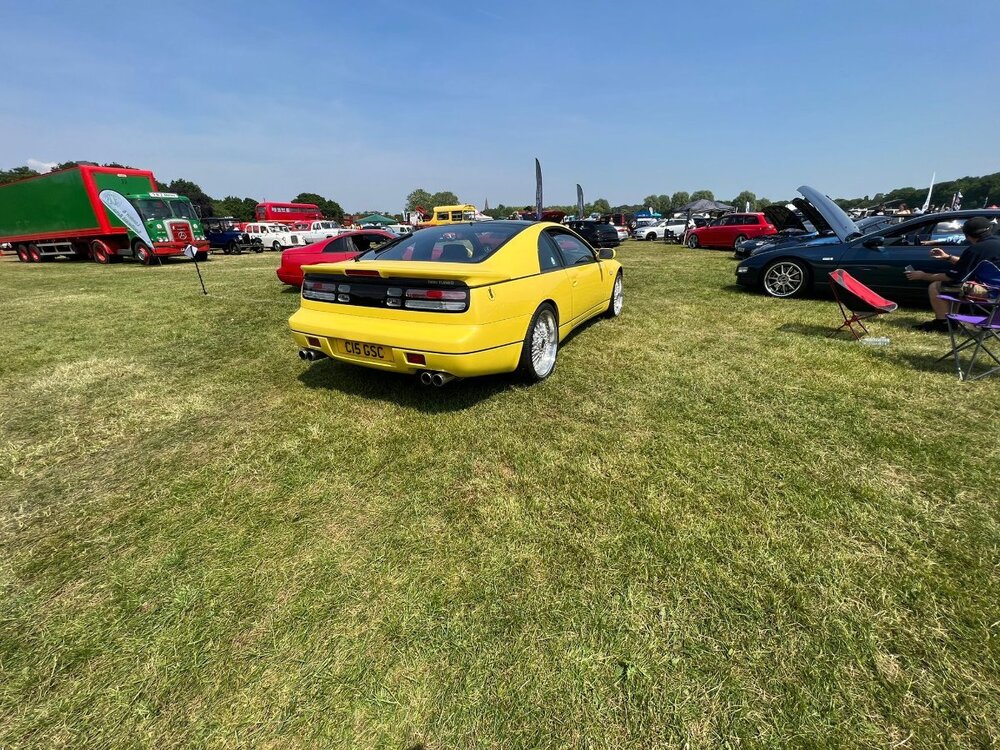
This was a fantasic show! Ive never been before, but well worth it. Lots to see and do, play park for the kids, auto jumbe for dads and mobile bars for mums! Lots of different types of vehicals to look at, from steam traction engines to mclaren 720s! It was a bit hot, a club tent/gazebo would have been ideal! It was nice seeing everyone again and meeting matt and @Bones28 for the first time! Our space looked a bit bare without any flags or signage. Can people have a route around their garages and lofts to find the missing club signs, posters and flags. Here are a selection of pictures from the day:
-
As red Zeds are faster, Im sure I will be there before 9am and can bag a spot somewhere 🤣
-
Don't be too late or you won't be able to join us on the stand
-
See post further above regarding meeting at BP garage at 6am
-
I think we are all aiming for about 9am
-
I am more than happy to show my car and man the stand all weekend.
-
I think most of us are driving up first thing Sunday morning, so we will meet in the main car park somewhere