

Skip to content
View in the app

A better way to browse. Learn more.

300ZX Owners Club

A full-screen app on your home screen with push notifications, badges and more.

To install this app on iOS and iPadOS
  1. Tap the Share icon in Safari
  2. Scroll the menu and tap Add to Home Screen.
  3. Tap Add in the top-right corner.
To install this app on Android
  1. Tap the 3-dot menu (⋮) in the top-right corner of the browser.
  2. Tap Add to Home screen or Install app.
  3. Confirm by tapping Install.

TheRealNips

Sub Committee
  • Joined

  • Last visited

  • Country

    United Kingdom

Everything posted by TheRealNips

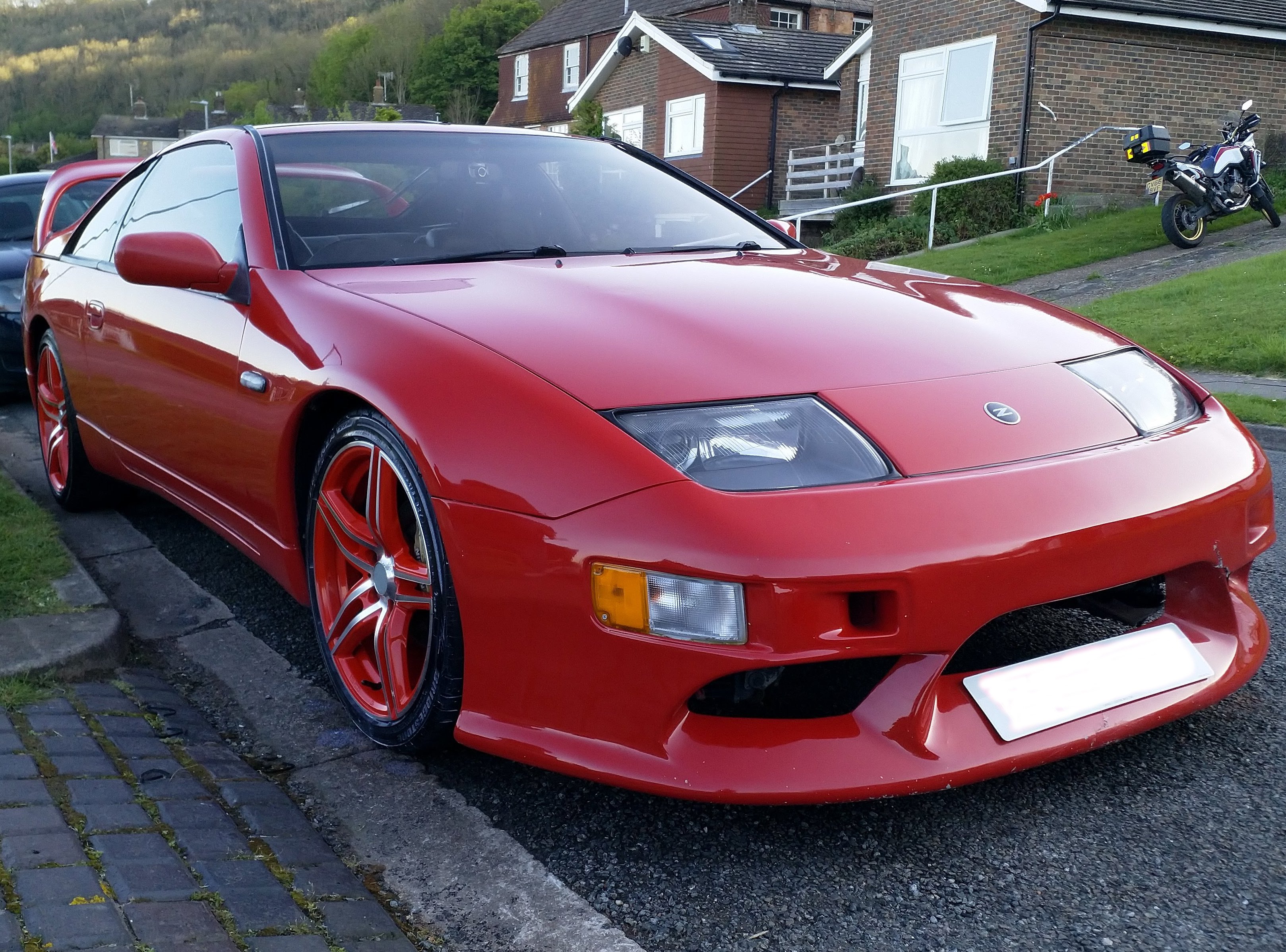
  1. The white is a friend of mine, He has had quite a few over the years and got me into them. Its a UK twin turbo auto. Mine was an auto, but its now a manual :biggrin:
  2. Couldnt find any rules on picture size, but ive made them smaller just in case. These were taken on the way home in Wales somewhere!
  3. Hello fellow 300zx owners. I have joined you all in the honour of owning a zx (finally!) On friday, I bought a 1990 non-turbo jap import 300zx in black. Drove her home with a friend following in his 300zx through wales for a bit of fun. Must admit, i love it already! Great to meet you all here and hopefully you will see me around Tom *EDIT* Tried messaging zx-eyes for the membership pack, but I got an error saying he doesnt accept PMs. what should I do?

Important Information

Terms of Use

Account

Navigation

Search

Search

Configure browser push notifications

Chrome (Android)
  1. Tap the lock icon next to the address bar.
  2. Tap Permissions → Notifications.
  3. Adjust your preference.
Chrome (Desktop)
  1. Click the padlock icon in the address bar.
  2. Select Site settings.
  3. Find Notifications and adjust your preference.