Everything posted by dutchgold92
-
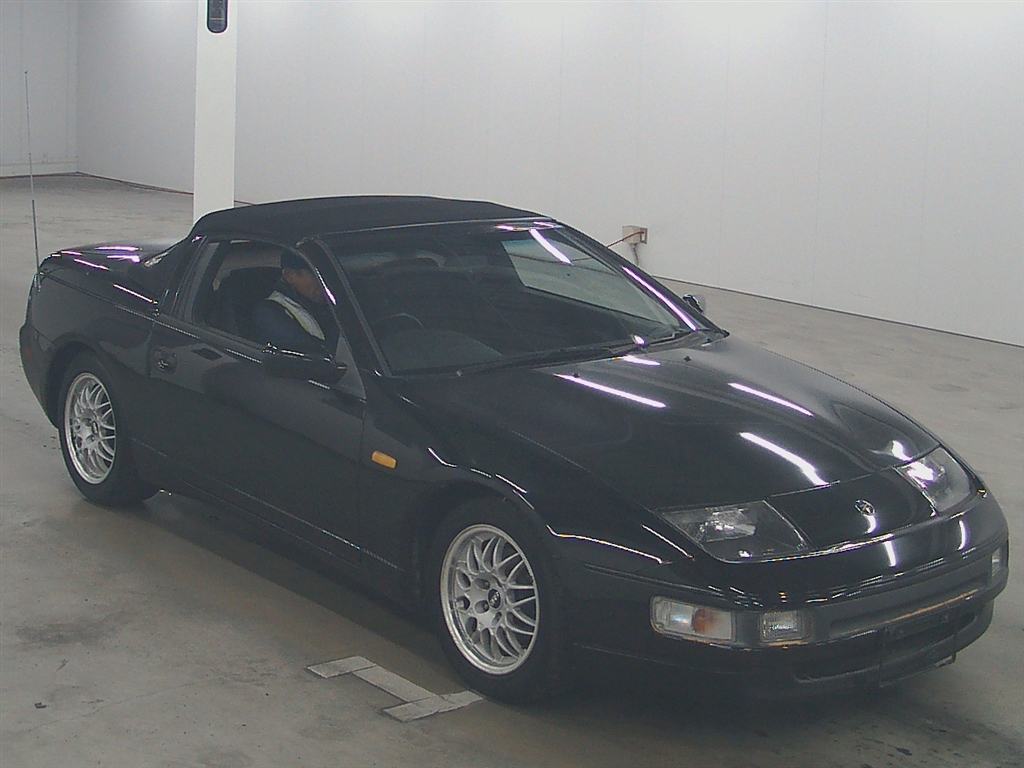
Nice car - what's the plan for it?
-
Happy birthday!
-
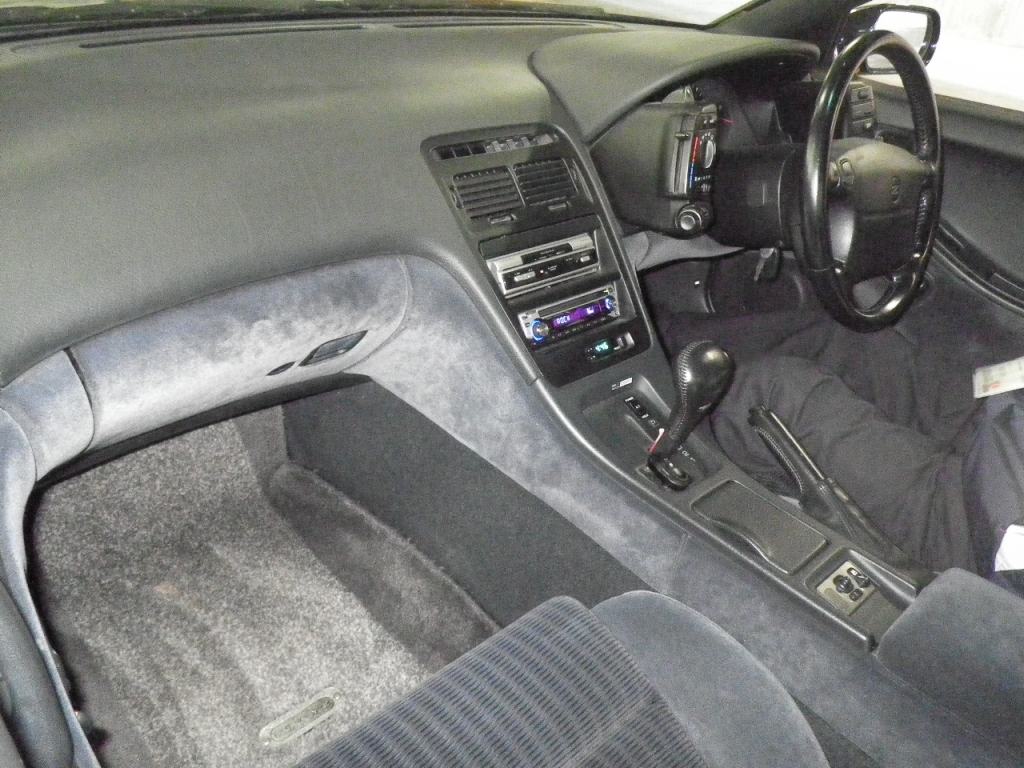
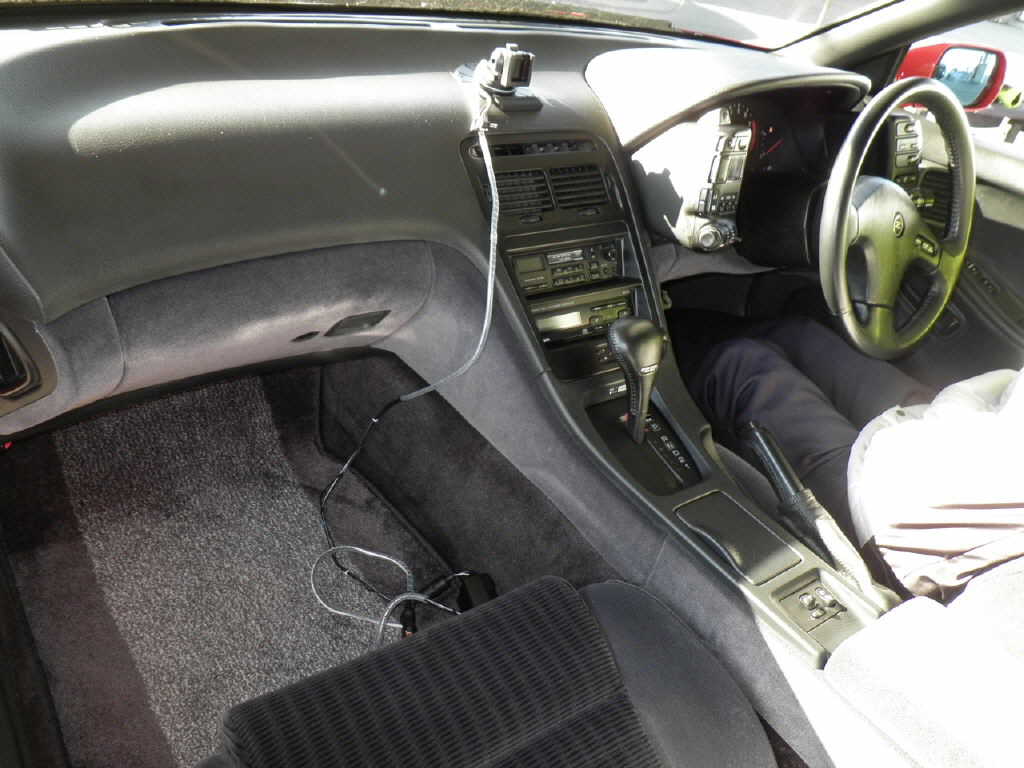
Yes, the perspex strip usually fades like that over time. Best to buy one new. There was an optional illuminated center panel but yours looks modified - would need a better look at it to be able to tell.
-
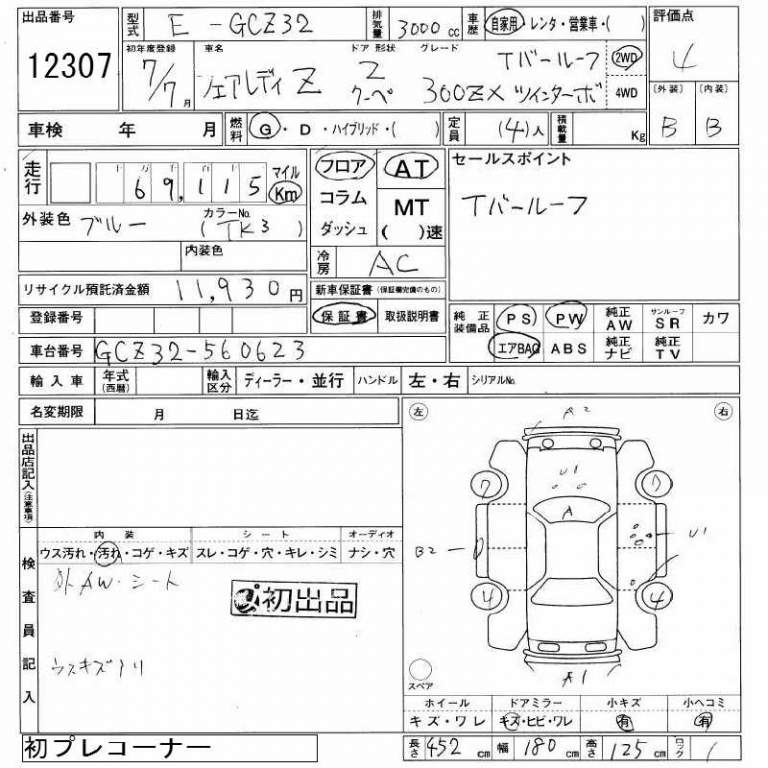
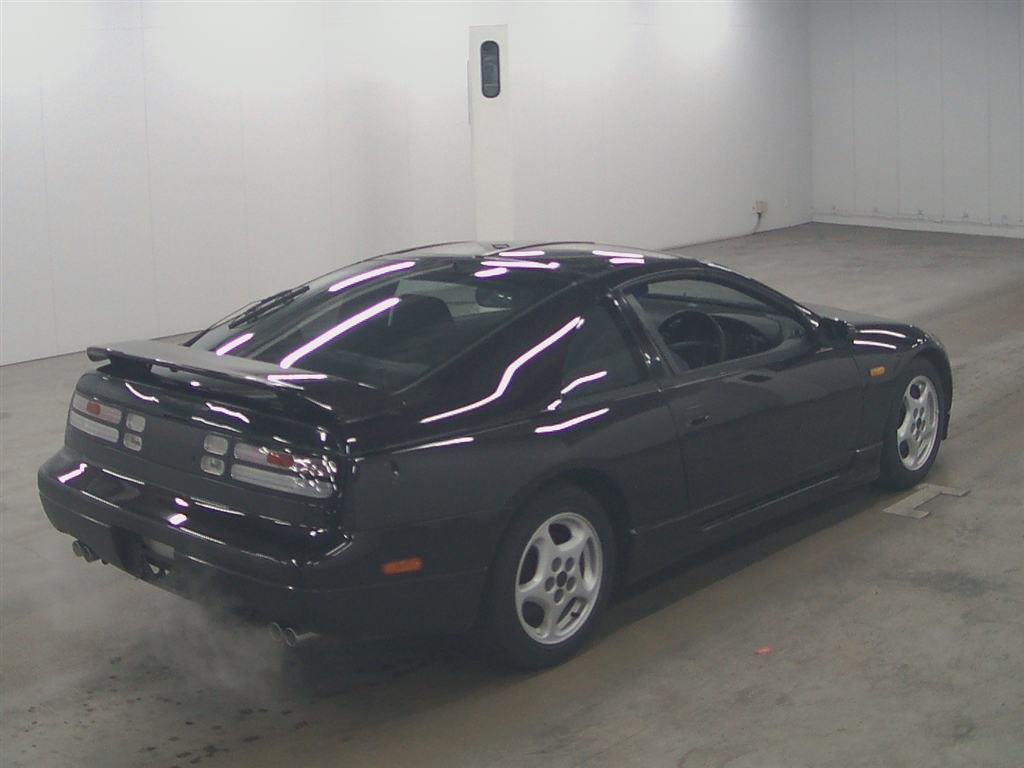
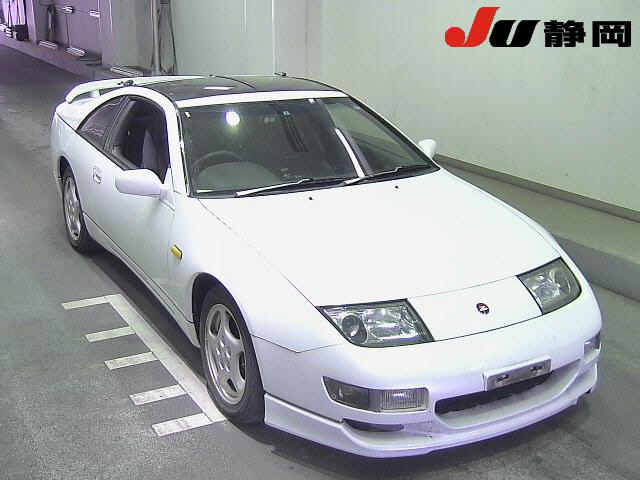
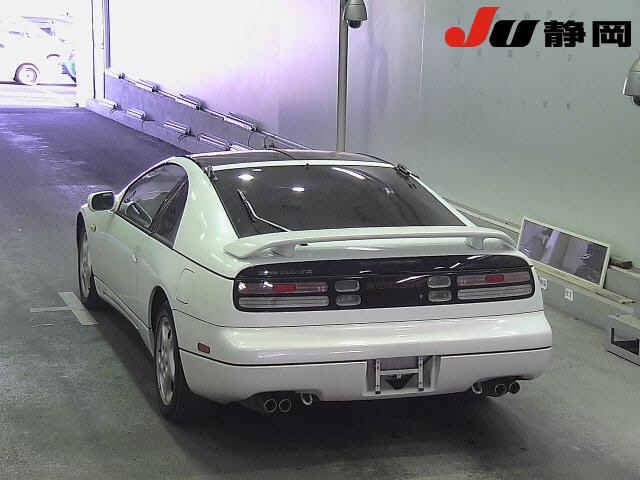
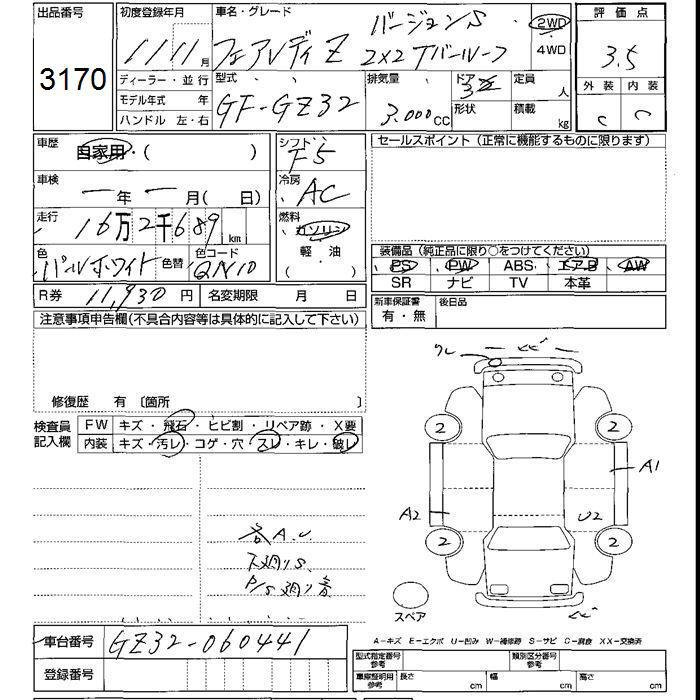
08/03/2016 - 1999 gz32
-
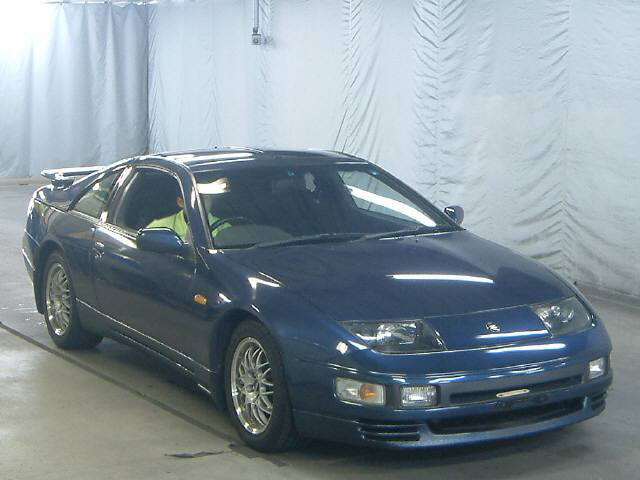
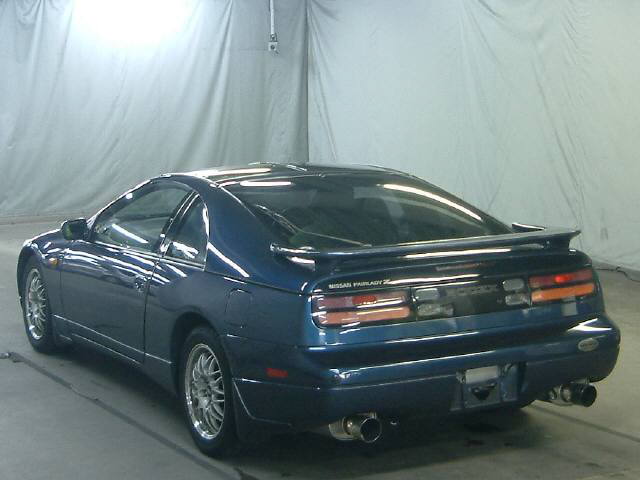
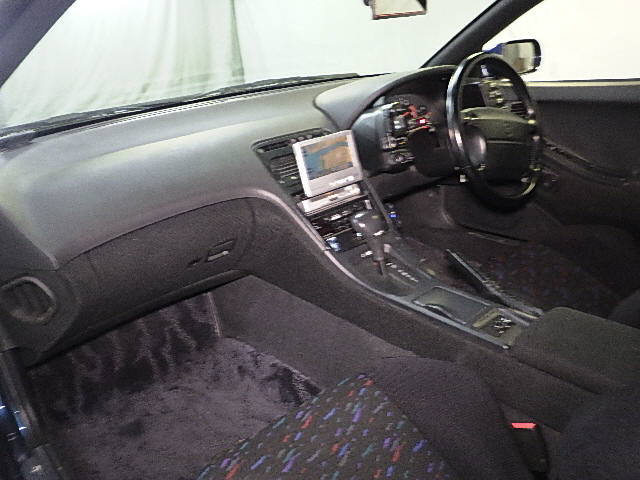
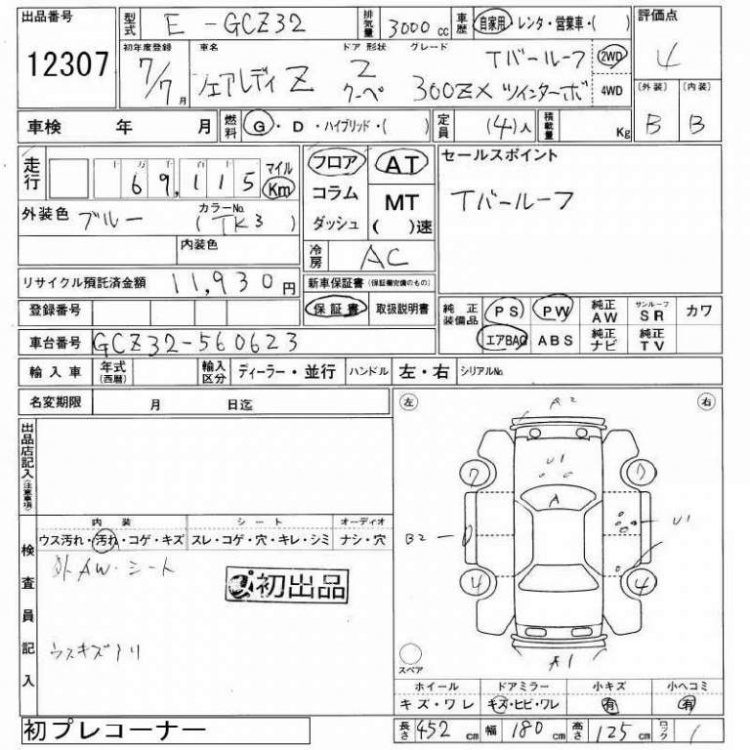
09/03/2016 - 1995 GCZ32 (version S Recaro?)
-
Welcome and very nice Z.
-
I think he means this one: http://www.3000gtspyderregistry.com/300zx/ Was it up for sale again?
-
"Of course foreigners steal your job, but maybe, if someone without contacts, money, or speaking the language steals your job, you're shit"
-
Happy birthday!
-
Don't you just hate when you the most important part of the sentence :lol:
-
You could pay around that for any new exhaust today.
-
Sure, but deportation would be a completely different story.
-
Price is still reasonable, surprisingly...
-
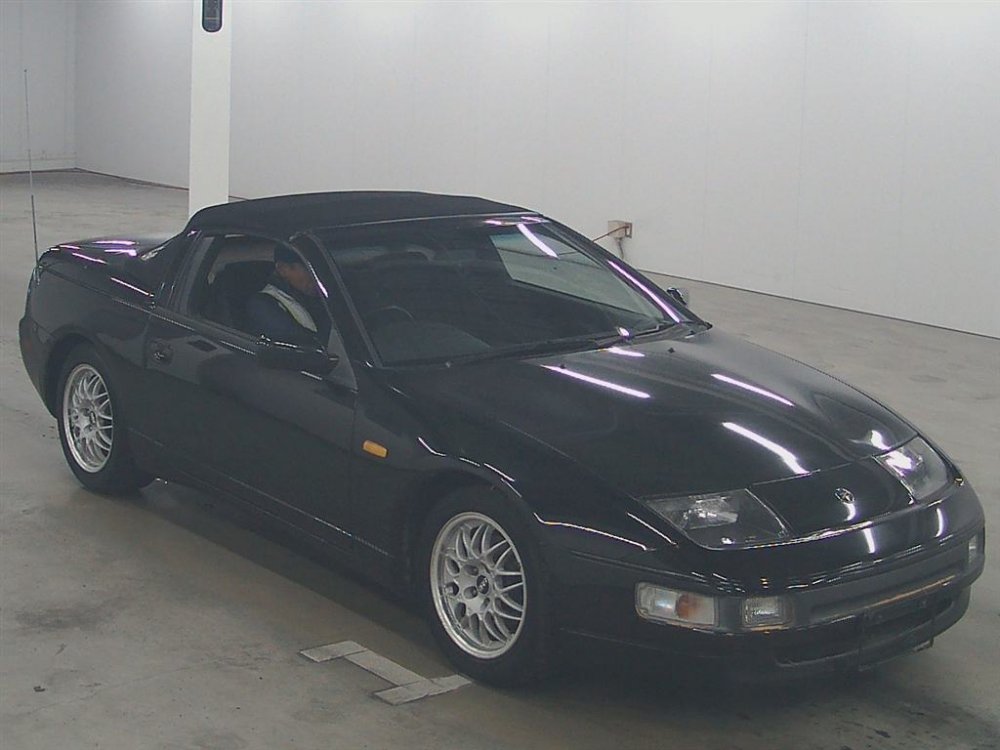
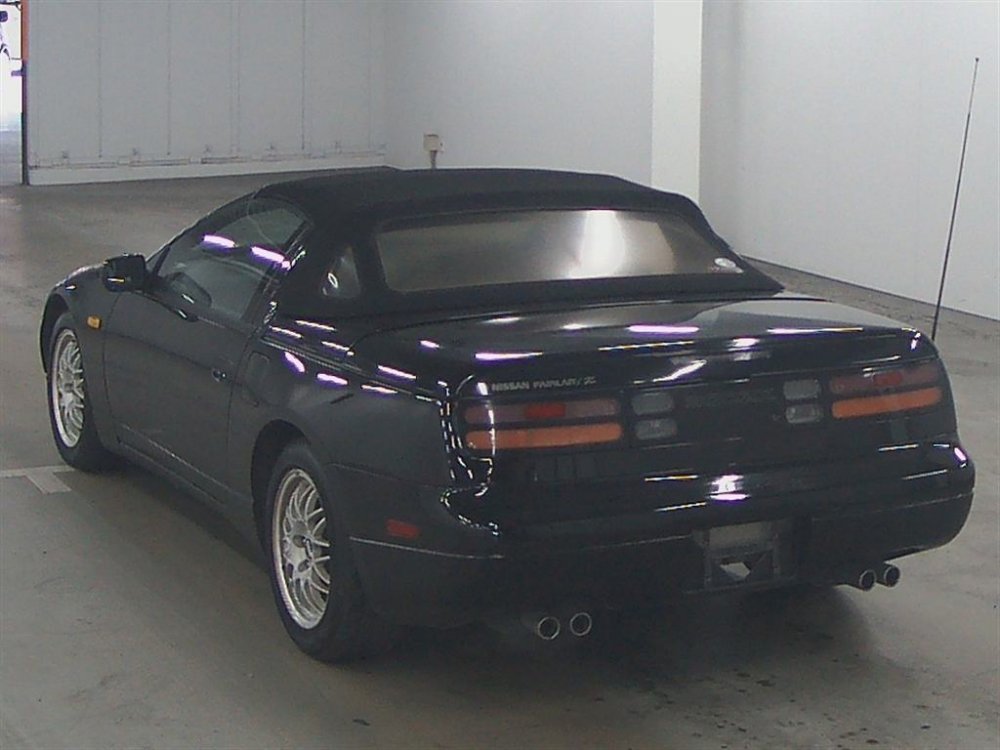
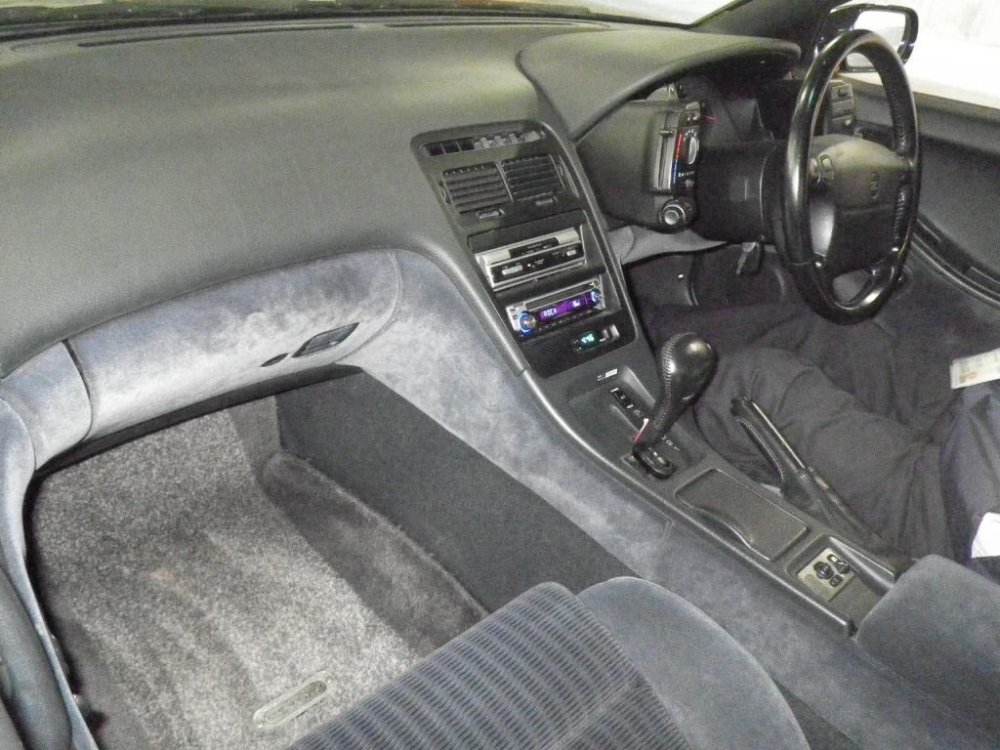
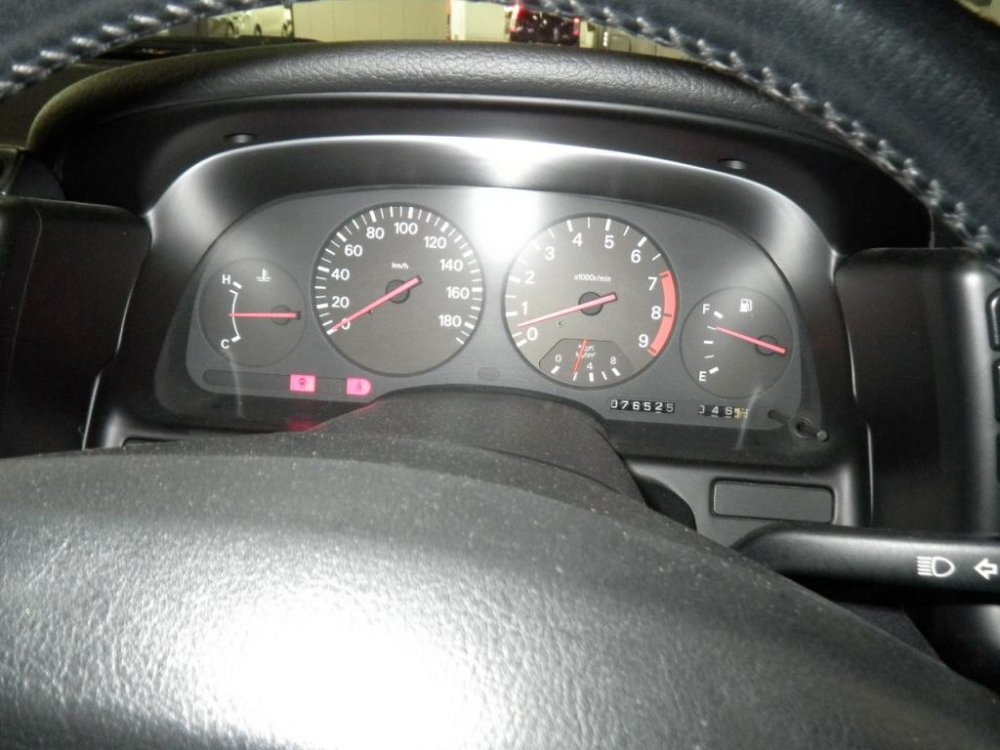
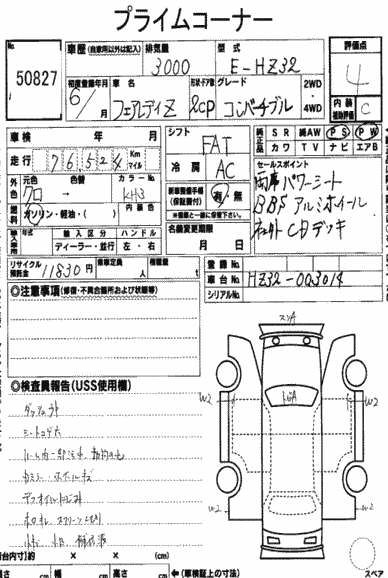
04/03/2016 - 1994 hz32
-
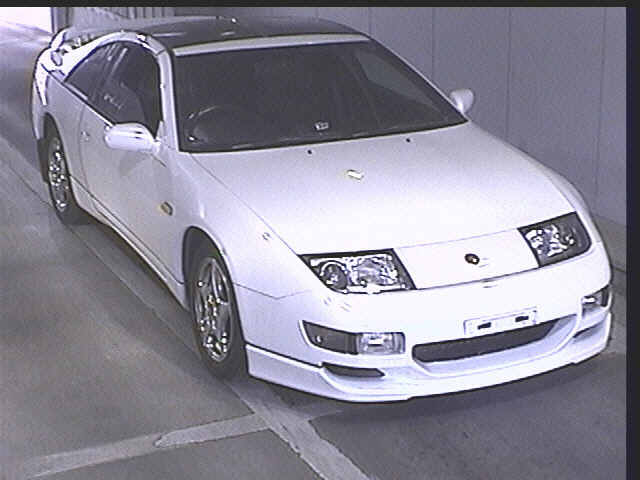
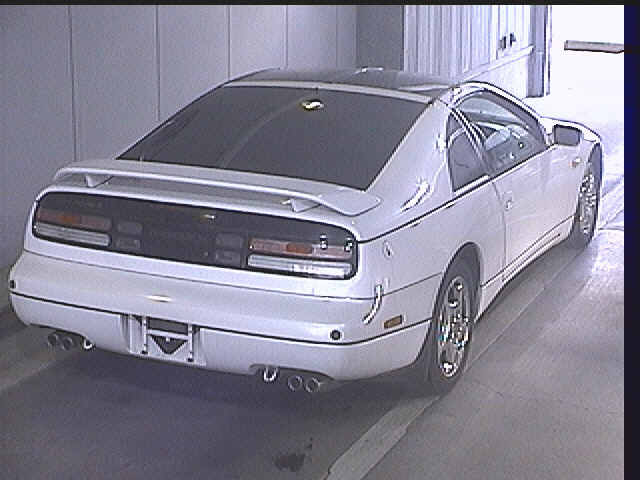
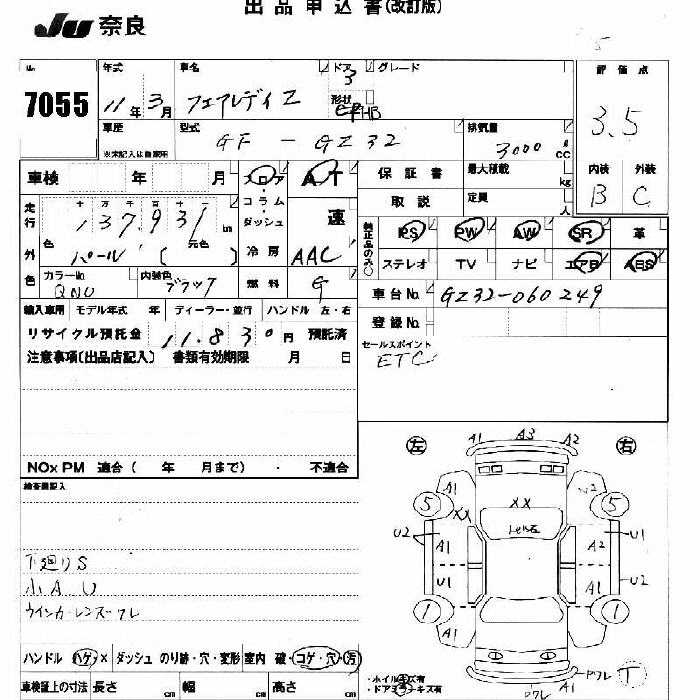
05/03/2016 - 1999 gz32
-
They lie in wait like wolves The smell of blood in their nostrils Waiting, interminably waiting... and then...
-
They look great - just how I'd like to get mine done when I have a chance to get them painted properly. Barely visible behind those wheels though!
-
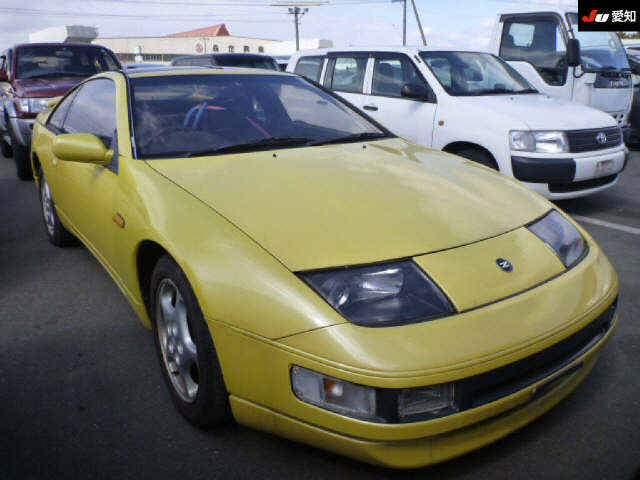
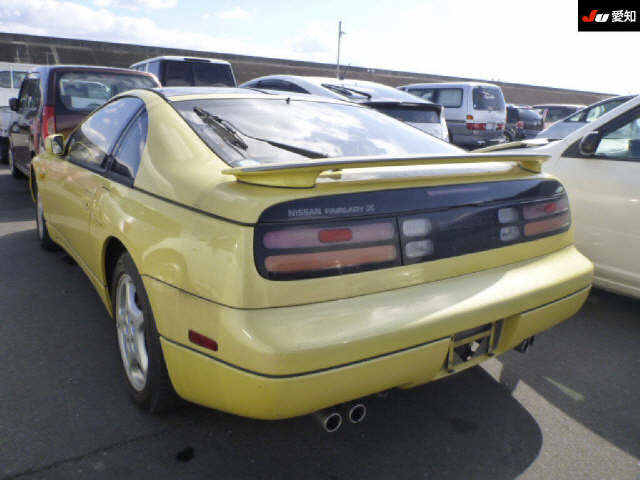
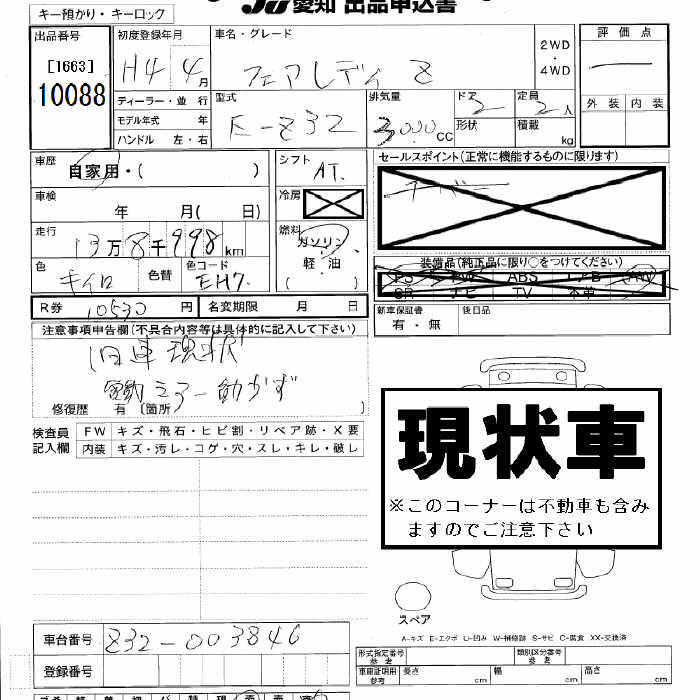
03/03/2016 - 1992 z32
-
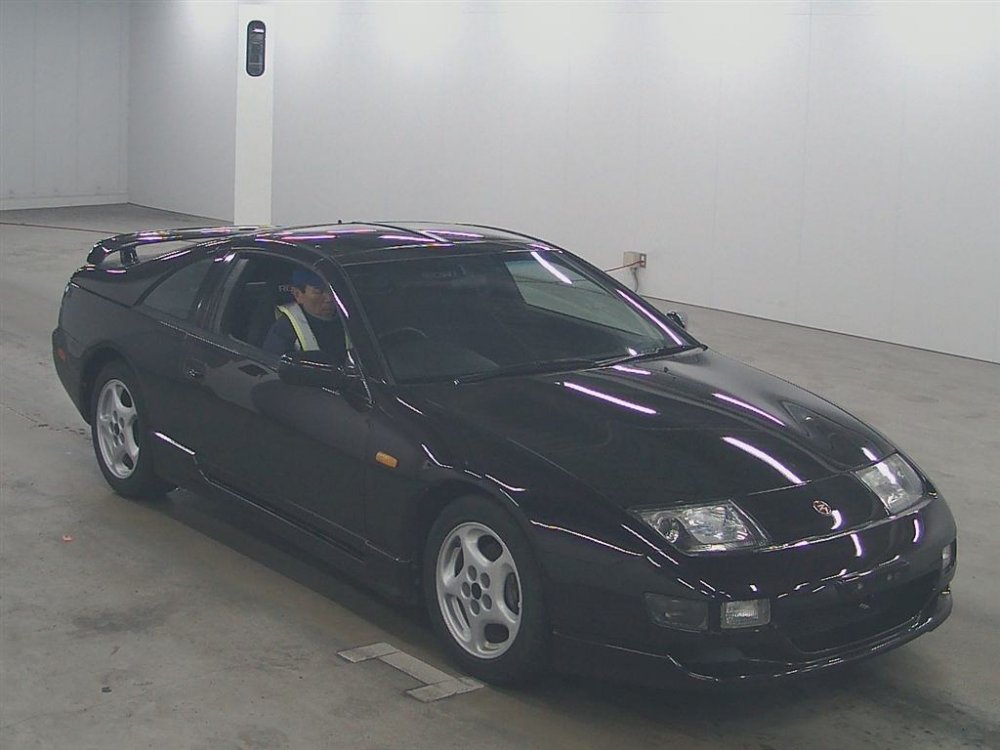
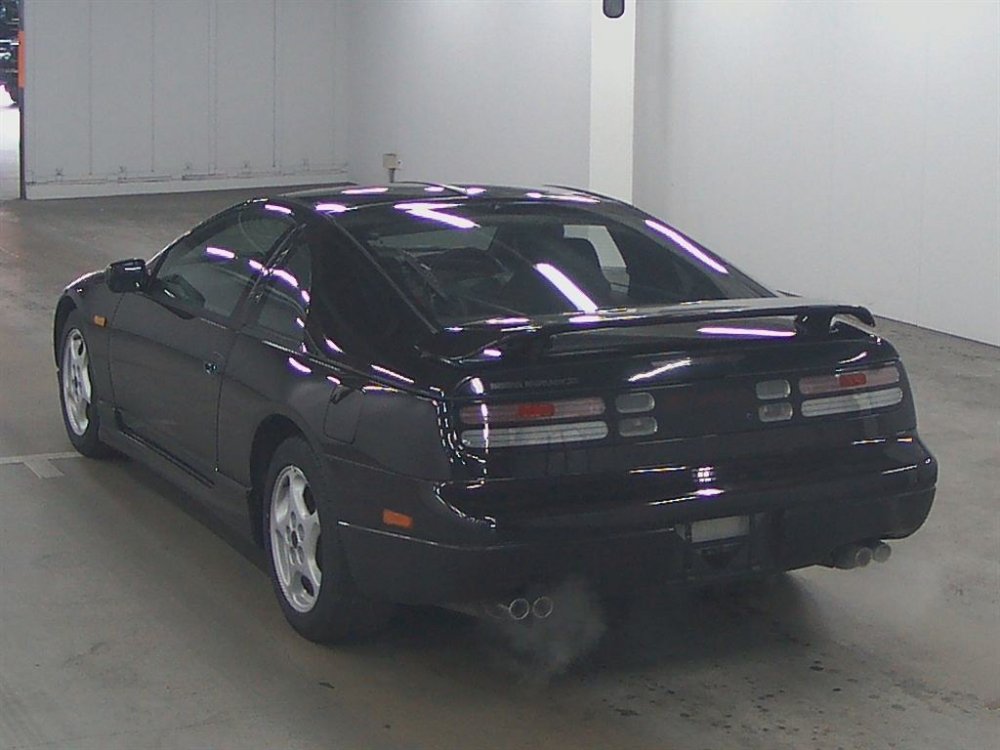
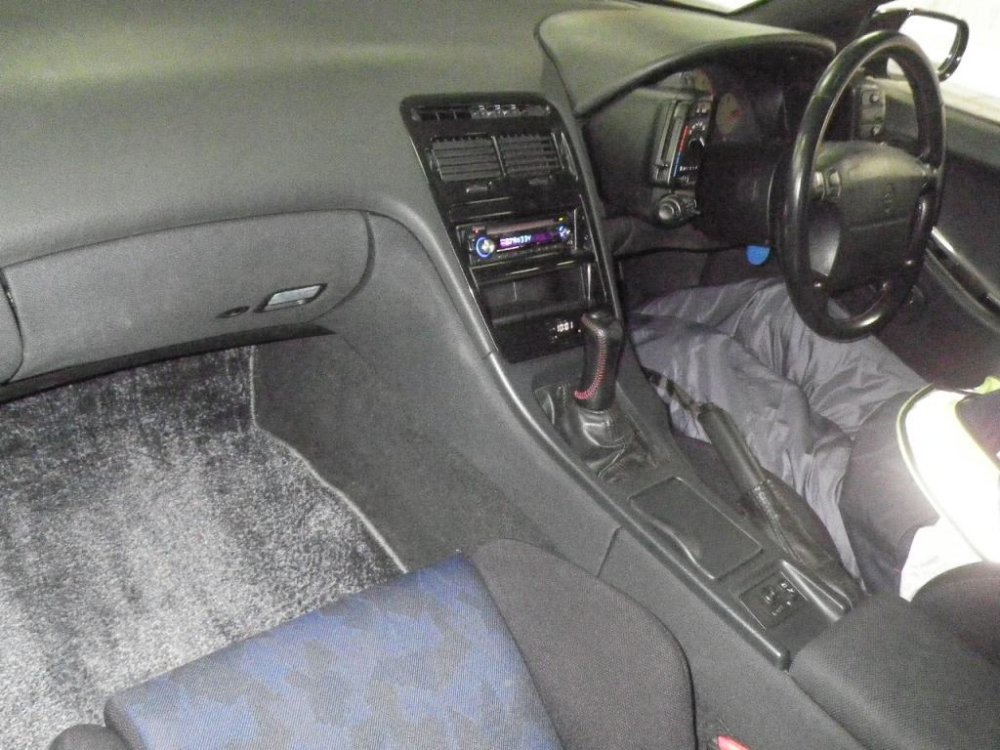
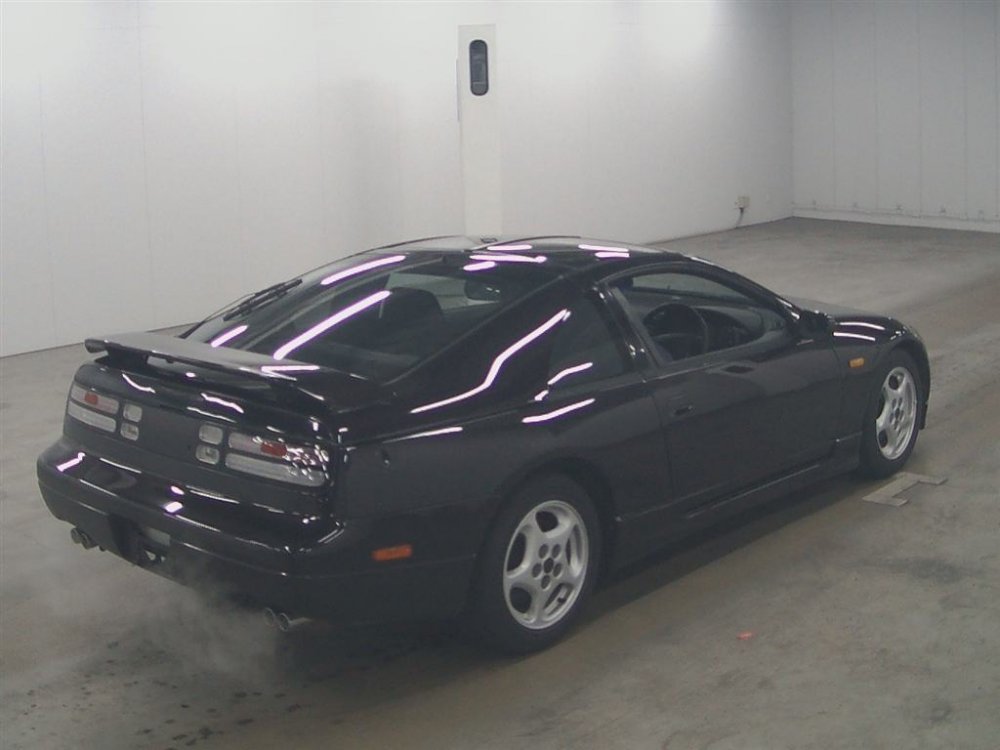
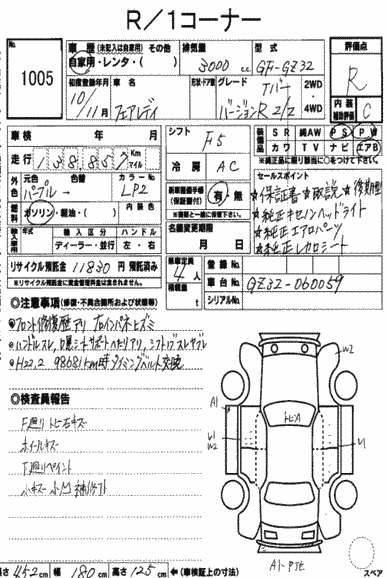
04/03/2016 - 1998 GZ32 version R
-
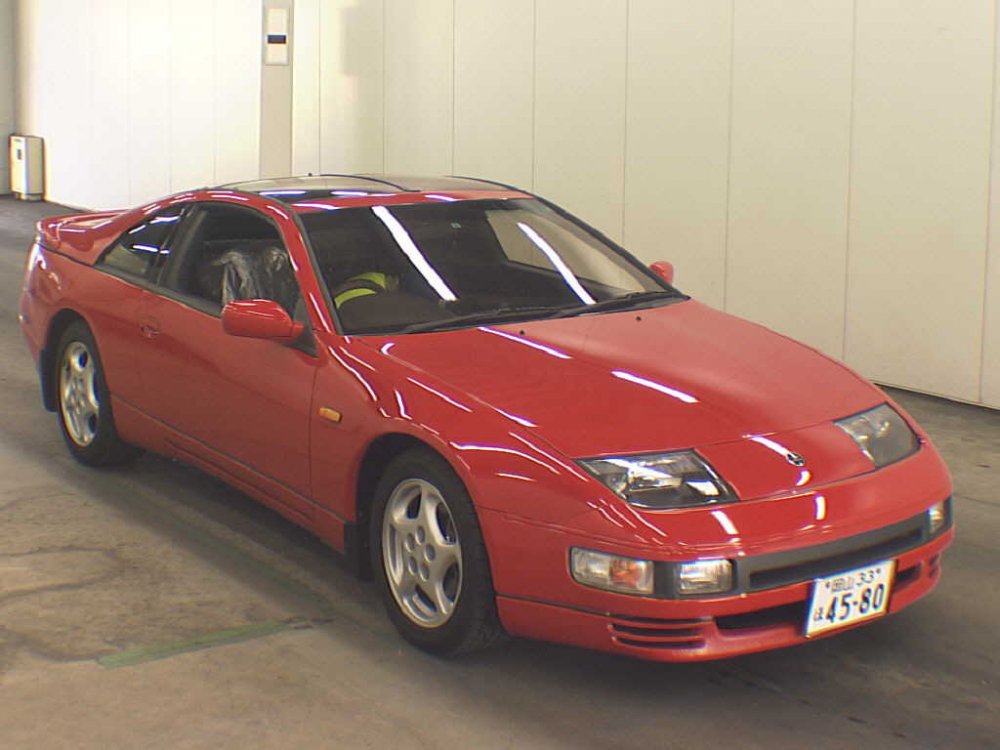
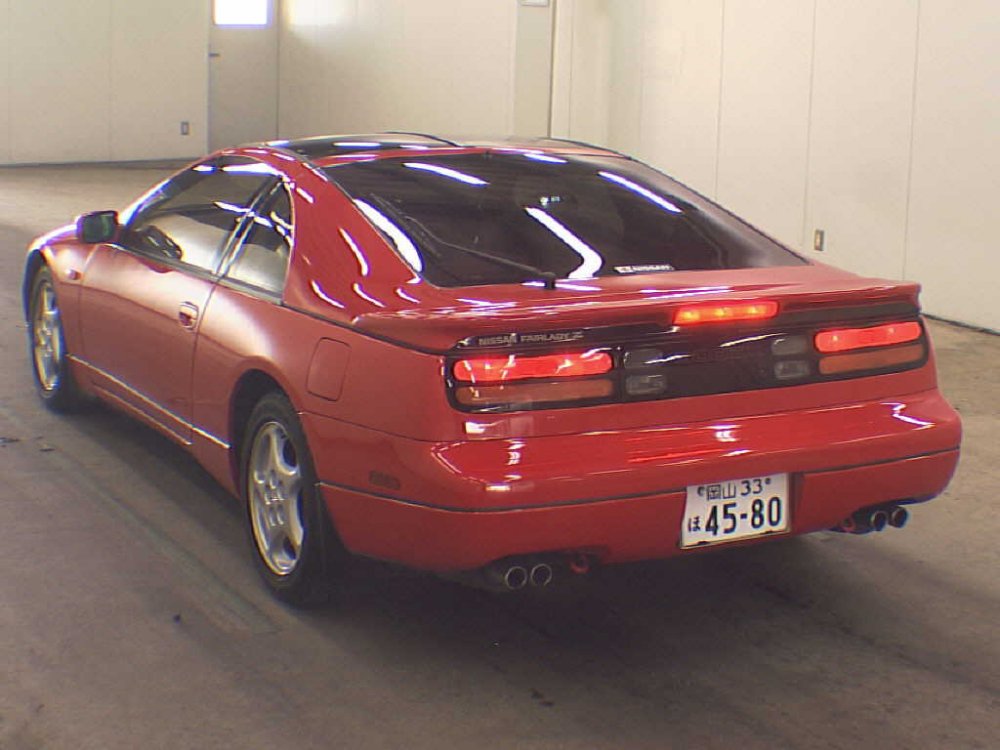
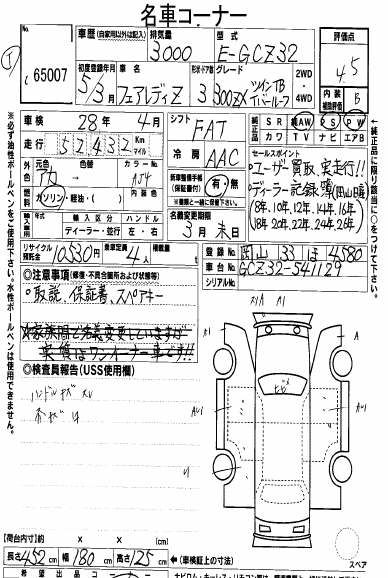
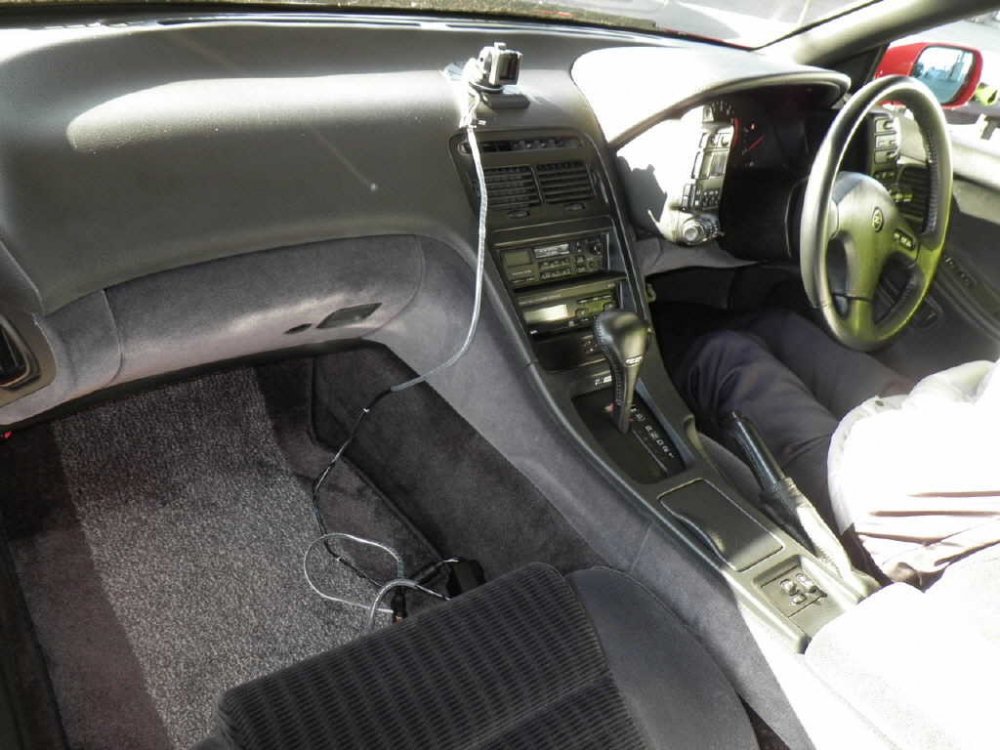
03/03/2016 - 1993 gcz32
-
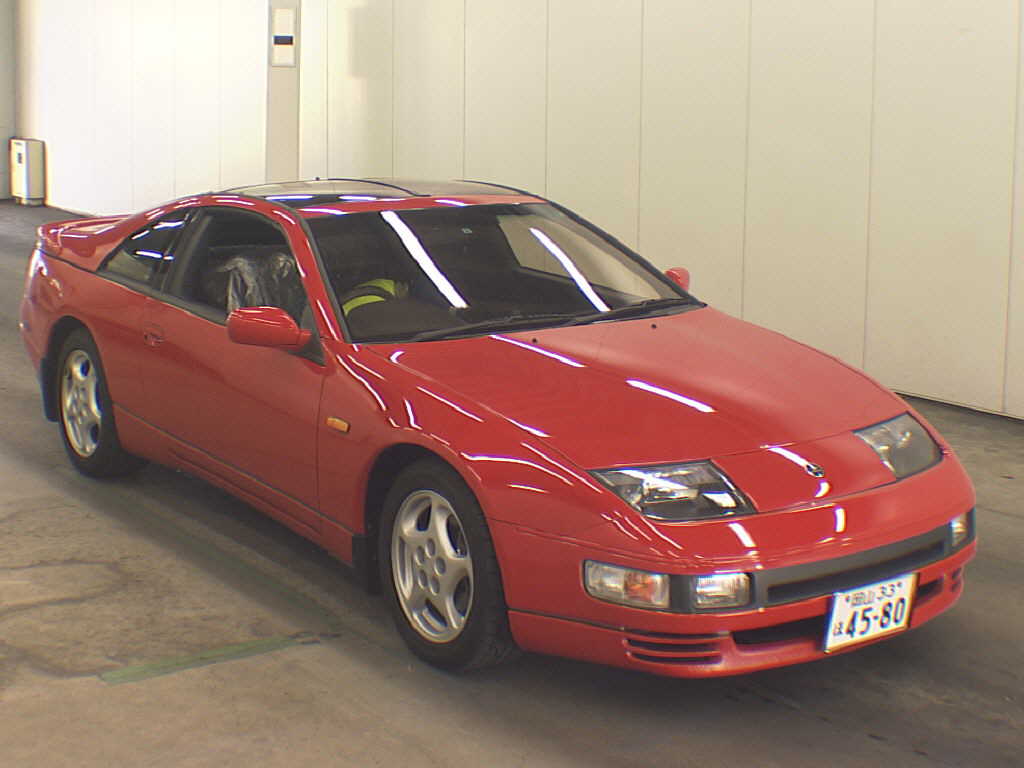
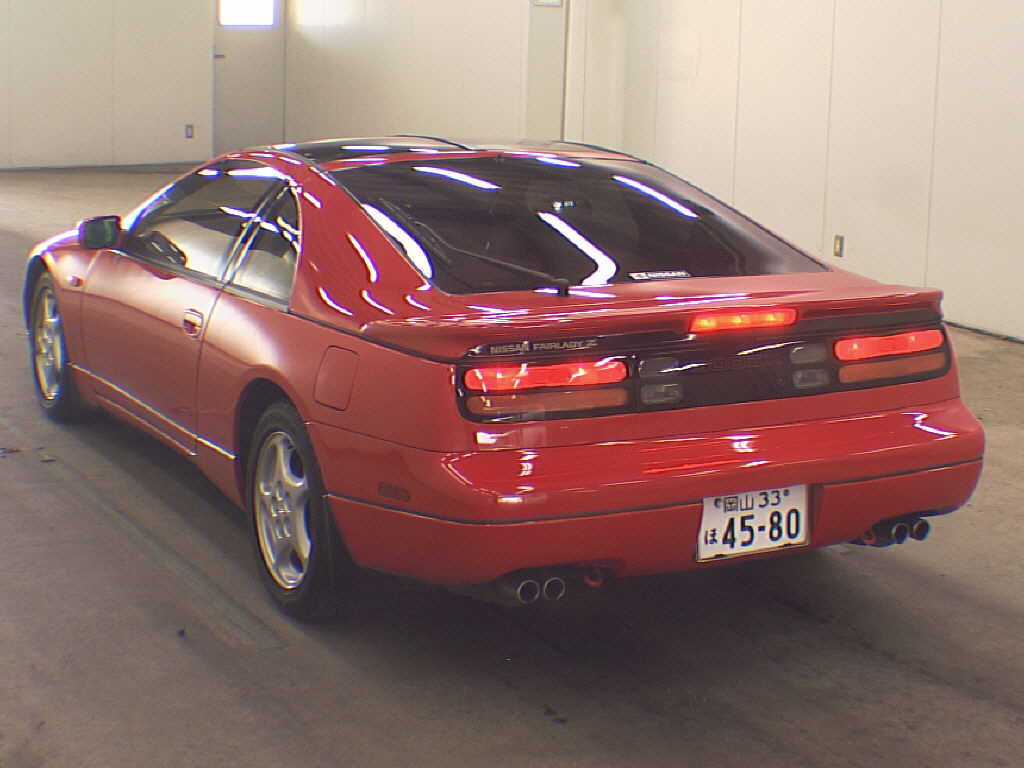
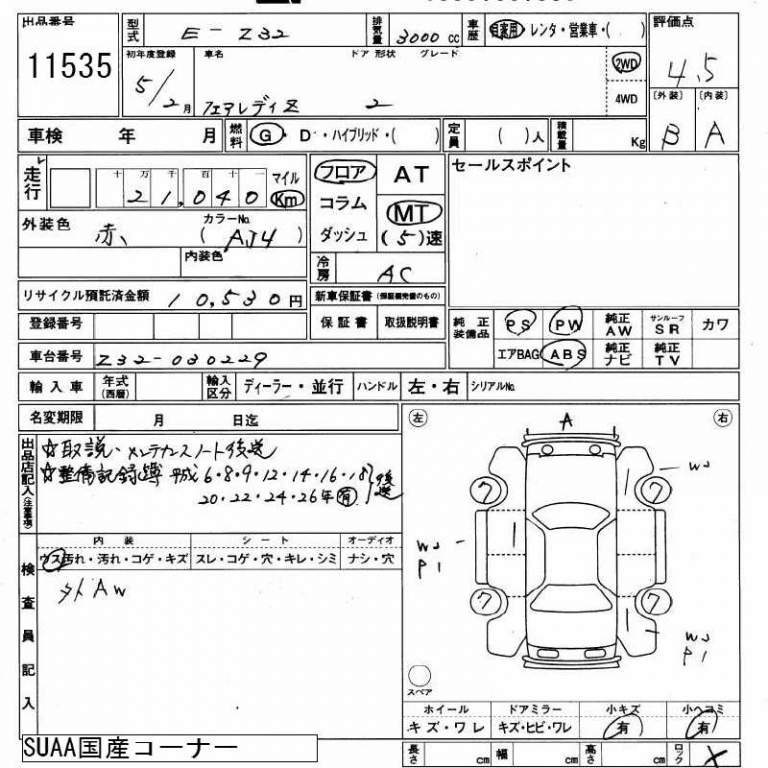
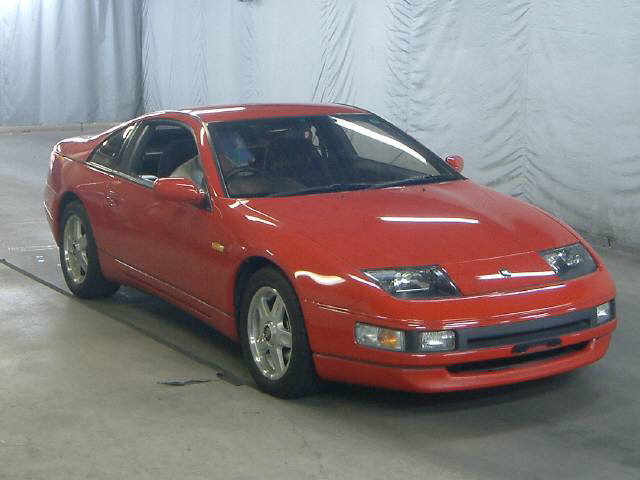
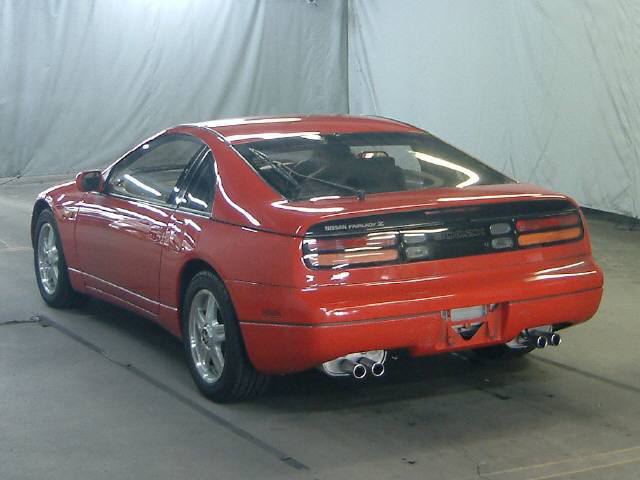
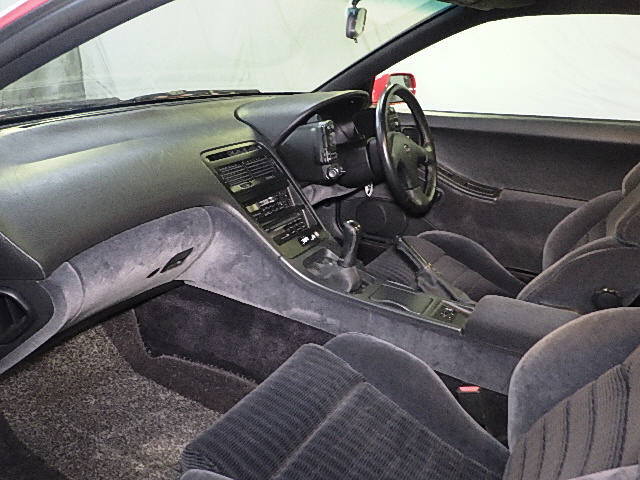
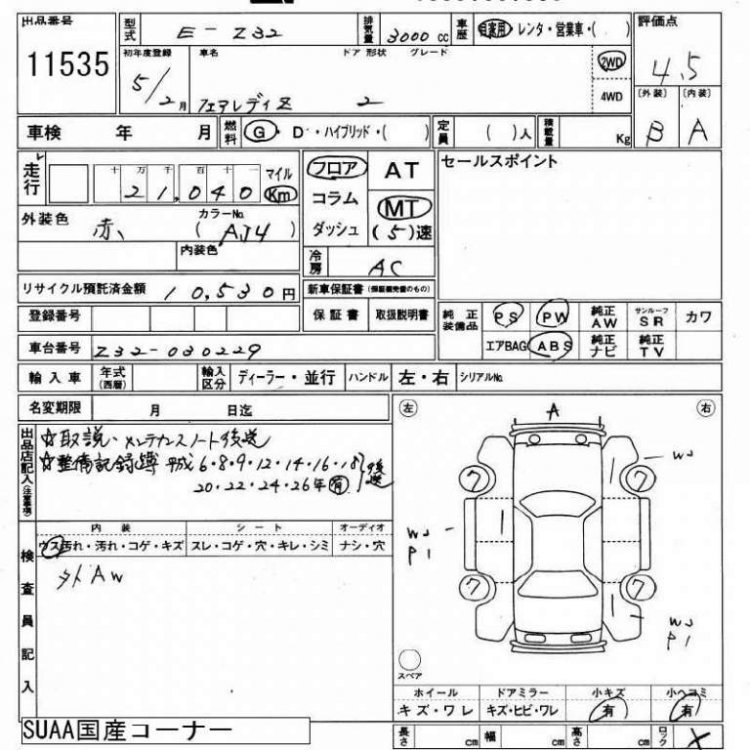
02/03/2016 - 1993 Z32 Pair of grade 4.5 1993 models in red coming up in separate locations - what a coincidence.
-
Does it still work?
-
I'll probably need another month or two for the cash mate, expecting about a grand for my order.
-
Those wheels look ****ing huge on your SWB!
-
Veilside exhaust http://page6.auctions.yahoo.co.jp/jp/auction/f172121543