Everything posted by dutchgold92
-
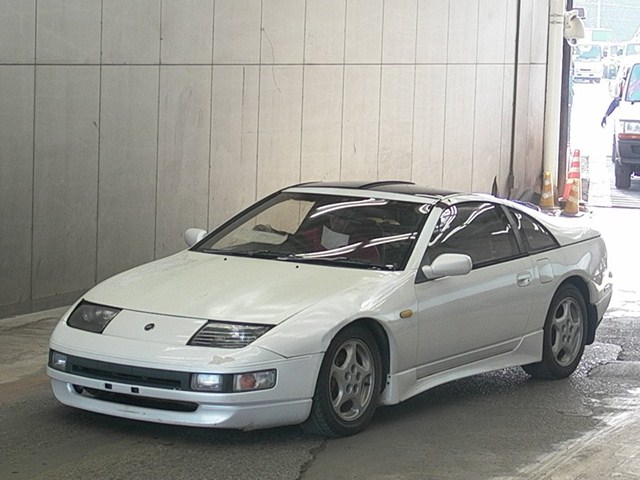
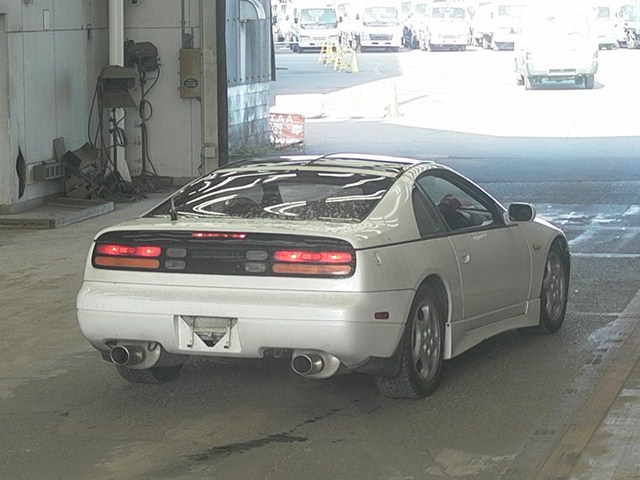
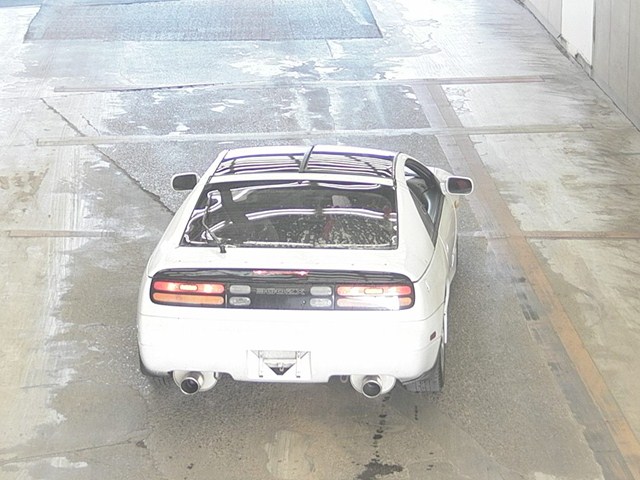
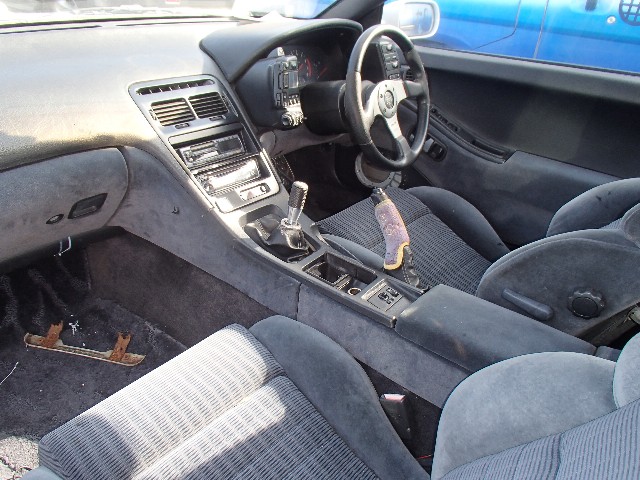
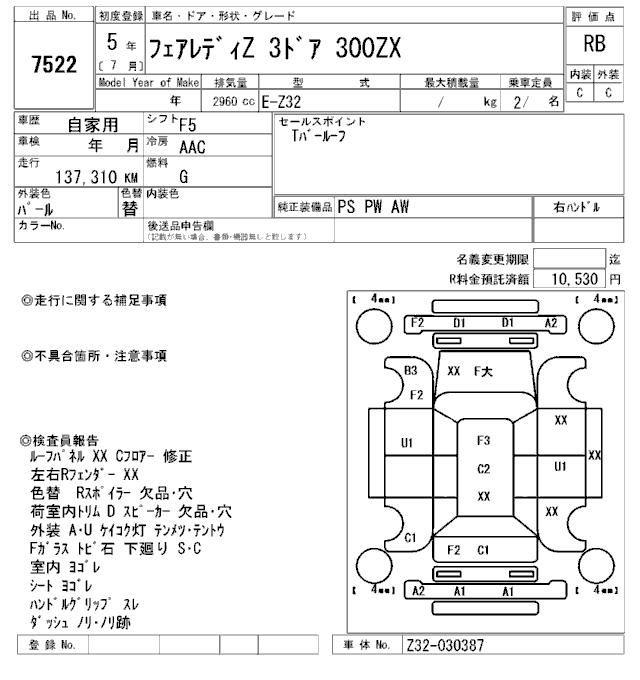
29/10/2016 - 1993 z32
-
Is this the breaker? I hope you have plans for that rust otherwise :scared:
-
Ah, the ball vent. Highly Recommended.
-
I think what he's getting at is, you can't...
-
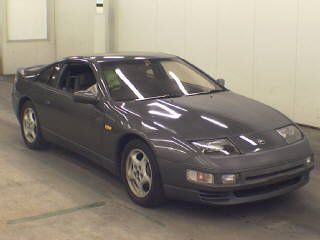
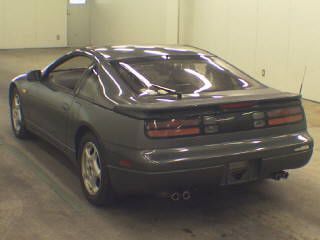
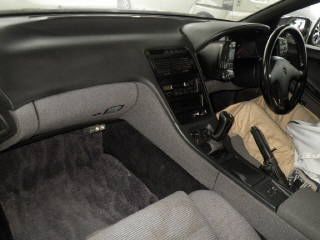
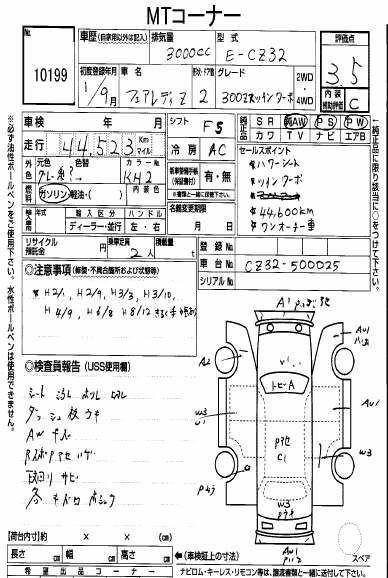
27/10/2016 - 1989 cz32
-
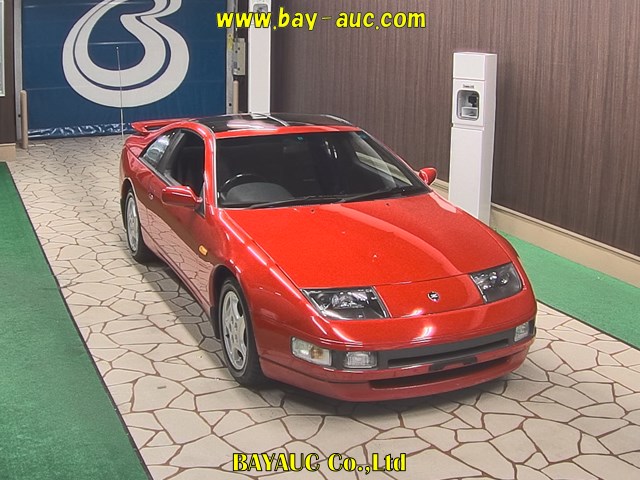
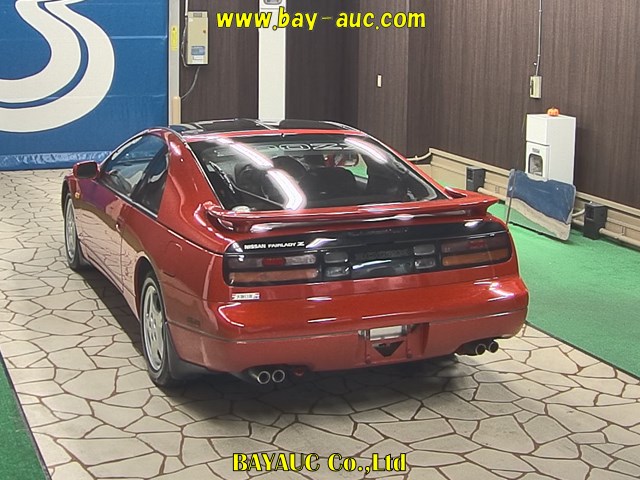
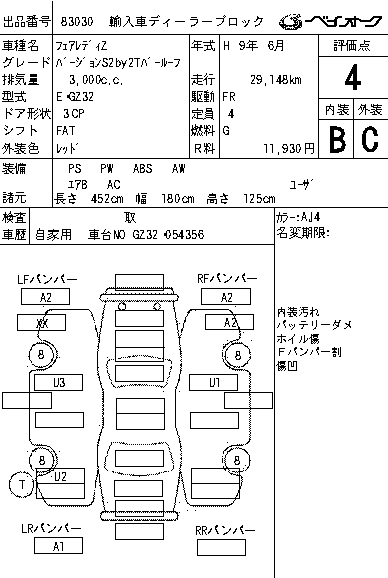
26/10/2016 - 1997 GZ32 version S

-
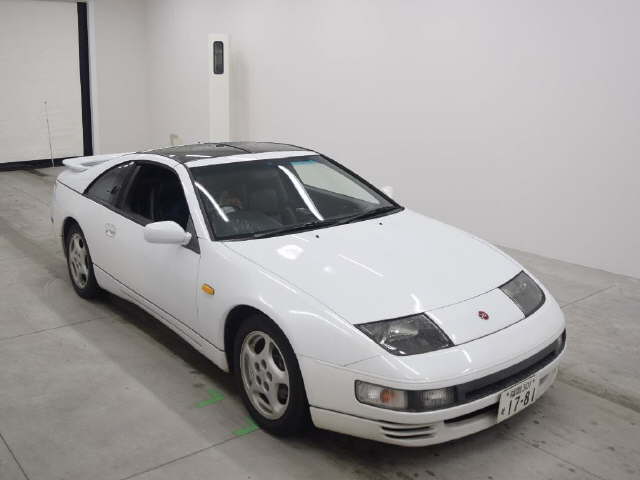
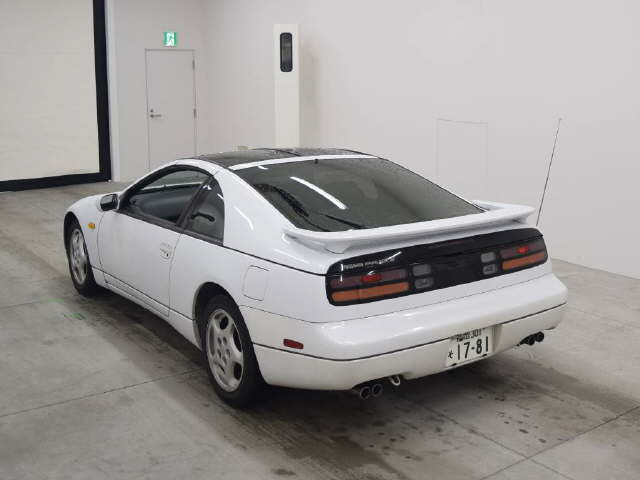
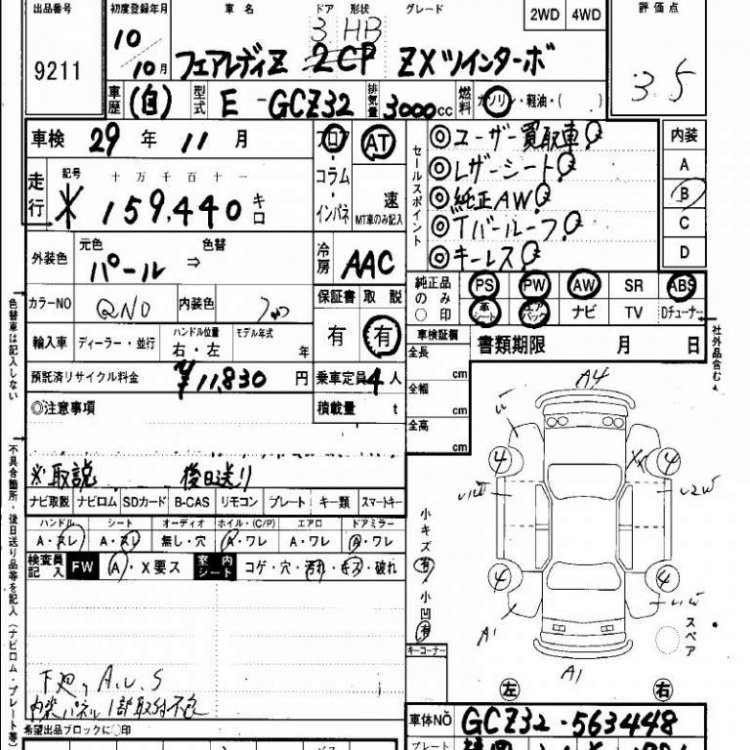
27/10/2016 - 1998 gcz32
-
You ****er :lol:
-
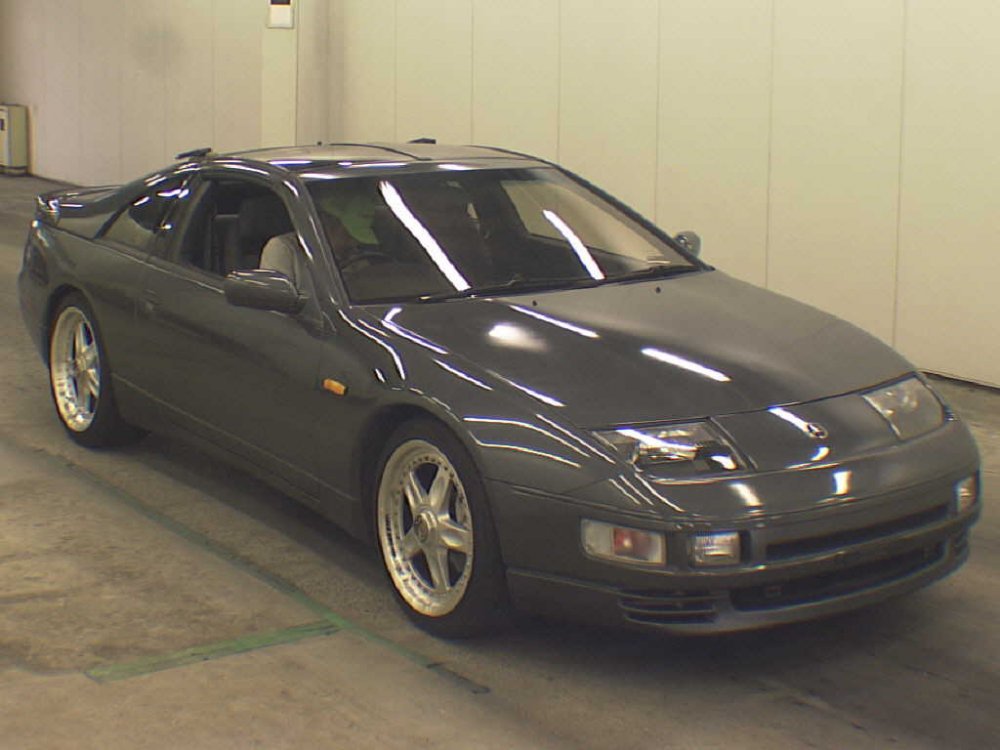
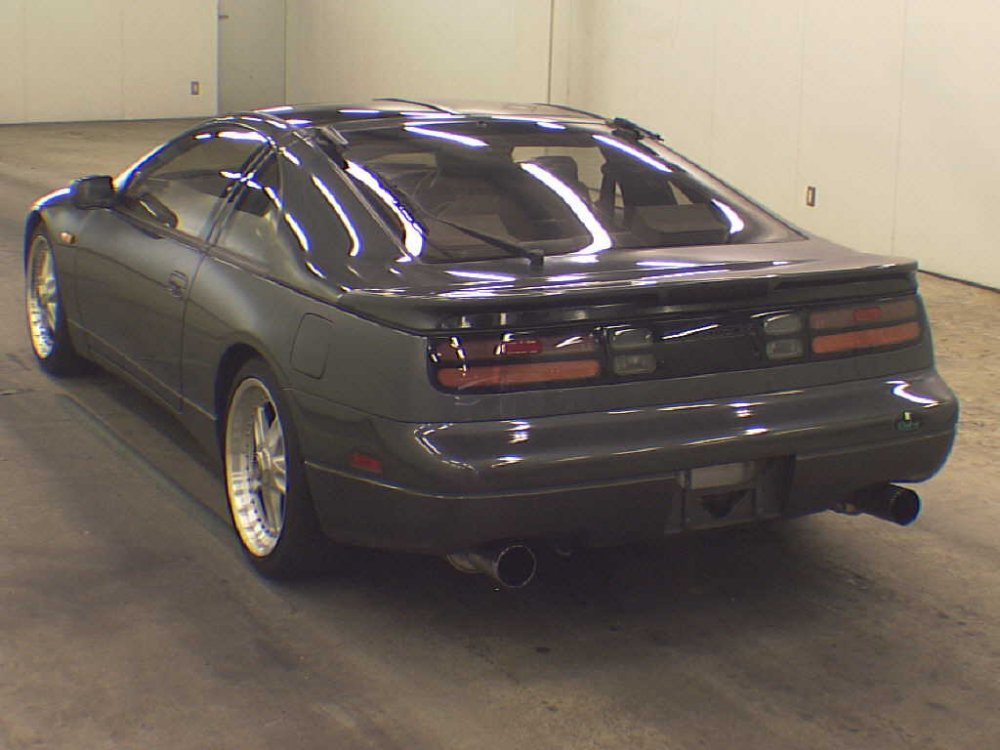
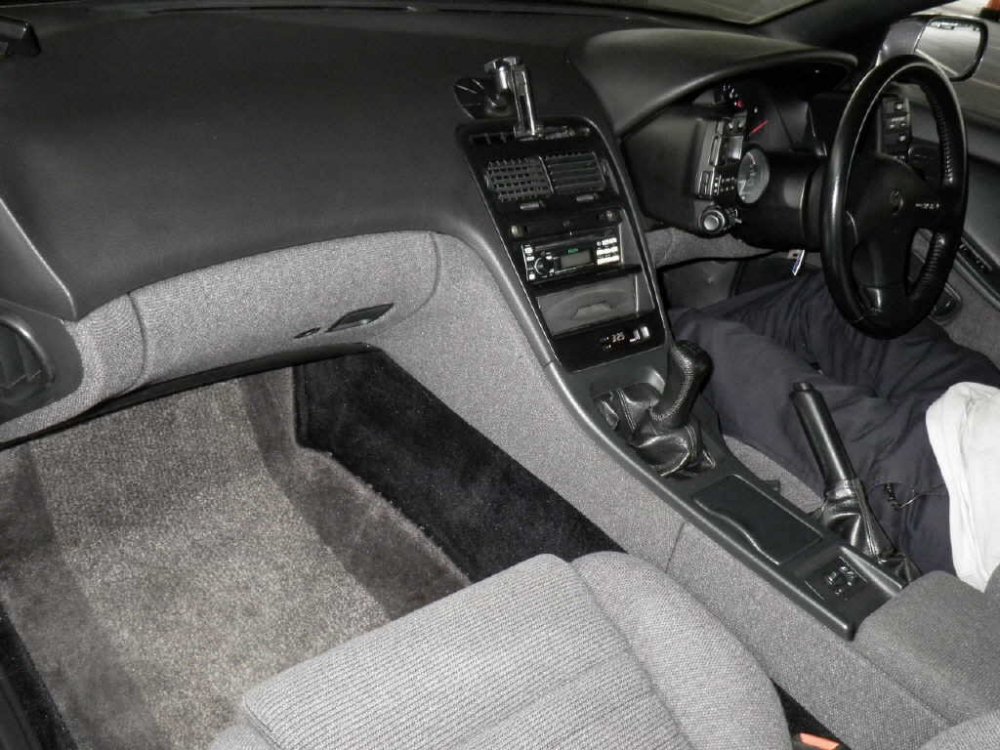
27/10/2016 - 1989 gcz32
-
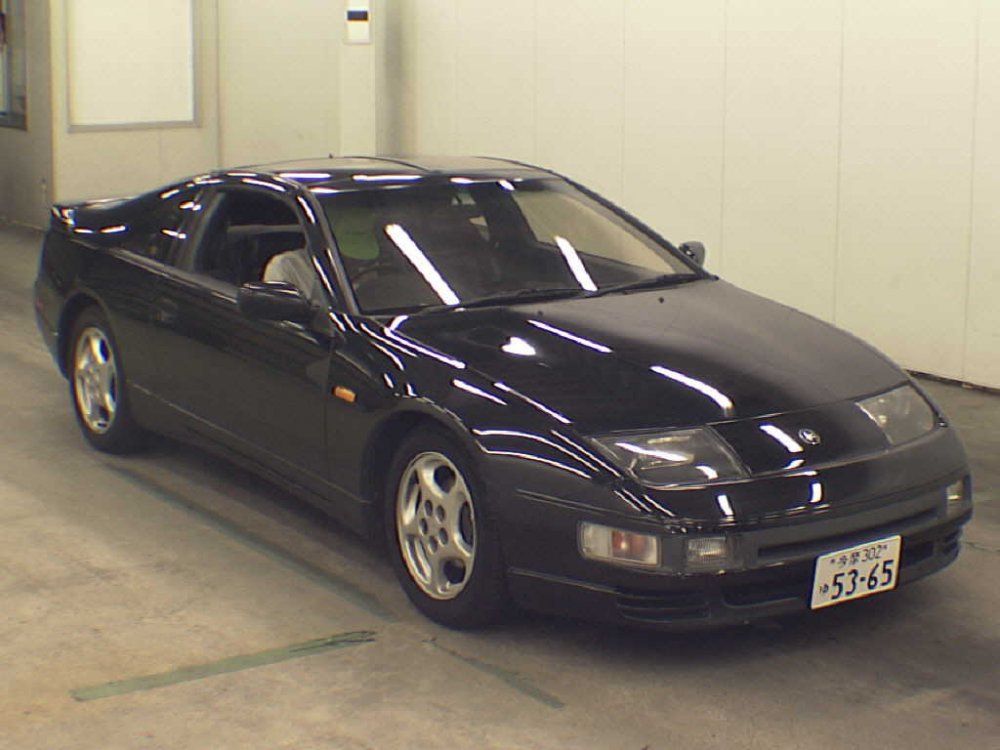
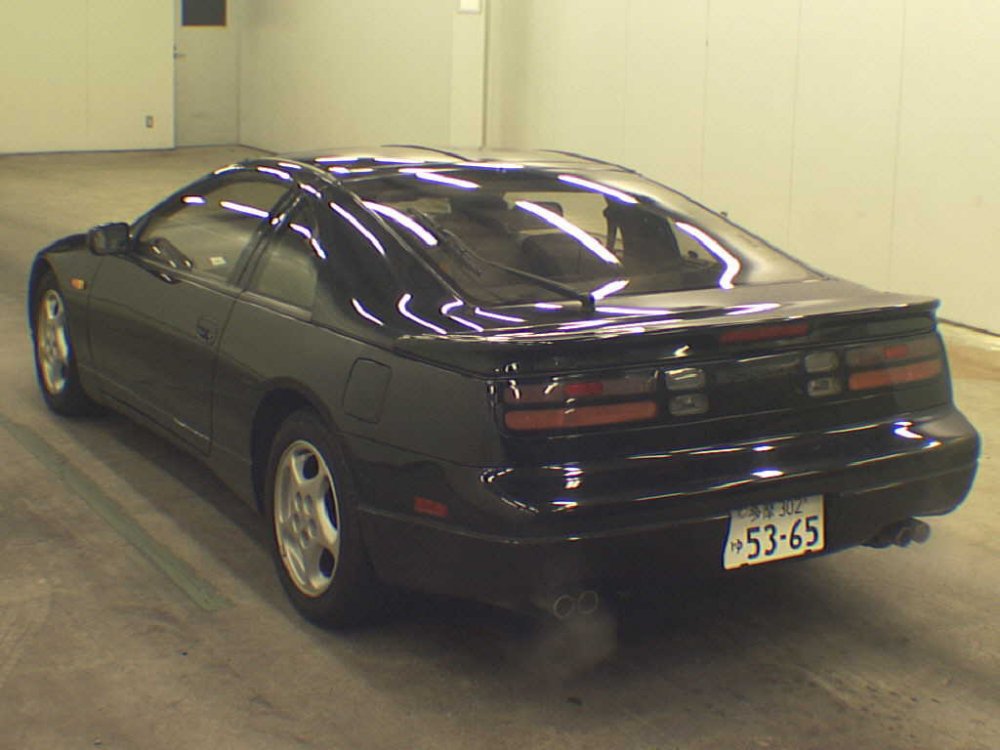
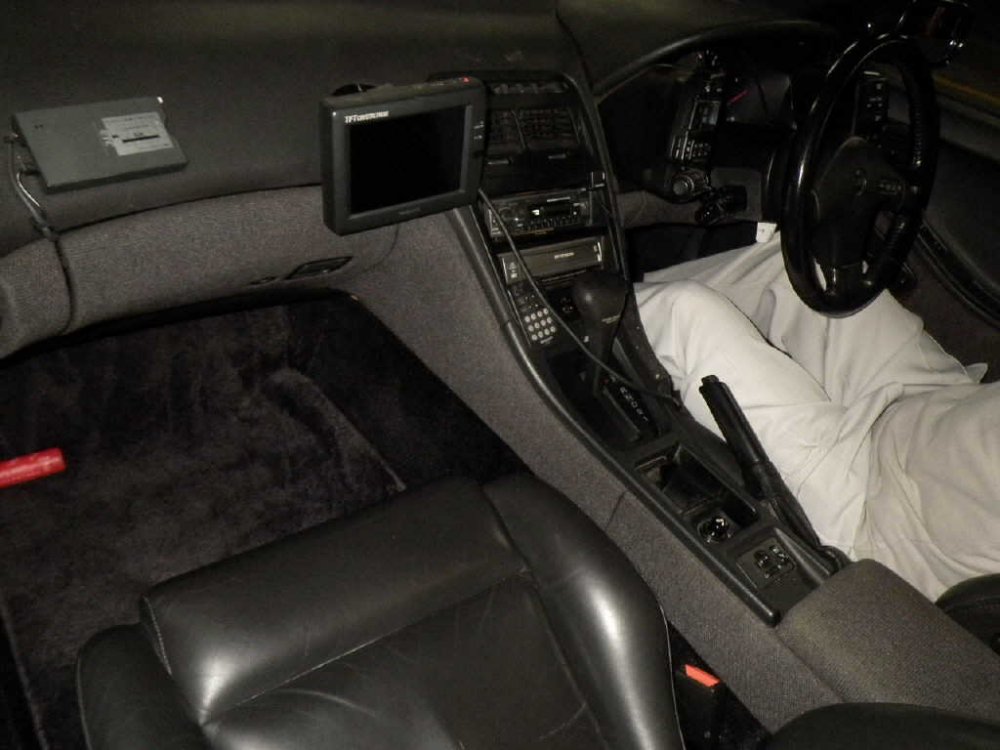
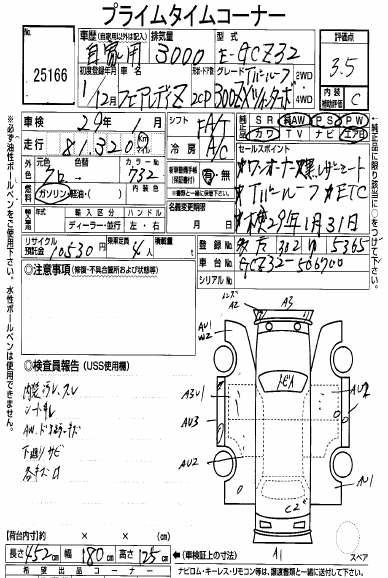
27/10/2016 - 1989 gcz32
-
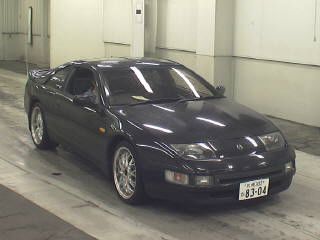
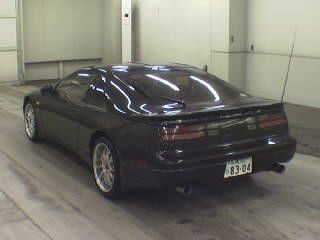
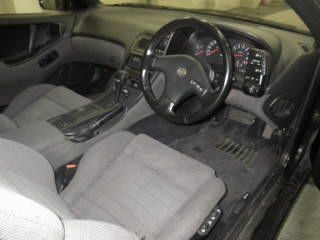
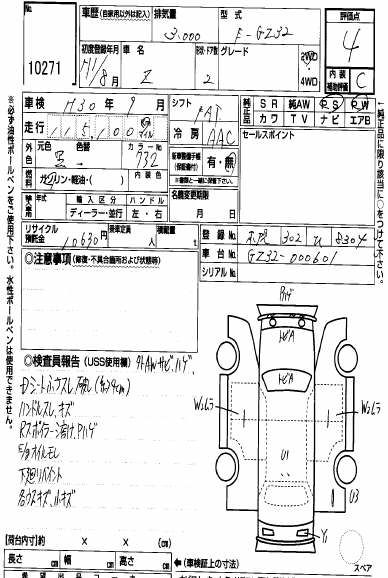
26/10/2016 - 1989 gz32
-
26/10/2016 - 1990 gcz32
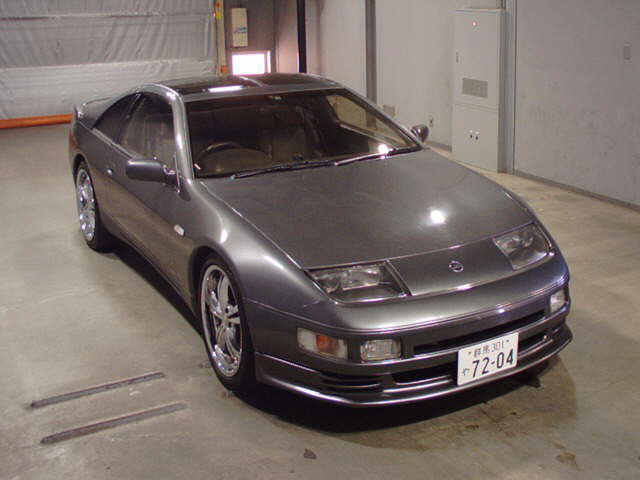
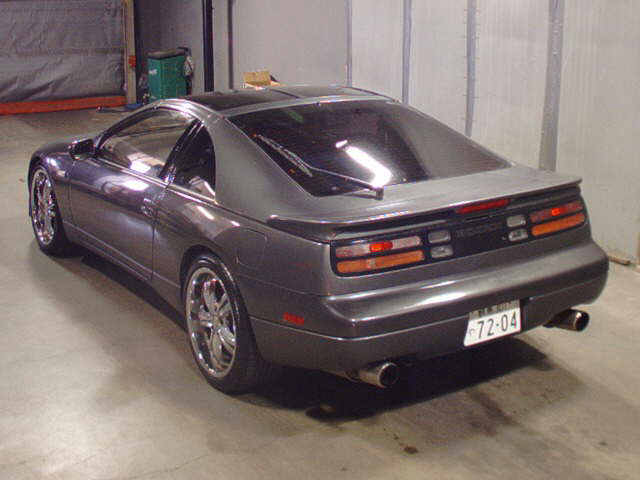
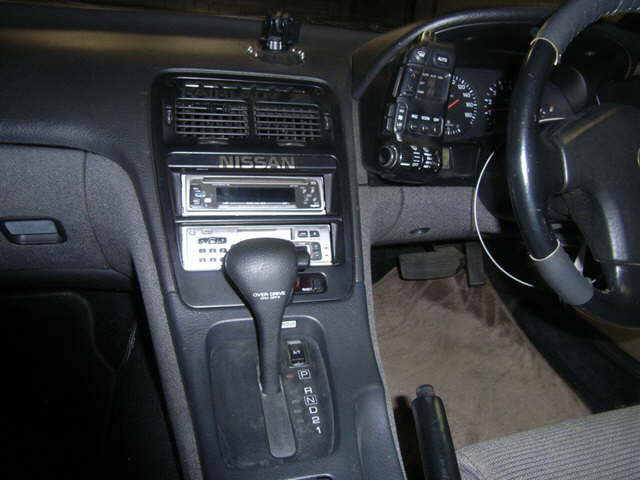
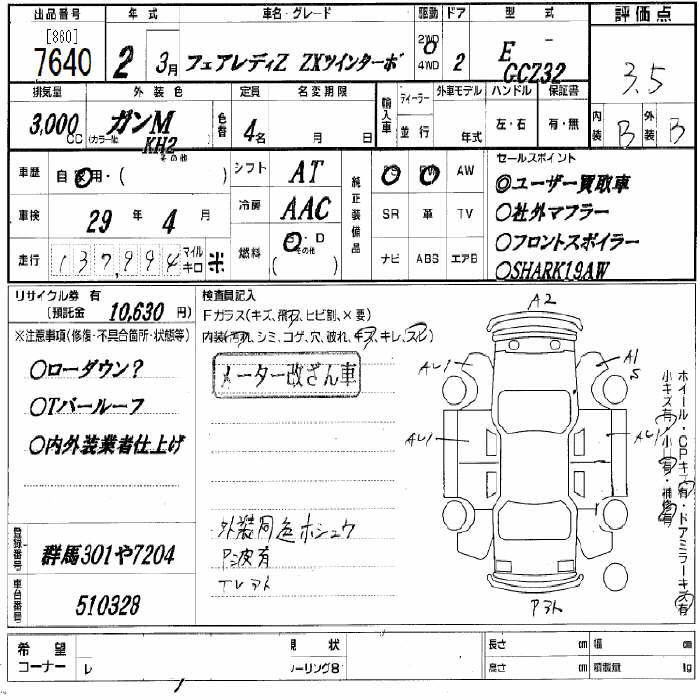
-
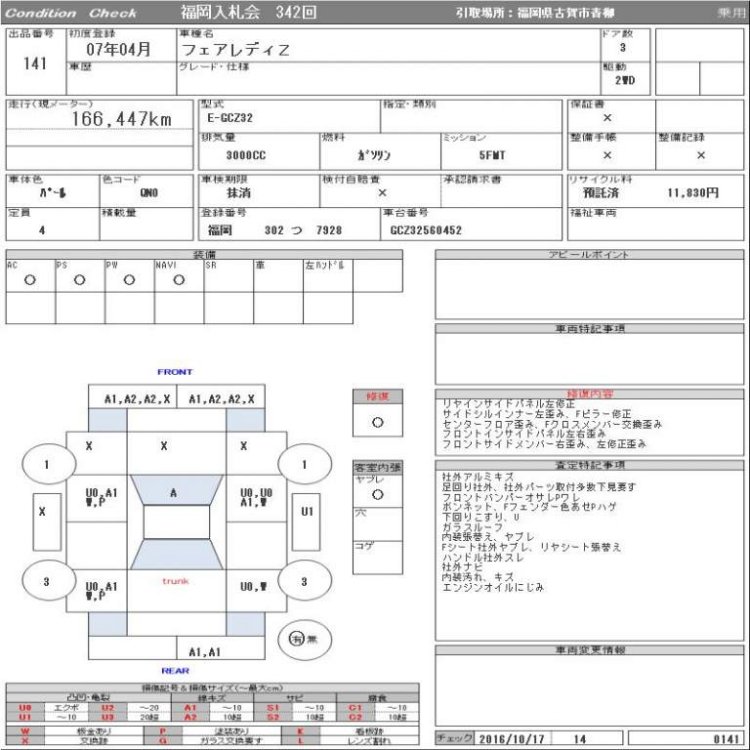
25/10/2016 - 1995 gcz32
-
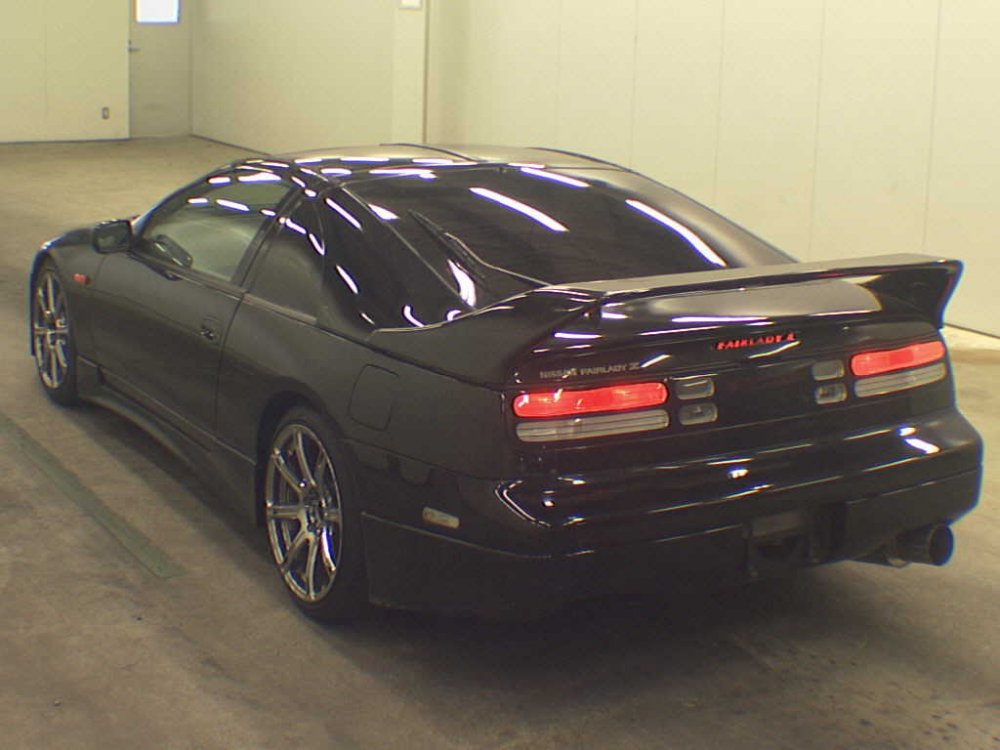
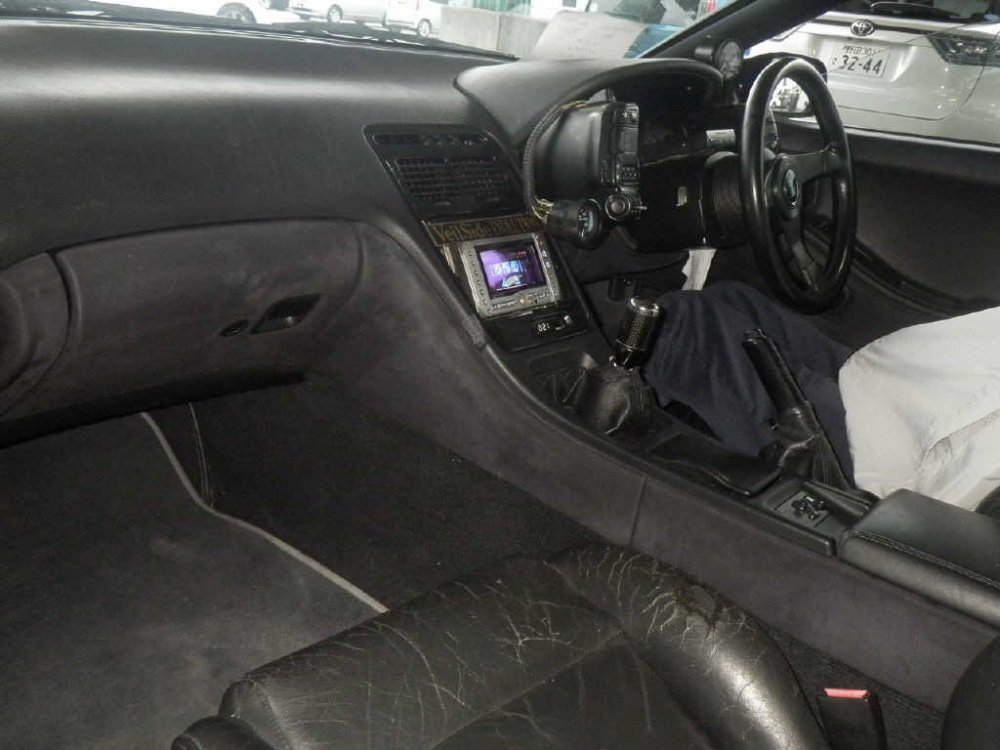
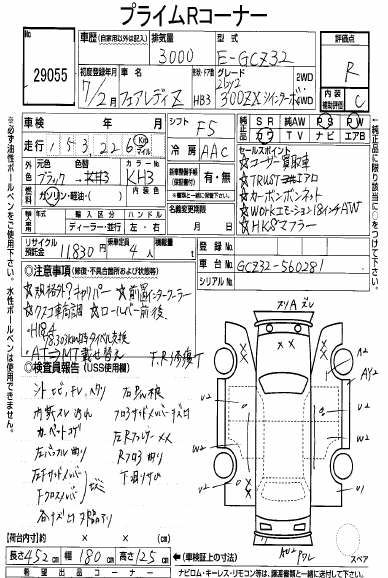
27/10/2016 - 1995 gcz32

-
Not really into RC cars but **** I want one of these! At least until I looked and realised you could buy a full-sized engine for about the same price! That noise... [video=youtube_share;ZBKf7tvi9ps]
-
Flushed the radiator again, not ideal but I must have at least 75% fresh coolant in circulation by now! Perfect excuse to go for a test drive in the night though. I love this car.
-
Do you sit down at work? Tight hamstrings are a bitch and leave you prone to injury. I've had hamstring cramps for hours while sitting, waking up at night with severe cramps, DOMS for over a week in one calf even... eventually strained or tore a tendon in one leg, which was surprisingly a good thing as it eased most of those symptoms! Not too much you can do really, just stretch them a lot. Definitely see a doctor/physio to begin.
-
What did it do before? :confused:
-
Welcome along. Not too many convertibles here.
-
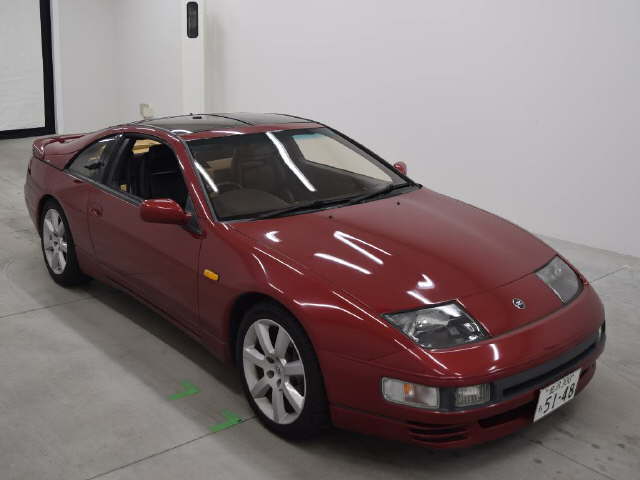
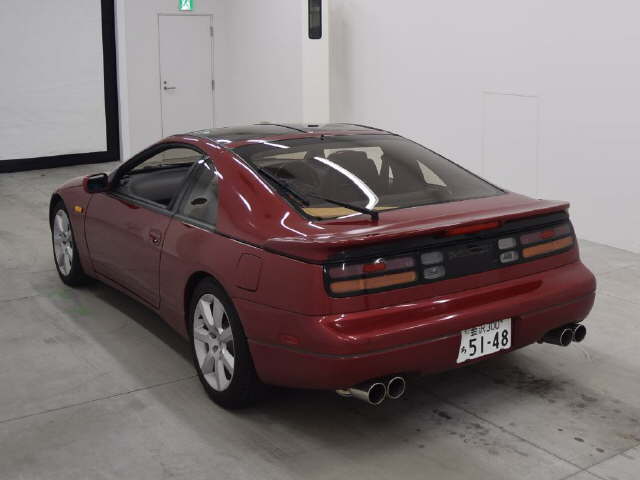
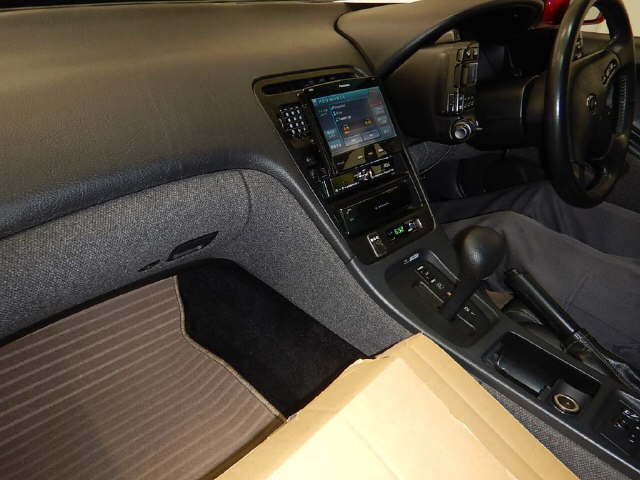
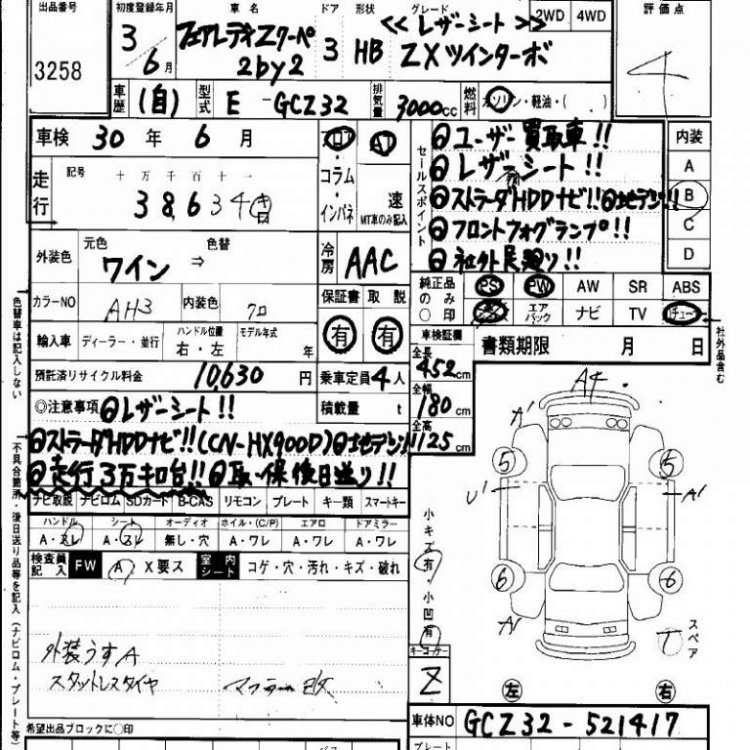
20/10/2016 - 1991 gcz32
-
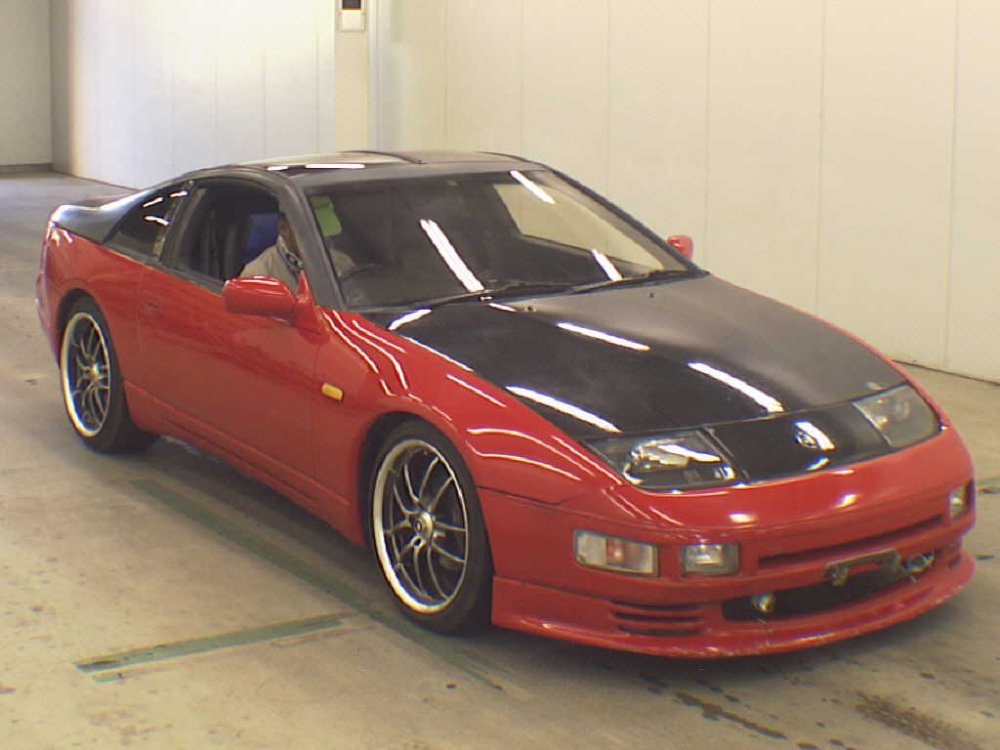
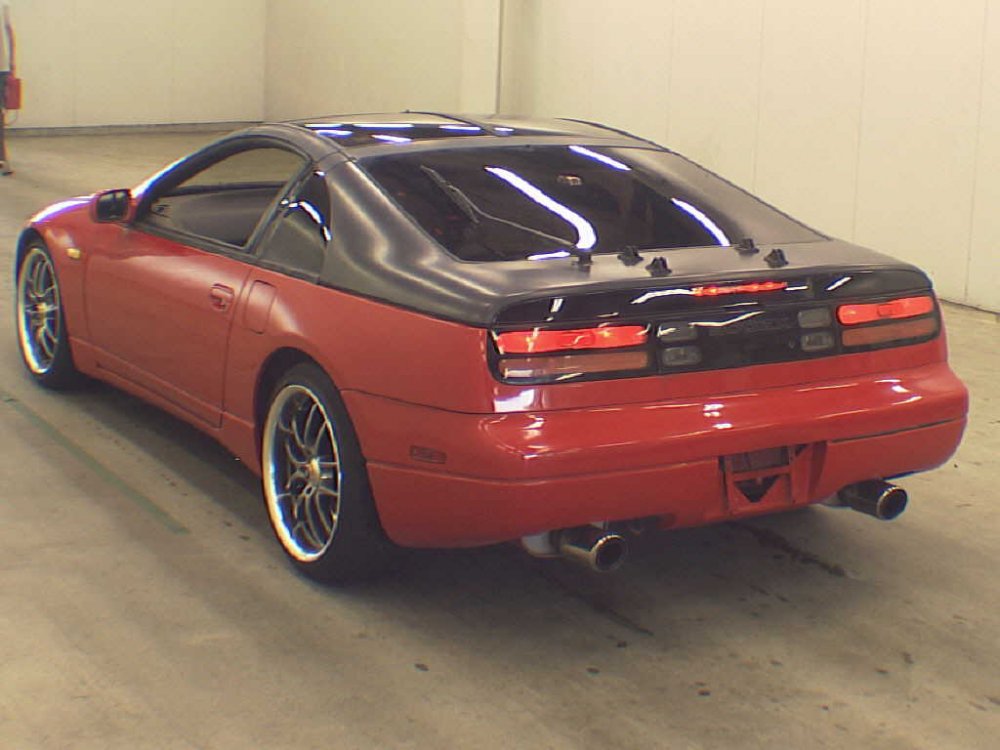
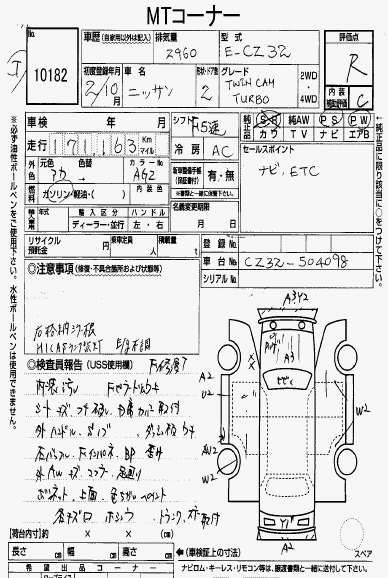
20/10/2016 - 1990 cz32
-
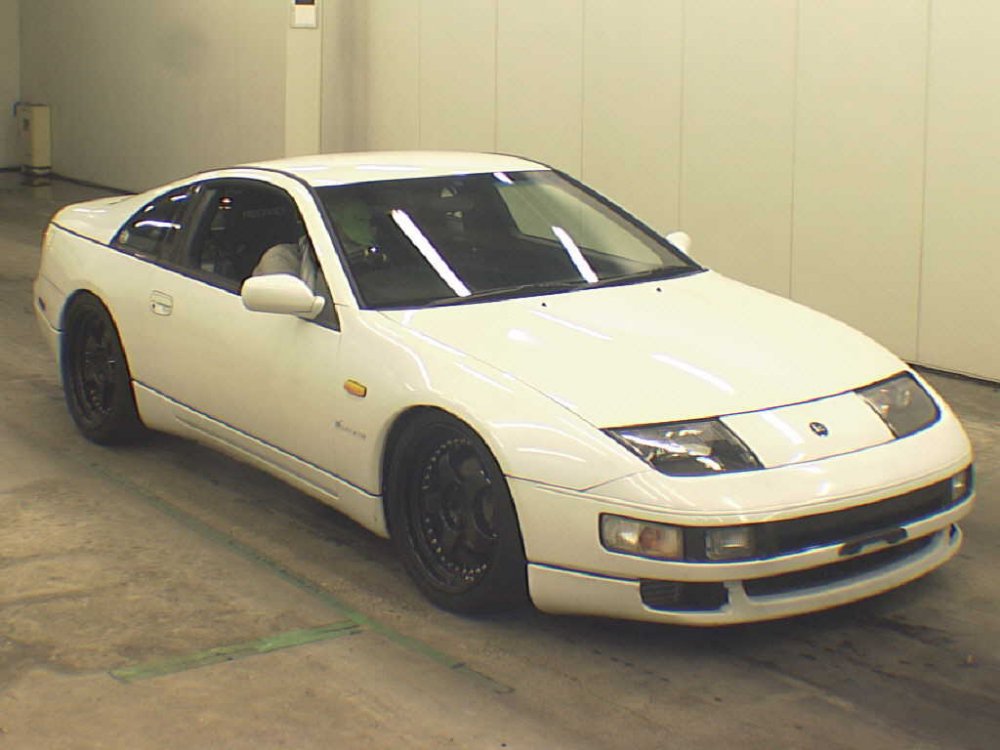
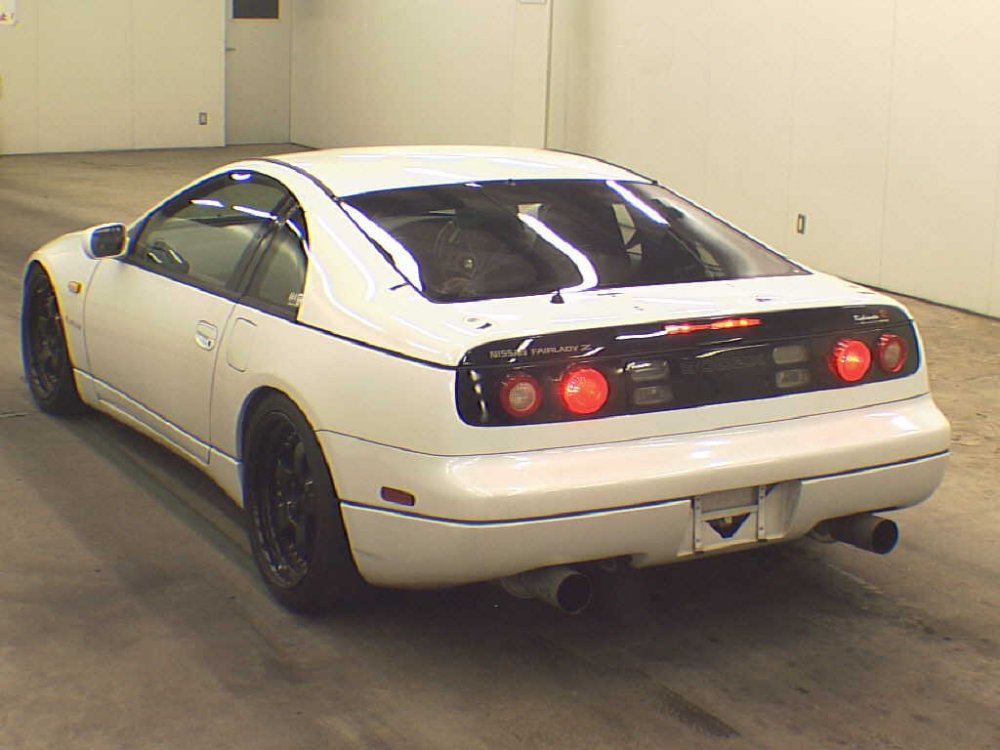
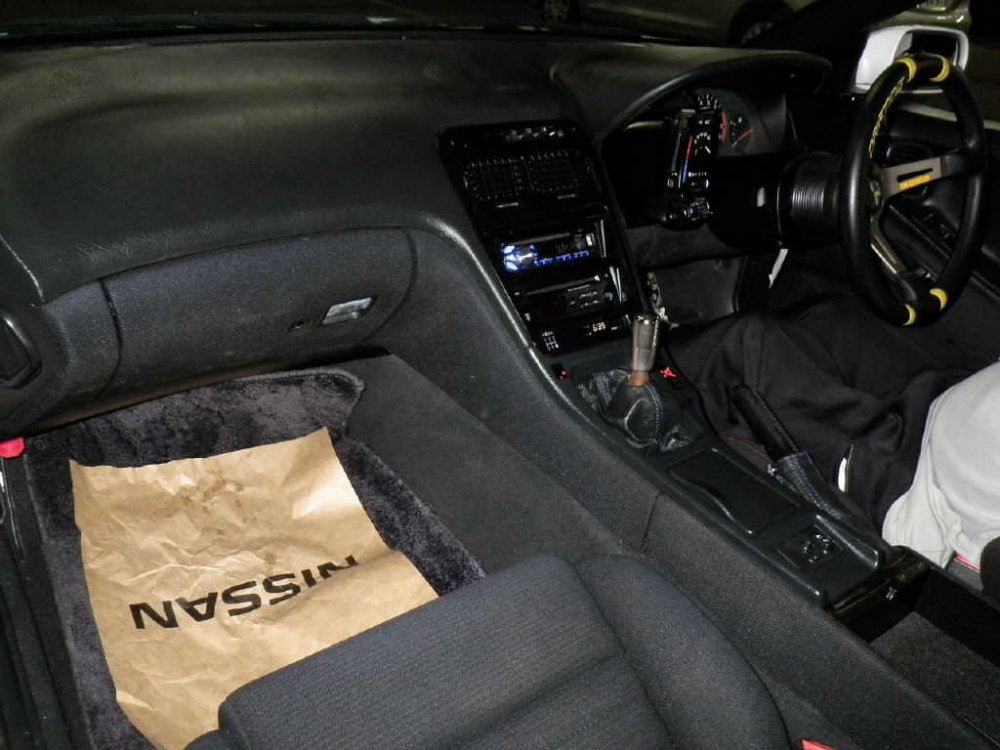
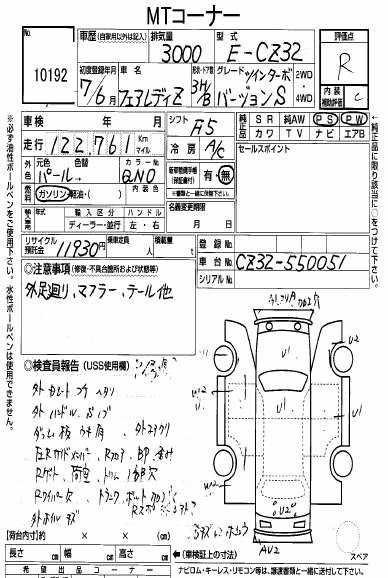
20/10/2016 - 1995 CZ32 version S
-
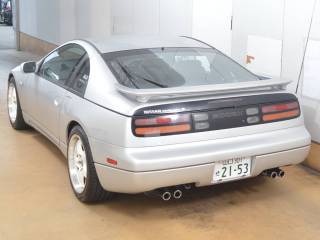
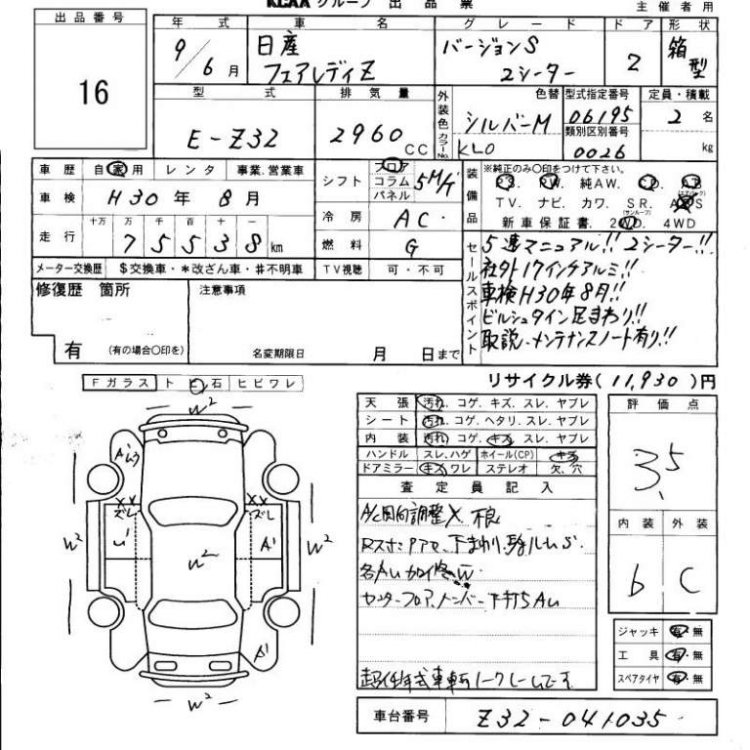
21/10/2016 - 1997 Z32 version S
-
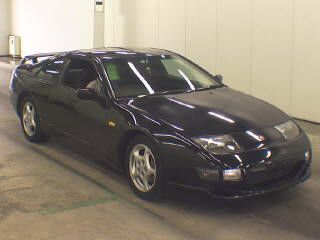
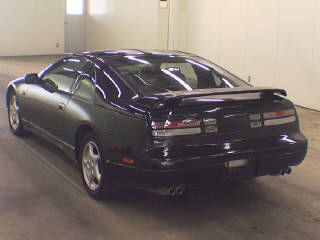
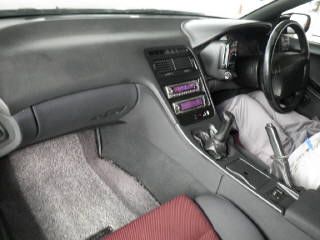
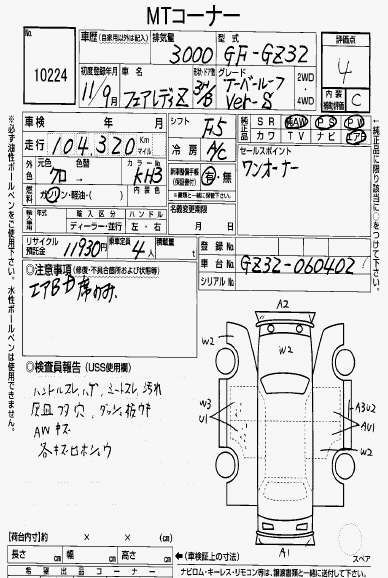
20/10/2016 - 1999 GZ32 version S
-
CAS is shiny! Is it new or did you have it painted?