Everything posted by Bones28
-
Most accidents happen at lower speeds, the problem is you can do 60 or even 70 on a lot of A roads they are the deadly ones.
-
Do you think the speed limit on the UK's motorways should be increased from 70mph to 90mph? If so, there is a government petition that you can sign. https://petition.parliament.uk/petitions/171341 If it reaches 100,000 signatures then it should get debated in Parliament.
-
-
Welcome to the club
-
Very nice
-
Happy Birthday :happybday:
-
Happy Birthday:happybday:
-
OMG what a nightmare, thank god your ok. Can't imagine what your wife and daughters felt, as they say it's not your time yet. Plenty of rest and let your body heal. All the best take care.
-
Super rare ■ Z32 Fairlady Z final type genuine xenon head light Yahoo! http://page18.auctions.yahoo.co.jp/jp/auction/w152209790 Second hand £940 :ohmy: New http://page23.auctions.yahoo.co.jp/jp/auction/o143822434 £2229.00:shock:
-
New Key http://buyee.jp/item/yahoo/auction/d144666541
-
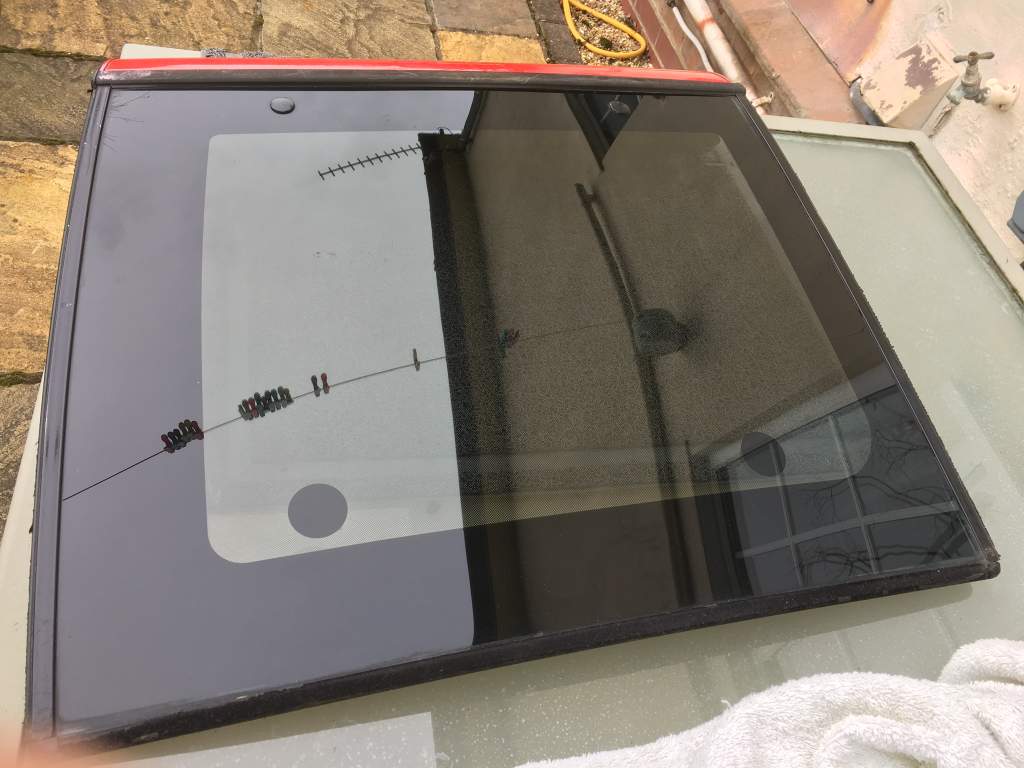
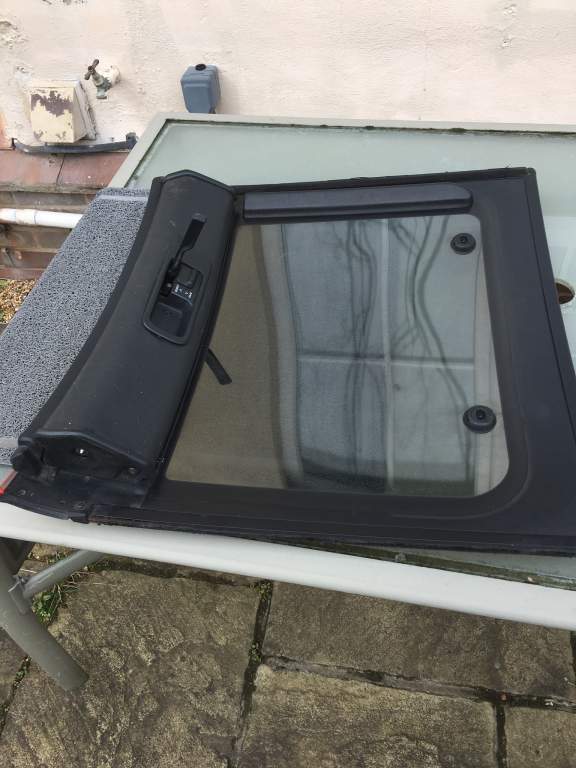
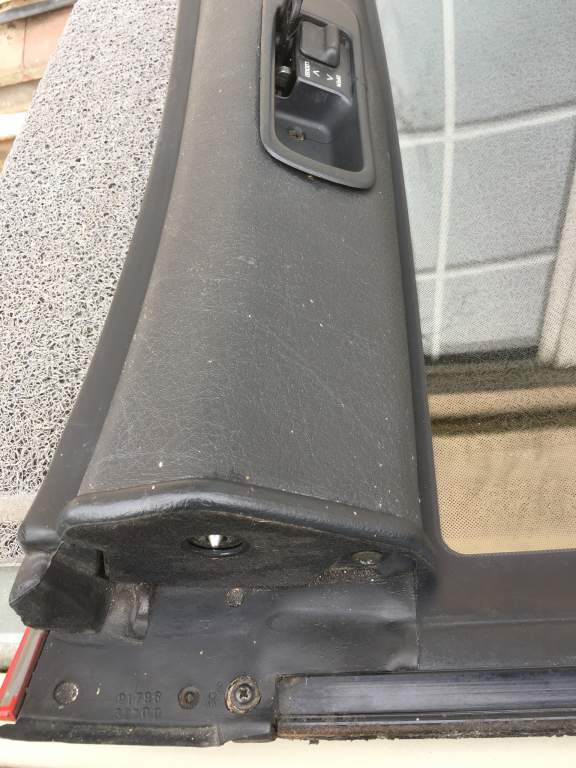
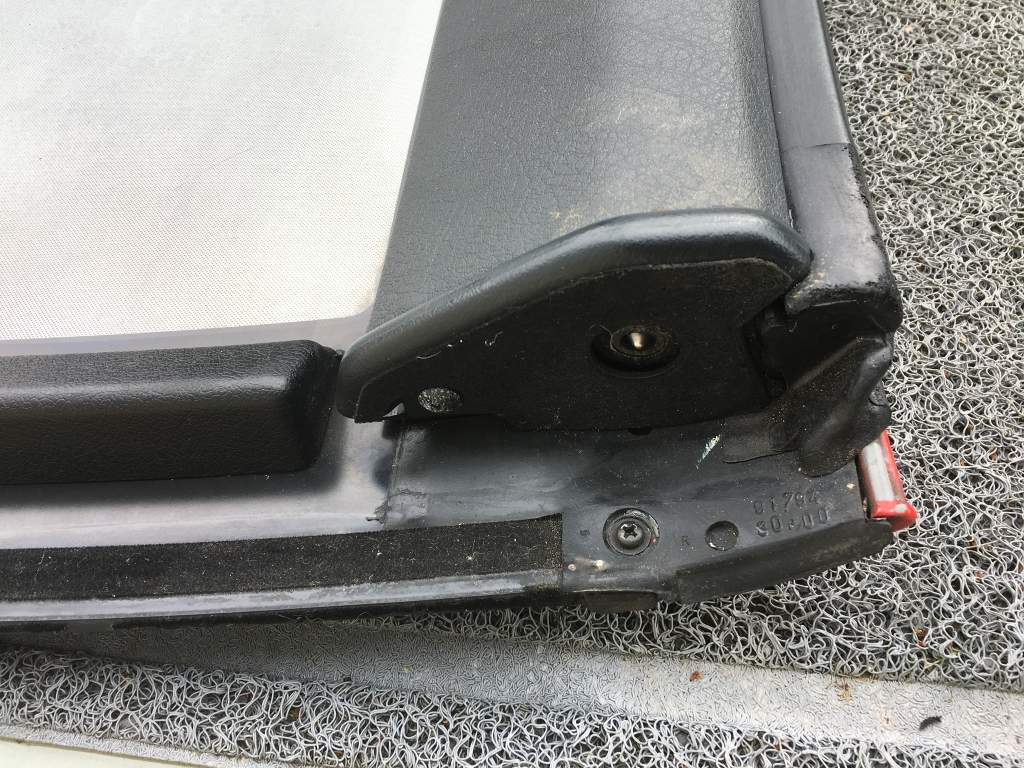
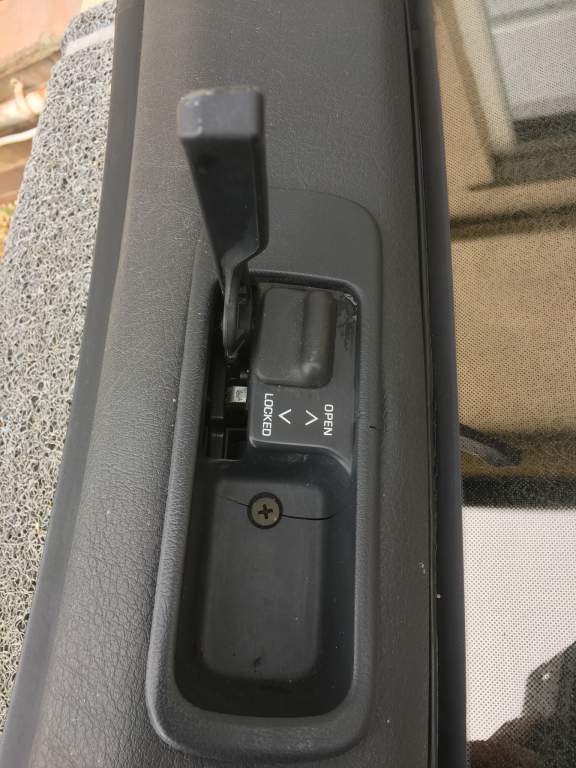
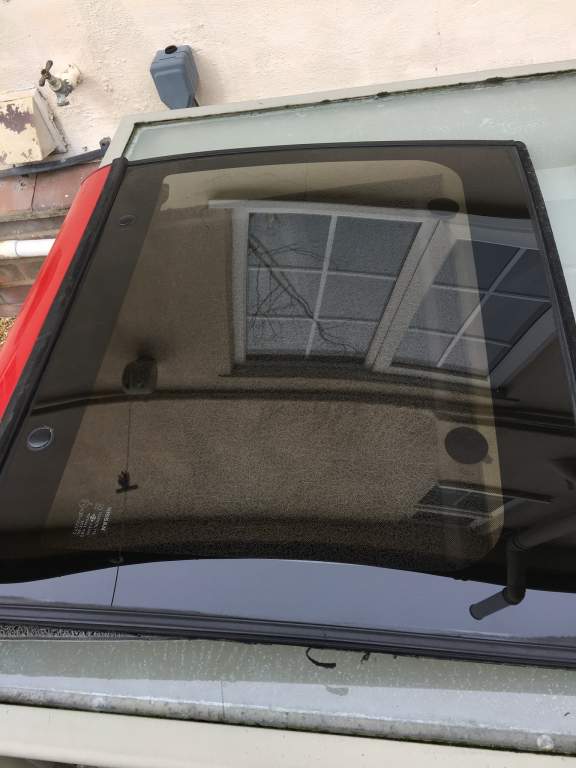
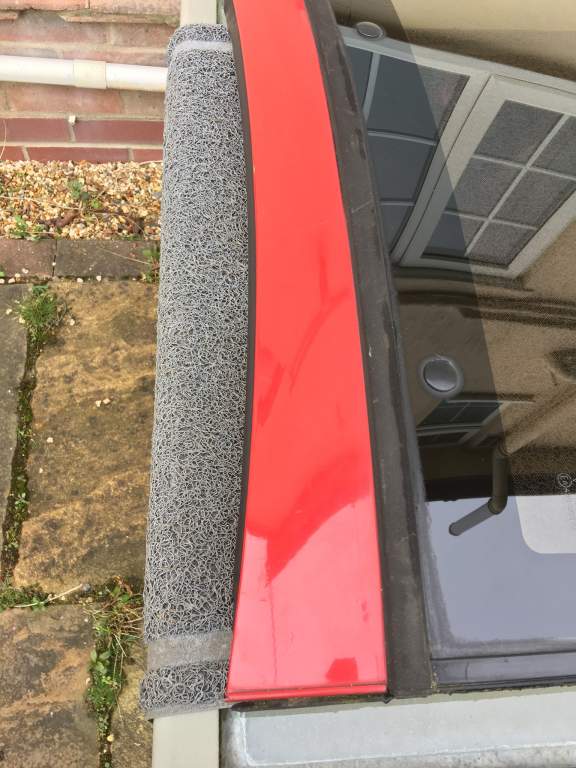
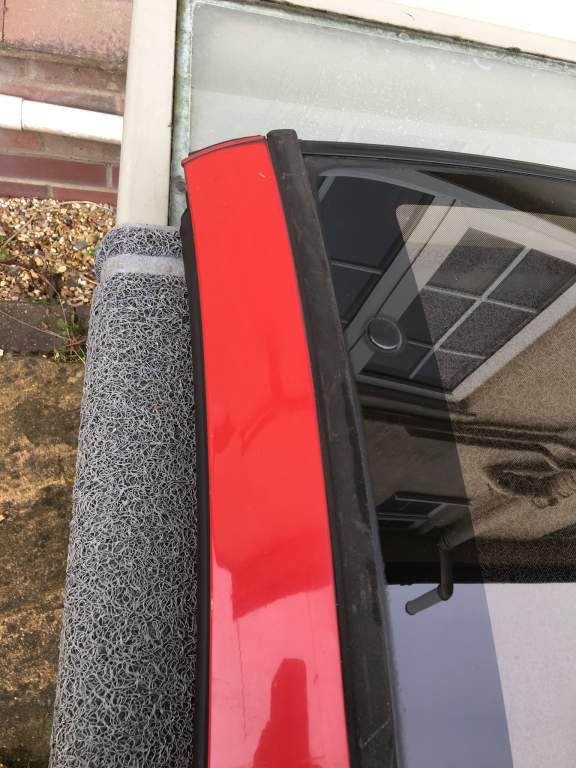
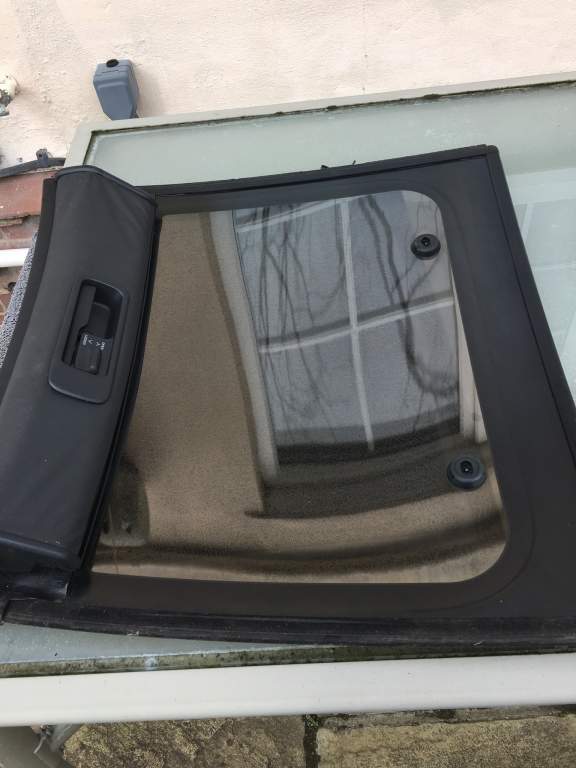
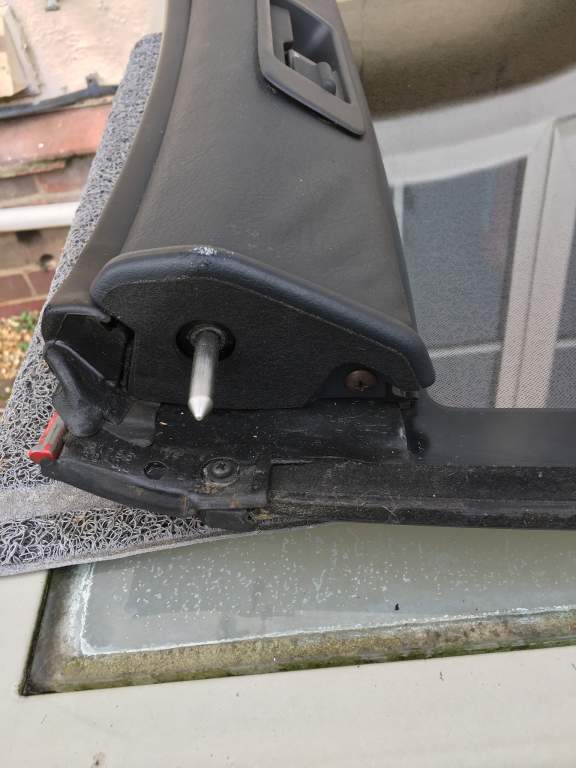
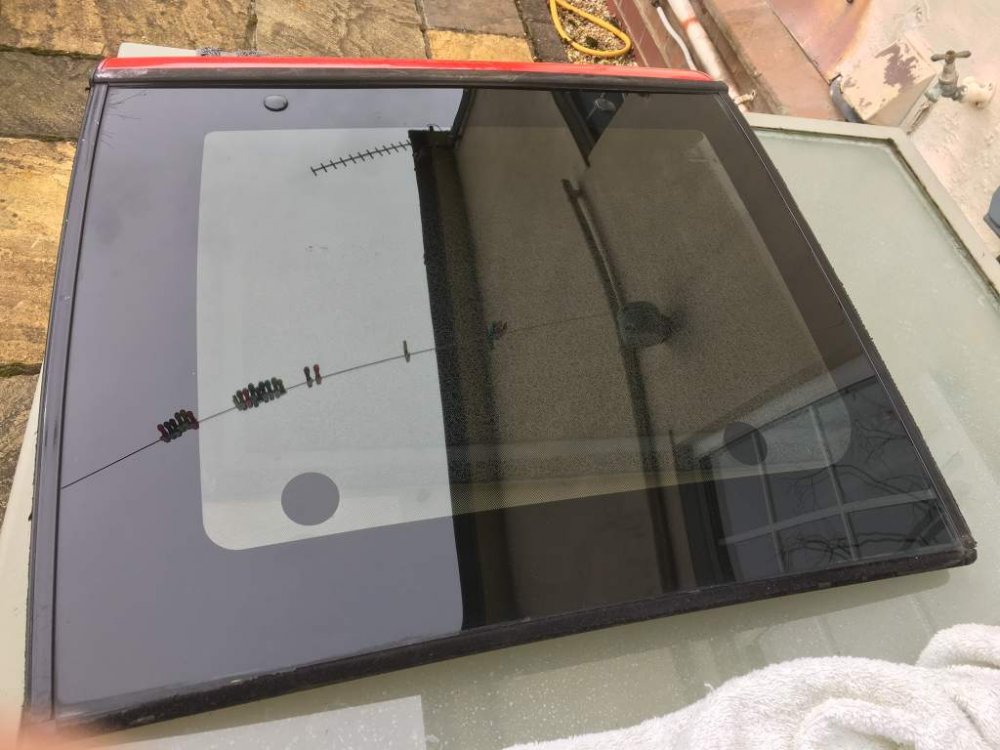
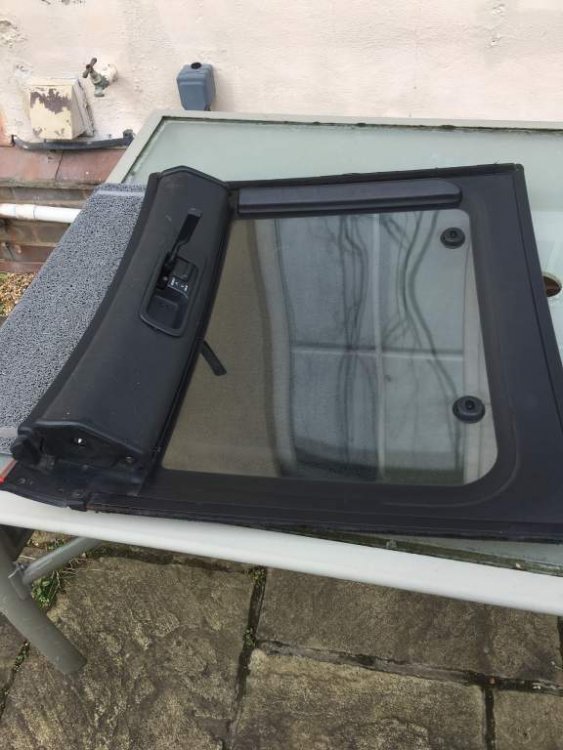
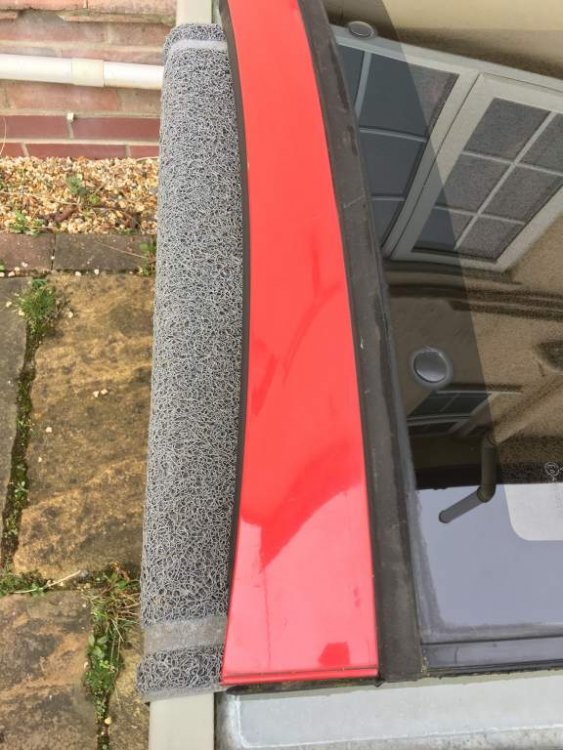
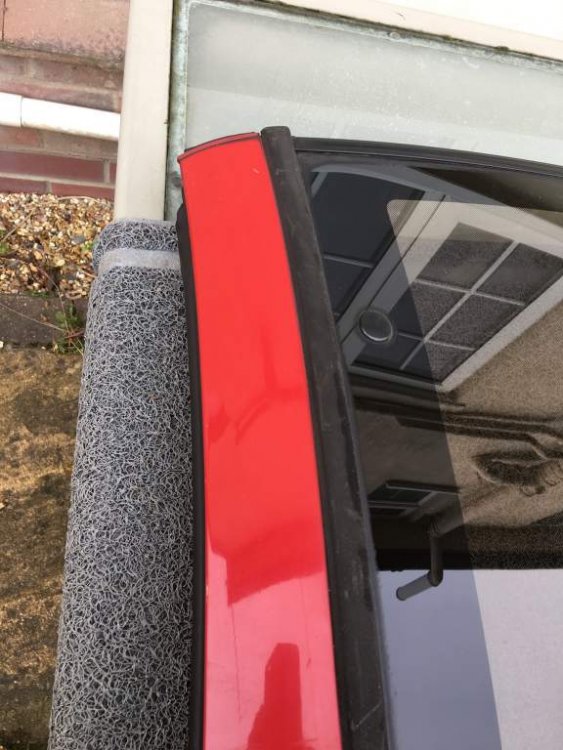
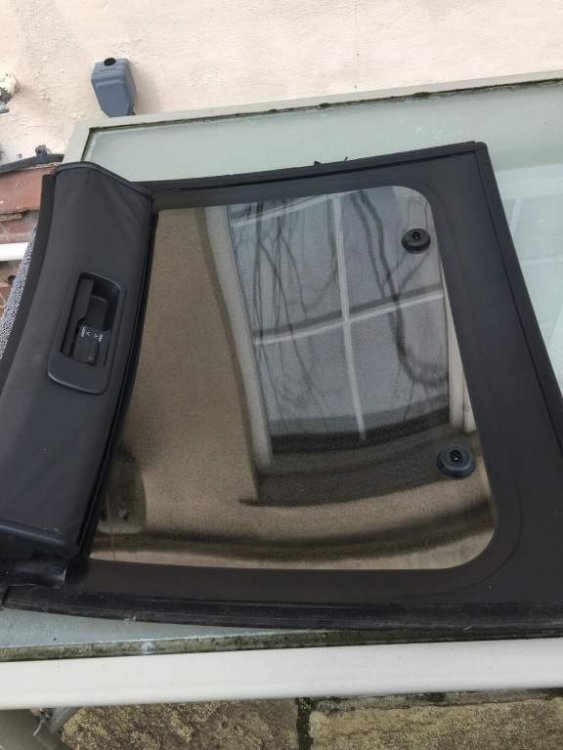
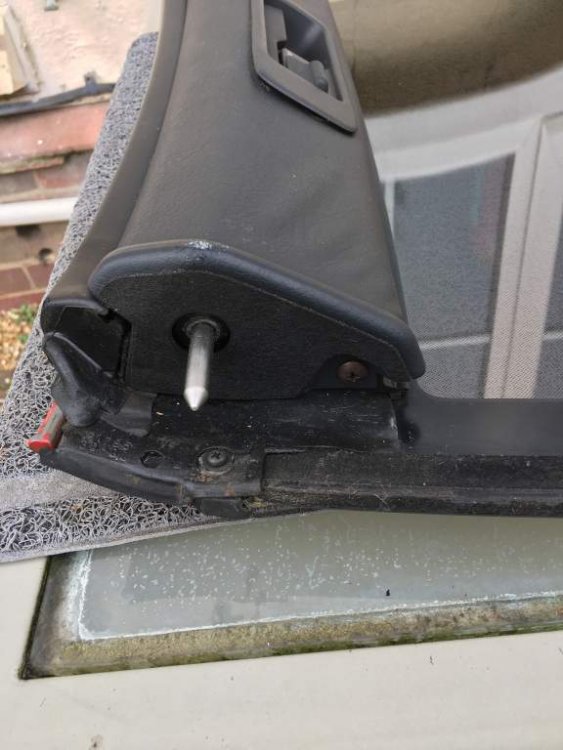
Drivers side Taga glass has minor scratches tried to photo. The plastic surround is cracked as in picture.
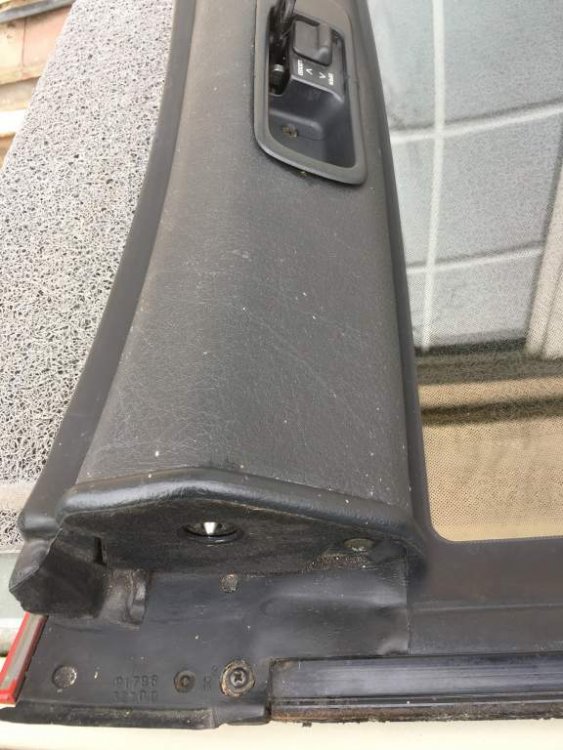
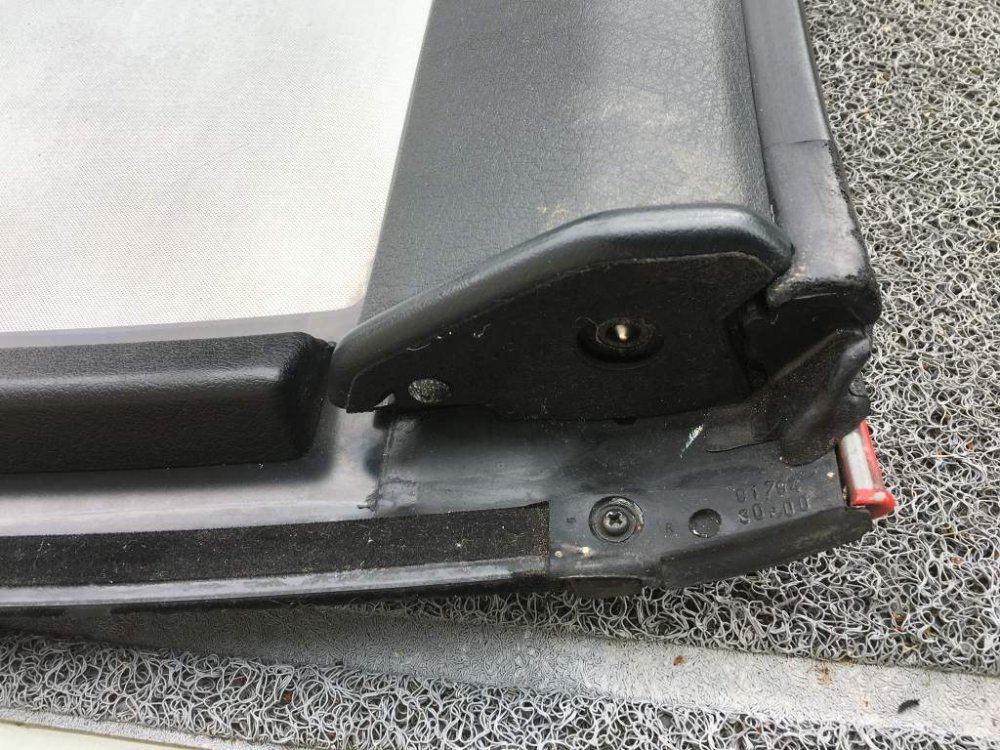
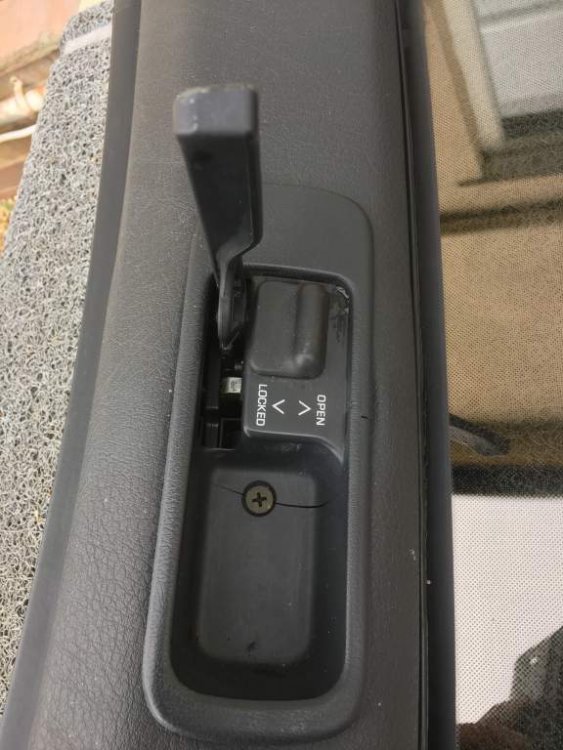
-
Hi I purchased this a while ago but never used. Will be + postage if required.
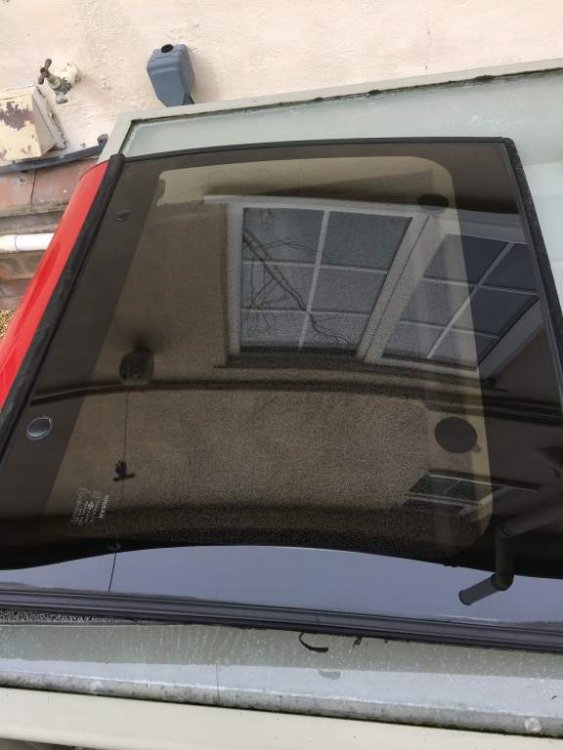
-
I sold mine a long time ago and regretted it every day, luckily I got it back but was many years later. It's always personal choice but to get rid of your pride and joy over money will be a regret.
-
Happy Birthday :happybday:
-
Happy Birthday :happybday:
-
Happy Birthday :happybday:
-
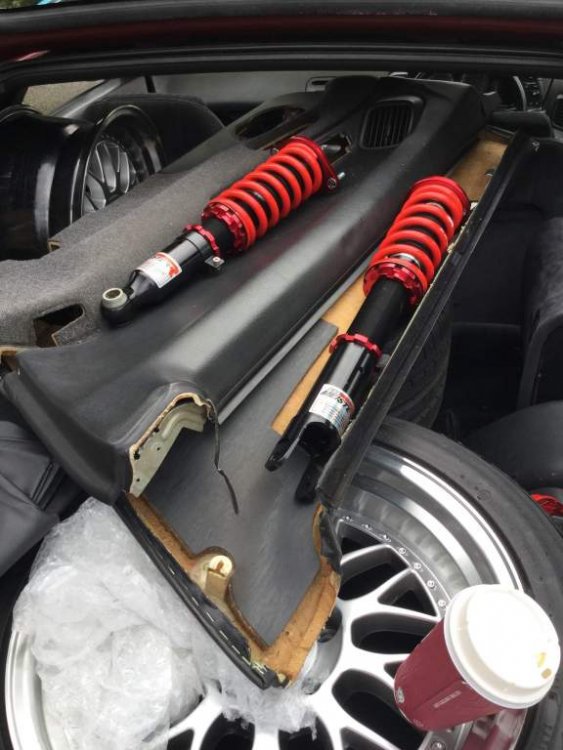
Sorry I still haven't fitted mine.
-
Happy Birthday :happybday:
-
Happy Birthday :happybday:
-
-
That is correct diagram, right side coil packs fire right side, left fire left side.
-
Not bad for the price, happy Zedding.
-
Nice lumps and bumps.
-
Try and get someone who is flexible and has small hands, real pig I dumped the black piece and used hose pipe fitted exactly. I will eventually replace it. Lol
-
Cool will look into getting some tools, I have a complete set of blue glass to install.