Everything posted by Bones28
-
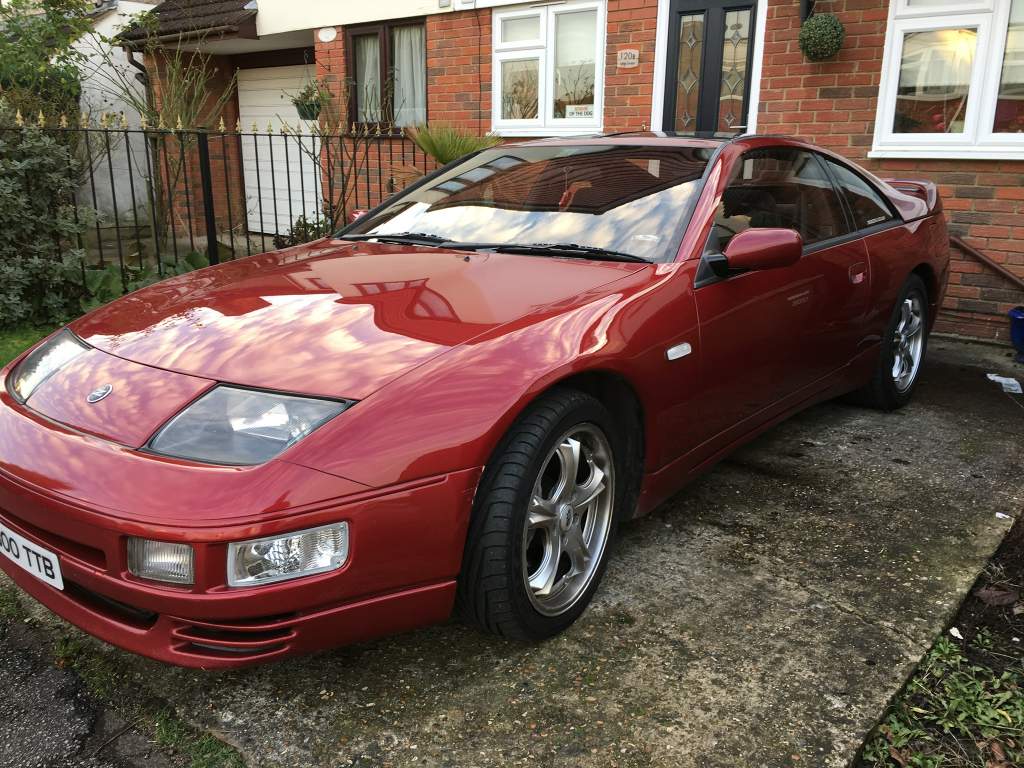
1991 Nissan 300ZX Twin Turbo (2017-02-02 23:05:31)
-
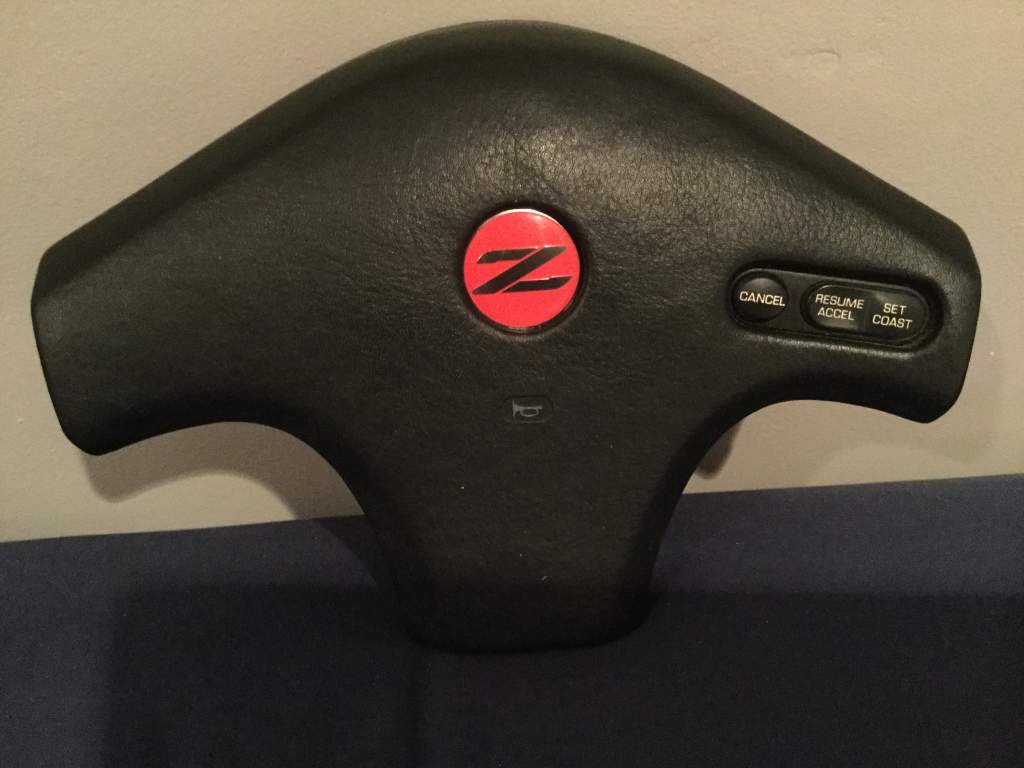
Lucky it had not stuck down properly or maybe I need some glue.
-
OMG :wheelchair::headvswal:shock::hurl:
-
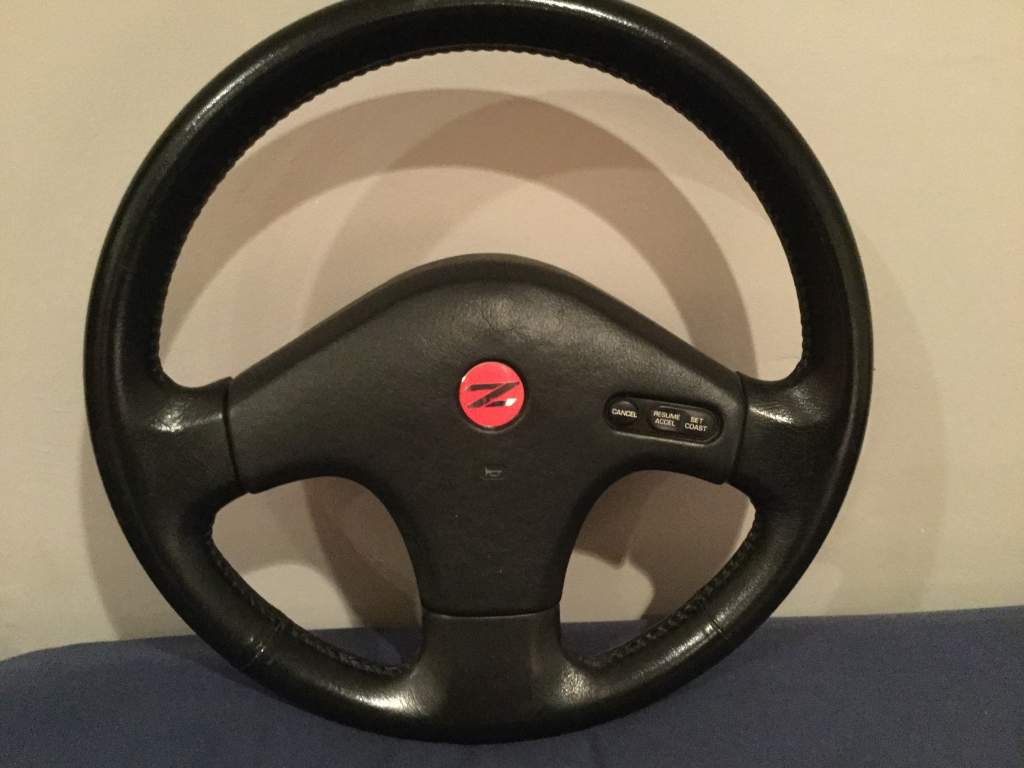
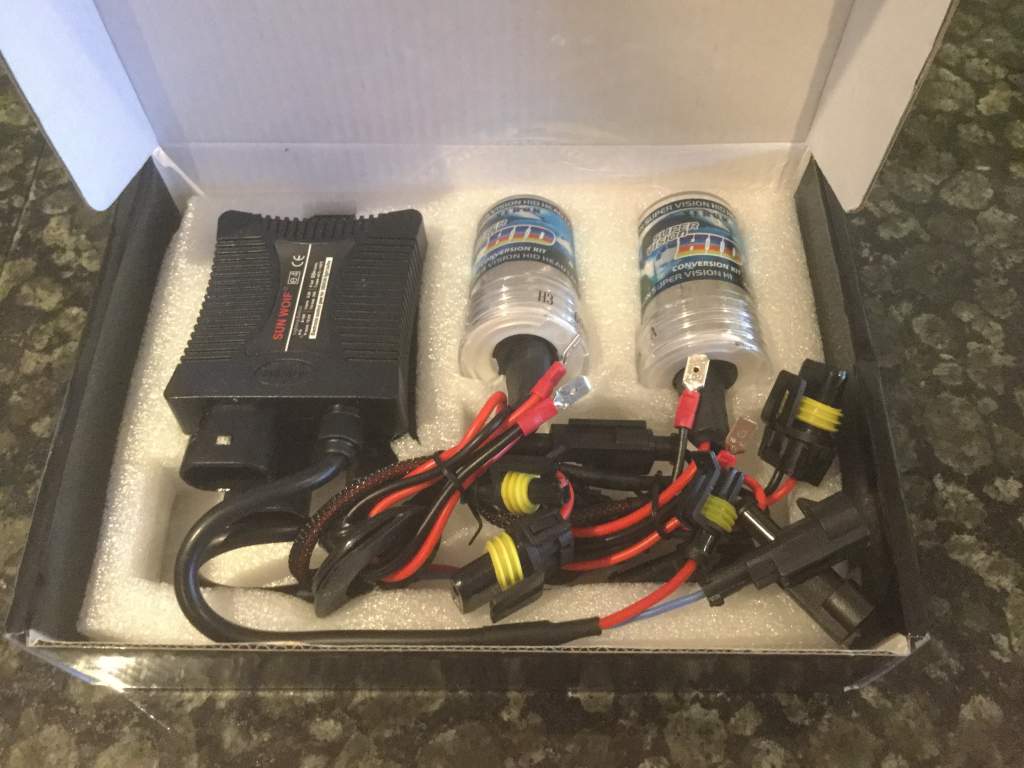
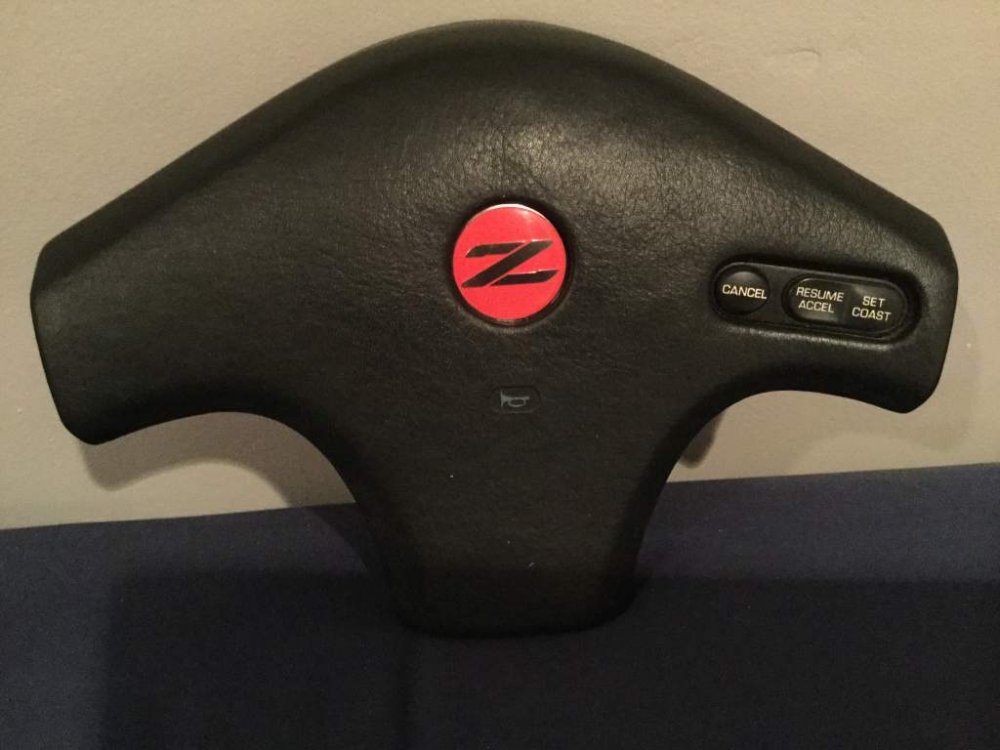
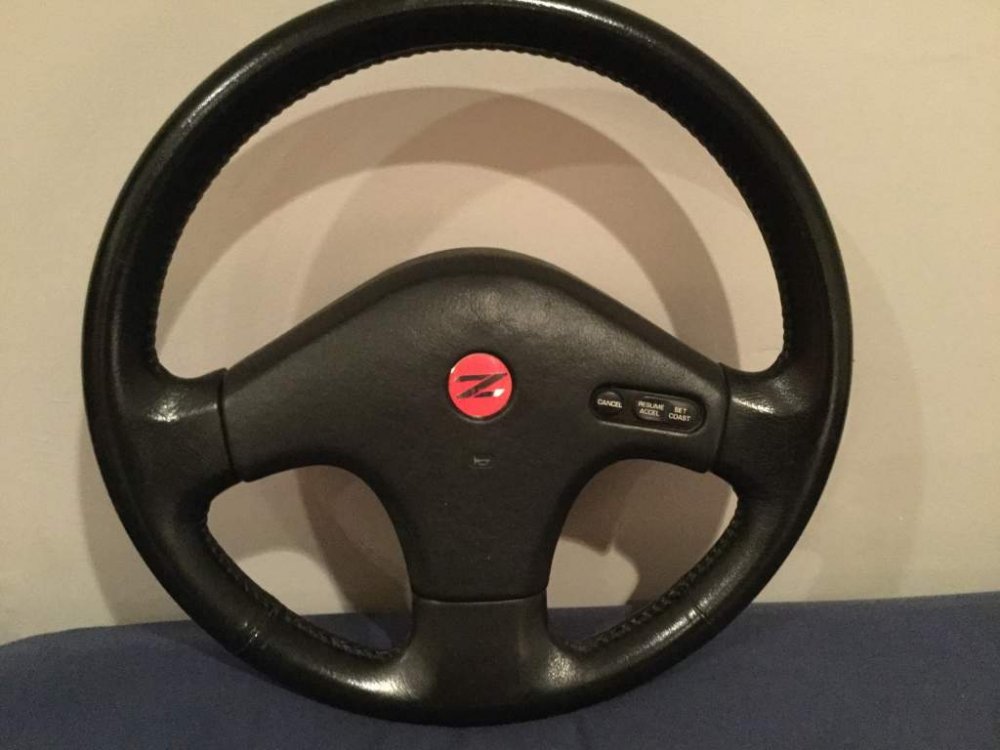
My new second hand steering wheel & HID kit ready for fitting.

-
-
Happy Birthday :happybday:
-
Doesn't Luke at Z Centre sell them.
-
Happy Birthday :happybday:
-
So well cared for lol.
-
Congratulations to you both.Has to be another Z then.Not for me I like more classic car shows.Passed for another year, have plenty to fix on the car, never a good time to take off the road to do them.I will be coming do we need to register are number plate.So Valtteri Bottas and Hamilton, and Massa already out of retirement before he started, back at Williams.Really nice drive down to London today. Z ready for MOT tomorrow.
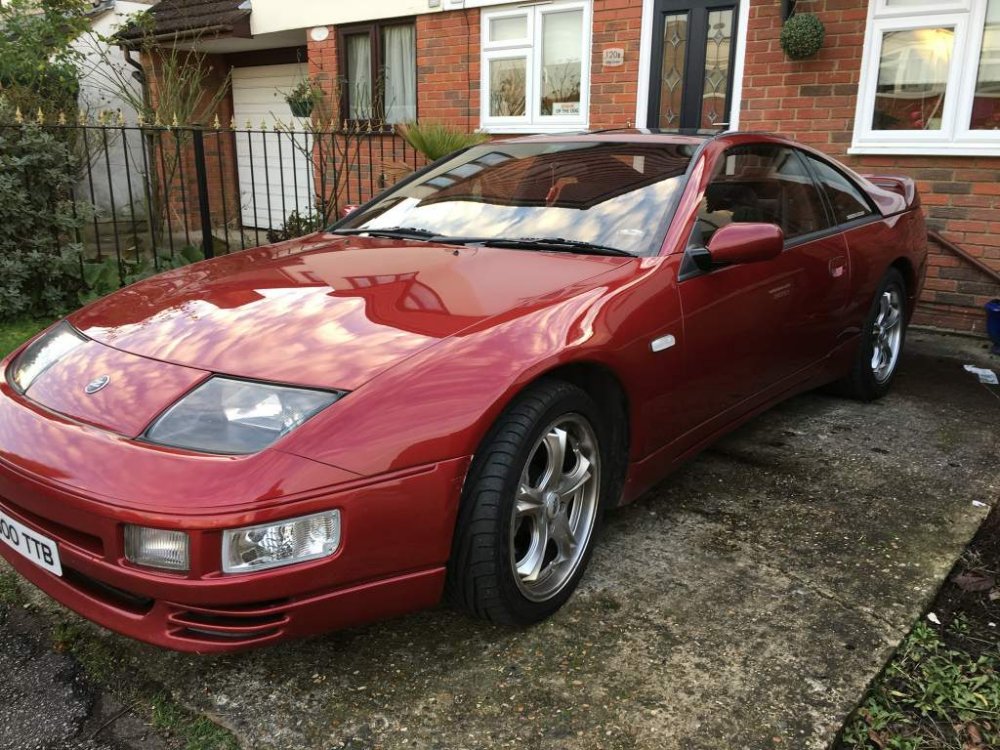 Welcome to the club, nice looking Z, maybe see you at the Ace Cafe 11th Feb.Great news good luck.Happy Birthday :happybday:I would definitely say, go and drive a couple, fall in love, have a huge smile on your face every time you drive, attend shows, life will never be the same.Happy Birthday :happybday:The auto boxes are fine mine has done 90,000 Mls still going strong, history of maintenance and fluid changes are good to know. My Jag had a new box at 30,000 mls.If you love acceleration nothing else will do, if not an N\A is still a great car.Does look nice with the corvette wheels, are you going to change the colour as well.