Everything posted by Bones28
-
Never seen that before how was the paint dried?
-
Happy Birthday :happybday:
-
Happy Birthday :happybday:
-
Happy Birthday
-
Happy Birthday :happybday:
-
Very nice and shiny
-
Looks so naked. :thumbup:
-
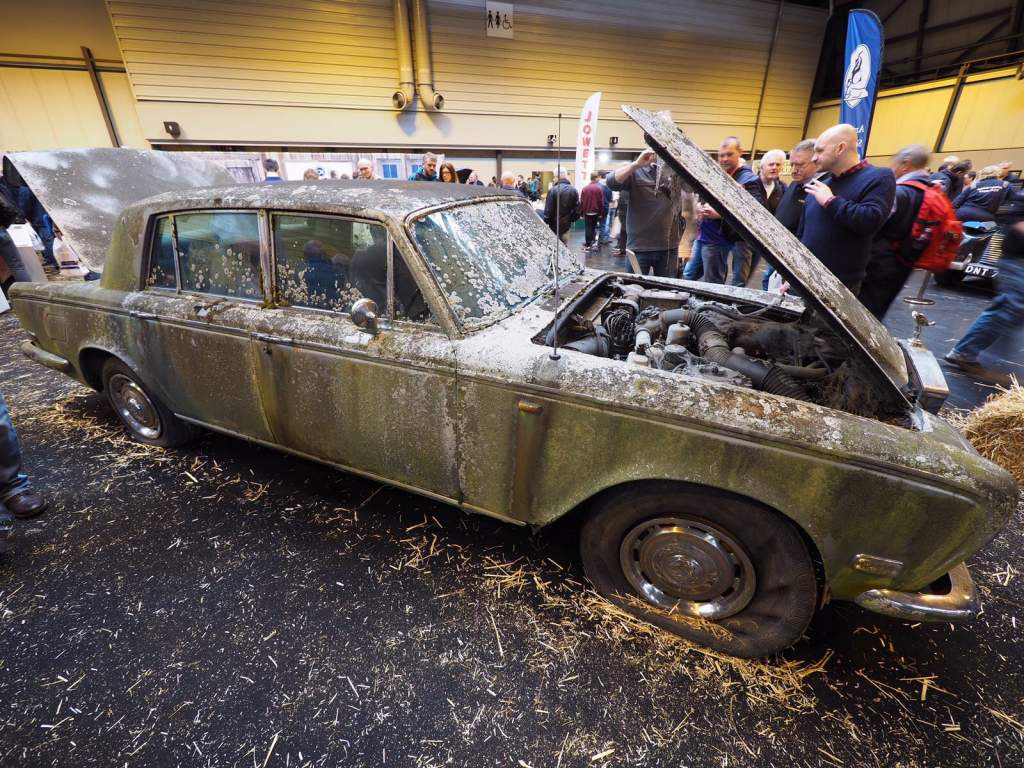
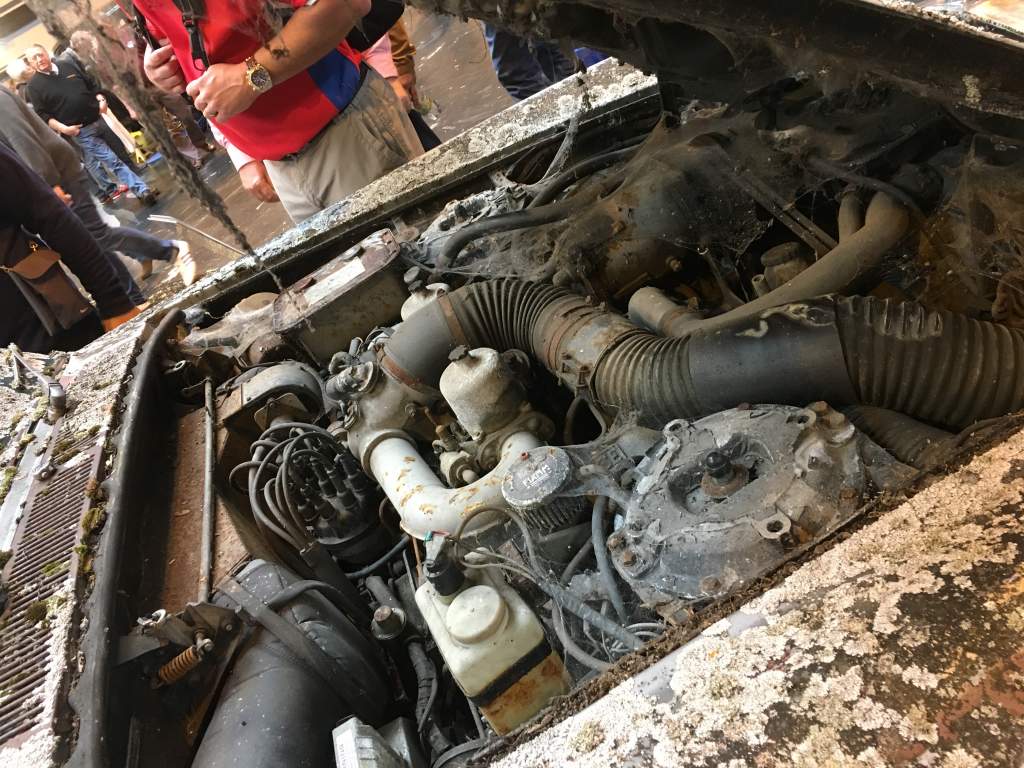
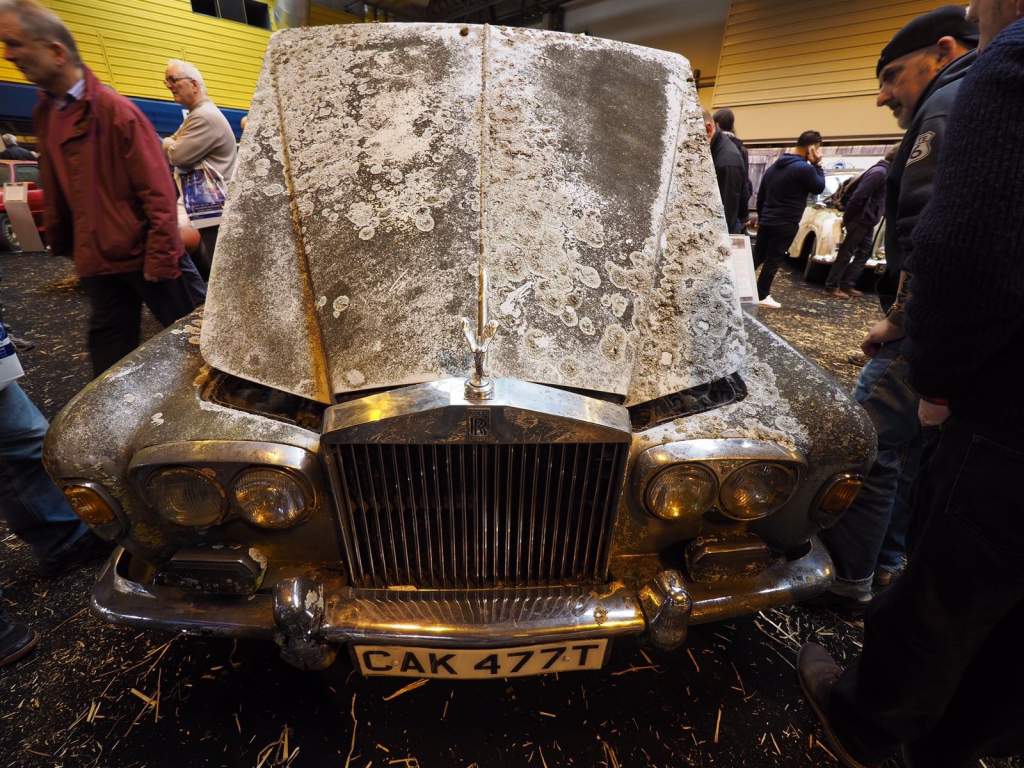
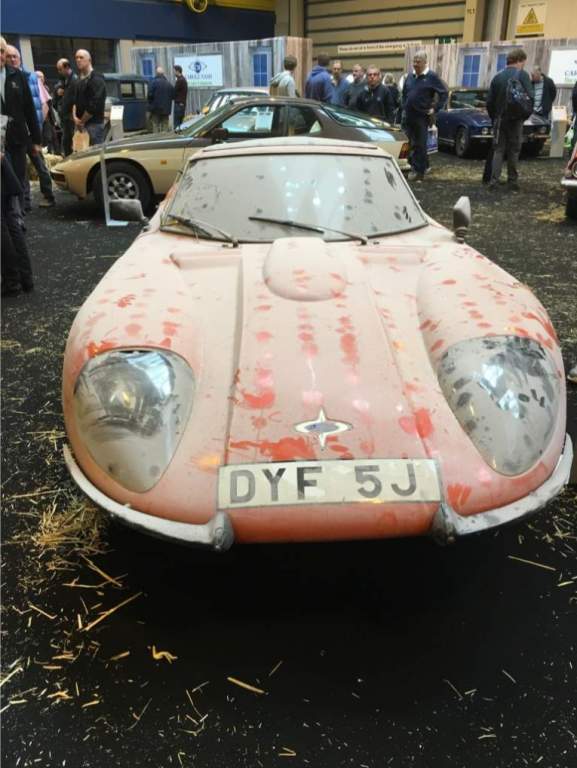
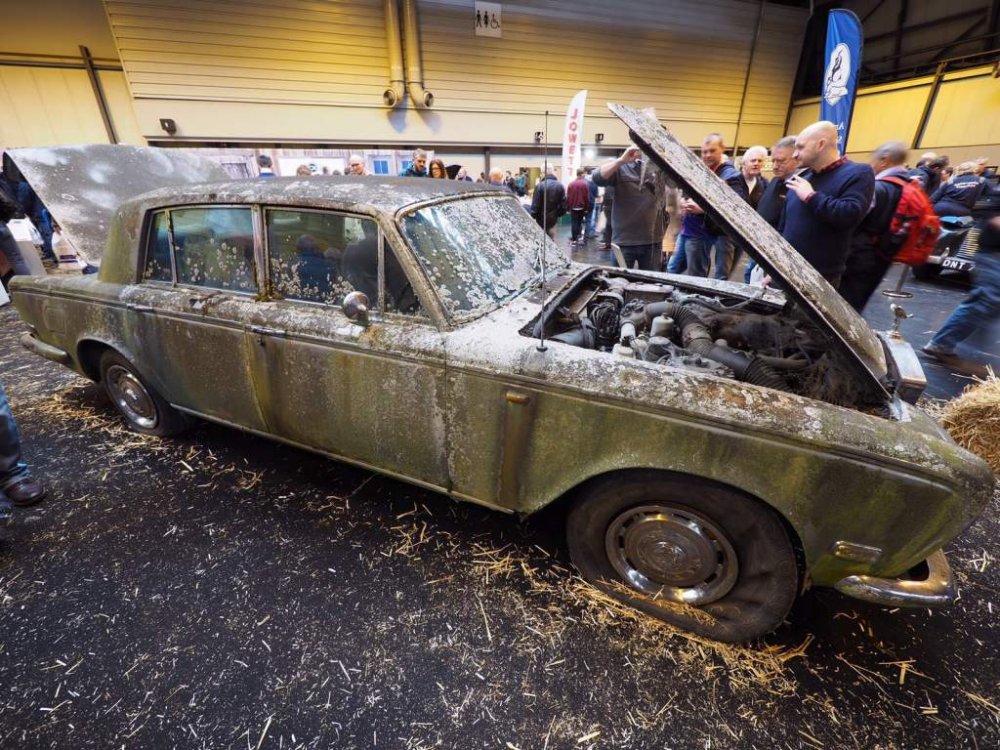
Hi was a good day nice meeting up with you Dave Well looked after RR Another in the Barn find Section
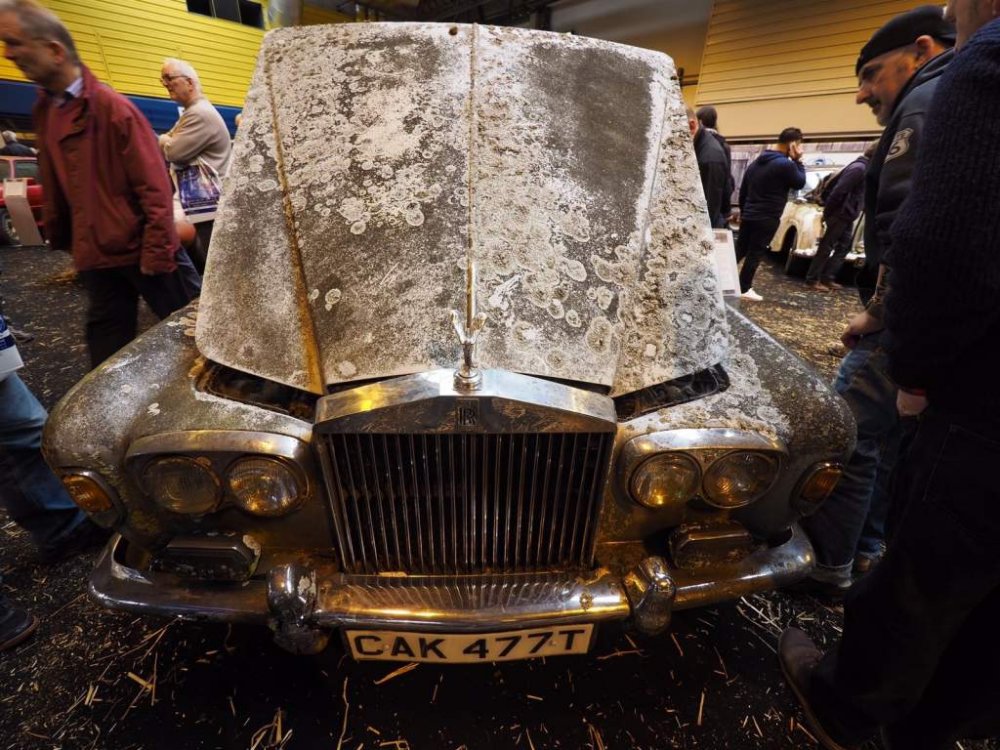
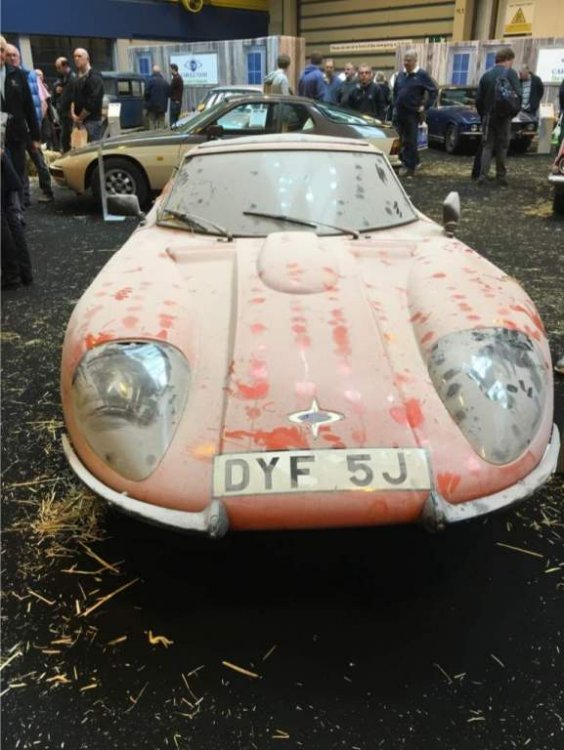 Hi I have an excellent condition rear tailgate no wiper hole or glass was from dan300zx crashed car. I only wanted the glass. Pictures to follow very soon. Collection from Beckenham Kent BR3. OnlyHappy Birthday :happybday:Happy Birthday :happybday:What did they replace regarding windscreen trim.Hi anyone planning to go to this show at the weekend. My brother and I will be there on Saturday.Happy Birthday Paul :happybday:Very nice, great to look back.Welcome to the club.Have to use a blow torch on the sezed nuts. I found the sockets with allen key built in the best way, try and get it out with a strong magnet.Happy Birthday :happybday:Still won't be able to catch you Jeff. :laugh:Happy Birthday :happybday:Happy Birthday :happybday:Welcome to the club, nice looking ZNice looking car must have been stored properly.