


Everything posted by phutumsch
-
Hope you get a little more off her dude.....happy birthday :wink:.
-
Does look ok that Daz, not so keen on the headlights, but the main thing is what as happened to your garden - it is now a car park :ohmy:.
-
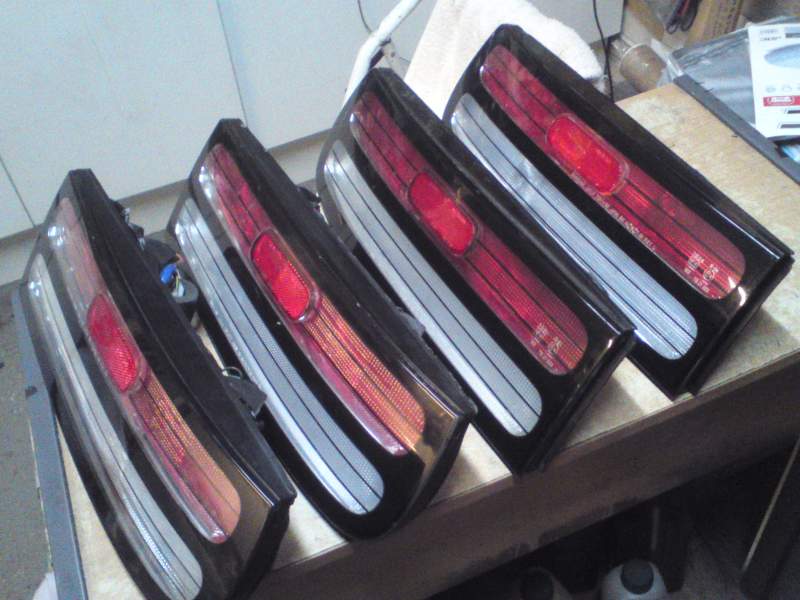
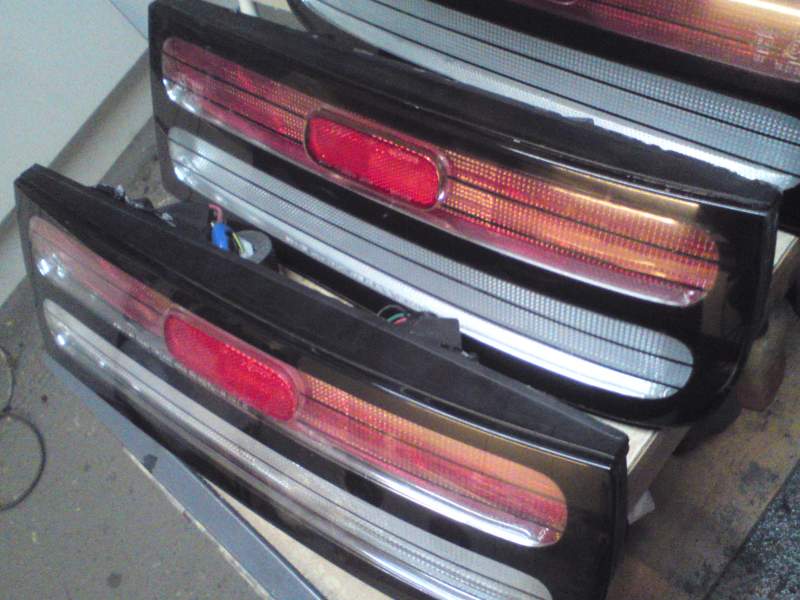
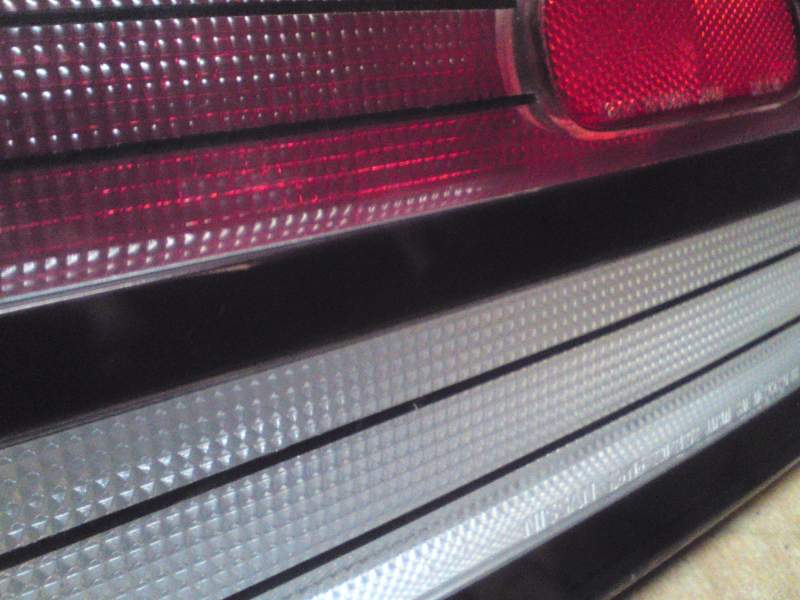
I was sent some 99 tail copies to repair and boy they were rough on arrival so I experimented with some new ideas/products. Turned out rather well methinks, there was a lot of work as I had to practically start from scratch, one of the backs was creamy and the other white inside so these had both needed to be sprayed gloss white and baked :wink:. Here they are alongside some genuine units... I must admit I'm struggling looking at them again in that above pic, the one on the very right is genuine for sure :drool:. This next pic as one of each, matching pair you could say !! For the first time I chrome wrapped the inserts to mimic. And finally a close up piccy, hope you like, thought I'd share :thumbup1:.
-
Are some or all of those blue hoses from me ?
-
Yes I can clearly see the evidence of that in the 'canteen' :cool3:.
-
:happybday: :happybday: :happybday:
-
Seriously, we don't wish to see it again...........it's painful for the eyes :surrender:.
-
Must of passed me by as I have never seen it before and been a member on here for 4 years :thumbup1:.
-
You need to view a lot of dogs before you find your prince :biggrin:. You should expect a real beaut for 5k, mine was only a few more hundred above that, good look and be patient.
-
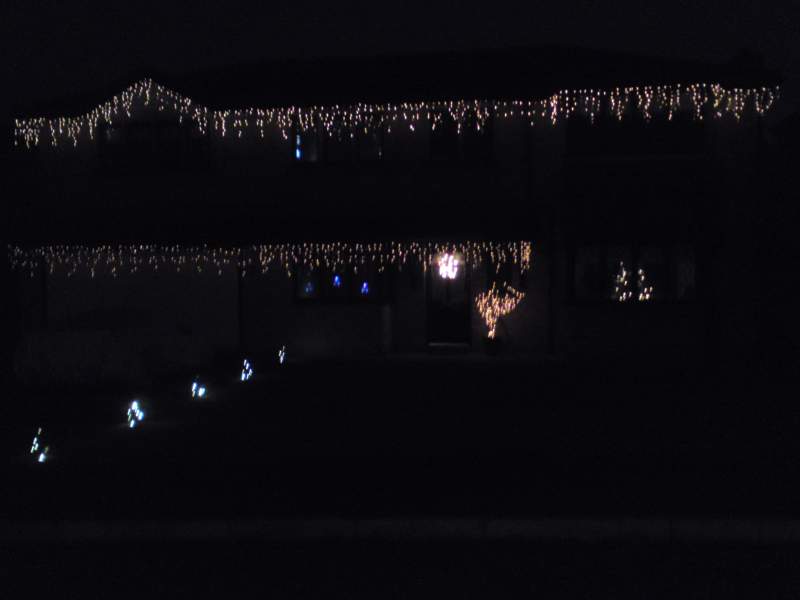
Yes so they say !!! Here is that pic, the lights you see are of course the icicles top and bottom, xmas tree in lounge window to the right, then a bit of a branch stuck in a pot, wreath on front door, 3 star lights in other window and small xmas trees down the drive :thumbup1:.
-
I'll pm you :thumbup1:.
-
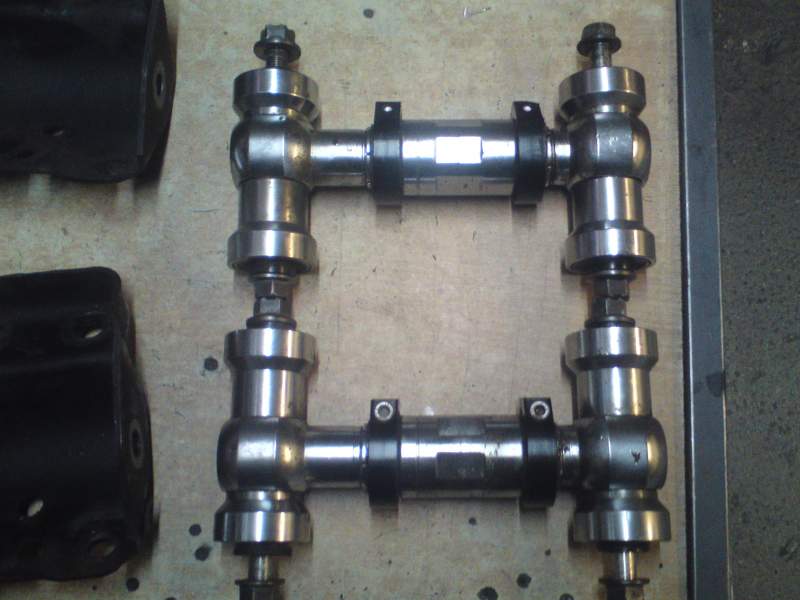
I took delivery of these today, 4 years ago I wouldn't of known what they were so I will say as everyone will not know, snapped them up from Paul at Banzai Breakers - top bloke and a great item. Driftworks Front Upper Camber Arms :thumbup1:.
-
Well as we know it's been and still is very windy but my car cover is fine, the strap that goes underneath is as tight as I can get it, sure it's flapping and it vacuum forms on the car but it's holding up extremely well, very happy with it :cool3:.
-
Be quick :yes:. http://www.ebay.co.uk/itm/300ZX-Z32-TWIN-TURBO-NON-TURBO-Brake-master-cylinder-BMC-brace-stopper-/380786731108?pt=UK_CarsParts_Vehicles_CarParts_SM&hash=item58a8a86864
-
I've just borrowed my friends ladder and will put mine up later today, it's mainly warm white icicle lights for me, I will post a pic in a day or so when all is done.
-
Yes that will work but it's showing main beam and not dipped, you decide which you want your fogs to come on with and have this wire sent to position 85 and when you trigger, the relay will energize between 30 and 87, thus giving power to your fogs :cool3:.
-
Completely stock genuine 99 tails, I did have full smd and led strips in there for everything but noticed some failure and didn't want anymore grief from them so they were ditched.
-
Good luck with your playing but I don't think those strips will be bright enough for the brake part even on 100%, but they're in front of you not me. You might find these brighter for the brake part and are the ones I used or use, no sticky bit on them though so you'll need to get some silicone on and around them so they don't move. http://www.ebay.co.uk/itm/2-X-24-RED-LED-24CM-Linear-Flexible-Strip-Car-Light-12V-/280600457132?pt=UK_CarsParts_Vehicles_CarParts_SM&hash=item4155172fac
-
How are you going to distinguish between tail lights and the brighter brake lights for the top section ?
-
On the fog light unit itself you have three wires, blue which is for the sidelight, so whatever coloured wired connects to this at the multi plug is the feed wire you require to run from, red connects to the H3 fog bulb, the black splits inside the unit and one goes to the T10 or 501 sidelight bulb holder along with the blue one mentioned and the other spades on and makes the ground at the H3 bulb metal casing :thumbup1:.
-
Welcome, and I've seen your pics and the door projector lights, they're larger/brighter than I expected, do I like them.......I'm not sure but I do like to see this kind of thing :cool3:.
-
That doesn't make sense as your saying a twist to put the sidelights on would turn your fogs on as well, I know hitting the fog light switch does it the other way and turns the sidelight circuit on. Wondering if someone as messed before, or is that you :whistling:. To answer your last question, yes you need a sidelight feed to it and the other pin needs to be grounded or earthed, the black you mention will work, leds are polarity sensitive so swap them over if they don't work.
-
FYI........the curb light live will only be so if the low beams are 'on', so turn them on when you touch about. The plug for the fogs is 3 pins, sidelight and fog light live with one ground.
-
I have a JDC one, it was bought for me as a Xmas gift several years ago and I've only just popped it on whilst the Z is sorned on the drive. Fits very well, it is the Large one for my slicktop, you will need XXL for the estate version.....here we go :whistling:. http://www.jdc-products.co.uk/car-products-1/car-covers/jdc-car-cover.html
-
Oh deary me Graham, I take it you've got details ? I was once hit similar with a TNT lorry, it soon got sorted to my satisfaction but it's the hassle. Anyway it's 'I don't like Mondays' !!!!!

