



Everything posted by JaiKai
-
Yip, And the one on the left pod is for rear wiper which she likely doesnt have or use !
-
Yeh, Been mountain biking for years, but only the last 5 or so doing the heavy downhill stuff. My downhill was getting more serious and my old frame just wasn't strong enough to handle the course we go on. Your right about wanting to try it as i cant wait - But i still need the bottom bracket, chainset and to adjust the steerer tube as its too long.
-
Thought i'd post up a pic of my latest build ! - Not a zed but rather a downhill mountain bike. After finally getting the parts for the headset, stem and handlebars, i stripped the old frame for bits. Not decided if i'll cut down the forks steering tube or just use spacers to make up the gap also need to cut down the handlebars as you can see below there a bit extreme Not fitted the bottom bracket, chainset or rear shifter yet as not totally decided what setup to go for. More than likely go for a single ring front wish bash guard and transplant my old shimano xtr back mech to this one. few hundred still to go on it cash wise to get it ready but its looking great so far.
-
Was thinking the same, likely would have put it on once then chucked in the corner:yawn:
-
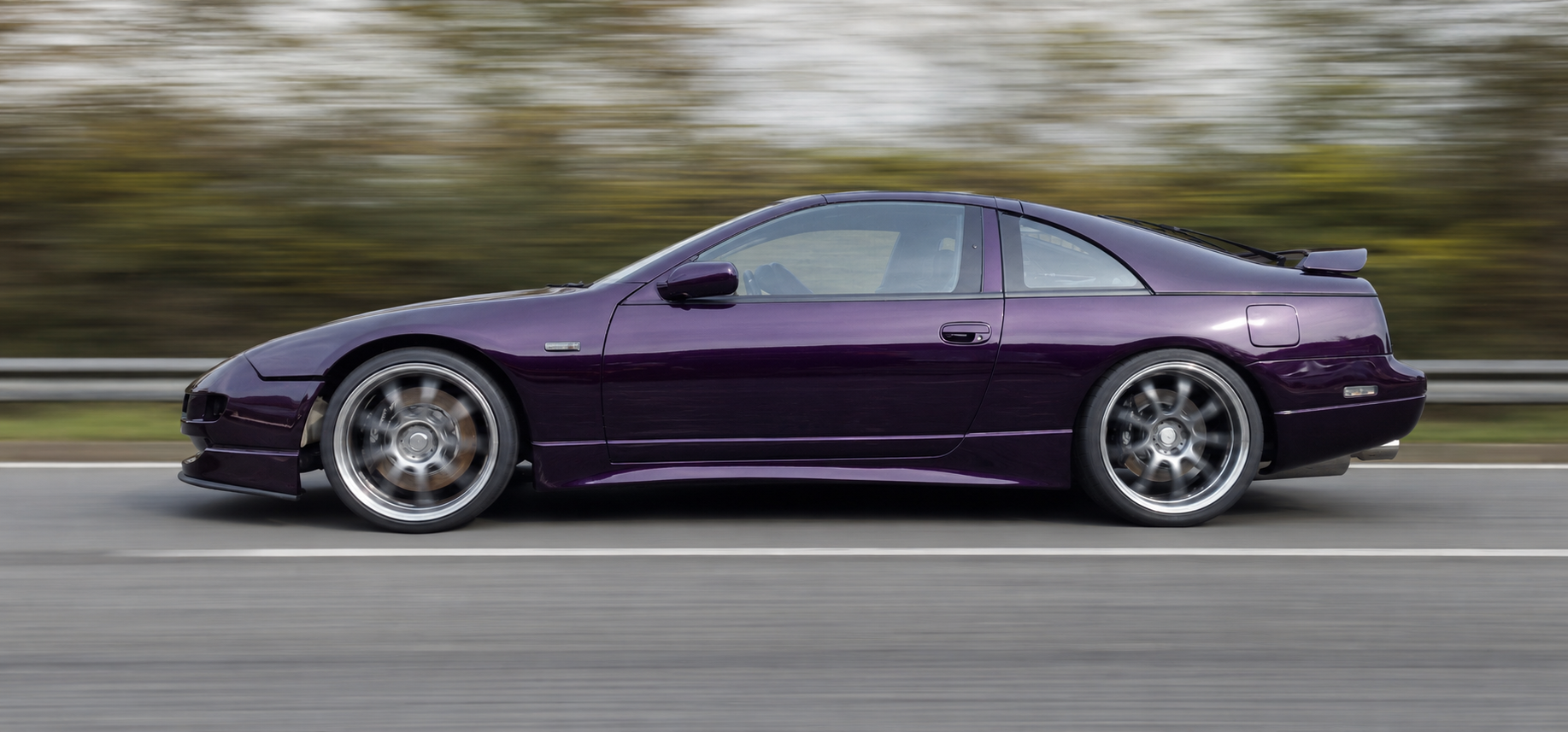
That's why I drive Nissan ! Not to fond of honda!
-
Nismo just means Nissan Motorsport !!
-
I've got an ipad 2 aswell and there great ! but the smart cover i only used for a month and a bit as it doesn't protect the back, I ended up buying a full portfolio cover which i now love.
-
Voted for tyler as its a cool sounding name, ollie sounds poofy and charlie too posh ! {sorry if you pick one of the other names !}
-
It's like bowling !
-
It's now on Wikipedia http://en.wikipedia.org/wiki/Hurricane_Bawbag
-
well all the schools have shut, buses and trains are off and just saw a policeman chase his hat across the morrisons car park !
-
Well its official and now the top topic on twitter !! http://entertainment.stv.tv/opinion/286086-scotlands-hurricane-bawbag-raises-twitter-storm-the-top-reactions/
-
Good to know that you want to nuke em on the first encounter!
-
Cant wait untill the cataclysmic event - could mean more big hit movies coming our way:cool3: They've done the whole asteroid hitting earth scenario and the magnetic poles fookin up and the ozone layer going completely. holywood now need to come up with some better ideas ! Whatever it is; if it involves timetravel i'll likely like it.:whistling:
-
Well Yes and No ! I was thinking a futuristic transporter will if it could be digital in some way, and when moving digital objects from point a to point b it's actually just a copy ! Wormholes in theory are or could be a natural phenomena and no one really knows how they would work as its all theory anyways! In terms of the stargates then Yes it would be a copy too likely.
-
Agreed ! At least going through a stargate your still you ! Not so sure on being transported, are you really you or just a copy ?
-
Didn't you know about the chapa'ai hidden in Cheyenne mountain.
-
It's likely not impossible, just currently beyond our understanding !
-
Even if it does take 600 years for the light to get to us I'm sure the planet will still be there, unless it's got swallowed up by one of those black hole thingies ! So on the theory that the picture we are seeing is 600 years old and we travel now faster than light to that planet and look back and wave, would we see ourselves in the picture say in another 600 years or so?
-
So with another earth like planet discovered by the solar watching bovins I was thinking to myself what really is the point to getting all excited ? Even if it is an identical style planet to ours and there's is some sort of sophisticated life forms on it what can we really do ? Not much I'm guessing; even if we pointed the most powerful form of radio or other communication device towards it would it not take a few thousand years or more to get there, then the time it takes back again for them to respond ! So for the Bovins out there how long you think it would take to send a message and what would you actually say ? Mind they have no understanding of our language !
-
i cant make it as no fuel !:huh:
-
I remember this time last year trying to get a meet going and the snow came !
-
Happy birthday Gary, hav a good one !
-
Really we should pull this cos registered users can't sell:whistling:
-
Any electrical pilons near by ?
