



Everything posted by JaiKai
-
really, I've owned about 5 zeds now and this is the first.
-
Ah, is that what Kirb lights are. Its weird but my last series 4 zed never had them; was it an option ?
-
Just bought my new zed and it has these, kinda cool and a big surprise when they came on :) When they do it they light up the full lane next to me. Anyone else got these and are they legal as they are very bright.
-
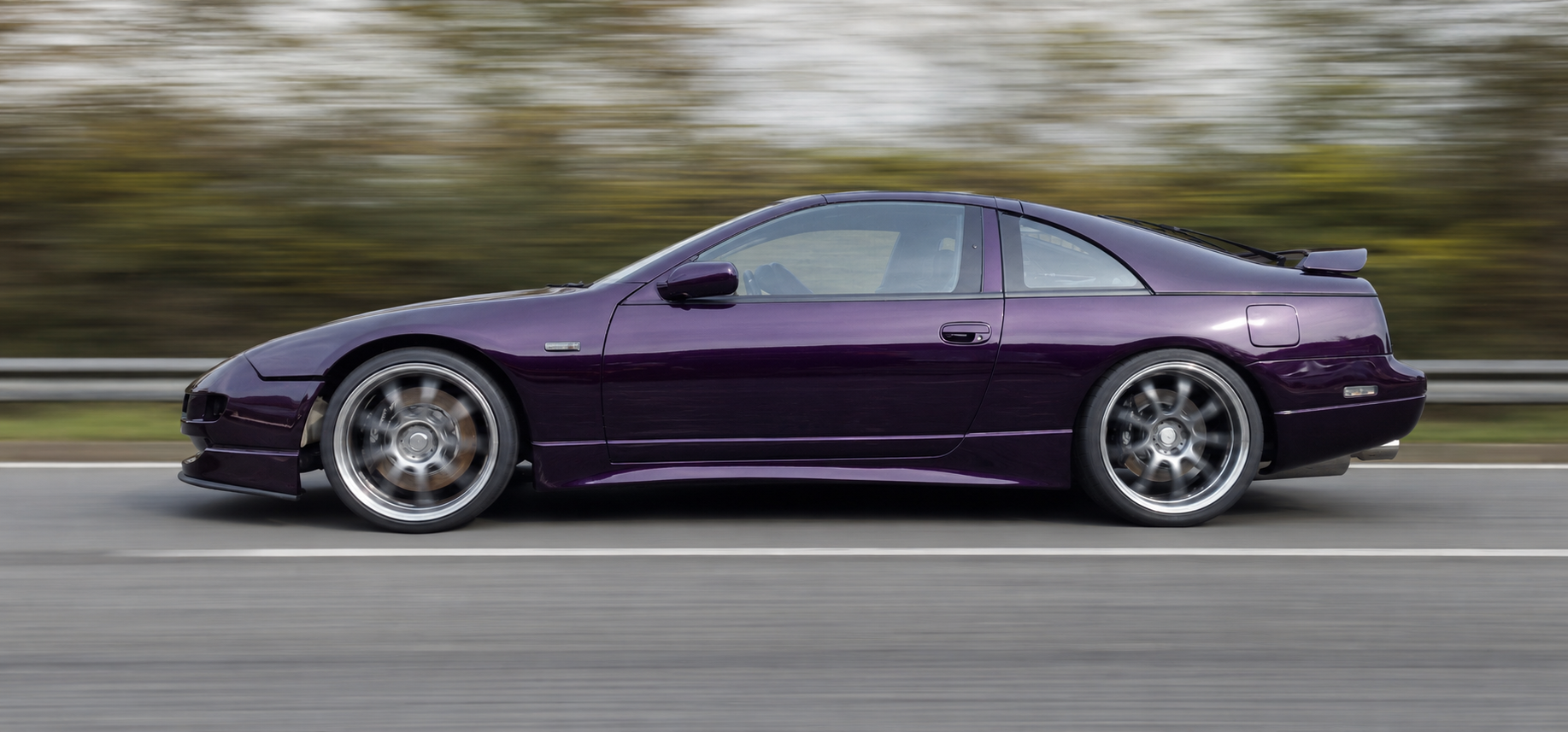
Woo, The purple rain has arrived back at the garage :) However the garage folks are not so happy as its been dumped at the door :(
-
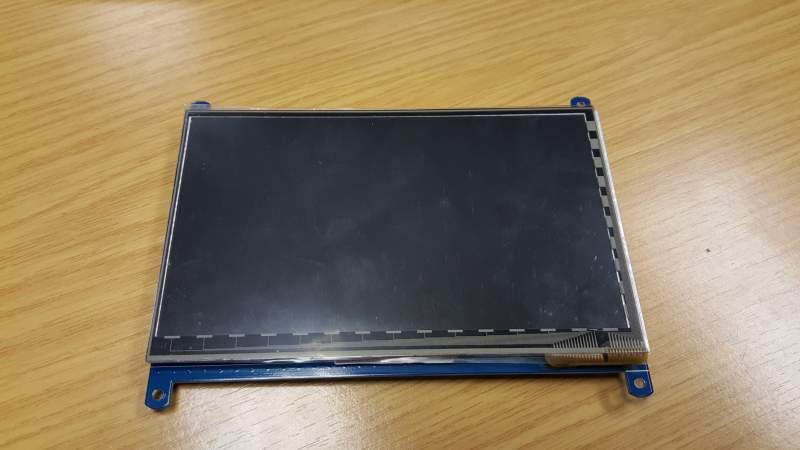
Second day of the new zed and the first piece of a new puzzle arrives :) Just need to figure out where to put it.
-
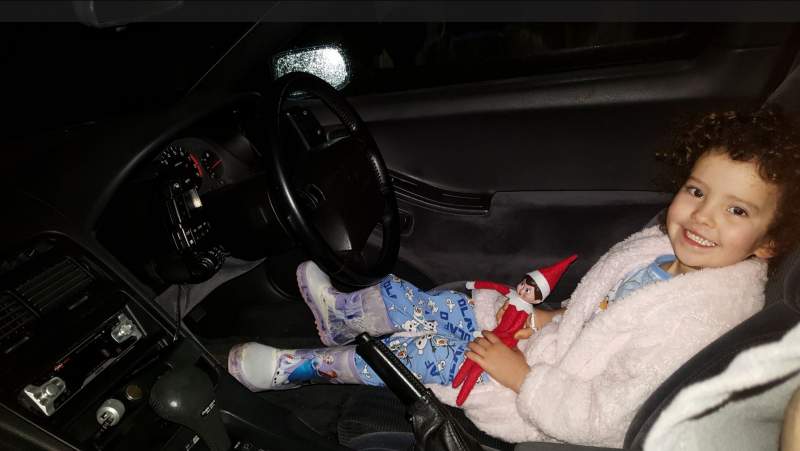
My daughters Elf got locked out last night and only place to stay was in the new zed. So she was up at the crack of dawn looking for it. :)
-
Both new zed and myself have now arrived safely at home. What a trip.
-
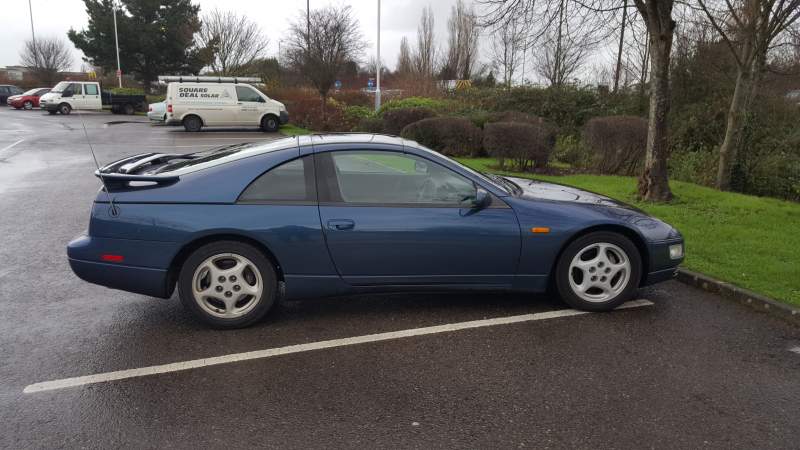
Just picked this beauty up, such a smooth engine so gonna love the drive home.
-
Arrived safely at my hotel and no more than five minutes in the door my first pint is ordered
-
Had them on mine and prior to that I was stock. Plan to move them to the new zed if they aren't damaged on the purple one.
-
And landed. :)
-
Finally on the plane.
-
Hopefully with a well digested breakfast. I did mention the breakfast so not my fault, OK maybe I could have mentioned it again. But hey they make enough money from overly priced meals. Was it bad that I declined the gratuity, as I was fed up waiting to pay them.
-
Patience paid off! Went for a full breakfast at Frankie and Benny's and washed it down with a pint of stella. Waiter gave me bill for stella and after I I waited nearly 15 minutes at the cashier desk to pay The same Waiter came and asked me for the till receipt so he could charge me, honest man that I am I did declare the breakfast I just ate but he only put through the cost of the pint so thanks. Full English and a pint for £4.95
-
Great start - flight delayed until 3:30 :(
-
Thanks, Just getting ready now and heading to Glasgow to catch my flight at 1pm. :)
-
Funny just seen these in correct sizes Michelin Tyres / Car / Michelin SuperSport Pilot Michelin Super Sport - 275/30 R19 (96Y) XL TL £182.35 per tyre Michelin Tyres / Car / Michelin SuperSport Pilot Michelin Super Sport - 245/30 R19 (89Y) XL TL £168.95 per tyre
-
No idea, but when you try it on camskill too it doesn't show. it come in a run flat only and at £223 per tyre http://www.camskill.co.uk/m55b0s7739p101314/Pirelli_Tyres_Car_Pirelli_PZero_Runflat_-_245_30_RF19_89Y_XL_%28%2A%29_RFT_TL_Fuel_Eff_%3A_C_Wet_Grip%3A_B_NoiseClass%3A_2_Noise%3A_72dB
-
My supplier reported back that he can't get these sizes matched 245 30 19 275 30 19
-
the quote came in before we discussed that. although still finding hard to get profile of 30 on the fronts. using camskill's doesn't give any option for 30 that I can see.
-
First quote in for my tyres, although I thing i'll go with 275 for the rears. £557 Fitted PIRELLI 245/35R19 93 Y PZERO NERO GT (E/B/72) 2.00 133.80 20.0 267.60 PIRELLI 265/30R19 93 Y PZERO NERO GT (F/B/73) 2.00 144.72 20.0 289.44
-
I know, I miss understood him at first.
-
lol, I never actually noticed.
-
Plenty uses of the WTF button today !!! :)
-
Nah, Much prefer 19"
