Everything posted by GSC
-
Ticket purchased ?
-
How many have we got going to this? I have registered for the stand but not yet bought my ticket.
-
Merry Birthday Ian ?
-
Worth every penny of £19k...IMHO ?
-
Merry Birthday Art
-
I’m in…signed up ?
-
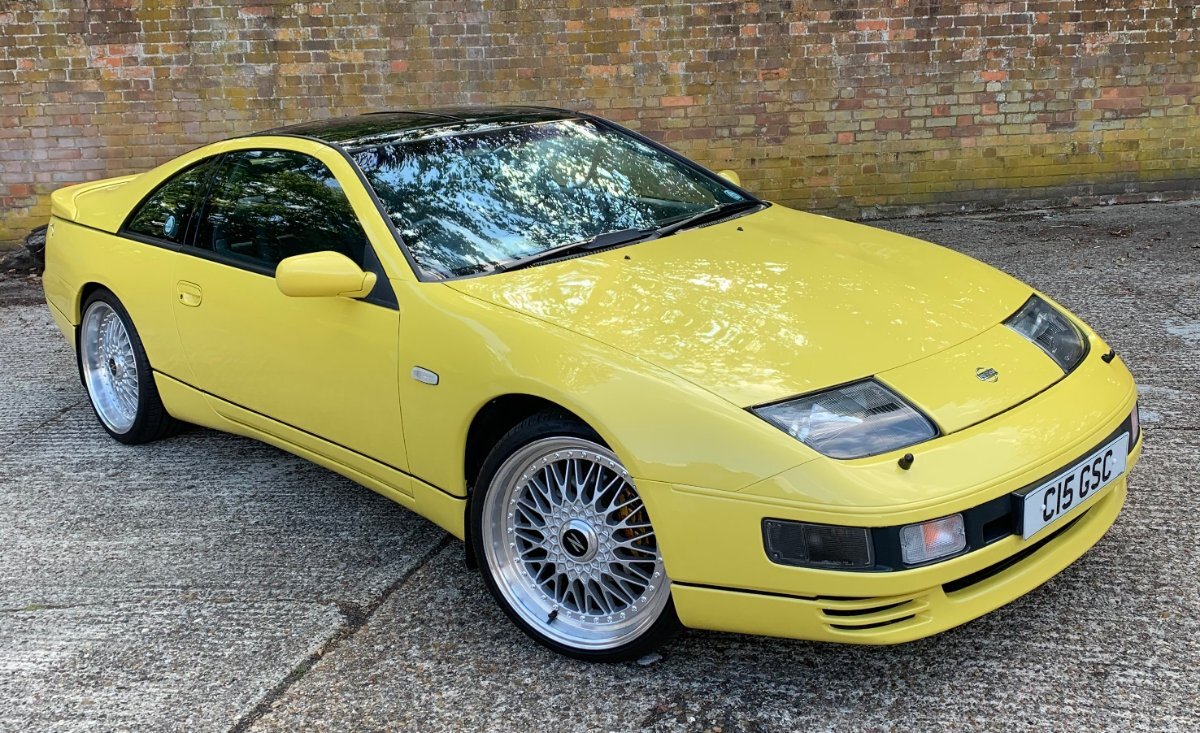
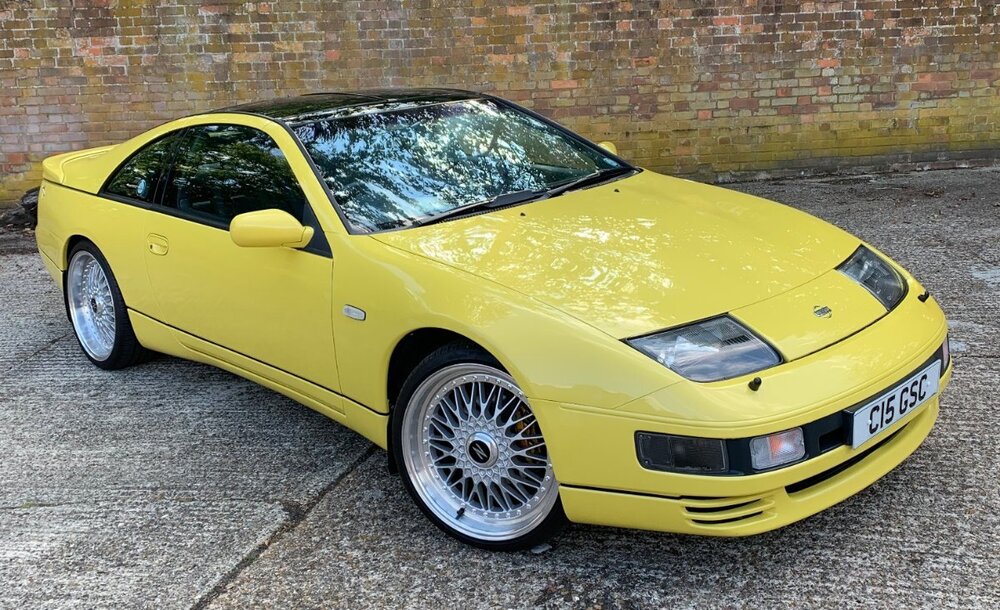
1991 UK Spec LWB 300ZX TT Manual
-
Merry Birthday Chris ?
-
Merry Birthday Graham
-
Merry belated Birthday Simon.
-
Merry Birthday Craig ?
-
Merry Birthday Lee
-
Merry Birthday Joel ?
-
Merry Birthday Mr G
-
Merry belated Birthday Jim
-
Merry belated Birthday Richard
-
I 12
-
I paid £452 delivered for all 3 99 spec rear light units
-
Have you tried All Car Parts Fast (endon services) ? That's where I got my 99 spec rear light set (3 pcs)
-
I like it a lot (grille is the only contentious bit IMHO?) Black roof bars and the best colour too ??
-
Many thanks everyone ?
-
I’m interested ?
-
Early I know but...Merry Christmas ?

-
Art...I remember we were discussing it at the Ace Cafe (I think??)....that would have been about 4 years ago as I have had the UK Yellow car for 3 and a half years now!
-
Out of interest Andrew...what UK number was this car?...mine is #525