Everything posted by dutchgold92
-
Nobody tell him :whistling:
-
24/05/2018 - 1996 GCZ32 version S Recaro


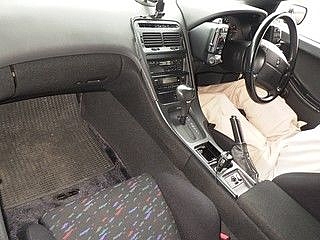
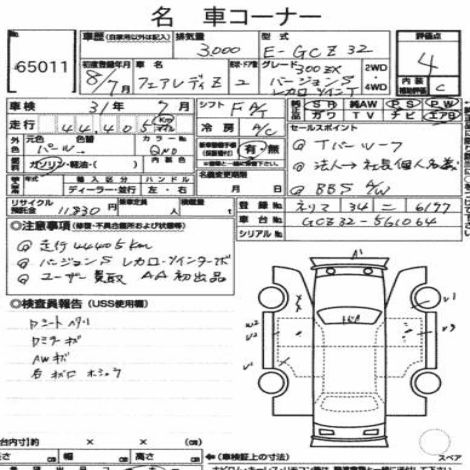
-
24/05/2018 - 1995 gcz32
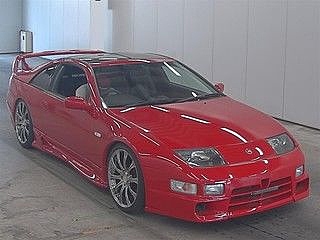
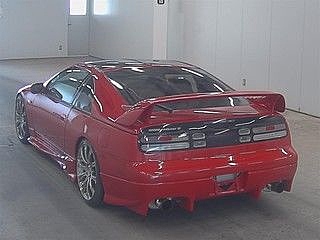
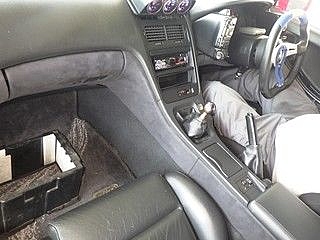
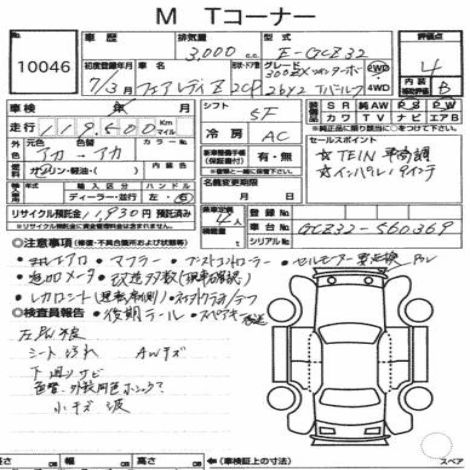
-
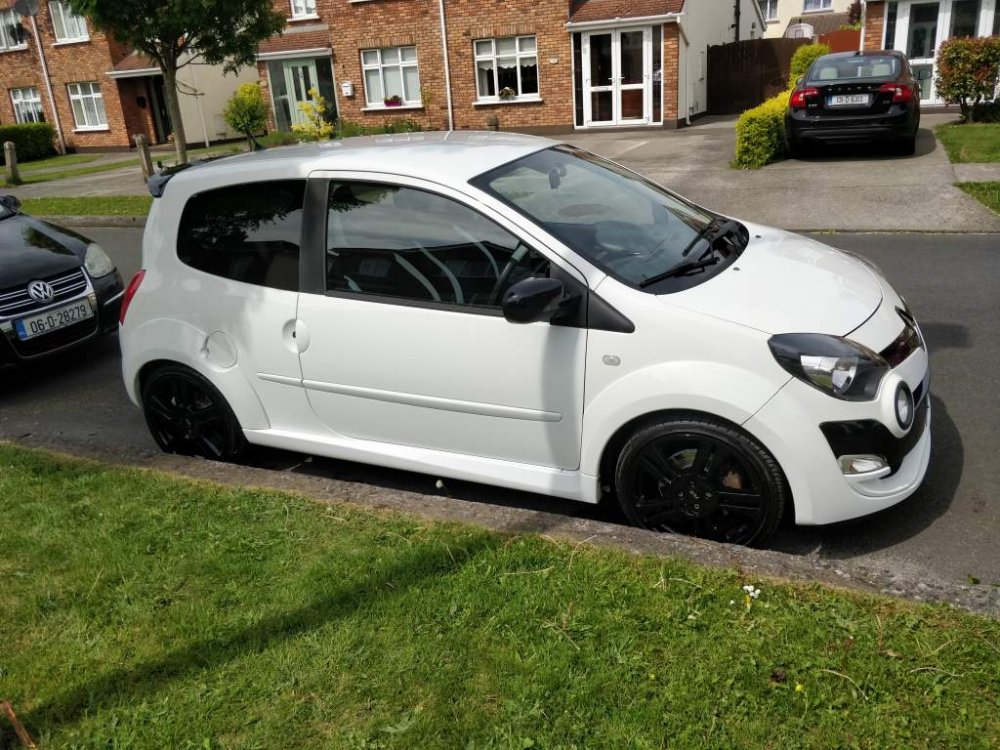
It was worth the prolonged wait! Could do with a bit more power, but probably the most fun car I've ever driven.
-
It's not long since they stopped - you'll probably find one secondhand.
-
Which red one? :confused:
-
Test only expired January 30th of this year.
-
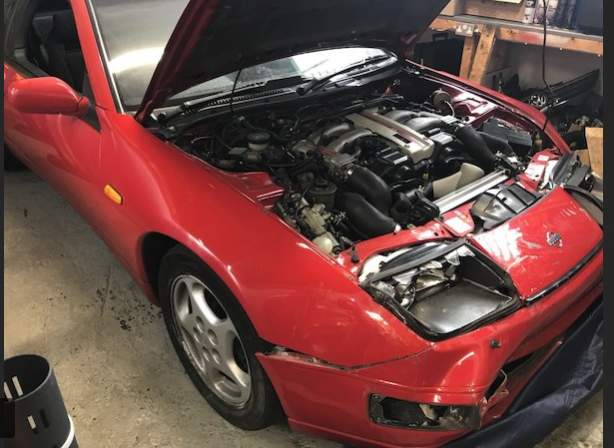
This looks like a very good car other than some front end damage - could be a bargain for someone. Manual with low mileage. https://www.donedeal.ie/cars-for-sale/2x-nissan-300zx-for-sale/18796138
-
Well, we have both of these cars at home - I know what I'm doing!
-
Can't help but that certainly is a strange noise.
-
Won't make it this year. Hopefully I'll drive over in the next year or two.
-
Impul, no?
-
Impossible to say, as it has parts from various specs.
-
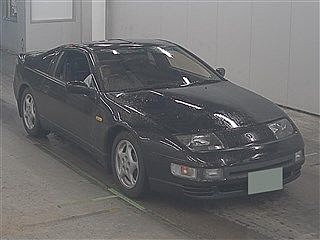
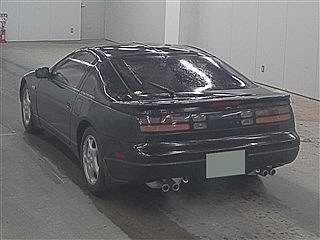
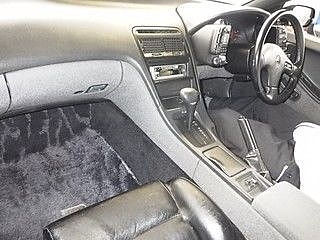
10/05/2018 - 1989 cz32
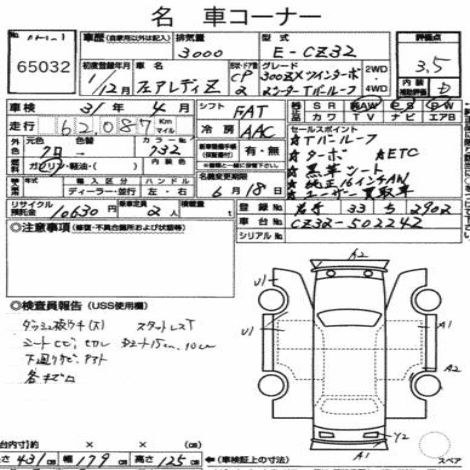
-
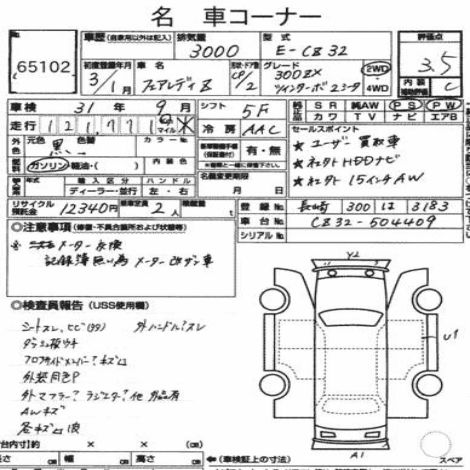
10/05/2018 - 1991 cz32
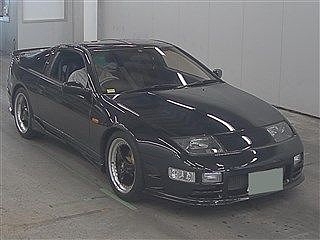
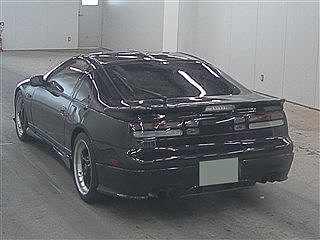
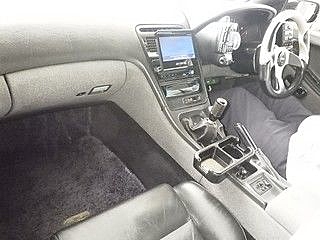
-
Are those stickers there to cover rust? :huh:
-
Mineral oil is advised for rotaries for very different reasons - not sure it's a great idea on other performance cars.
-
Nice work. Is it "finished" now?
-
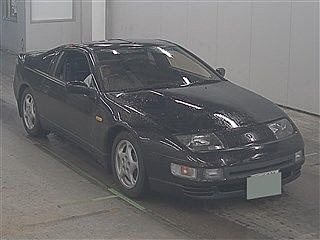
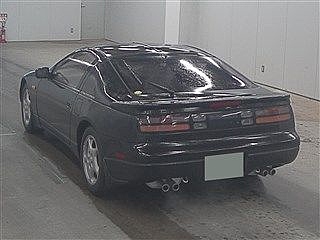
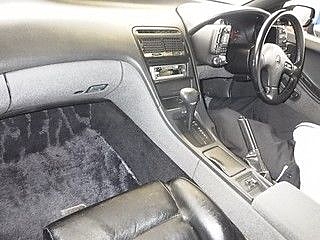
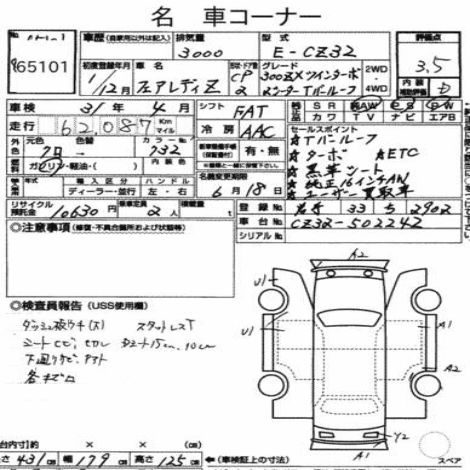
26/04/2018 - 1989 cz32
-
TOMEI TT cams: https://page.auctions.yahoo.co.jp/jp/auction/b306898706

-
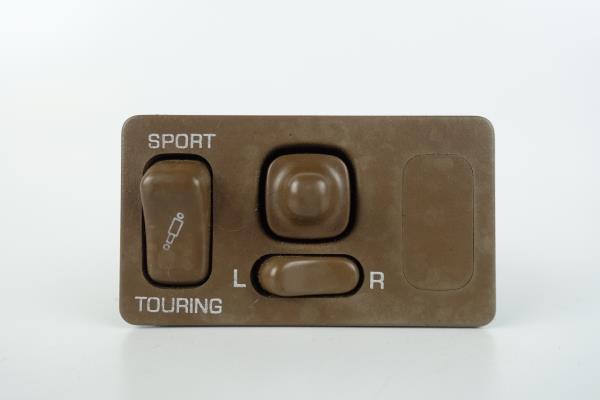
Indeed, US TTs only if I remember correctly. Not just rears.
-
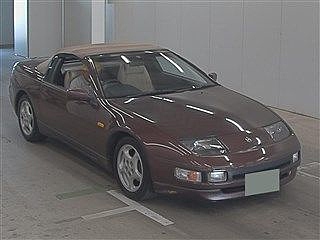
It's actually very common on convertibles for some reason. Maybe even the most common colour for them, I'd say.
-
Chrome door handles: https://www.adverts.ie/interiors-parts/90-96-nissan-300zx-oem-interior-chrome-door-handles-rare/15130045
-
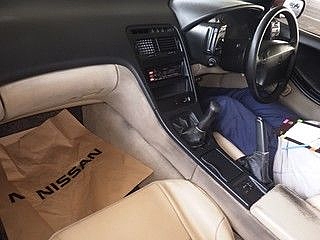
26/04/2018 - 1993 hz32


-
Looks mint. Welcome back.