Everything posted by dutchgold92
-
That's similar, but doesn't have the pedestal in the middle. I think it may be an Impul spoiler, but I can't find much on it.
-
Absolutely agree! I like the extra mesh you've added to the front bumper.
-
Some of those characters have had well-defined URL usage for decades... :rolleyes:
-
Bizarre that they talk about the "last 300" and picture something completely different.
-
JDMAuctionWatch. I used them.
-
Thanks - I'll be back to update soon!
-
Just the shells (and side skirts) at the moment! So how do I get just the shells off?
-
:ninja:
-
Well, this will be an annoyance. :sad:
-
Can the power-folding side mirrors be removed with the door cards left on? I can leave the triangular backing, if that makes any difference.
-
Why would it not? IIRC, it just doesn't increase peak power on this engine.
-
I've used Motul or Redline MT90.
-
Very reasonable price.
-
dutchgold92, Dublin.
-
I am absolutely horrified.
-
Not replacing any foam?
-
Might be a bit late to mention this, but from experience I can tell you that spares will cost more than new Recaro Speed seats. :whistling:
-
Someone told me before that the 1996 changes were only applicable to USDM. Not sure if that includes OBD2.
-
Sickened. Lovely colour that won't be easily replaced. But no fatalities is the main thing!
-
Thanks all.
-
I've seen a 260z with an RB26. Very nice way to go.
-
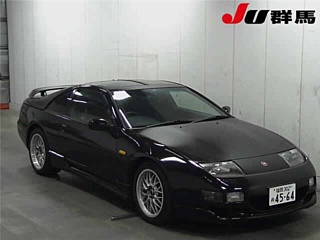
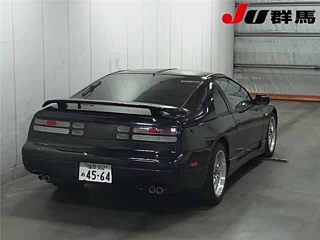
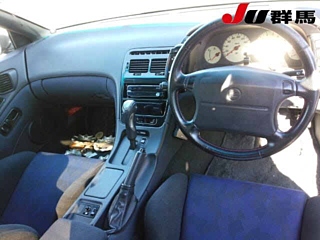
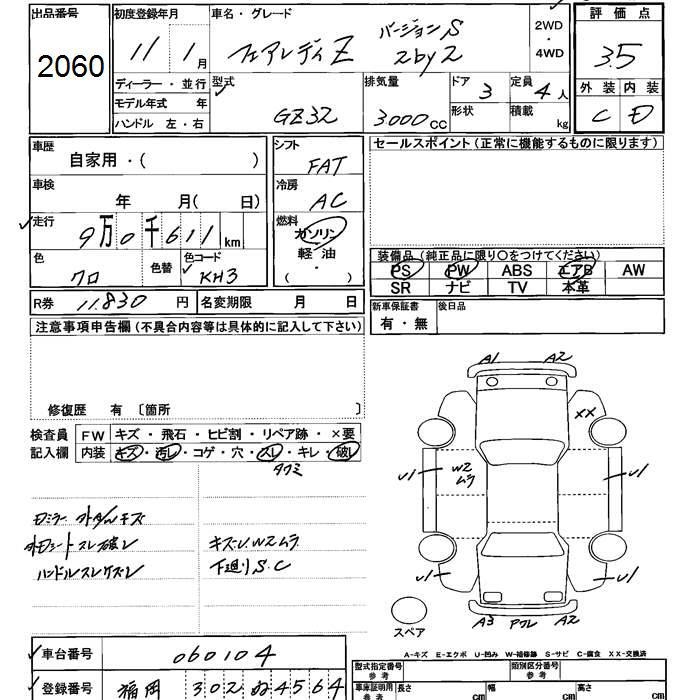
22/11/2018 - 1999 GZ32 version R
-
Look forward to seeing this! Congratulations.
-
Well, they could be useful parts, except all the bits that get damaged are missing!
-
15/11/2018 - 1999 GCZ32 version R