


Everything posted by A 2X OK
-
MoT? Just windscreen advisoryDoes what it says on the tinMike looks Happy Presumably Ant only pretended to work on the car (like usual) and left it to those that know what they are doing
 New, (the series, not the car)
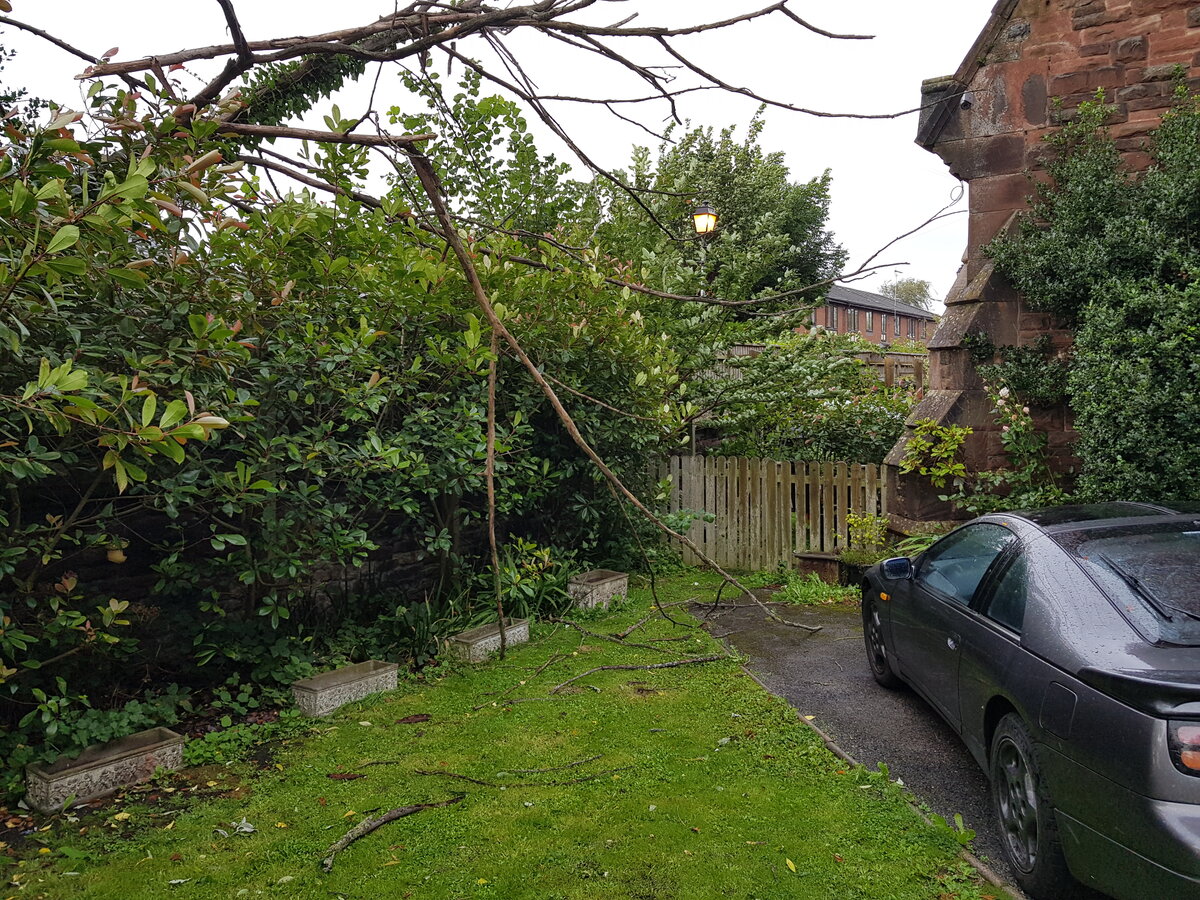
 Anyone want some firewood?So I moved the car . . . . . . And thought, naah I'll move it again . . . GOOD IDEA, thats whete I move it from, second half of the same tree
 Wow https://www.handh.co.uk/auction/lot/334-1991-nissan-300-zx-twin-turbo/?lot=50890&so=0&st=&sto=0&au=483&ef=&et=&ic=False&sd=1&pp=48&pn=3&g=1They do eventually read their tweets!
 At $8k its buy an LS3 and get a free ZedGuess this is now old v older Newer is always better . . Right? https://youtu.be/RrO-Phu3HbwSo I'm having this dream . . .Sorry, Were a bargain they are with me nowI have now moved from StevenageGyms reopening soonTime to work on the house . . .How many cylinders?https://www.zcentre.co.uk/index.php/click-here-for-parts/body-repair-panels/300zx-metal-sill-return-repair-panel








Important Information
Account
Navigation
Search
Configure browser push notifications
Chrome (Android)
- Tap the lock icon next to the address bar.
- Tap Permissions → Notifications.
- Adjust your preference.
Chrome (Desktop)
- Click the padlock icon in the address bar.
- Select Site settings.
- Find Notifications and adjust your preference.
Safari (iOS 16.4+)
- Ensure the site is installed via Add to Home Screen.
- Open Settings App → Notifications.
- Find your app name and adjust your preference.
Safari (macOS)
- Go to Safari → Preferences.
- Click the Websites tab.
- Select Notifications in the sidebar.
- Find this website and adjust your preference.
Edge (Android)
- Tap the lock icon next to the address bar.
- Tap Permissions.
- Find Notifications and adjust your preference.
Edge (Desktop)
- Click the padlock icon in the address bar.
- Click Permissions for this site.
- Find Notifications and adjust your preference.
Firefox (Android)
- Go to Settings → Site permissions.
- Tap Notifications.
- Find this site in the list and adjust your preference.
Firefox (Desktop)
- Open Firefox Settings.
- Search for Notifications.
- Find this site in the list and adjust your preference.