Everything posted by A 2X OK
-
https://www.ebay.co.uk/itm/274324501486
-
#stockpiling
-
Hey, you put the steering wheel on the wrong side of the car ?
-
Be interesred to see some pictures of your starting point and the progress
-
Sad news and a huge loss, one of the greatest drummers
-
Firstly a Happy New Year to you all Feel like Ive been conned by the TV firstly I !thought stormzee was going to be a documentary from the states but some complere c*ckwomble appeared, so i checked TV guide and saw 300 was on, 10 mins in and still no cars yet. . .
-
Makes you wonder why, after all this time, the EU does not have a free trade agreement with the US . . .
-
6'4" 18 stone of me with size 12s fits ok Designed for american market
-
Thanks guys, and nice shiny new MoT in my hands which will take A 2X OK past her 30th birthday in August
-
I was thinking of setting up a group buy for the UK cars ?
-
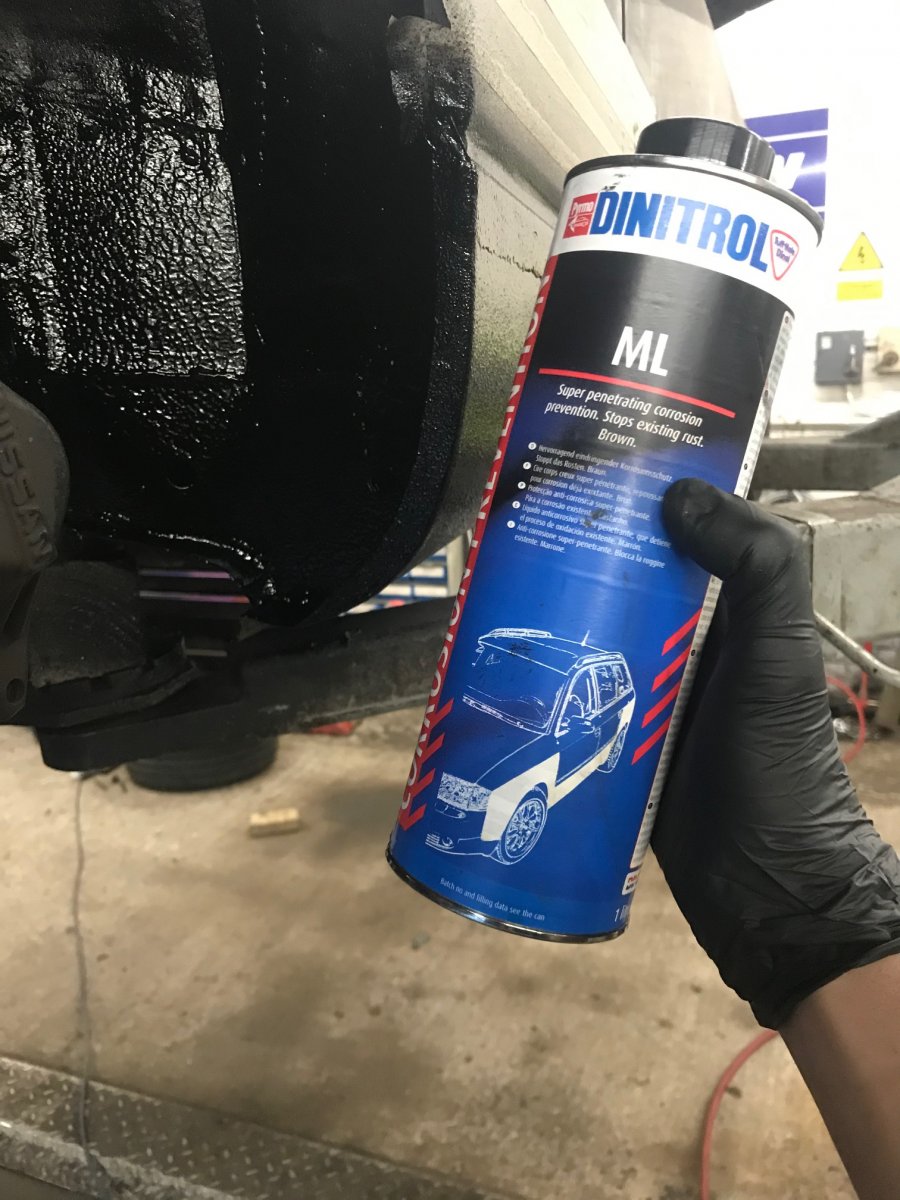
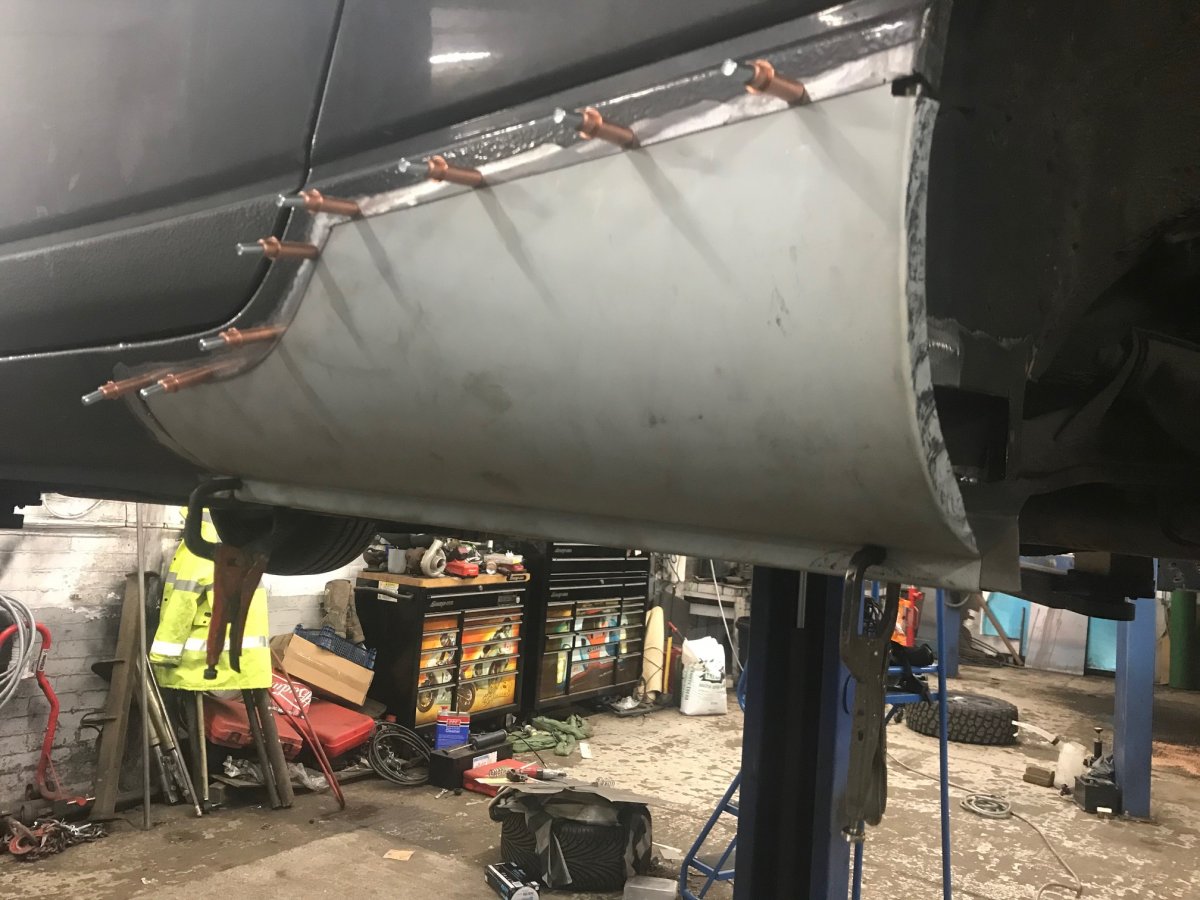
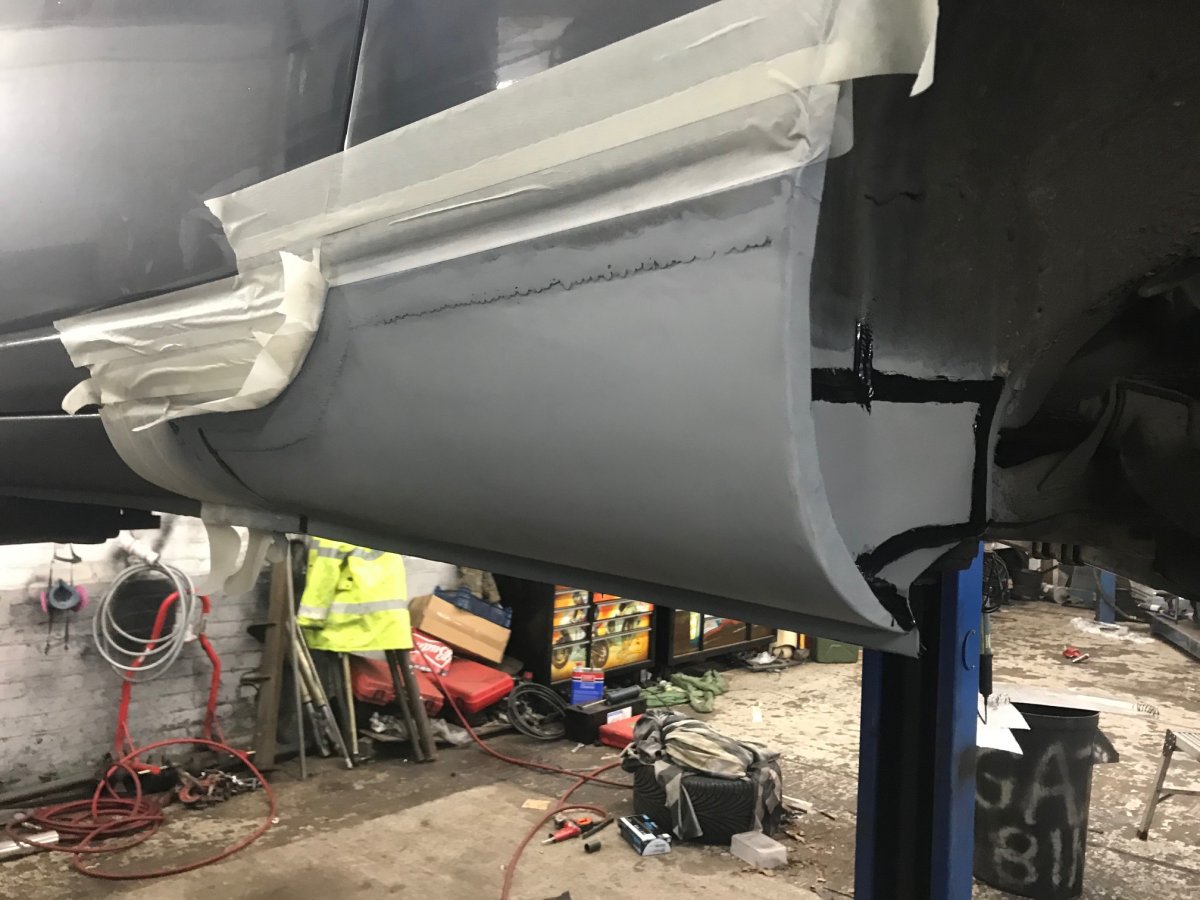
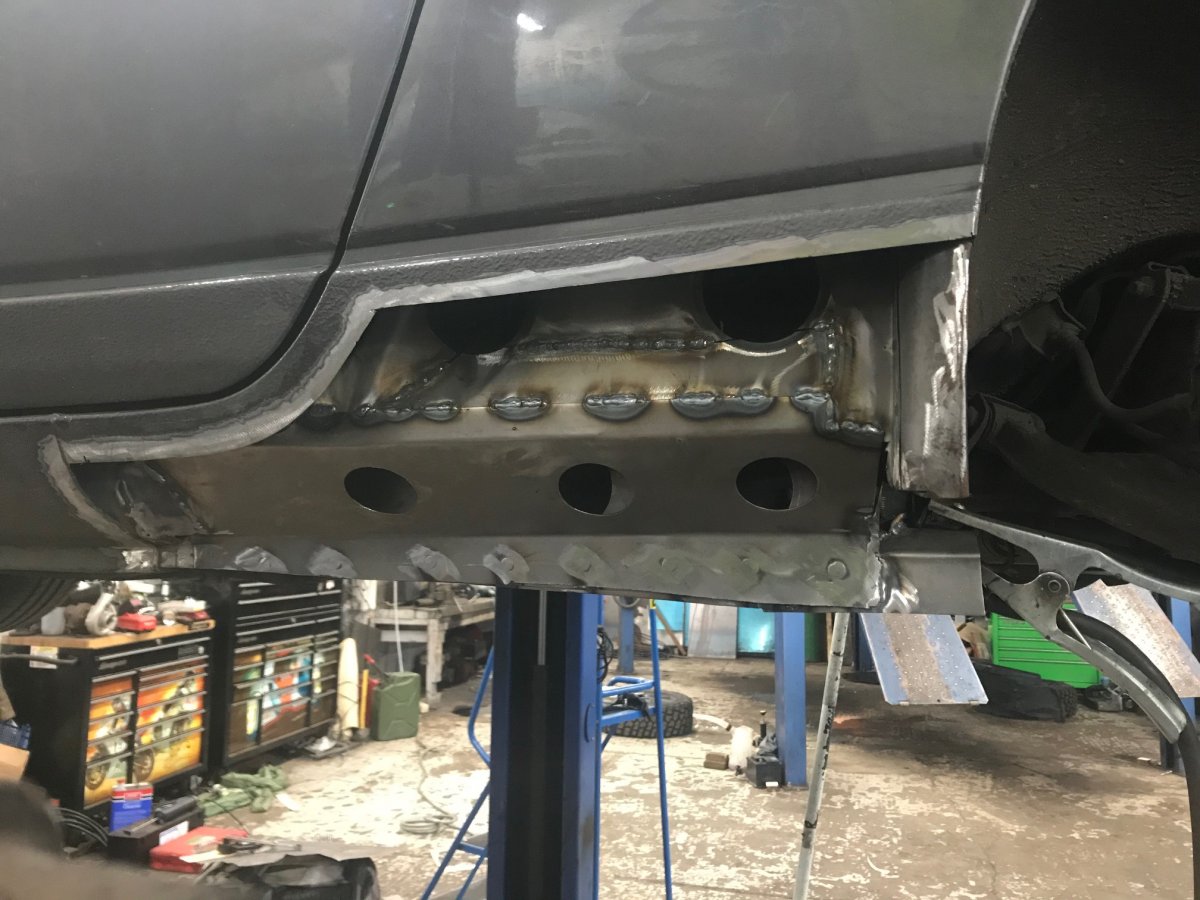
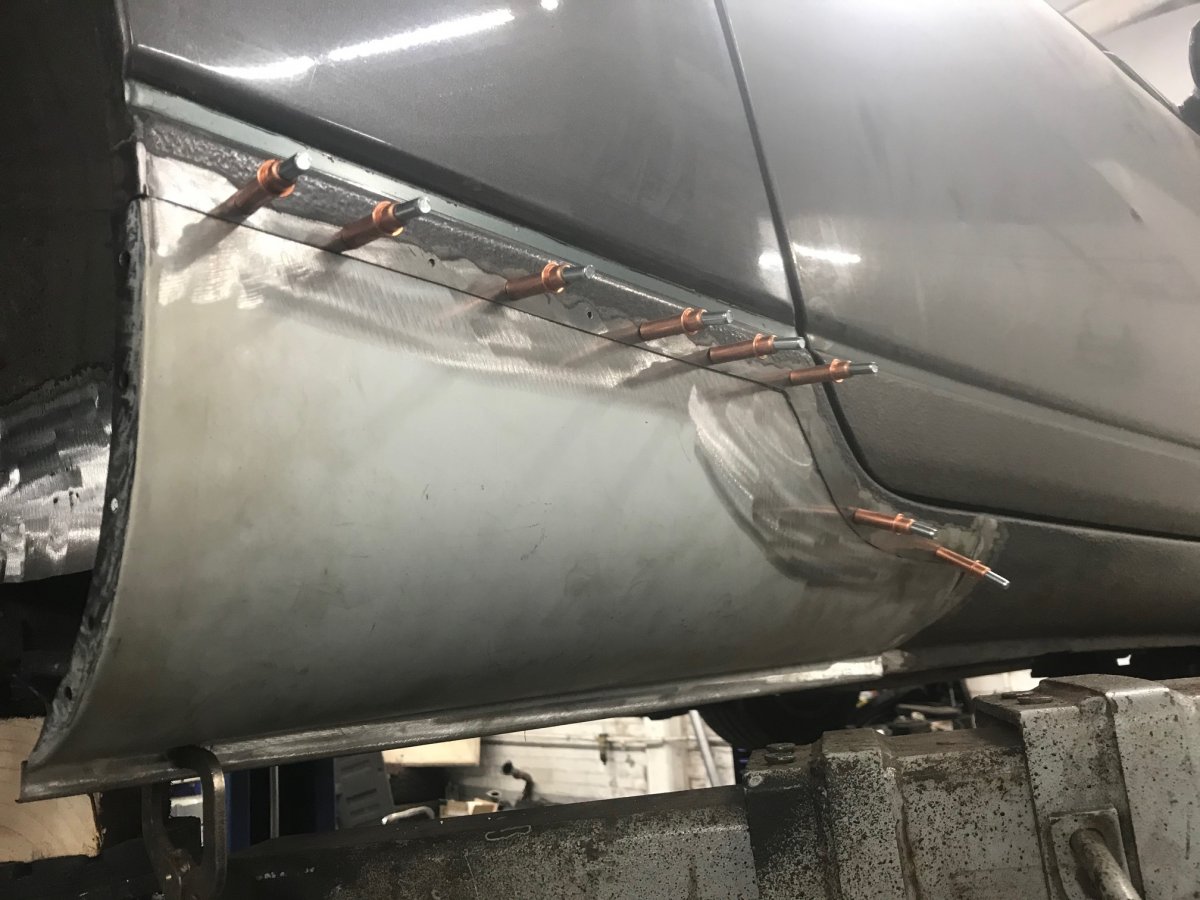
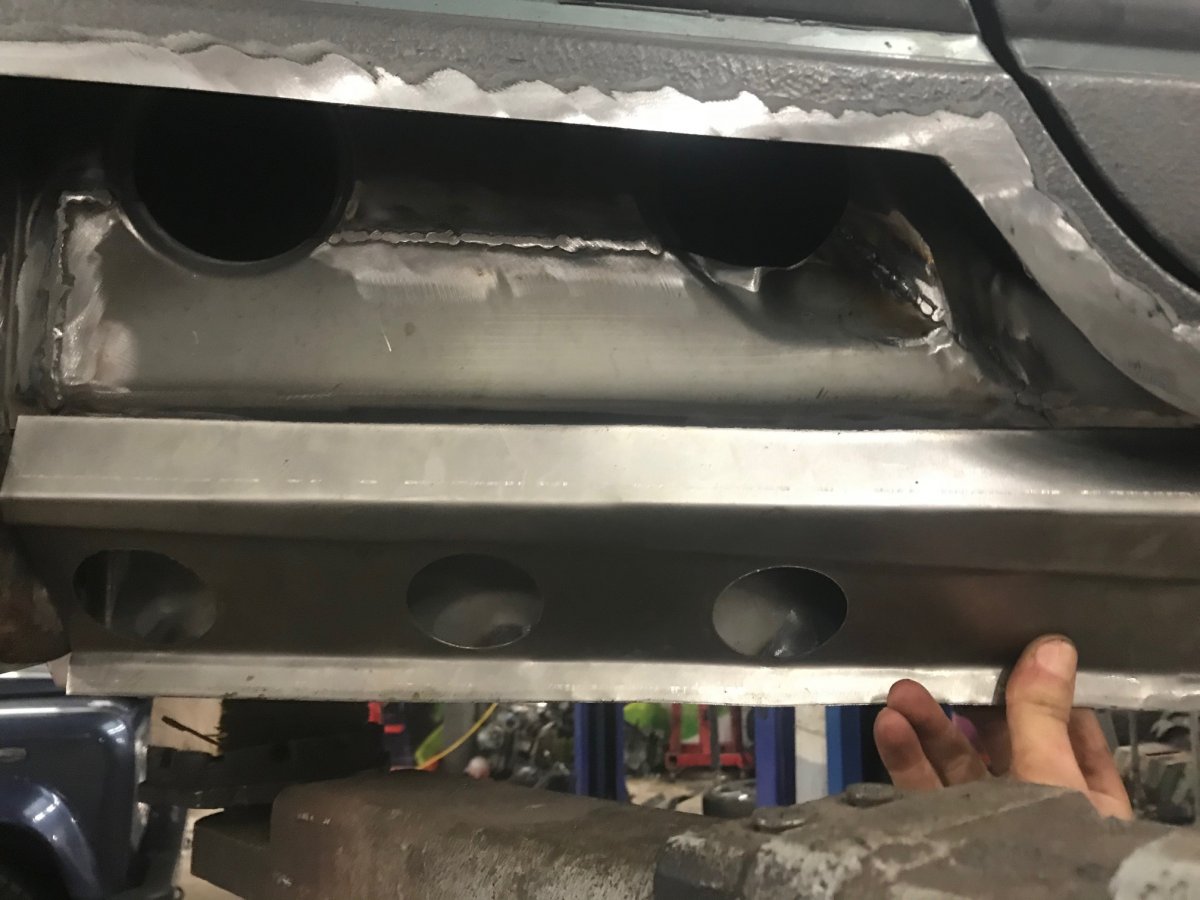
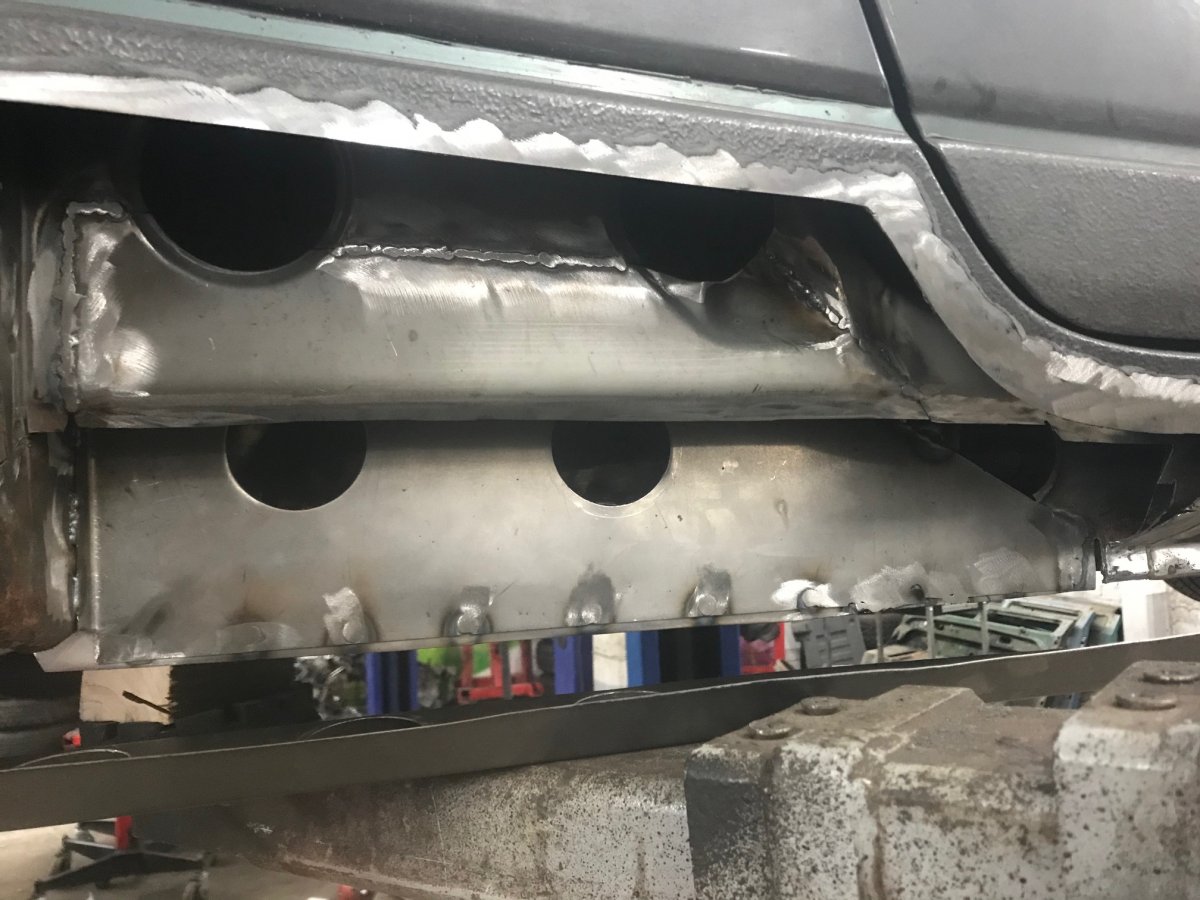
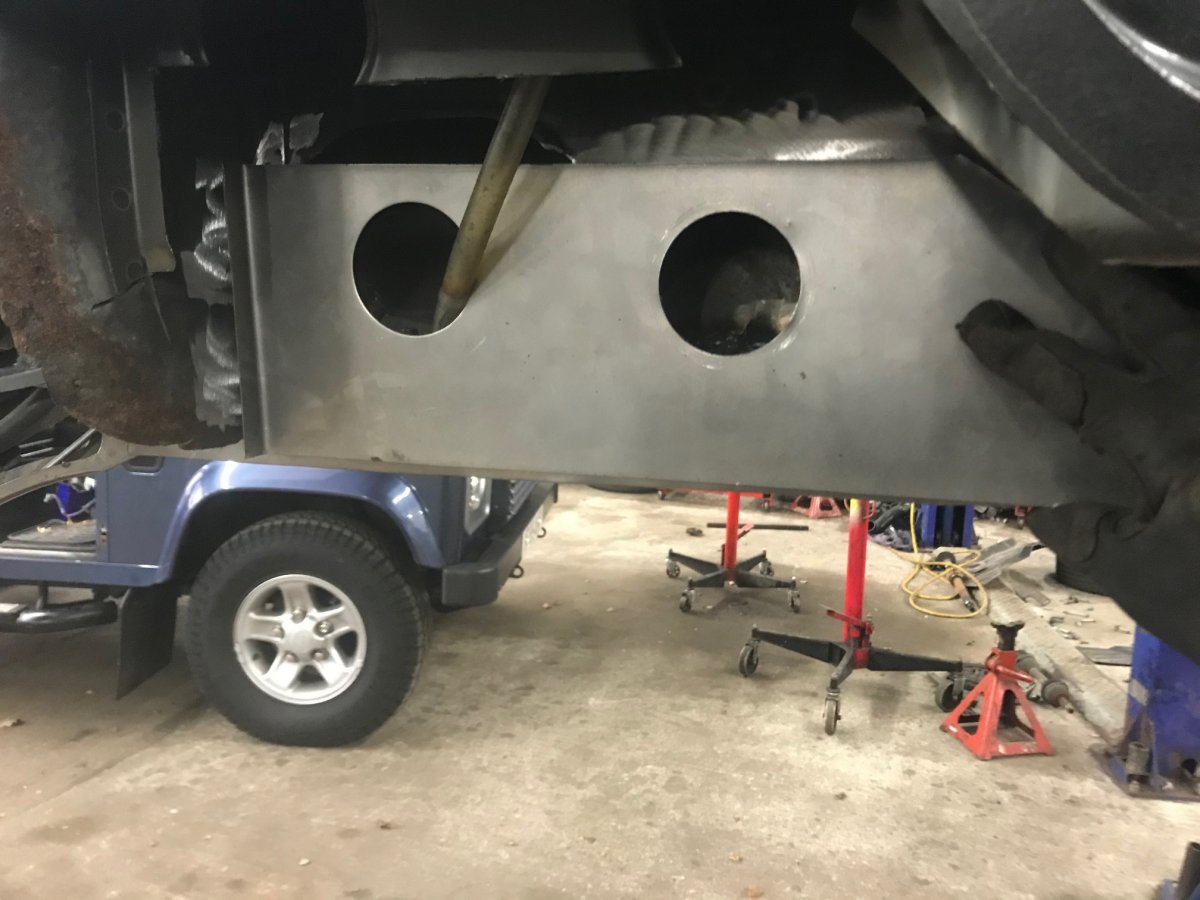
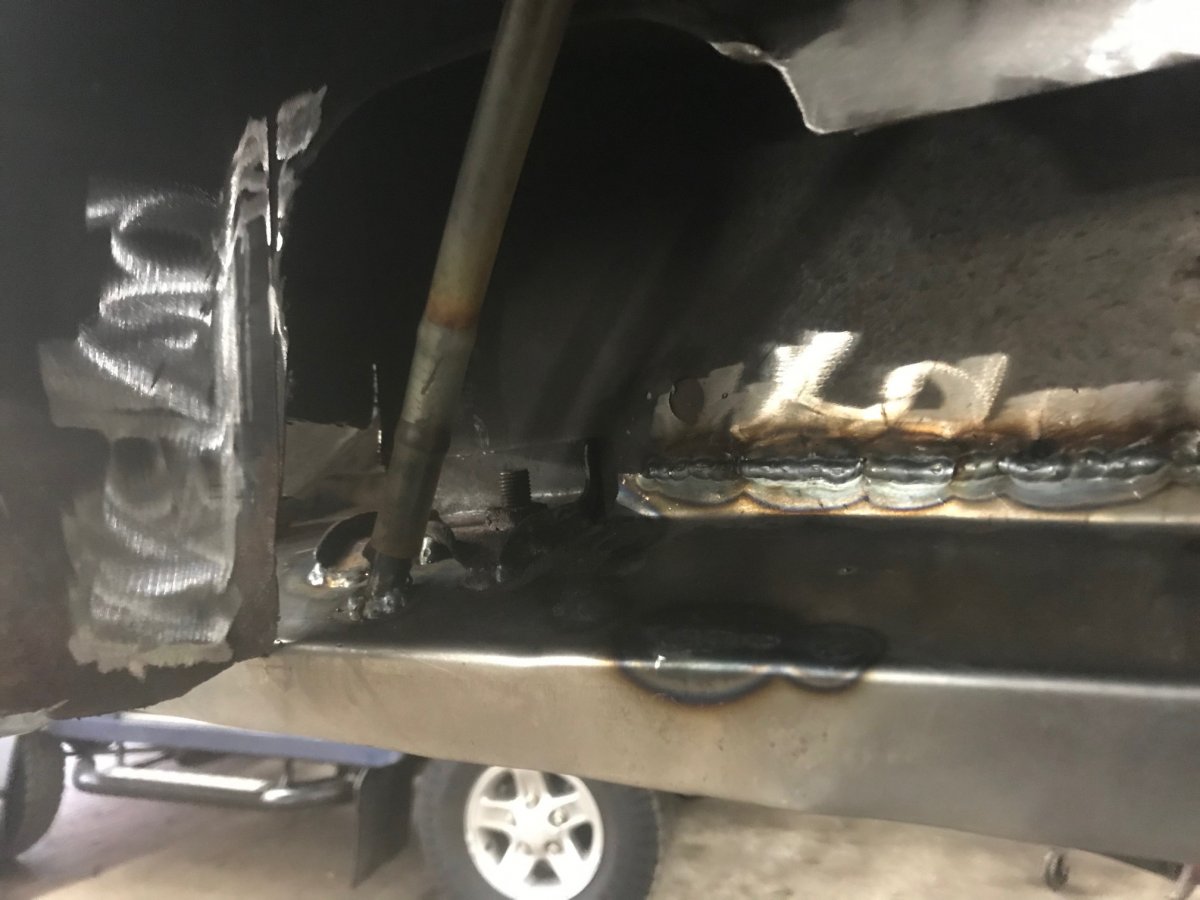
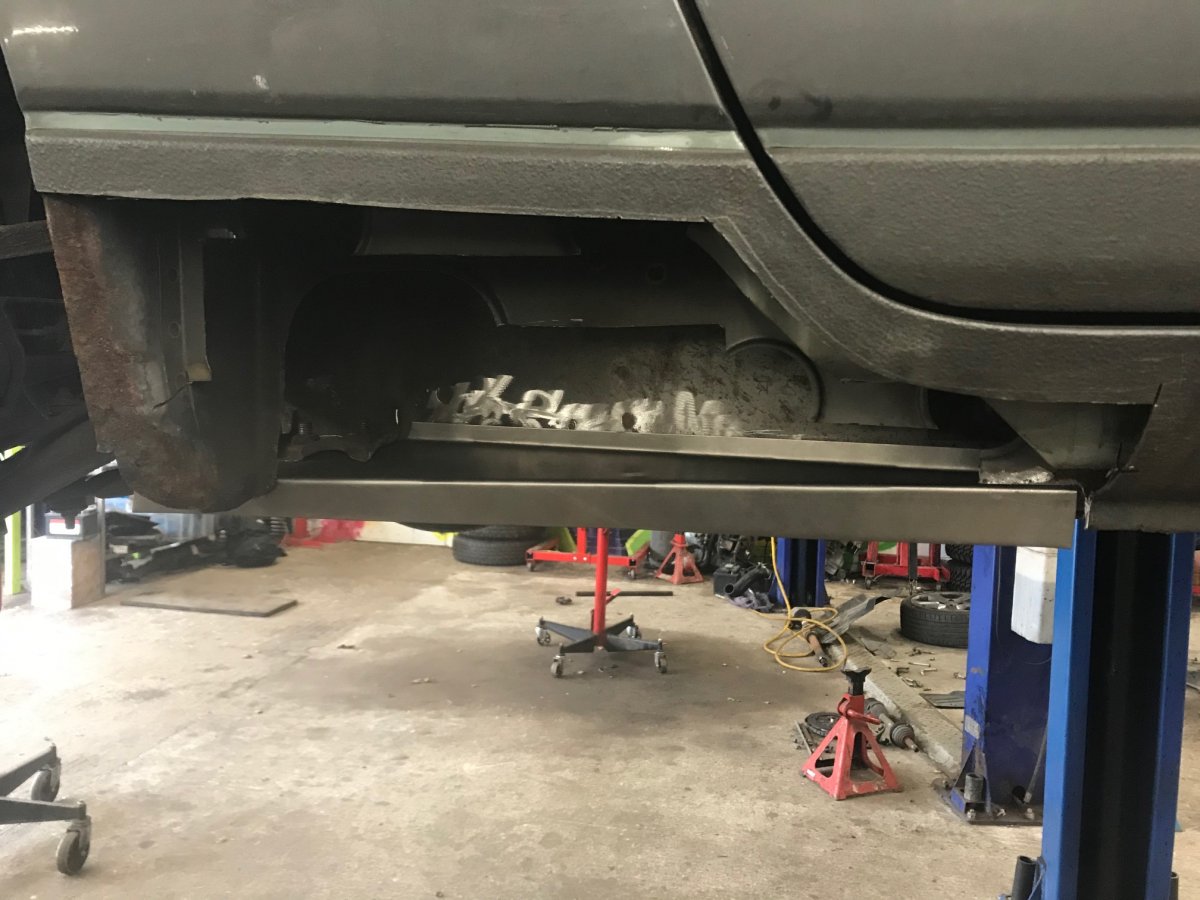
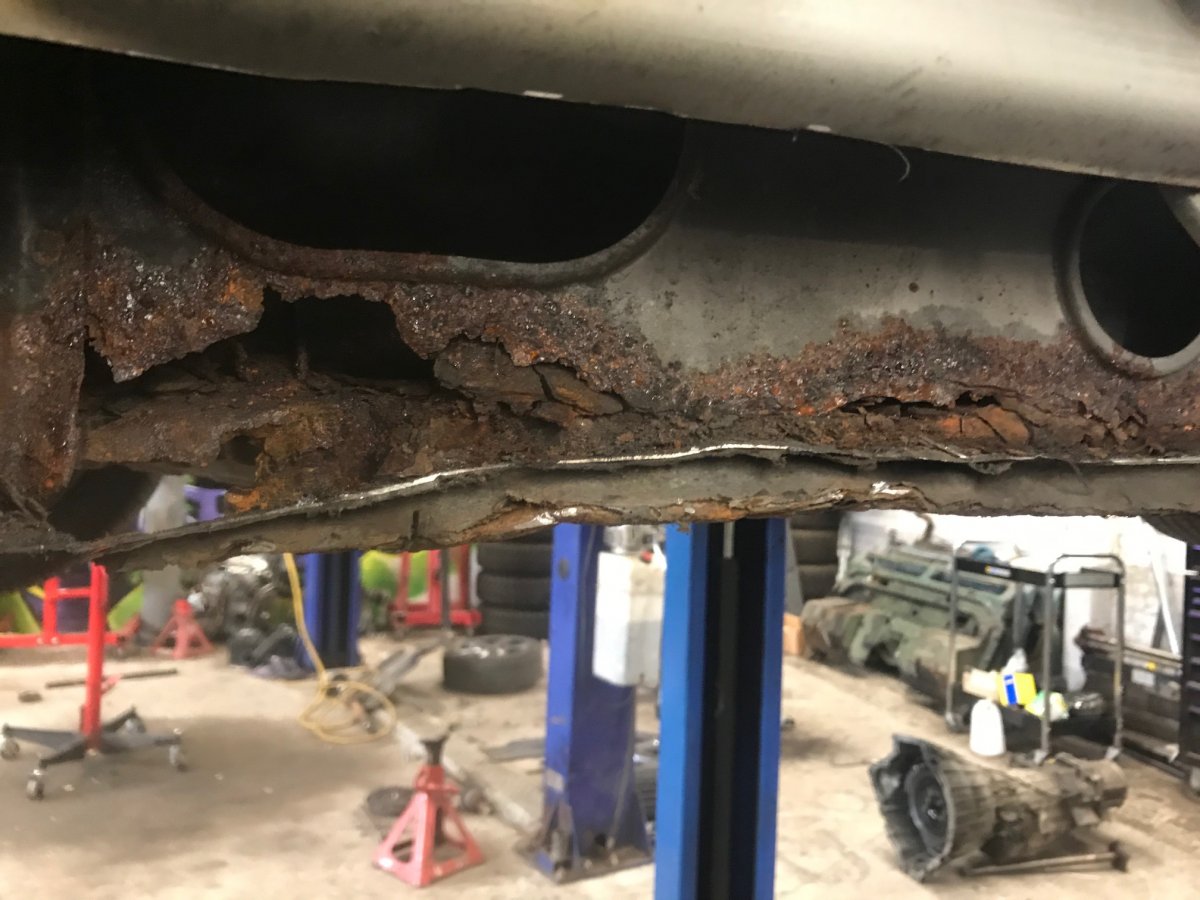
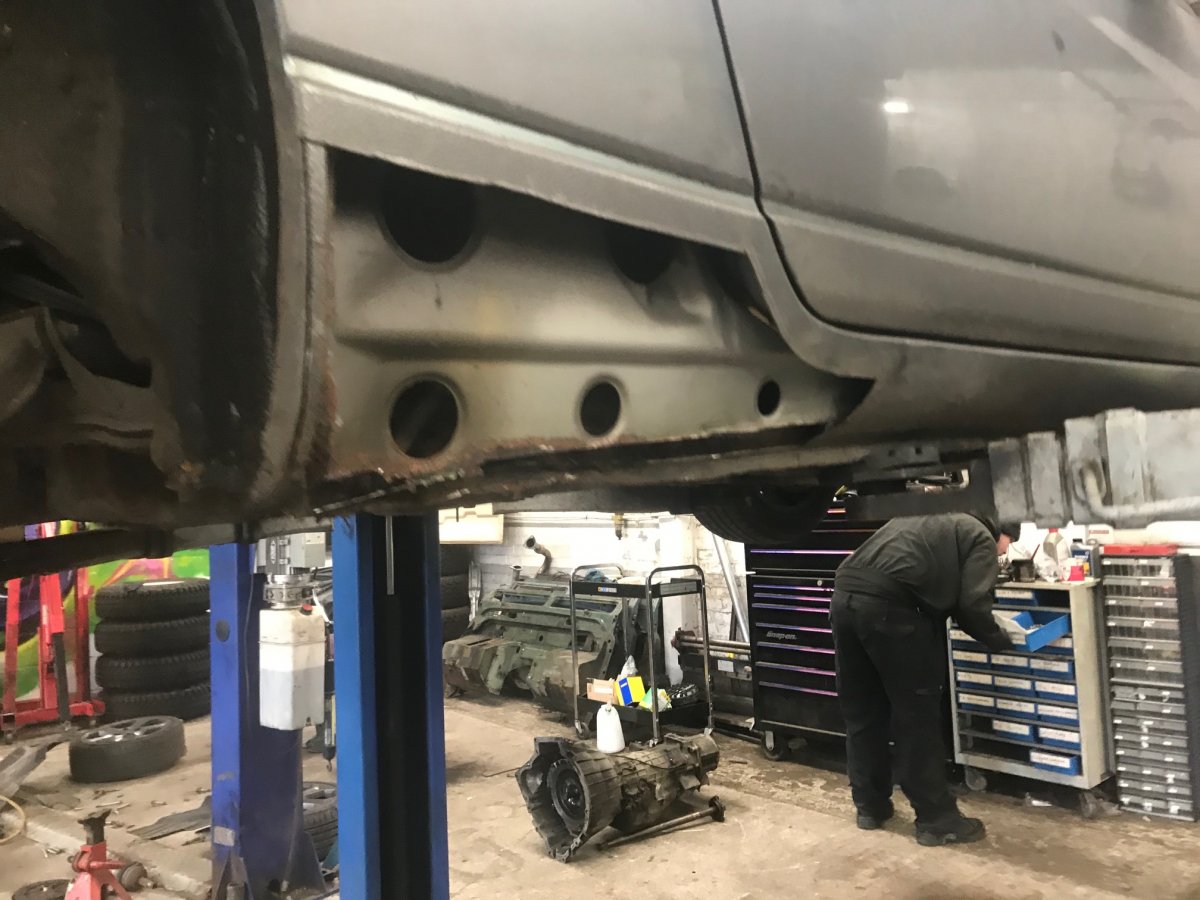
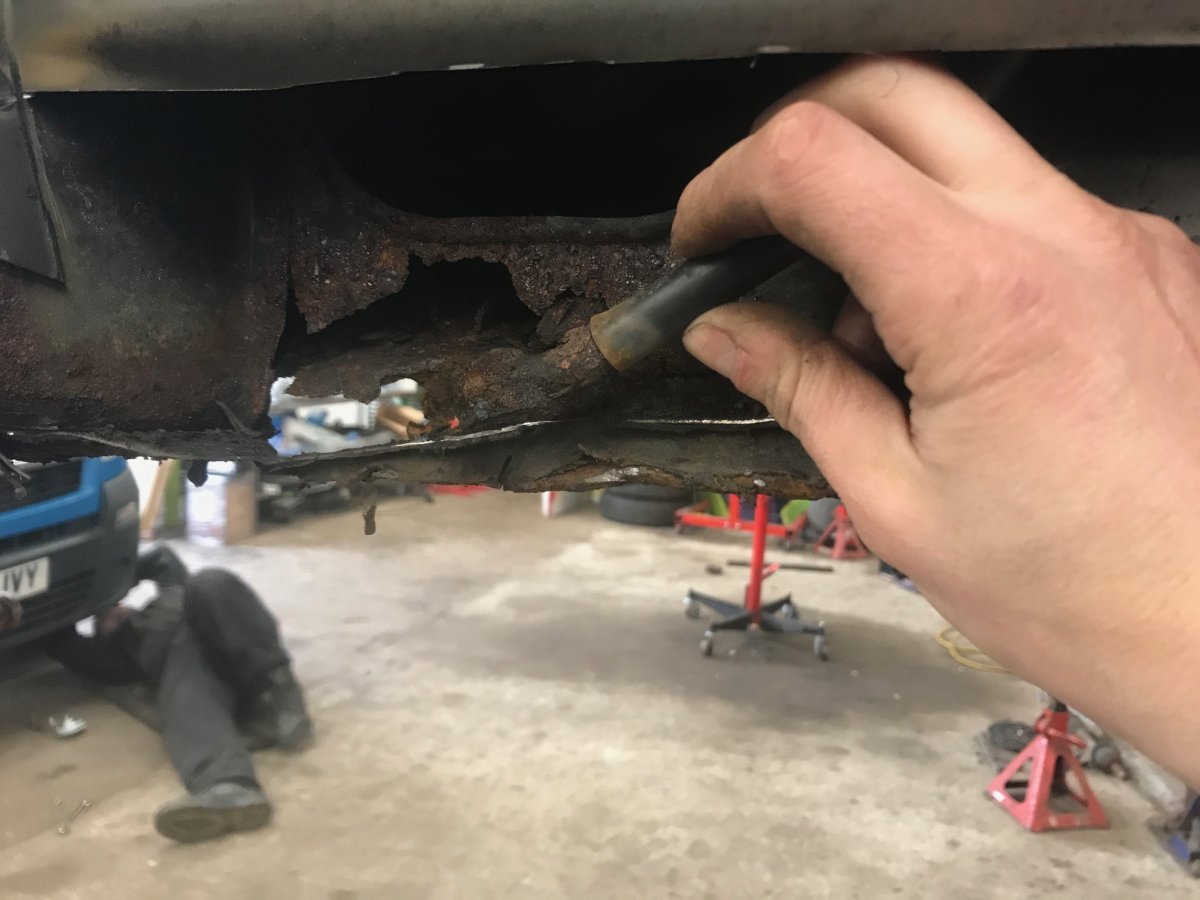
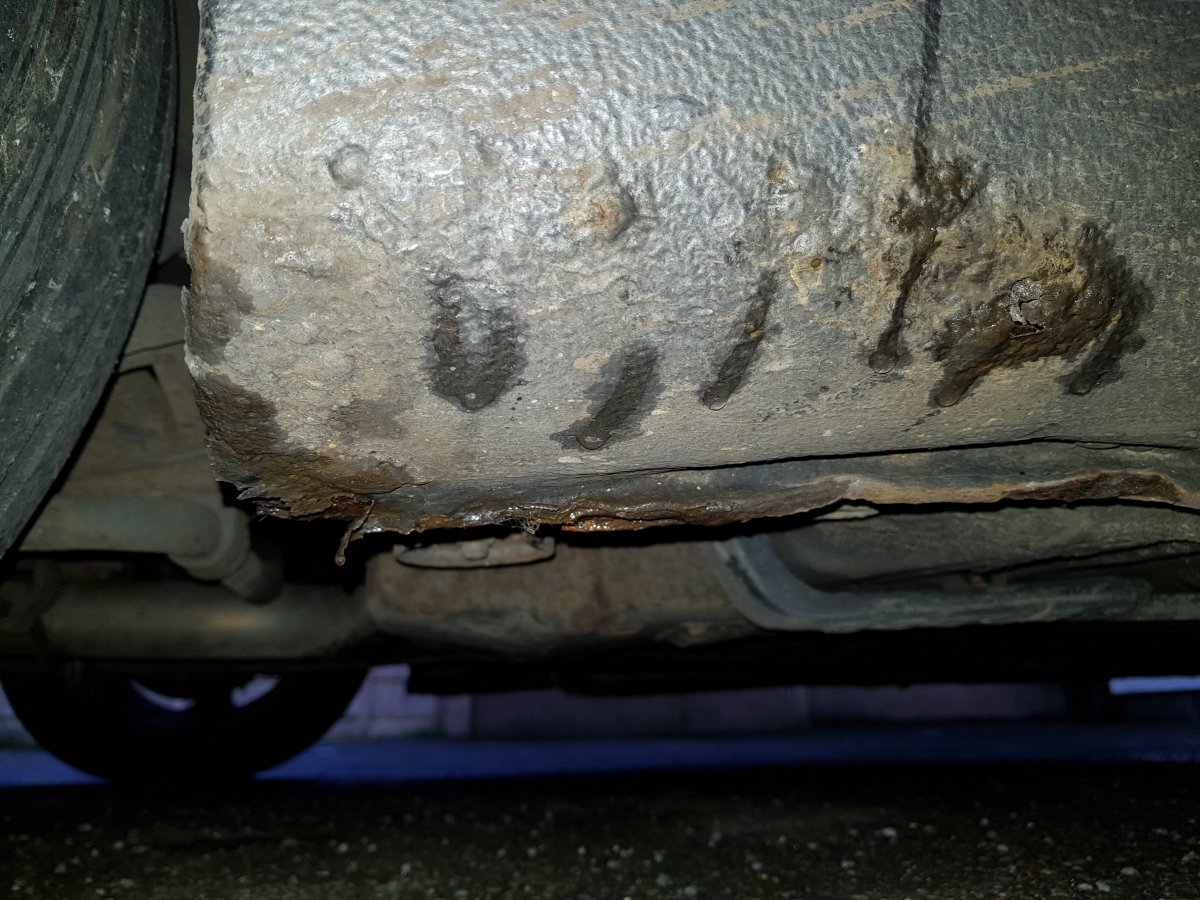
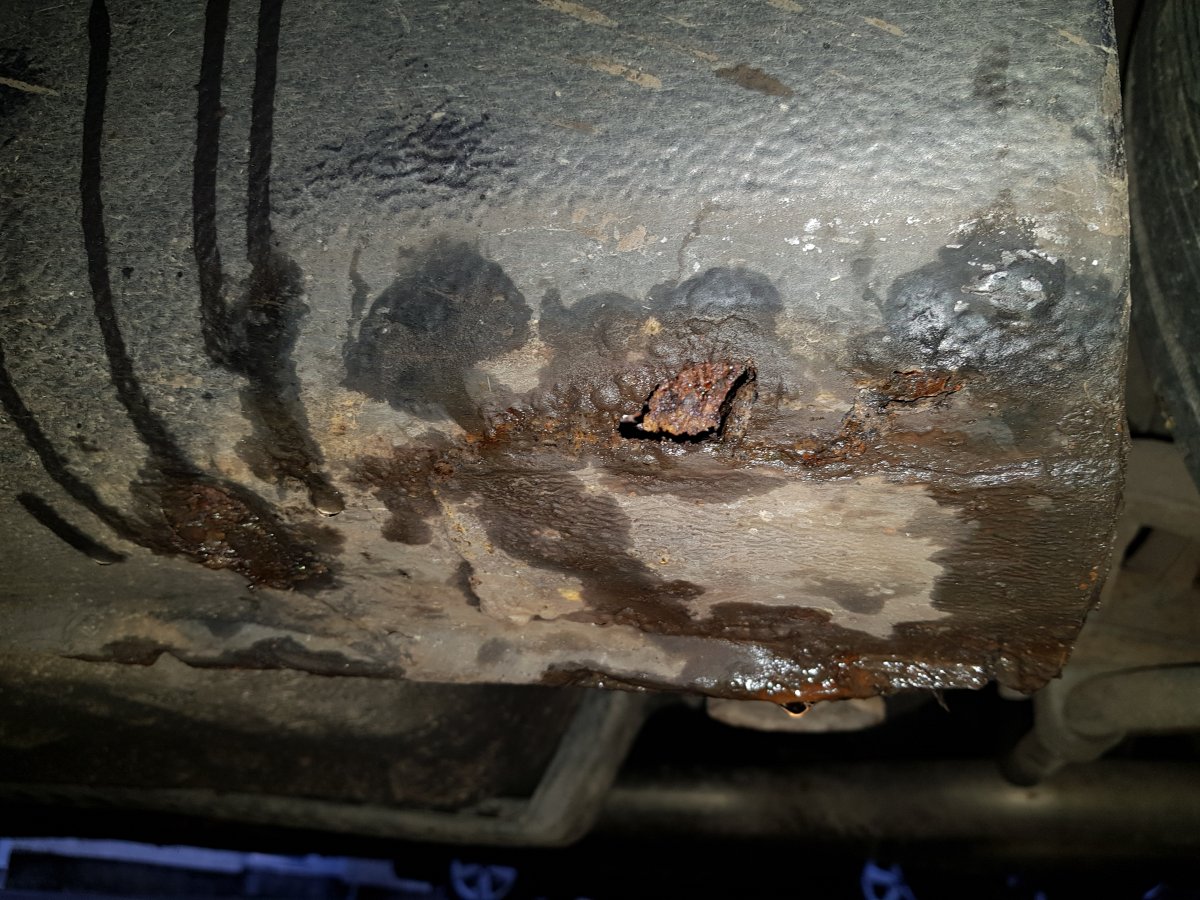
On the first day of Zmas my credit card bought for me 2 sills from Luke, 2 ball joints from Mike, Front and rear brake pads 2 number plate lights 2 rear tyres And an MoT in a pear tree, sorry got carried away, its in the morning
-
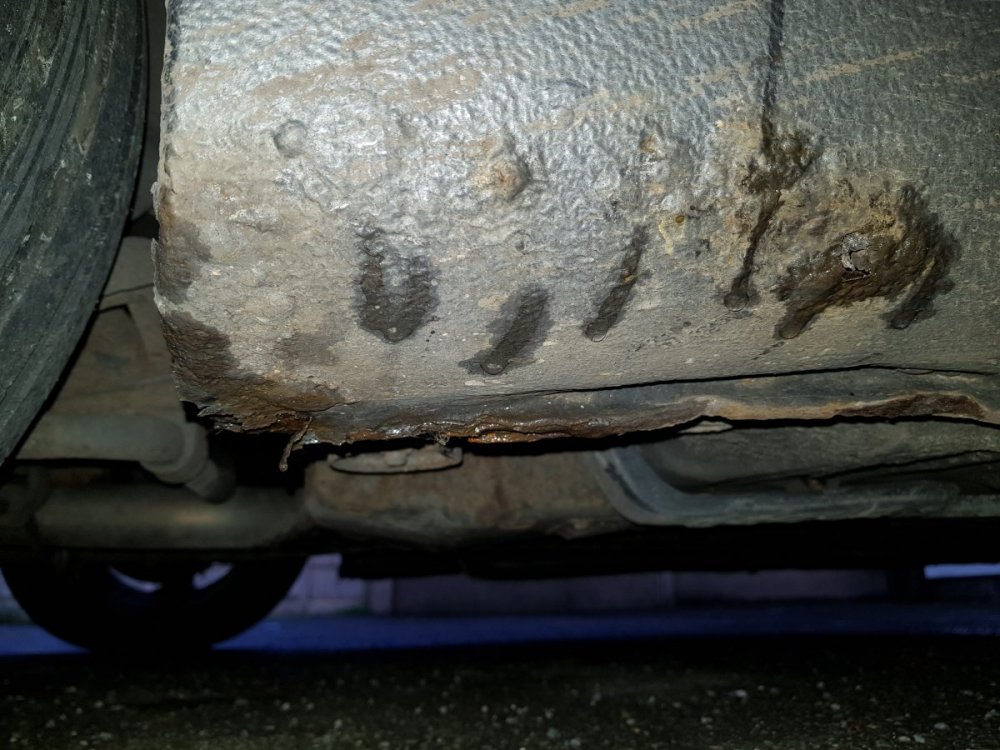
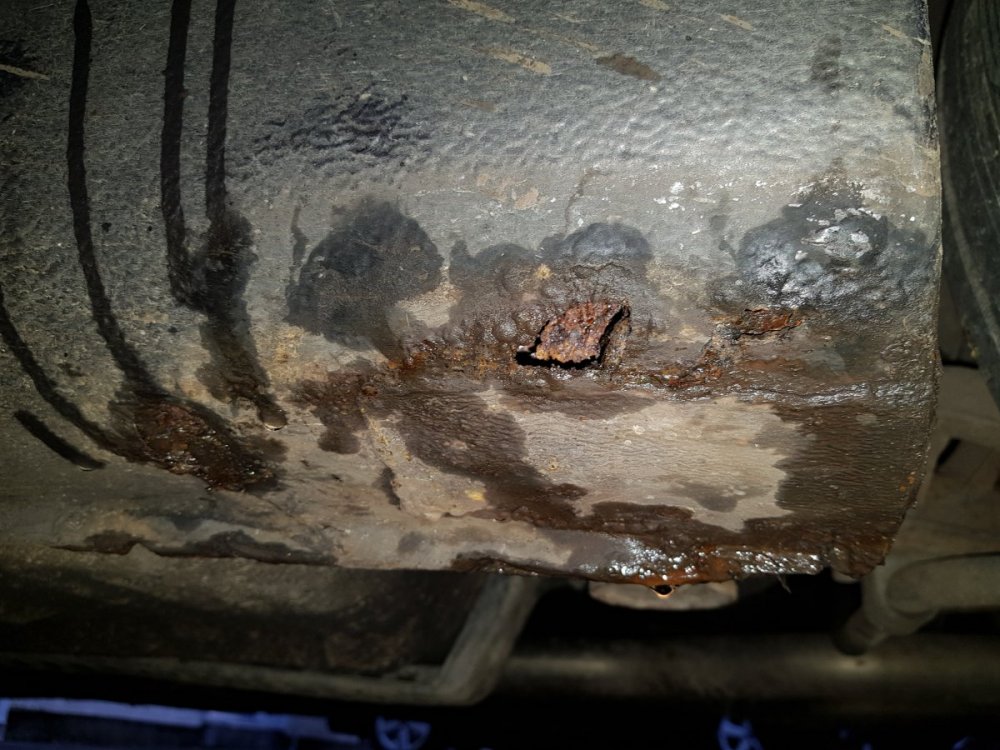
I'll take my hat off to you matey, hopong it's not that bad but then again its 10 years on . . .UK Zed 30 next year so mot totally unexpected Is Luke still the best source for sill panels? Both sides ?
 What year was the mat? Surely the paint code is 326?
Important Information
Account
Navigation
Search
Configure browser push notifications
Chrome (Android)
- Tap the lock icon next to the address bar.
- Tap Permissions → Notifications.
- Adjust your preference.
Chrome (Desktop)
- Click the padlock icon in the address bar.
- Select Site settings.
- Find Notifications and adjust your preference.
Safari (iOS 16.4+)
- Ensure the site is installed via Add to Home Screen.
- Open Settings App → Notifications.
- Find your app name and adjust your preference.
Safari (macOS)
- Go to Safari → Preferences.
- Click the Websites tab.
- Select Notifications in the sidebar.
- Find this website and adjust your preference.
Edge (Android)
- Tap the lock icon next to the address bar.
- Tap Permissions.
- Find Notifications and adjust your preference.
Edge (Desktop)
- Click the padlock icon in the address bar.
- Click Permissions for this site.
- Find Notifications and adjust your preference.
Firefox (Android)
- Go to Settings → Site permissions.
- Tap Notifications.
- Find this site in the list and adjust your preference.
Firefox (Desktop)
- Open Firefox Settings.
- Search for Notifications.
- Find this site in the list and adjust your preference.