


Everything posted by Bones28
-
1. Ian Greenfield 2. Craig Stratton 3. AndrewG 4. Chris300 5. JaiKai 6. t.mogsy 7. Gaz 300 8. Richard Smith 9. kgonzokia 10. Funkysi 11. Joelyp 12. Stephen 13. Bigh 14. GSC 15. 182stevecup 16. Rata2ie 17. Johnyboy 18. Art123 19. Devvny 20. Winnoze 21.Mightysi 22. coopd. 23. Slick Pete. 24. Bones28
-
Apparently if you use a GPS or SatNav you don’t have to. Yes definitely
-
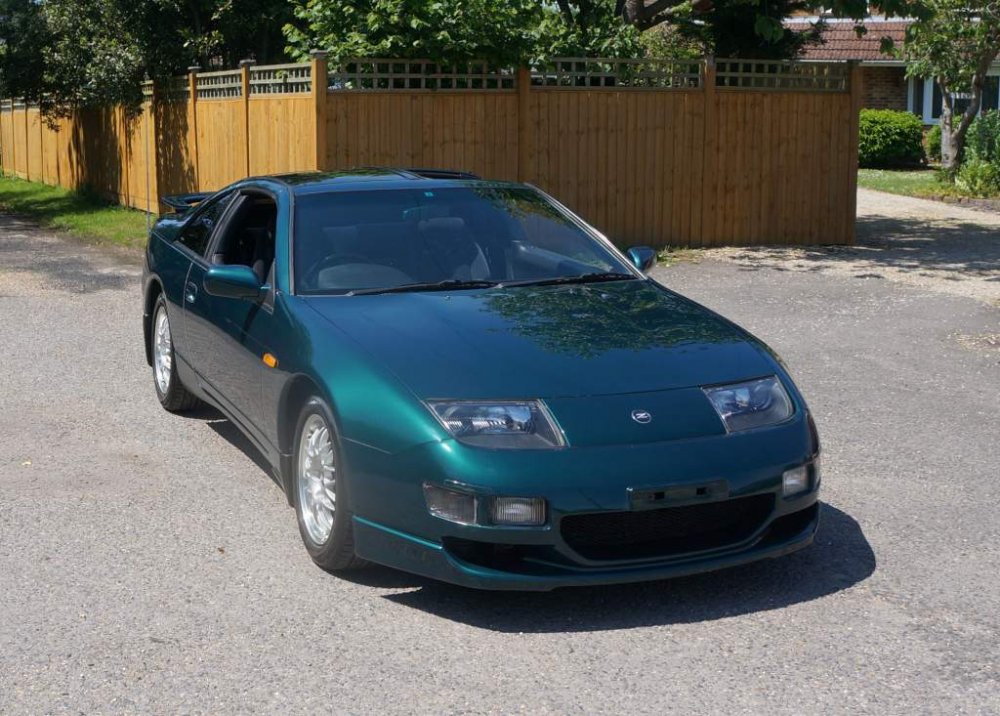
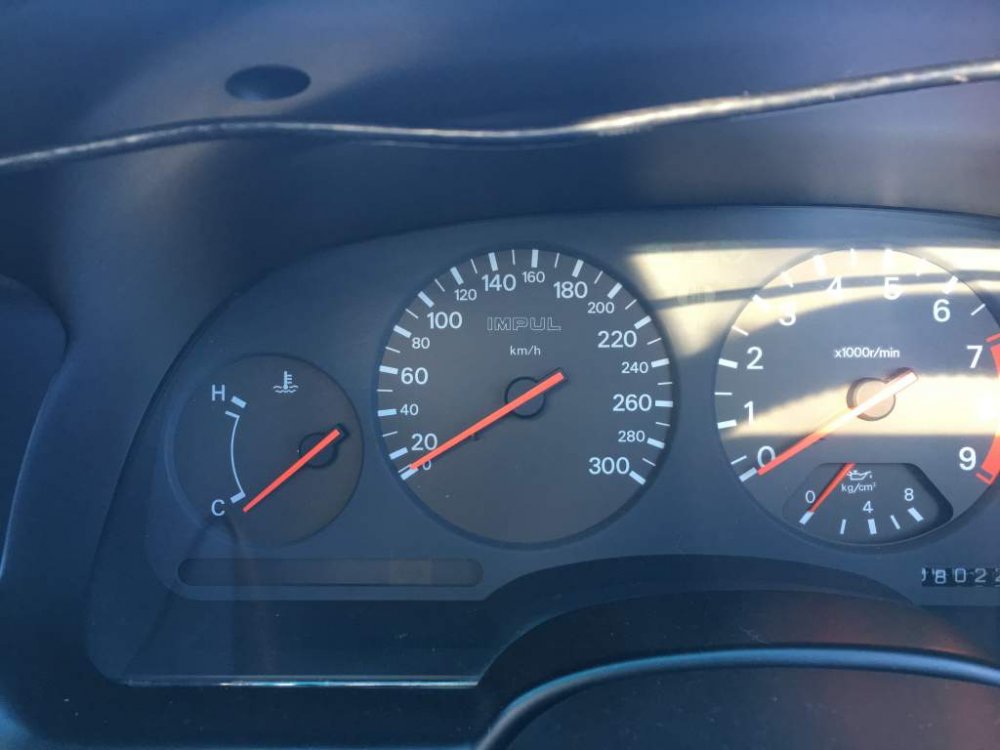
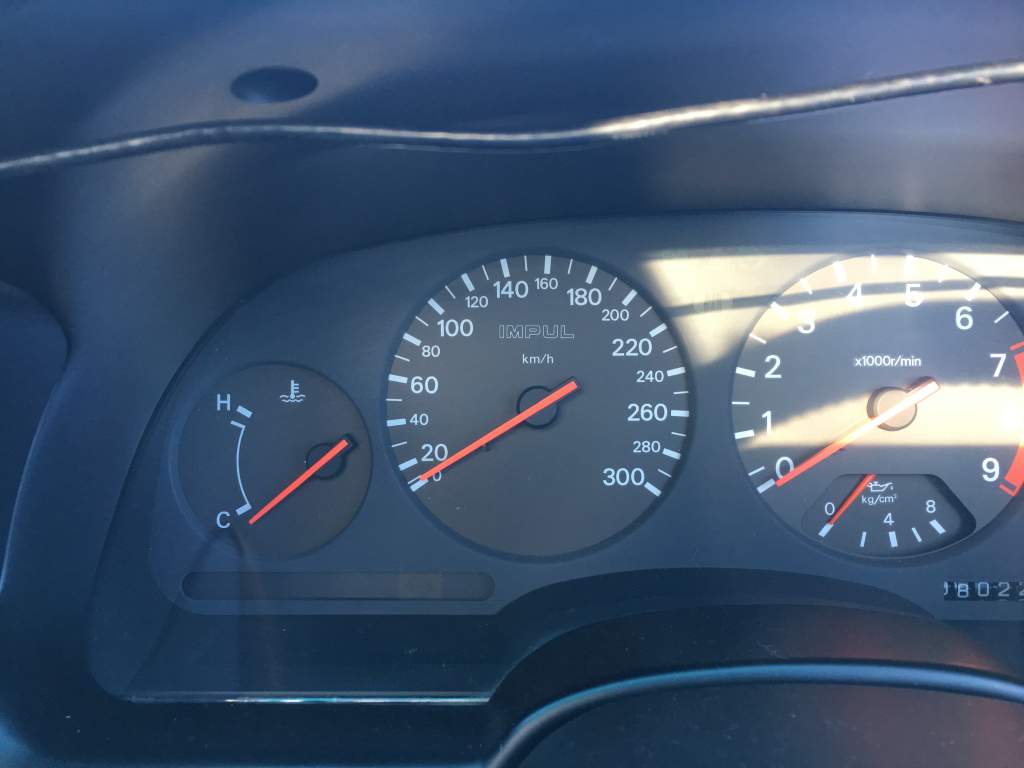
Hi all I’m back on the road thanks to my brother. Only need to pay him back now. What a beauty I must say, thanks Garry, very nice guy. Saw this on my speedo on the way home.
-
That’s with T Tops as well.
-
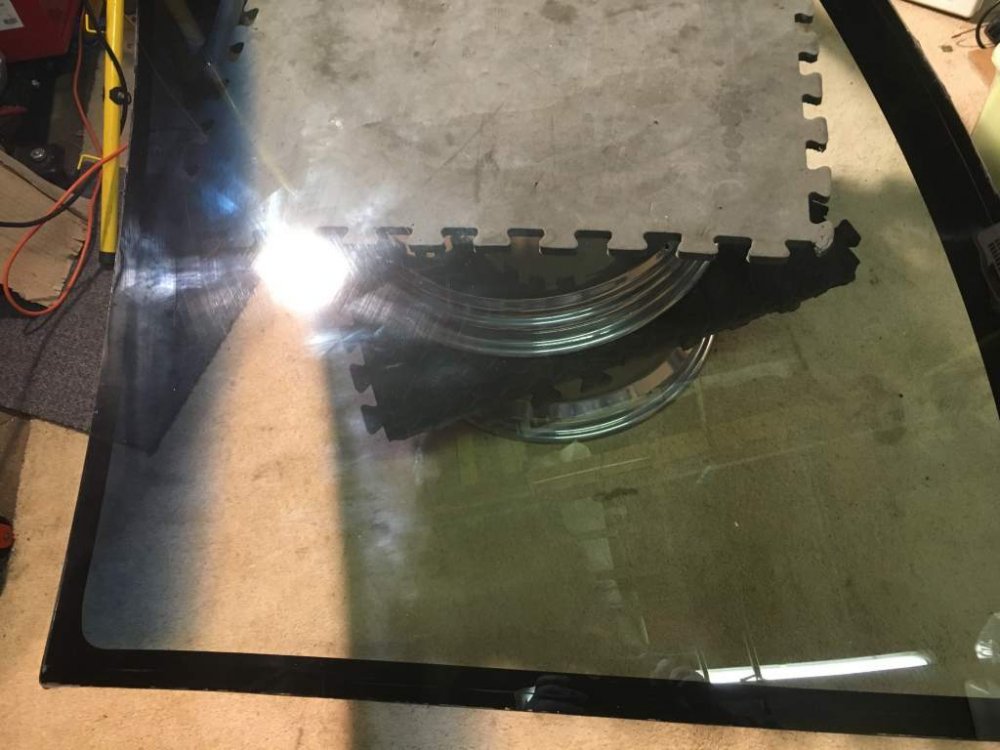
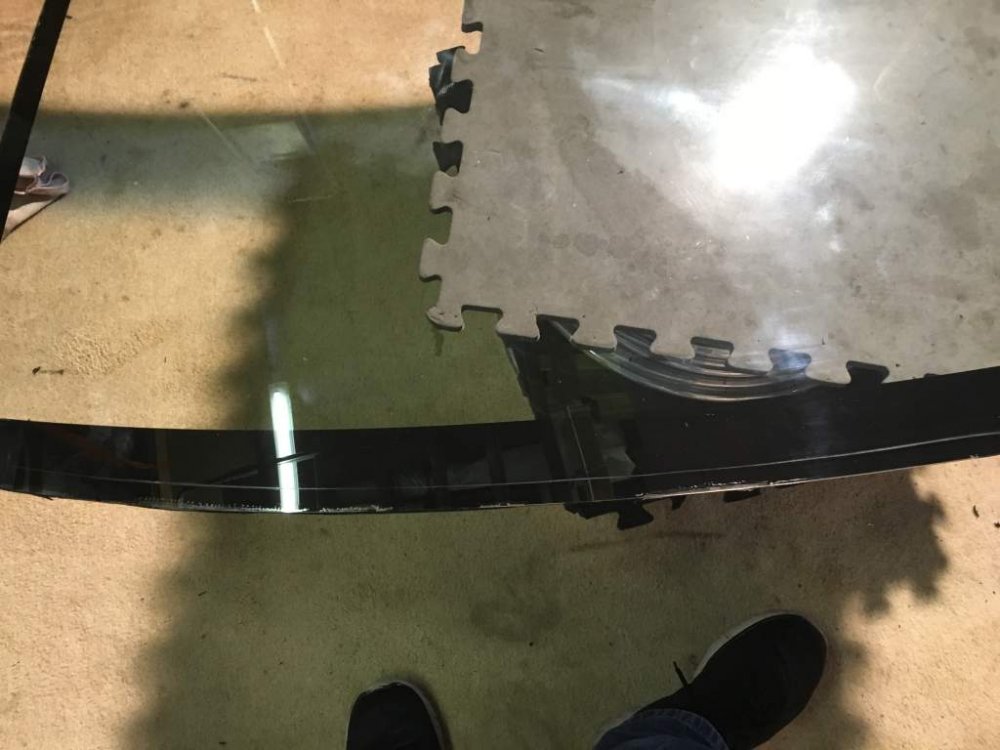
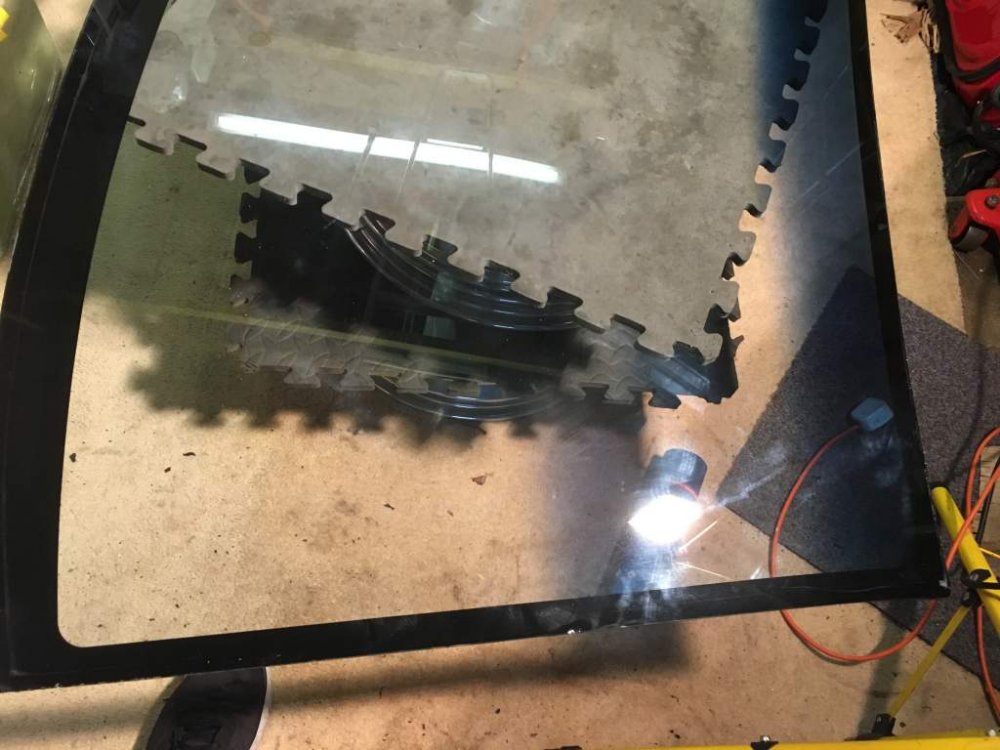
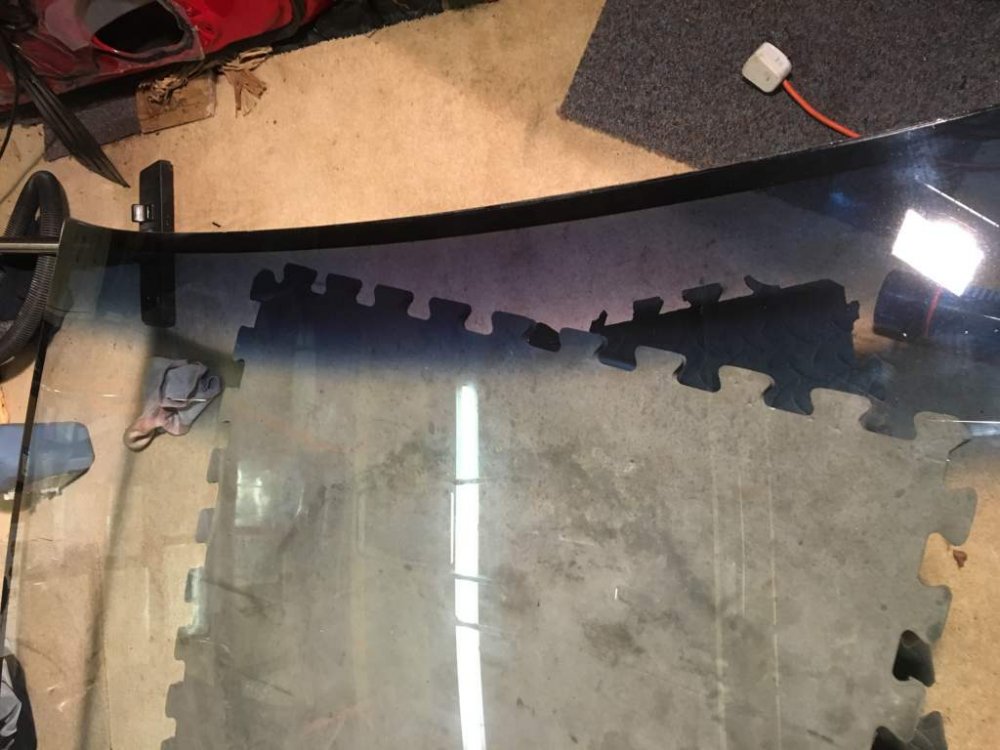
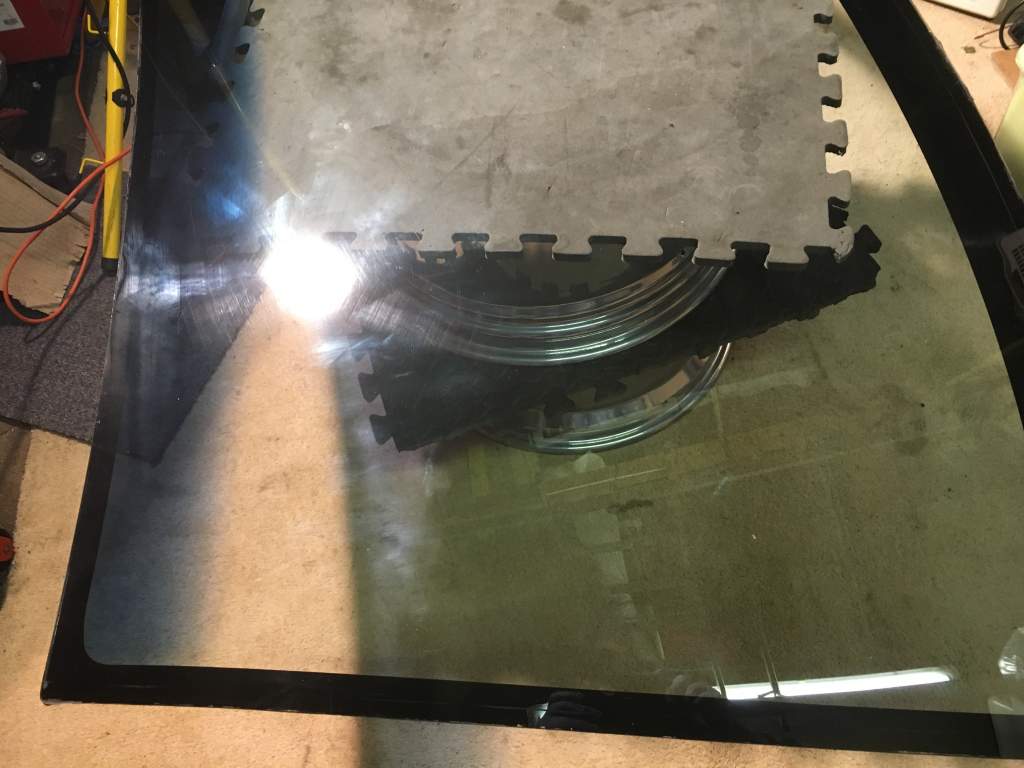
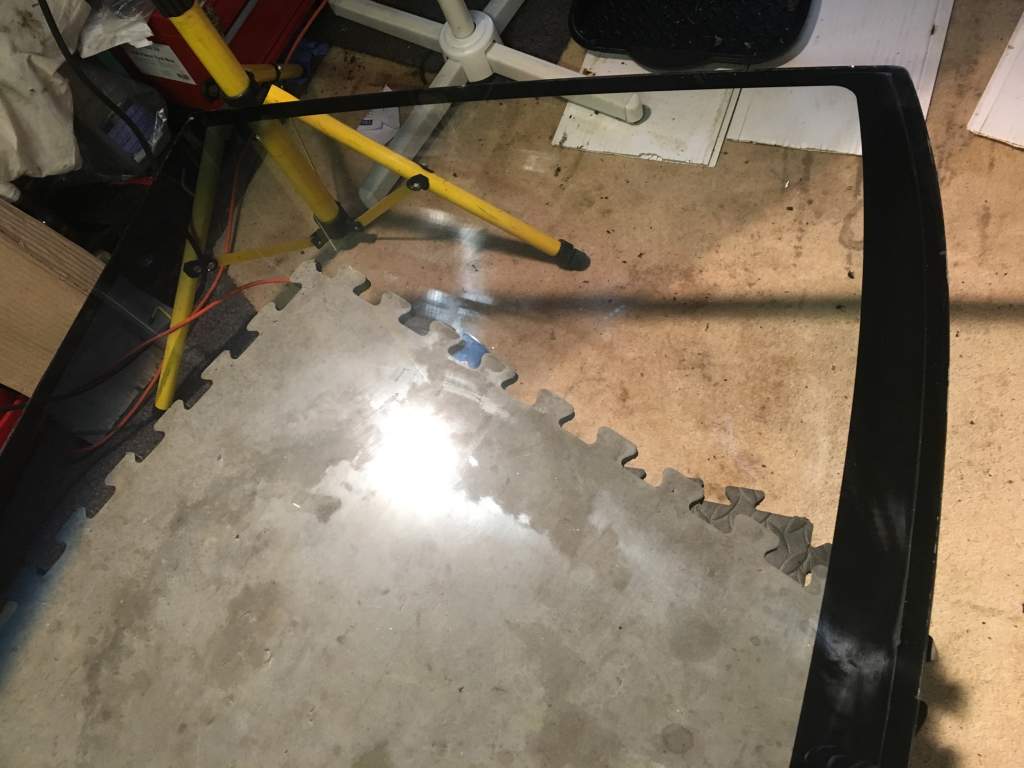
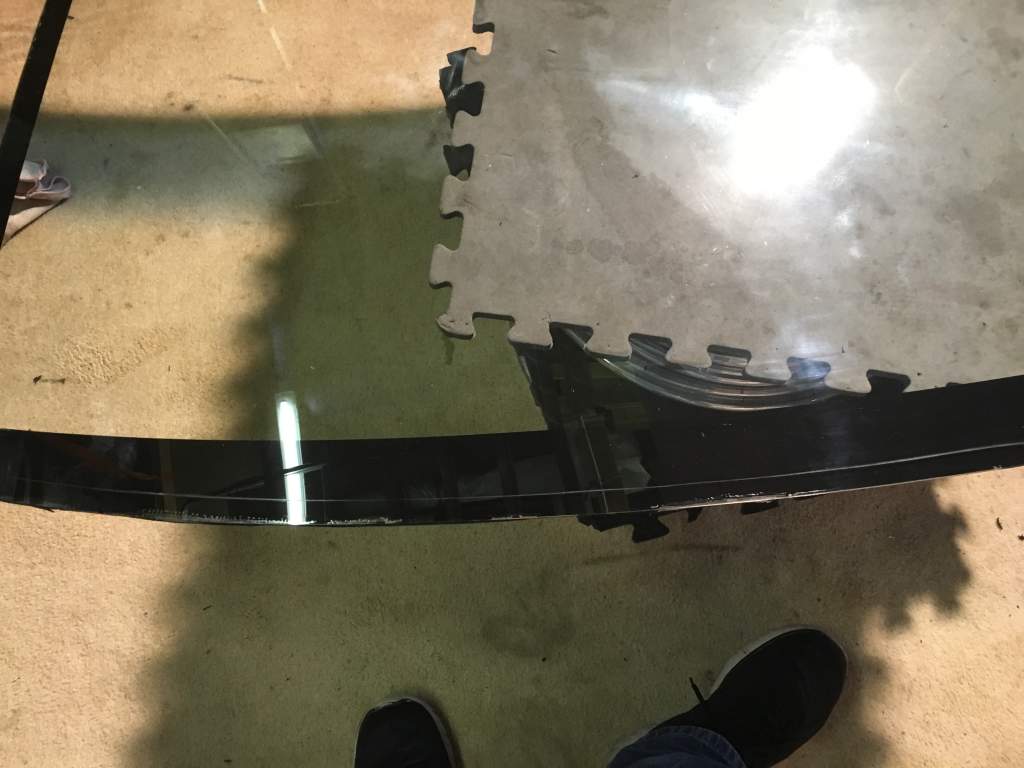
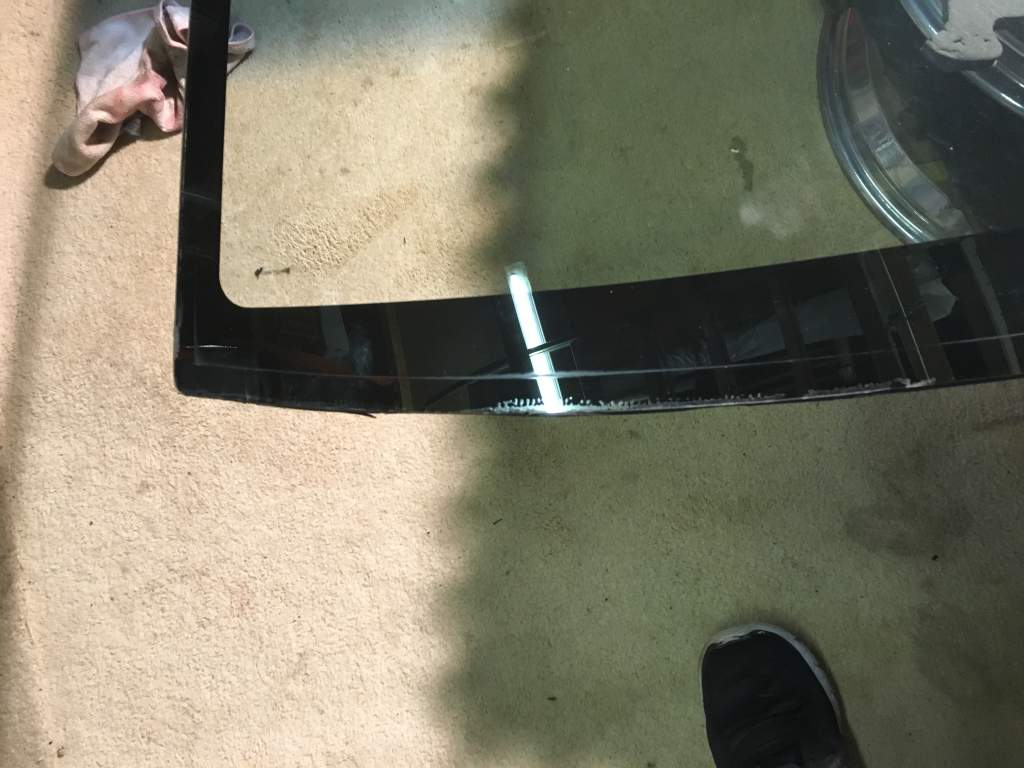
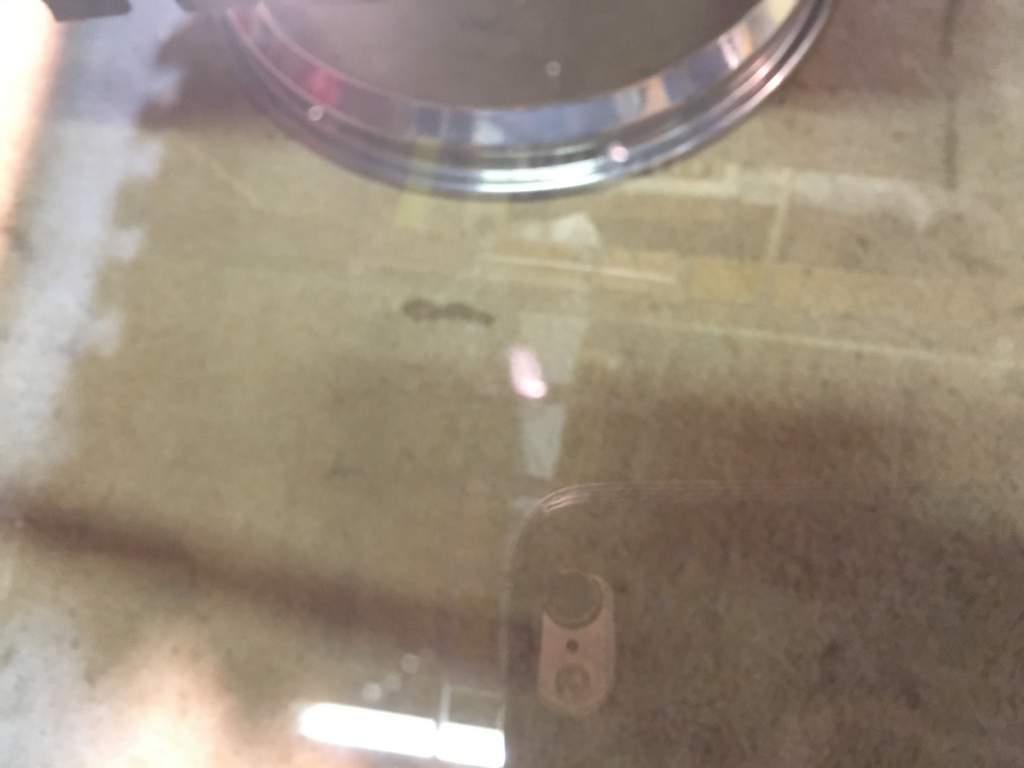
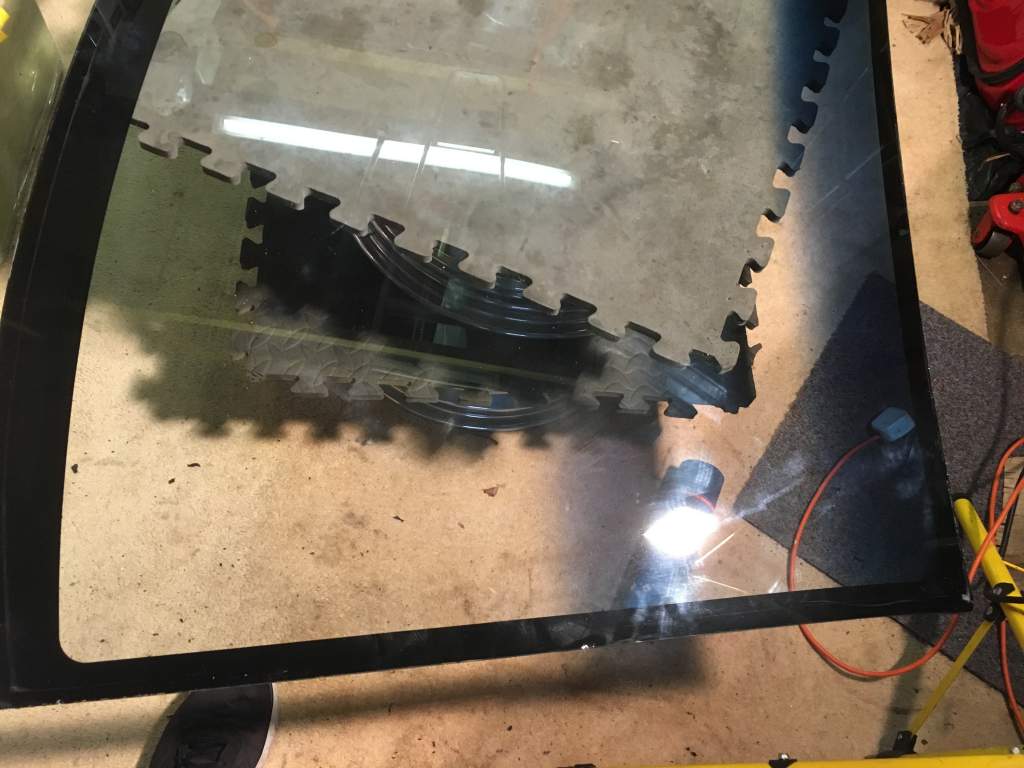
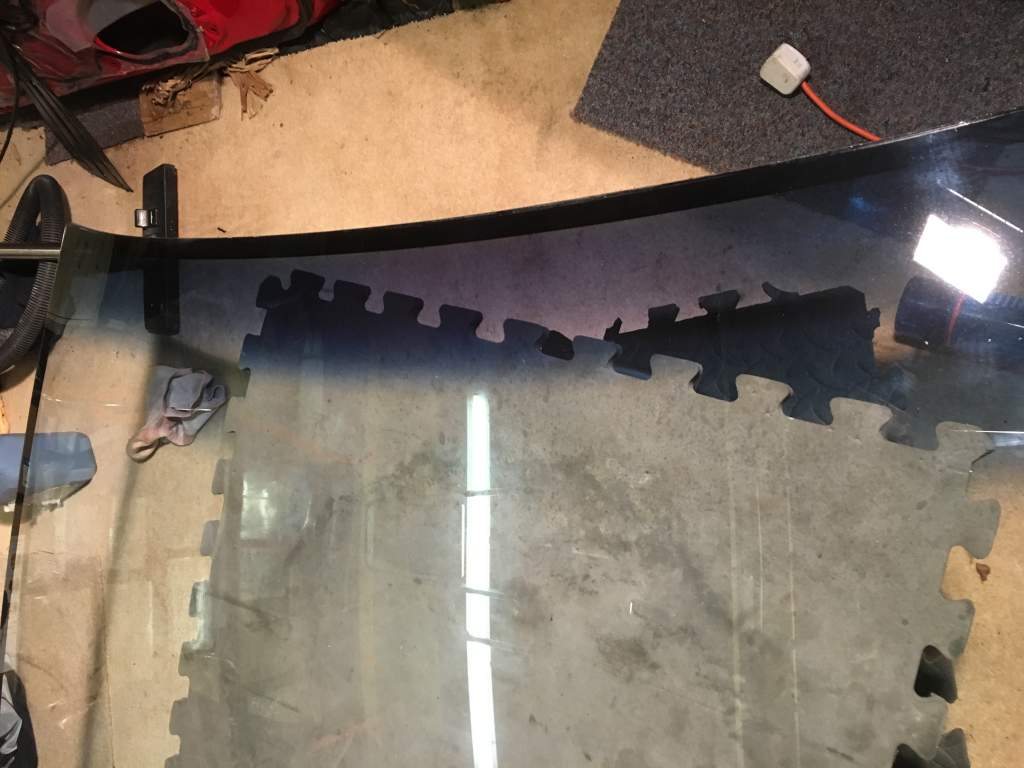
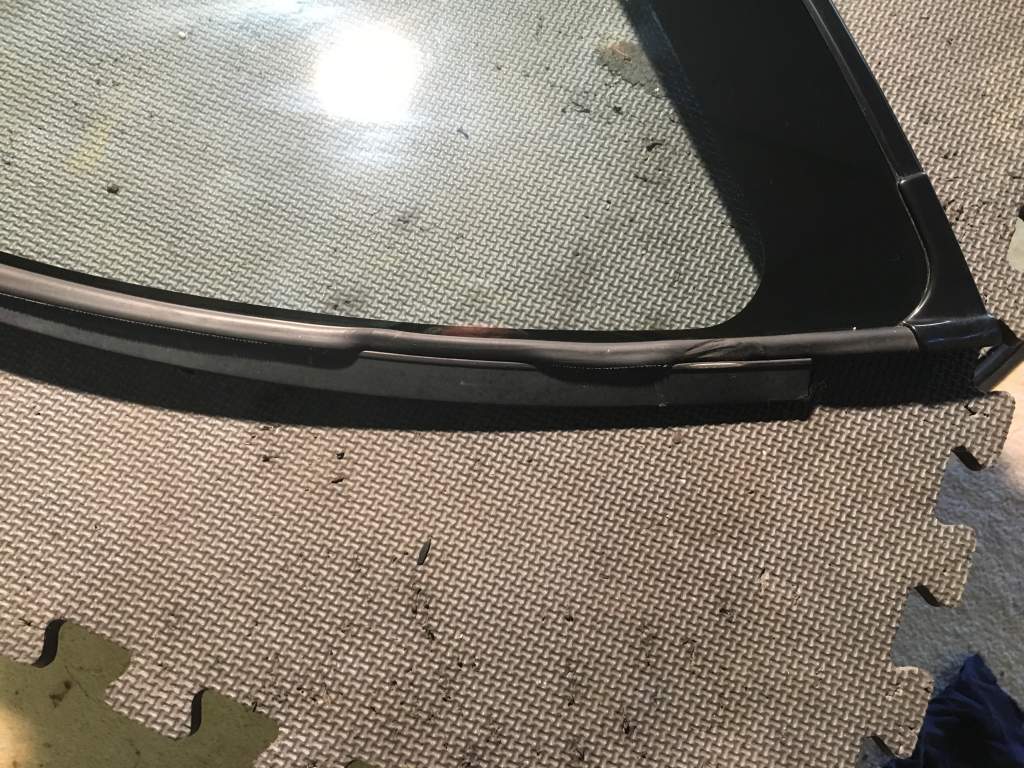
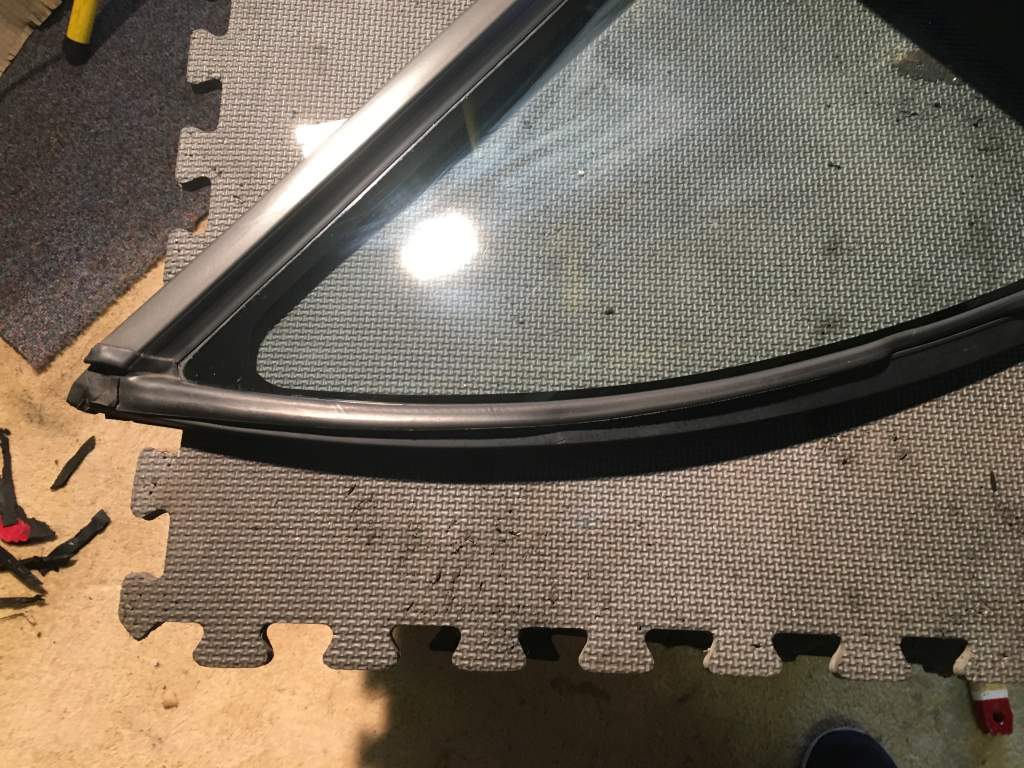
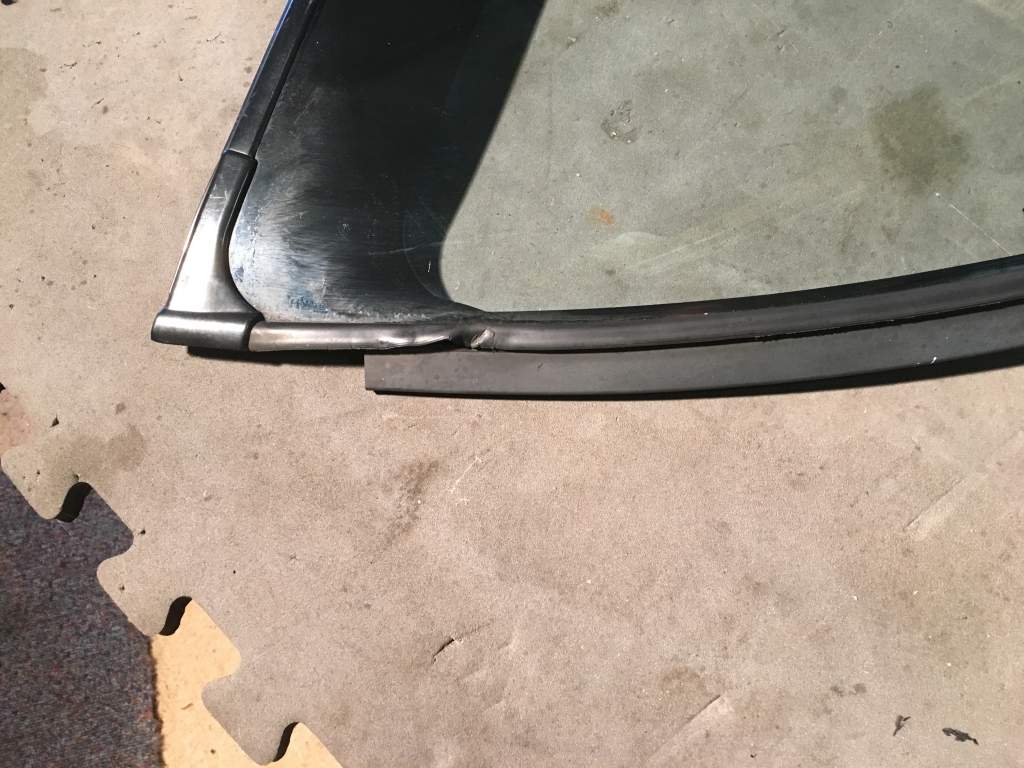
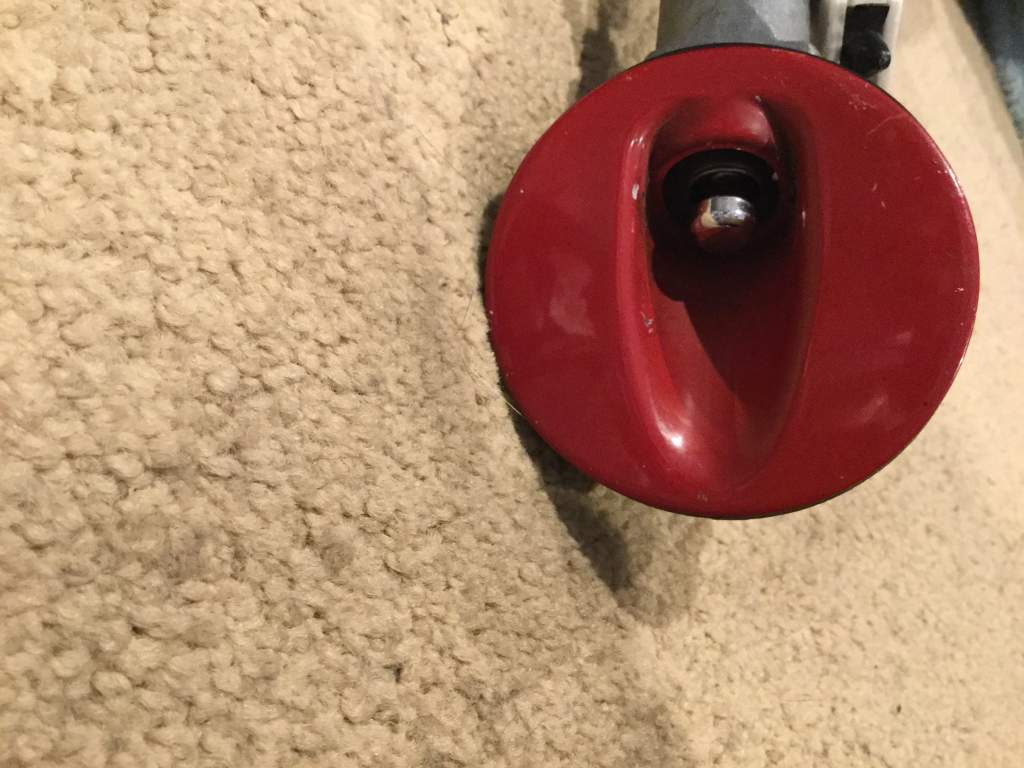
Some wiper blade scratches not sure if they can be polished out, and a tiny chip in pic bottom right side , I would like it all to go make me an offer I was thinking £450.



-
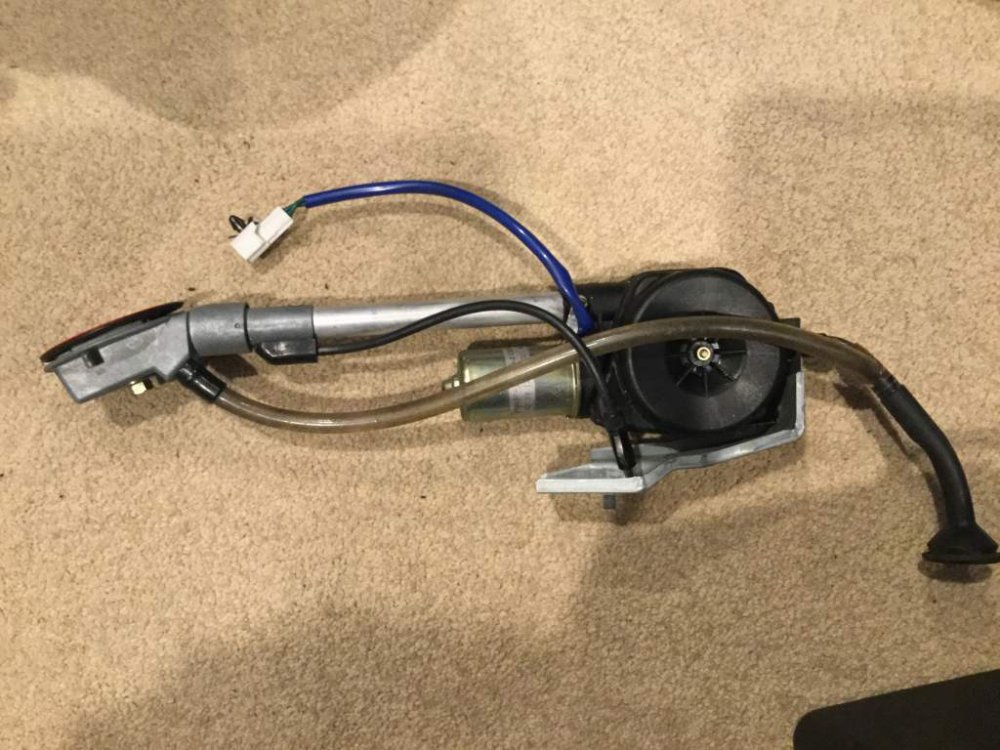
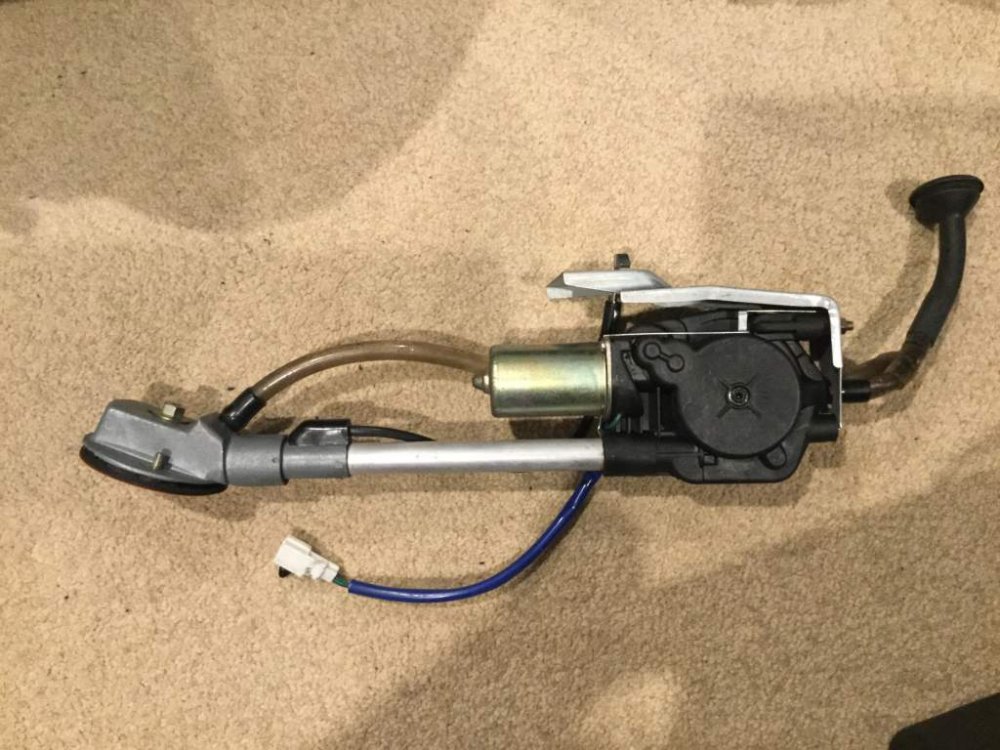
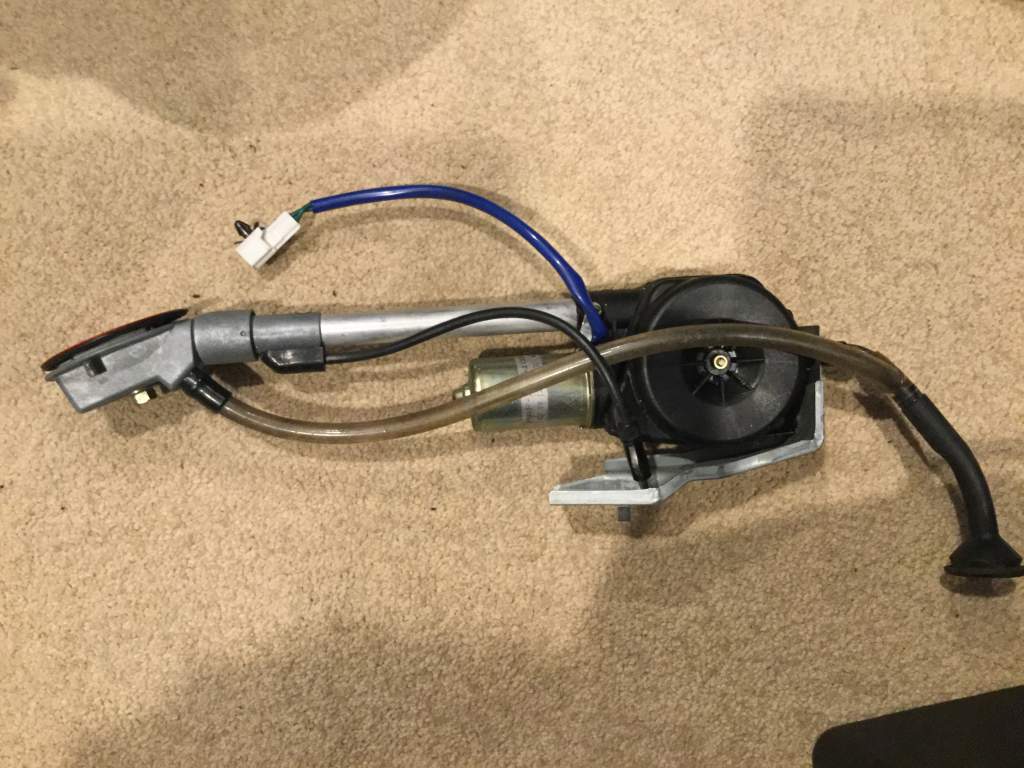
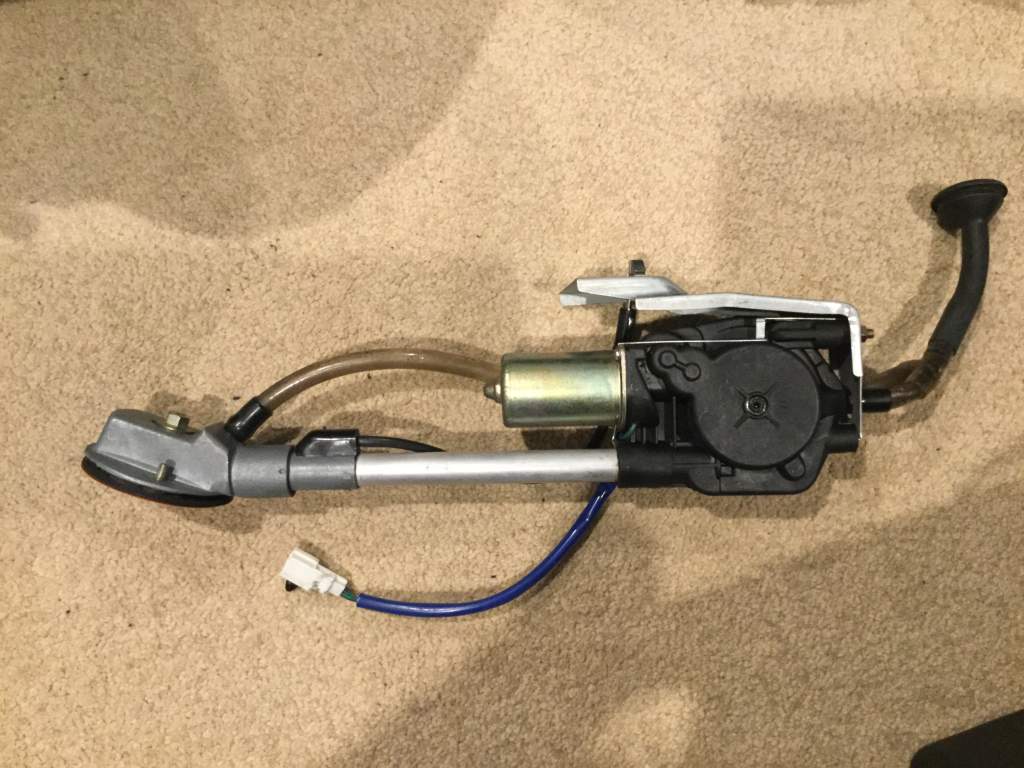
Very good condition Electric Aerial Tested working Postage at cost Will wrap and get a quote later.
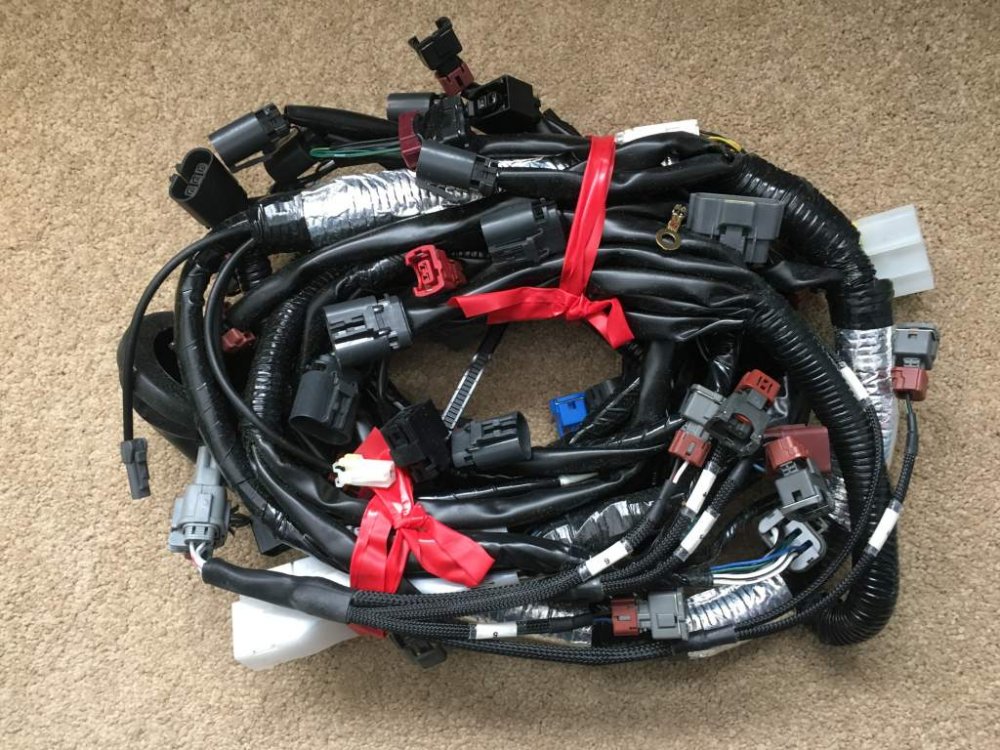
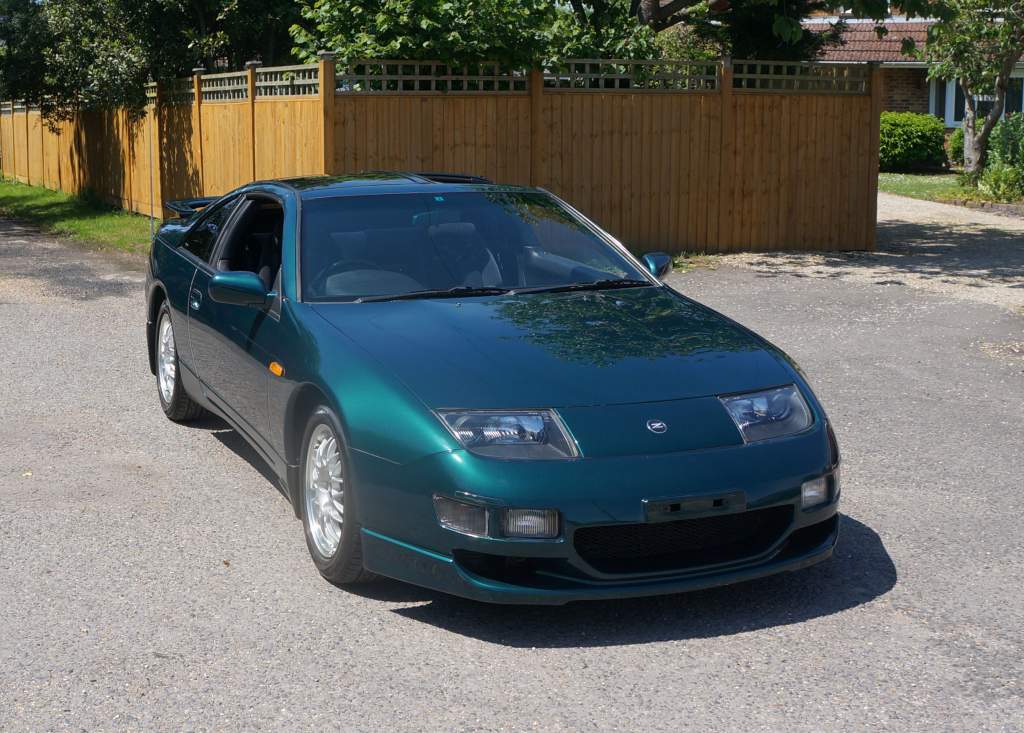
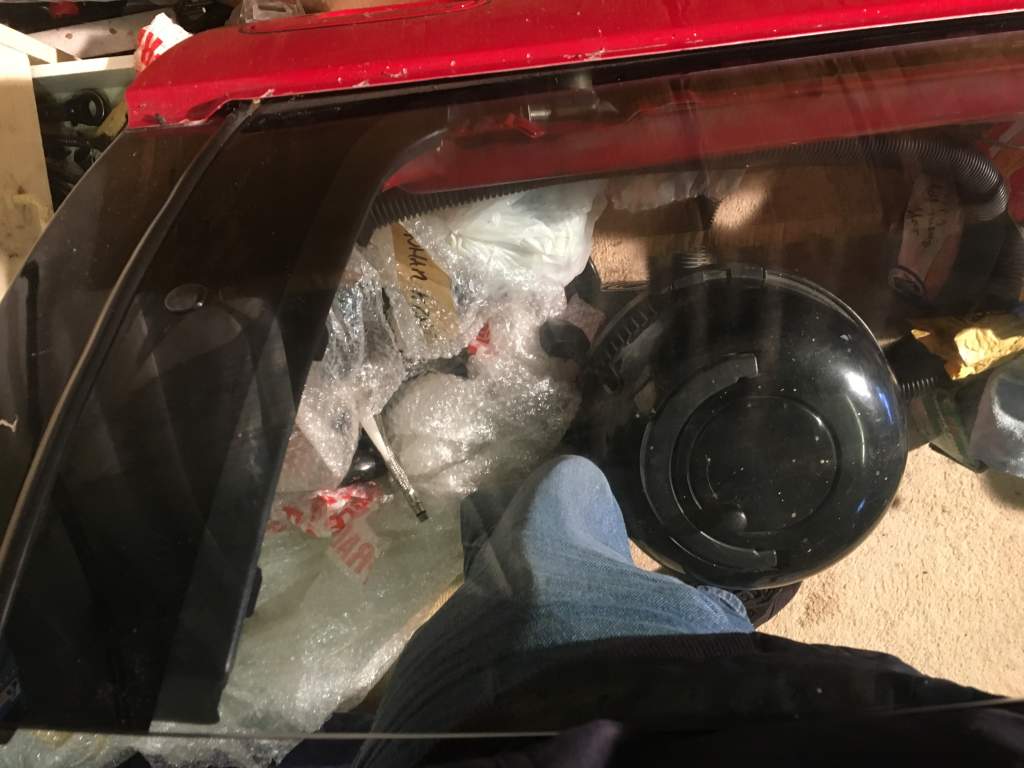
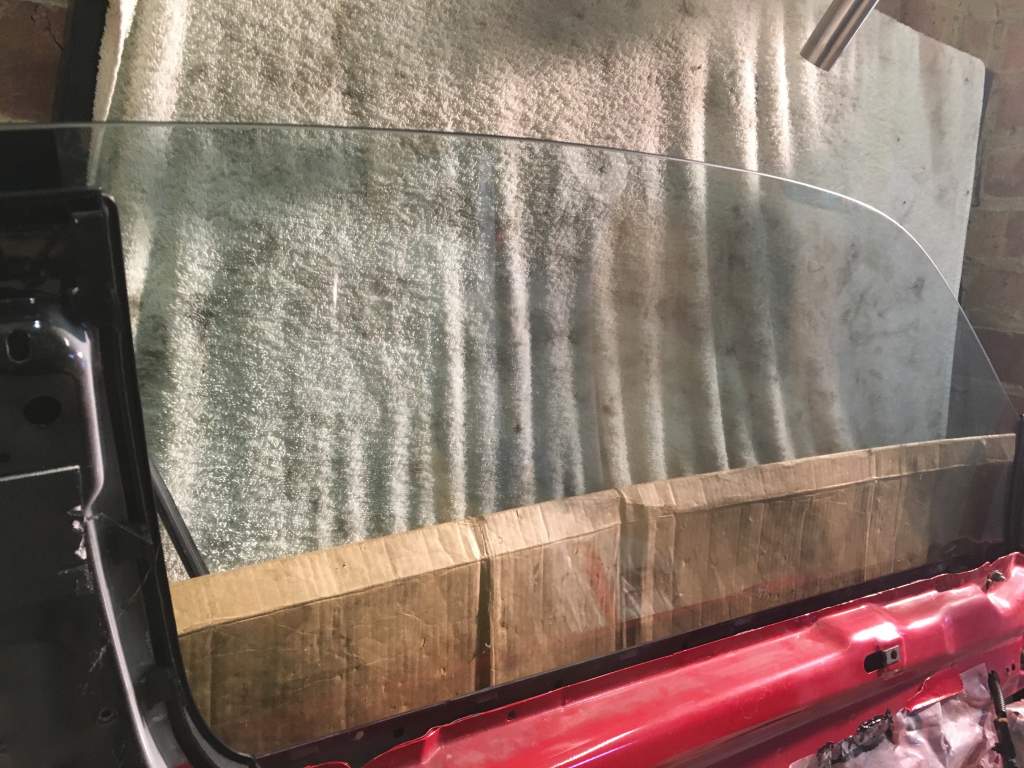
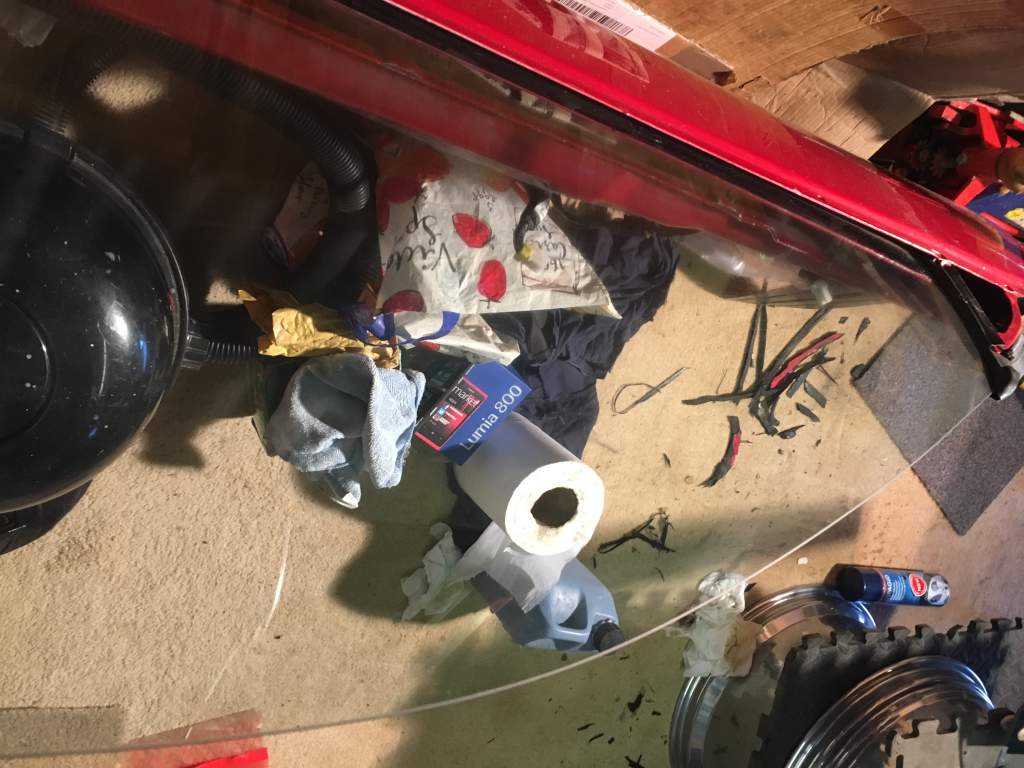
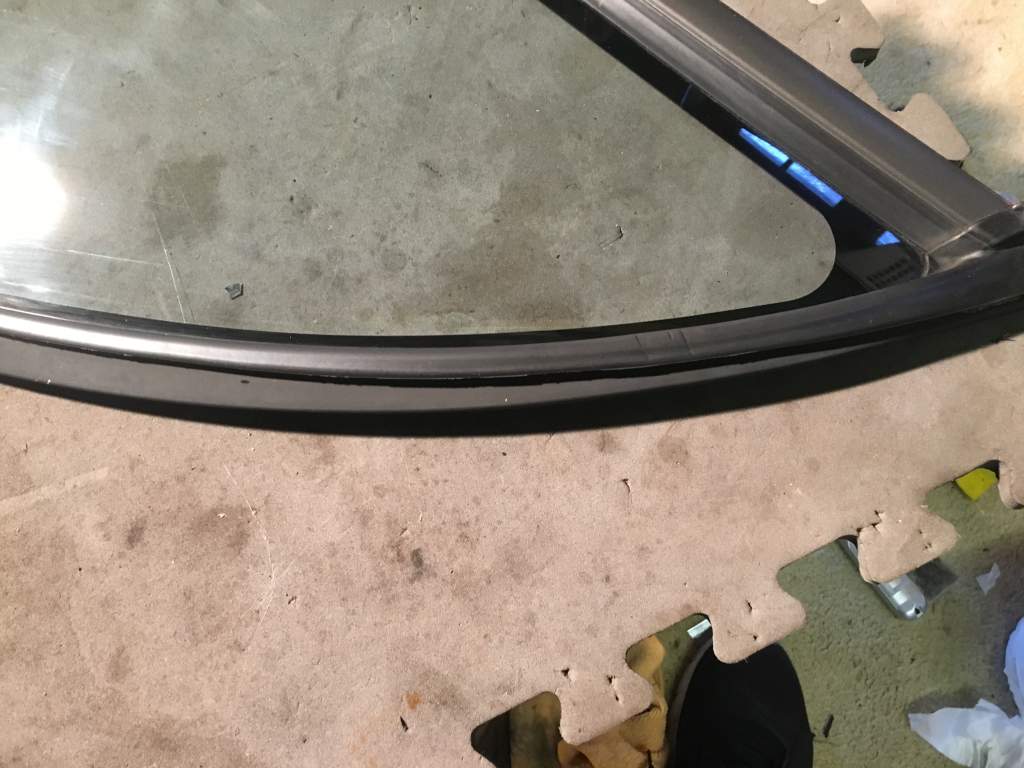
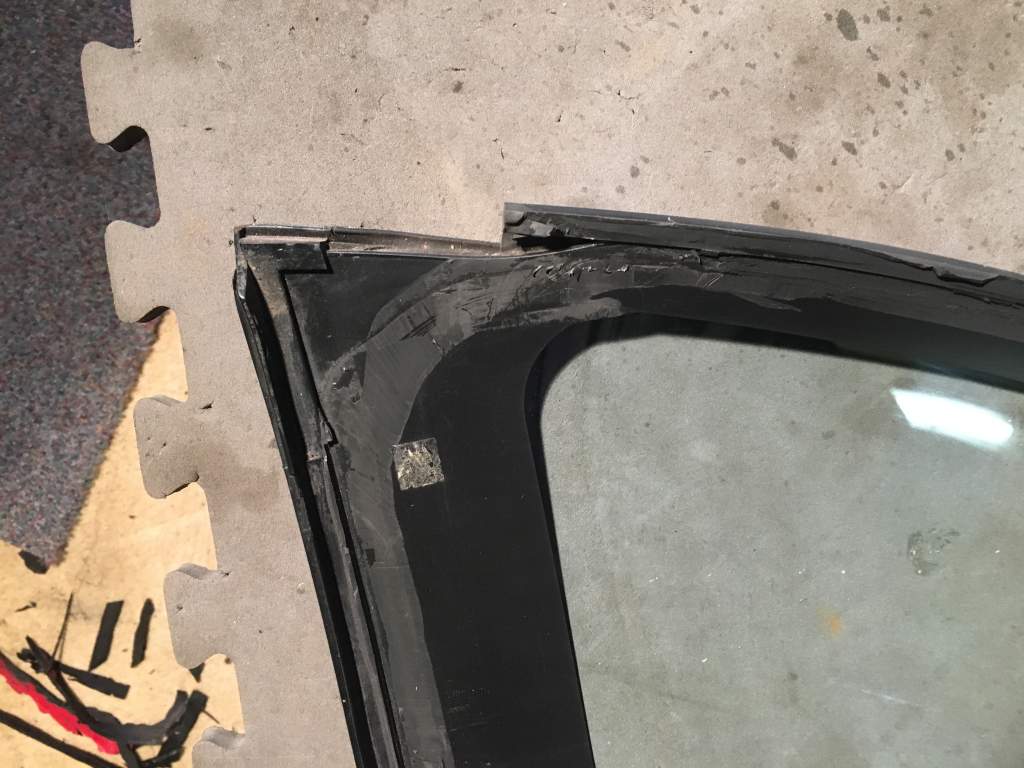
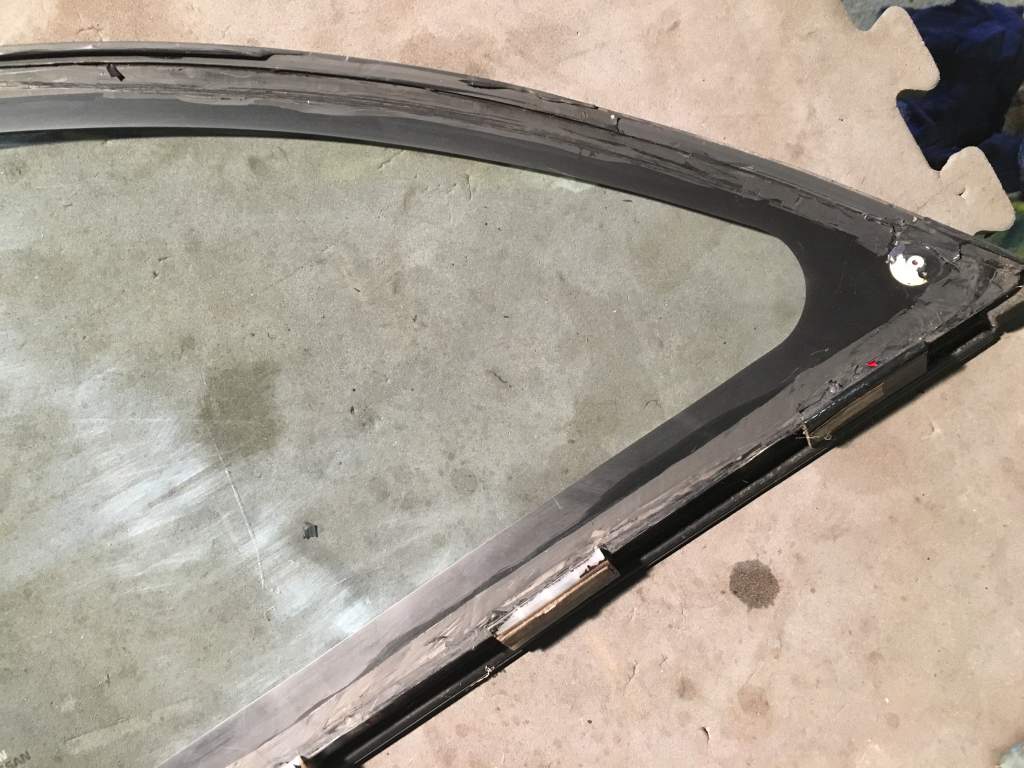
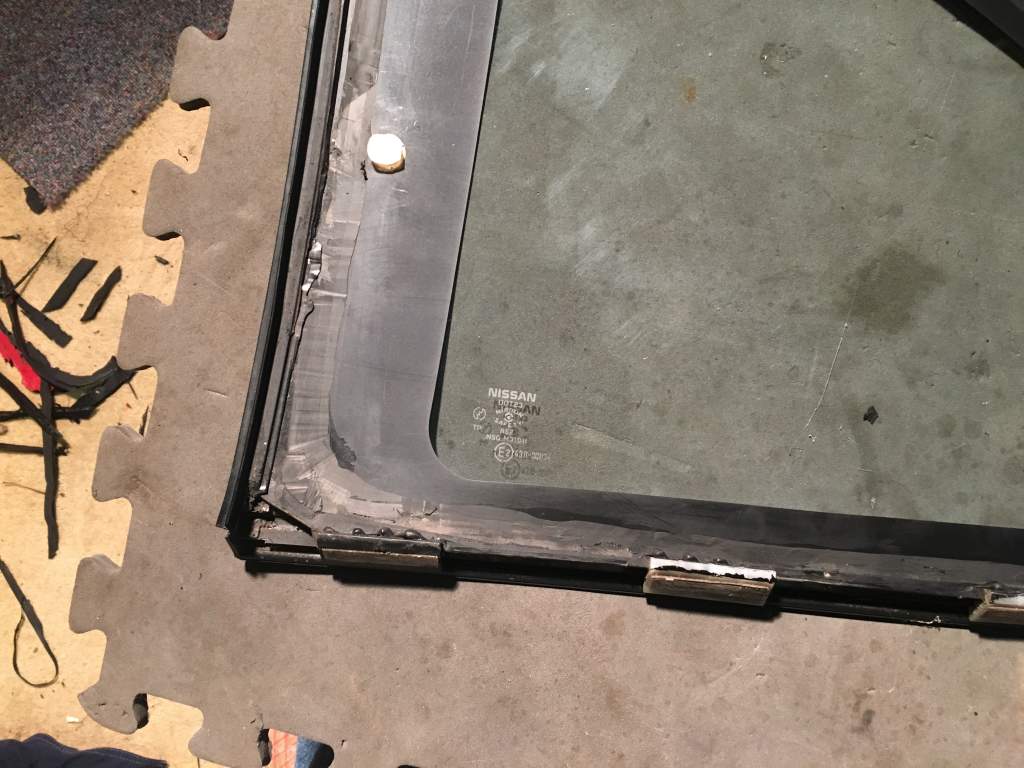
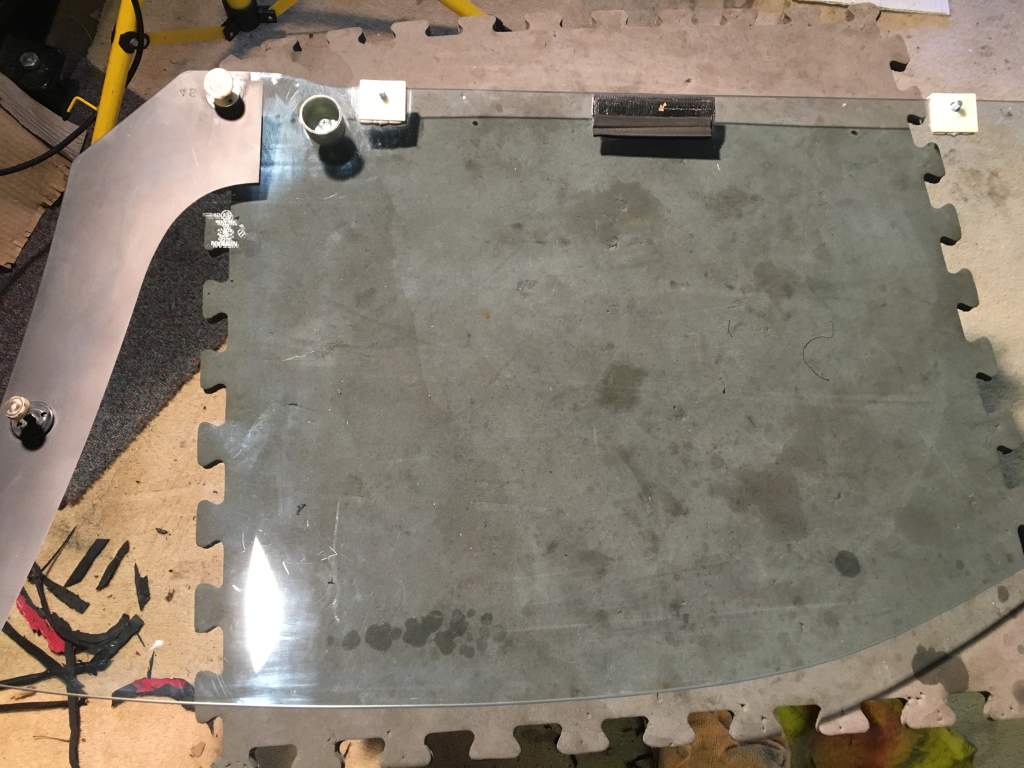
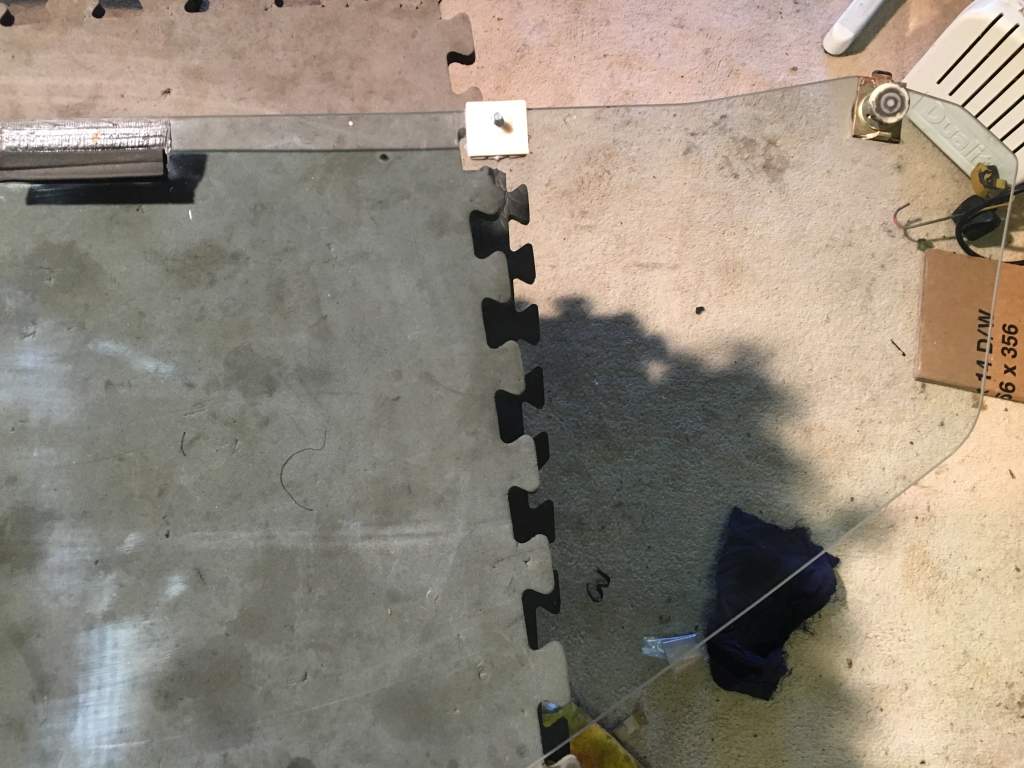
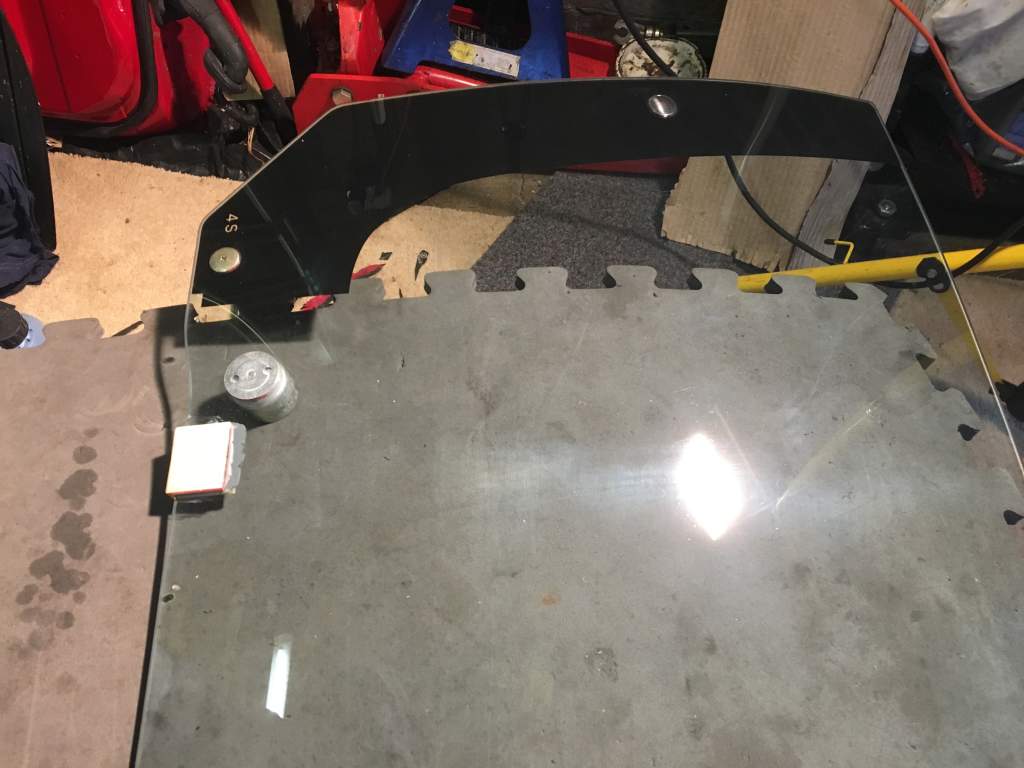
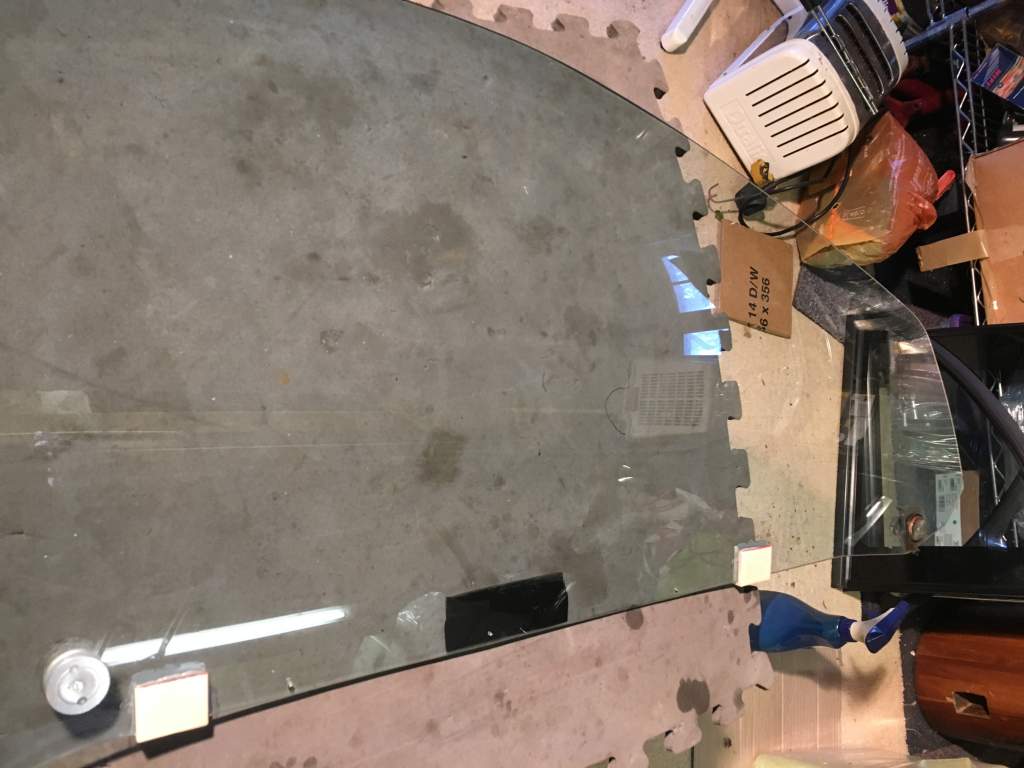
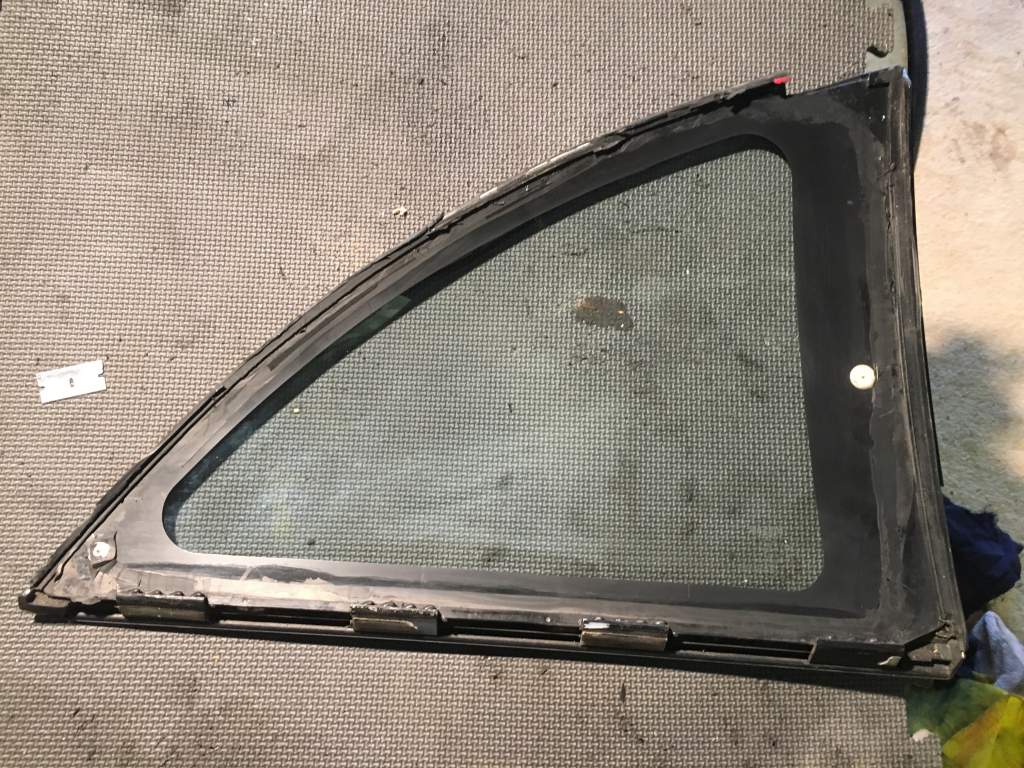
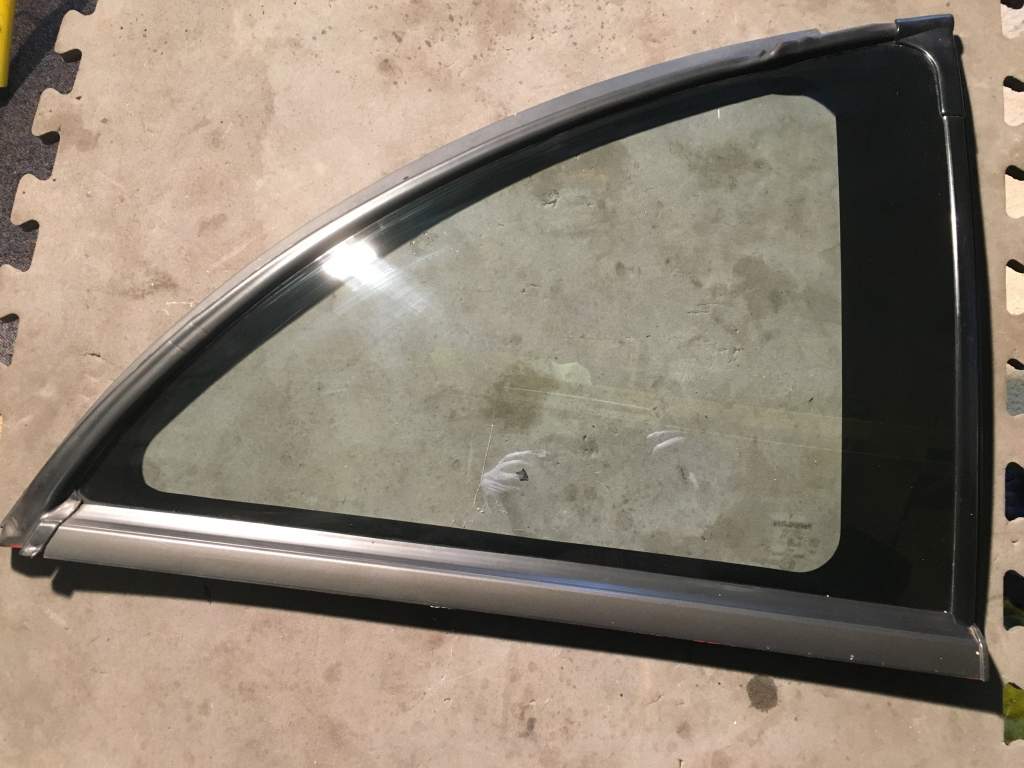
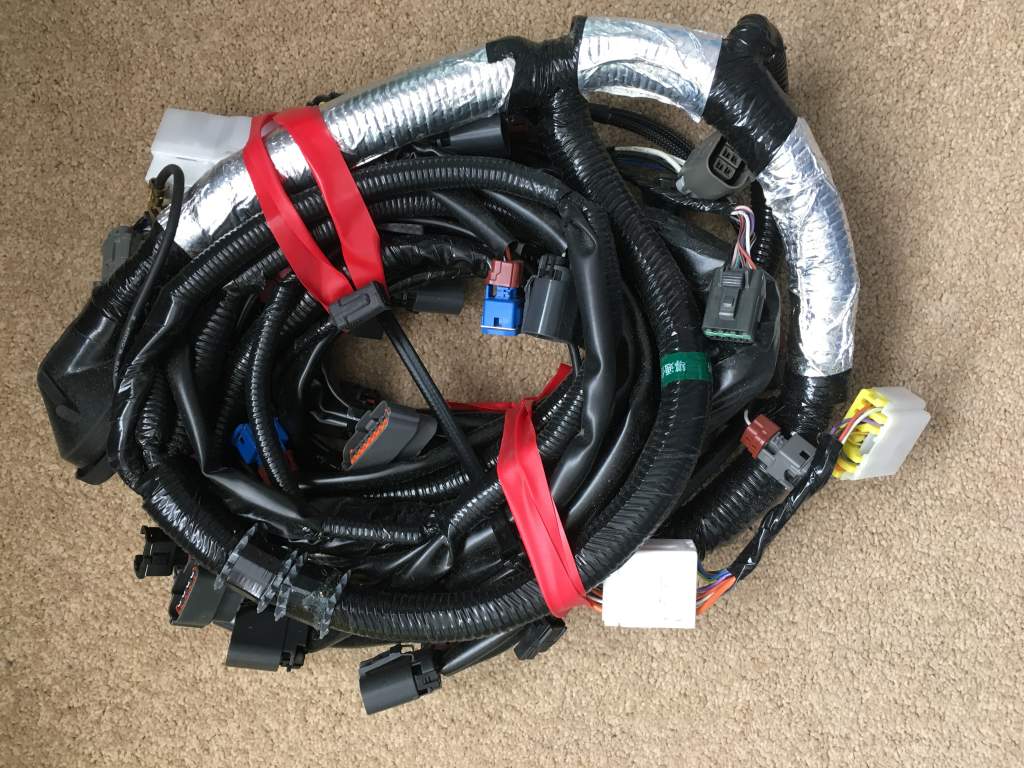
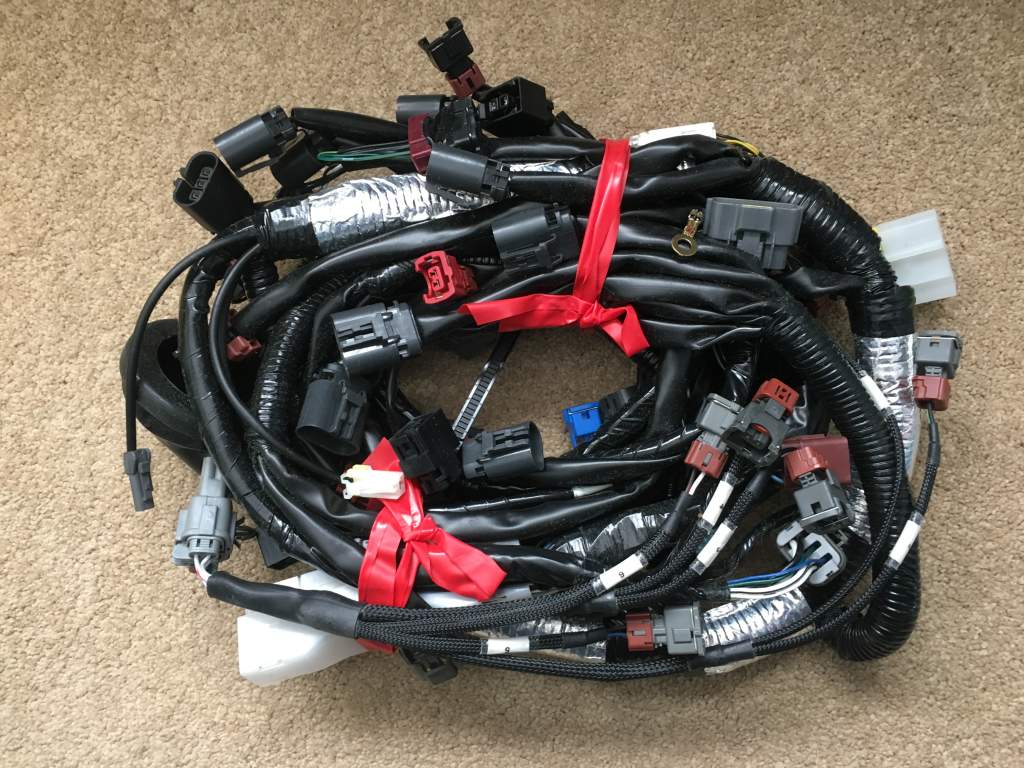
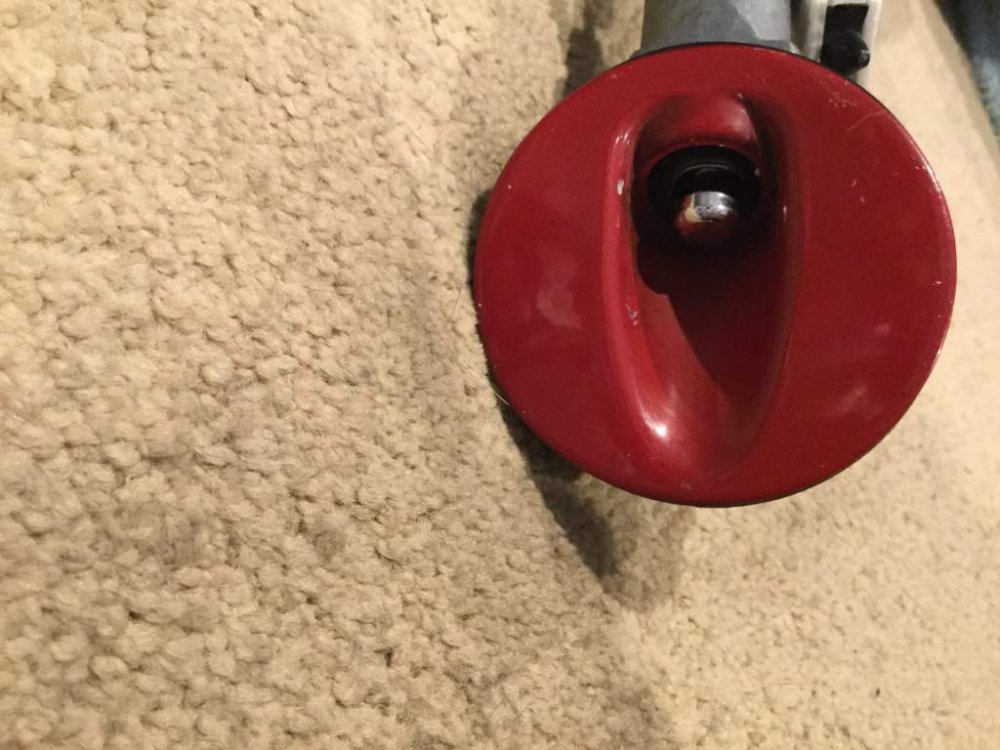 Hi I will be heading south on Tuesday to my parts storage. I have a full set of UK blue glass, it should be in immaculate condition, not sure if I will sell separately depends on demand. I have not had it out for a few years and will have to clean and inspect it before I put up for sell. I had to travel a long way and hire a van when I picked it up, so sorry won’t be sold at a bargain but will be fair price. Many other part will be listed when I get them out. I am lucky my brother has taken pity on my situation with health and car problems, he has lent me the money to buy a nice imported 300 TT, on the understanding everything else I have must go, to pay him back. There is hope again, my wrists will stay untouched for now.New engine wiring loom early injectors with series 2 ptu connector. Injector loom can be remover for newer style.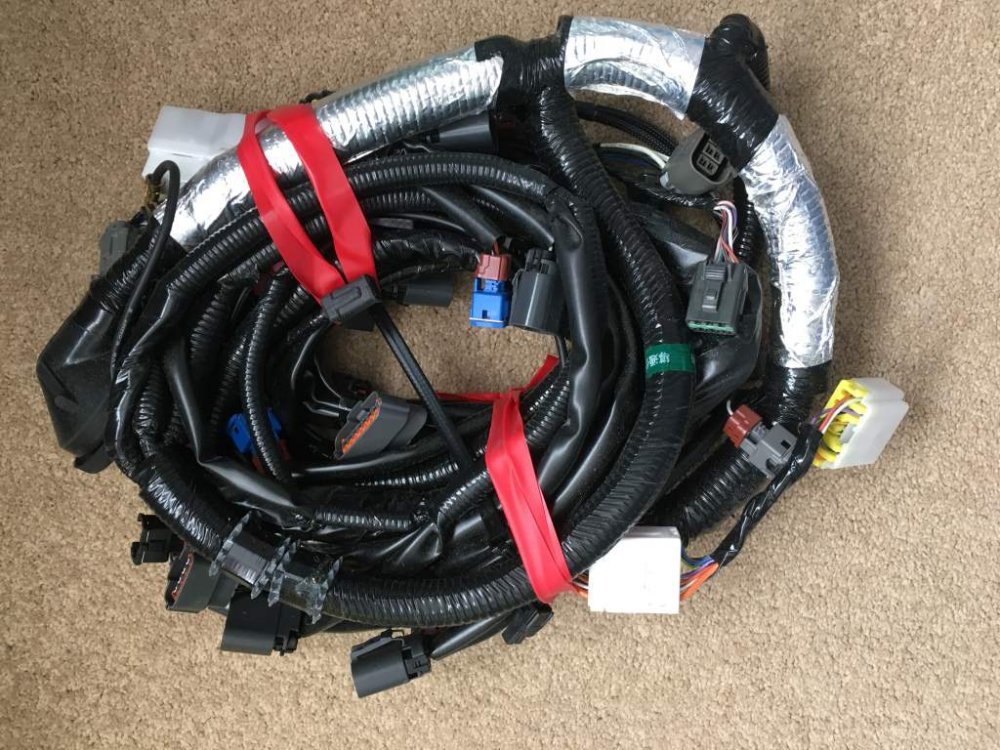
 Happy Birthday :happybday:Welcome good luck in your search, start again with a nice fresh import.Happy Birthday.Looks like it’s a weekend round the pool. JeffHappy Birthday :happybday:Happy Birthday :happybday:Maybe there is something very rare we have missed.Only 67 died from dementia.Bet that’s not cheap.Shame RIPWelcome great your keeping it in the family, look forward to seeing such a low mileage UK Z.Welcome and good luck.Does look very nice, worth a look if your in the market for one.Great day yesterday meeting you all, excellent stand, well done.




Important Information
Account
Navigation
Search
Configure browser push notifications
Chrome (Android)
- Tap the lock icon next to the address bar.
- Tap Permissions → Notifications.
- Adjust your preference.
Chrome (Desktop)
- Click the padlock icon in the address bar.
- Select Site settings.
- Find Notifications and adjust your preference.
Safari (iOS 16.4+)
- Ensure the site is installed via Add to Home Screen.
- Open Settings App → Notifications.
- Find your app name and adjust your preference.
Safari (macOS)
- Go to Safari → Preferences.
- Click the Websites tab.
- Select Notifications in the sidebar.
- Find this website and adjust your preference.
Edge (Android)
- Tap the lock icon next to the address bar.
- Tap Permissions.
- Find Notifications and adjust your preference.
Edge (Desktop)
- Click the padlock icon in the address bar.
- Click Permissions for this site.
- Find Notifications and adjust your preference.
Firefox (Android)
- Go to Settings → Site permissions.
- Tap Notifications.
- Find this site in the list and adjust your preference.
Firefox (Desktop)
- Open Firefox Settings.
- Search for Notifications.
- Find this site in the list and adjust your preference.