



Everything posted by toolboxtrev
-
Was that question to myself Stephen??
-
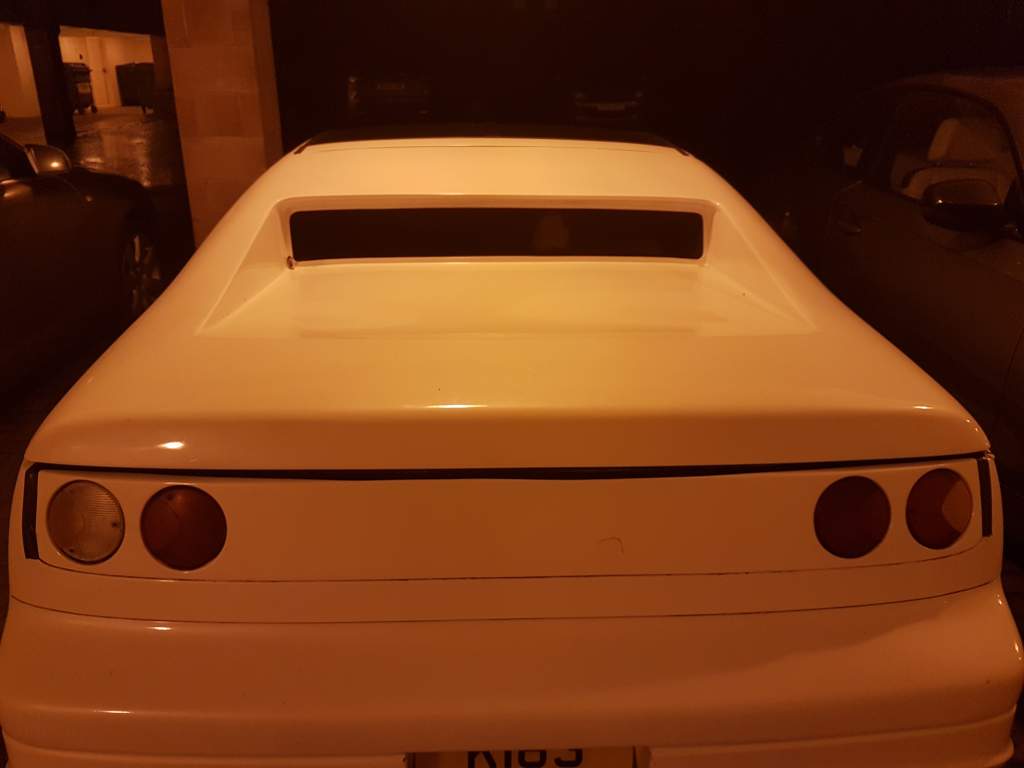
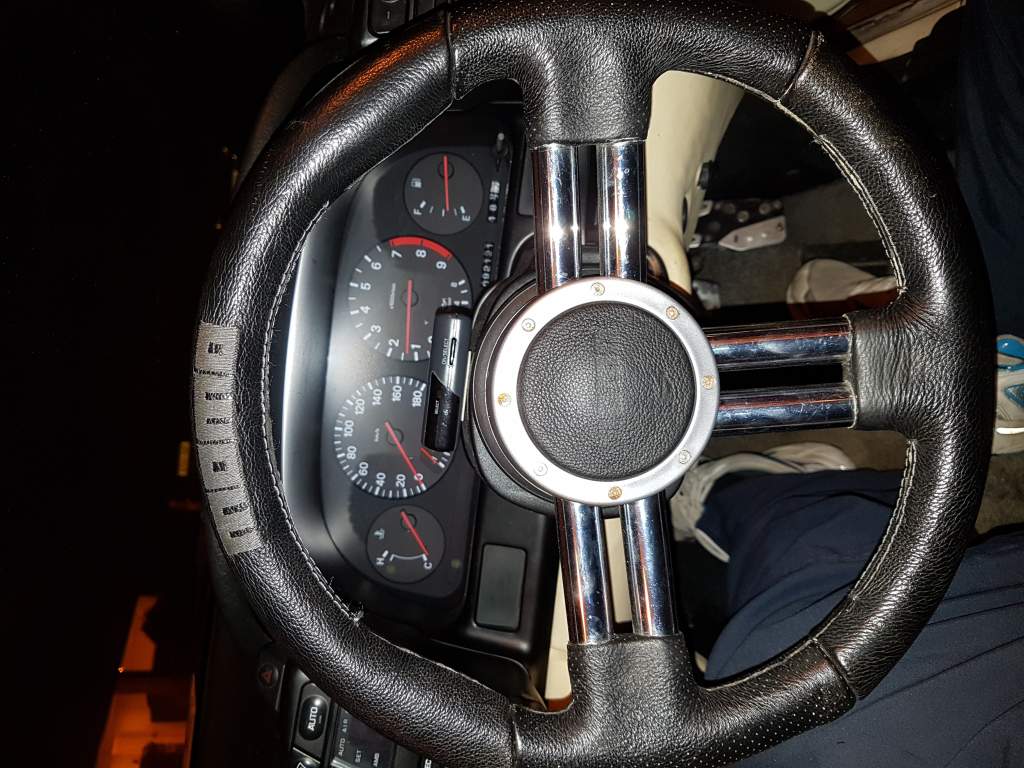
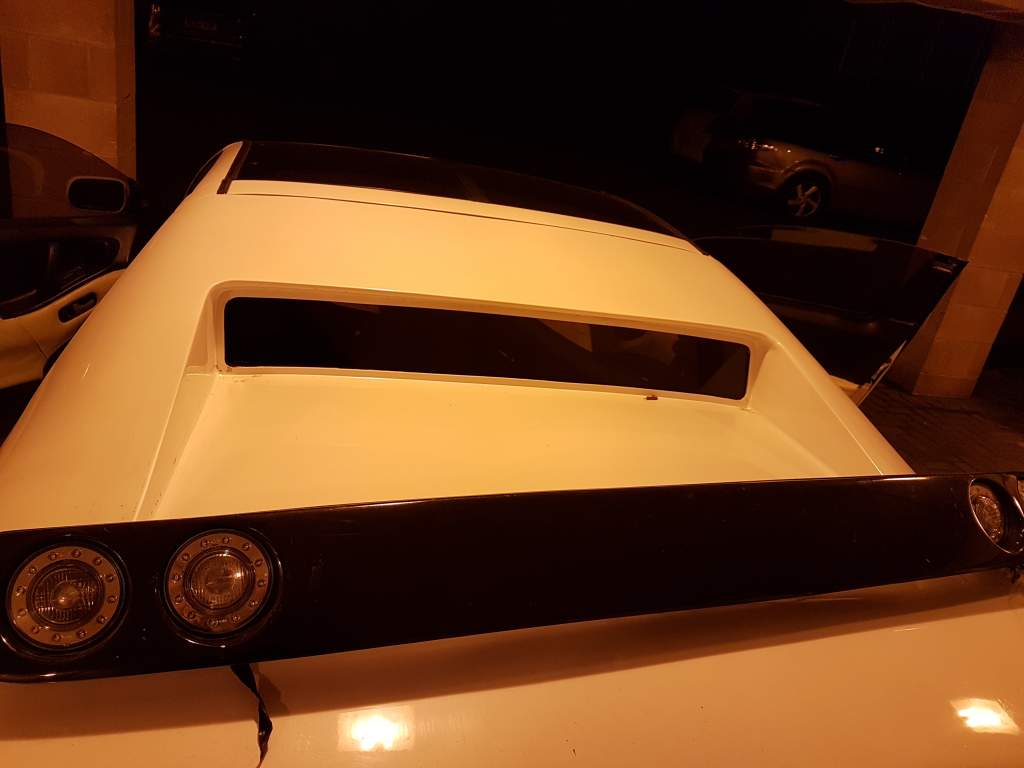
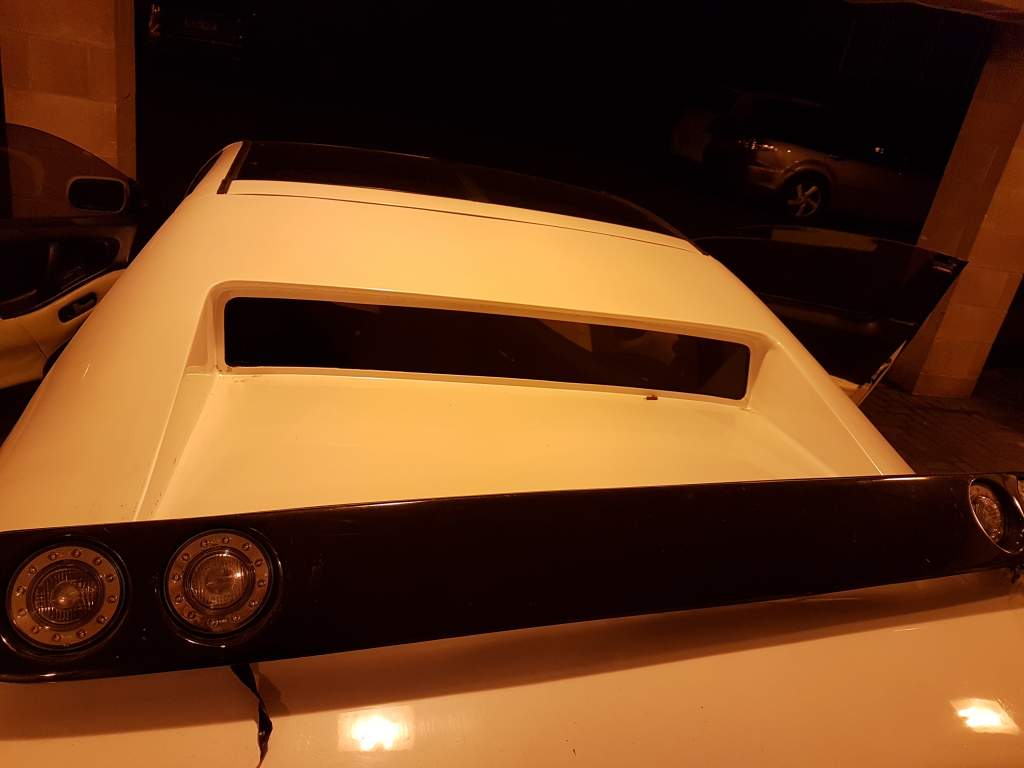
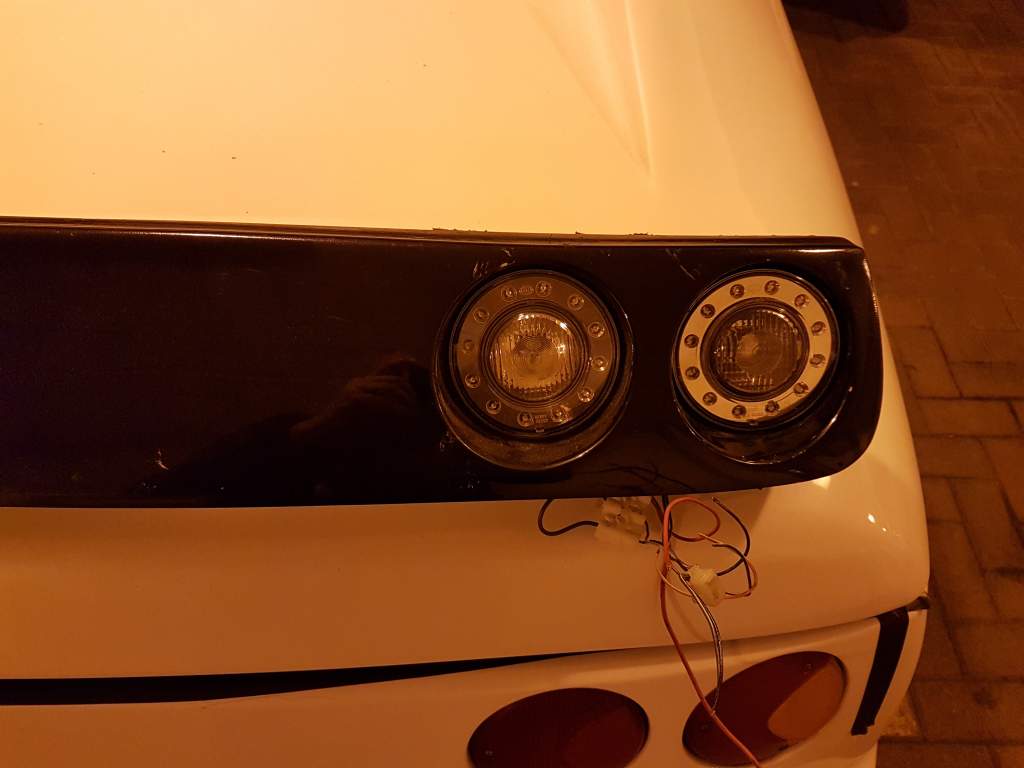
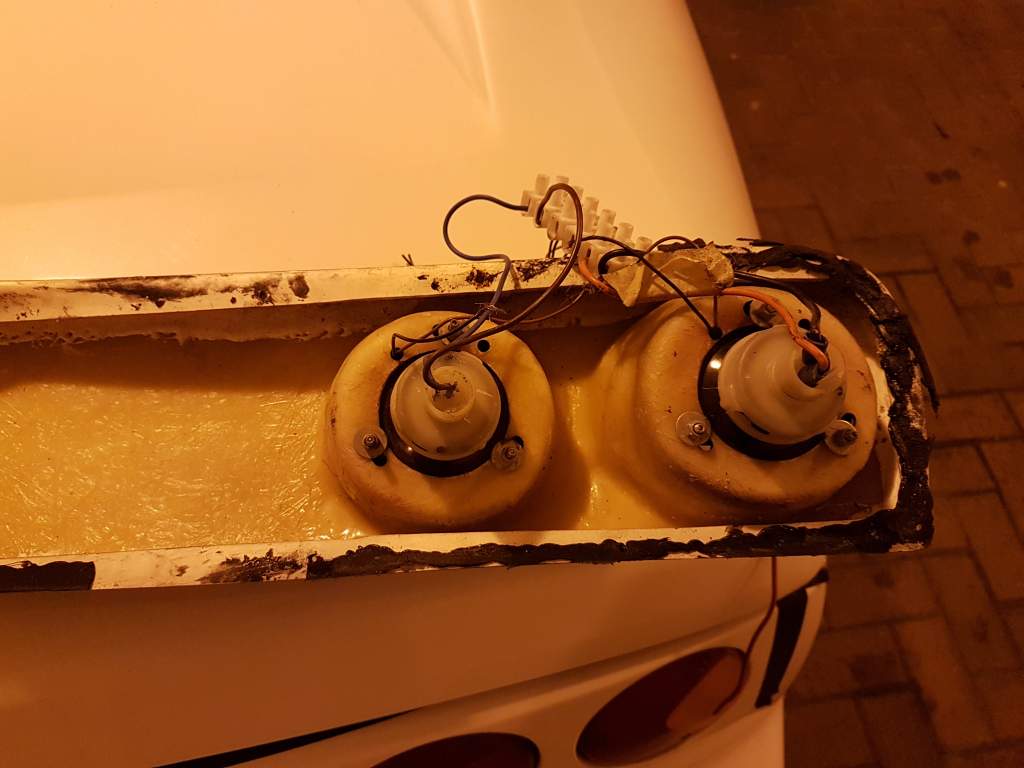
Offers £60 Rear lights Also the tub is for sale Momo steering wheel £80 Venom 4 Pot led £175

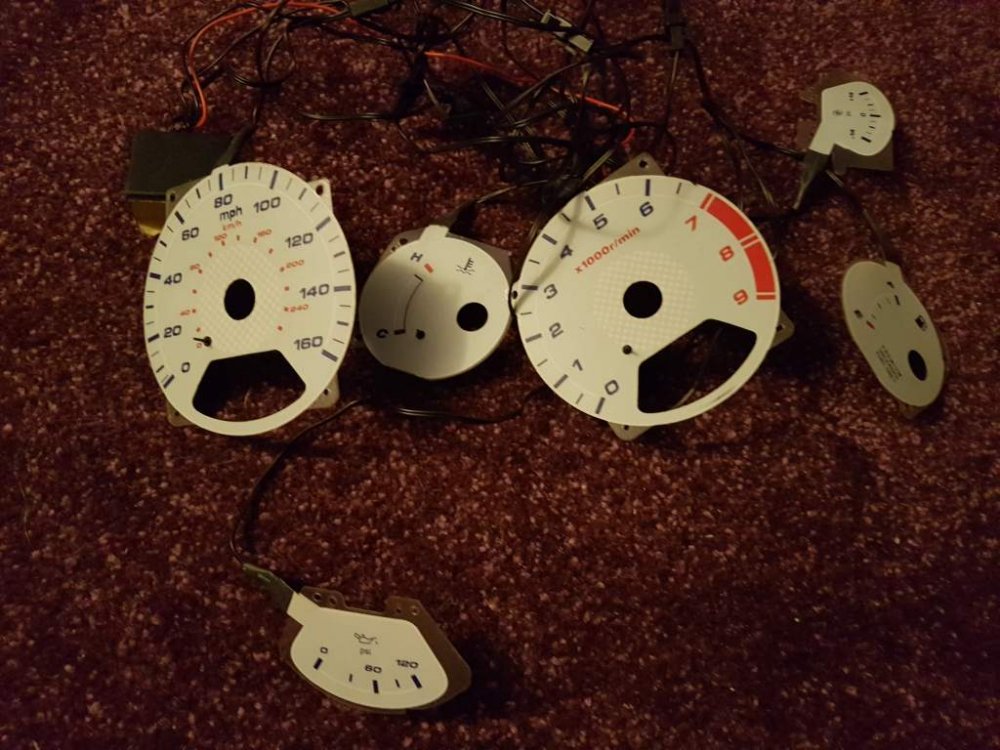
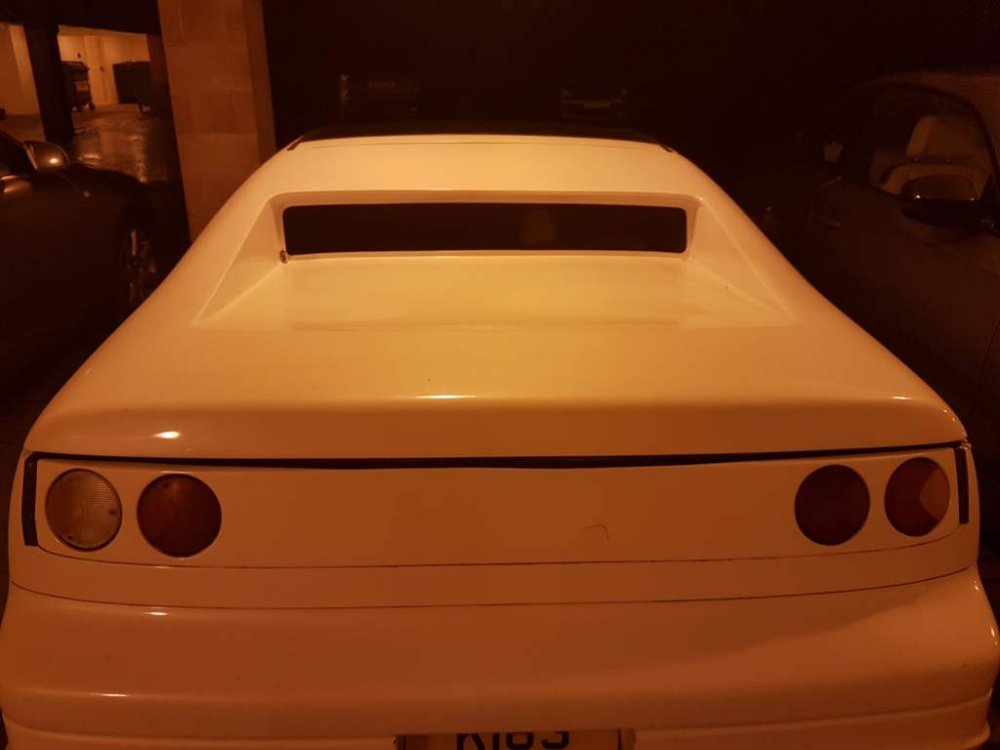
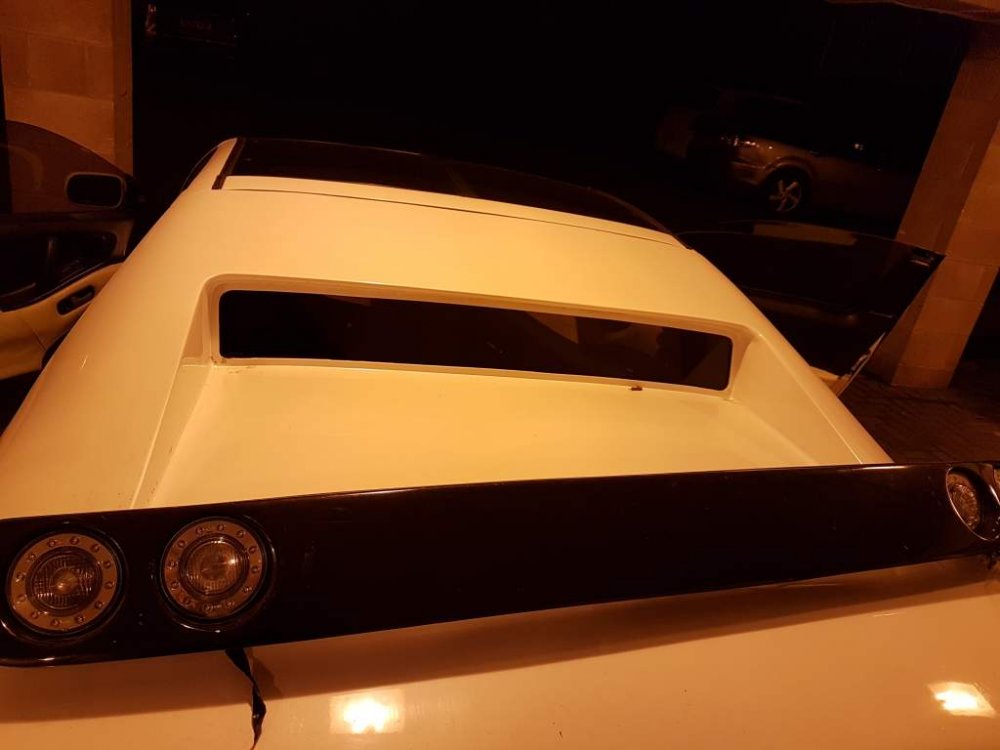
-
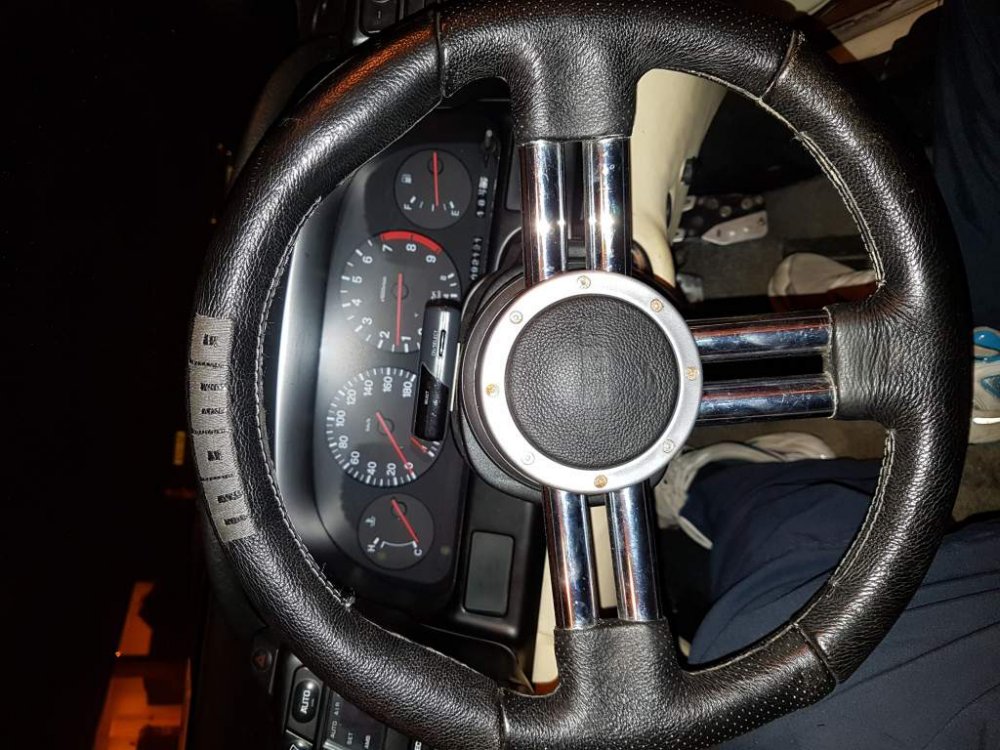
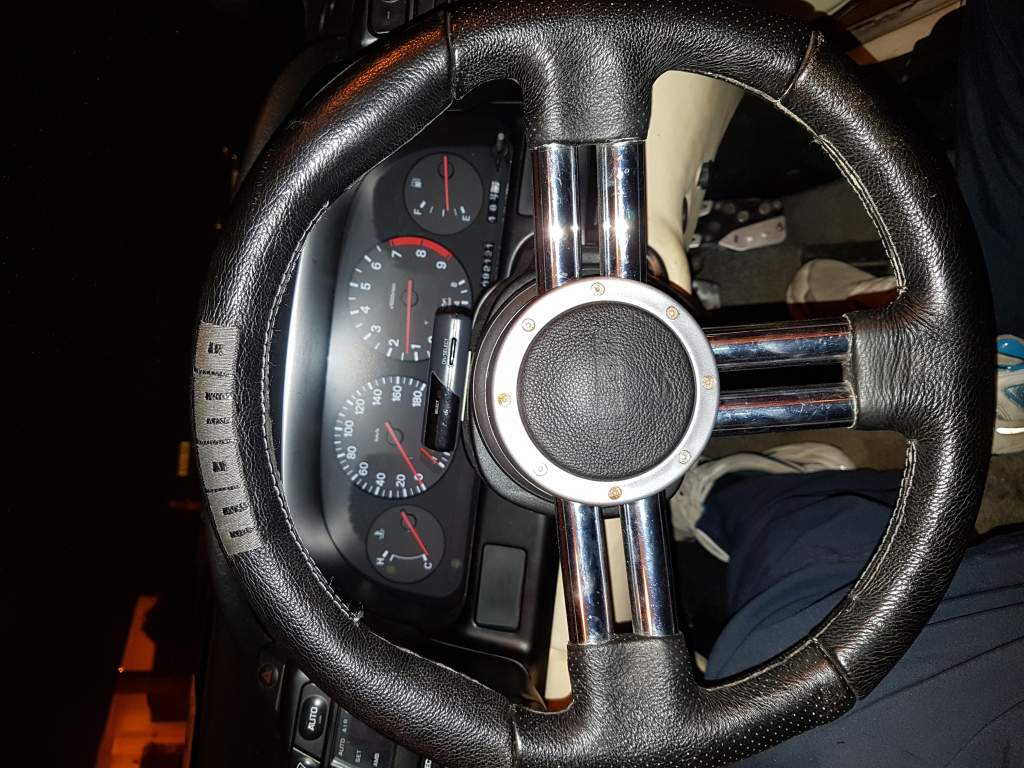
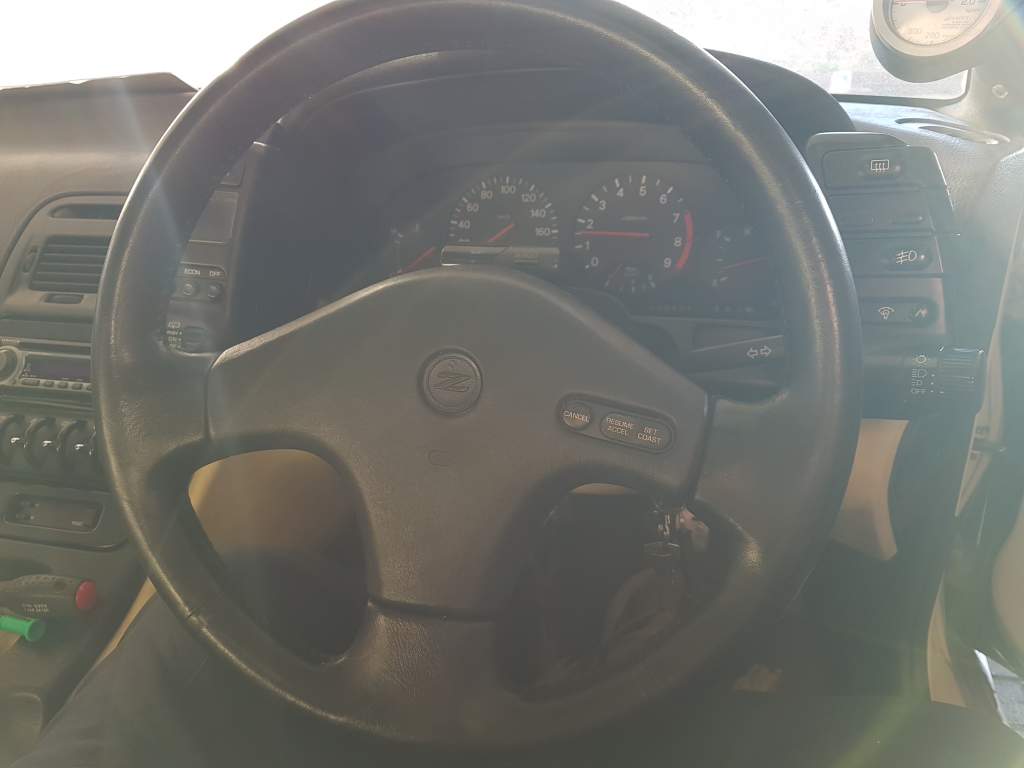
I have just took it a drive Stephen and it feels better in the hands aswel.
-
From this!! Goodbye after market momo To this!! Hello stock.. ý


-
Good lad, good catch.
-
Is that bonnet sound deadening gaz??
-
Yeah I like that wee mod.
-
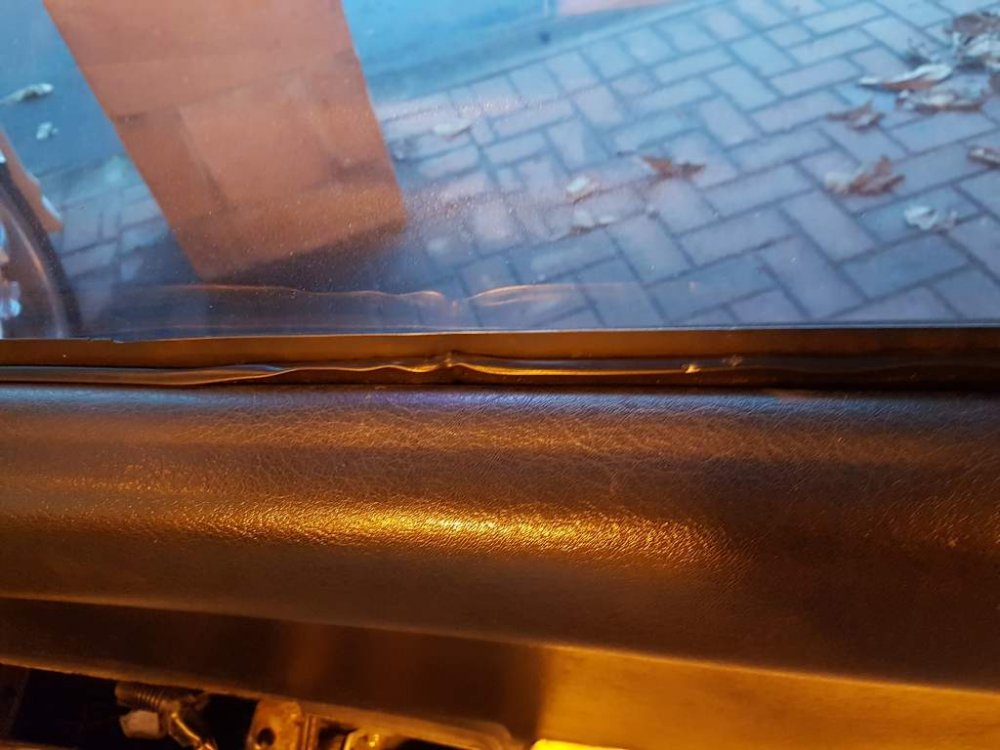
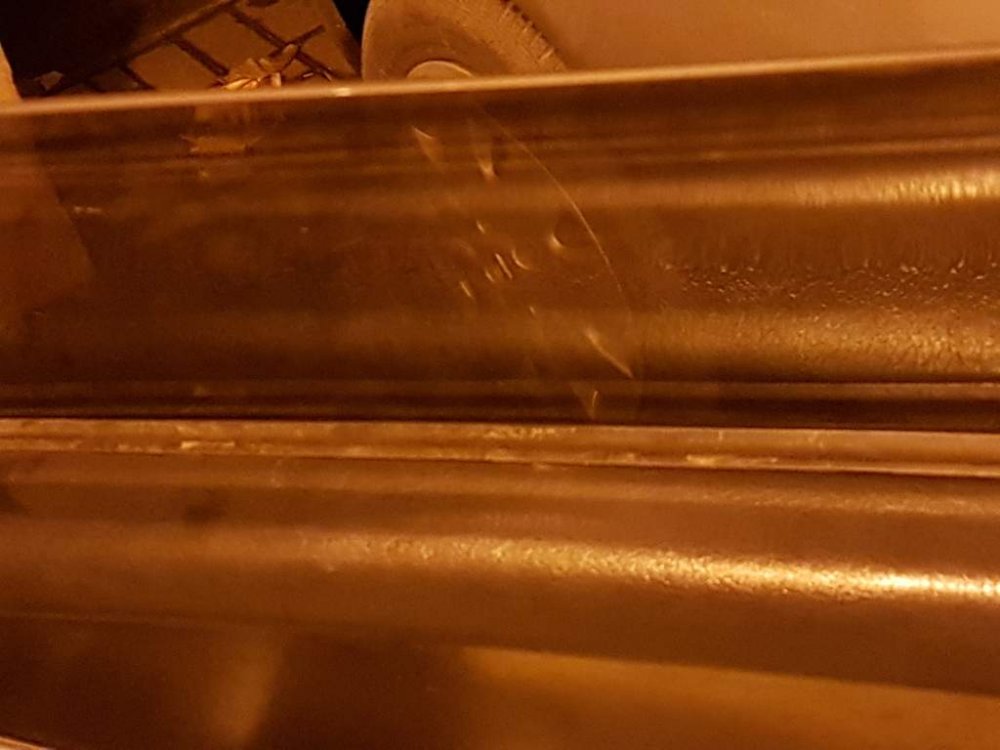
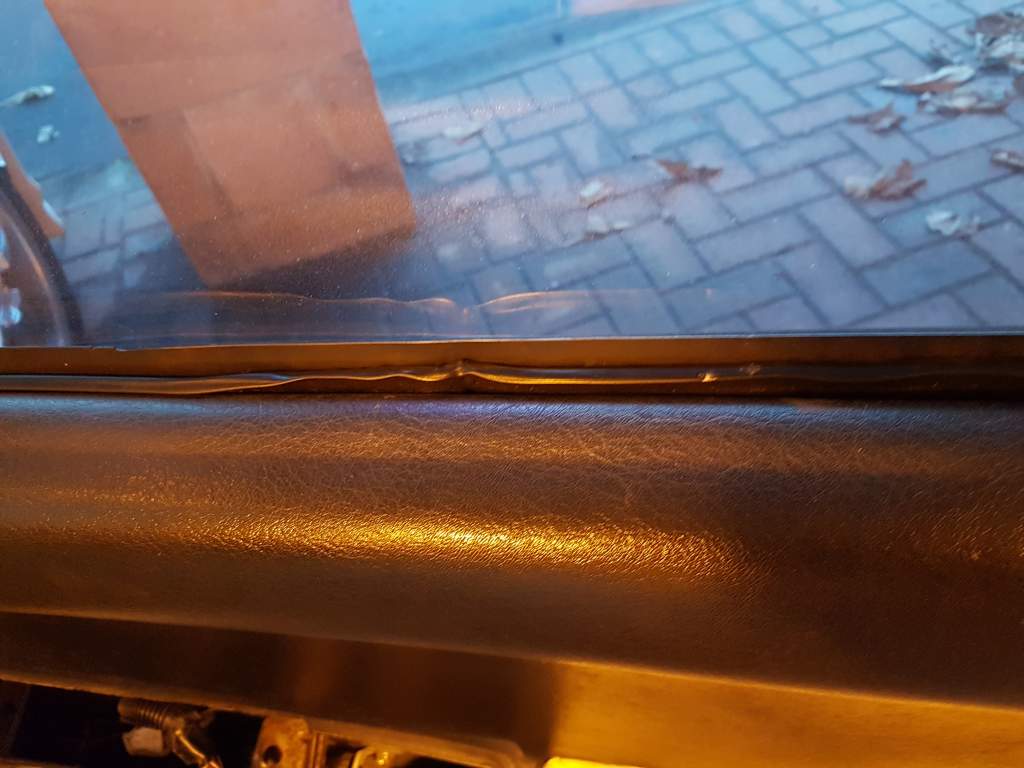
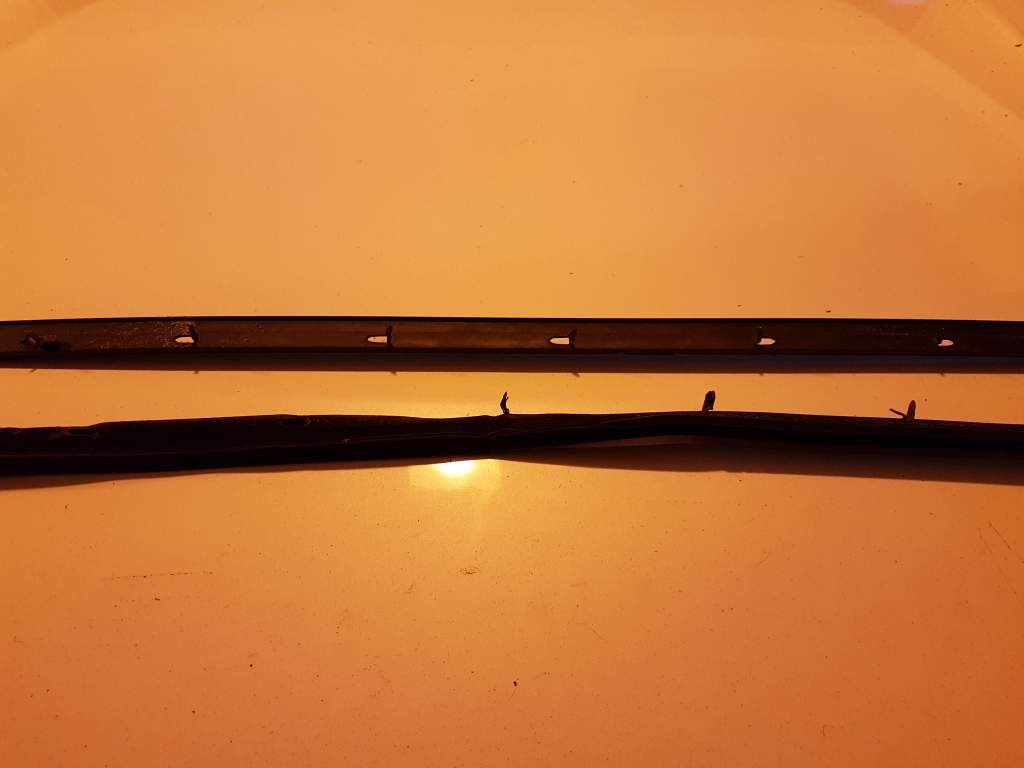
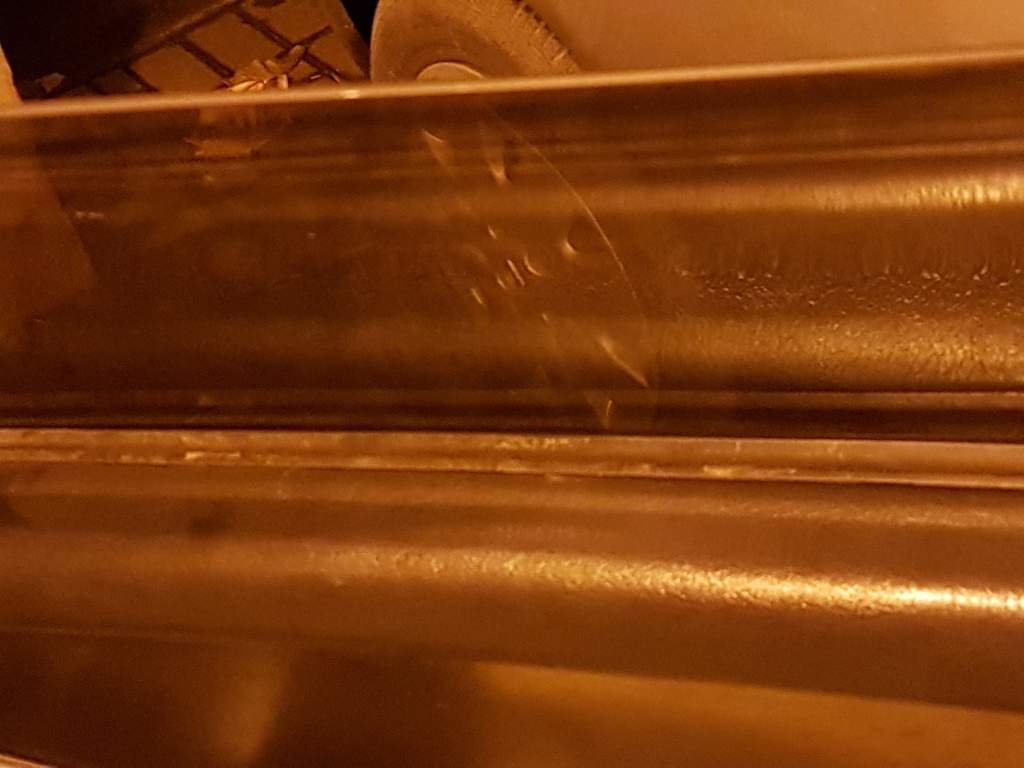
Replaced the internal window strip on the drivers door..

-
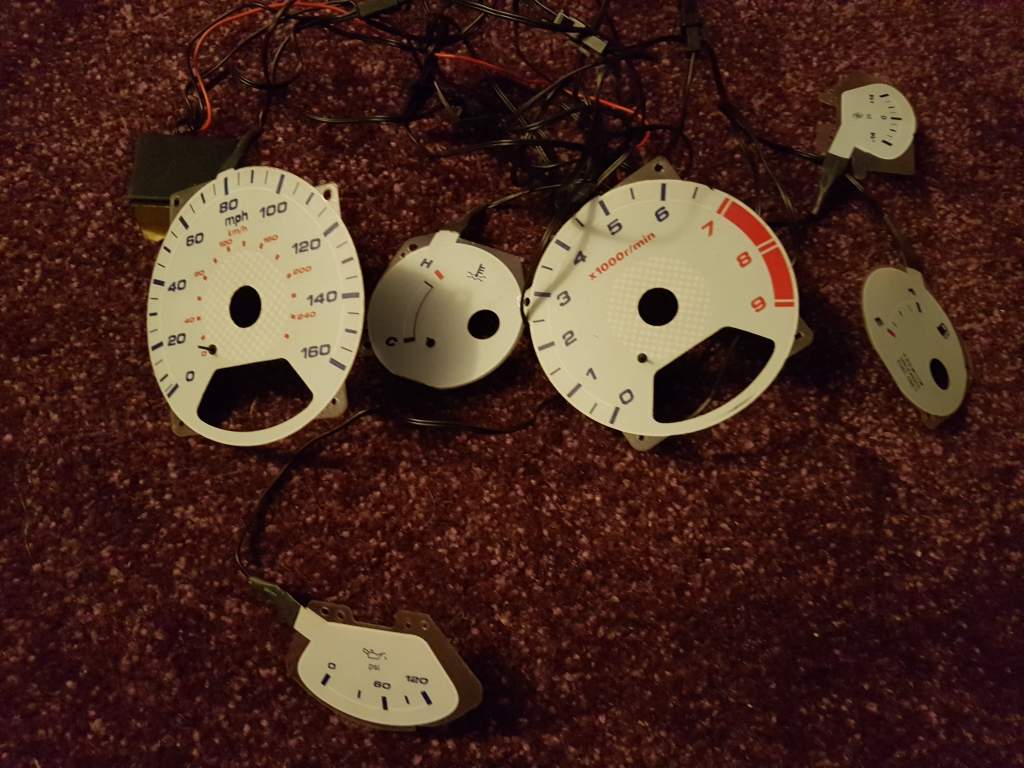
Was gonna ask the same question as all I got was a nice big Nissan badge...Welcome back marty..i will say £2750Good luck take care of yourself.. Trev.as above.KlassssssssssaaaayyyyCould Ave been worse mate if you had went to bed and come down in the morning and the fish were reading your newspapers lol. Least you caught it before substantial damage done..I know now Gary, but need to work through the problems on the 1 I have. And get her sorted mate..I was so tempted to buy the silver mint zed it was sitting up at near 10k and it was really class. At time couldn't justify that sort of money. Then I narrowed down the 2 vertical..Sudesh yes there was your car the red vertical from Blackpool(redbarron) which is the 1 I bought and there was 2 white/cream one,s were all kicking about at the time I was looking..I was so tempted to buy this when sudesh had it for sale then I bought the red vert from Blackpool..Is nice example.Yep that's fine mate just shout..




Important Information
Account
Navigation
Search
Configure browser push notifications
Chrome (Android)
- Tap the lock icon next to the address bar.
- Tap Permissions → Notifications.
- Adjust your preference.
Chrome (Desktop)
- Click the padlock icon in the address bar.
- Select Site settings.
- Find Notifications and adjust your preference.
Safari (iOS 16.4+)
- Ensure the site is installed via Add to Home Screen.
- Open Settings App → Notifications.
- Find your app name and adjust your preference.
Safari (macOS)
- Go to Safari → Preferences.
- Click the Websites tab.
- Select Notifications in the sidebar.
- Find this website and adjust your preference.
Edge (Android)
- Tap the lock icon next to the address bar.
- Tap Permissions.
- Find Notifications and adjust your preference.
Edge (Desktop)
- Click the padlock icon in the address bar.
- Click Permissions for this site.
- Find Notifications and adjust your preference.
Firefox (Android)
- Go to Settings → Site permissions.
- Tap Notifications.
- Find this site in the list and adjust your preference.
Firefox (Desktop)
- Open Firefox Settings.
- Search for Notifications.
- Find this site in the list and adjust your preference.