Everything posted by evilanger
-
Good luck mate.
-
Deposit now paid on Zeta-R's!!
-
I have some high quality window bond if you need any Osty. ;)
-
My deposit will be in shortly :p :p :p
-
Thanks mate ;)
-
Thats what I mean, my chime only bongs when I come to a stop. Not at high speed. Is this a sign of an error?? Also I resoldered all the joints on the back of the speedo. Anything else that can affect power steering??
-
I think mine chimes when I come to a stop, at lights for example. Never new what it was. My power steering only works when I start the car. Normally lasts a couple of minutes till it stops working. Cant figure out what makes it stop, doesn't seem linked to speed, gear (auto) or steering. Hicas is removed (I think) there are two large diameter pipes blocked off at the bottom of the engine and light is on. Steering fluid level is correct topped up with correct fluid. Could the chime be linked???? ps. Sorry for hijacking the thread ;)
-
Pics, pics and pics please.
-
Erm, what does the "speed chime" signal??
-
My deposit will be there before the deadline, got a kidney on Ebay!!!!! ;)
-
Cool, saw this guy on a short documentry, maybe 6 years ago. Now sponsered by redbull. Huge respect for the skill and dedication.
-
I may be wrong, but I dont think you will need to pull the dash. I recently fitted a timer. Just need access below the radio and the panel under the steering wheel. As for the wiring, if,its plug and play, its just a case of pulling apart a connector and fitting the mew "loom" inbetween. Just search on here or google "fitting blitz turbo timer 300zx" you should find some step by step instuctions. As for the boost Ive not done one yet but will do in the next few weeks. Wiring should be simple probably a bit fiddly getting the tubing through the bulkhead. But I'm sure there will be a existing hole you can take advantage of. Someone will be along to correct if I'm wrong. ;)
-
Yes Jeff, good luck with everything and thanks for all the help mate.
-
I always really liked you Mark....... ;) ;)
-
Come on, spill-spill!!! I need to know if I need to start being extra nice to Mark for discounts :sneaky:
-
Hmmmmmm, could this be you driving, Mark???????

-
Do you mind revealing what he will charge for a respray??
-
I'd be interested In coming, cant help with when or where though...
-
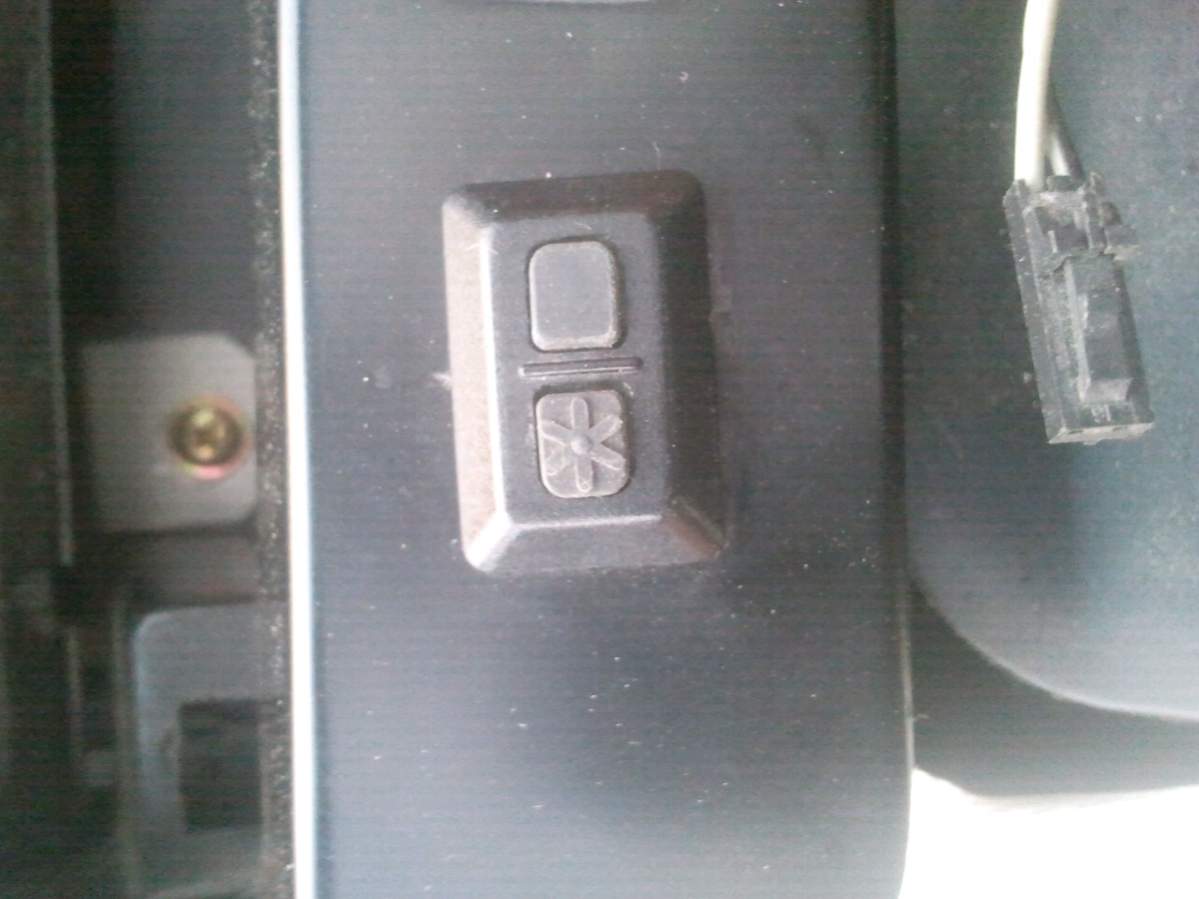
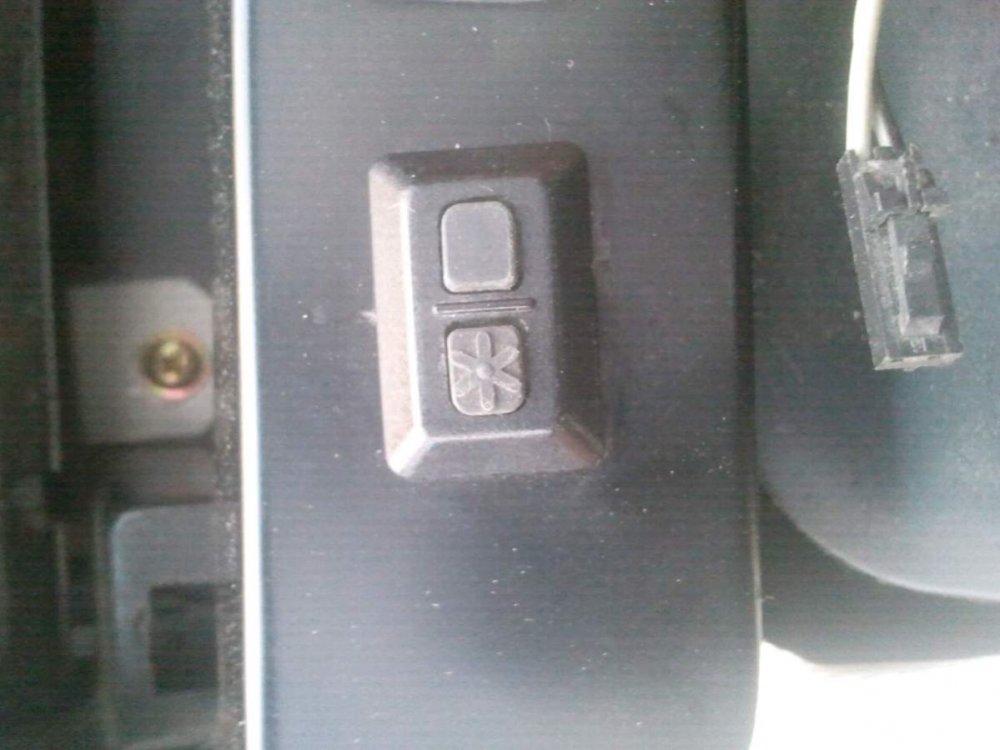
Thanks anyway paul, just googled clifford code button and there it is :woohoo: Thanks baz, saved me pulling more apart to find the connecting wire. ;) (edit) Thanks also sdriver73, seems I type too slow!!
-
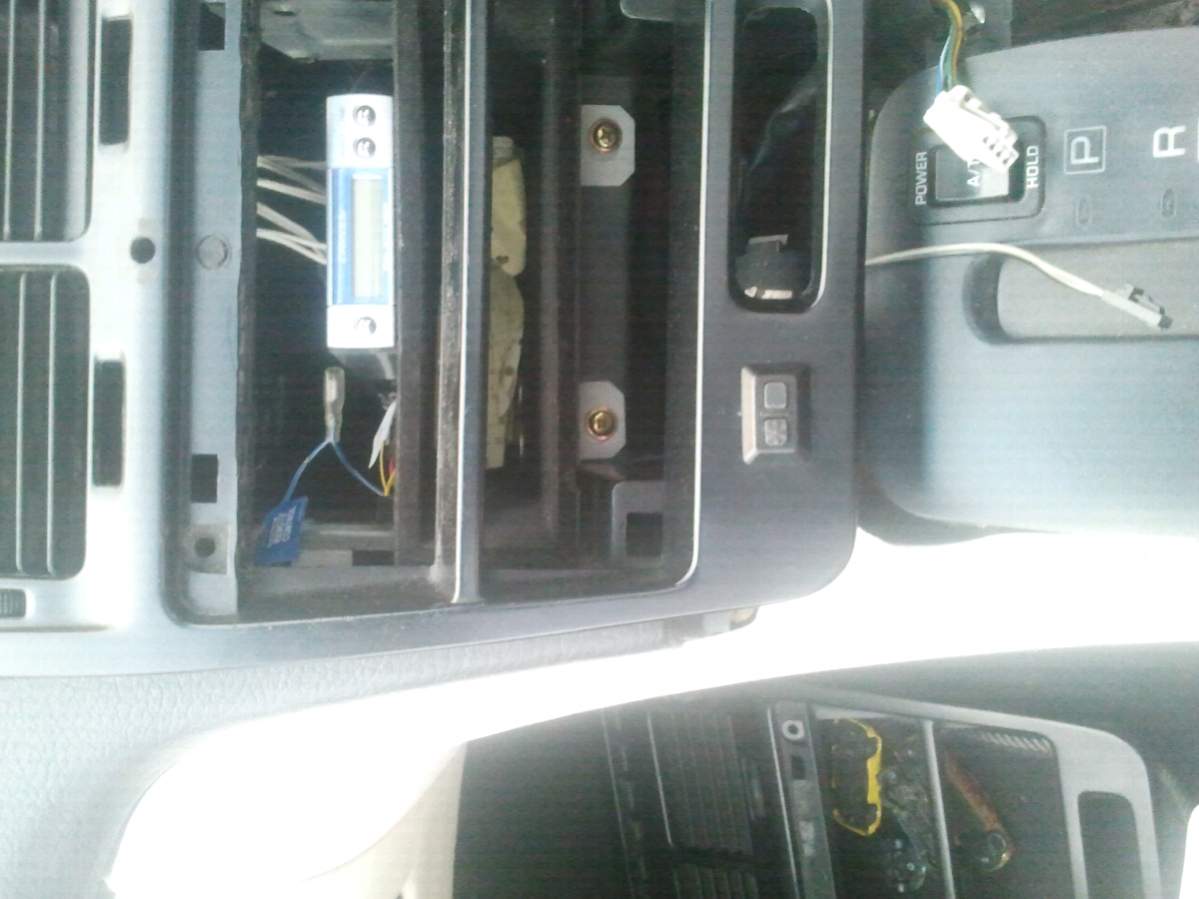
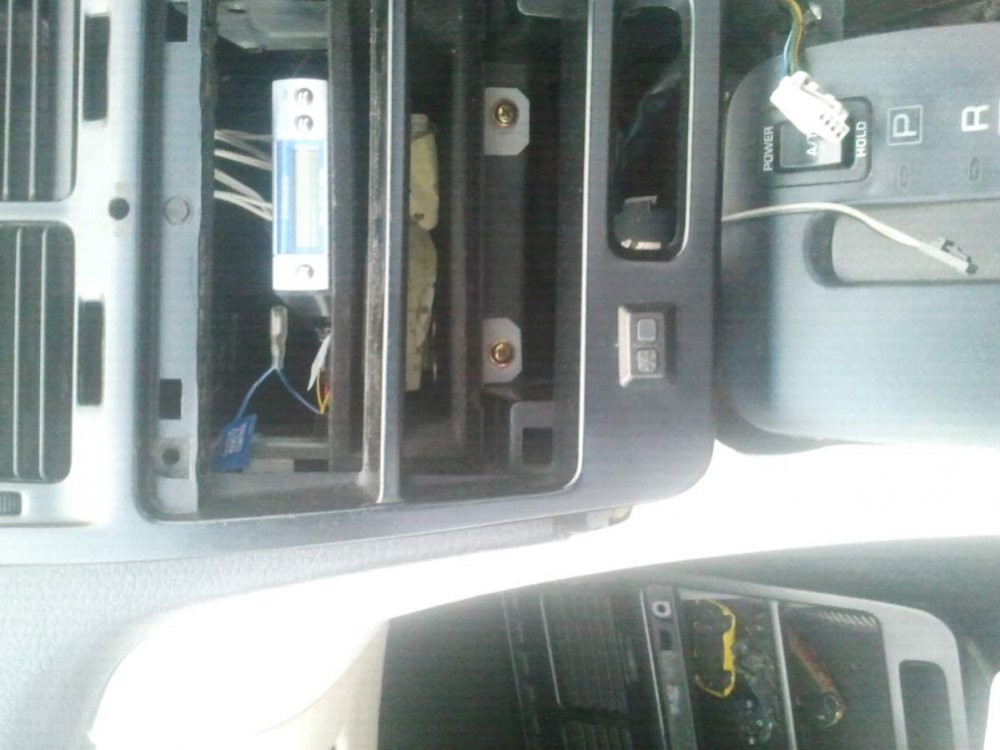
Ok, slowly putting some interior back together, choosing which parts to use. One of my centre console panels has this button..... And this is a close up, the wire at the bottom of the pic is the connecting wire. Anyone know what it is or if it's even standard???
-
Sorry mate, had a good look round mine. Cannot see any pipes that I think that could be??
-
Mines a 91 jap tt as well, I'll go have a look asap.
-
Count me in, shiny-shiny!!!!
-
I had a renault 21 turbo, absolutely mint. Ugliest car I've ever had, but my god could that thing haul!!!
-
Not cheap, however it obviously shows a usb converter will work. Cheers.