Jump to content
View in the app

A better way to browse. Learn more.

300ZX Owners Club

A full-screen app on your home screen with push notifications, badges and more.

To install this app on iOS and iPadOS
  1. Tap the Share icon in Safari
  2. Scroll the menu and tap Add to Home Screen.
  3. Tap Add in the top-right corner.
To install this app on Android
  1. Tap the 3-dot menu (⋮) in the top-right corner of the browser.
  2. Tap Add to Home screen or Install app.
  3. Confirm by tapping Install.

E8VEN

Registered Member
  • Joined

  • Last visited

  • Country

    United Kingdom

Everything posted by E8VEN

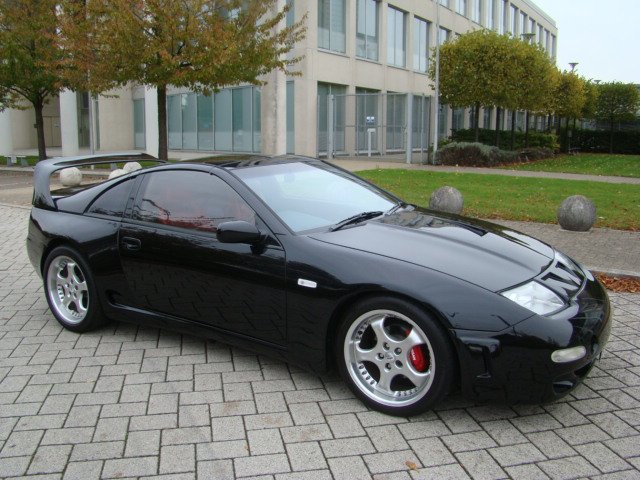
  1. No still have my Zed, it was just stored away for a few years, sometimes life just takes over and cars get put to one side:sad:
  2. Thanks Richie but gonna start with a clean slate:) too much water under the bridge as they say!
  3. Hi all, was a member a long time ago, have now got the Z bug back again:), forum looks great!
Important Information

Terms of Use

Configure browser push notifications

Chrome (Android)
  1. Tap the lock icon next to the address bar.
  2. Tap Permissions → Notifications.
  3. Adjust your preference.
Chrome (Desktop)
  1. Click the padlock icon in the address bar.
  2. Select Site settings.
  3. Find Notifications and adjust your preference.