



Everything posted by dipone
-
dvi to hdmi on the TV and dvi to vga on my monitor
-
with the software ATI give you are supposed to just plug the TV in and away you go but its nowhere that simple
-
i did that and nothing
-
i dont know if it can be done or not (i think it can) but i'm trying to connect my ATI 4870 to my TV through HDMI as my card says it can, but it just will not connect i plug it in and it doesn't detect it and when it did there was no display im using ATI catalyst to set my screens up but getting nowhere:smash:
-
hope thay can be reprogrammed then they can say to them "you are a tw@t";)
-
very sorry to hear mate, chin up hope a new job comes soon
-
i have not noticed a slow down myself, i have never been so busy have work planned until march/april 09 and people are still calling for work. But i have friends that have hit hard times and work has slowed down, but even with work very good for me ATM i am still worried it could all end badly
-
thinking about a yellow 99 spec in the future once the GTR is how i want it
-
south park has the best songs hands down so many good ones
-
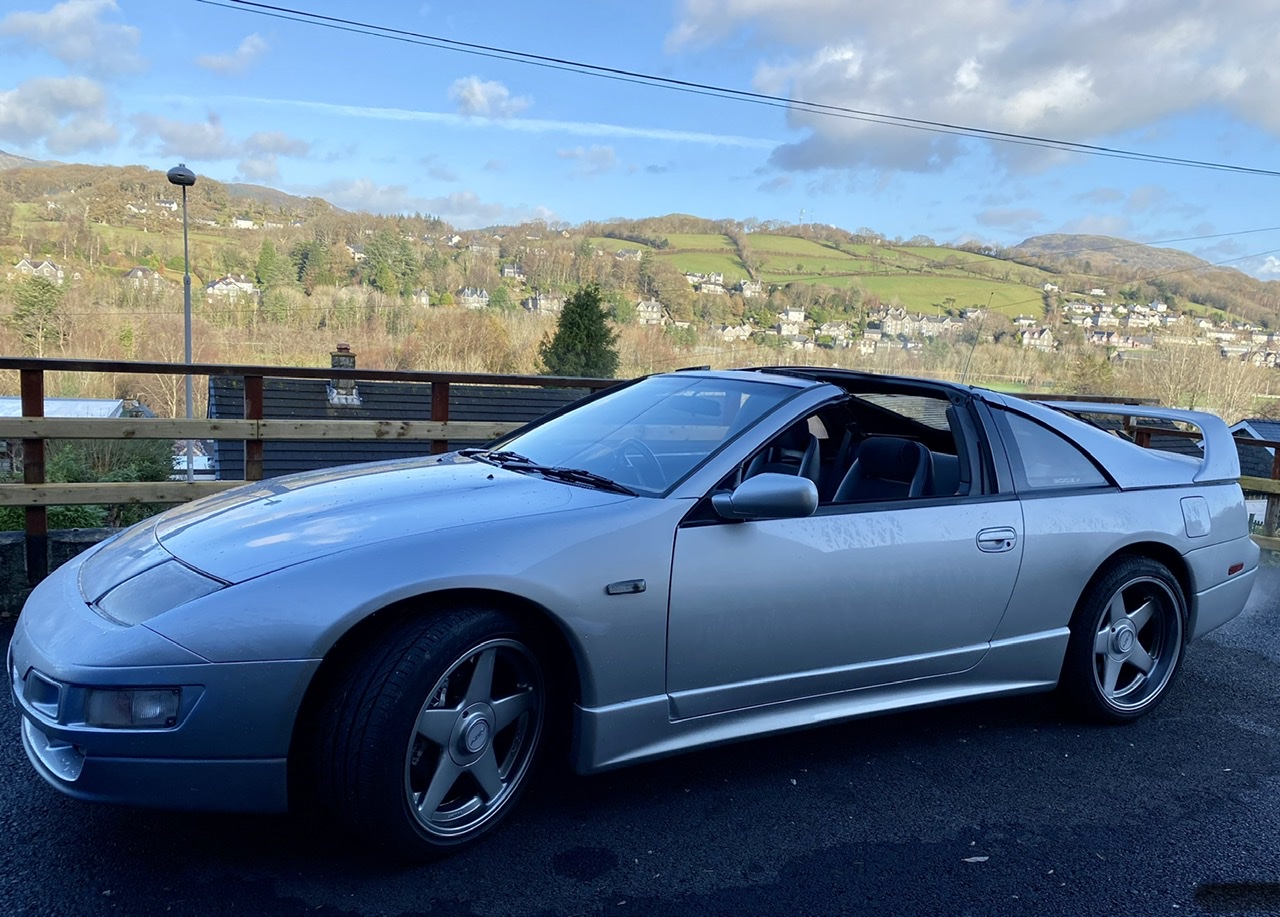
its not with us any more i crashed it a year and a half ago, it was a write off thats why there is a pic of my new GTR next to it. the GTR doesn't look like that anymore (apart from the shite wheels:smash:), but trying to find someone to spray it over for me
-
just noticed your back on here jeff:hyper: hope things are good and welcome back. trev
-
yes i double checked what i was building with aria tech when ordering, i dont get why my system has chached 2gb of my ram either
-
i have looked and cant find anything to do with graphics in the bios and there is no onboard vga p.s the board is an asus P5Q-E
-
i have the 64 bit
-
i have just finished building my pc and i have a problem with my memory and graphics card. i have a intel quad core 9550, 4 gb of ram and ati 4870x2 2gb graphics card. it has install ok but my card is showing as only 1gb dedicated and 3gb shared its taking 2gb of my ram and sharing it (which i dont want it to do) so when i start task manager it shows only 1 gb of ram free any ideas how i can sort this out
-
6305 download 379 upload why is the upload so much slower?
-
scrap prices have plummitted scrap cars were well over £100 and has now come down to £40
-
im a plumber and heating engineer and i choose the work i want if someone says the words 5hit and toilet or blocked drains i dont bother carring on. i dont do 5hitty jobs and never will i have too much work doing cushy jobs
-
its only £75 until 30th october if anyone wants to know, thats why i started my thread
-
thats what i thought i have a 360 and ps3 and blu-ray and the jump from SD to HD was big but every sky HD i have seen hasn't looked very good at all. i think i will get sky HD anyway as the offer ends oct 31
-
ah i get what you mean now and i dont know mate
-
looked like from the back of the box straight into the TV. ythe tv did look an old one TBF
-
the sky HD was was hooked up via HDMI
-
the tv i saw it on was a sony bravia and the sky man said the poor picture was due to the tv
-
how good of a picture is it. i have seen it shown in shops and on a sky truck in Wrexham and the picture looked as cr@p as normal sky, they have an offer on ATM for £75 i was thinking of getting it but i'm not impressed with what i have seen so far