



Everything posted by dipone
-
i did use to have all separate gear but its all too much with ps3, 360, wii, sky. my lounge looked too cramped i thought this system would be 5.1 if i added the rears
-
isnt that what the thread says:tongue:
-
i watch my blu-rays from my pc and im thinking of getting a blu-ray player what are your opinions on this one http://cgi.ebay.co.uk/Panasonic-BLU-RAY-Home-Cinema-System-DVD-Player-SCBT100_W0QQitemZ220395239735QQihZ012QQcategoryZ72406QQssPageNameZWDVWQQrdZ1QQcmdZViewItem
-
agree in trading places :xxx::xxx::duffer:
-
yes thanks i thought thats what it did so what my tv means is it can recive a 1080p signal but will drop it to 720p were my last tv would go all funny
-
any opinions on this i'm thinking of getting http://cgi.ebay.co.uk/Panasonic-BLU-RAY-Home-Cinema-System-DVD-Player-SCBT100_W0QQitemZ220395239735QQihZ012QQcategoryZ72406QQssPageNameZWDVWQQrdZ1QQcmdZViewItem
-
i do play blu-rays and im a bit pissed cause i bought this TV as an upgrade cause my old one wasnt 1080p and this had a big sticker on it saying 1080p as most do but when you look there isn't that many that are true 1080p
-
so my tv is only 720p really
-
TH42PX70B here is the site http://www.reevoo.com/reviews/mpn/panasonic/th42px70
-
i have reread the review and it says my TV is 720p which is wrong cause i watch/play everything in 1080p, but it says "its not native 1080p"?????
-
i have a panasonic viera 42" that is 1080p but reading on a review site it said it wasn't full HD which i dont get
-
i was reading up about a tv i was going to buy and noticed that it said it wasn't full hd but said it was 1080p, i thought 1080p was full HD but obviously not so what is a full HD tv. Also while in the shop i noticed a big differance betwenn the LCD and plasma screens and i thought the plasmas were better but it didn't look that way to me the picture looked much darker and not as good on the plasma, this goes for all makes in the shop
-
but its phillips and every phillips my family has had, has broke i would never buy that make agian
-
what is it on the 360 that goes and gives the ROD
-
throw the fooker out mate
-
??????WTF am i missing something
-
love clint eastwood my fav actor i will be buying it on dvd but havent scene it yet
-
you want a nissan march that is the ultimate sleeper car
-
i havent watched it yet i will watch them all together but doesnt sound good from what you guys are saying. but in all honesty when something you have loved is remade/rereleased when has it not been dissapointing
-
good news that your feeling well have a nice holiday buddy
-
it sounds a bag O shite to me be very careful look over it with a fine tooth comb. IMO there is no such thing as a bargain/give away its hiding somthing
-
they were on bbc breakfast this morning with that guy with his "300 bhp" mr2
-
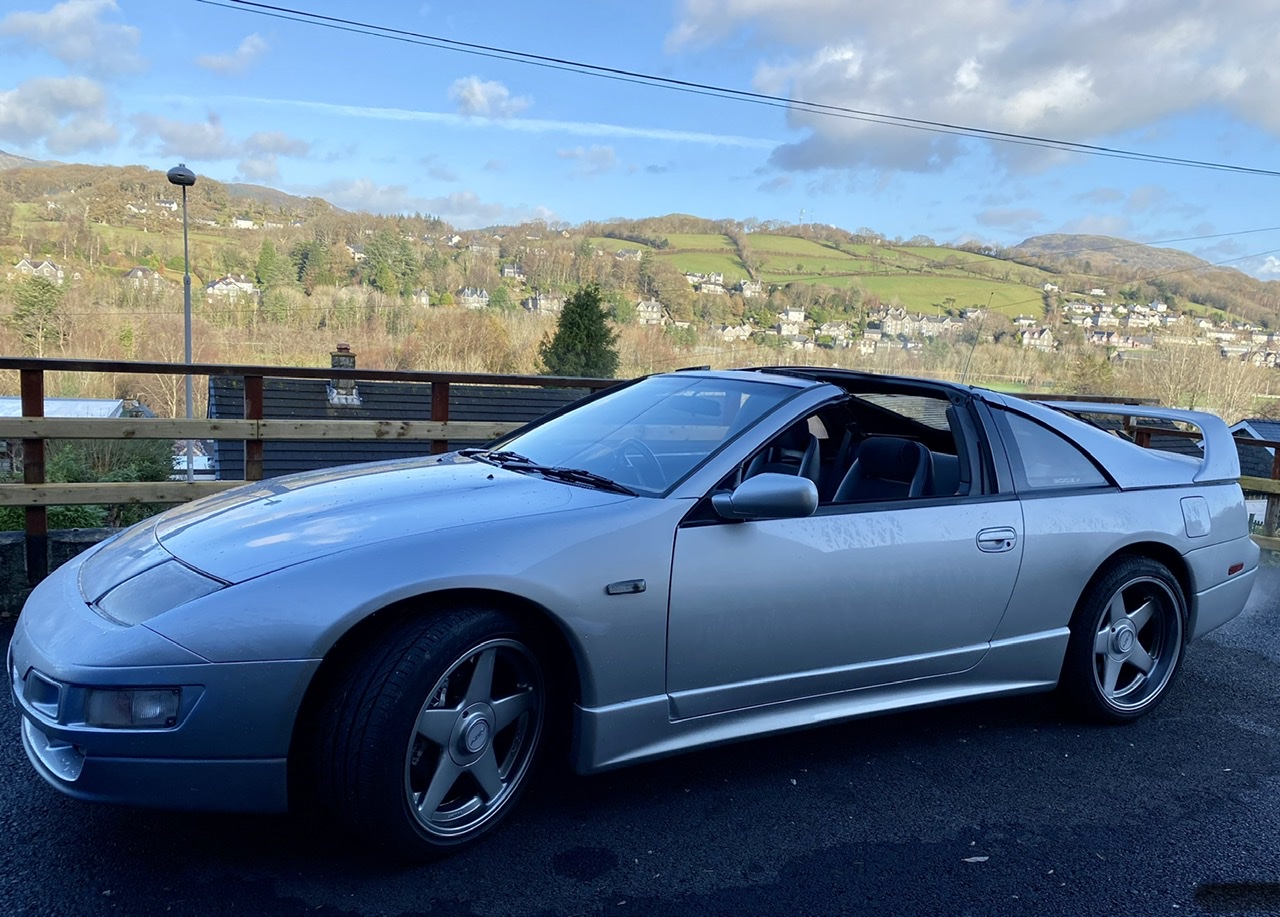
mine would be my bmw E21 323i alpina (age 17) my carlton gsi 24v still one of my favorite cars i have every drove and of corse my zed :cry::cry:
-
4 stroke no 2 stroke yes
-
Birmingham Academy is great for getting close, saw prodigy there i was so close to them it was unreal, good luck hope you sell lots of albums and dont forget you have to give every member a shout:x: