



Everything posted by dipone
-
peach had/has a genuine 99 spec i think but as said before the SVA came in
-
its not down by me but did hear it on radio cymru
-
well i thought a zed would fail this test thing that all cars 10 years or less have to pass didnt they do that
-
isnt that the brawnGP difusser:smash:
-
what i dont like about tunes is if you delete any songs/albums of your PC and it deletes it off your ipod you must leave all albums that are on you ipod on your pc.
-
they made a slicktop for dummies who found it to hard to remove targas :p
-
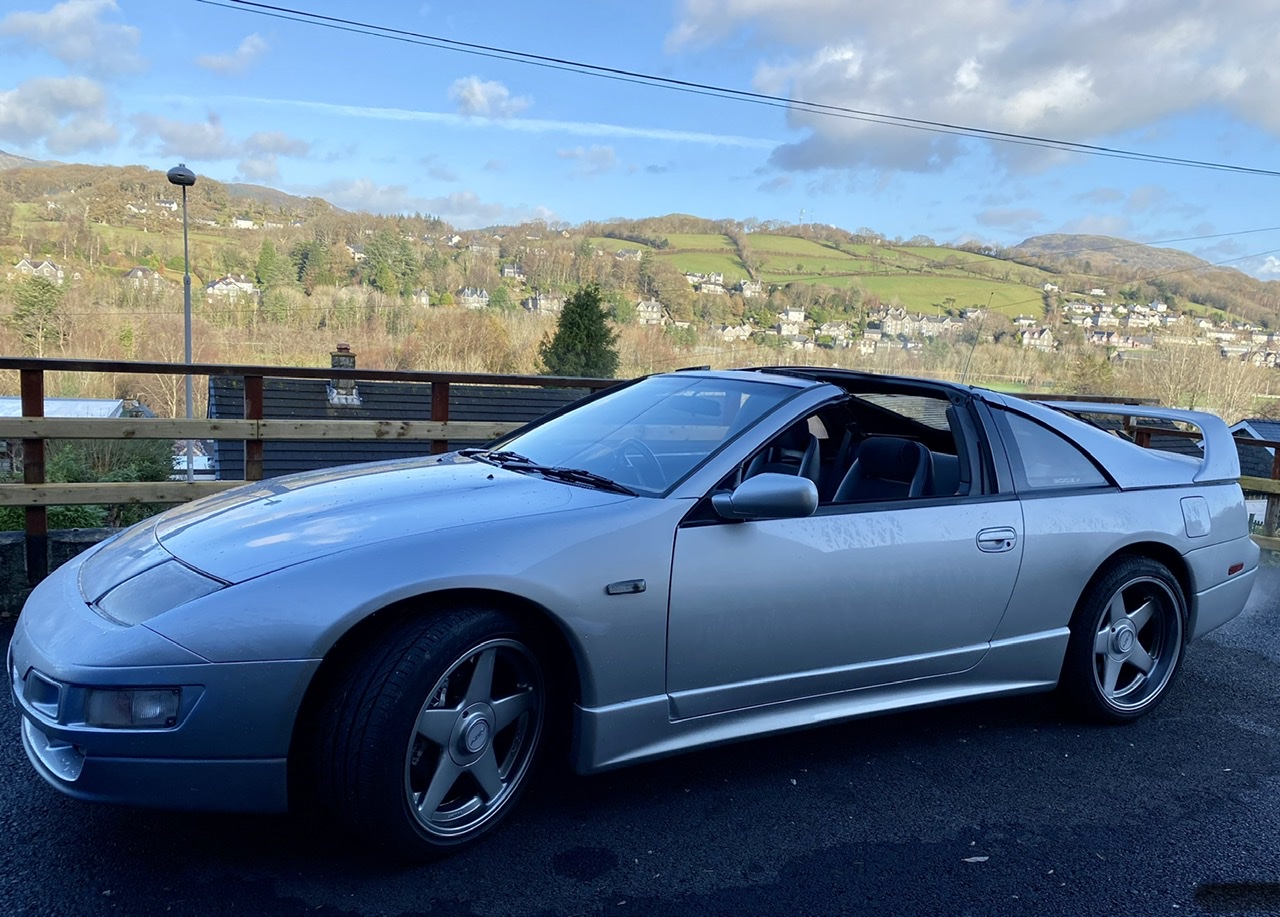
very nice THAT should have been the new zed not 350z:xxx:
-
:D this told me you were. anyway bud as said you wouldn't have a boost controller on a standard car maybe its been reset thats why its on standard boost cause mine was
-
great cars love the zed with the gtr engine in and the lotus carlton 280zx was nice too
-
i have never got on with norton i got alot of problems and viruses uninstalled it and threw the fooker in the bin, i really do not rate it. i had the same as you i uninstalled it but it had already done the damage to my pc so it was a format and a fresh copy of windows to sort my pc out. i have used Onecare for 2.5 years now never had 1 problem.
-
well i caught a fish Tttttttttthhhhhhhhhhiiiiiiiiiiisssssssssss big
-
as long as he can stick his head out he's made up
-
yes every time its feeding time or time to go in the car
-
mine is much better looking frank looks old in MIB2
-
he plays with anything from cats dogs rabbits and hampsters not a bad bone in him in the 5 months we have had him i still haven't heard him growl
-
here is our pug we got for christmas i have been meaning to get these up for a while his name is Milo
-
is it today i have not heard a thing
-
mine is Q9550 quad core, 2x 2gb ati HD 4870 X2 cards, 8gb of ram (can go to 16gb). 2x raptor drives, blu-ray/hd DVD drive all hooked up to me 42" panasonic plasma. it should be quick enough for you
-
i have sky + in my lounge and i have run an ariel cable to my bedroom and connected to a sky eye into my lcd tv. thing is the picture isn't that great, when using the remote it sometimes wont work, if it does its slow and for some reason the sound only comes out in mono. my lounge side works fine any ideas
-
did anyone see this it was so funny and the song of heartless was brilliant http://www.youtube.com/watch?v=HEbkCo5oZJ8
-
i agree imo shes the best there by quite a way, but as nick said would be perfect with brown hair
-
how you get it so clean. looking good
-
its not too cluttered its just im trying to reduce all the crap i have will look at the sound bars thanks
-
i had £1000s of technics dts system and in all honesty my lounge saps sound like mad i just couldn't get what the system could do even my brother in law bought his huge disco speakers and they just didn't sound the same as when they were at his house, i dont know why it does this but cause of this i sold all my system and got an all in one sony 5.1 dvd system so i would like something similar or as you have said a stand alone blu-ray and a sound system
-
any you recommend i'm not looking to save money just want a good system without crowding my tv area. i would like tall boy spekers at the front and maybe wireless rears