Everything posted by coopd
-
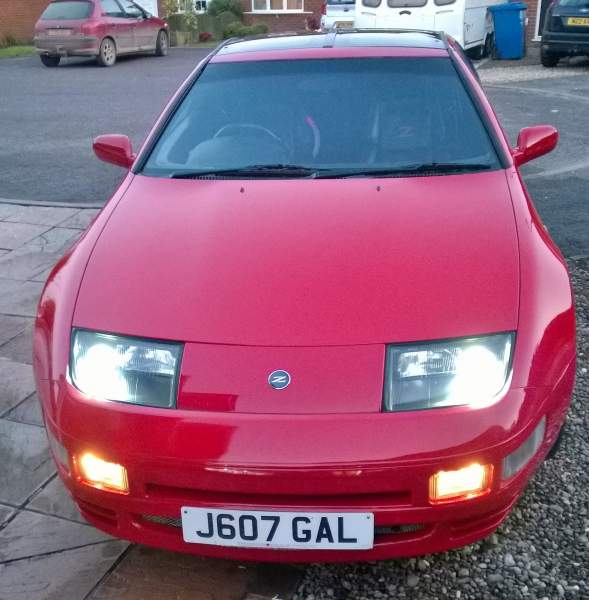
When it comes to the colour temperature, I personally wouldn't go any higher than 5000k as the colour then becomes blue or even purple. Lower than 5000k and the colour goes more towards yellow. Suppose its personal choice really but 5000k is a nice crisp white as per my pic above.
-
Yes it was very easy. The hid kit came with full instructions but basically they plug straight into the existing connections. No wiring is needed. It makes a huge difference to the look of the car and the visibility of the road. Think I paid around £50 for mine but the bulbs last alot longer than standard halogen bulbs. I've had a similar kit on my everyday car (Vectra) for 4 years with no problems whatsoever :)
-
One of the first things I upgraded when I bought the car as the standard bulbs are poor. I got a H3c hid kit from ebay... Think the make was something like Terminator. I went for 5000k colour temperature and I must say I'm really happy with the results:)
-
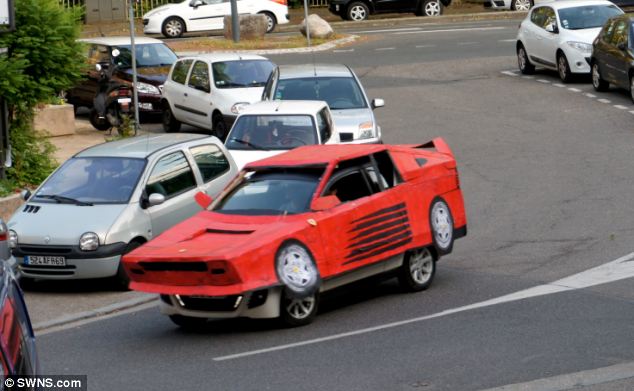
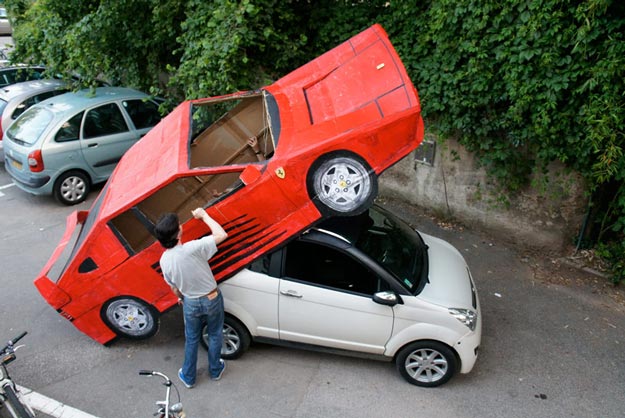
Just seen this.... It could be much worse!! ;)
-
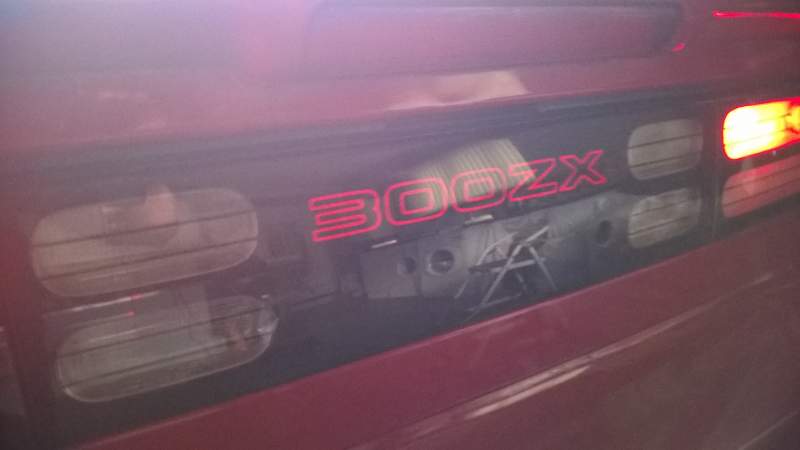
I love that.... Think its somewhere in Singapore isn't it? Saw a tv programme all about it a couple of years agoI was trying to remember who hosted the event last year.... It was JDM North. Just found this years and it's on the 7th June. http://heyevent.uk/event/2cgxqqhvusjhga/jdm-north-meet-at-three-sisters-race-trackWill they be doing the event at 3 sisters again?Nice one Joel! :)Haha! Is that me as I pulled away??Went back to Andy's (Phutumsch) again today to further enhance my centre panel. Its alot brighter than it was before with my sidelights on plus it also goes brighter and acts as a brake light:) Top work Andy!
.jpg.57d0c19392f3b714d0c3408fcef336dc.jpg) Same for me:)Happy New Year to all ahead of tonight:pint: I joined this club in March and since then I have met some great people and had some good laughs. I hope you all have a great night, whatever your doing and I wish you all the best for 2016! Hopefully I'll meet more of you at shows next year:thumbup1:
Same for me:)Happy New Year to all ahead of tonight:pint: I joined this club in March and since then I have met some great people and had some good laughs. I hope you all have a great night, whatever your doing and I wish you all the best for 2016! Hopefully I'll meet more of you at shows next year:thumbup1: They are just some red led strips secured under the dash. They are connected to the relay which is located in the trim behind the passenger chair. They come on when I unlock the car with the fob or when the doors/boot is opened. They do look nice, I can get you some pics later if needed?Been a good day catching up with Ian and Andy:)
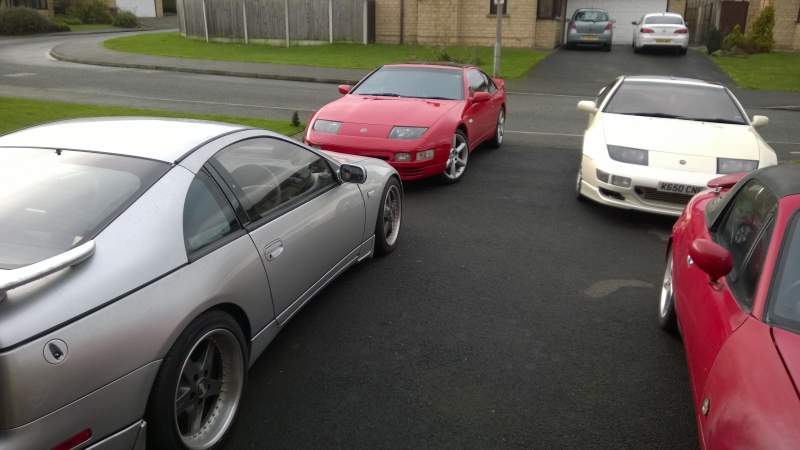 Went to Phutumsch's today and got my lights upgraded! Also lit up the footwells in red:) Big thanks to Andy for a day of tinkering and working his magic with the conversion and thanks to Tom for supplying the lights :thumbsup: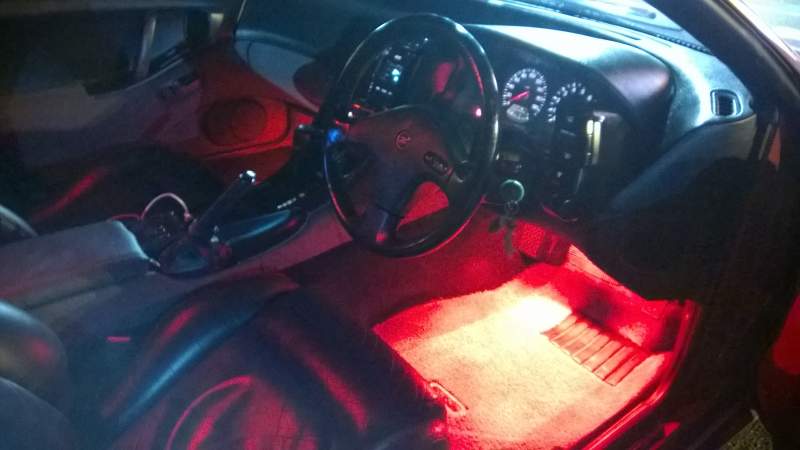
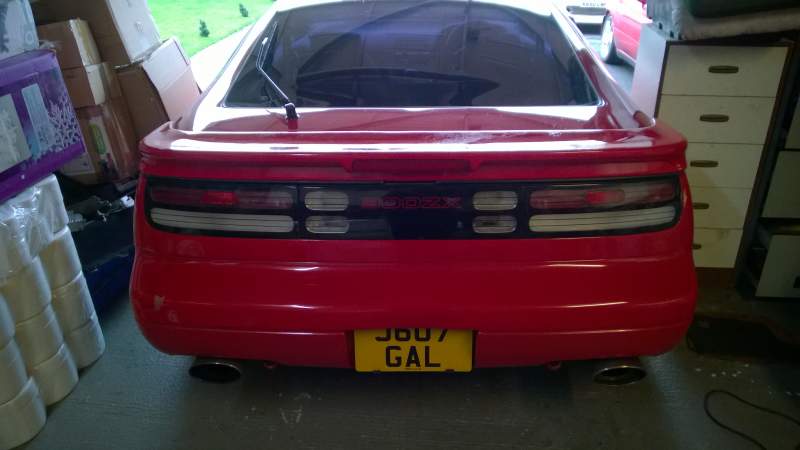
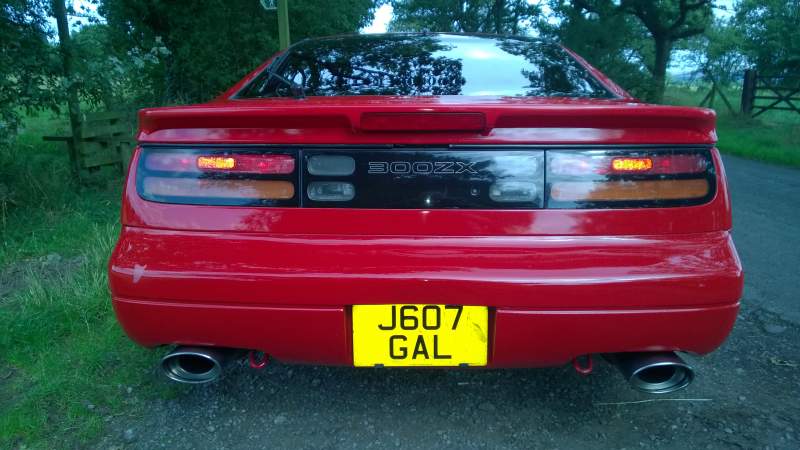 I would not even consider swapping to a slick top.... I love the targas. Its a completely different experience and I love the flexibility of it. If I was using my car as a track car maybe, but for cruising along a country road in the summer with the targas off, its simply brilliant!Have a great day fellow Zedders!!
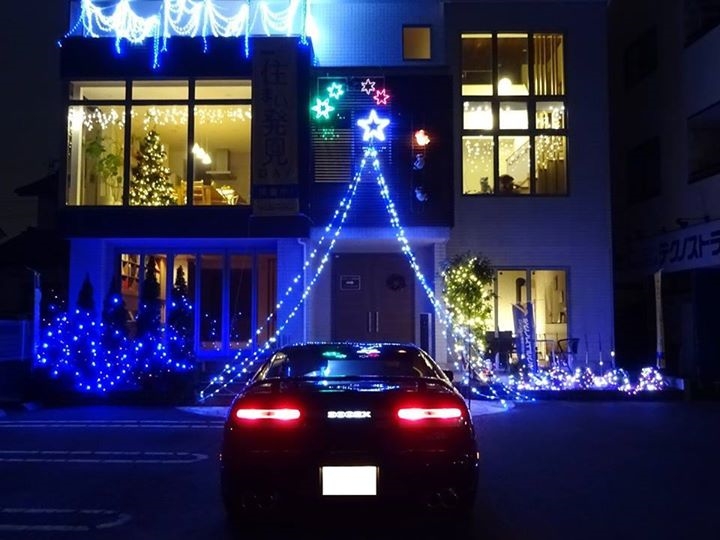 Just had a look at the rest of his stock.... some very interesting and unusual cars. Like the look of those turbo minis!Thought it looked a bit familiar.... Looks really tidy. I think its fairly priced even though it is an NA.Just spotted this on ebay. Fresh import NA but looks really clean:thumbup: http://www.ebay.co.uk/itm/MANUAL-NISSAN-300-ZX-ZXT-TARGA-TOP-FRESH-IMPORT-/351611618916?hash=item51ddaf8664:g:-EsAAOSwhkRWeqA4:lol:Doesn't matter how cheesy they are.... Get them up in the festive spirit! Thought I'd start with mine as it arrived today:)
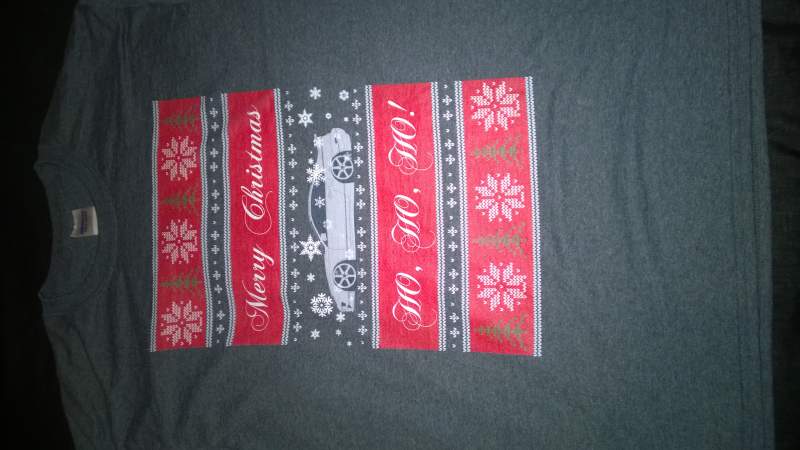 Can't wait to have mine put on!