Everything posted by dutchgold92
-
 With a car like yours it's definitely worth getting a top-of-the-range system fitted when you can afford it. Spent nearly a grand on mine but it gives me peace of mind.
 -
21/01/2017 - 1991 gcz32
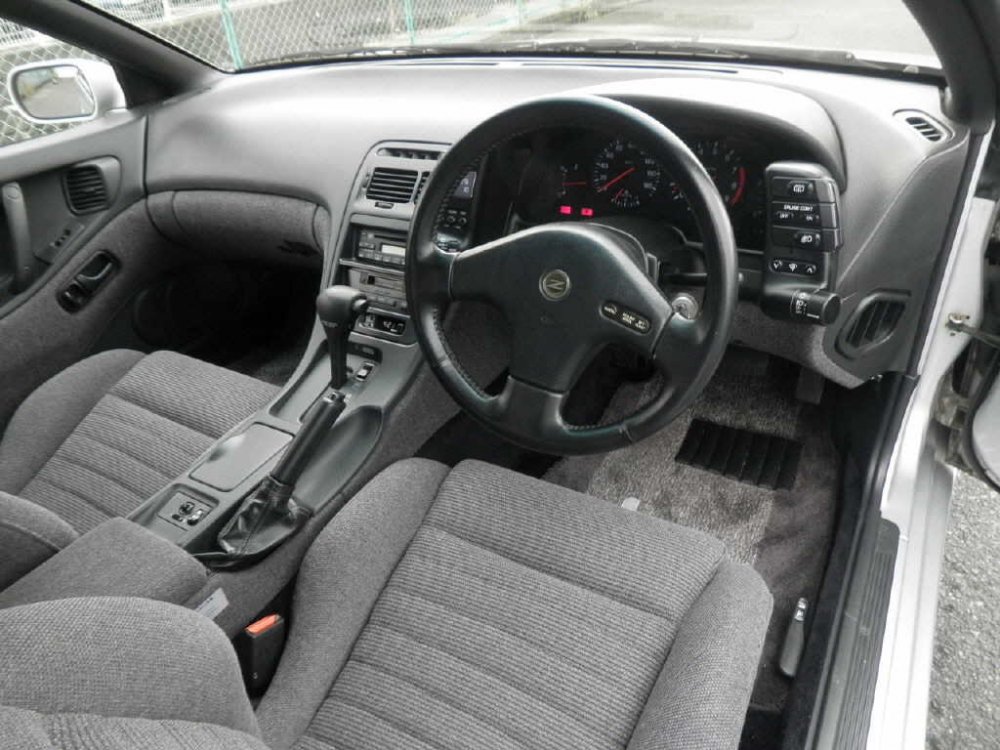
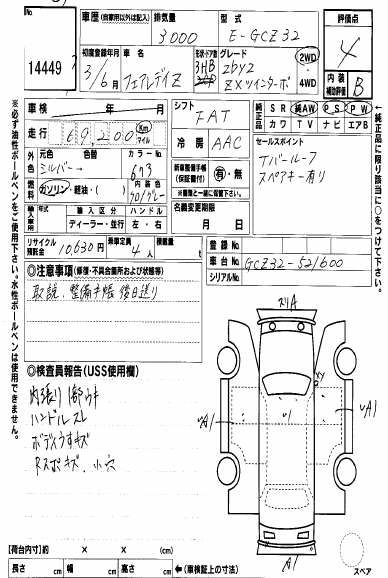
-
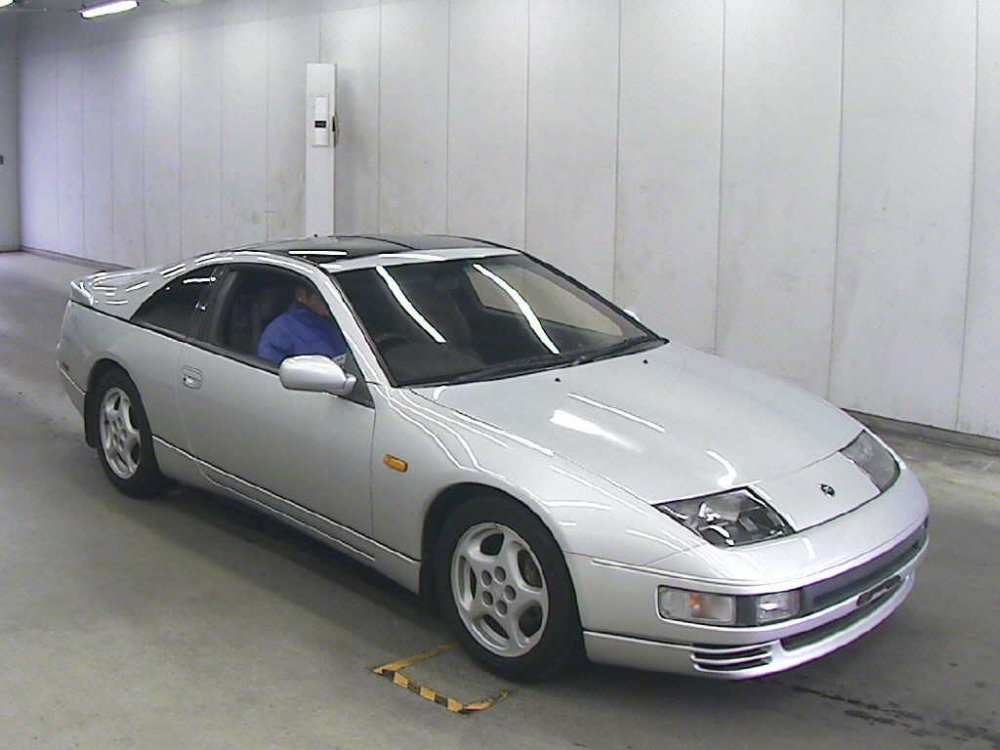
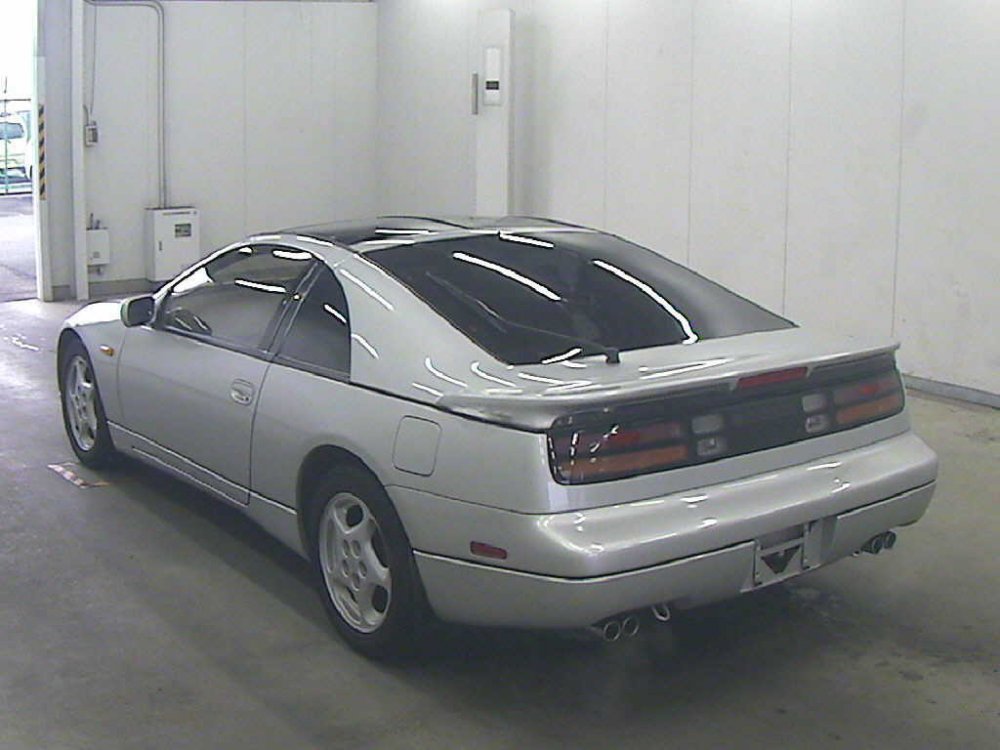
21/01/2017 - 1996 CZ32 version S
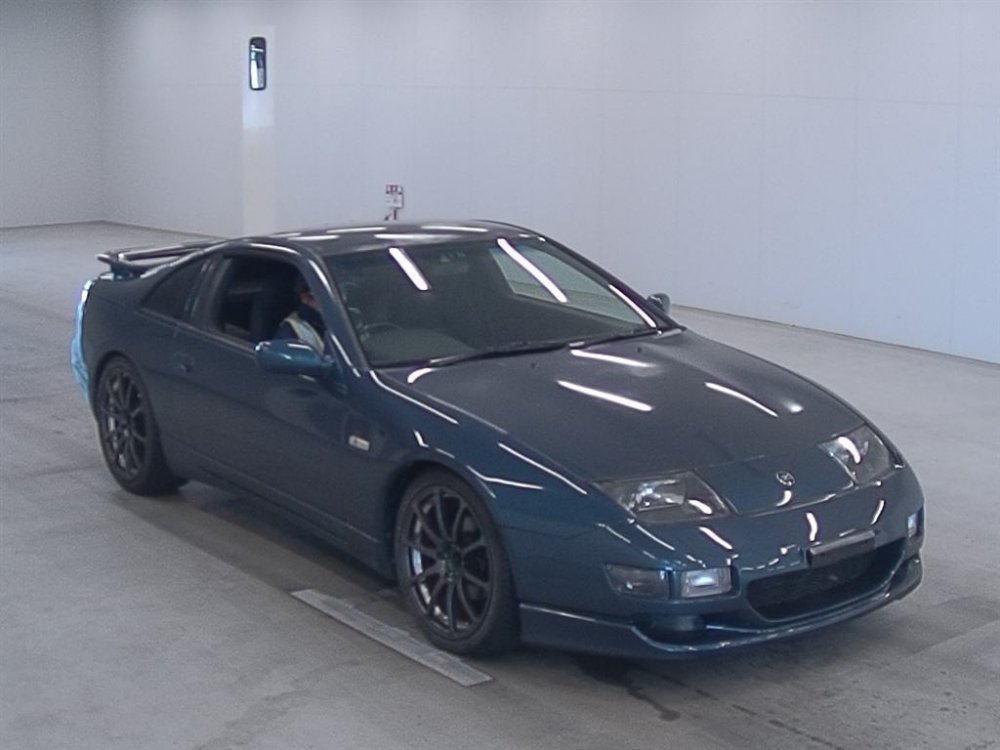
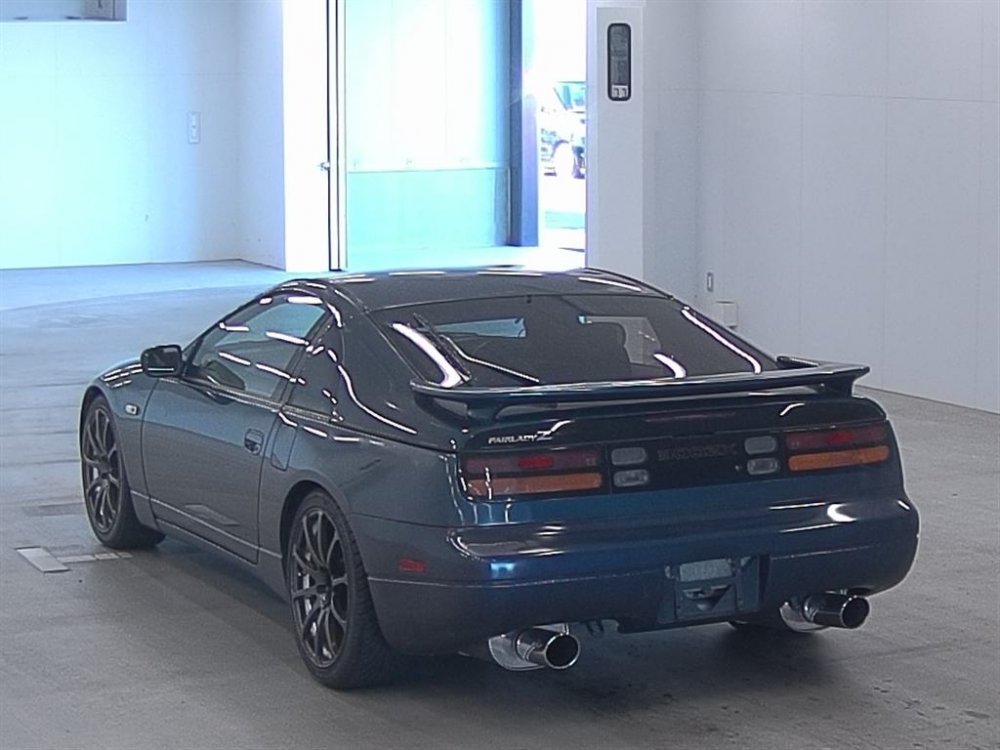
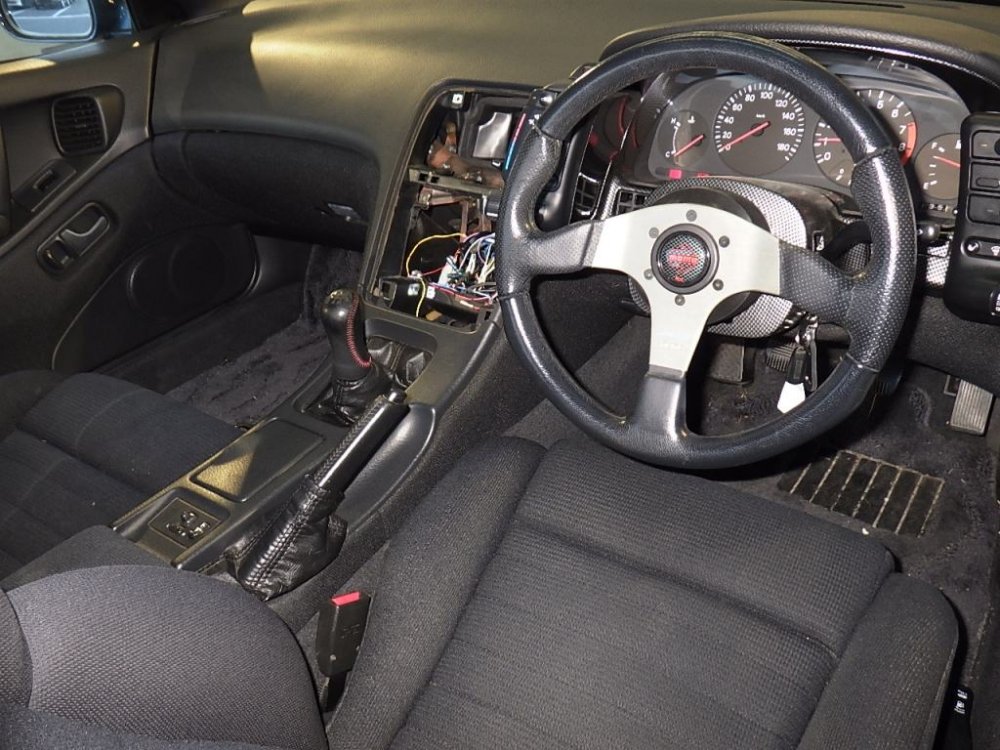
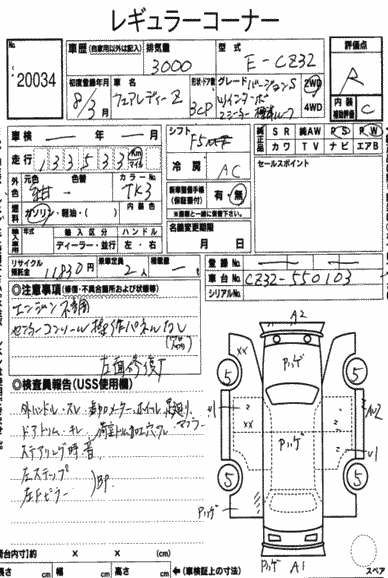
-
Not a bad price!
-
Not to get into too much again, but the bottom line is it was exported legally despite its unknown and probably eventful past but the agent wasn't aware of the issue, though he did offer to buy it back in the end.
-
Does explain why it's so hard to find a good one!
-
18/01/2017 - 1990 gcz32
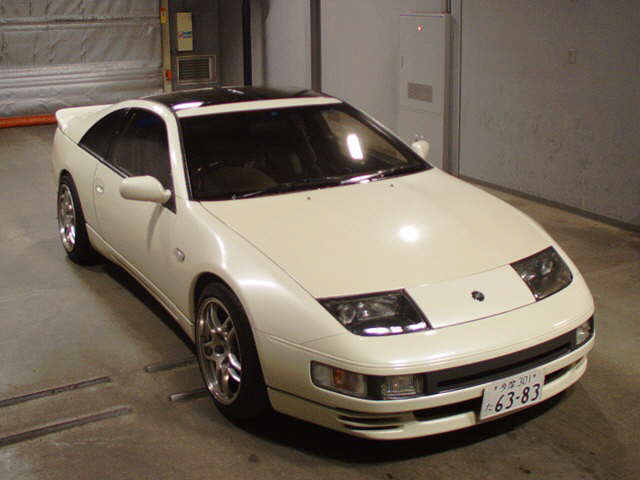
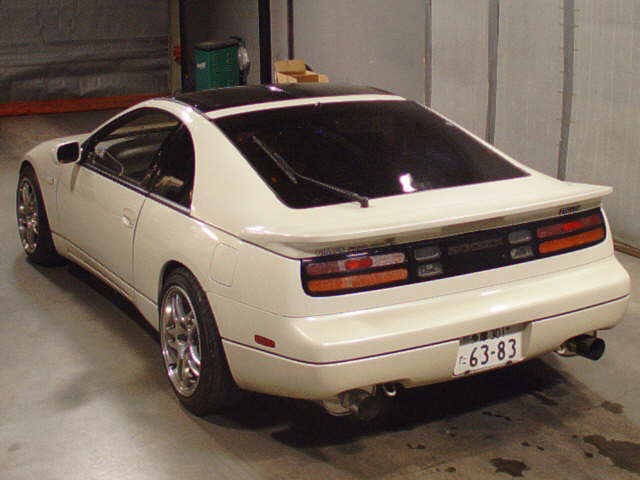
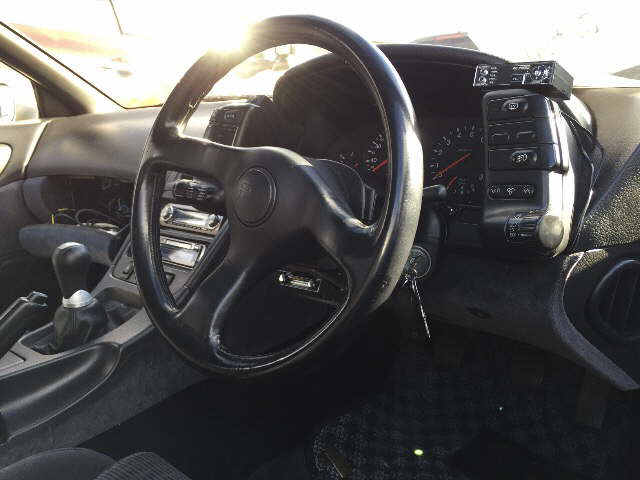
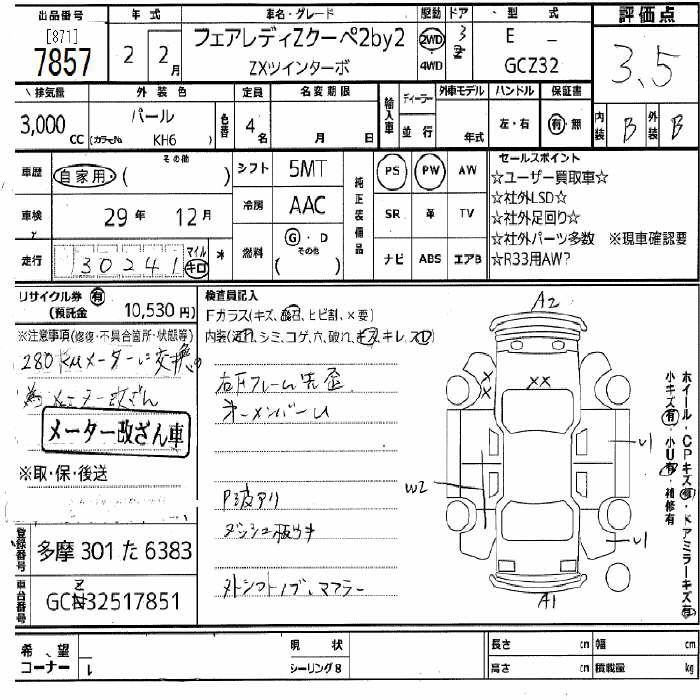
-
18/01/2017 - 1998 GZ32 (version S?)
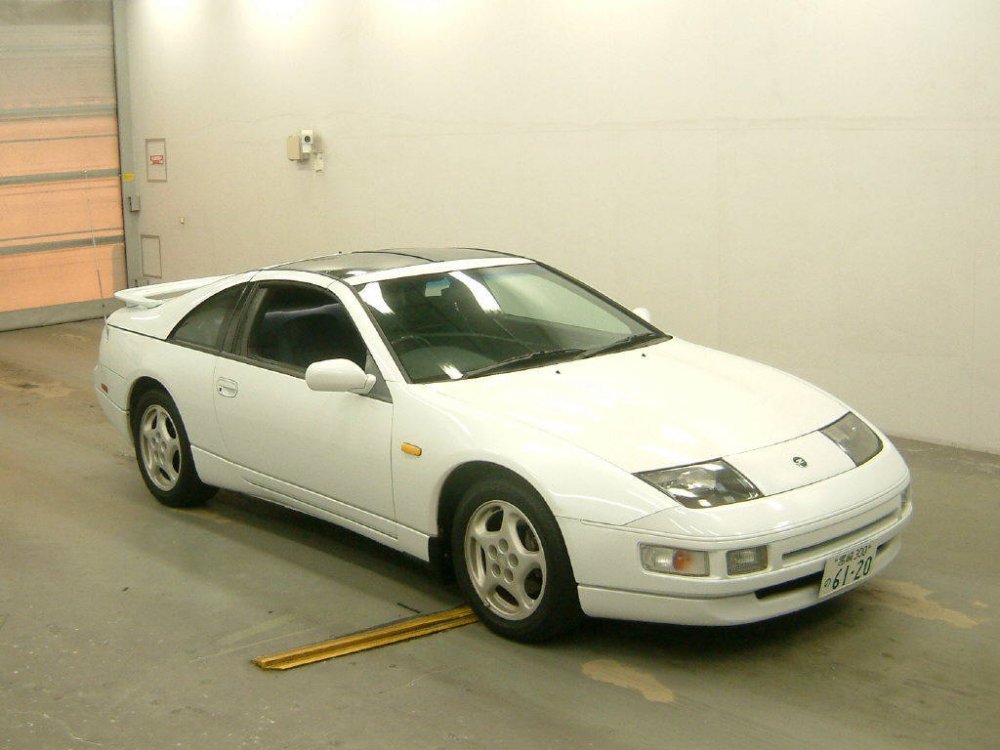
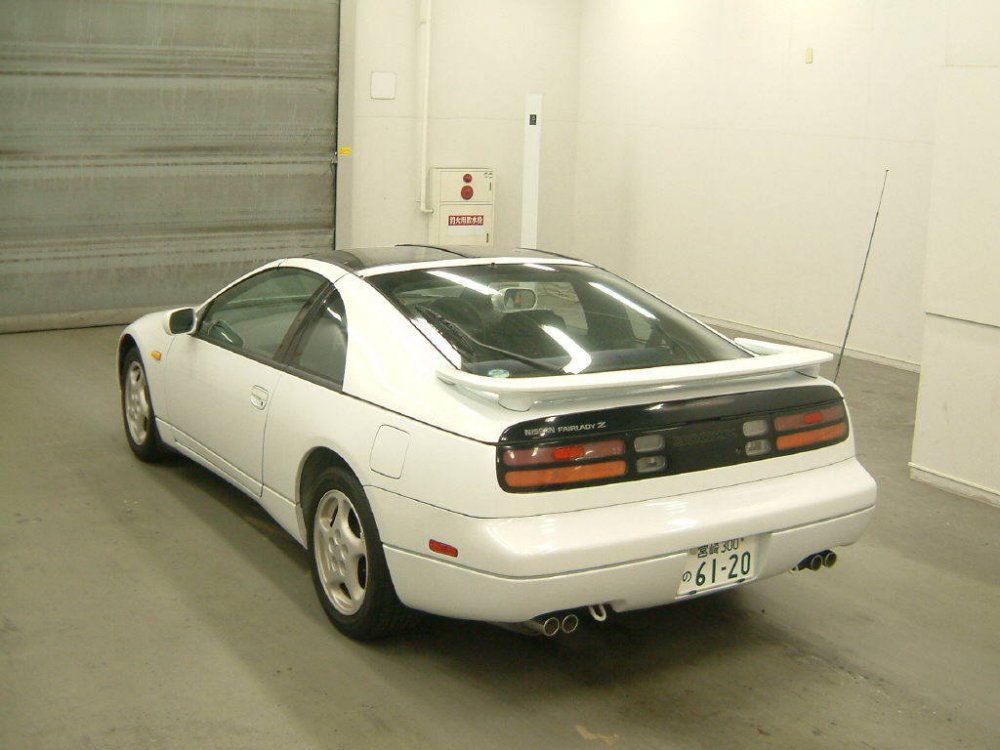
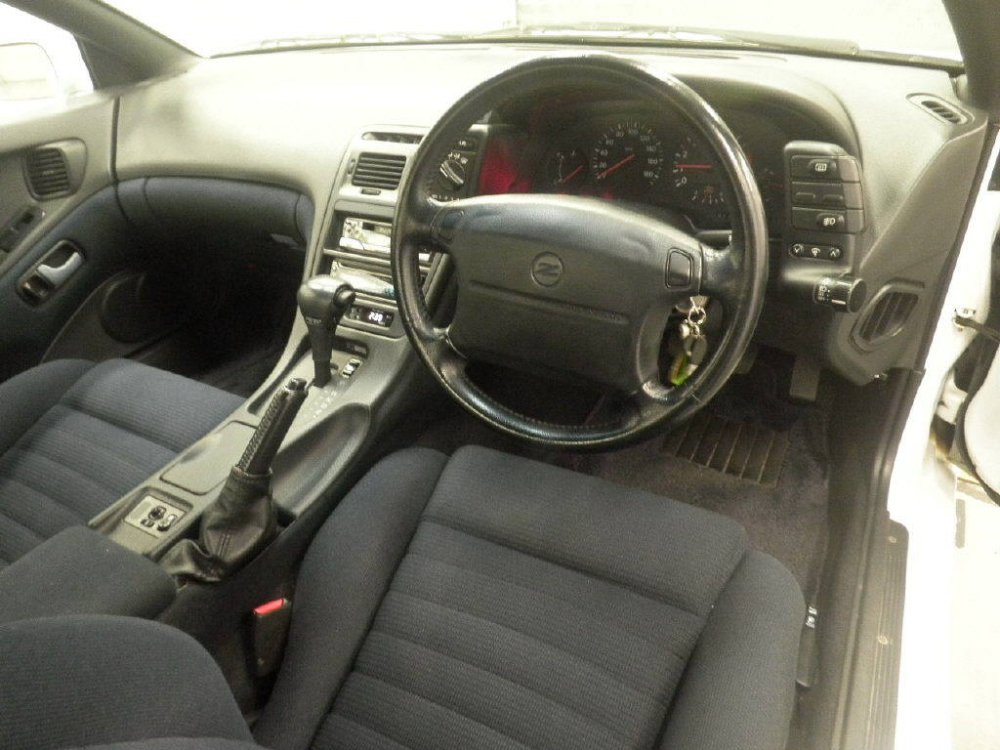
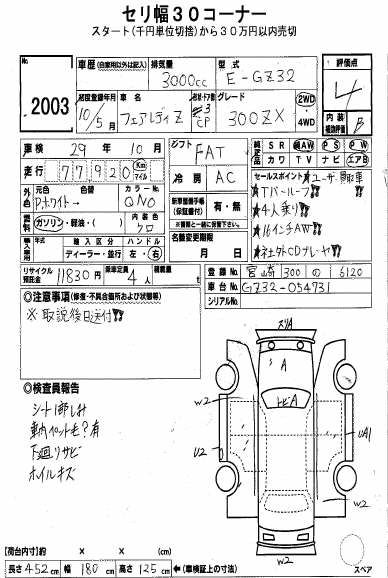
-
-
-
Welcome to the club.
-
19/01/2017 - 1995 hz32
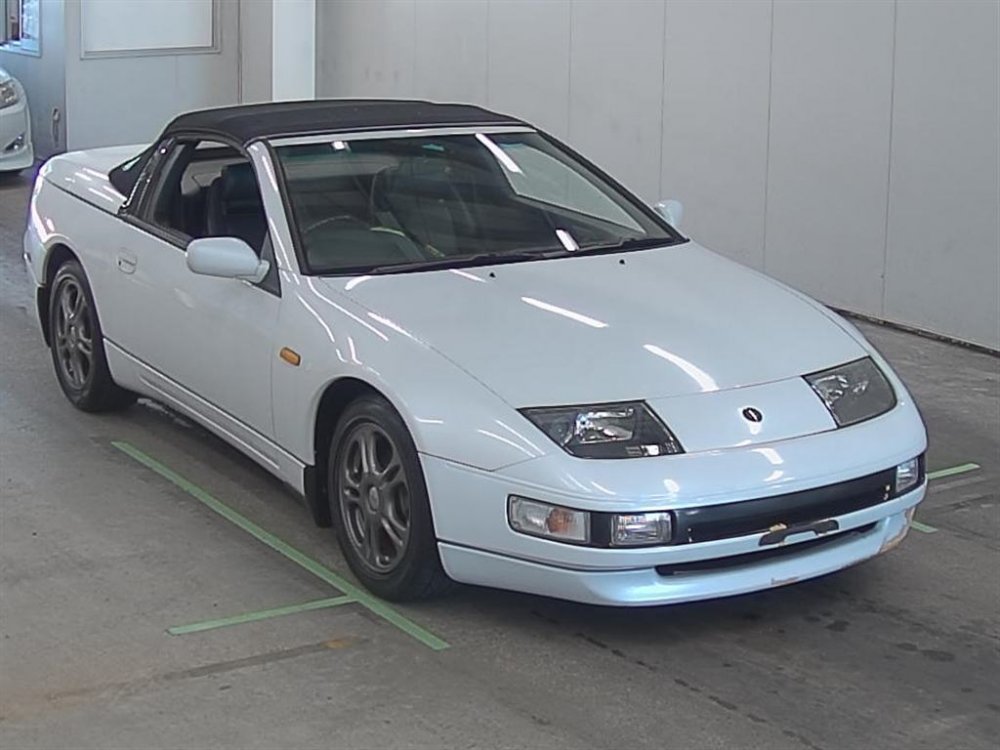
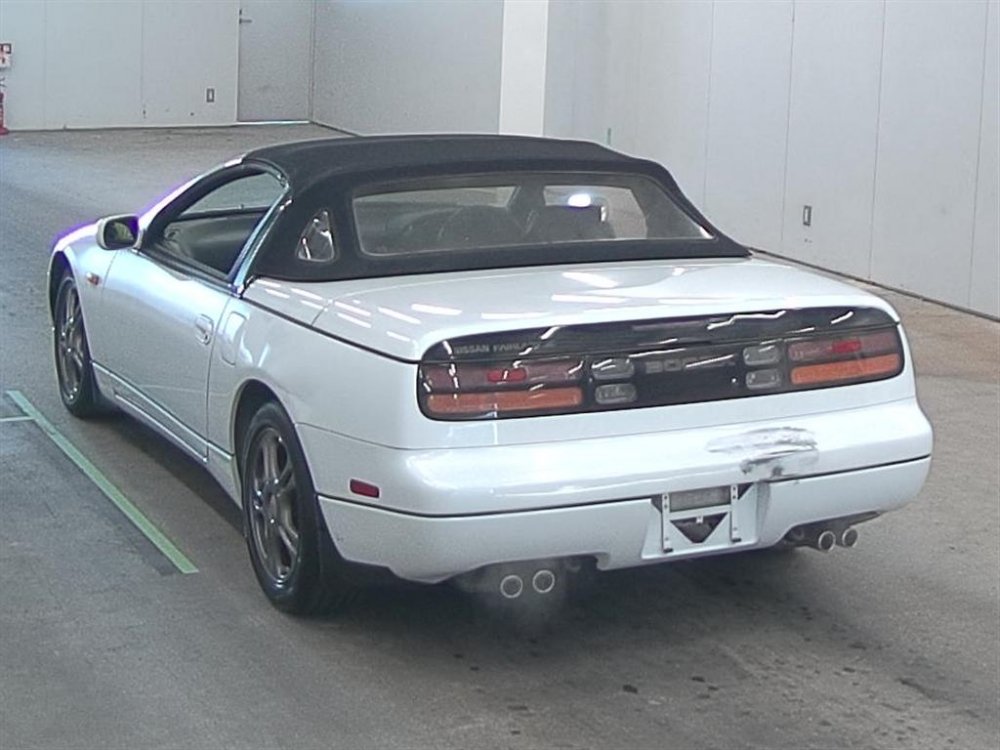
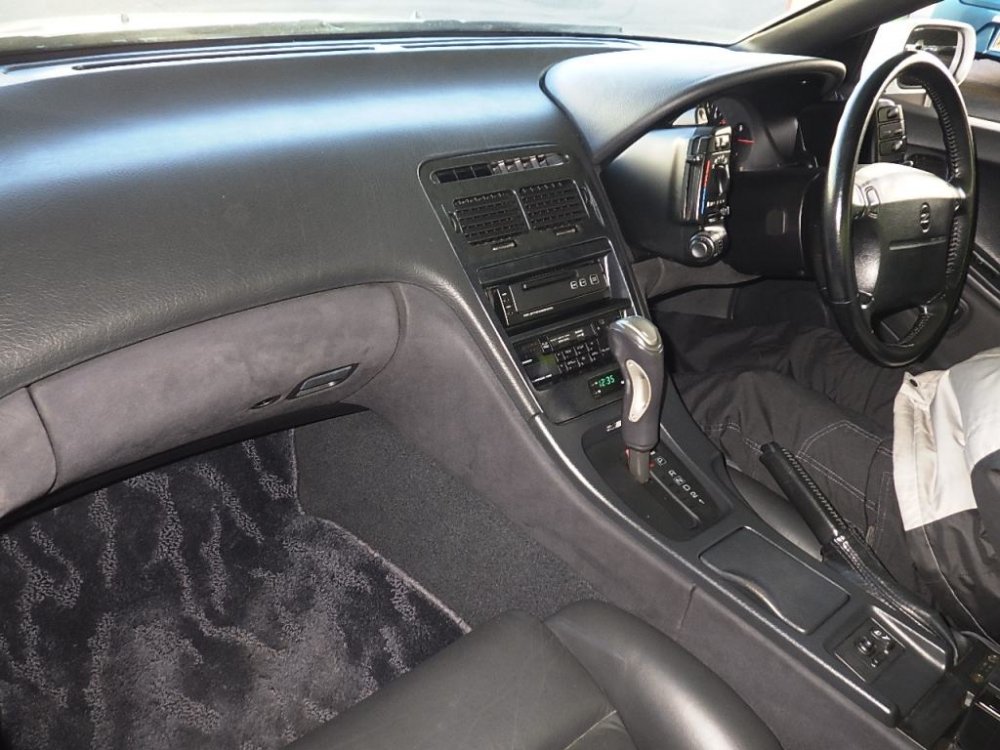
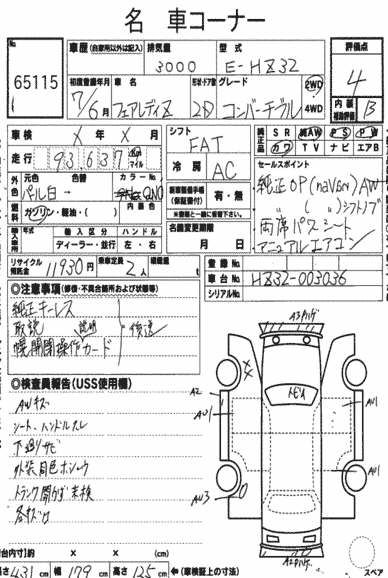
-
But of course if you buy from Japan, the older cars can still be found in decent condition.
-
Sad news for all of us here...
-
Looking for a clean pair of black tonneau covers.
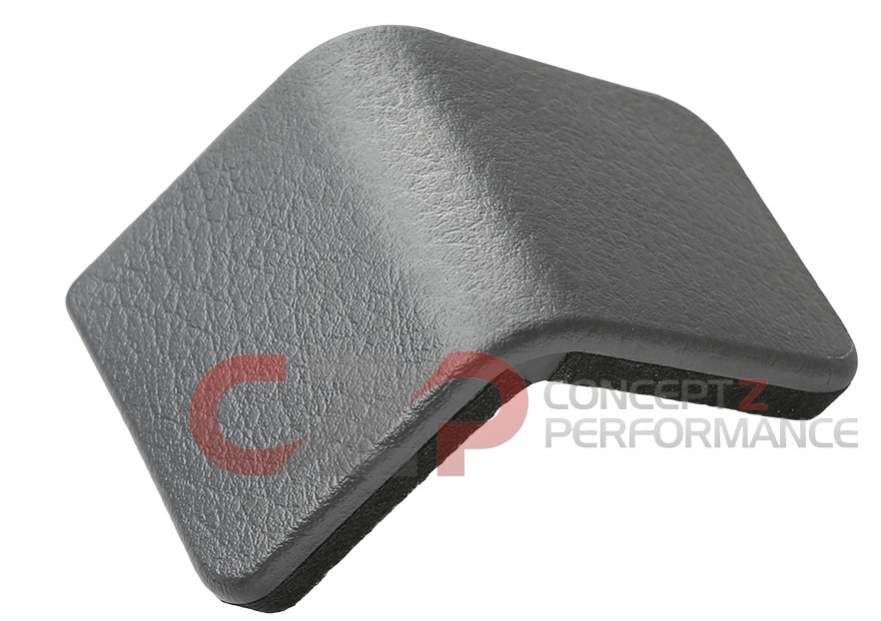
-
19/01/2017 - 1990 cz32
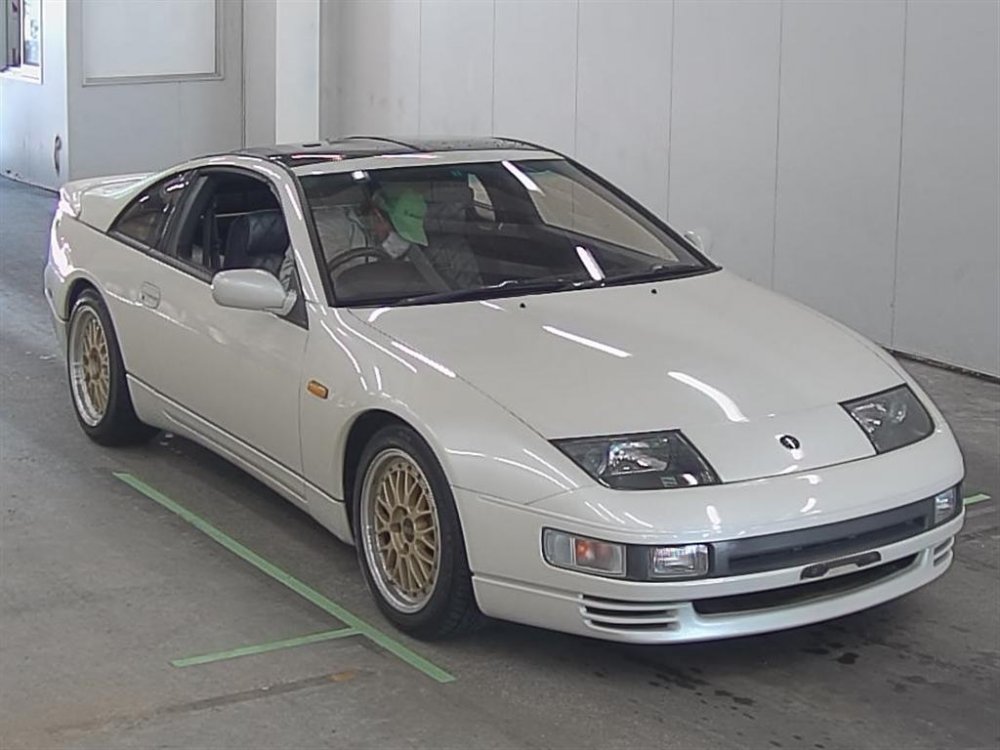
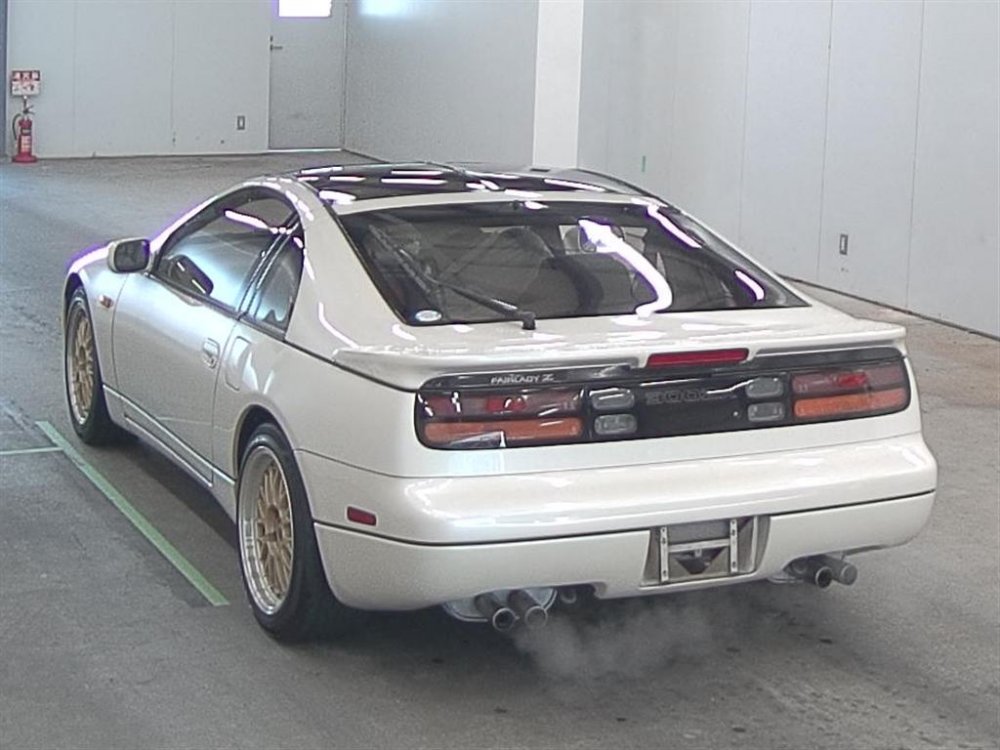
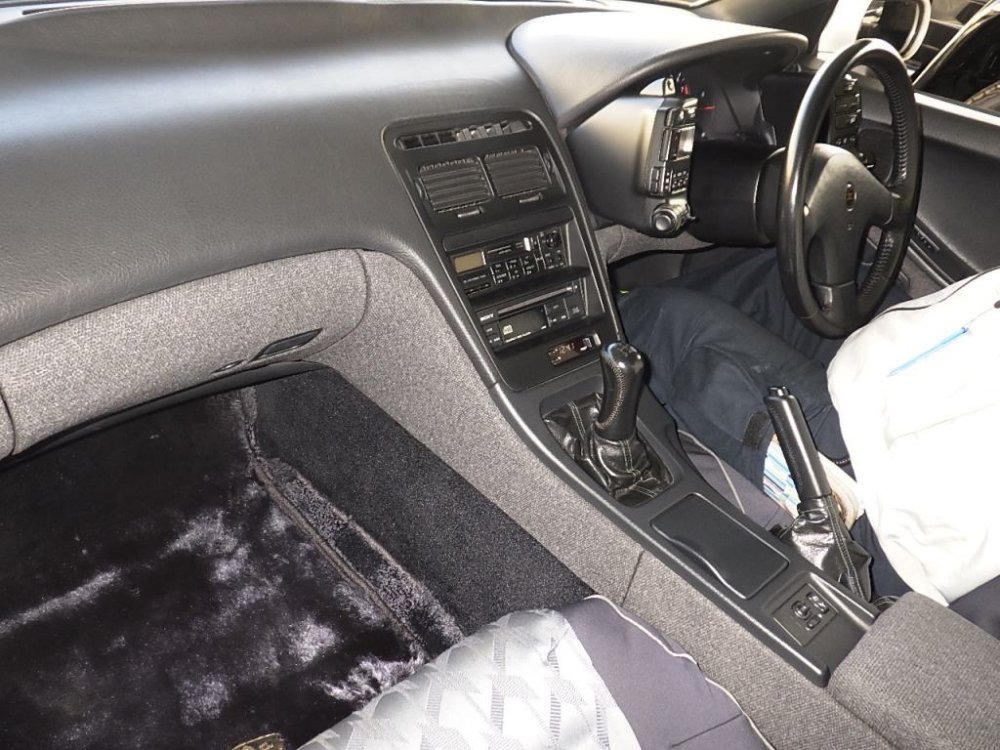
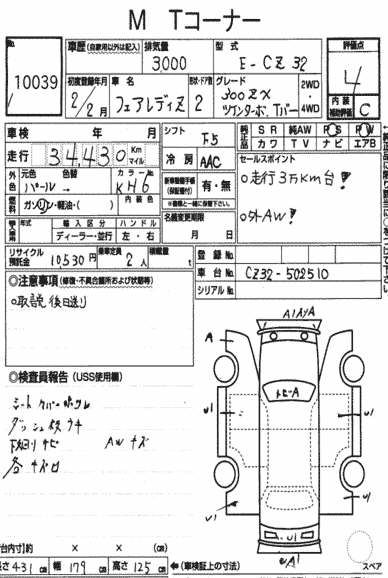
-
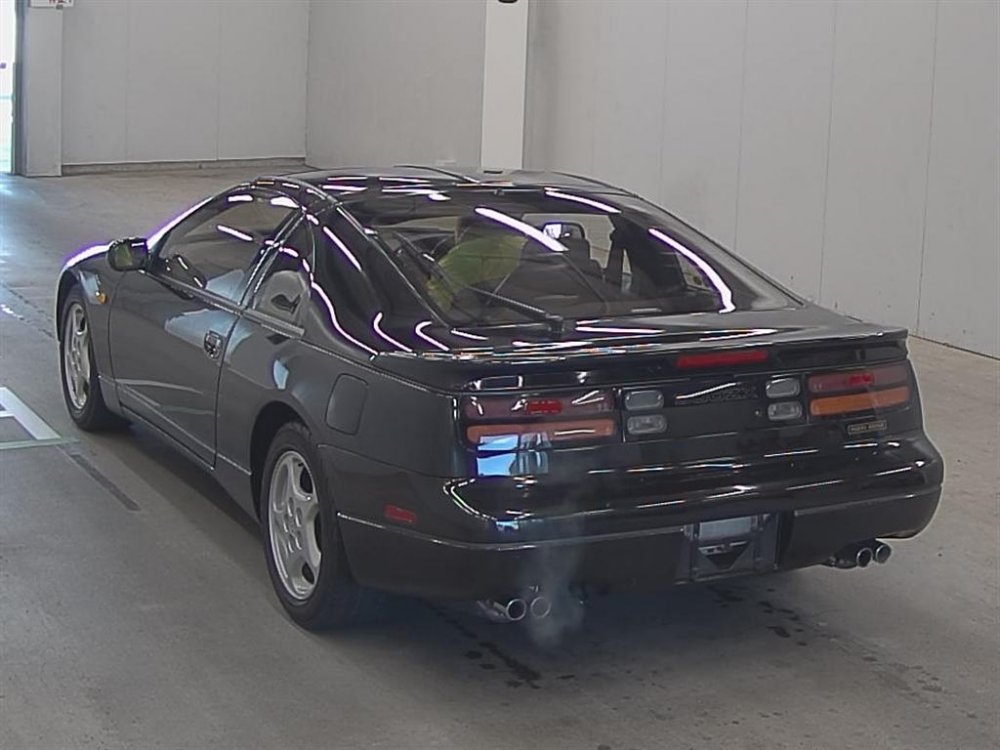
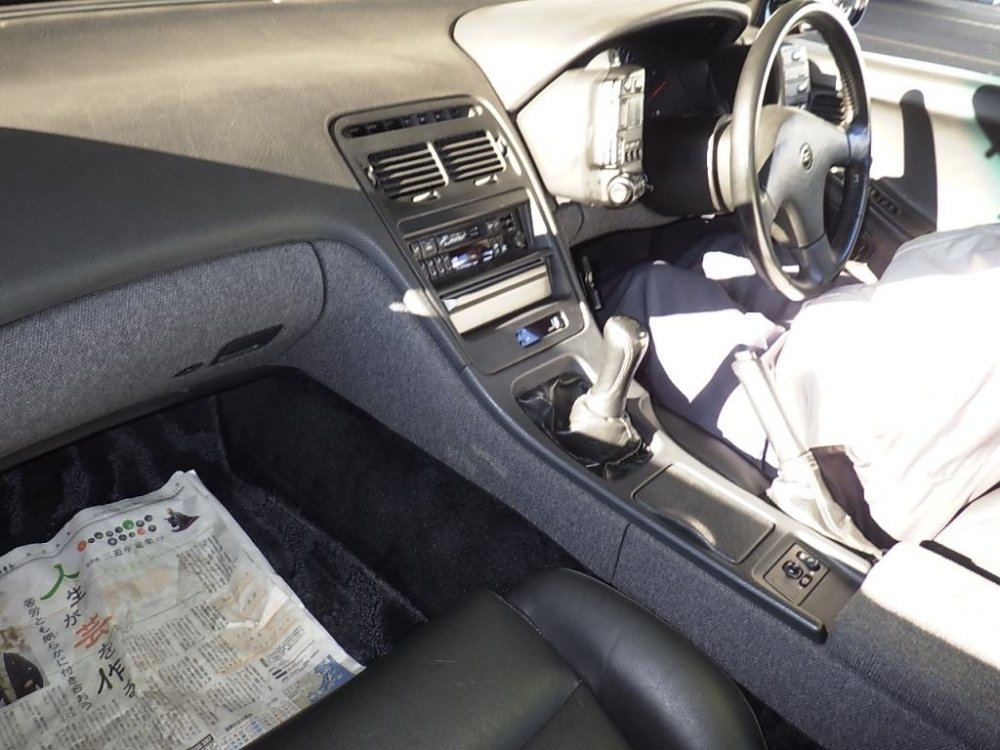
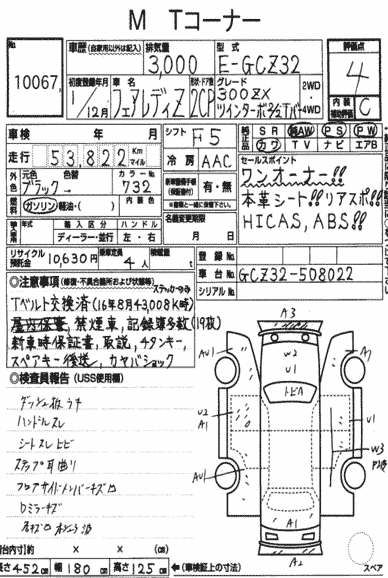
19/01/2017 - 1989 gcz32
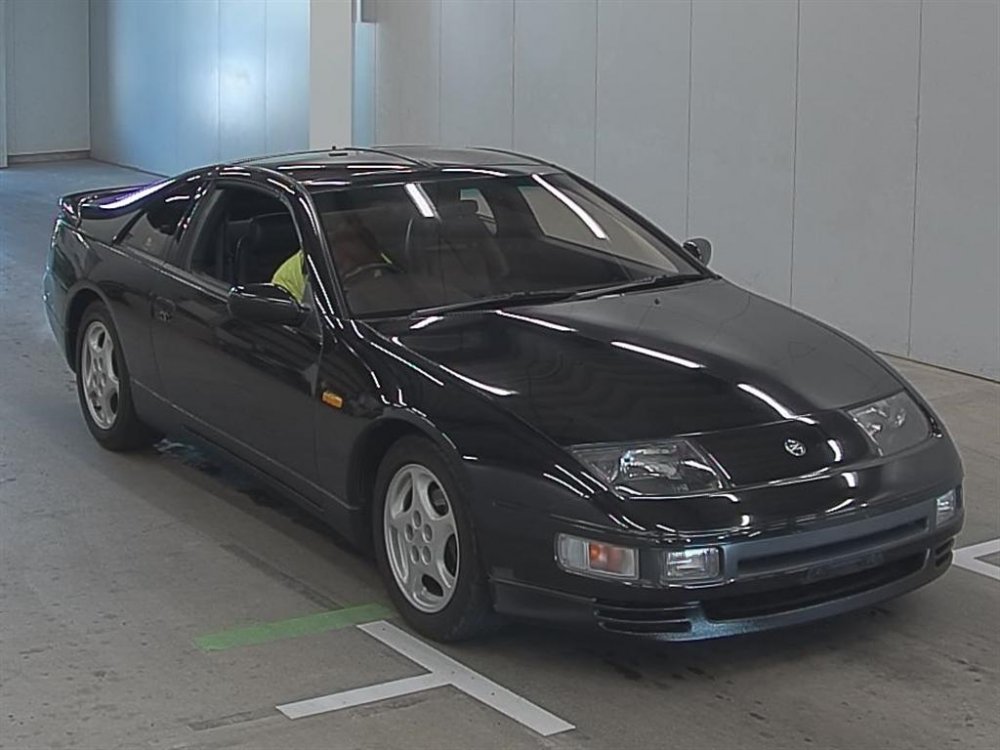
-
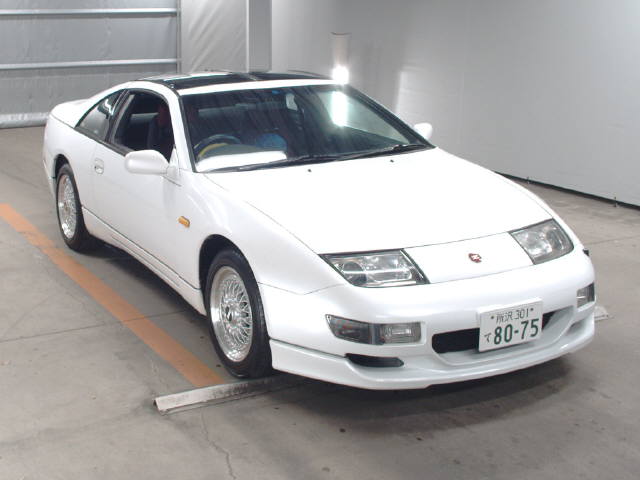
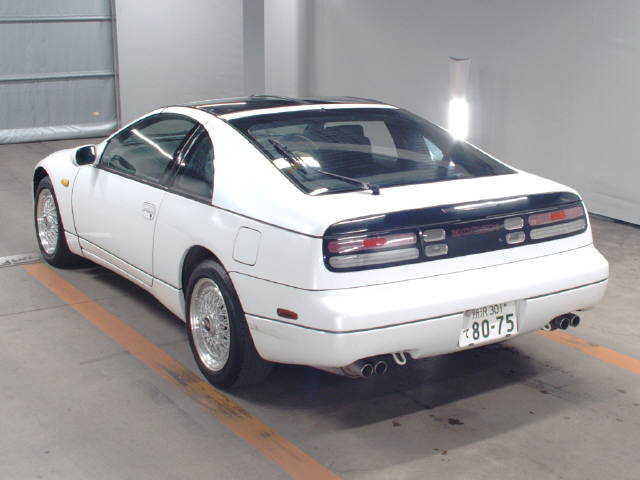
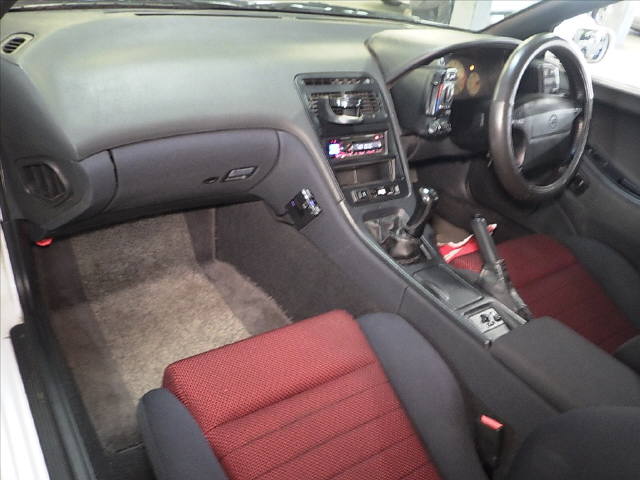
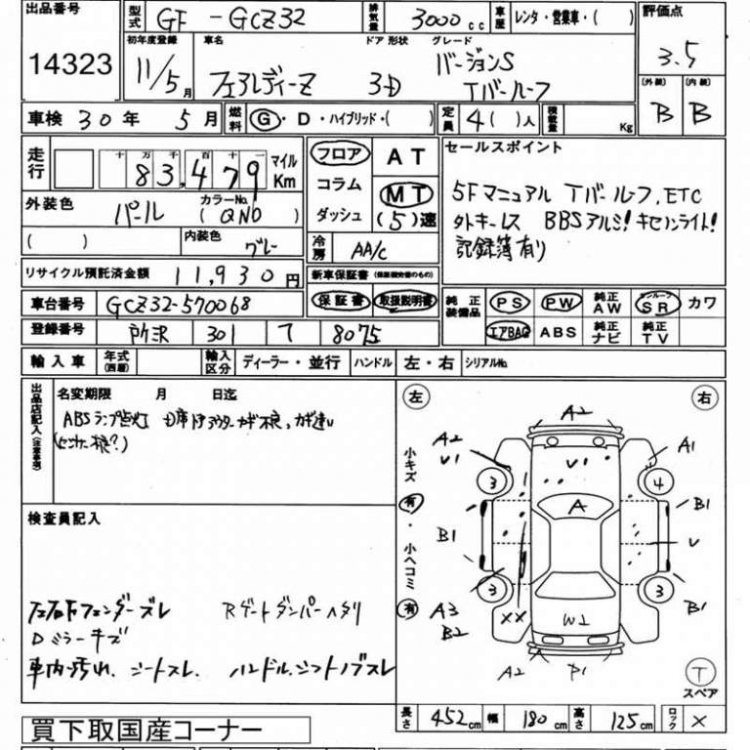
18/01/2017 - 1999 GCZ32 version S
-
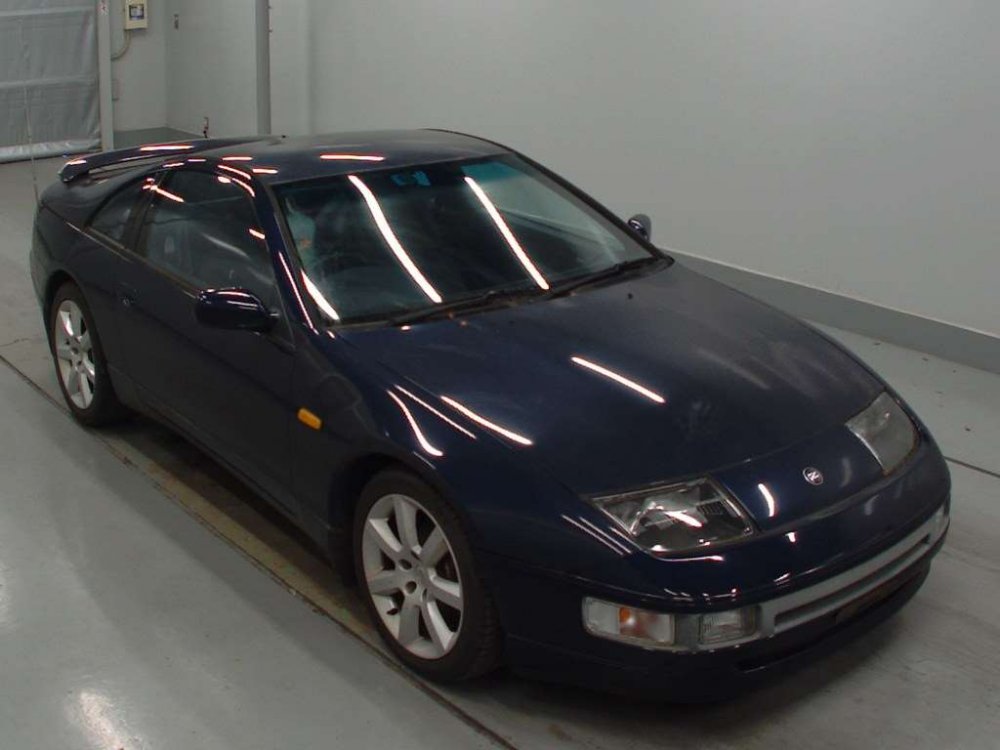
17/01/2017 - 1990 z32
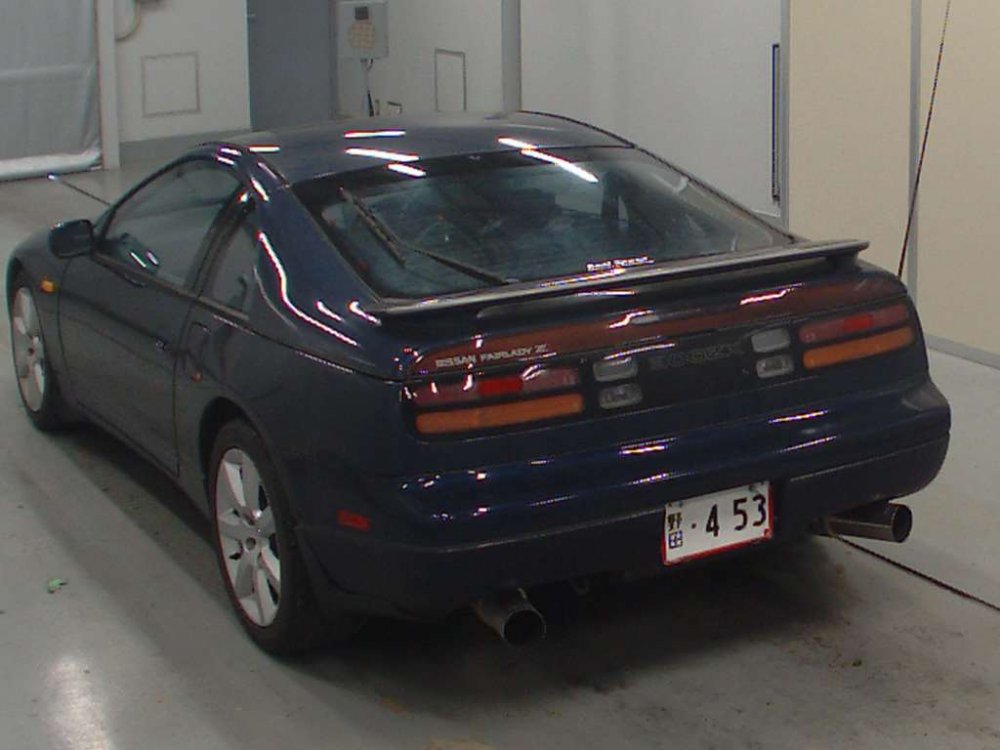
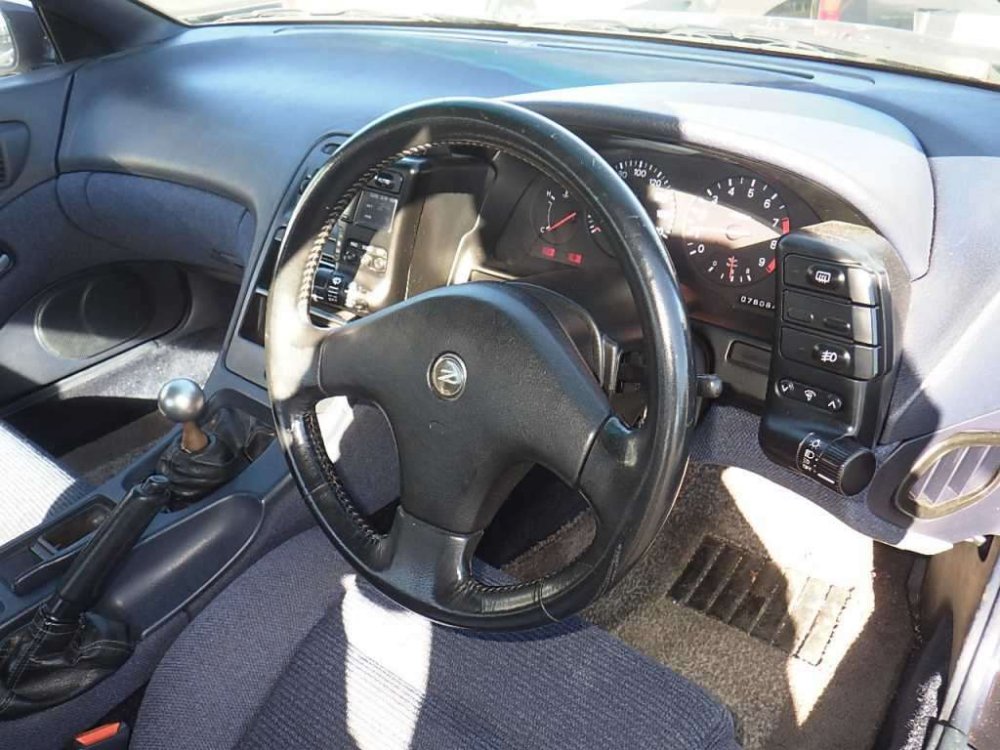
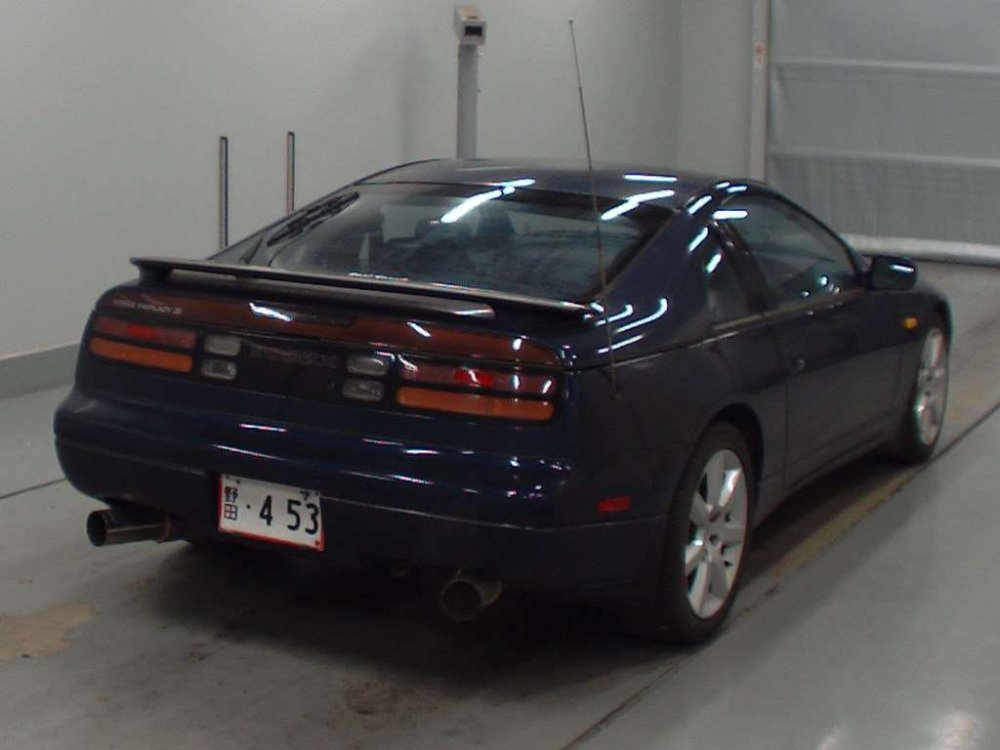
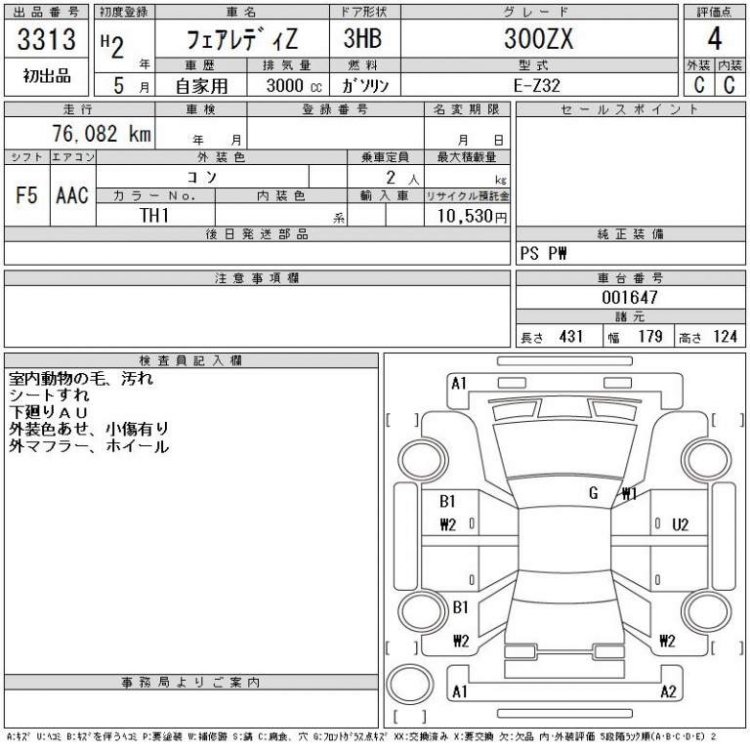
-
18/01/2017 - 1999 GZ32 version S
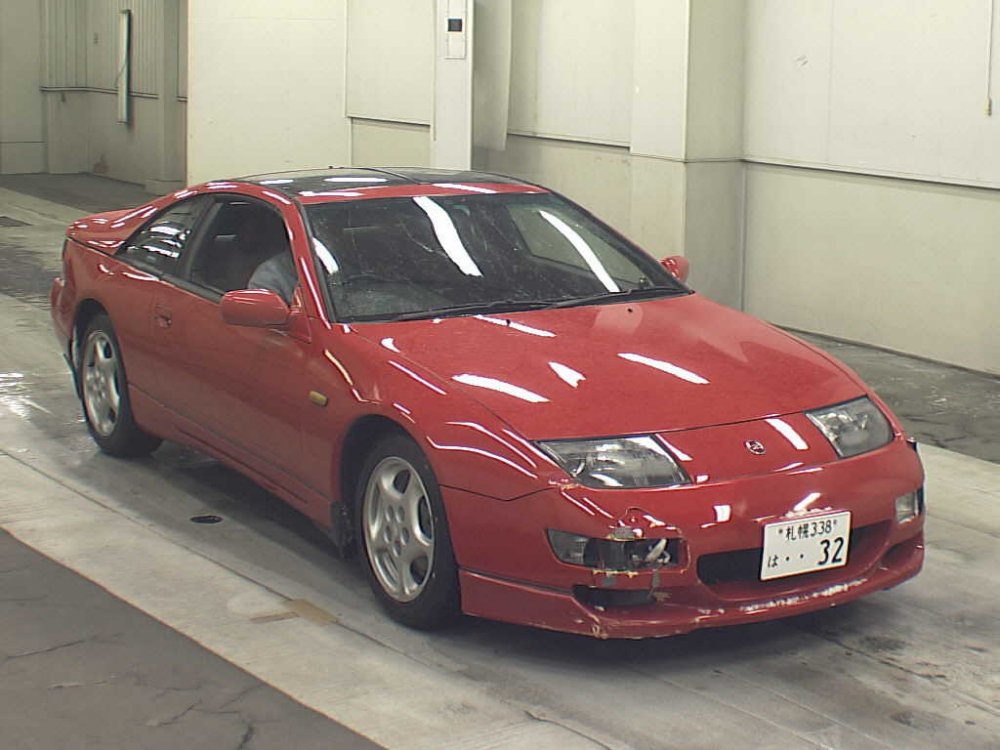
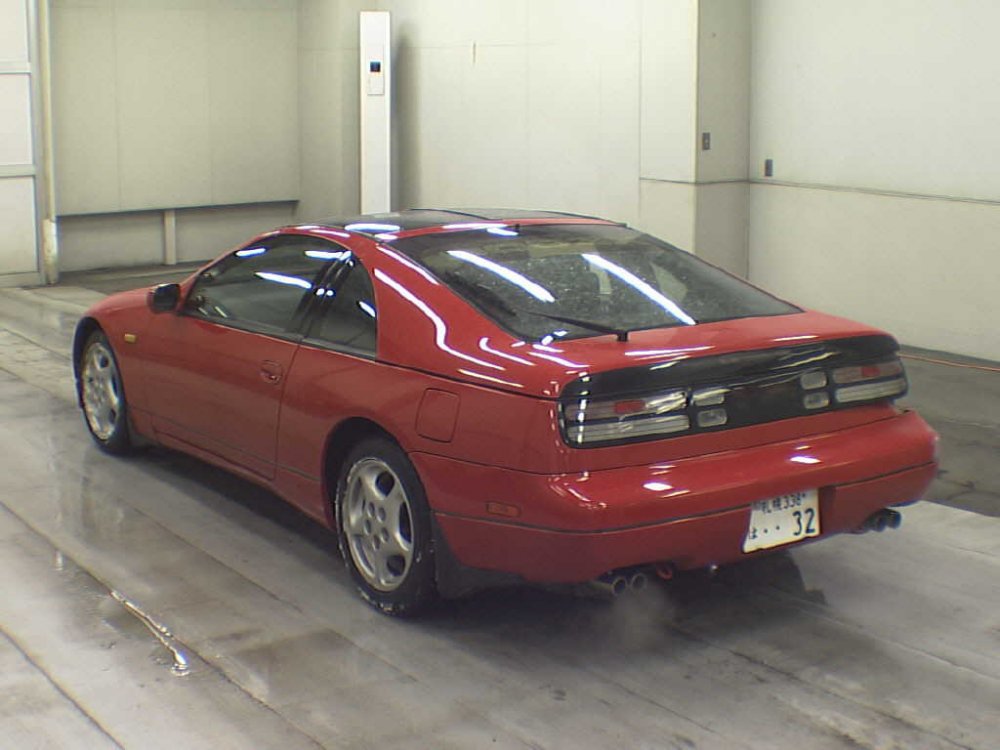
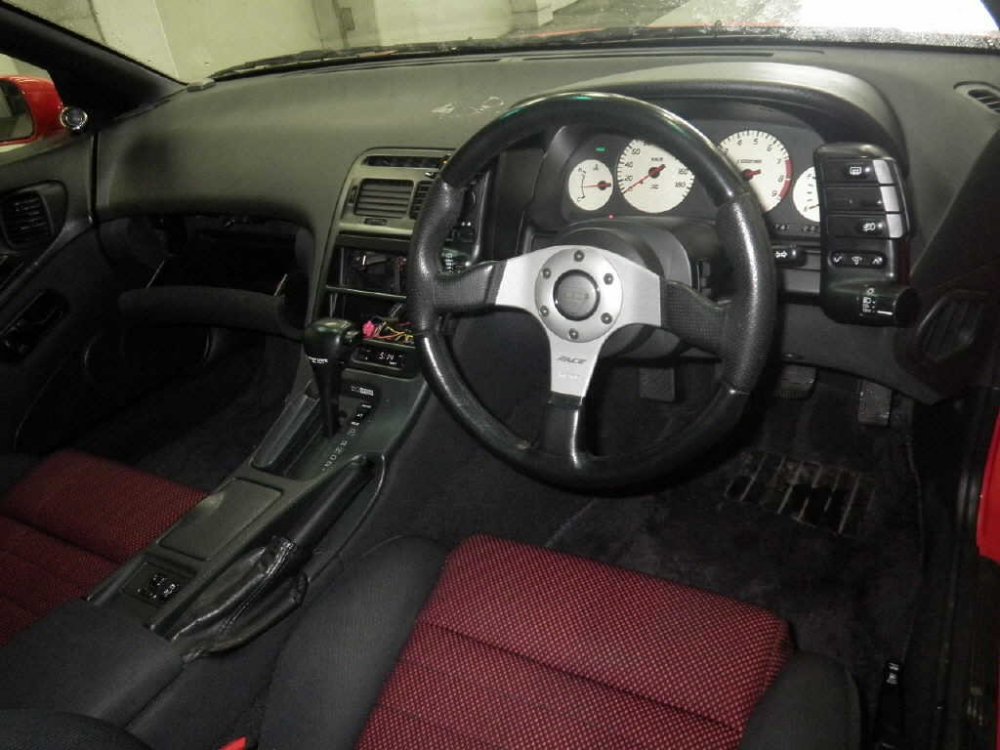
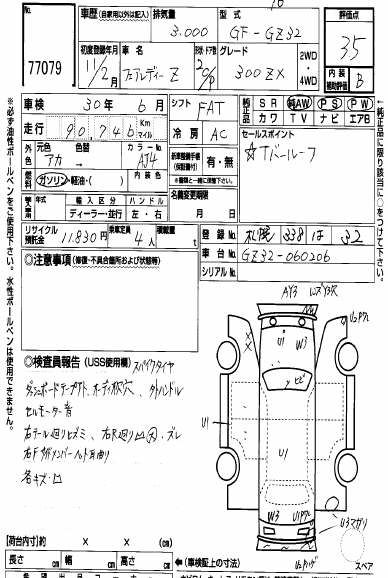
-
I did in 2015, and it's NA!
-
14/01/2017 - 1989 gcz32
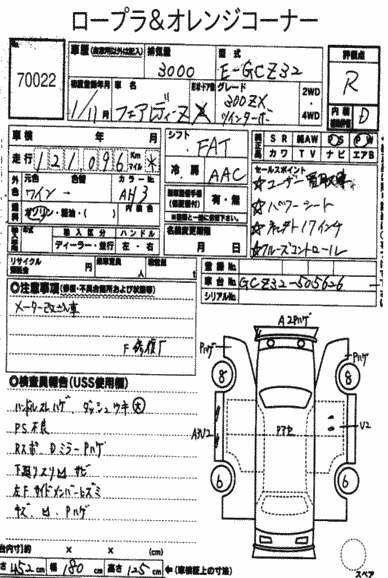
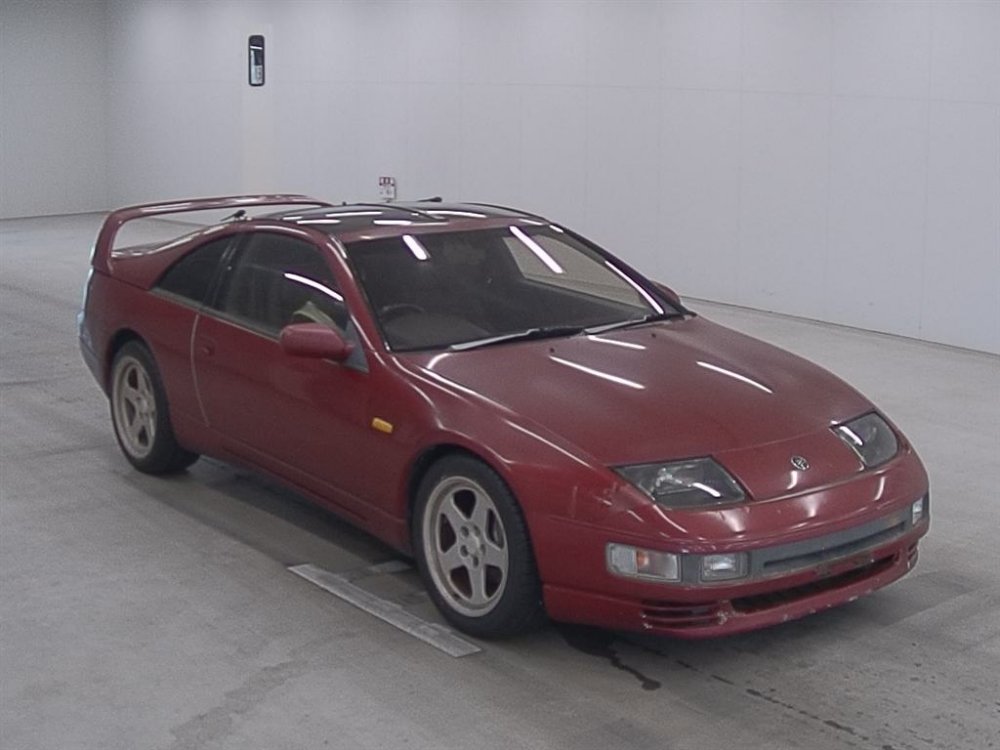
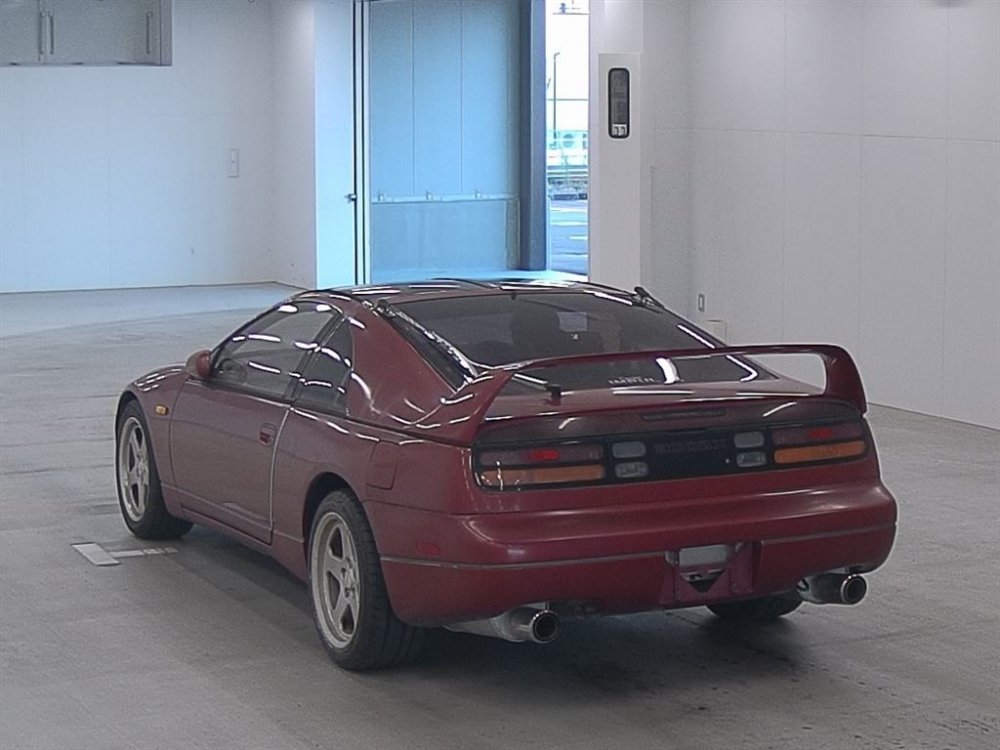
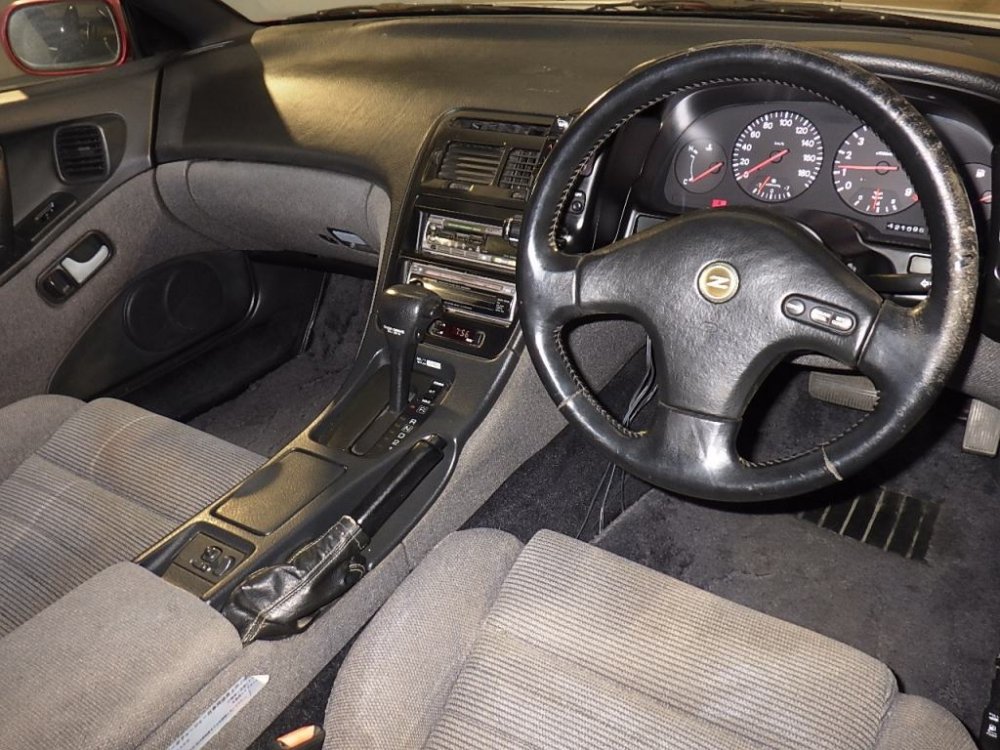
-
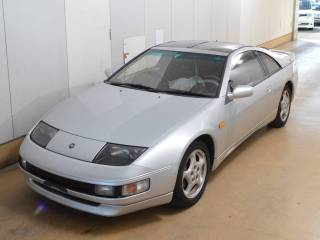
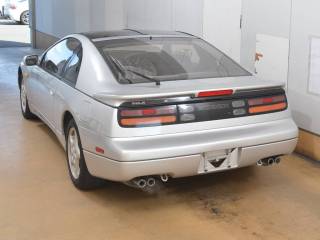
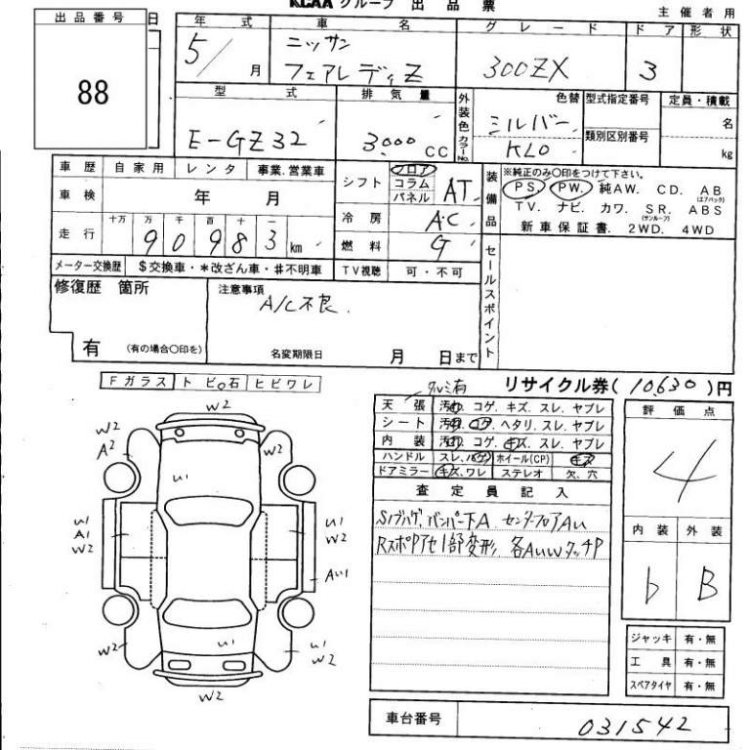
13/01/2017 - 1993 gz32
-
Wrong link there... https://conceptzperformance.com/nissan-oem-300zx-hood-heat-insulator-z32-65840-30p10_p_5420.php
-
Bargain indeed! http://www.300zx.co.uk/forums/showthread.php?168270-What-did-you-do-to-your-zed-today&p=1941606#post1941606