



Everything posted by dipone
-
i found a site that had prices of the parts but they were silly money close to £2000 for the rear bumpert without shipping
-
i have had a new TV that has a pc connection on it. if i play my xbox 360 through this will it be worse than the leads the 360 comes with
-
its the impul kit
-
good luck to the 'pool hope they play better then united did against AC, but i cant see anyone playing any worse
-
i never knew the was a differance between auto and manual.
-
fookin families mate dont get me started. but if i were you and im in a simular postion i would want to be there for the kid and no one else i think her saying this to you is a guilt trip though and from what your saying it is like your been used
-
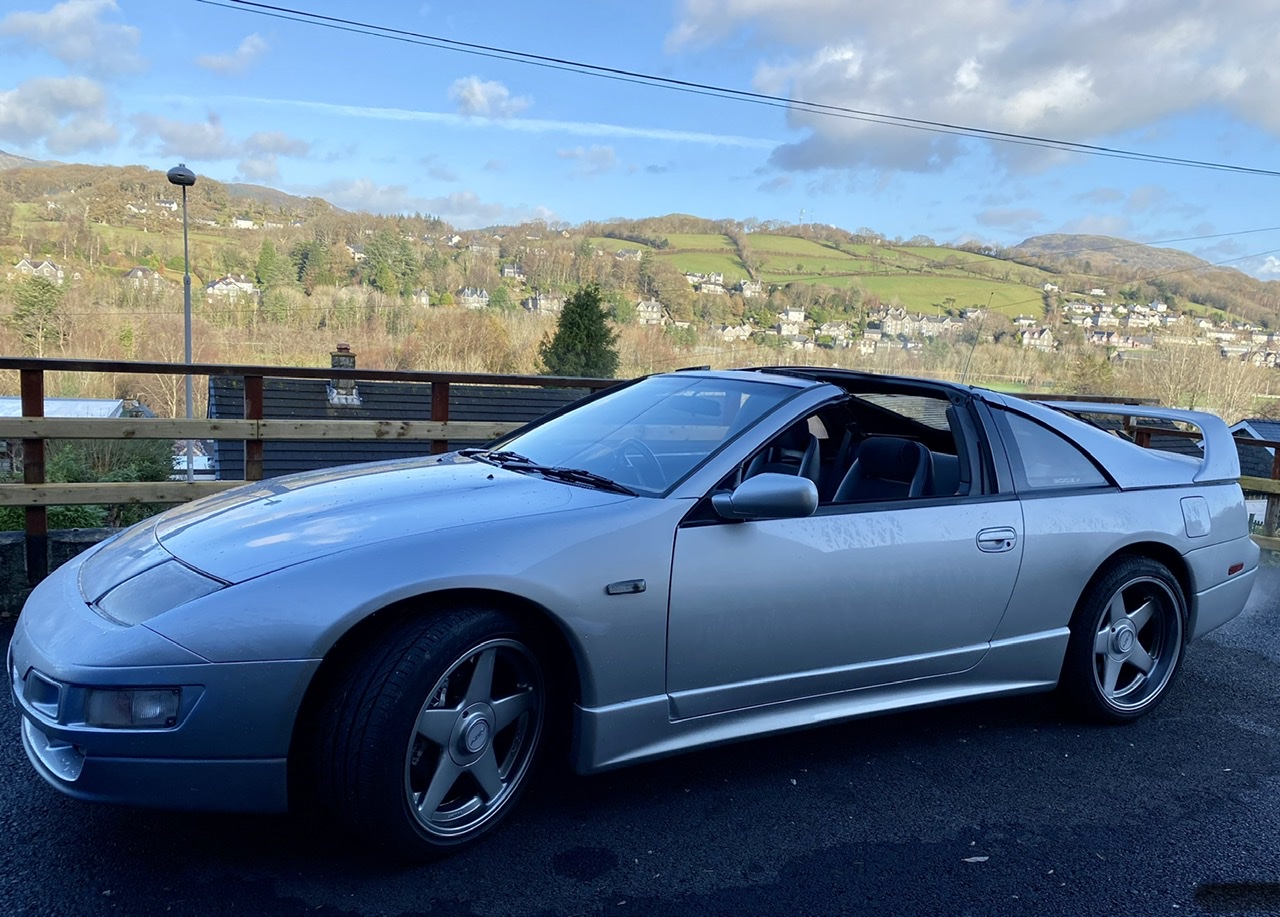
my zed was UK and the looked the same as all other zed seats, yours may have been retrimed
-
what would the differance be between HD ready and full HD i have ordered this TV and wondering if i have ordered the right one http://www.panasonic.co.uk/plasma-tv/th42px70cab/index.htm
-
heres my "8 meg" from fookin bt
-
well i thought it was funny :tongue:
-
the clip they never wanted you to see :p http://s41.photobucket.com/albums/e272/dipone/?action=view¤t=PenguinJ.flv
-
it seems to be happening the same time every day from 5 pm and gets slower as the night goes on, as slow as 36kbps. BT india keep phoning me to see if its fixed even though they havent done anything to fix it, its not these guys in indias fault as they ask you a question and look it up on thier computers but dont have a clue what they are on about. what pisses me off the most is every person i speak to tells me something differant a guy i spoke to 3 weeks ago was the only person who listened he did a line test "no fault" he tested the speed of my line "1meg" is all i can get down my line, if its tested in the day time its 6.5meg which is the most my area can get. so he said phone the "technical" helpline the day after and he would put it on the computer what he found and they should send and engineer out 3 weeks later they have listened to what he said and im still having problems. its time to get in touch with OFCOM i think
-
i get this at any time good or bad i have changed routers to see if it was a faulty router but it was still the same
-
yes they still get full speed when mine drops, if BT test the speeds of our lines , mine says 1mb and theirs says full speed
-
im back to 7.56 mb now untill tonight as soon as 5pm comes i'll be back down to less than 1mb
-
are you sure thats a replica, looks genuine too me :mac1:
-
thing is i never had one problem when i was on 2 meg all started once they put me on "bt max" :xxx:
-
done that and reset my pc for the same time Last Result: Download Speed: 529 kbps (66.1 KB/sec transfer rate) Upload Speed: 376 kbps (47 KB/sec transfer rate)
-
it is bull shit i have waited 18 months for the fookin thing to stabilise and thats what they told me tonight aswell
-
done 422kbps
-
thats uplugging all the leads and turning it off as well as my pc isnt it
-
Last Result: Download Speed: 829 kbps (103.6 KB/sec transfer rate) Upload Speed: 375 kbps (46.9 KB/sec transfer rate)
-
but it can be ok sometimes then it will drop off mainly after 5pm it does this through my mac, pc, 360, ps3, ds and my wii even if my computer isnt on
-
no i dont download films i never go over or close to my limits
-
474kbps :headvswal