Everything posted by bigh
-
All booked in for tomorrow lunchtime, looking forward to the drive home :cool3:
-
Happy Birthday!
-
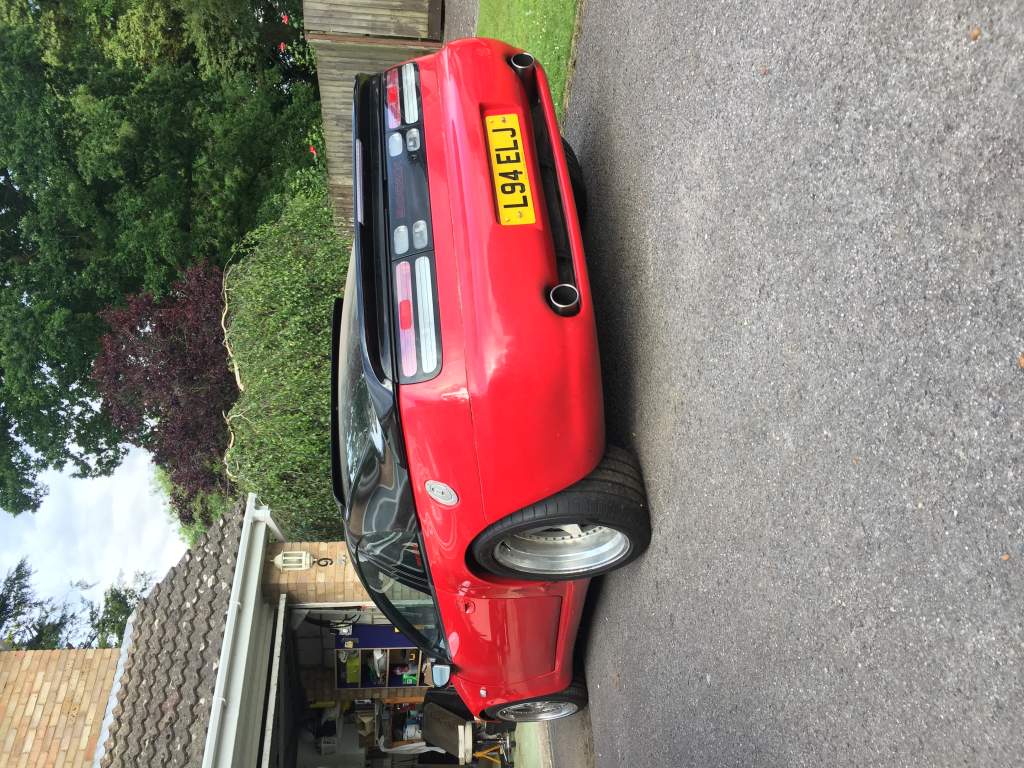
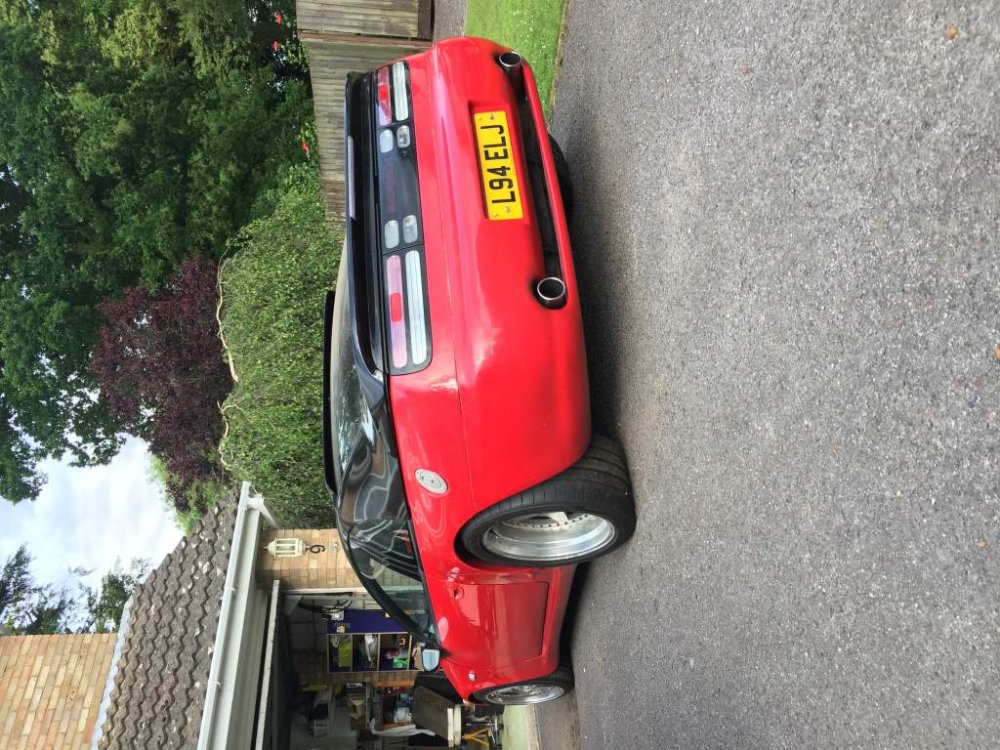
After 6 months of being garaged for the rear end overhaul, she finally saw the light of day.
-
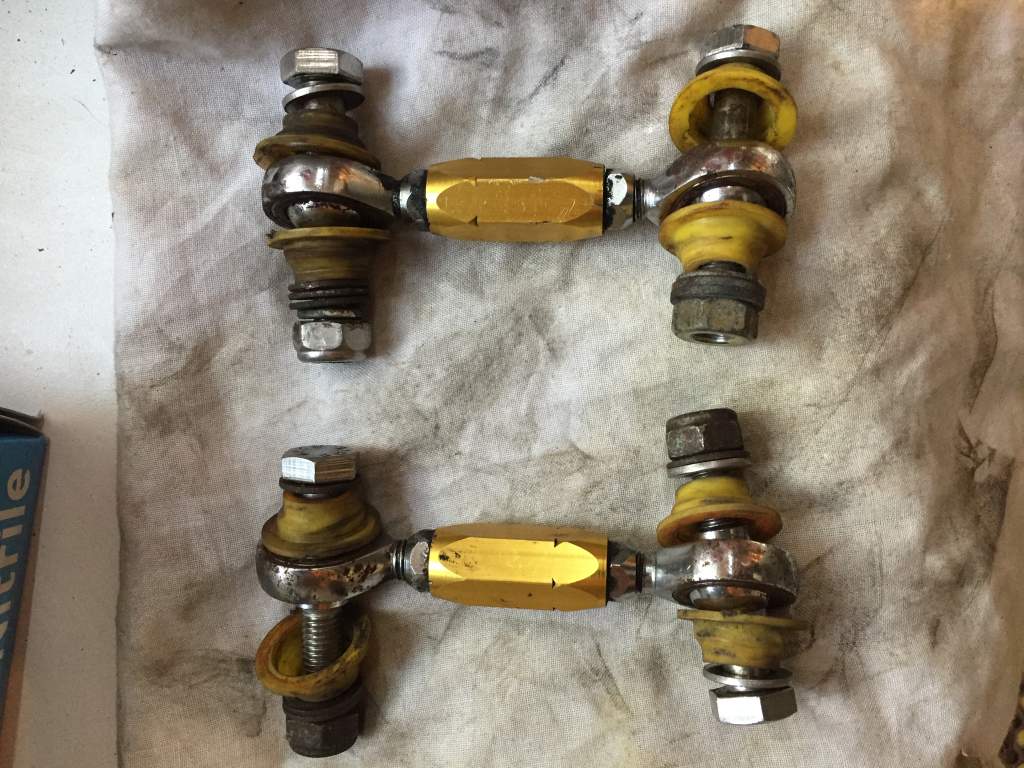
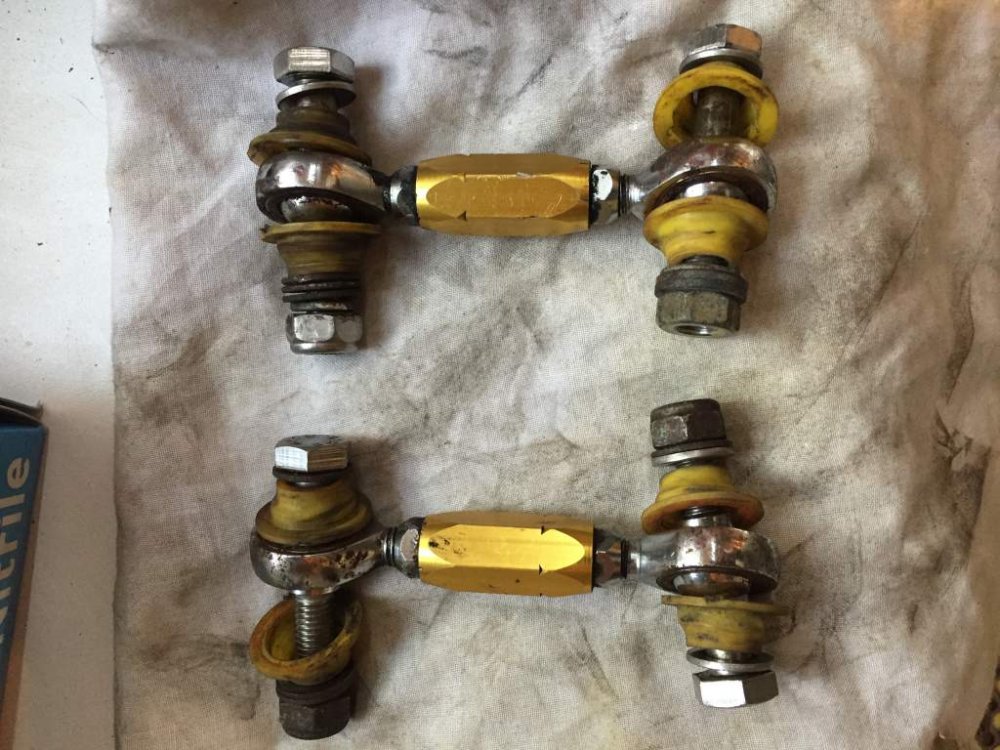
Used Front set of Whiteline drop links. Good condition all joints move freely as they should.
-
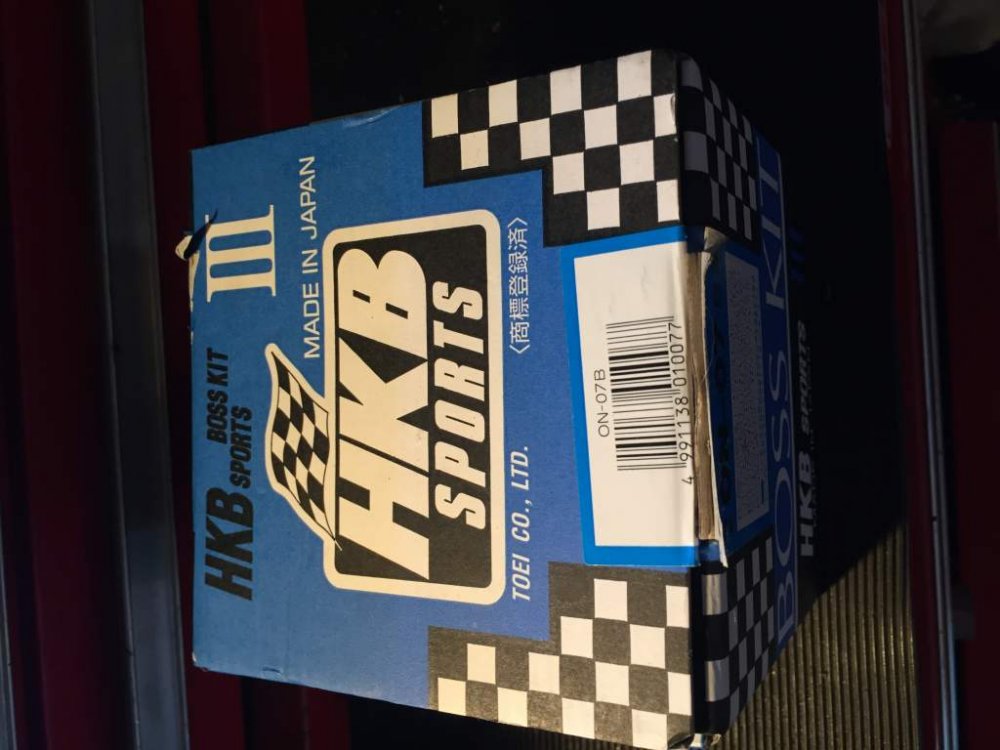
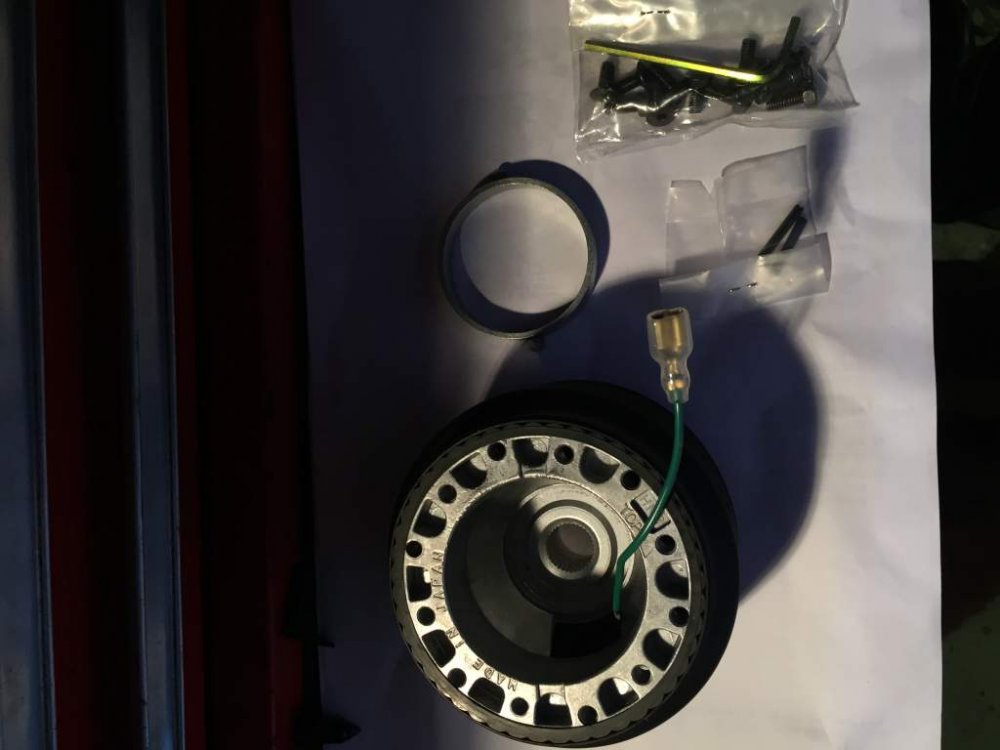
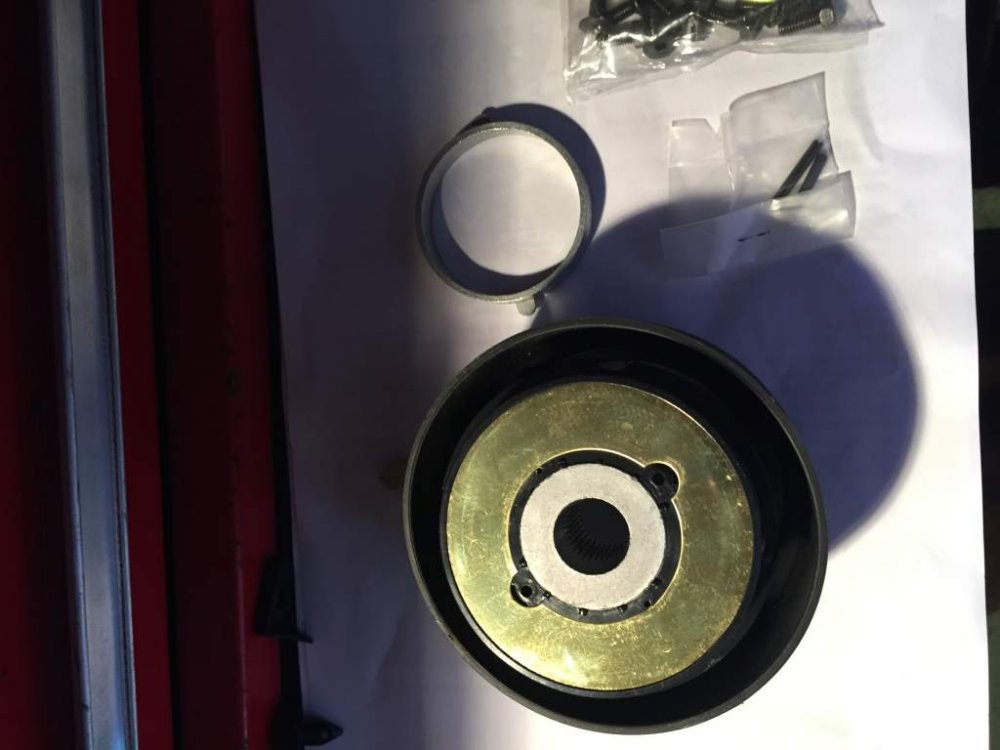
Brand new never fitted. Complete with all screws -Non HICAS only cars £35.00 incl. P & P etc.
-
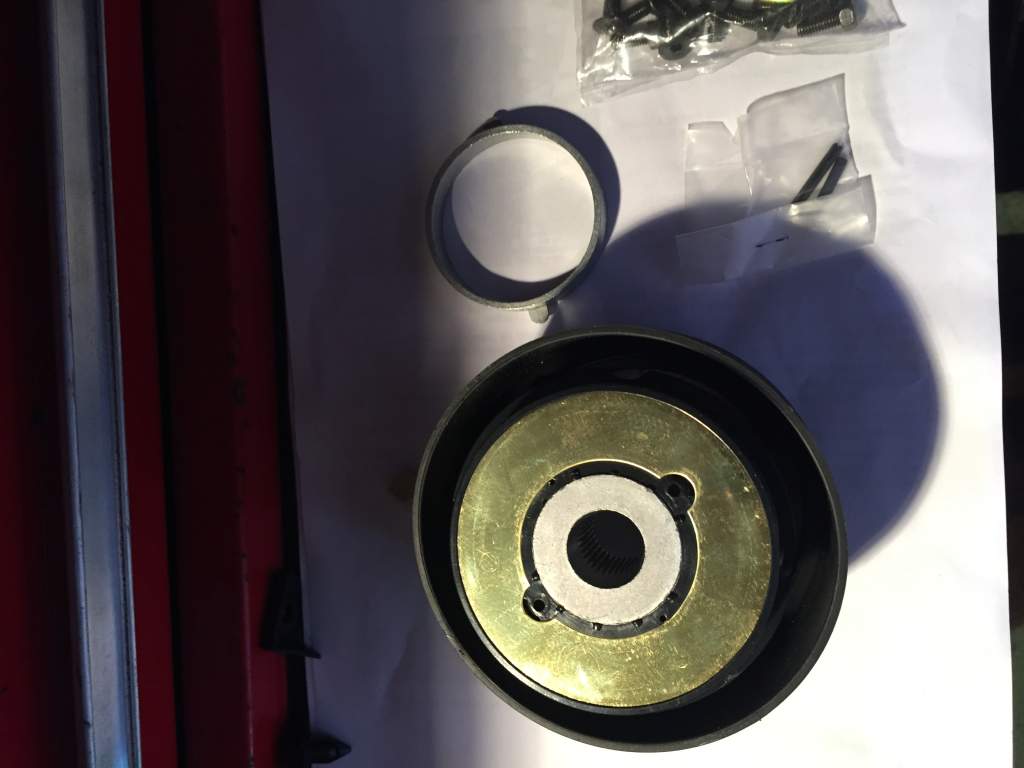
It will fit into the splines, but there is a big gap between the steering wheel shroud and the rear of the boss housing
-
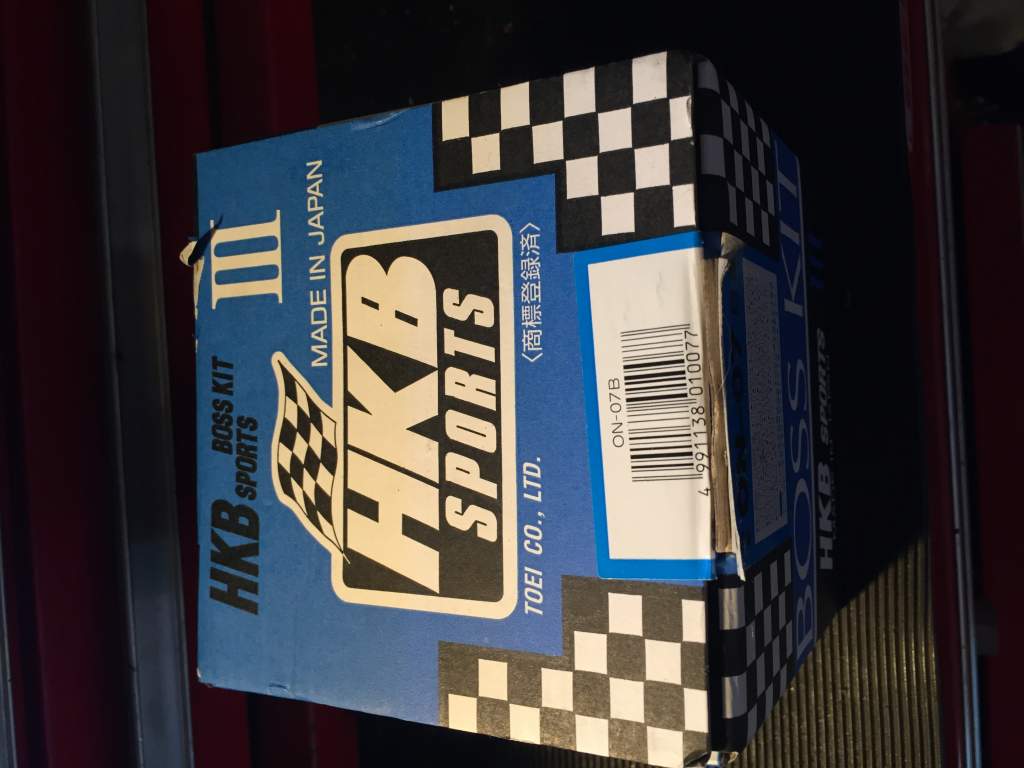
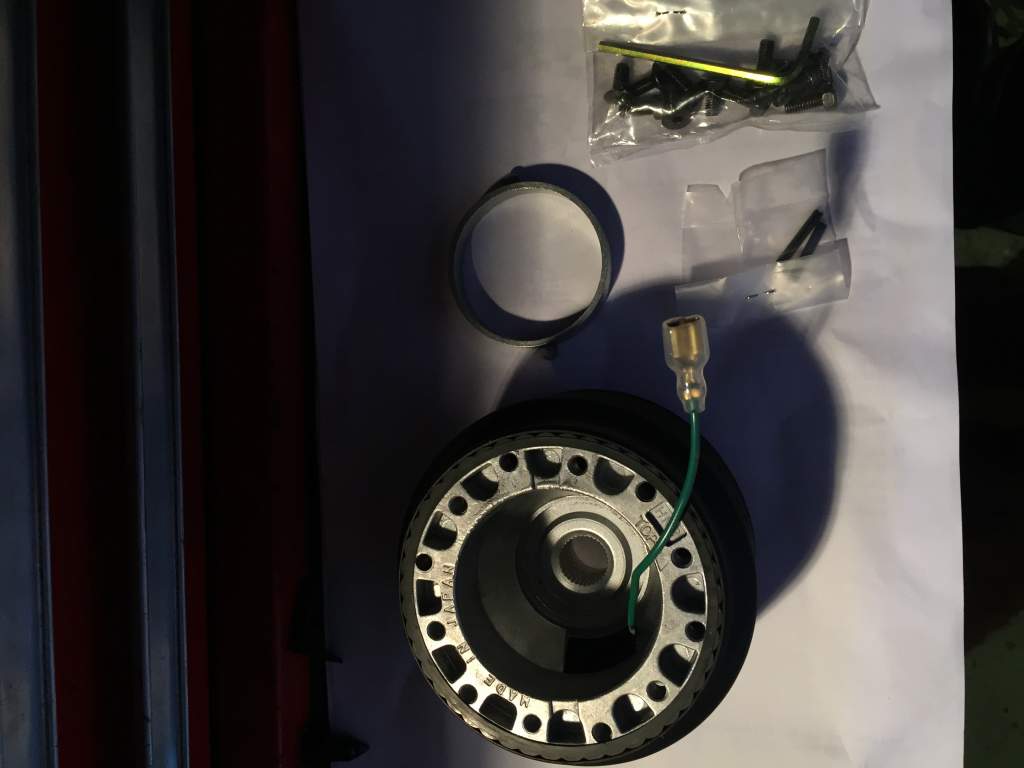
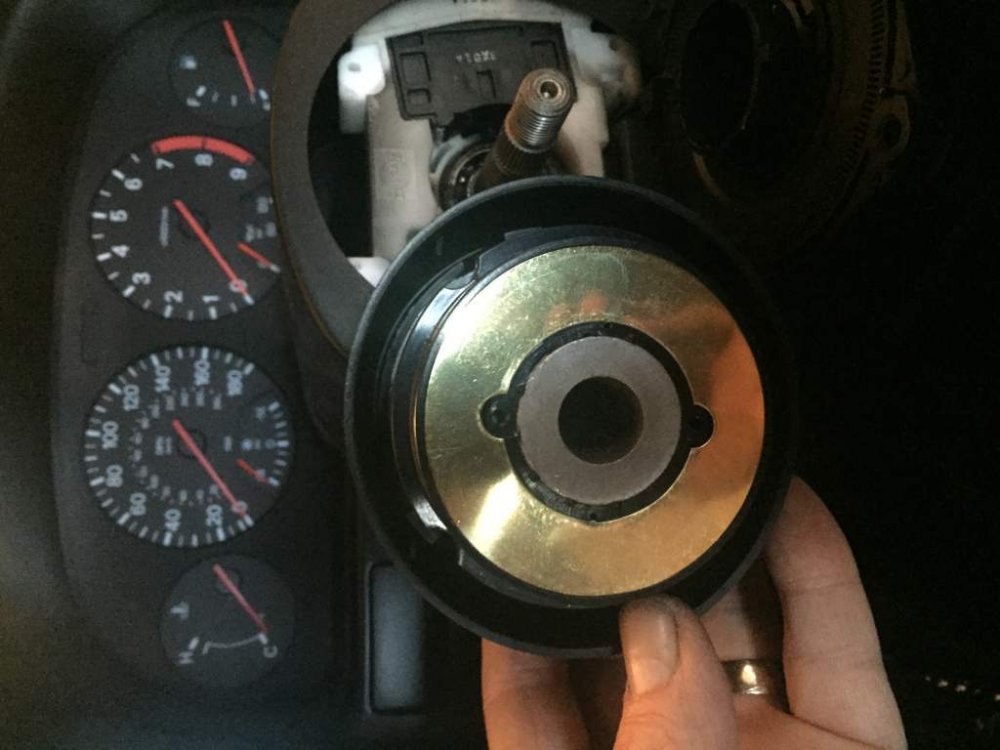
So I have been looking at getting my Momo wheel on this evening. I have just deleted my Hicas, and was told that I could fit a non hicas boss to my steering column. However the HKB boss looks like this And won't fit due to the brass ring being in the way. Is there anything I can do to adapt my current boss? Or do I need to order a new Hicas boss to fit the current setup? Thanks guys
-
Nice Stephen, .......... do you have a sweet tooth?
-
Thanks Pete. I was going to a garage with a Hunter setup. Would your settings still be applicable given your car is SWB and mines an LWB?
-
Not really Stephen, I did have the car corner weighted etc years ago when I first out the Meister R's on it, but I feel it's a bit excessive given it's primarily a road car. - - - Updated - - - Thanks for the reply, good to know :cool3: I will go with the stock settings
-
Ok thanks Si. I just wondering given the larger rolling radius, and wider overall track (especially the rear) that a custom/different approach would be required.
-
So after speaking with a couple of garages today, its seems like they will only align the car to either the FSM details, or if I give specific data they will use this info. I was hoping that they would offer some input or advice given that my car is lowered, but they only want to use set data, so does the fact that the car is lowered, negate the factory setup? (Seen the thread below with the pages from AndrewG regarding the FSM specs.) https://www.300zx.co.uk/forums/showthread.php?181276-rear-wheel-tracking&highlight=wheel+alignment
-
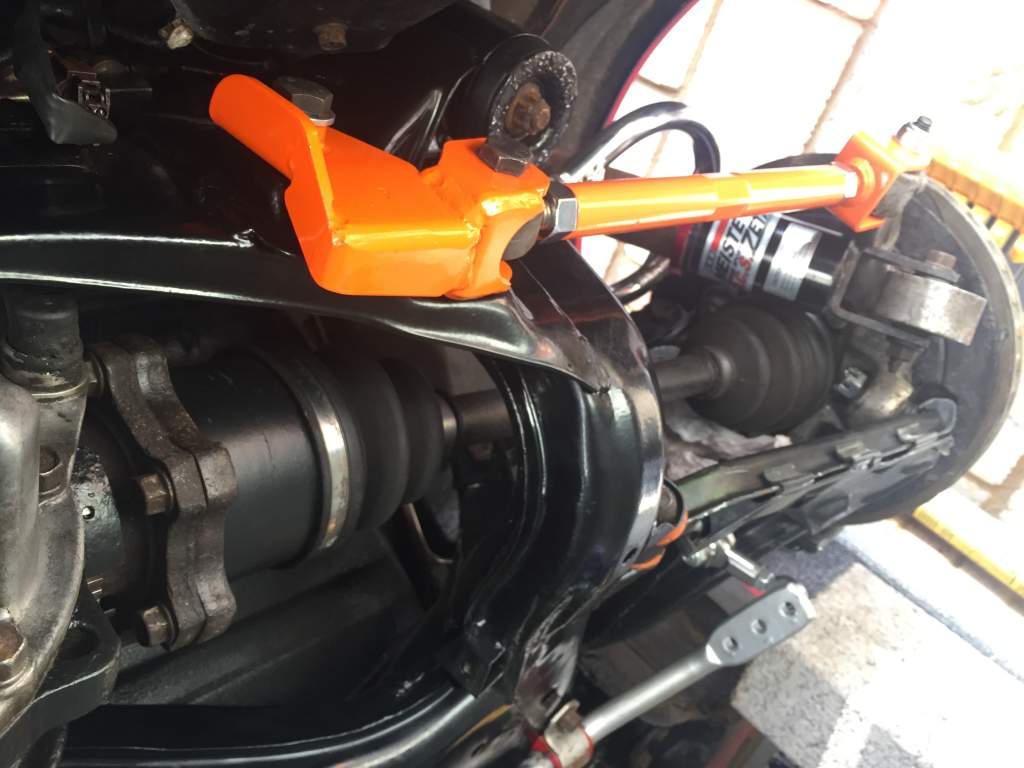
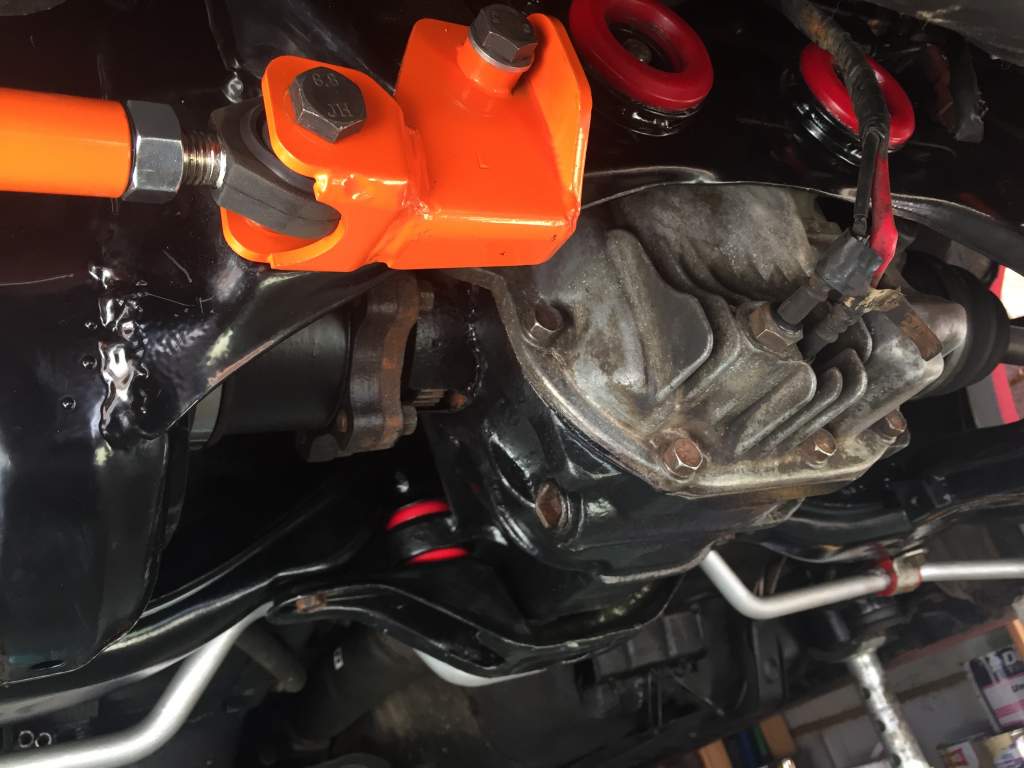
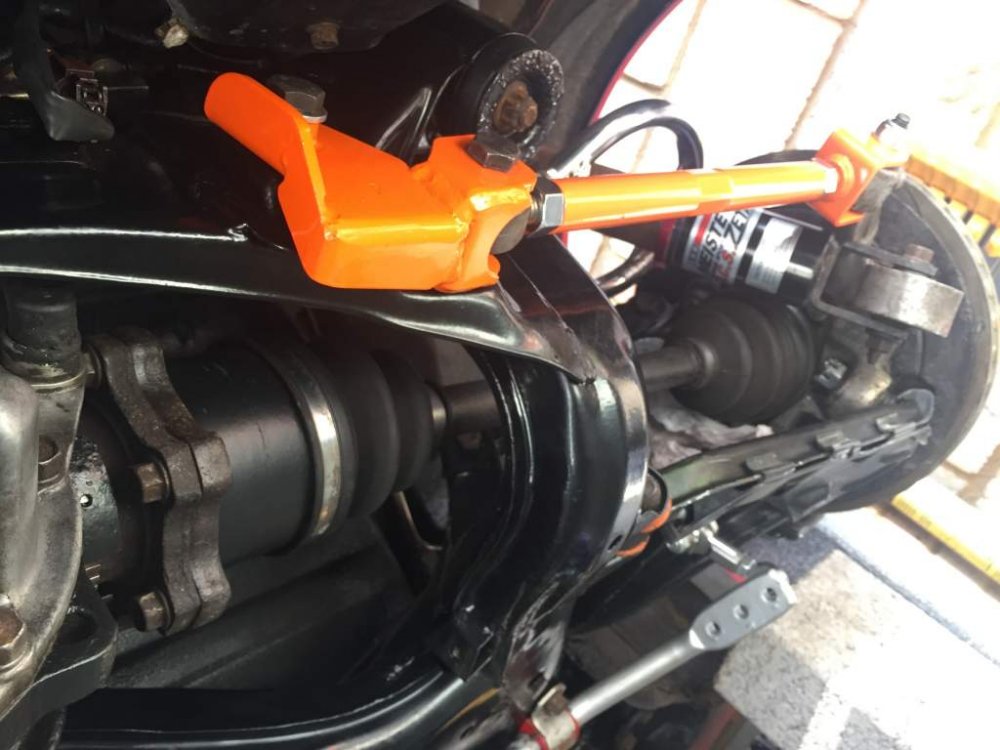
Finally finished on the underside of the car. Subframe powder coated & polybushed. Diff mounts polybushed and new oil. All suspension joints poly bushed, after being stripped and coated with POR 15. HICAS removed and Driftworks lockout kit installed. New rear Powertrix drop links, freshly painted the Stillen ARB. Just need to get the rear wheels and connect the links to the ARB. I think a full geo setup is now required! And the biggest pain in the arse all the brake lines replaced.

-
Thanks Andrew. Just wanted to buy the wire for the run from the battery to the boot and feed it through the wheel arch well/bulkhead whilst the arch liner is off, at the moment. Will definitely be giving you a call once I have all the parts
-
after finally finishing all of the "dirty" jobs on the underside of get car, I am at last look at getting the parts /wiring together for the amp and a JL sub that I have had for years into the car. I have had a look at the various kits from Maplins and Car Audio Security, and even read articles from Crutchfield.com about working what gauge to run from the battery to the amp and sub. But to be honest I'm more confused now. can anyone point me in the right direction of cable size or even better a complete kit? The Amp is 300w http://genesis-ice.com/uk-en/products/view.php?id=12 Which will be mounted in the boot, the sub is a JL 10W6 http://www.z1-highend.de/WebArchiv/JL%20Audio%20Subs%20W6%2010W6.htm Thanks
-
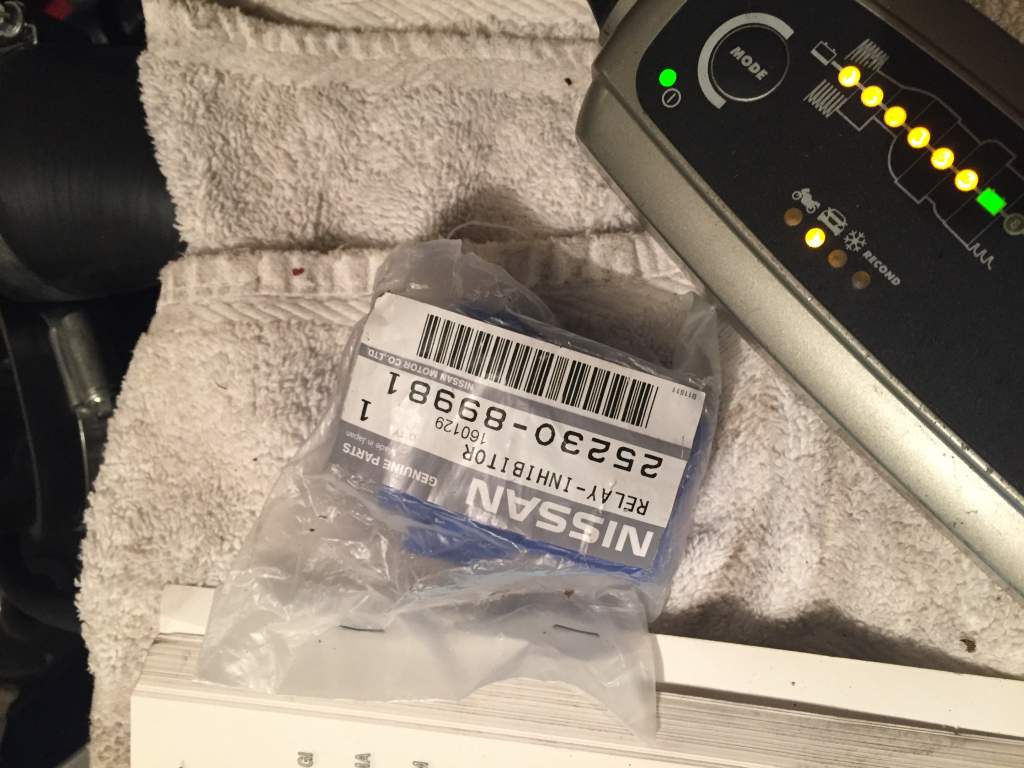
Thanks for this Andrew, looks like this relay only exists on Auto. Time to put all the arch liners back on :blushing:
-
Cheers guys, will dig deeper tomorrow.
-
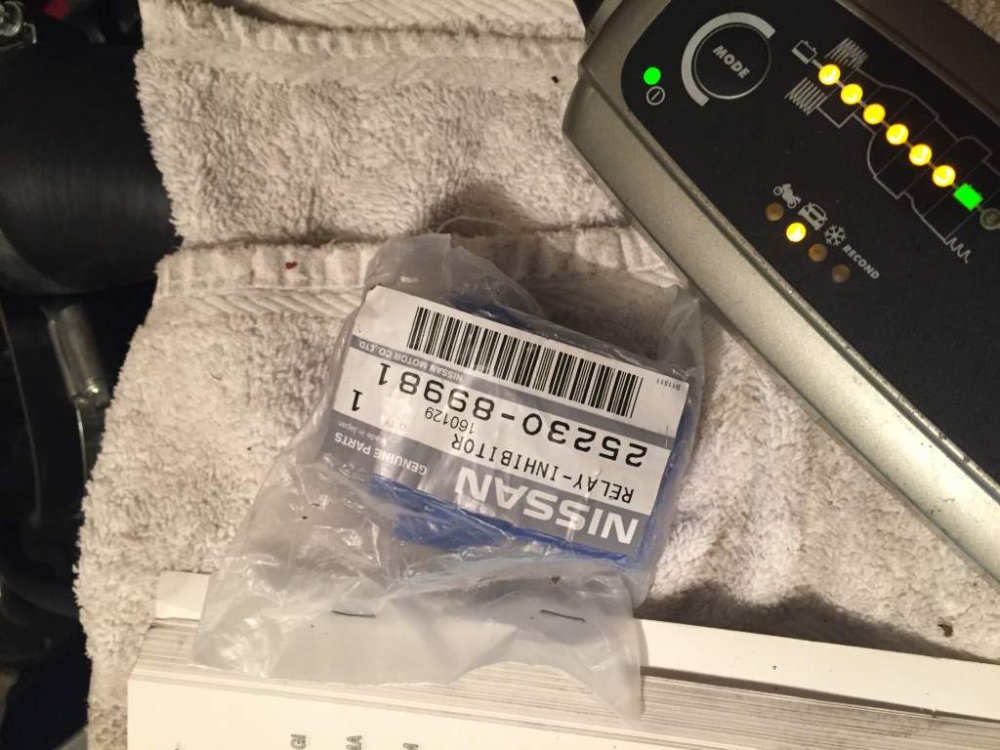
Has anyone changed the starter relay inhibitor on their car? Either UK or JDM? I have read the link below from the TT.net site, and I cannot see the relay in the passenger side wing. I then checked the drivers side and my car doesn't have the small black canister mentioned in the how to guide, or as far as I can see this blue relay. Any chance being a U.K. car the relay is placed else where? Or even deleted? http://twinturbo.net/nissan/300zx/tech/starterrelay/starterrelay.html
-
Very nice Richie.
-
Cheers for the info on the Snap extractors, I will certainly getting myself some of those for the increasing array of tools. I like the way the are short, rather than longer items I have seen for sale, makes sense. :cool3: Hope I can still borrow my neighbours Torque wrench for tightening up the driveshaft nuts after this :innocent: Assume the extractor has snapped off flush and you can't get anything on it? Yes nothing to get hold I m afraid
-
Lol, will be buying some new nipples before I fit the unit Andrew. The subframe is all under the car and lined up, just need an extra pair of hands (my son) to finish the install. So hopefully the subframe will be done this week, with the ABS unit soon after.
-
Hi Ali, thanks for the thought, but I have just bought one from Banzi Breakers.
-
Maybe Joel, although I borrowed a set from my neighbour (ex BA mechanic) and most of his tools are usually high end brands. Tried drilling out the offending extractor, it is hard enough to snap my drill bits. :no:
-
What's different about them? Length of fixing points?
-
Well tried the extractor method and the tool snapped off in the recess.