-
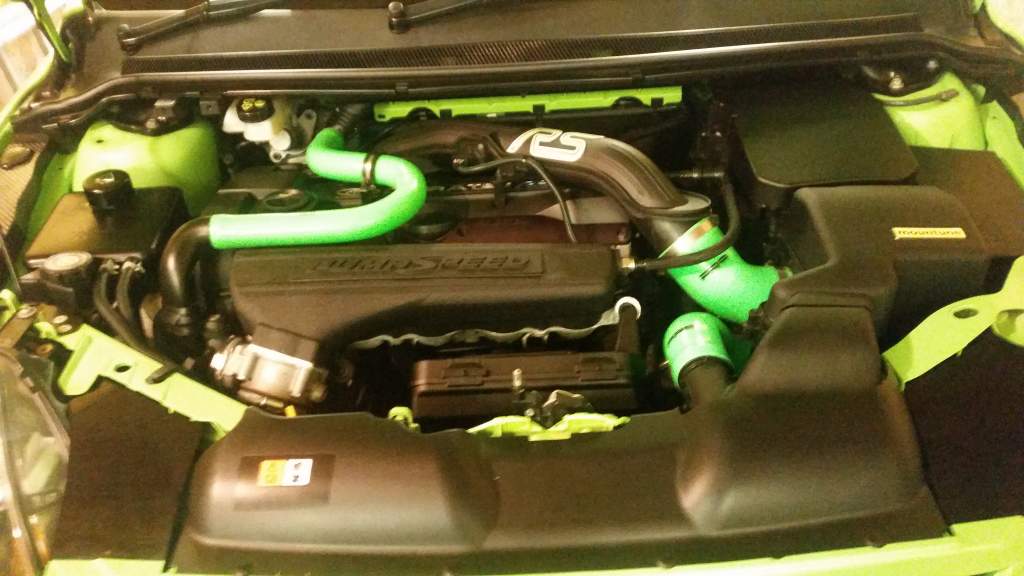
Done mine earlier looking cleaner
-
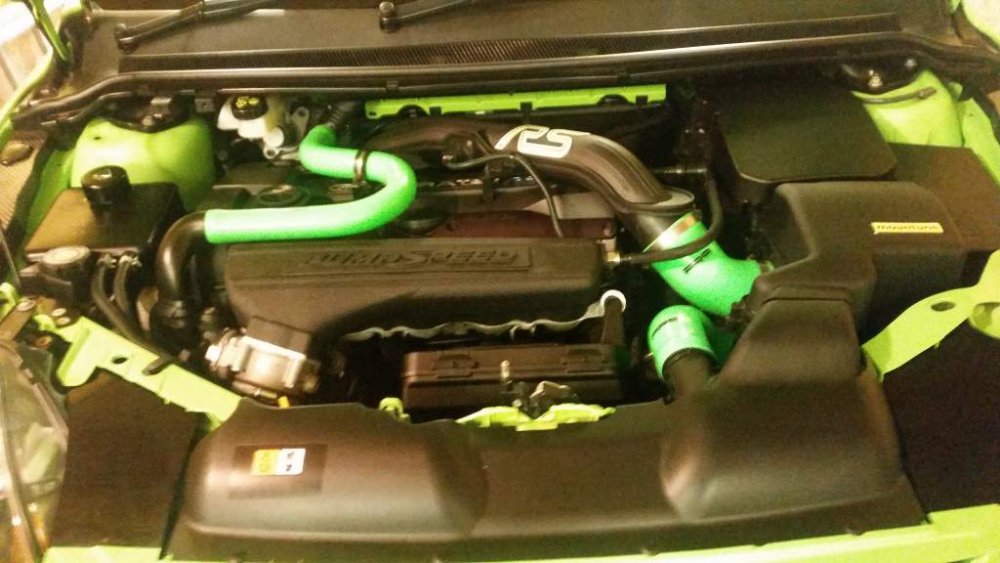
Nice car seen it at James glen car sales airdrie
-
More chance of england winning the world cup than arranging a meet
-
Had the pleasure of meeting him in 2003 when he came up to a meet in Stirling while recuperating from his first accident.
-
Well put it this way never ever heard of a forum pay a traders fees. Seems like the tail wagging the dog here.
-
I think it's self interest a lot of members not wanting there group buy go tit's up which is understandable
-
There you go
-
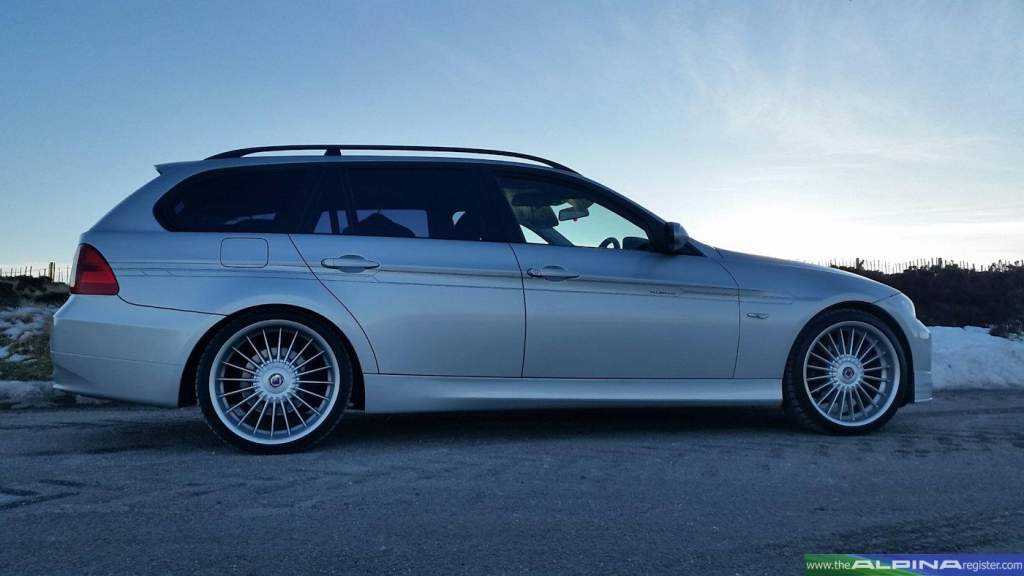
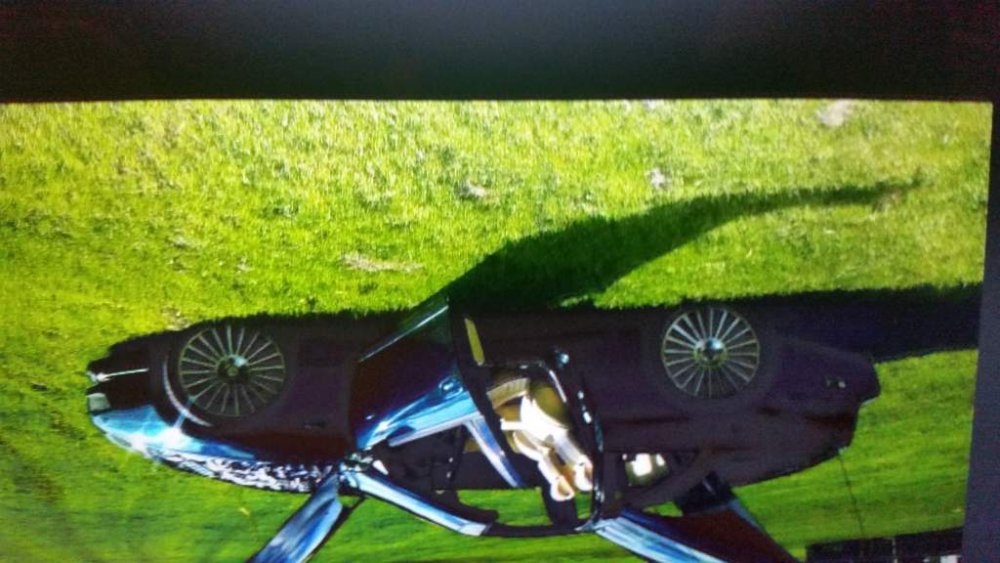
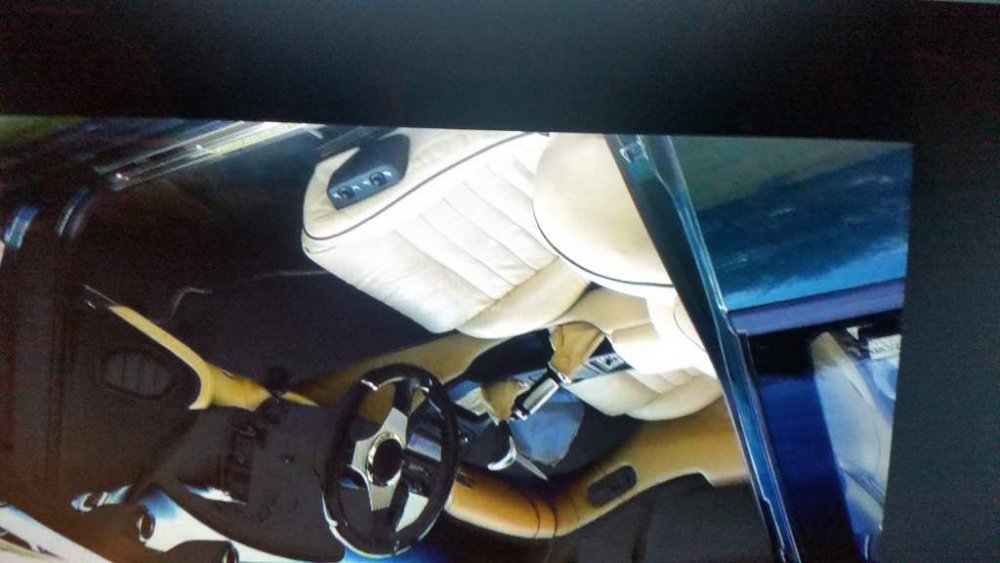
Lovely day up the Scottish hills

-
No problem got 3 full engines here you to hopefully get going again.
-
I've got 3 tt engines all with blown cylinder heads . And one fully working n/a if They can be any use to you
-
Not sure mileage It's free
-
Got a n/a engine was running fine when removed but has been stored for 4 years now
-
Just seen this the car is half a mile from me I'll pay him a visit and point him in this direction so you's can educate him lol
-
Great video.
-
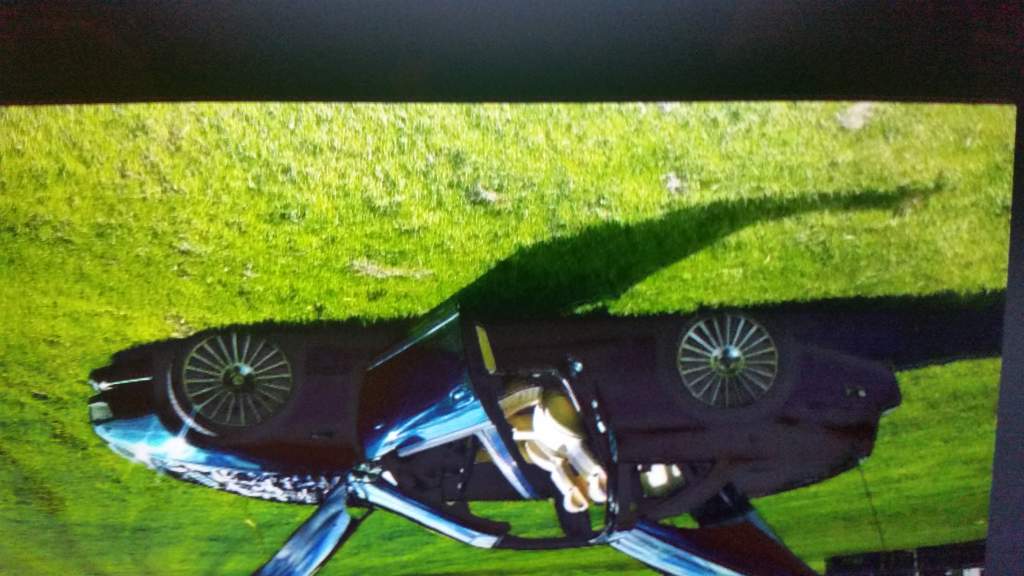
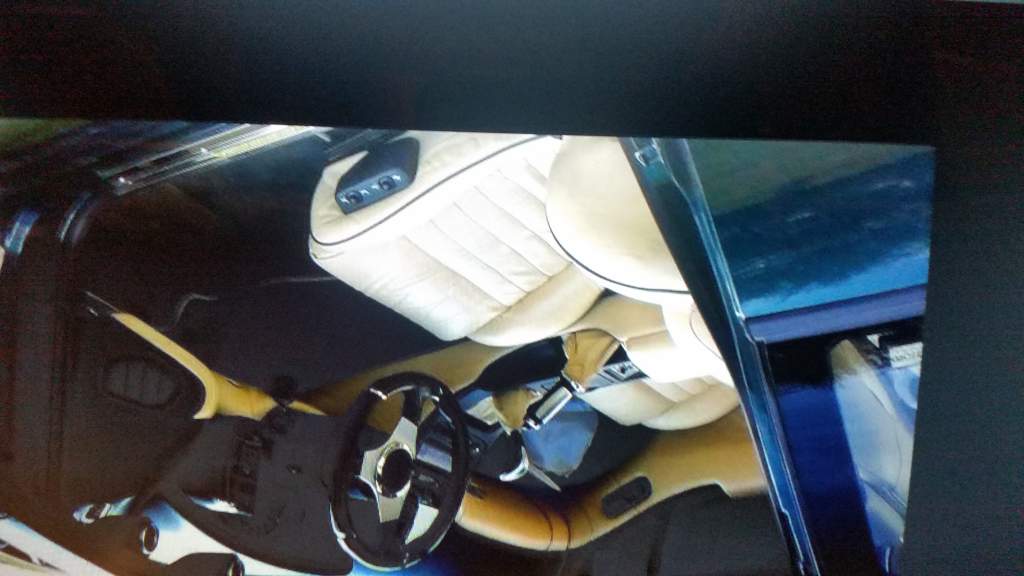
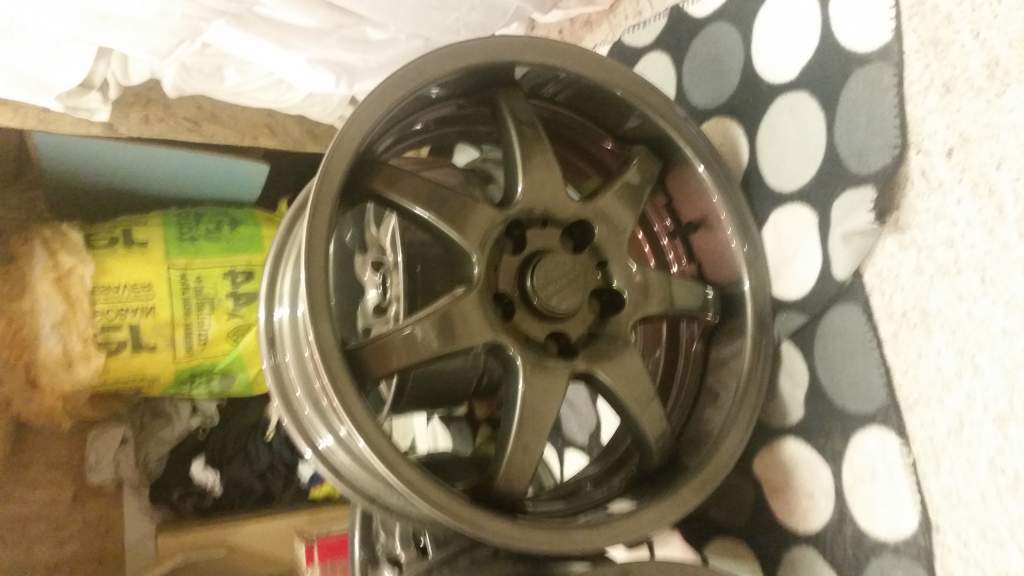
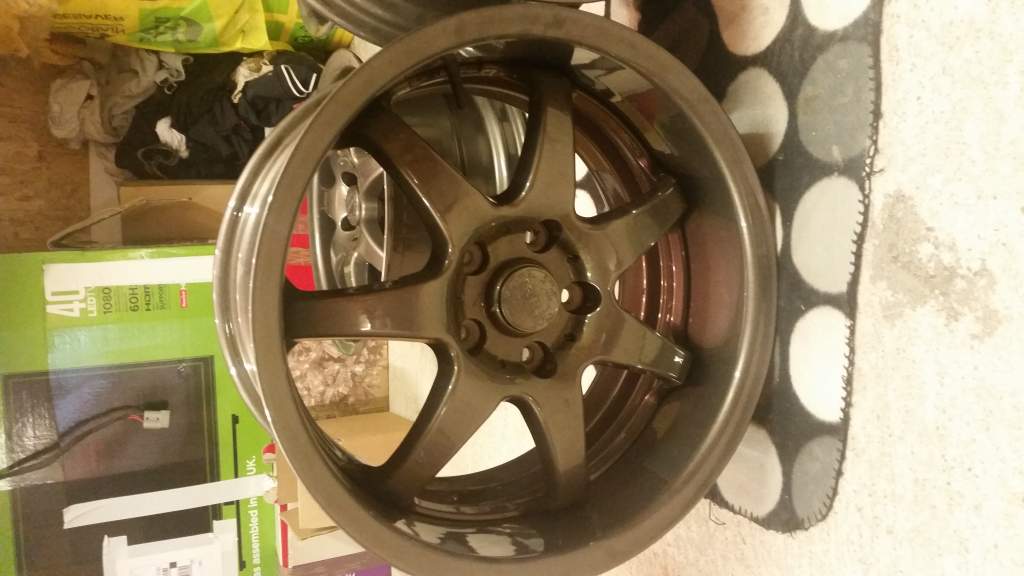
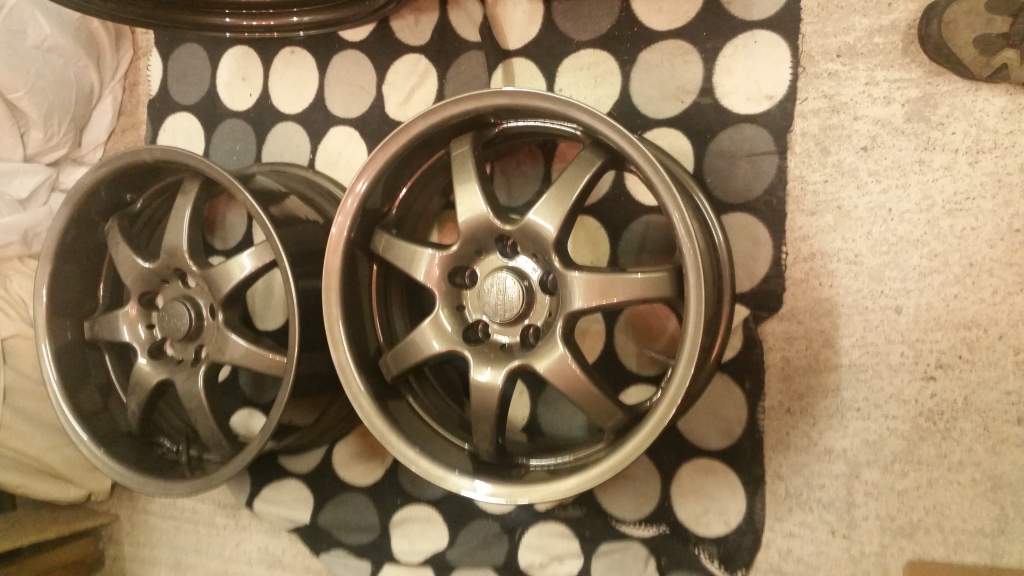
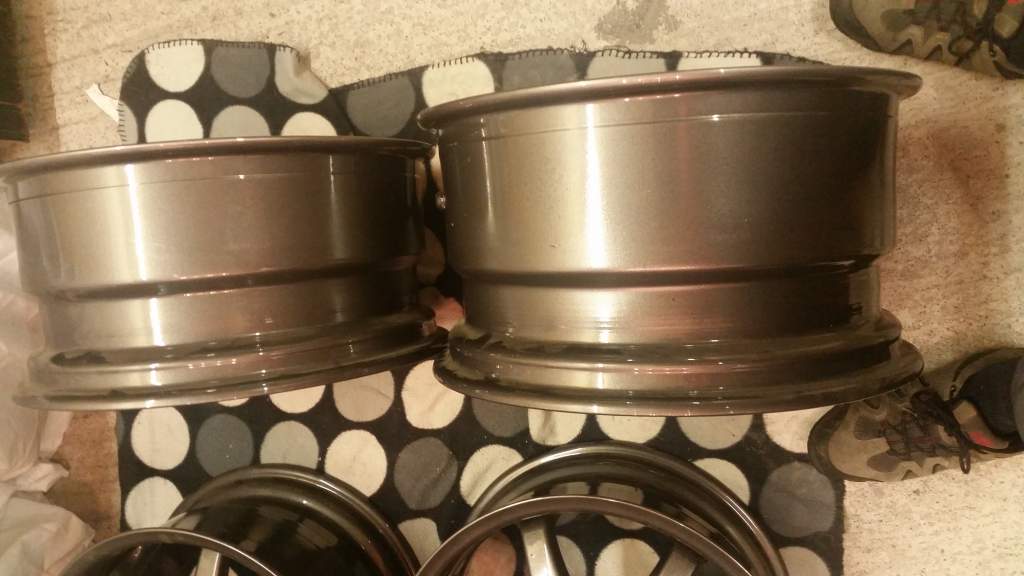
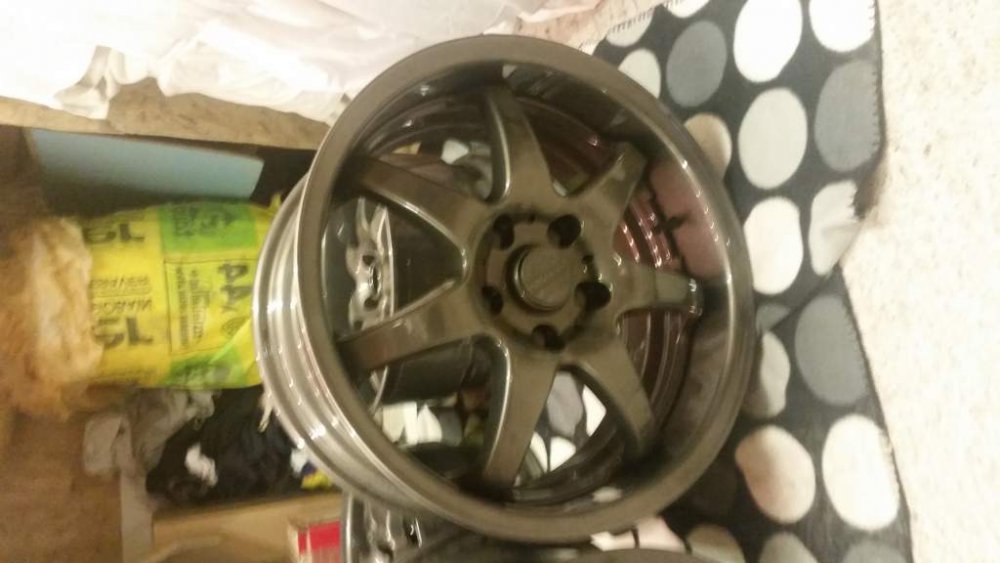
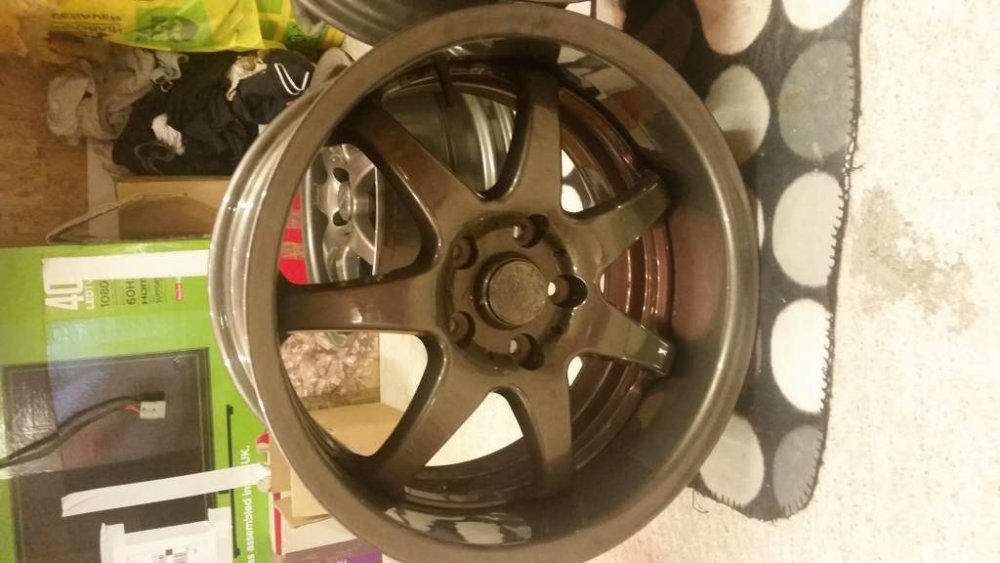
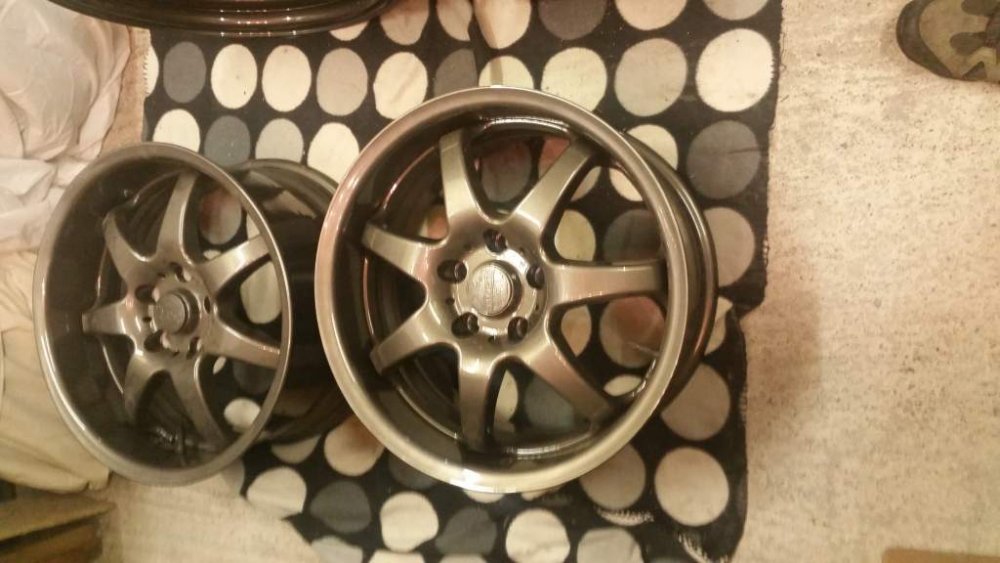
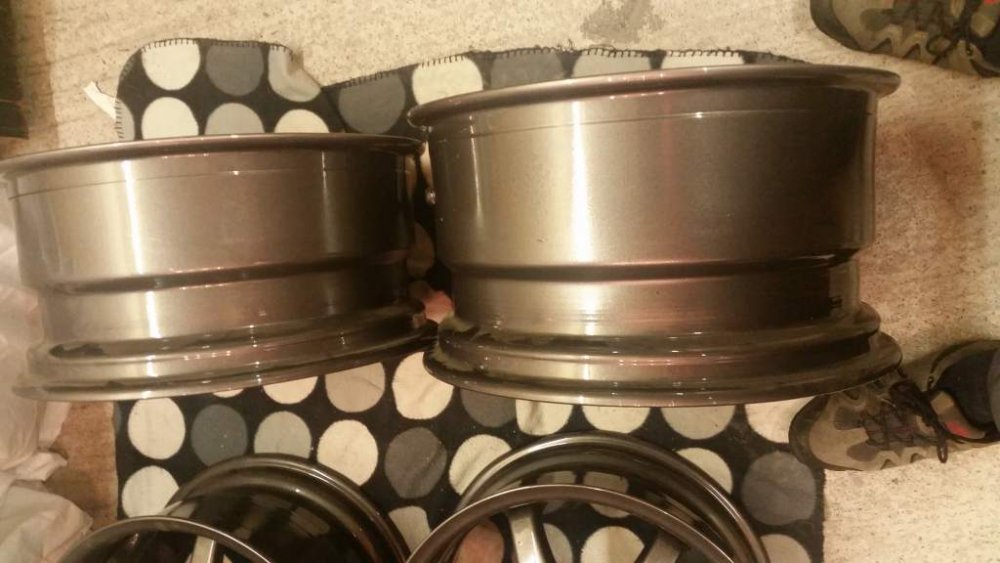
http://www.ebay.co.uk/itm/1998-NISSAN-300zx-n-a-99spec-version-r-/232219851590?hash=item361161bb46:g:vKkAAOSwjDZYi74J also included 17" alloy wheels newly refurbed staggered fittment 10" wide rear 9" front

View in the app
A better way to browse. Learn more.