Everything posted by RichardS
-
A rare glimpse of a DeLorean actually moving..... 😉



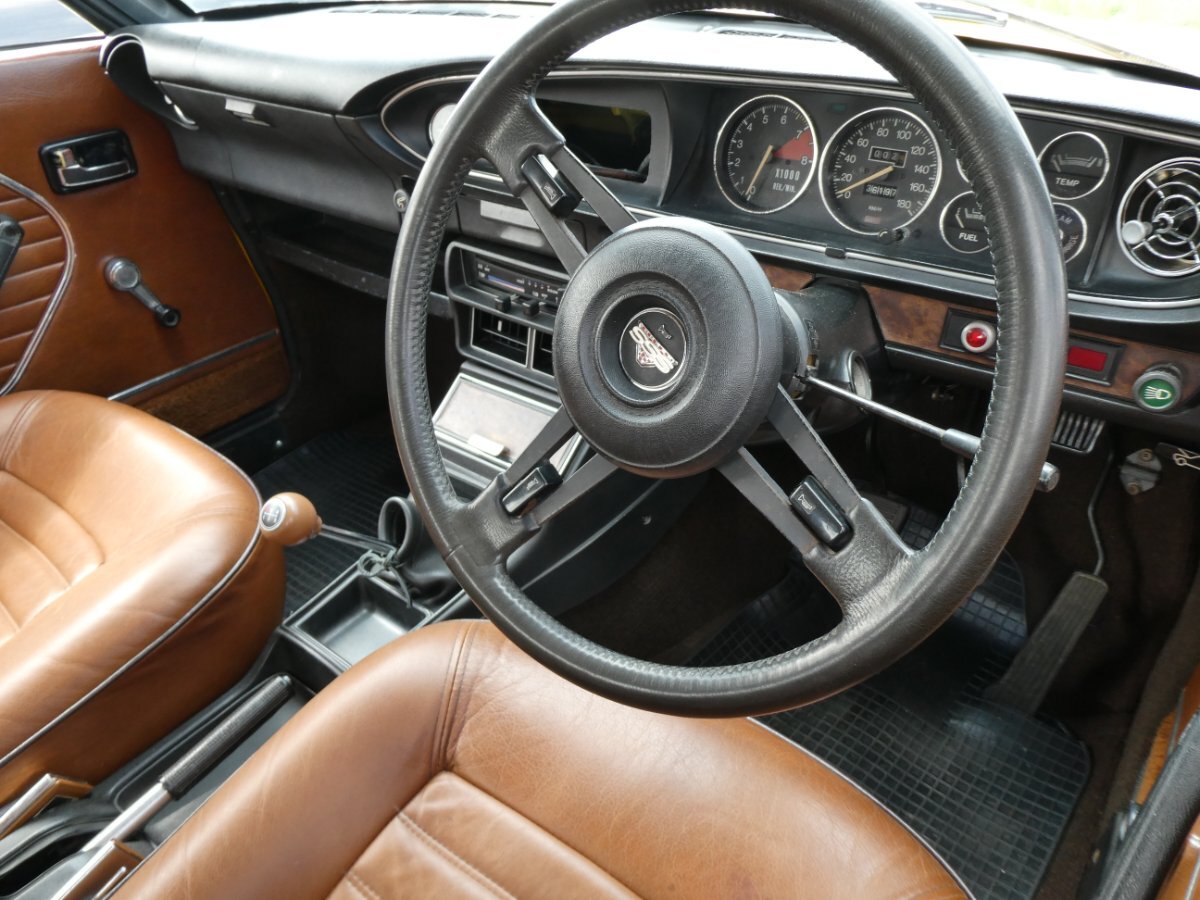
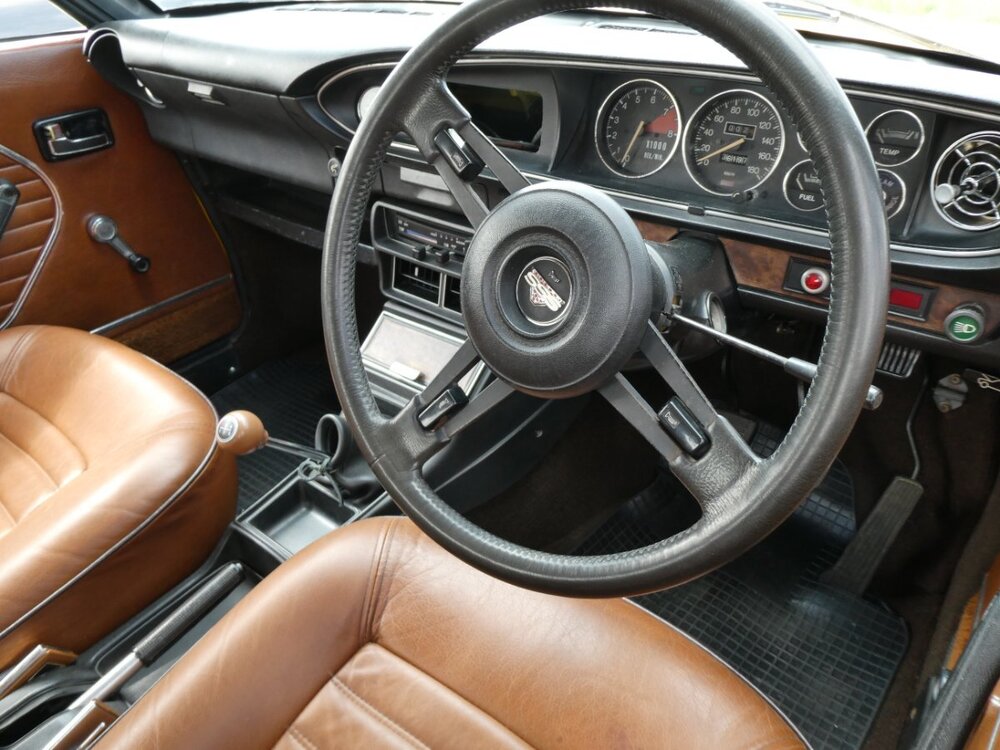
 Nice old school 1970s Datsun.....😎


 And is it just me, or does that Daimler Dart look like Bart Simpson pulling a face...... 😄
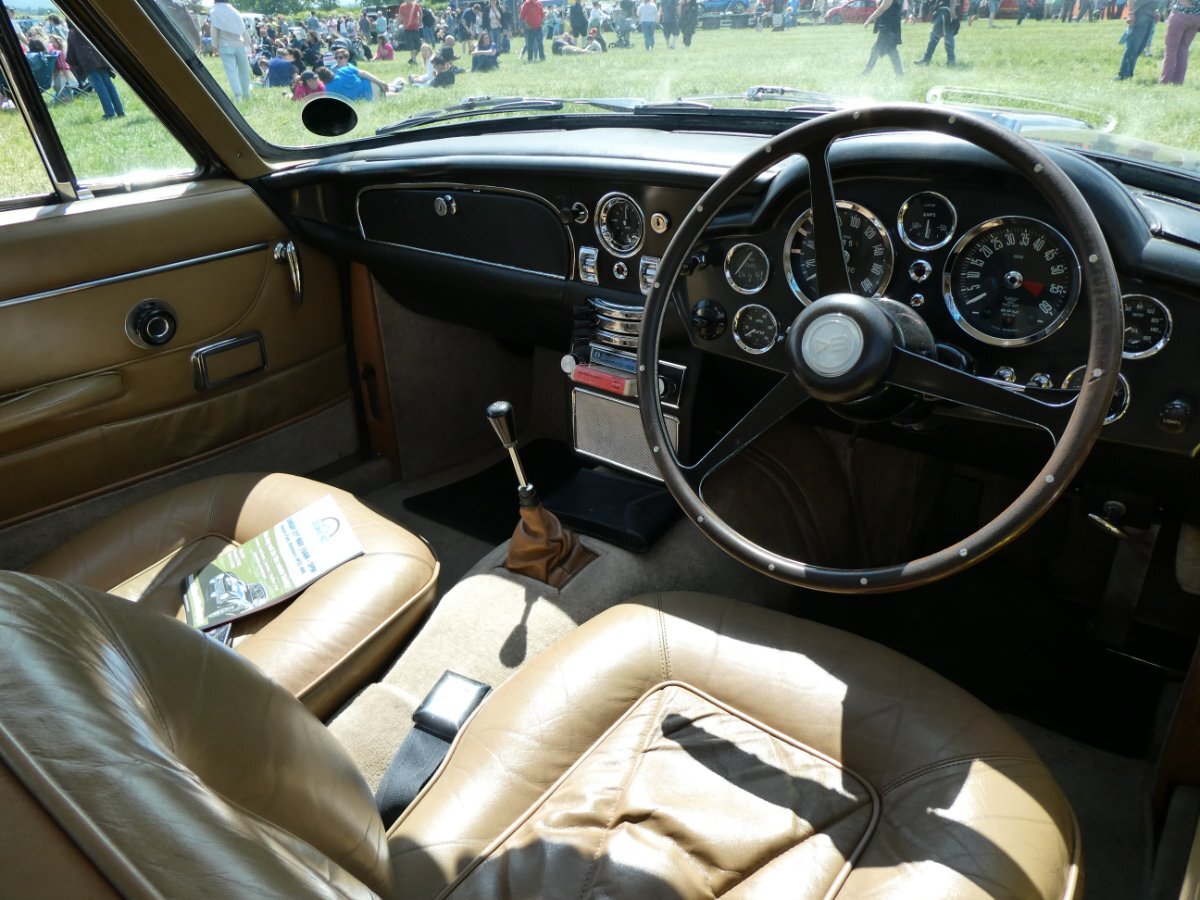
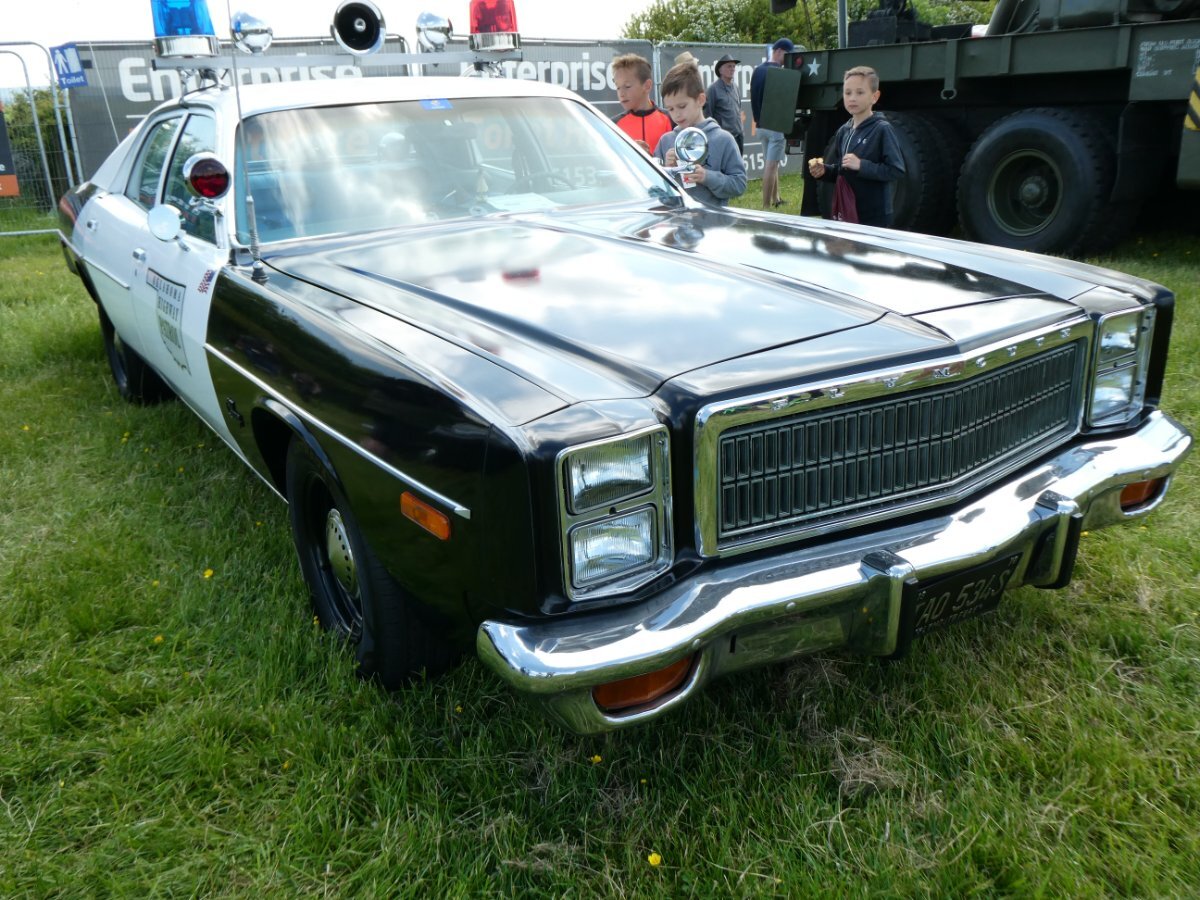
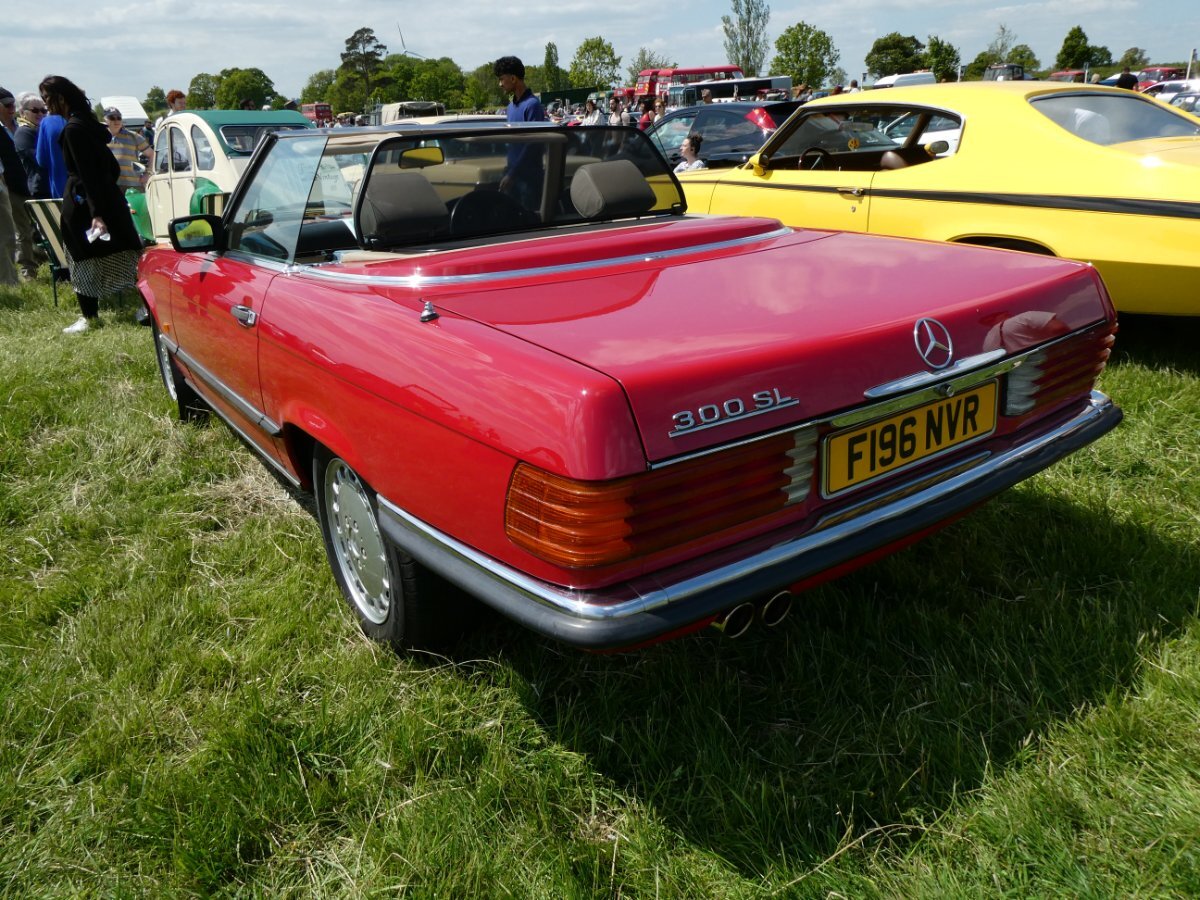
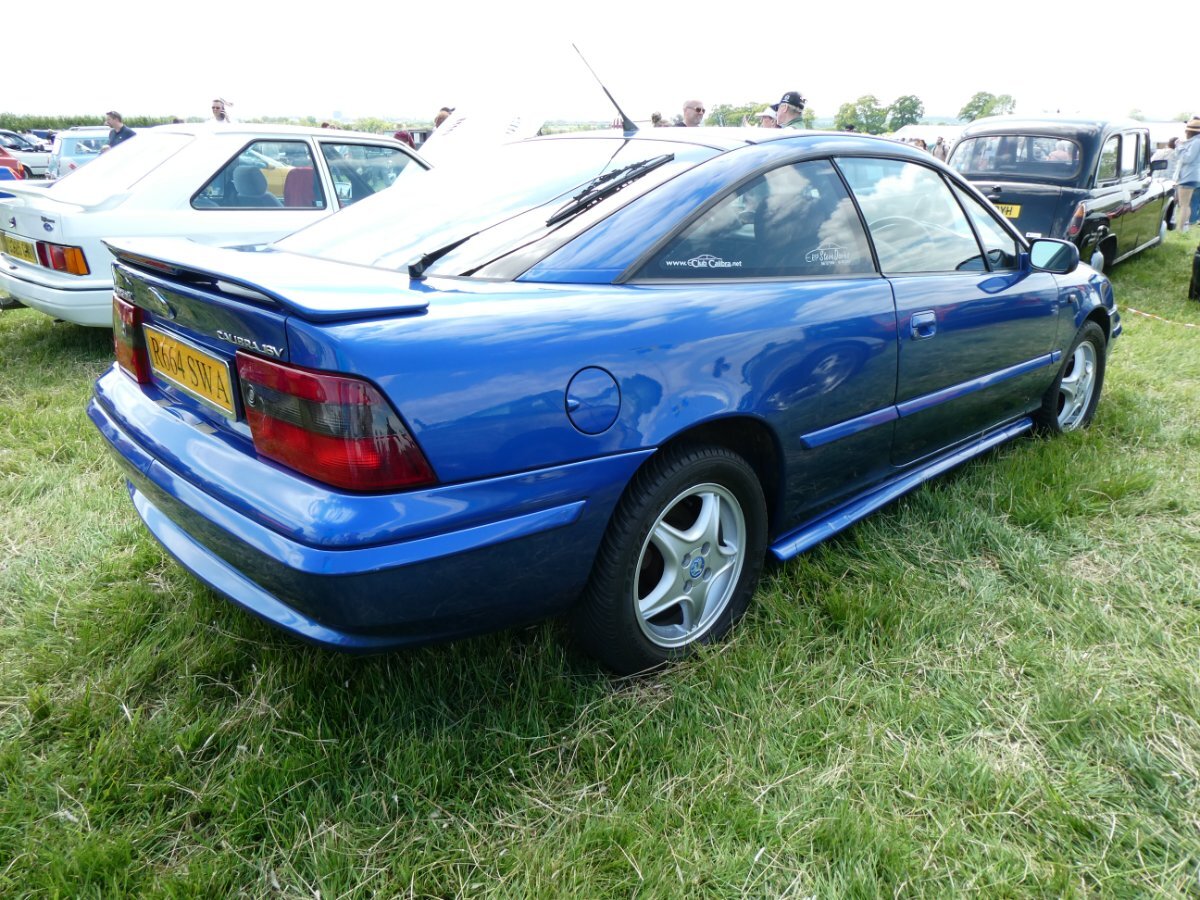
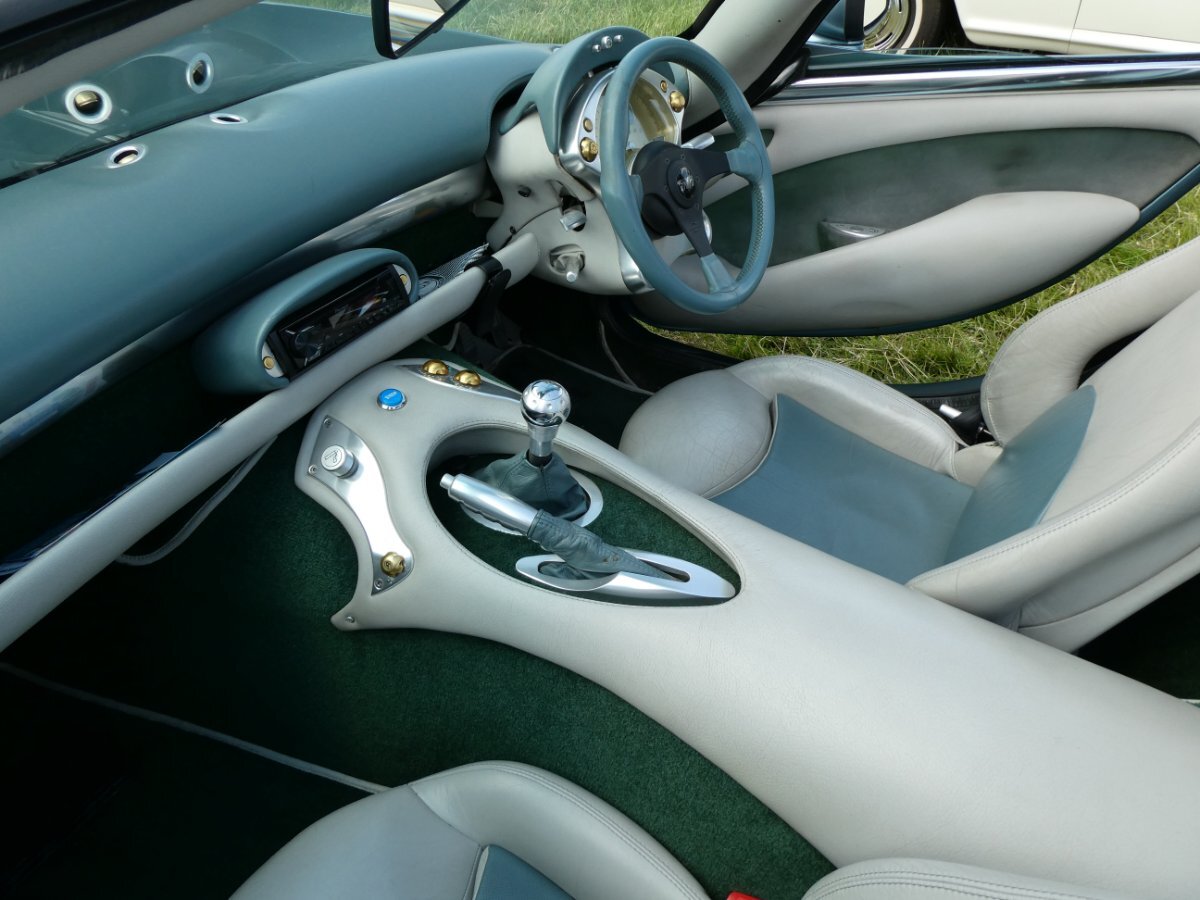
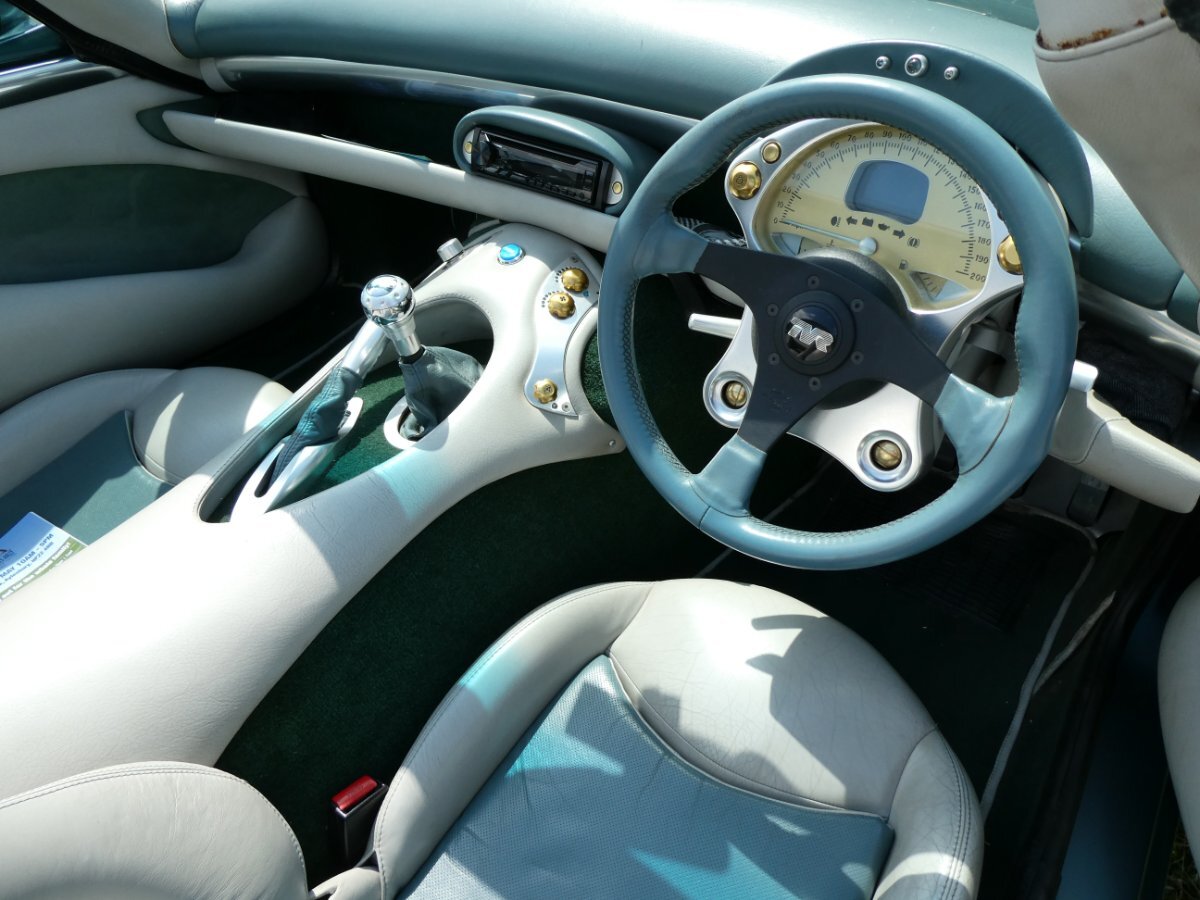
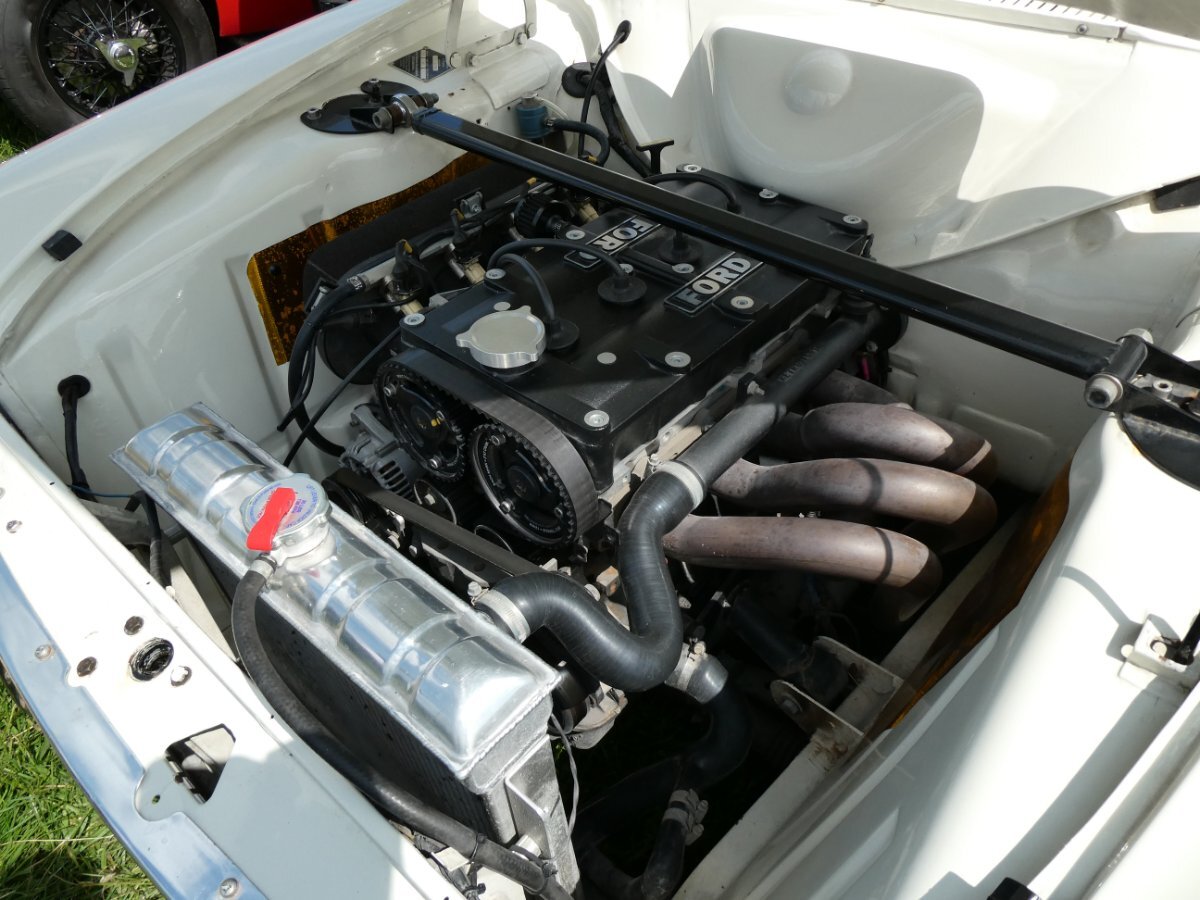
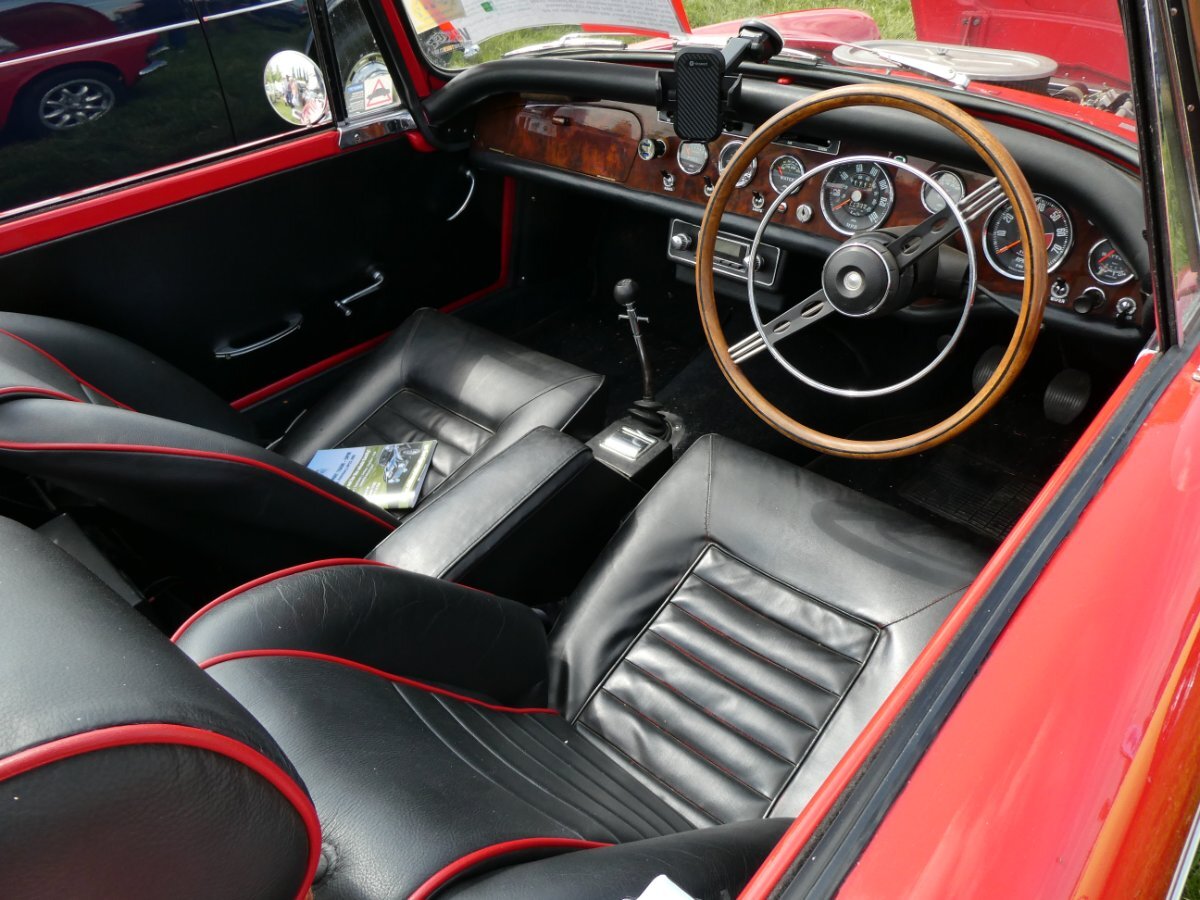
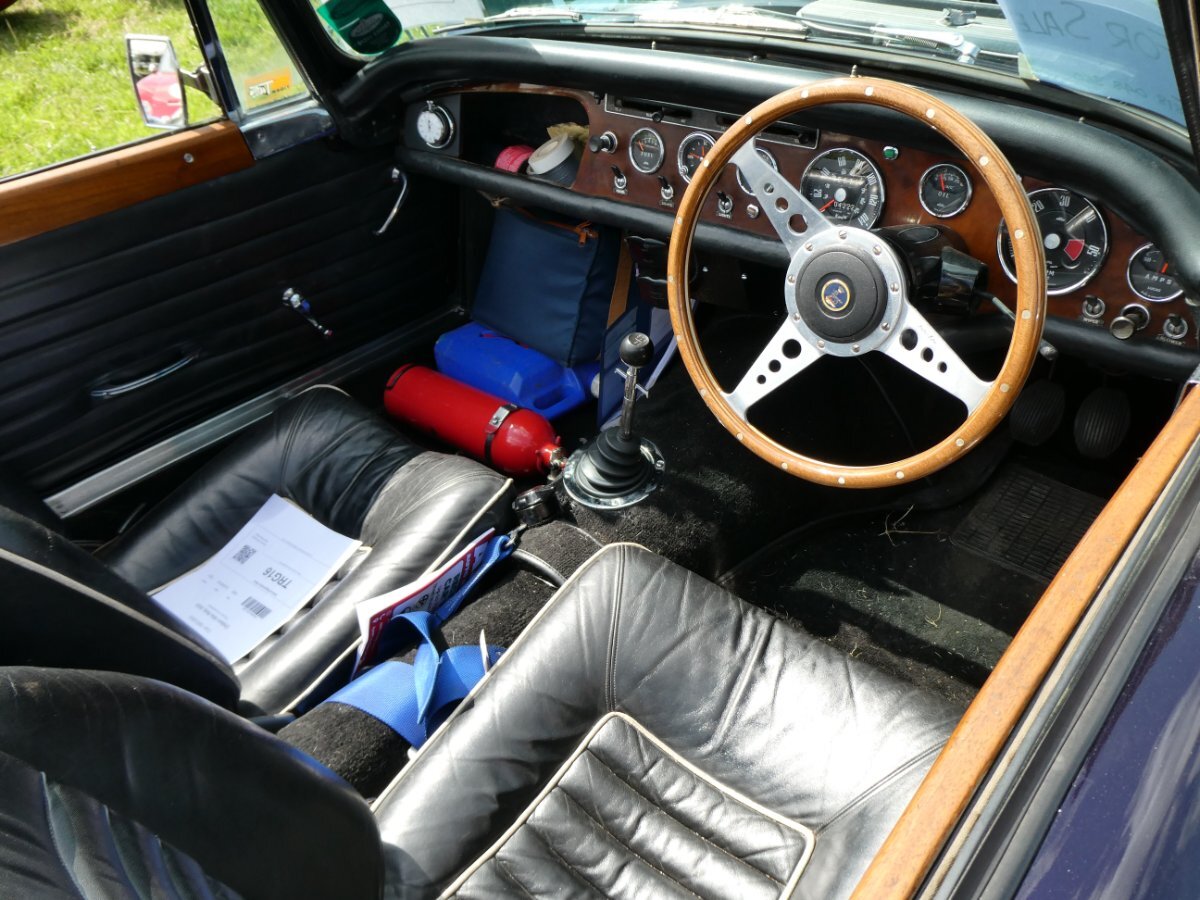
 It's been a few weeks since the show - so apologies for the delay..... But here are some of my pics. Enjoy!!



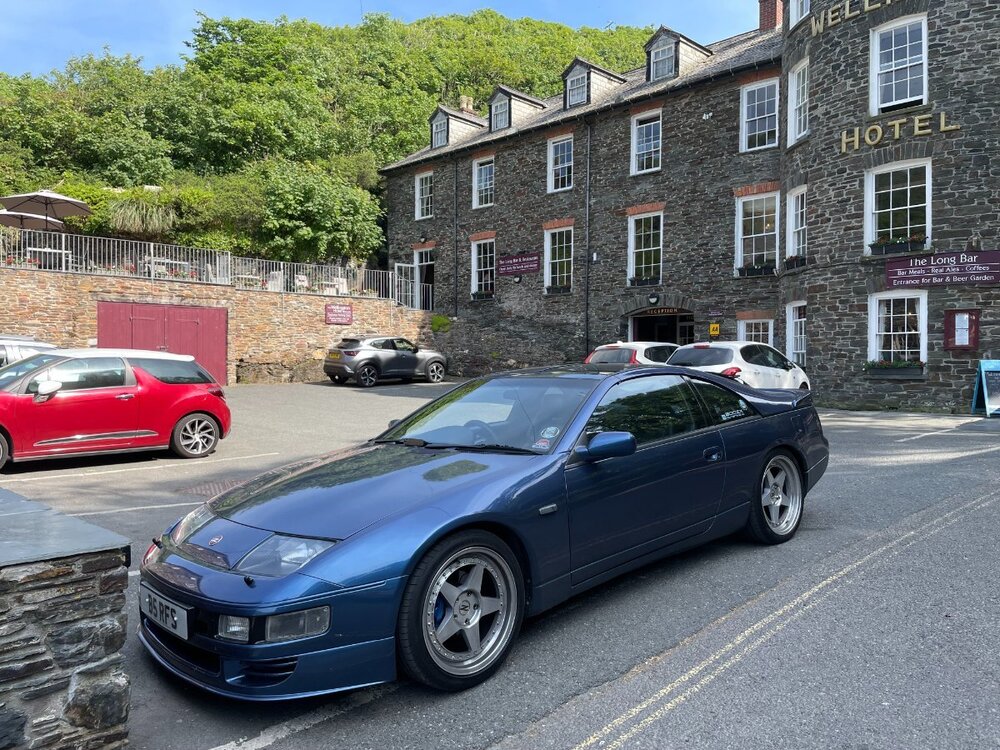
 Washed and waxed with Dodo Juice "Purple Haze" yesterday, ready for the AGM..... ...............And another excuse to post the pics LOL. Or even to extol the virtues of Purple Haze wax - it's great for dark blue cars😉

 My neighbours are used to seeing me washing the cars - but one passer-by did look at me like I was mad, when he saw me crouching down, polishing the exhaust pipes though 😄.....After which, despite the sunshine all week, it managed to rain on the way home - hence the Zed was a little dirty. So yesterday, I washed and waxed it ready for the AGM next weekend 😄

 So I took the Zed to Cornwall for a week's holiday at the beginning of June - we got home last Saturday.......

Important Information
Account
Navigation
Search
Configure browser push notifications
Chrome (Android)
- Tap the lock icon next to the address bar.
- Tap Permissions → Notifications.
- Adjust your preference.
Chrome (Desktop)
- Click the padlock icon in the address bar.
- Select Site settings.
- Find Notifications and adjust your preference.
Safari (iOS 16.4+)
- Ensure the site is installed via Add to Home Screen.
- Open Settings App → Notifications.
- Find your app name and adjust your preference.
Safari (macOS)
- Go to Safari → Preferences.
- Click the Websites tab.
- Select Notifications in the sidebar.
- Find this website and adjust your preference.
Edge (Android)
- Tap the lock icon next to the address bar.
- Tap Permissions.
- Find Notifications and adjust your preference.
Edge (Desktop)
- Click the padlock icon in the address bar.
- Click Permissions for this site.
- Find Notifications and adjust your preference.
Firefox (Android)
- Go to Settings → Site permissions.
- Tap Notifications.
- Find this site in the list and adjust your preference.
Firefox (Desktop)
- Open Firefox Settings.
- Search for Notifications.
- Find this site in the list and adjust your preference.