As per the "what did you do" thread I had to source a pair of replacement front calipers today, as mine have seized on the lower inner piston on both sides.
After searching the 'net, I found a couple suppliers had them in stock. First being Torquen - albeit at over £600 for a pair for either cast iron or aluminium.. Then I found some fully rebuilt aluminium ones (the correct fitting for a TT) at less than half that, which got me thinking. Cast iron vs aluminium....??
Both seem to have their merits and drawbacks - the ali ones being much lighter, so less unsprung weight - whereas the iron ones allegedly handle the heat better, reducing the chance of disc warpage. If one believes everything one reads on the interweb LOL!
Seeing as I don't track the Zed - and I am happy with the OEM set-up, when it works properly, plus I have a set of Brembo discs waiting to go on, as opposed to the Ebay ones I had previously, I thought the ali calipers would suffice.
Opinions please - good or bad😁
By
RichardS ·


.jpg.478bc359940f9ea372bb7debc70bca74.jpg)

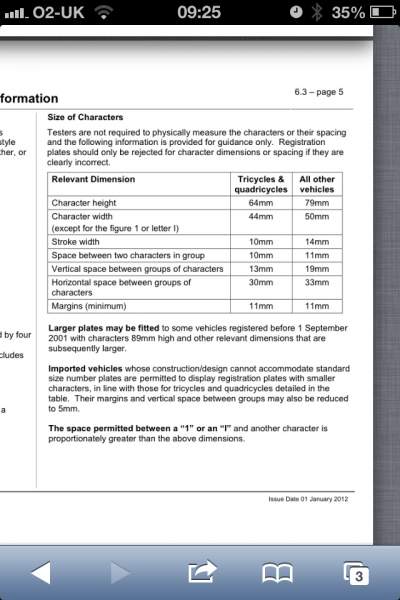
So, my 99 spec bumper is in the paint shop and so I now want to get a new bumper plate for it.
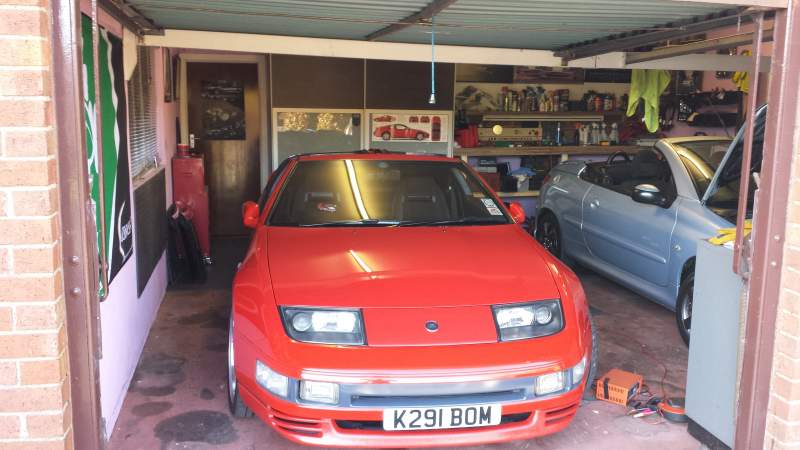
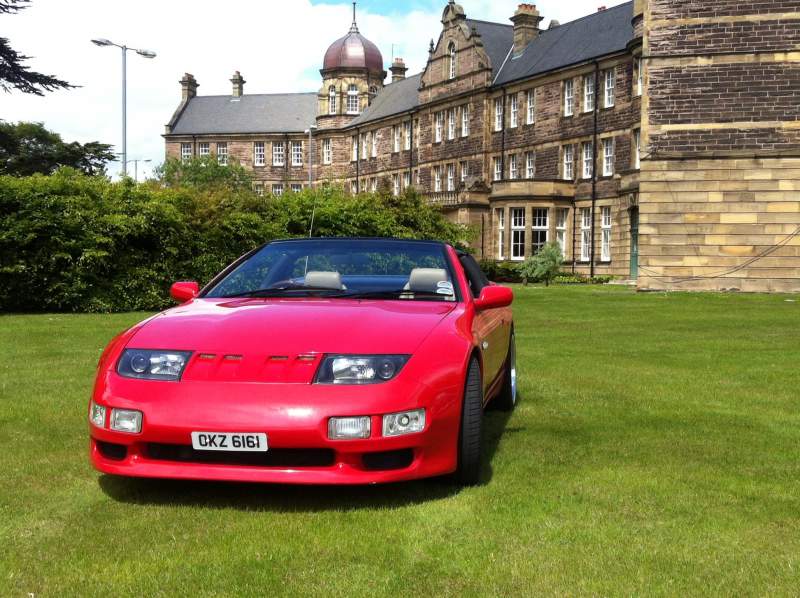
So, do I go UK and horizontal rectangular or import square style? Which suits the 99 spec best in people's opinion?
The car is an import so its square import style on the rear. Also, the reg of the car is an Irish style one.
Anyone got any photos of their 99 spec bumpers with plates on they can show to help?