Jump to content
View in the app

A better way to browse. Learn more.

300ZX Owners Club

A full-screen app on your home screen with push notifications, badges and more.

To install this app on iOS and iPadOS
  1. Tap the Share icon in Safari
  2. Scroll the menu and tap Add to Home Screen.
  3. Tap Add in the top-right corner.
To install this app on Android
  1. Tap the 3-dot menu (⋮) in the top-right corner of the browser.
  2. Tap Add to Home screen or Install app.
  3. Confirm by tapping Install.

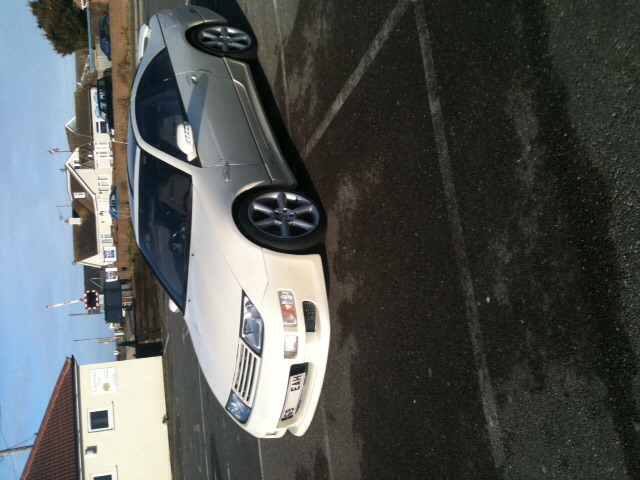
As most of you know, I'm still searching for a zed worth getting.


I might have found one, but although the owner claims it's rust free it has these bits. Is even this enough to possibly avoid it, or is it likely to be able to be ground back and repainted?


315a16604b1f685ffa84f0c081295e63.jpg


e9881c279917058a0cbd5aa8af3addc0.jpg


7f6fb2445461e65fefa9147ce8f6ced4.jpg


35ec4b45080ad2f0aa9062fdec64ebf0.jpg

  • Replies 52
  • Views 4.7k
  • Created
  • Last Reply

Top Posters In This Topic

Posted Images

Featured Replies

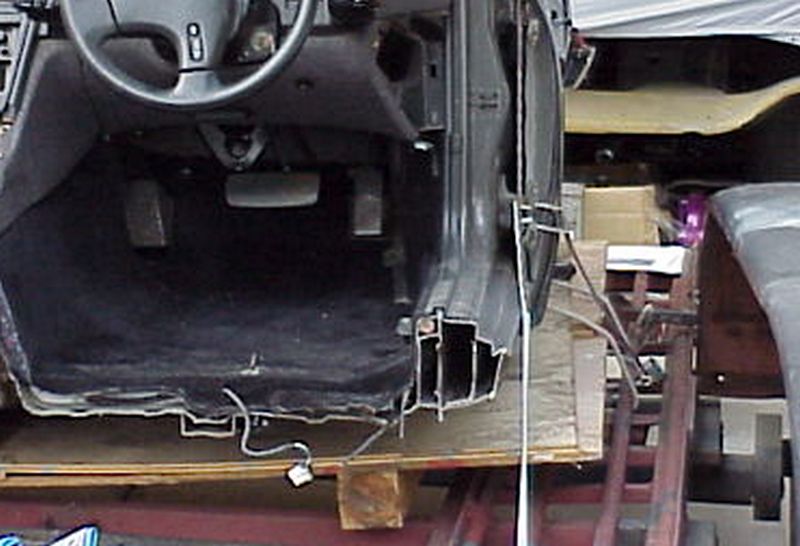
I had the car stripped at the time for the welding so it was easier. The rear is fairly easy, with the interior panels removed you an get your hands around inside quite easy.

The front you take the panel off the pillars and I just taped the new pipe to the old one and carefully pulled it through. The original exits behind the wing so you'll need to remove them ideally and then you can run the pipe to the bottom instead of it coming out behind the wing.

Once you take the panel off etc you'll see it's fairly self explanatory really.

Hope that helps

Join the conversation

You can post now and register later. If you have an account, sign in now to post with your account.

Guest
Unfortunately, your content contains terms that we do not allow. Please edit your content to remove the highlighted words below.
Reply to this topic...

Recently Browsing 0

  • No registered users viewing this page.

Important Information

Terms of Use

Configure browser push notifications

Chrome (Android)
  1. Tap the lock icon next to the address bar.
  2. Tap Permissions → Notifications.
  3. Adjust your preference.
Chrome (Desktop)
  1. Click the padlock icon in the address bar.
  2. Select Site settings.
  3. Find Notifications and adjust your preference.