Jump to content
View in the app

A better way to browse. Learn more.

300ZX Owners Club

A full-screen app on your home screen with push notifications, badges and more.

To install this app on iOS and iPadOS
  1. Tap the Share icon in Safari
  2. Scroll the menu and tap Add to Home Screen.
  3. Tap Add in the top-right corner.
To install this app on Android
  1. Tap the 3-dot menu (⋮) in the top-right corner of the browser.
  2. Tap Add to Home screen or Install app.
  3. Confirm by tapping Install.

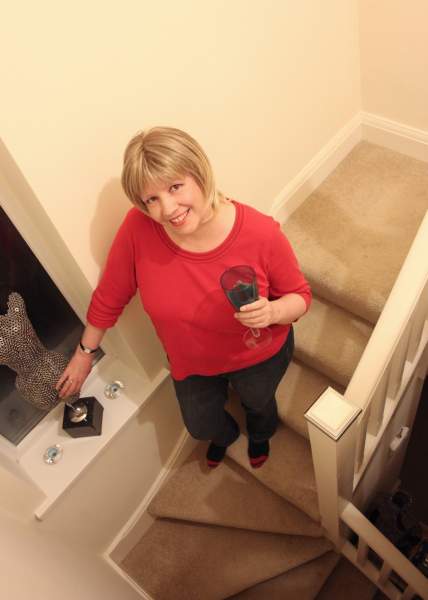
I've put off writing this thread for months,as nobody knows what to say to make me feel any better. There is nothing you really can say, but I know I have your support. As many as you know, I am having health problems. 3 years ago I was diagnosed with cancer. Unfortunately, despite everybodies best efforts, the treatment has been unsuccessful and I am now terminal. Im not sure how much longer I've got, probably weeks, hopefully months but I will keep posting for as long as possible!!

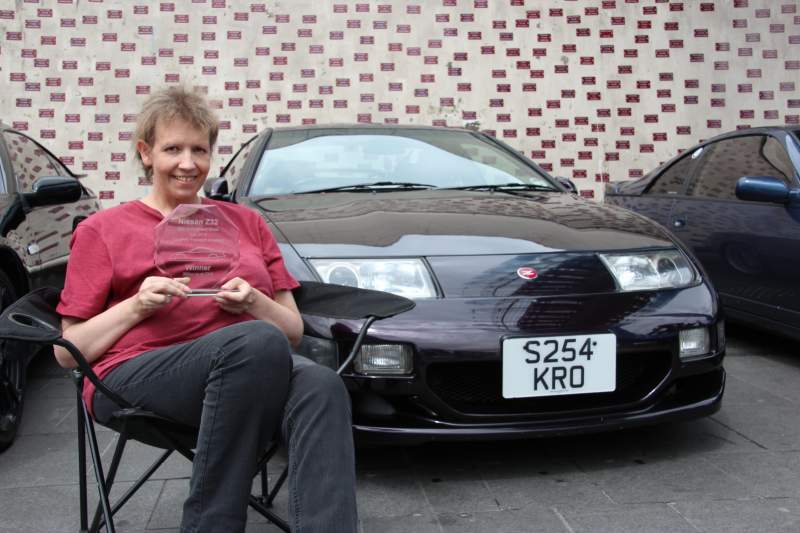
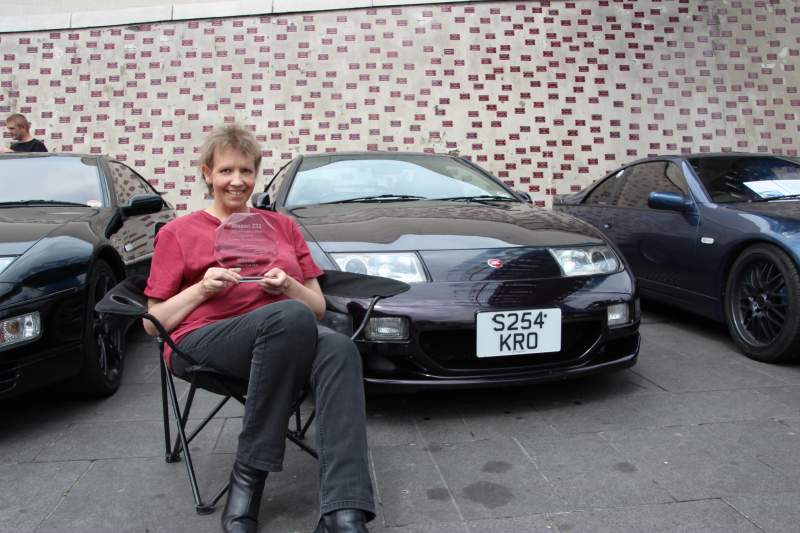
You will be wondering what will happen to Zebedee as I am now too poorly to drive him. Well I have sold him to an active and respected member of the forum so he's not going to disappear!!

  • Replies 183
  • Views 25k
  • Created
  • Last Reply

Top Posters In This Topic

Posted Images

Featured Replies

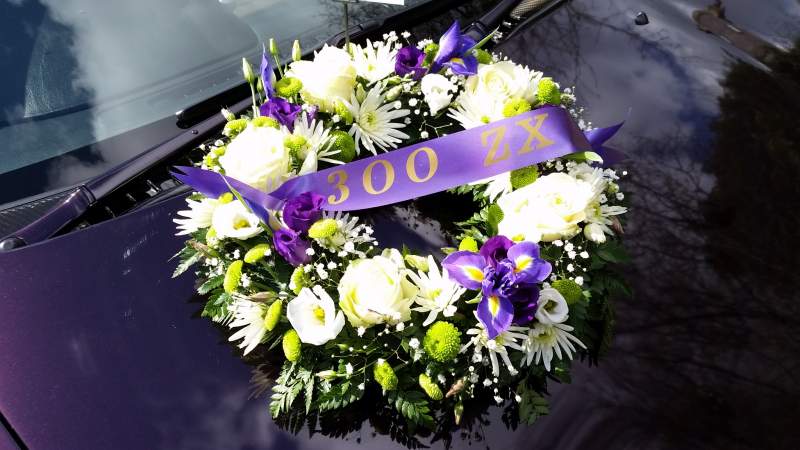
Well a year on time flys so quickly. I can honestly say that I think about Mandy every time I get in zebedee and it's weird at times feeling like the custodian of her zed for sure. If you are listening Lass ill be leaving some rubber on the track at Silverstone in your honour , Beth and I both have you in our thoughts today we miss you hun.

  • 11 months later...

:sad: Still very sad That we lost such a loving and friendly member..

  • 11 months later...
Another year passes, never forgotten Mandy.


xx


Three years now but still remembered. Rest in peace Mandy.


Yes indeed..... Time passes so quickly, lest we forget:sad:


RIP Mandy....xx

I have something to say............ It's better to burn out than to fade away..... :tt2:

  • 11 months later...

Join the conversation

You can post now and register later. If you have an account, sign in now to post with your account.

Guest
Unfortunately, your content contains terms that we do not allow. Please edit your content to remove the highlighted words below.
Reply to this topic...

Recently Browsing 0

  • No registered users viewing this page.

Important Information

Terms of Use

Configure browser push notifications

Chrome (Android)
  1. Tap the lock icon next to the address bar.
  2. Tap Permissions → Notifications.
  3. Adjust your preference.
Chrome (Desktop)
  1. Click the padlock icon in the address bar.
  2. Select Site settings.
  3. Find Notifications and adjust your preference.