



Everything posted by dipone
-
i will get two cards. i dont know much about raid HD will it make that much differance to have two on raid i have a maxtor diamondmax 10 160GB with 8mb cache
-
i didnt know that :eek: usually i complete a game and delete it. i am building it for gaming as i have got behind the times in the last year
-
why? i dont need that much space i have only used 14GB on my current 80GB HD i went for the 160GB because it is faster than the one i have now
-
thats a great price :bow: i dont supose that includes coming to wales to do the work :smw:
-
another engine bay for you to polish none stop :)
-
why a raptor i have never looked at HD as something that can hinder performance, i know it can but i have always overlooked the HD
-
thinking of upgrading my 3ghz PC for a new AMD X2 spec is AMD X2 4600 or 4800 BFG Geforce 7950 1GB PCI-E asus a8n32-sli corsair 2gb XMS 3200 160GB HD Maxtor 650w Q-tec PSU what do you think? at the moment i have never delt with 64 bit processors i have heard i need a new version of windows is this right.
-
WTF is he on about :xxx:
-
if i get my zed is fixed i will come up bangor would be best for me could go to weatherspoons
-
i'm not but a friend is jon sa trinxa. ibiza DJ
-
i will thanks who on here sells them i need a new oil fliter too
-
thanks guys is it the pipe towards the back of the engine bay or infront of the fuel filter
-
you could try in this might help http://300zx-twinturbo.com/cgi-bin/manual.cgi
-
as above i need to get £25 worth of watered down fuel out me zed :headvswal
-
dont know but i'll try
-
had the RAC out and there was water in the fuel so i have to get it pumped out
-
yes it was missing badly then cut out it didnt make any differance if i reved it, it would still cut out. i have just looked up as i got a code 34 as it cut out so i got dett but now all clear
-
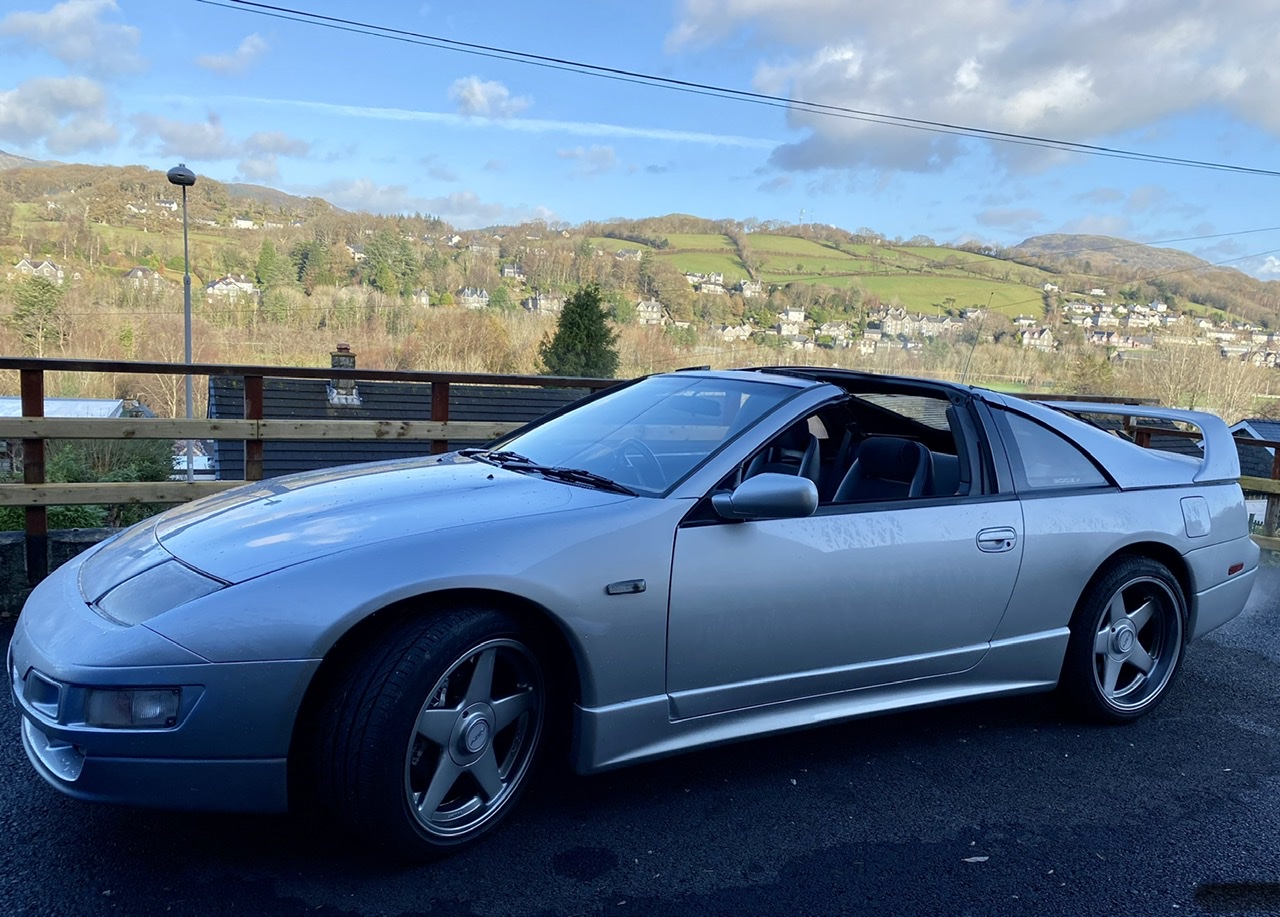
my zed is sick i have just filled up with 99ron from tesco and after ten miles the zed cut out i got it going and it wouldnt rev and cut out. after a few minuites i started it agian but it kept kangarooing i checked for ecu codes and got 55 help
-
so shouldnt be to bad to wire up then? are all j-spec fogs/sides
-
happy birthday MM :duffer: :duffer: :duffer: :hurl:
-
will it affect performance if it is blocked because mine is too
-
i have had a 99 spec front bumper put on and all my lights are not how i want the as my zed is uk the indicators are in the middle, i want to rewire my lights to get them to work like the 99 model i will be putting HIDS in. what goes were the uk indicators go is it just fogs or fogs/side lights
-
i agree alot of people say alot of good things about zedworld thats why i use them i hear good things about ztech thats why i use them too, untill either screw my zed up or im not happy with the work then i'll continue to use them. everyone makes mistakes, whoops ive left the gas on :mac1:
-
get two zeds have one of each
-
i spent the last 7 hours driving back from newquay so birthday over already :cry: