


Everything posted by sdriver73
-
morning and welcome ,,up at 5 for a spin you have been bit by the bug, enjoy ,this will be one of the best car you will ever own
-
yeah im in ,list me lol
-
you got nothing better to do lol well done
-
im a maybe for now ,fingers crossed
-
shortz knows his cars
-
its a shame to use it its all nice and clean
-
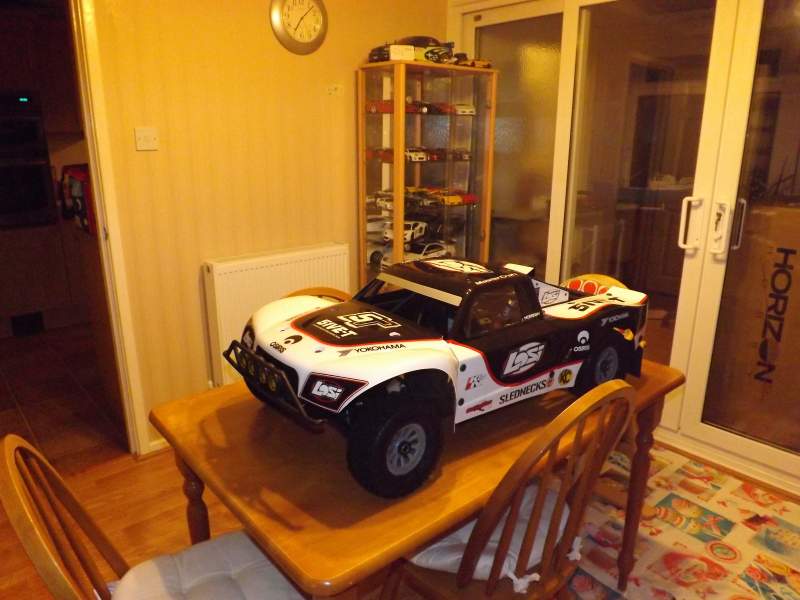
yep 1/10th scale
-
sure is
-
I was like a big kid when I un-boxed this bad boy
-
sorry lads I love people looking at the car lol
-
went out in mine today for half hour still makes me smile ,or as my work mates call it my penis extention
-
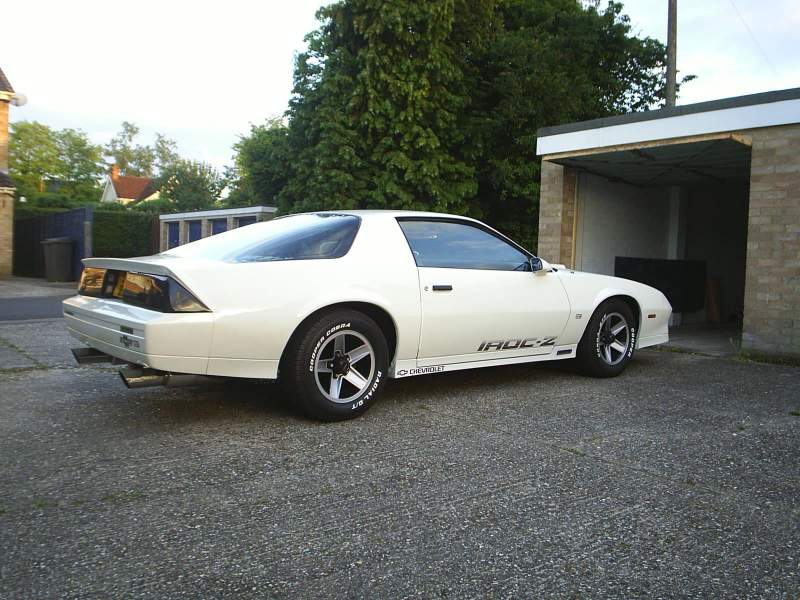
I had some sexy custom exhausts on it
-
Oh yes cruz is on ,by the way the Camaros are crap at corners and braking but off the lights I use to light them tyres up made it all worth it
-
Where in Hampshire are you wchestnut? im from hythe loved the new forest when I was growing up
-
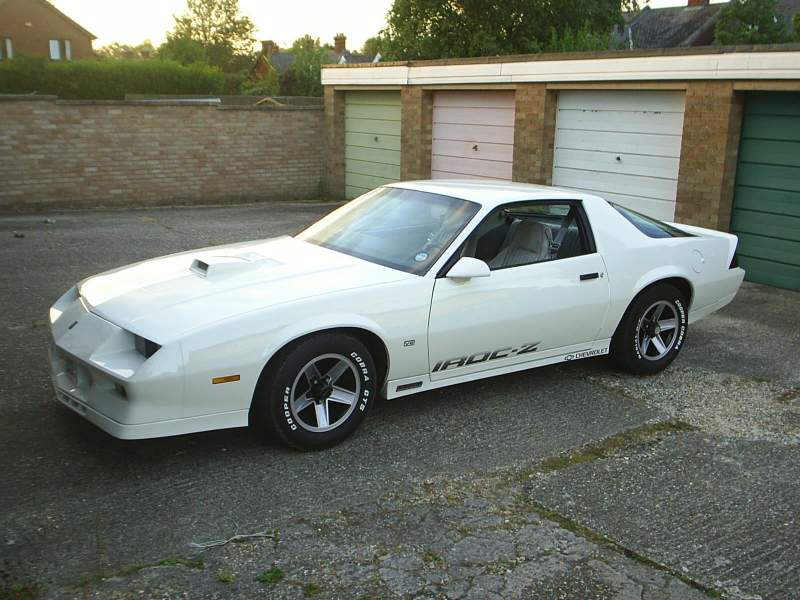
I do miss the roar of a v8 ,this was my z28
-
we sure was Steve ,be nice if we could get next to the walk ways
-
-
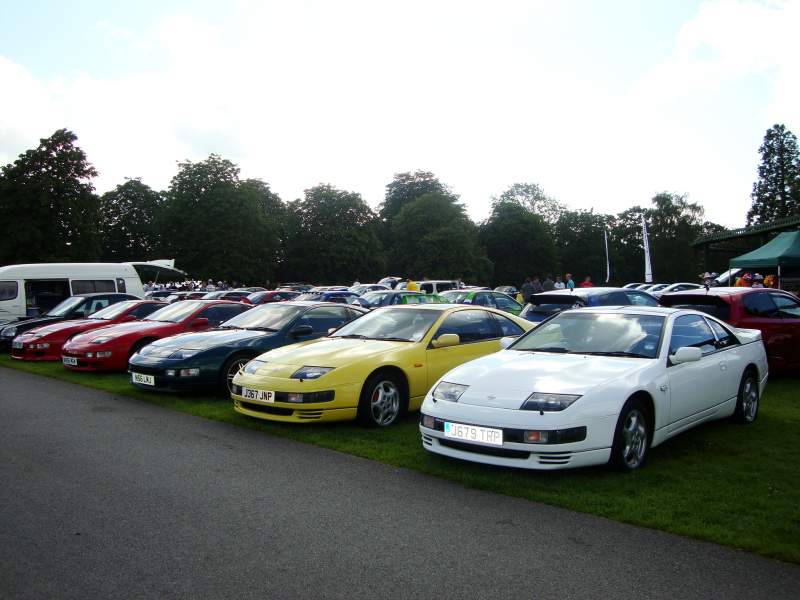
That yellow one belongs to Steve from bognor regis there's a few from there who come along he was at japfest last year to
-
This was the first simply jap they did was only a few of us
-
Im in Si been every year since there first ,well done mate
-
falls on the 21st this year ,spring meet will be my first show of the year
-
I see them at a car show last year had a transit on 4 ,looked the nuts
-
turned out well ,looks good with my other ones on display
-
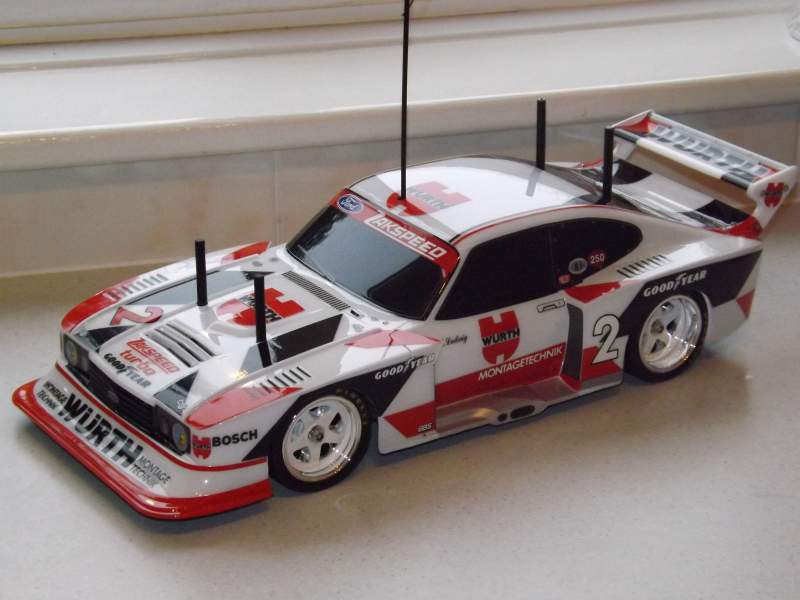
finished my cool crimbo prezzie today ,had a set of chrome wheels from a supra hanging about so used them instead of stock ones
-
remind me not to go out with roobarb lol
