




Everything posted by TwinTurboRich
-
Looks cool :shifty::shifty:
-
Bri is pi$$ed again :lol:
-
Happy Birthday Al :thumbup1::thumbup1:
-
Have a good one :thumbup1:
-
Welcome Dan :cool:
-
Nice cake :thumbup1:
-
Thats got to be a joke!!!
-
Much better view than London!! :thumbup:
-
Ha ha I didnt Nicci but my missus and daughter did so i'll ask them! :wink: I think Richard (Smith) posted up some pics a few weeks ago? Maybe it was his thread you commented on? :detective:
-
Welcome mate :)
-
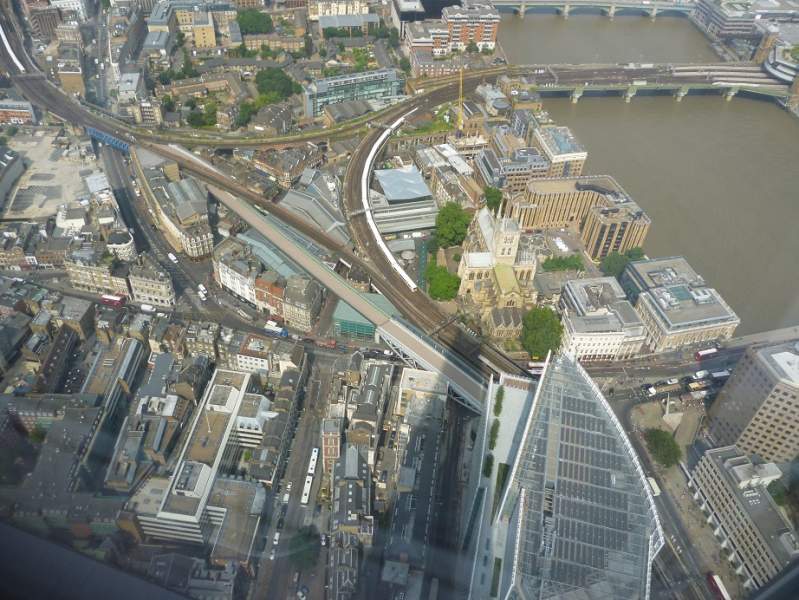
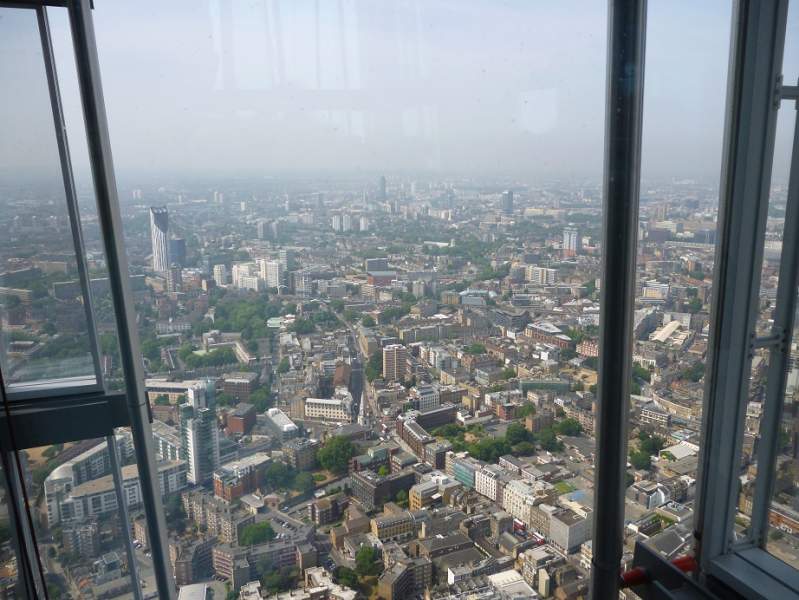
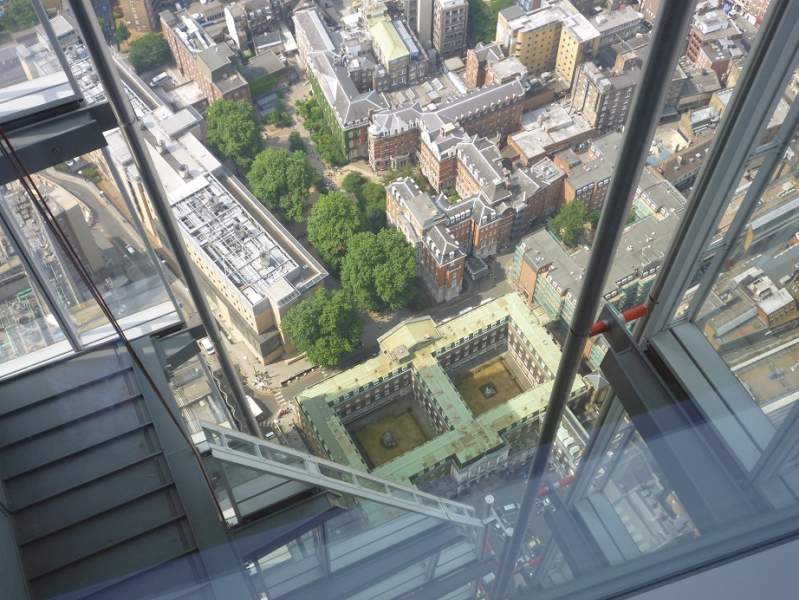
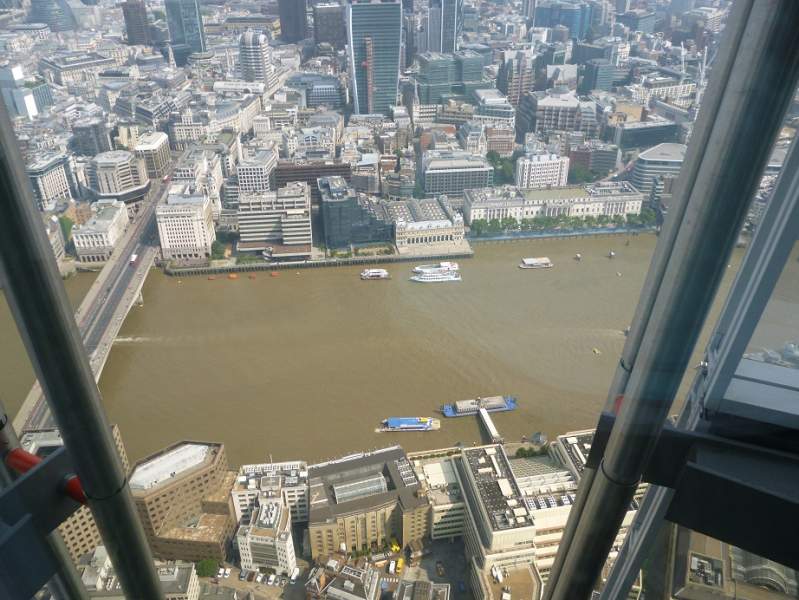
Just a few more :)
-
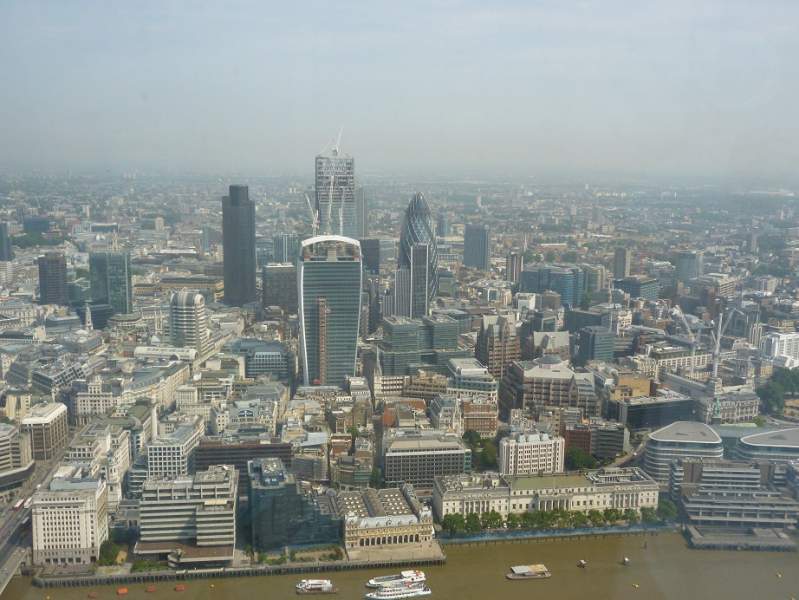
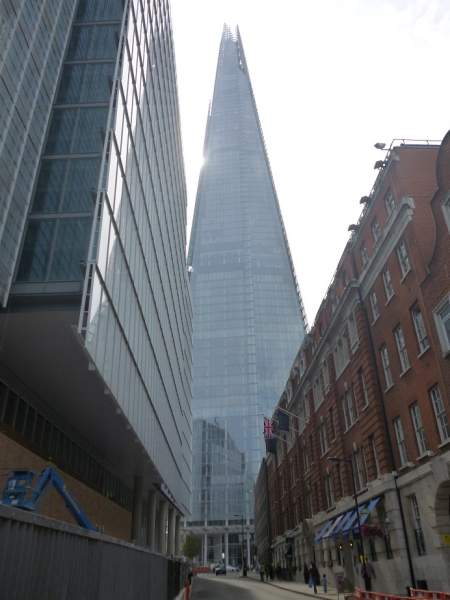
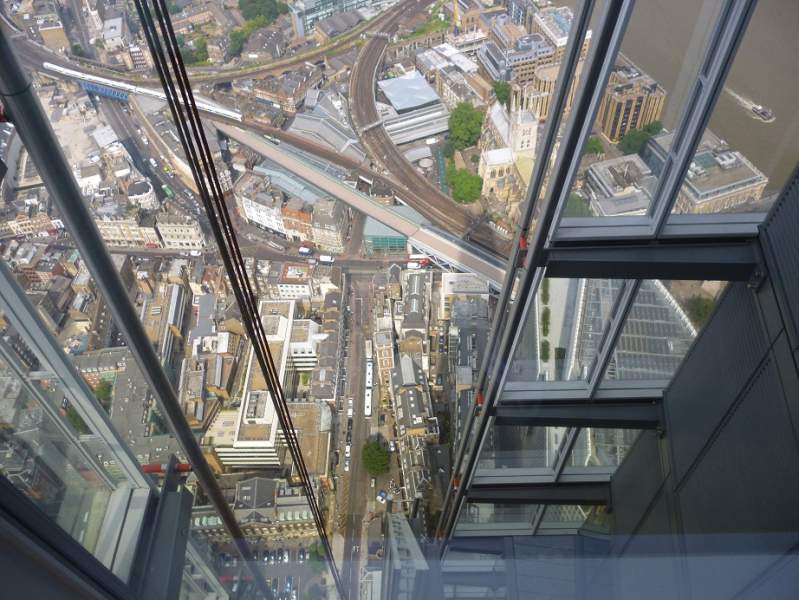
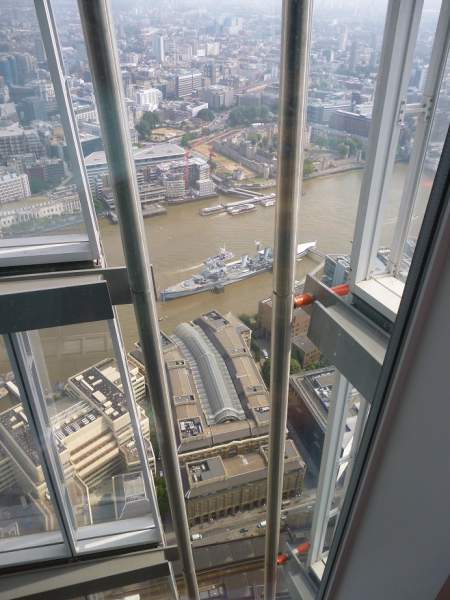
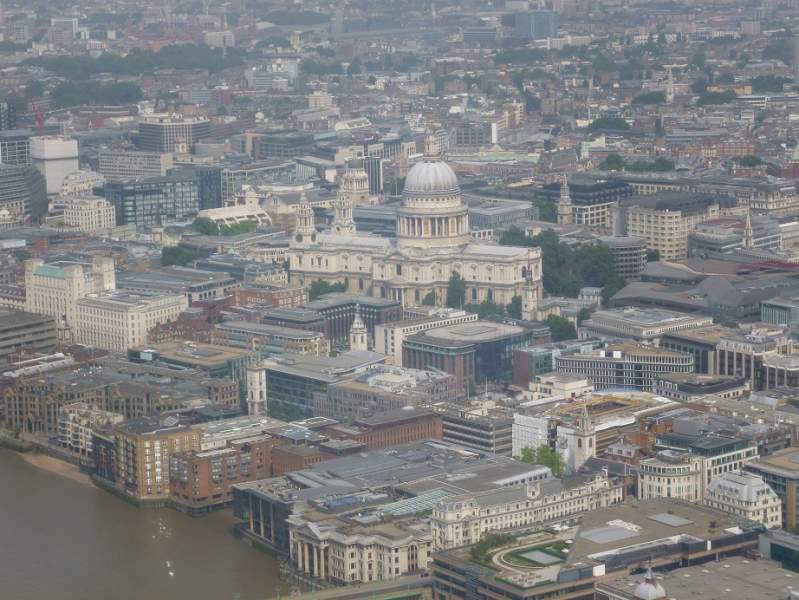
Went up there Monday and its fecking high!!!! We were only allowed access to the 72nd floor but what a sight!
-
That looks massive!!! :blink:
-
:thumbup1:
-
I take my hat off to you Anthony! Mate I dont know how you manage to out up with all this. Get well soon mate :thumbup1:
-
Thought this was a thread about the ex missus then!!! :laugh:
-
Hope you recover soon mate.
-
I love optimism!! :laugh: Good luck with the MOT mate!
-
Happy birthday :)
-
Gutted mate :sad:
-
Looks like he has his loose change in them pants!!! :laugh::laugh:
-
When you thinking of going Mark? :)
-
Ha ha yes I remember those!! :laugh:....nasty paints!!
-
Have some rep Rich! :clap:
-
Sometimes you only have a very limited time to react and you have to think about the cost of any repair to your car so you did the right thing mate definately
