




Everything posted by TwinTurboRich
-
Some cracking pics! :thumbup1::thumbup1:
-
Happy birthday :thumbup1:
-
As a qualified chef, you are doing the cooking! :lol:
-
Happy birthday :thumbup1:
-
Looks fantastic mate :thumbup1:
-
Massive jealousy from me!! :censored: Nah seriously, its an awesome machine. I drove one last year and did a bit of wee! You cant help but grin every second you are in it! :thumbup1::thumbup1:
-
-
I had to leave mine on the main road all night as nobody got in or out of the cul-de-sac yesterday! Dont like not seeing it!!
-
You guys in Scotland normally get it all mate. Its time for you to look down and laugh at us now :winkiss: No work for me today so we are getting on a train, going into Cardiff and having a liquid lunch!! :pint:
-
Who bought it mate? Anyone on here? :detective:
-
Sounds like a druggie to me! :lol:
-
Sorry to hear that mate :sad:
-
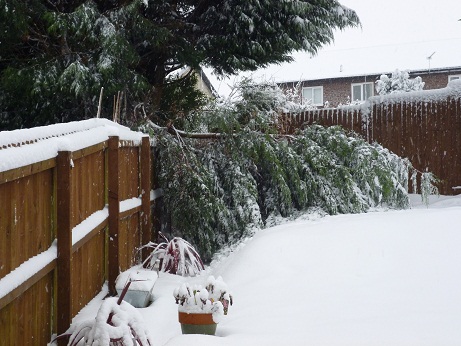
Part of next door neighbours tree fell into my back garden!!! :scared:
-
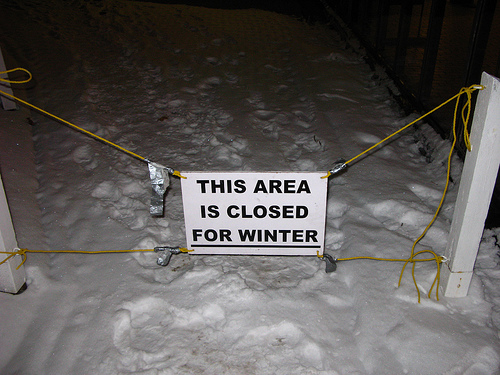
Welcome to the UK sign! :)
-
Thats real nasty mate!!
-
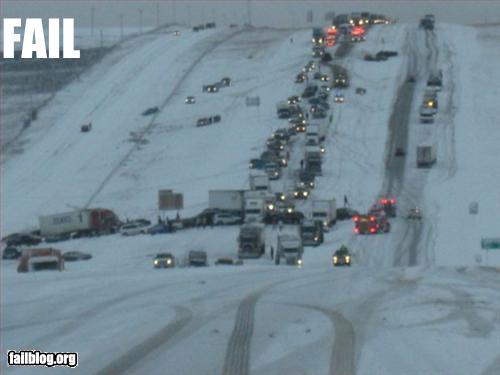
Looks like the M4 this morning lol
-
Outside my house 10 mins ago!! :scared:

-
Excellent news:thumbup1:
-
Bloody jet engine in there!!!
-
Was it a cookbook? :lol::lol:
-
I just won £10 on a burger at the 3.30 @ kempton :)
-
Wow! Nice :)
-
No probs mate will do :)
-
And the rest!!!:lol::lol: Congrats matey!! :)
-
Thanks mate i'll give them a try too. :thumbup1:
